
 View on Asset Store (opens in new tab)
Package details
- Latest version
- 1.2.6
- Last updated
- First released
- Unity version
- 6000.6.8 or later
- Package size
- 176 KB
- Files
- 26
- Favorites
- 8
- Views in the past week
- 11
Price tracking
- Last checked
- Tracked since
- Lowest recorded
- Free on
Keywords
- Search for performance optimization
- Search for Performance optimized
- Search for profiling
- Search for frame rate
- Search for Debug Tool
- Search for Performance Tools
- Search for optimization
- Search for Custom Hierarchy
- Search for Inspector Tool
- Search for Custom Inspector
- Search for Inspector
- Search for Dynamic Inspector

Device Hierarchy IMGUI
- Price drop
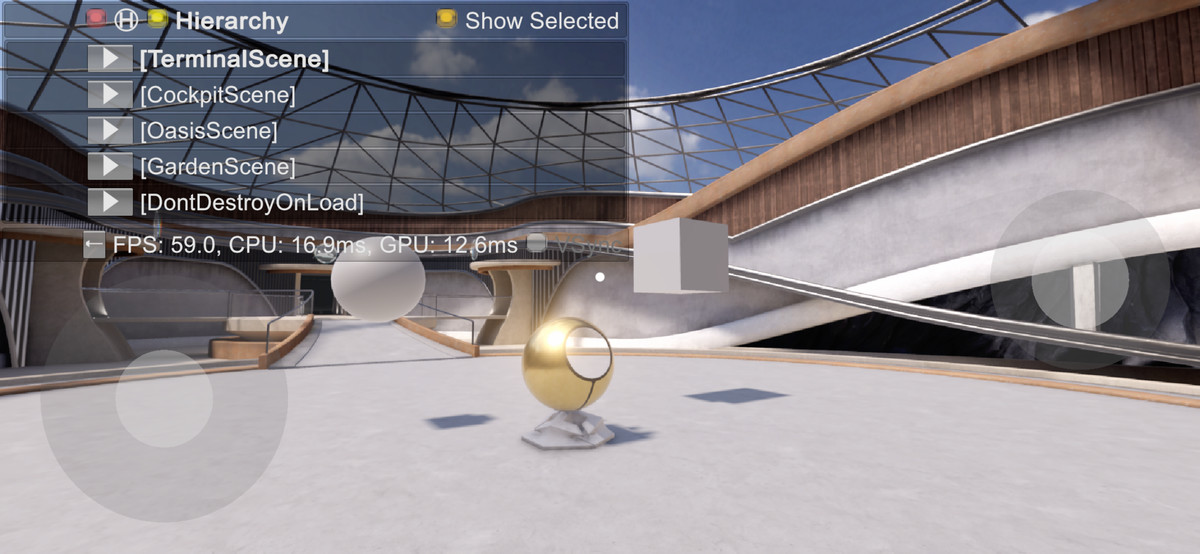
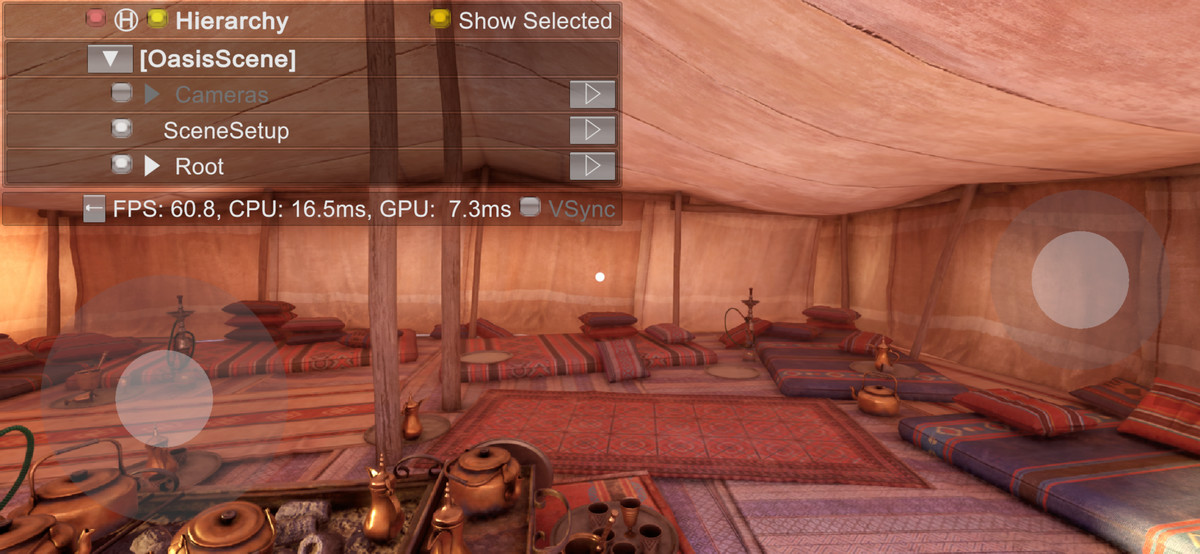
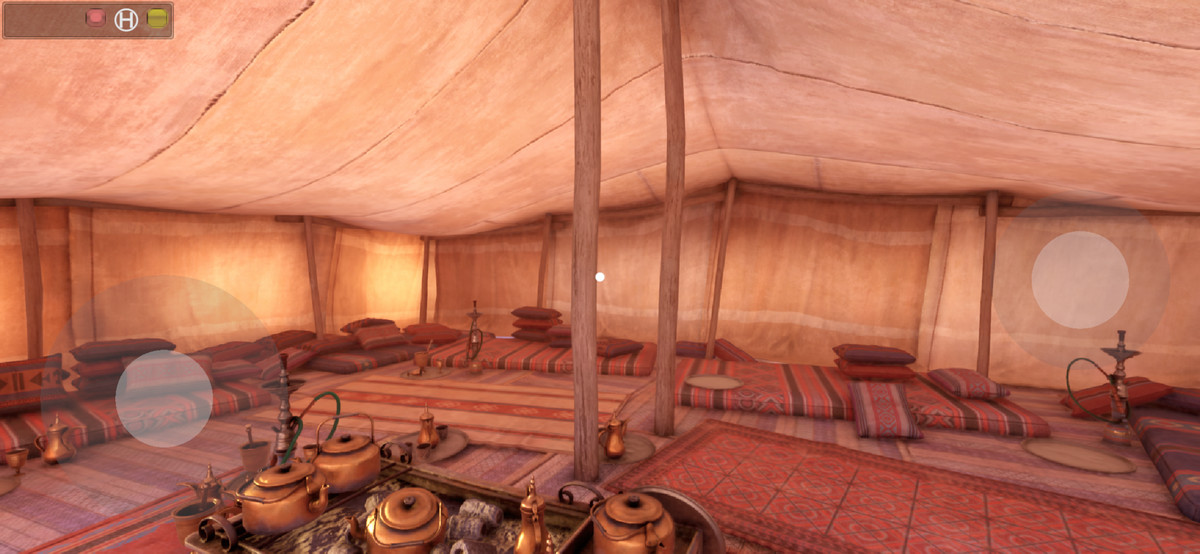
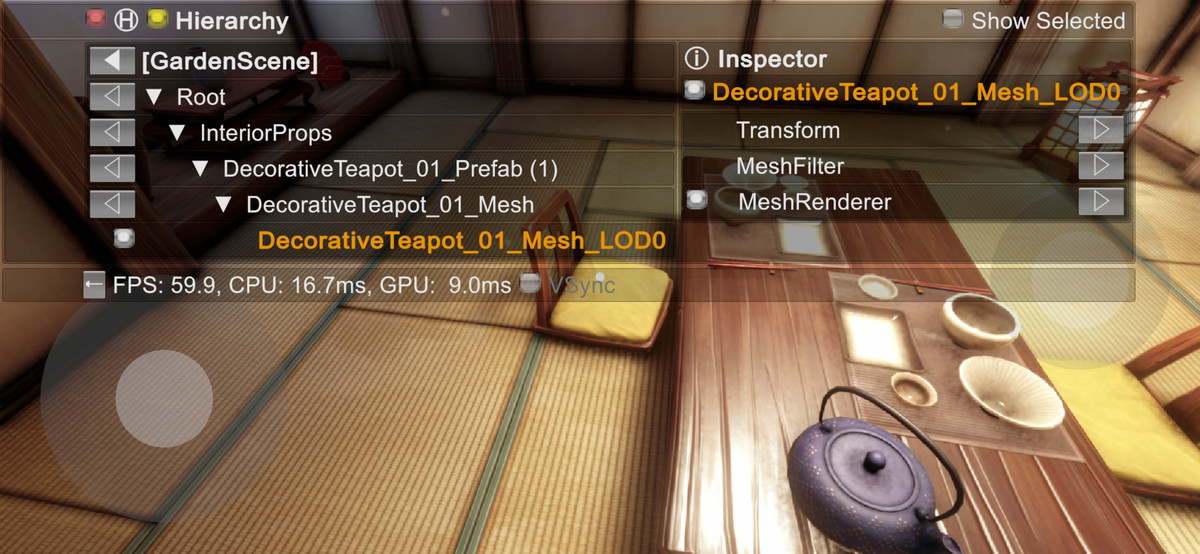
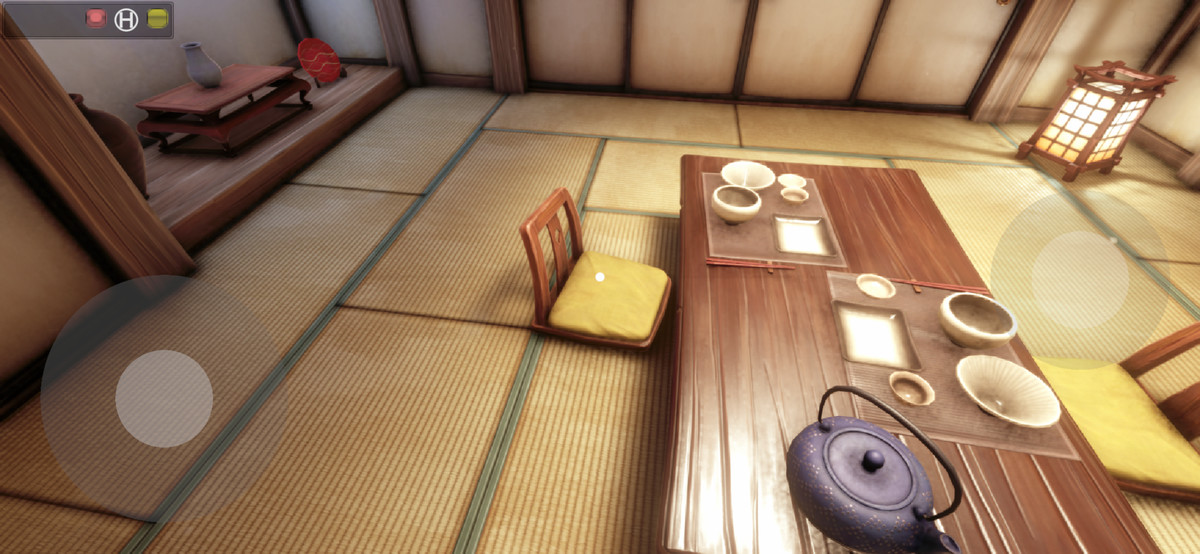
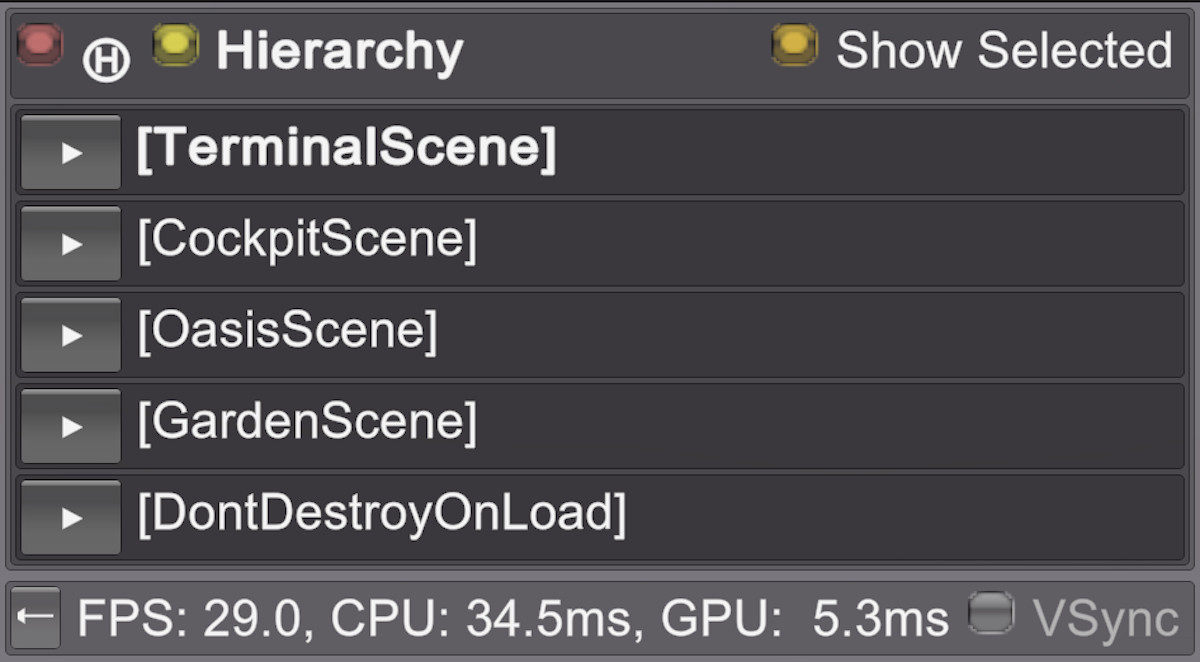
Shows the runtime game Hierarchy and Inspector on device without needing to connect to Unity Editor.
Affiliate link · Purchases support this site
Price history
Last 6 months
USDAsset preview
1 / 13
Device Hierarchy IMGUI screenshot 1

About this asset
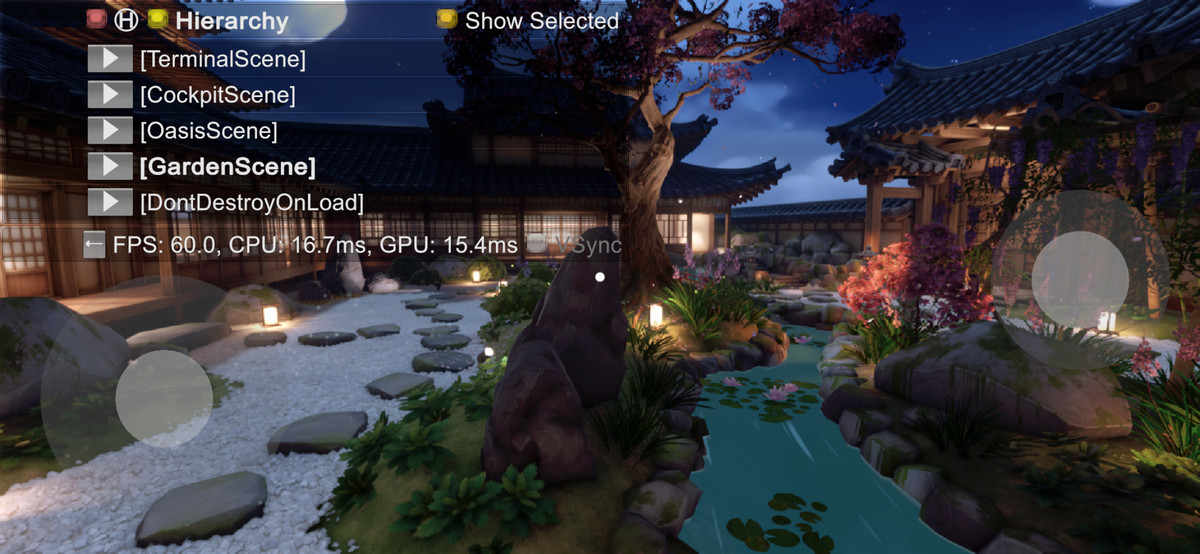
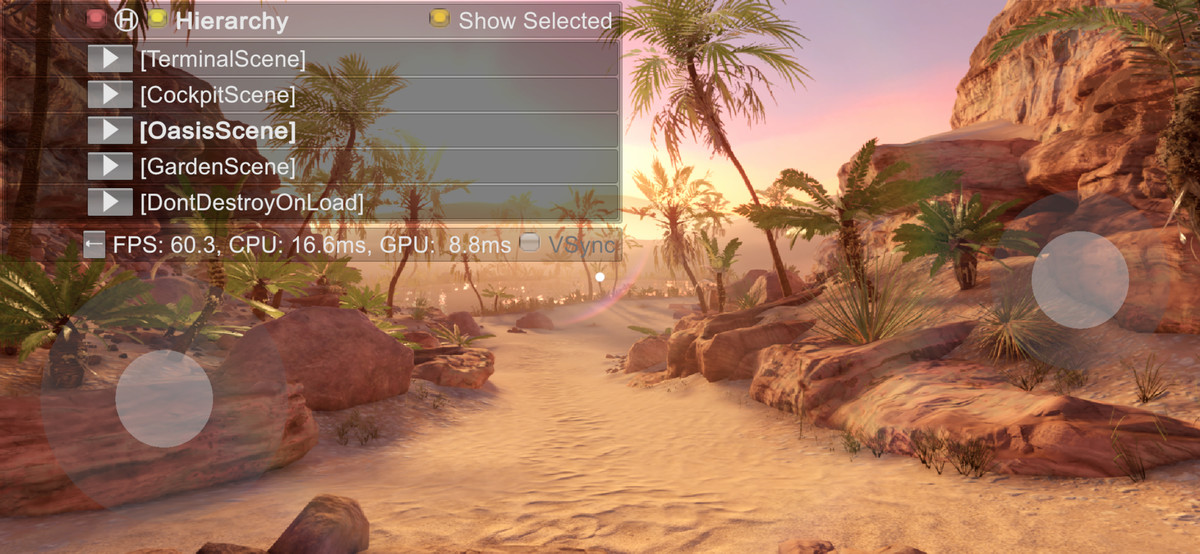
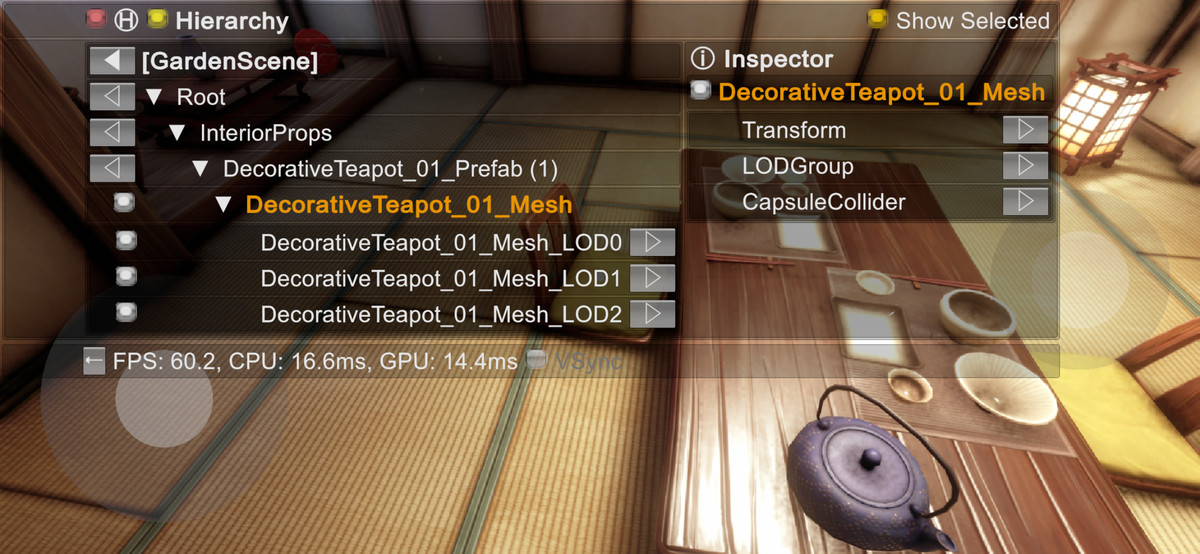
* Shows the game Hierarchy and Inspector on device without needing to connect to Unity Editor to see the game's internal state.
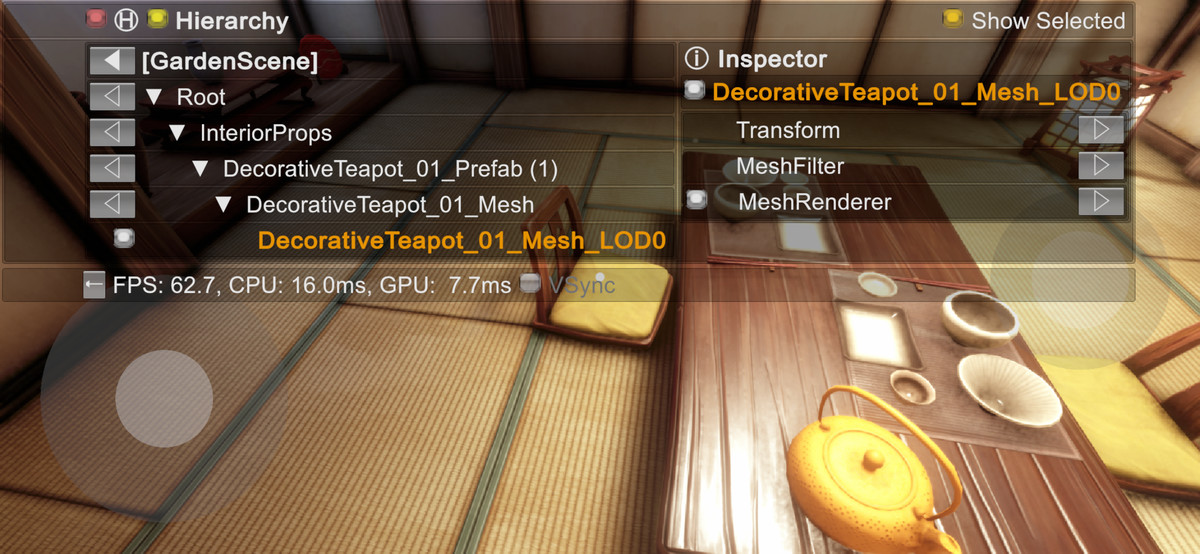
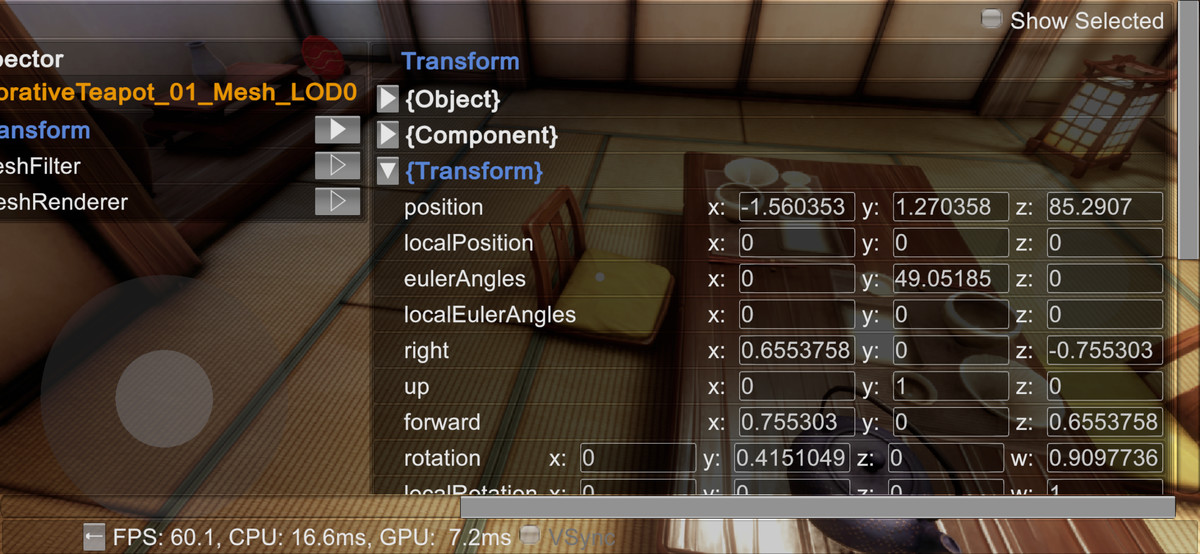
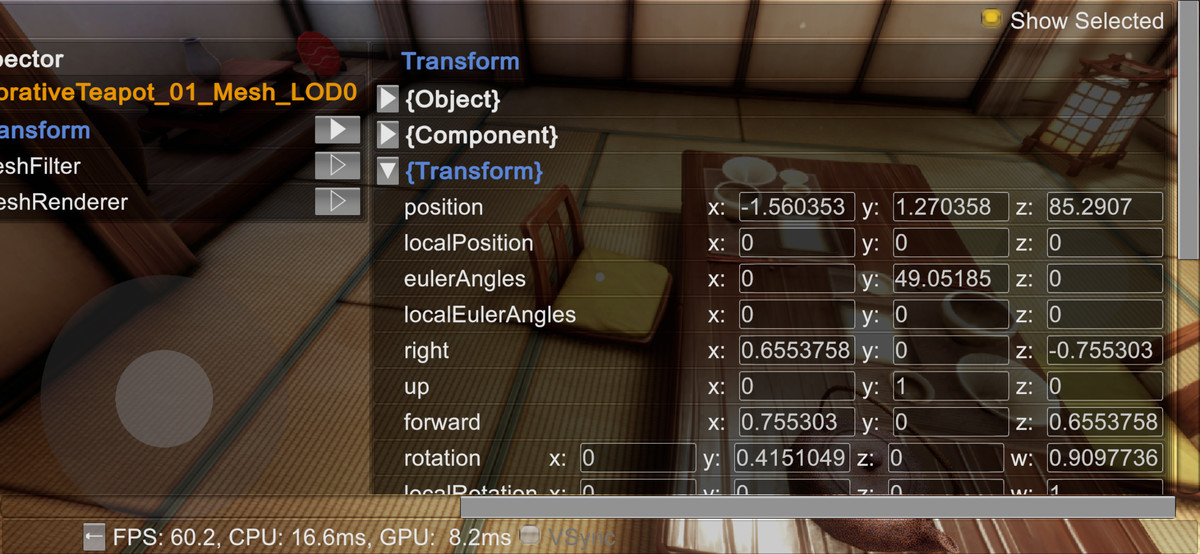
* Allows modifying game objects (and behaviors) being active, their transform, and temporarily allows removing materials on renderers.
* May be used to test performance of the game on device by disabling selected game objects one by one.
From the publisher's Asset Store listing.
Technical details
* Modify certain values such as game objects, behaviours being active, transform values, testing impact of temporarily removing materials from renderers.
* To see details of a component added by your code, or a unity component that is not currently supported in existing version of DeviceHeirarchy to show its details,
add a static class in your project named DeviceHierarchyComponentHandlerExternal
and add a function with signature public static void HandleComponent(this YourComponent _currentComponent)
write IMGUI code in the function to display details of the component.
See example file in the package at Examples/Scripts/DeviceHierarchyComponentHandlerExternal.cs
Compatibility
| Unity version | Built-in | URP | HDRP |
|---|---|---|---|
| 6000.6.8f1 | Compatible | Compatible | Compatible |
* Unity 2022.3+
* Edit > Project Settings > Player > Other Settings > Active Input Handling should be set to 'Input Manager (Old)' or 'Both' and not 'Input System Package (New)'.
As listed on the Asset Store.