
 View on Asset Store (opens in new tab)
Package details
- Latest version
- 1.1.0
- Last updated
- First released
- Unity version
- 2021.3.45 or later
- Package size
- 1.3 MB
- Files
- 37
- Favorites
- 5
- Views in the past week
- 10
Price tracking
- Last checked
- Tracked since
- Lowest recorded
- $4.99 on
Keywords
Contour Line Shader(URP)
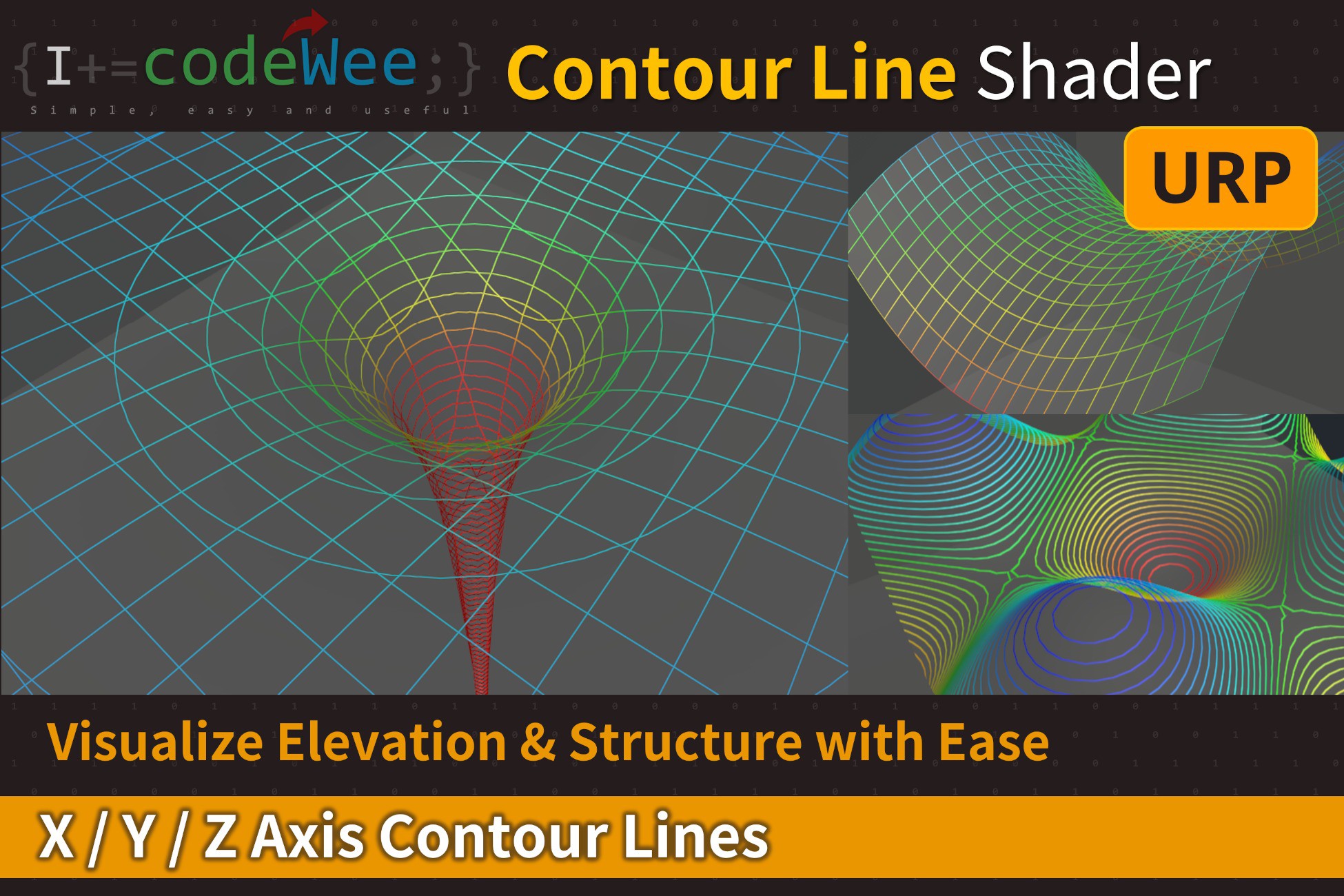
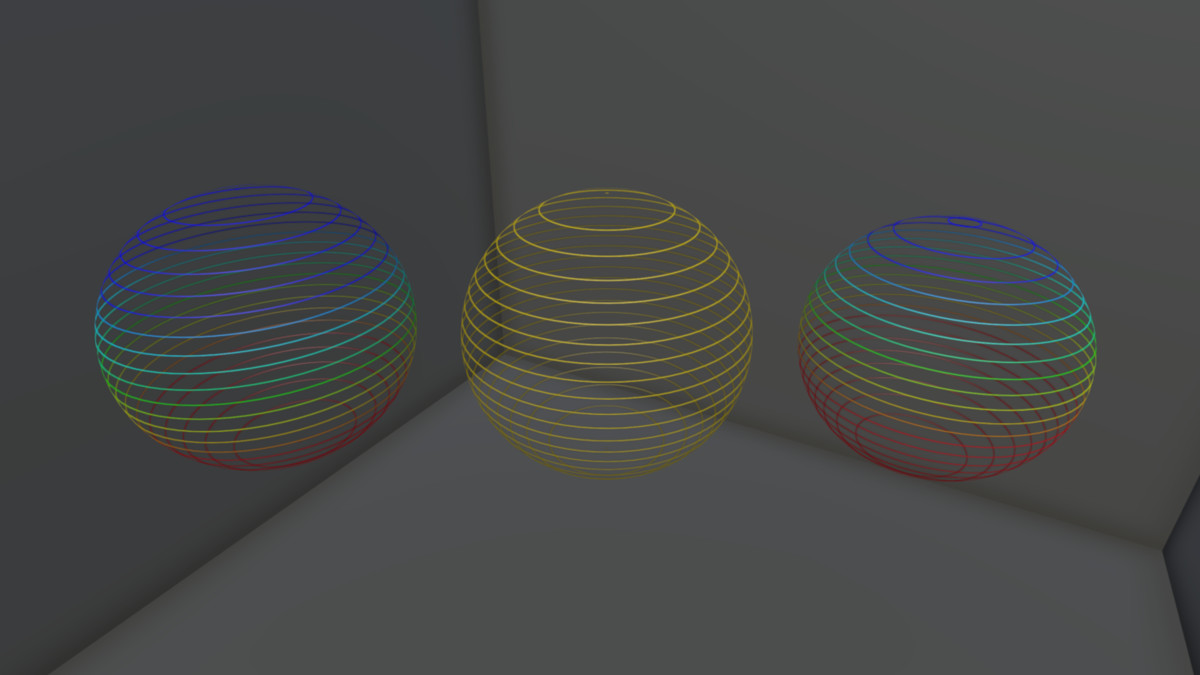
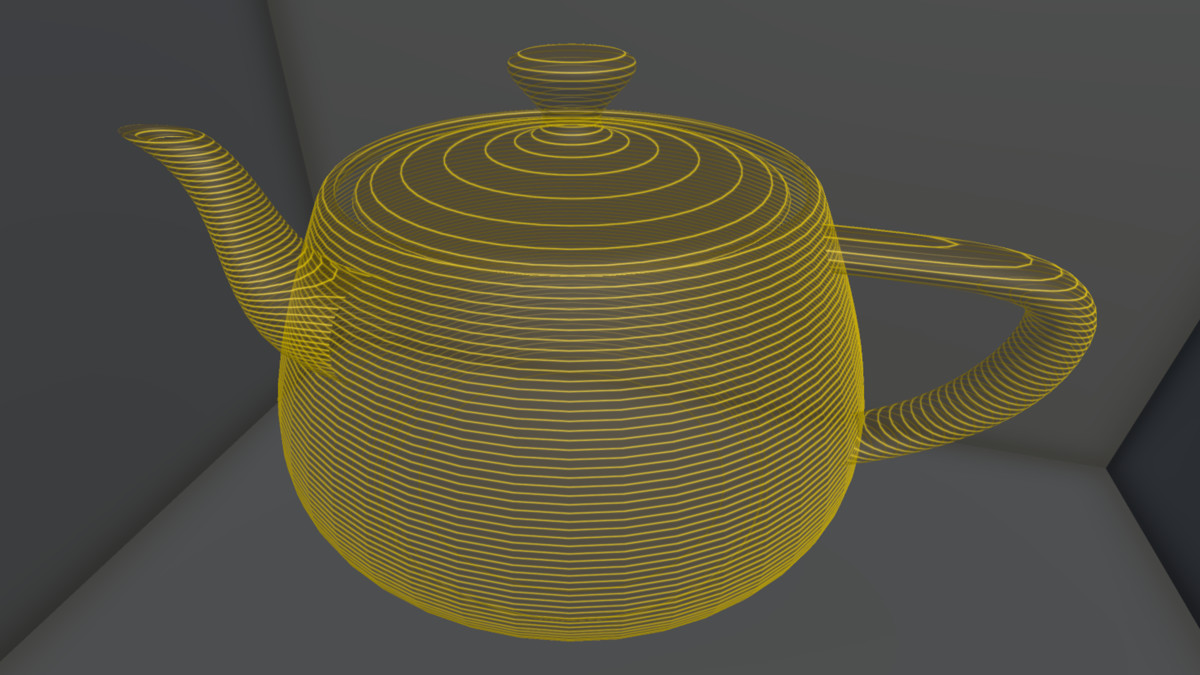
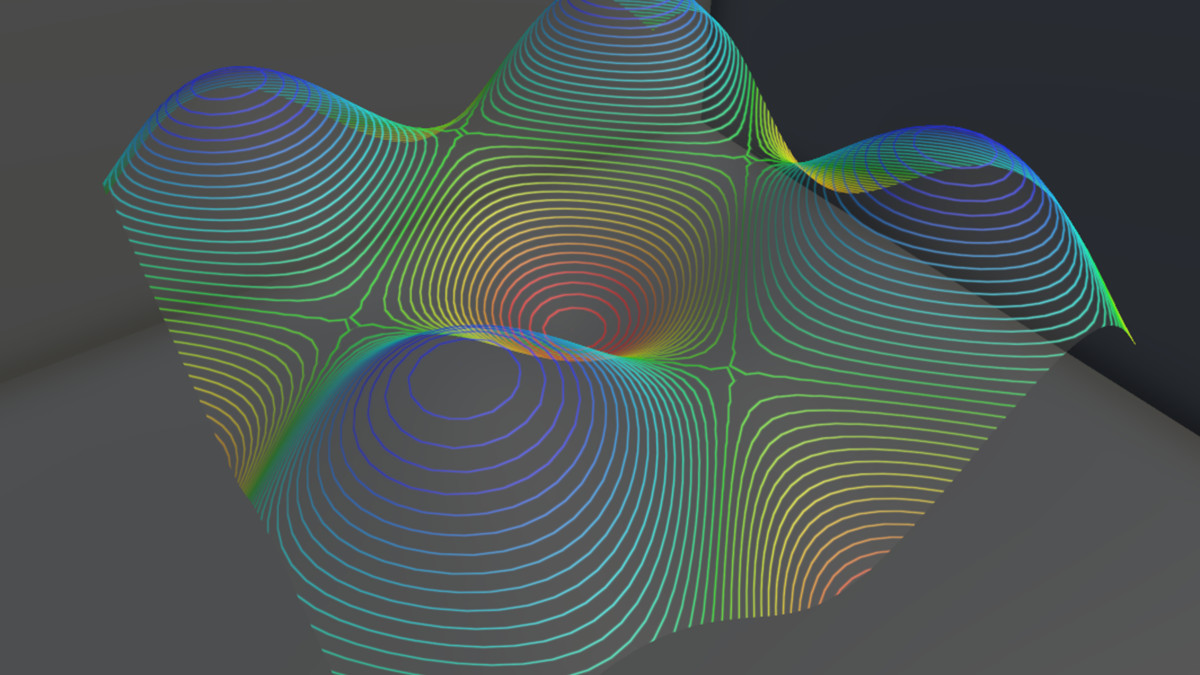
A flexible and stylized Contour Line Shader for URP. Easily render contour lines along the X, Y, and Z axes with gradient coloring, local/world space control, and full visual customization.
Price $19.99
Buy on Asset Store (opens in new tab)
Affiliate link · Purchases support this site
Price history
Last 6 months
USDAsset preview
1 / 11
Contour Line Shader(URP) screenshot 1
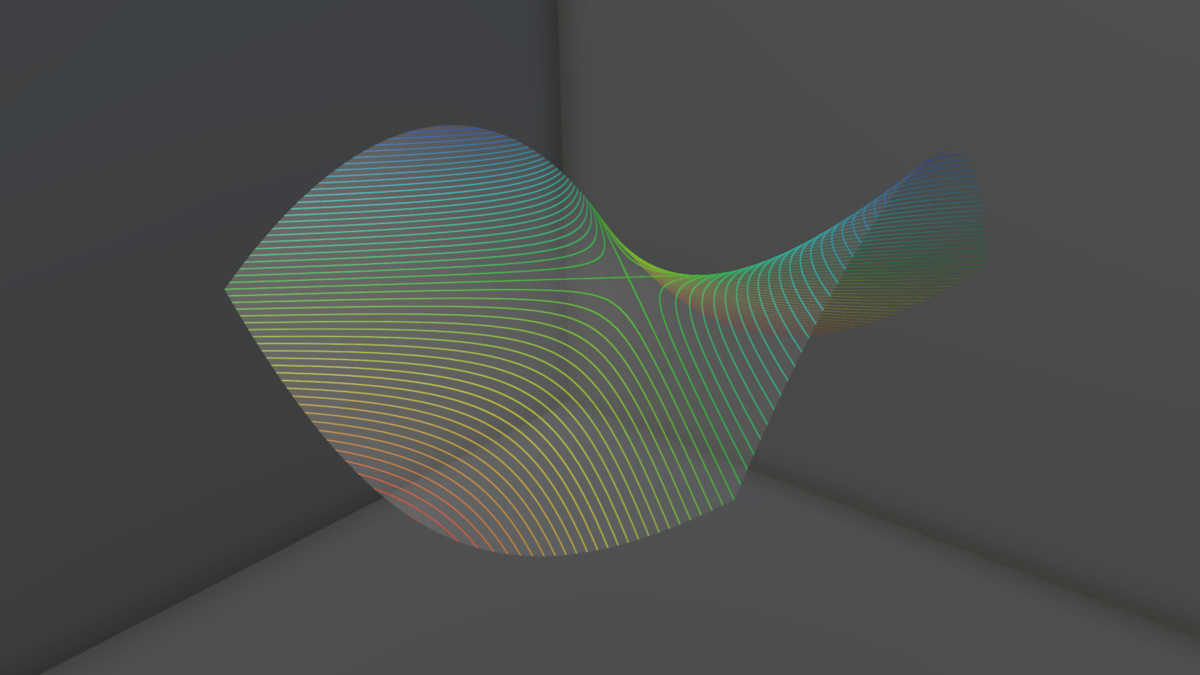
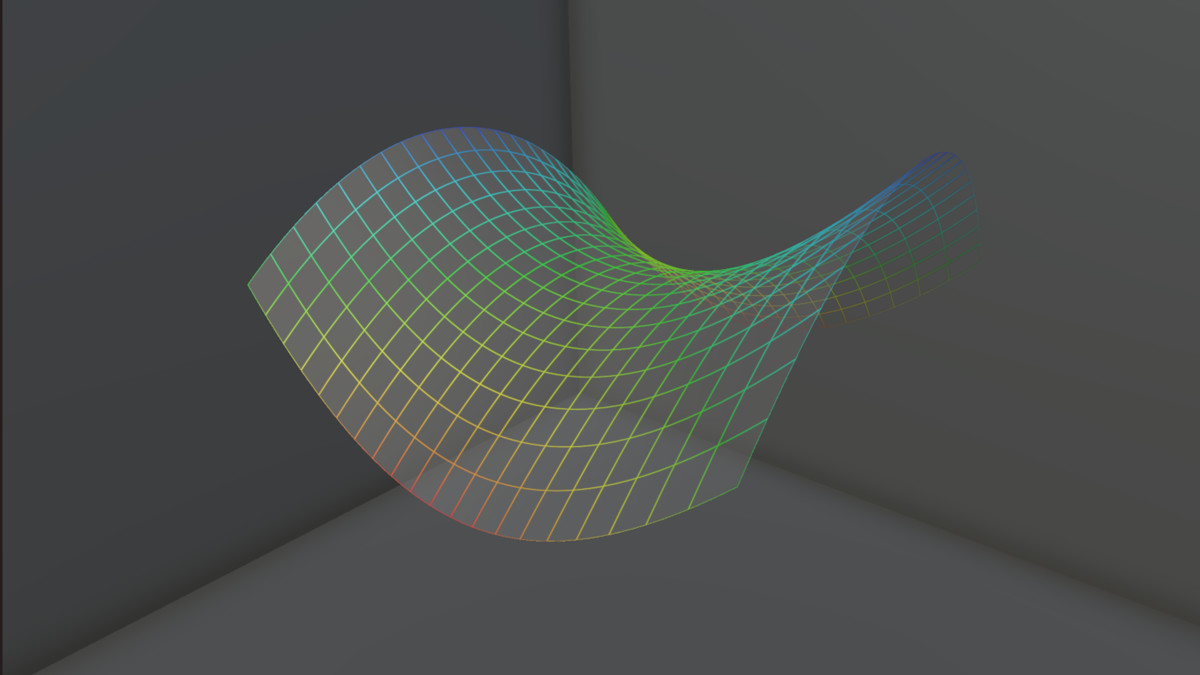
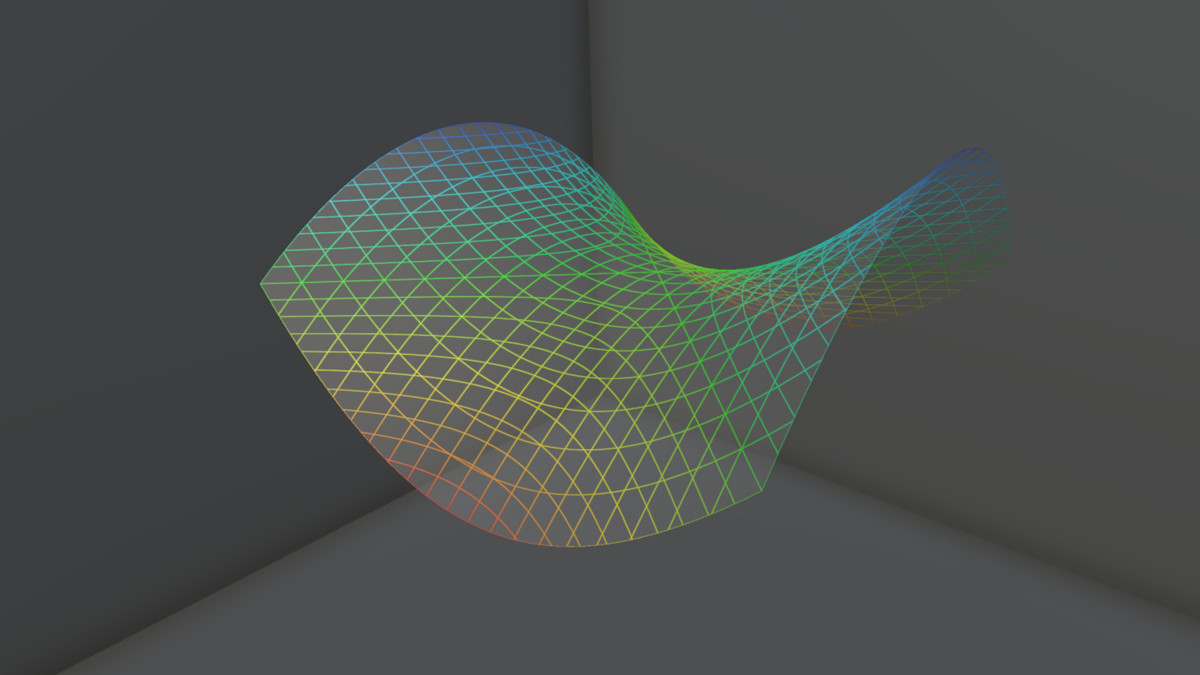
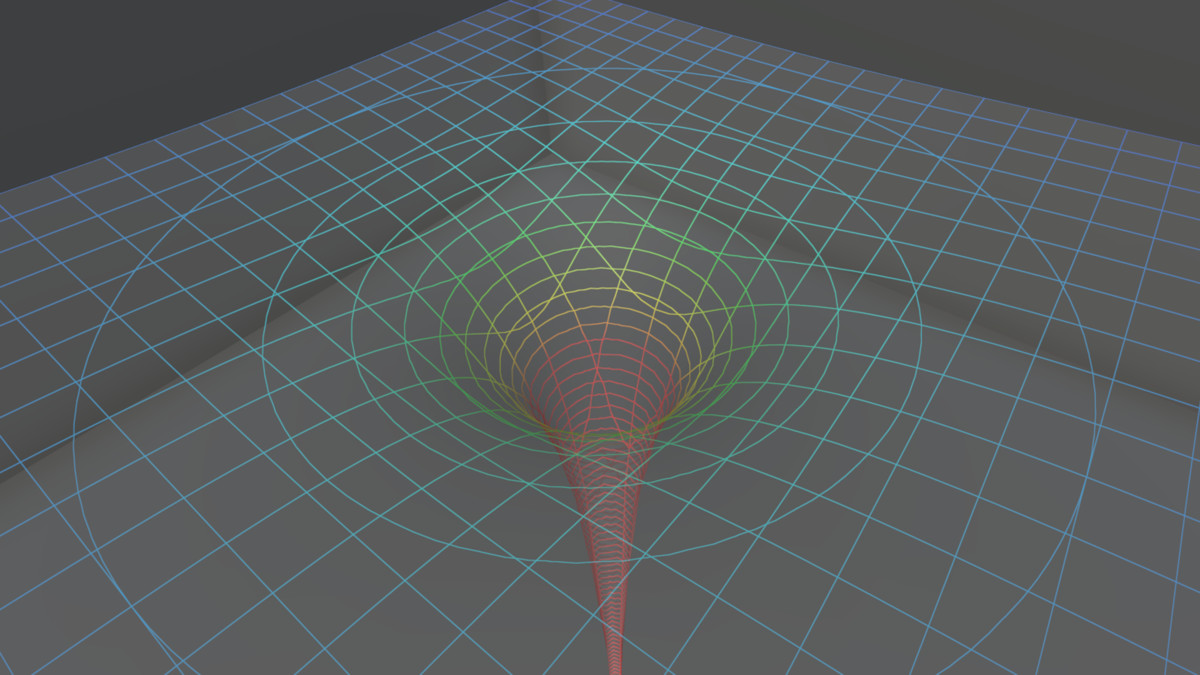
About this asset
- The Contour Line Shader is a powerful shader designed for the Universal Render Pipeline that visualizes mesh geometry with clean and customizable contour lines. Whether you’re developing stylized environments, scientific visualizations, or data-driven graphics, this shader enables you to display evenly spaced lines along the X, Y, and Z axes of your models with full control.
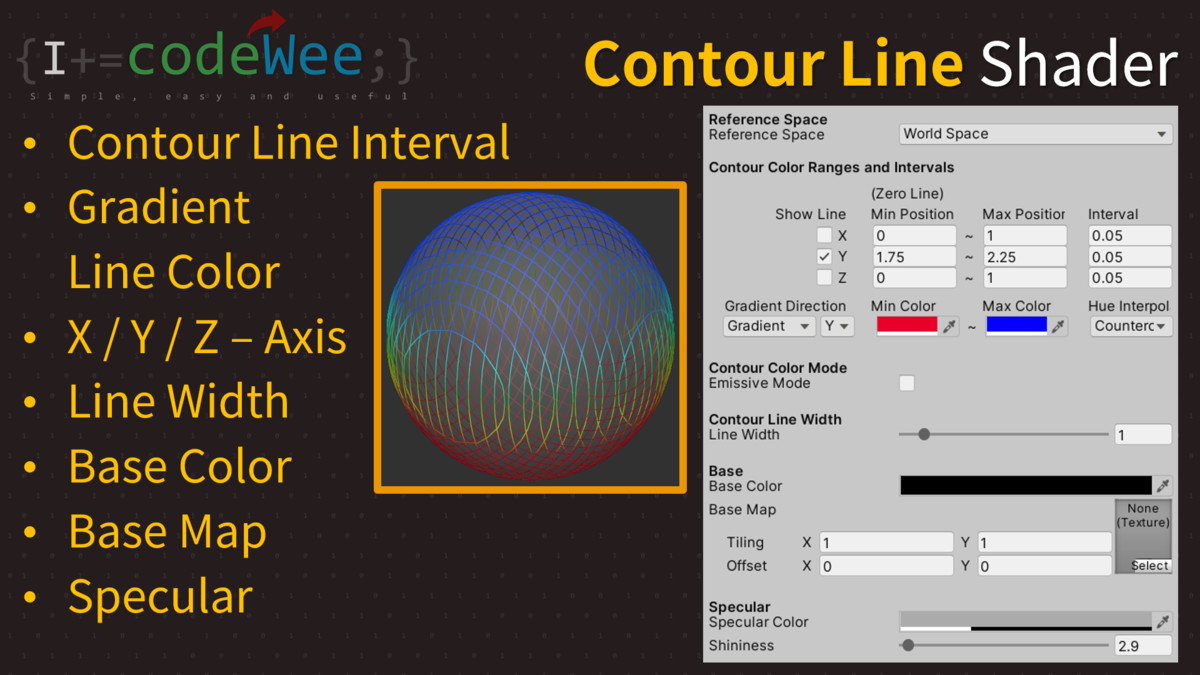
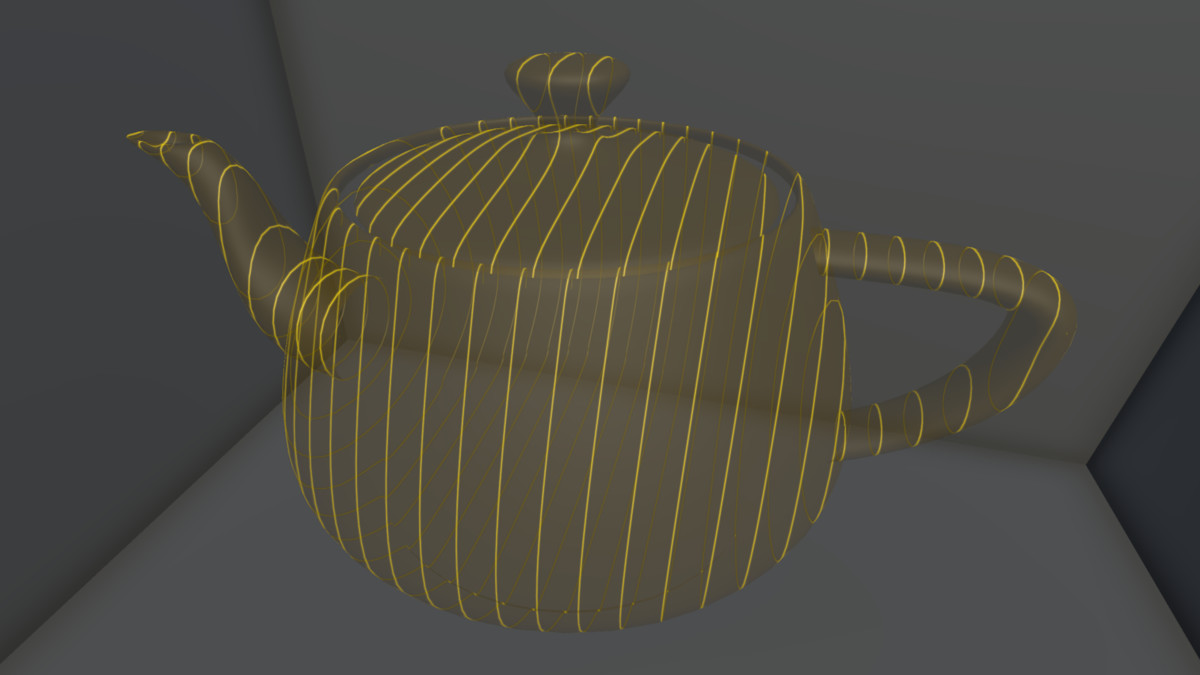
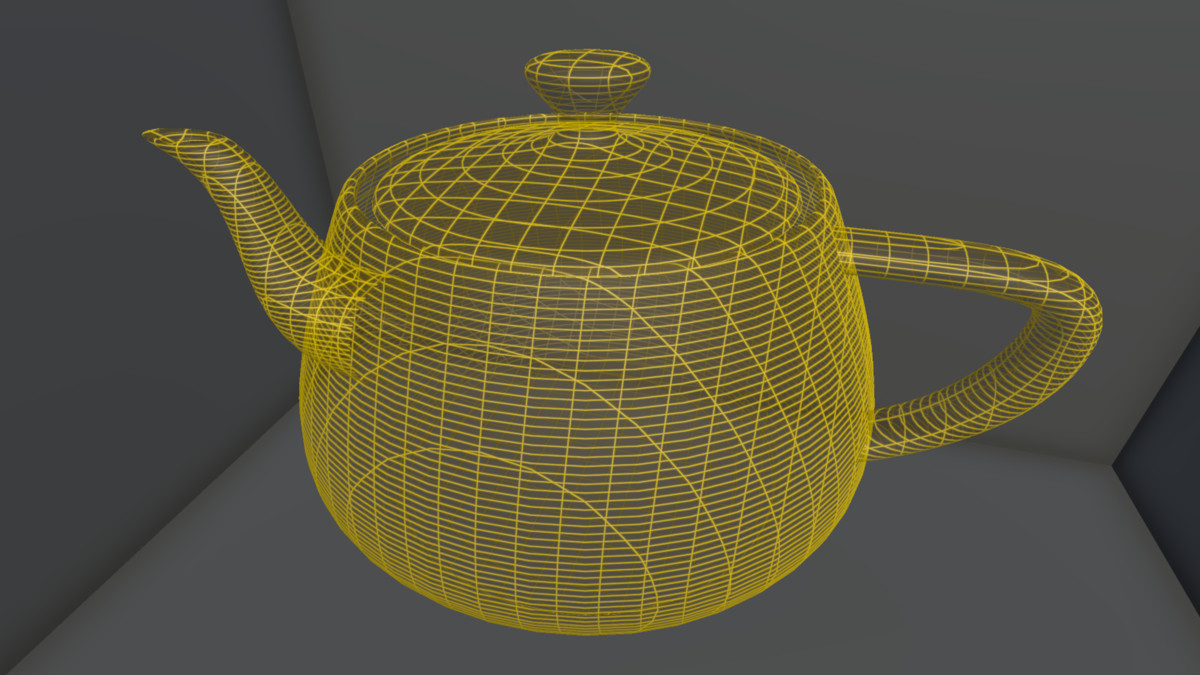
- You can enable contour lines along any combination of axes (X, Y, Z), and customize line thickness(screen-space consistent), line interval and coloring options. Set gradient colors based on Zero (minimum) and Maximum contour line positions, and choose whether to base these positions on Local Space (object-relative) or World Space.
- Line thickness is calculated in screen space, not world space, so the visual width of contour lines remains consistent regardless of zoom level or object scale.
- Line Options:
- Line Interval: Adjustable spacing between contour lines
- Line Color: Three contour coloring modes
- Line Thickness: calculated in screen space
- Emissive Mode On/Off
- Choose from three contour coloring modes:
- Gradient between Min and Max line colors
- Min Color Only
- Max Color Only
- The shader also supports:
- A transparent base color or texture (Base Map)
- Specular highlights for a polished appearance
- Adjustable Zero and Max line positions
- Smooth rendering even beyond defined color bounds by clamping to Min/Max colors
- With full axis and color control, Contour Line Shader gives you artistic freedom and technical precision—all in one asset.
- Supports the following Unity versions:
- Unity 2022
- Unity 6000.0 (Unity 6.0)
- Unity 6000.2 (Unity 6.2)
- Unity 6000.3 (Unity 6.3)
Important: In Unity 6.0 or higher, you must enable the Compatibility Mode in `Project Settings` > `Graphics`
From the publisher's Asset Store listing.
Technical details
- Render Pipeline: Universal Render Pipeline
- Contour Axes: Independently toggle X, Y, Z axes
- Coordinate Space: Switch between Local and World space
- Line Interval: Adjustable spacing between contour lines
- Line Thickness: Adjustable and screen-space based (remains constant during zoom/scale)
- Line Color Control:
- Zero (Min) and Max position settings per axis
- Gradient rendering from Min to Max colors
- Optional flat color rendering (Min-only / Max-only)
- Emissive Mode On/Off
- Base Appearance:
- Base color with alpha support
- Optional base texture (Base Map)
- Lighting Support:
- Specular highlights
Key Features
- Render contour lines along any or all of the X, Y, Z axes
- Use Local Space or World Space for line positioning
- Fully adjustable line thickness and color gradients
- Adjustable line interval for controlling spacing between contour lines
- Screen-space line thickness — stays visually consistent regardless of camera zoom or object scale
- Gradient coloring based on Zero (Min) and Max positions
- Clamp gradient beyond range with Min/Max color continuity
- Choose between Gradient, Min Color Only, or Max Color Only
- Apply transparent base color and Base Map texture
- Specular lighting for realistic highlights
- Perfect for stylized rendering, scientific data, topographical maps, and visual effects
- Lightweight and optimized for real-time applications
Compatibility
| Unity version | Built-in | URP | HDRP |
|---|---|---|---|
| 6000.3.3f1 | Not listed | Compatible | Not listed |
| 6000.2.6f2 | Not listed | Compatible | Not listed |
| 6000.0.65f1 | Not listed | Compatible | Not listed |
| 2022.3.62f1 | Not listed | Compatible | Not listed |
| 2021.3.45f2 | Not listed | Compatible | Not listed |
As listed on the Asset Store.