
 View on Asset Store (opens in new tab)
Package details
- Latest version
- 4.4.4
- Last updated
- First released
- Unity version
- 6000.1.12 or later
- Package size
- 147.6 MB
- Files
- 480
- Favorites
- 20
- Views in the past week
- 26
Price tracking
- Last checked
- Tracked since
- Lowest recorded
- Free on
Keywords
VS Controller: Best FPS Controller Mobile/PC & Interaction System
- Price drop
VS Controller - more than FPS Controller, it’s a complete platform for first-person games.
Affiliate link · Purchases support this site
Price history
Last 6 months
USDAsset preview
1 / 9
VS Controller: Best FPS Controller Mobile/PC & Interaction System screenshot 1


About this asset
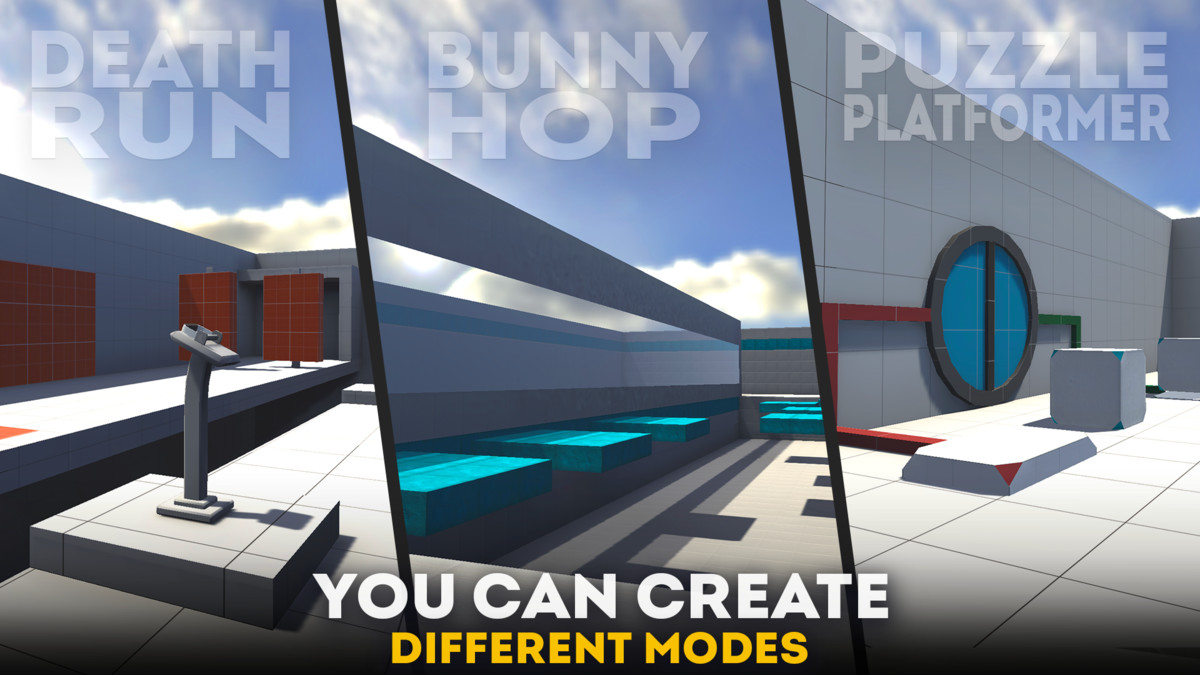
VS Controller it's complete platform for creating first-person games across a many of genres. With it, you can design and customize interactions with the environment, build mechanisms and traps, fine-tune sounds and surface physics, and even develop entirely new game modes. Everything will be limited only by your imagination.
Not sure? Try the demo:
Links and connections:
About Asset:
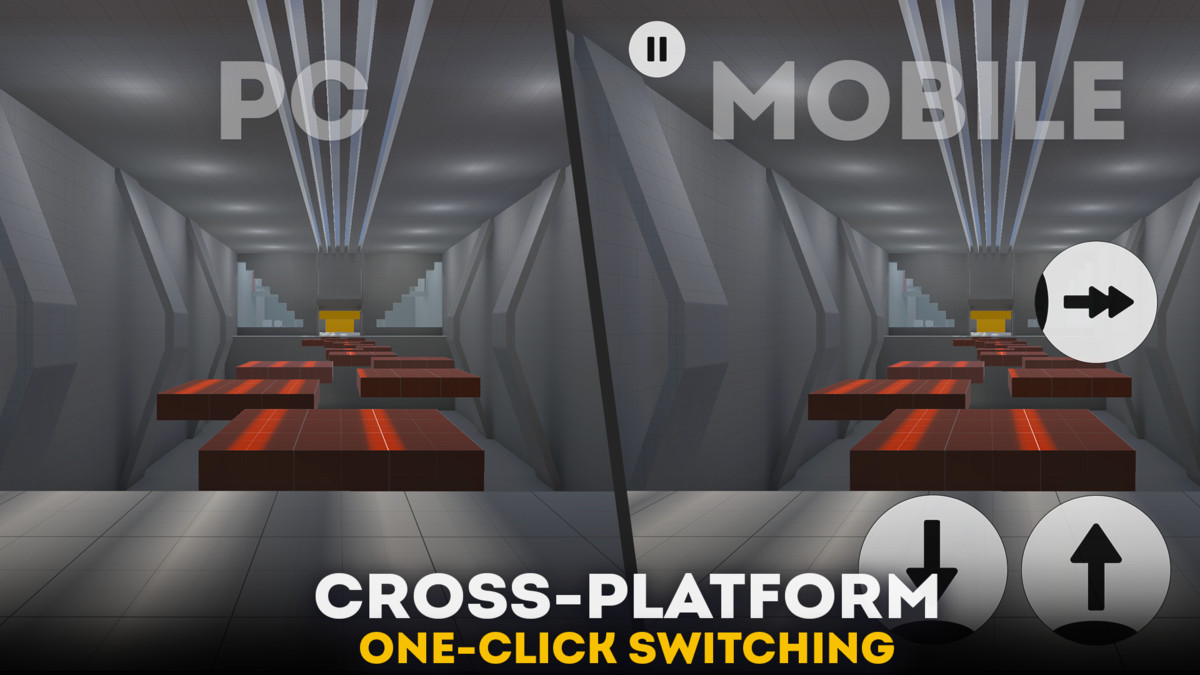
☑️ Controller. We designed the system to be as simple and flexible as possible, built around a small number of streamlined classes. This makes setup quick, intuitive, and highly adaptable. It’s fully compatible with both PC and mobile controls, switching seamlessly with just one click, so you can natively develop your projects across multiple platforms. Key Features:
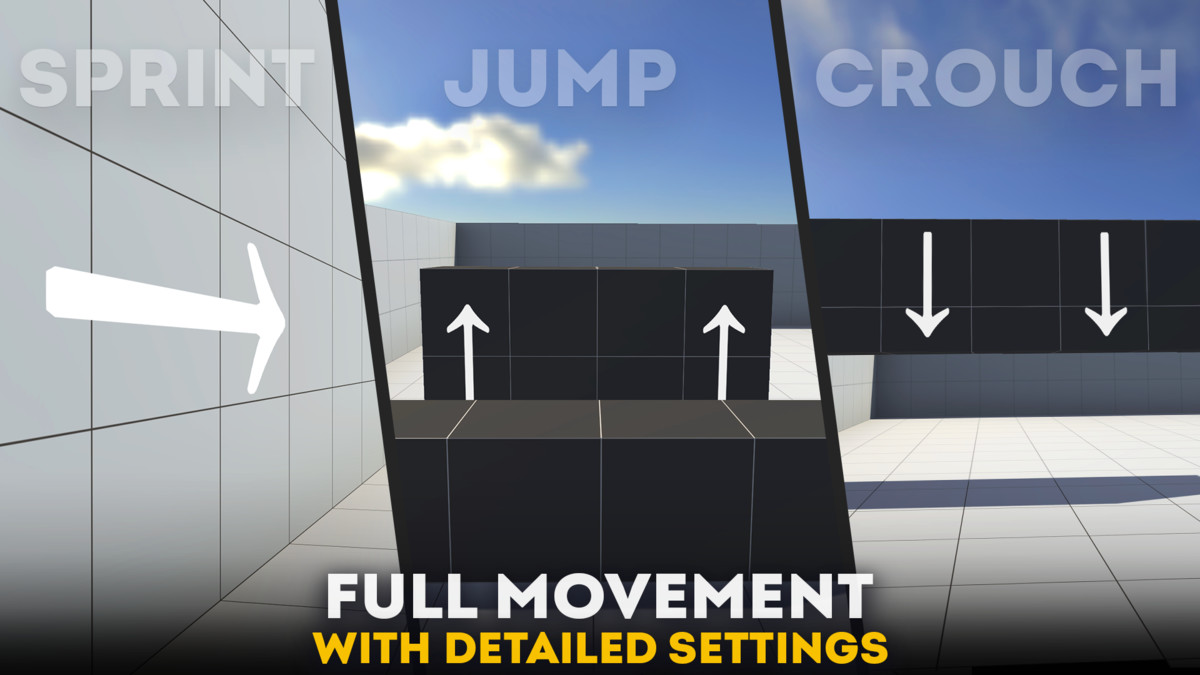
- Full Movement (Move, Sprint, Crouch, Jump)
- Sensitivity and Acceleration Settings
- PC & Mobile Controls (with GUI)
- Camera Shake
- Walk Effect
- Landing Effect
- FOV Settings
- Smooth Look
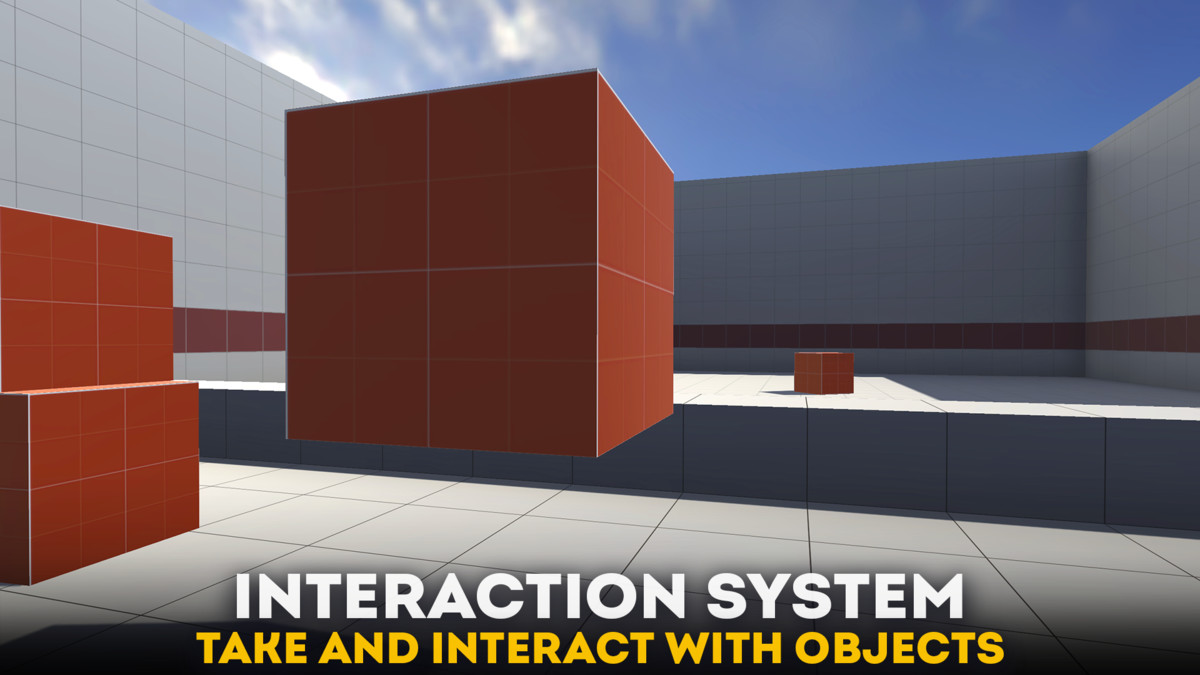
☑️ Interaction. One of the asset's key components is its interaction system with the outside world. With it, you can: pick up and throw objects, open doors, chests, and anything else you can think of, activate mechanisms and traps, or assign any action you need. Key Features:
- Take and Throw Objects
- Activate Mechanisms
- Teleportation Through an Object
- Activate Anything on Scene
- Playing Sounds
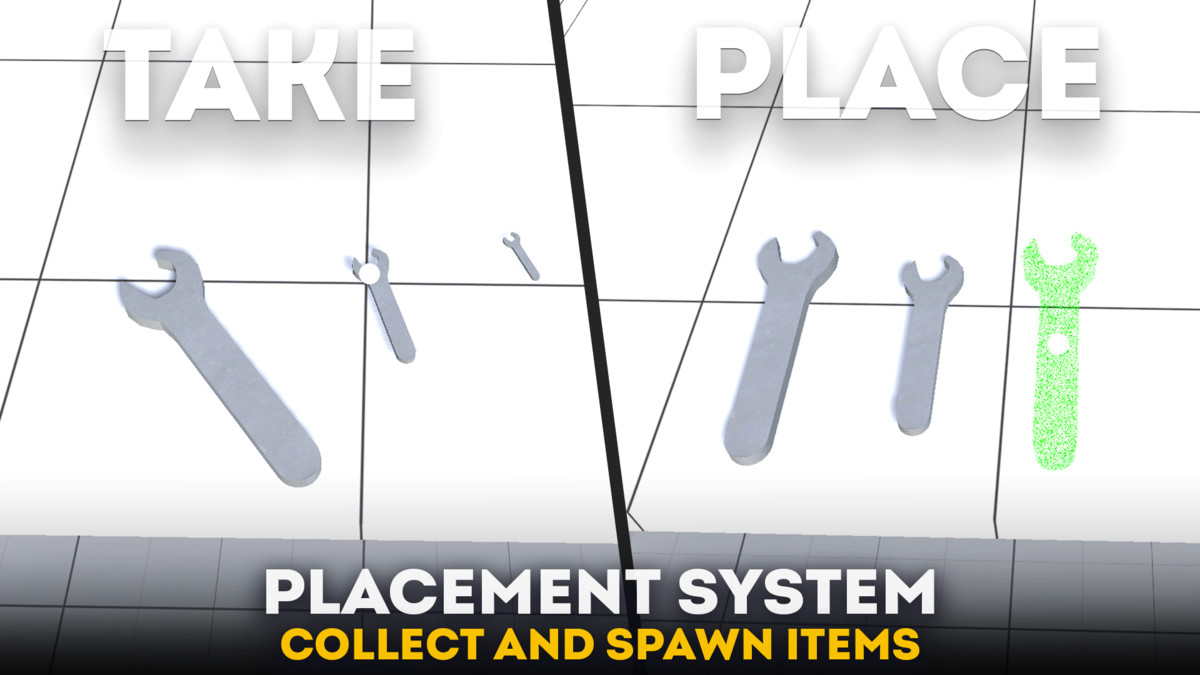
☑️ Collectable. You can create collectable and placeable objects for your game, from simple pickups like keys, notes, and tools to advanced object placement systems for building, puzzles, and interactive gameplay. Players can collect items into a virtual inventory, place them on allowed surfaces, use grid-based or free placement, and trigger custom actions during pickup or placement.
Key Features:
- Collect and Store objects in virtual Inventory
- Placement Preview before confirming Spawn
- Custom Pick Up and Place Action
- Face Grid and Free Placement modes
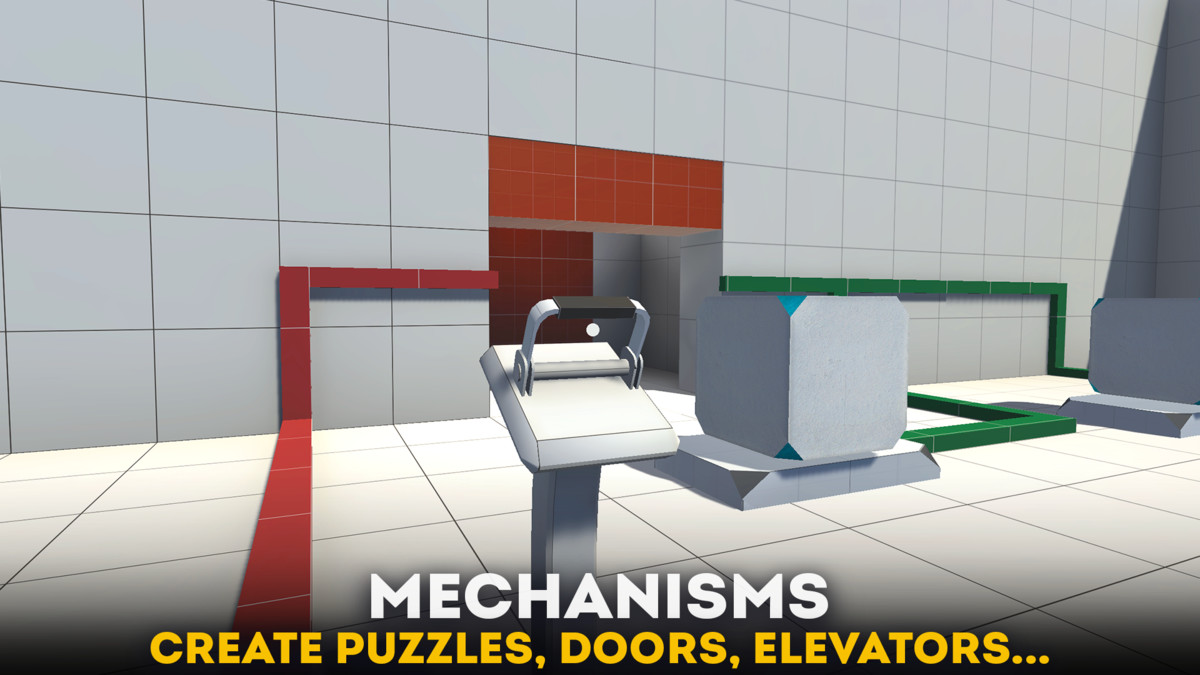
☑️ Mechanisms. With them, you can create anything from a simple door ot elevator to a complex scene with multiple conditions, like in Portal, Half-Life, and many others. You can also implement various game modes such as Death Run, Escape, Hide and Seek, and others. The asset includes two types of buttons and switches, a moving object when activated, and additional conditions such as tags, distance, and more.
Key Features:
- Movable Object (by X,Y,Z, and with Loop option)
- Buttons for Activate/Deactivate Mechanism
- Mechanism Manager - where you can settings up all
- Playing Sounds during Activate/Deactivate
☑️ Surfaces. There are two types of surfaces: physical and sound. The former alter the player's physical properties and movement speed, while the latter alter the sounds of footsteps. Key Features:
- Assign Footstep Sound by Tag, Material, or Texture
- Get two physical surfaces: Mud and Ice
☑️ Triggers. They complement the controller's mechanics and functions, allowing for the creation of new gameplay situations and modes. Key Features:
- Bunny Hop (The trigger that activates auto jump)
- Events Trigger
- Ladder
- Teleport
- Water
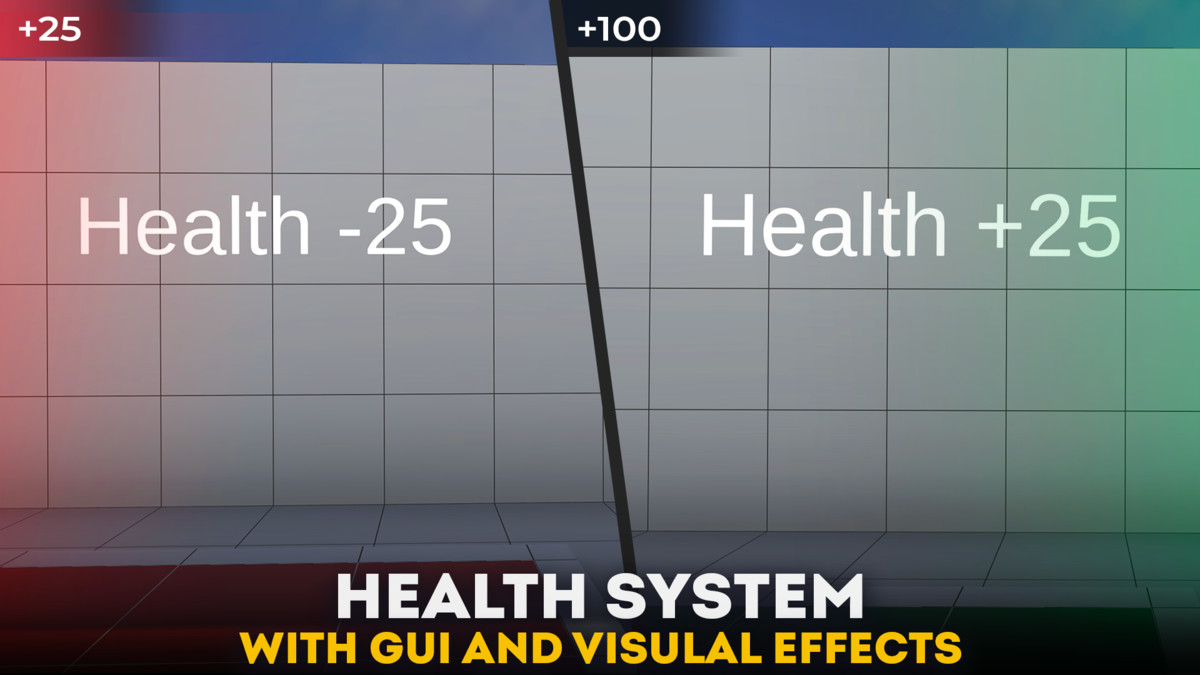
☑️ Health. You could also add a health system where you can add or damage HP using special methods. This would be useful for shooters or horror games. Key Features:
- Methods for regulating health (addHeath() and TakeDamage())
- Fall Damage (depending on height)
- GUI Effects (HP Bar, Overlays)
- Respawn After Death
- Visual Effects
- Playing Sounds During Taking Damage or Heal
If you need more information, please refer to our extensive documentation or contact us directly using the links above.
Asset uses sound effects under CC0 1.0 Public Domain License and
NK57 Monospace font under CC0 1.0 Public Domain License;
see Third-Party Notices.txt file in package for details.
|Integrations:|
From the publisher's Asset Store listing.
Technical details
•Languages: C#
•No Dependencies: Works out of box, no external assets
•Tested On: macOS (Unity 6, Unity 2022.3)
Compatibility
| Unity version | Built-in | URP | HDRP | Custom |
|---|---|---|---|---|
| 6000.1.12f1 | Compatible | Compatible | Compatible | Compatible |
This asset is compatible with all render pipelines. When using Universal Render Pipeline (URP), most materials may need to be switched to the Lit shader for correct display.
As listed on the Asset Store.