
 View on Asset Store (opens in new tab)
Package details
- Latest version
- 1.4.0
- Last updated
- First released
- Unity version
- 2022.3.62 or later
- Package size
- 355 KB
- Files
- 115
- Favorites
- 10
- Views in the past week
- 5
Price tracking
- Last checked
- Tracked since
- Lowest recorded
- $14.99 on
Keywords
- Search for UGUI Alignment Tool
- Search for UI Layout Tool
- Search for RectTransform Snapping
- Search for mobile UI
- Search for Dot Grid Overlay
- Search for UI Grid Snapping
- Search for Canvas Grid Snapping
- Search for Snap to Grid
- Search for UI Design Workflow
- Search for Pixel-Perfect UI
- Search for menu ui
- Search for Reference Overlay
Rect Transform Snapper
Grid snapping and reference overlay for Unity UI. Speed up UI layout and make it clean, accurate and consistent.
Affiliate link · Purchases support this site
Price history
Last 6 months
USDAsset preview
1 / 13
Rect Transform Snapper screenshot 1

About this asset
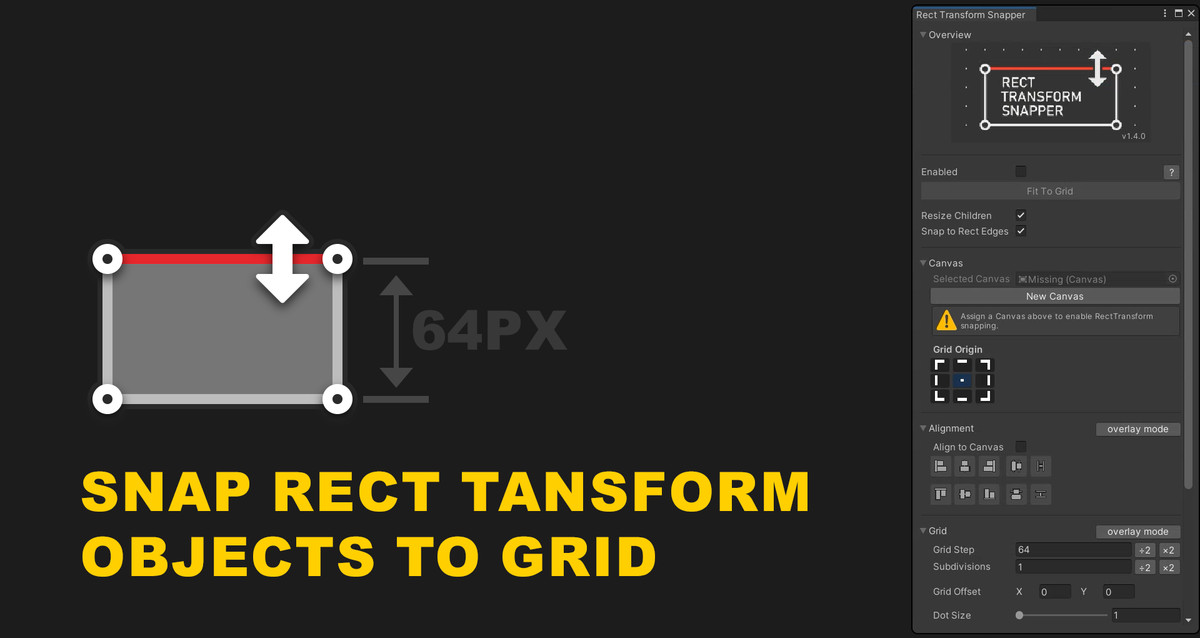
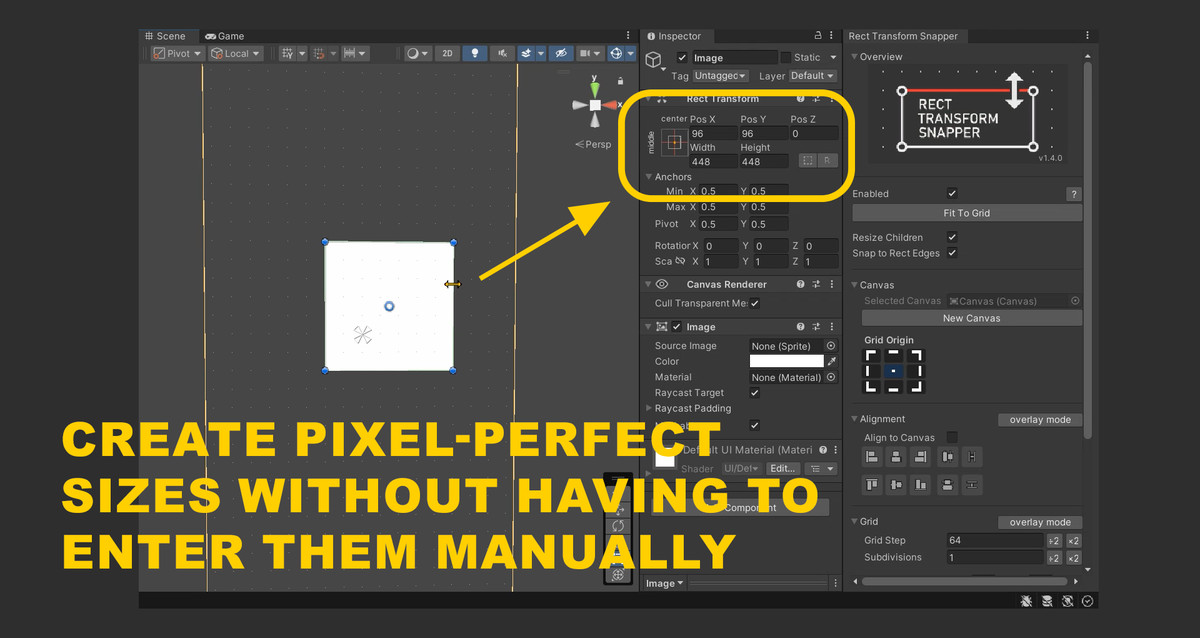
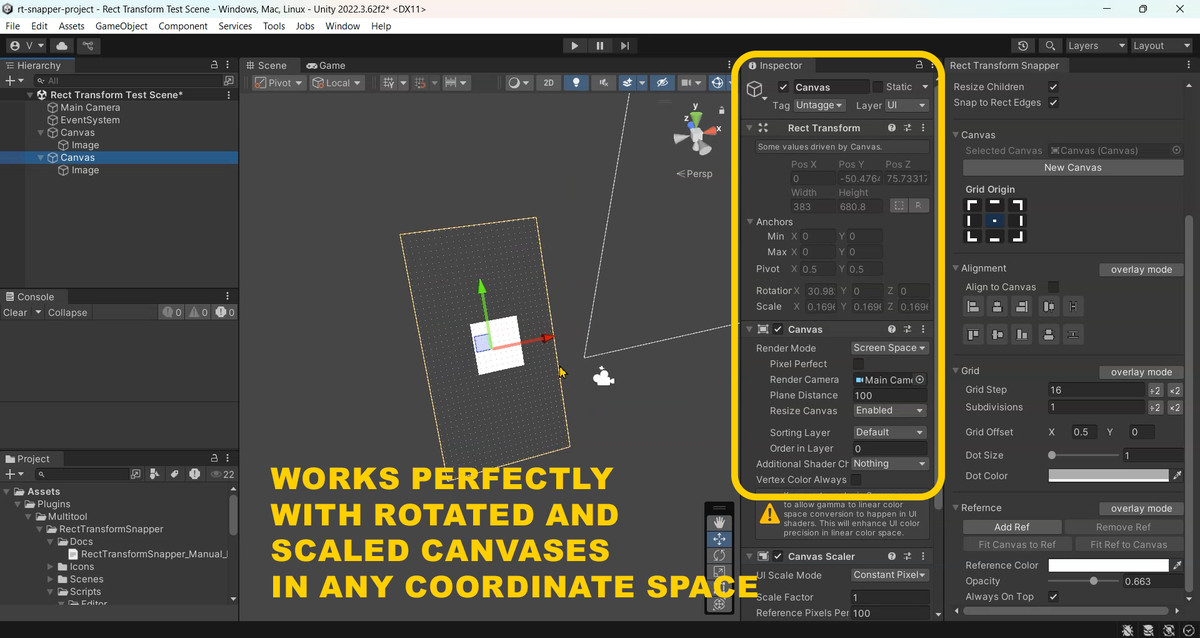
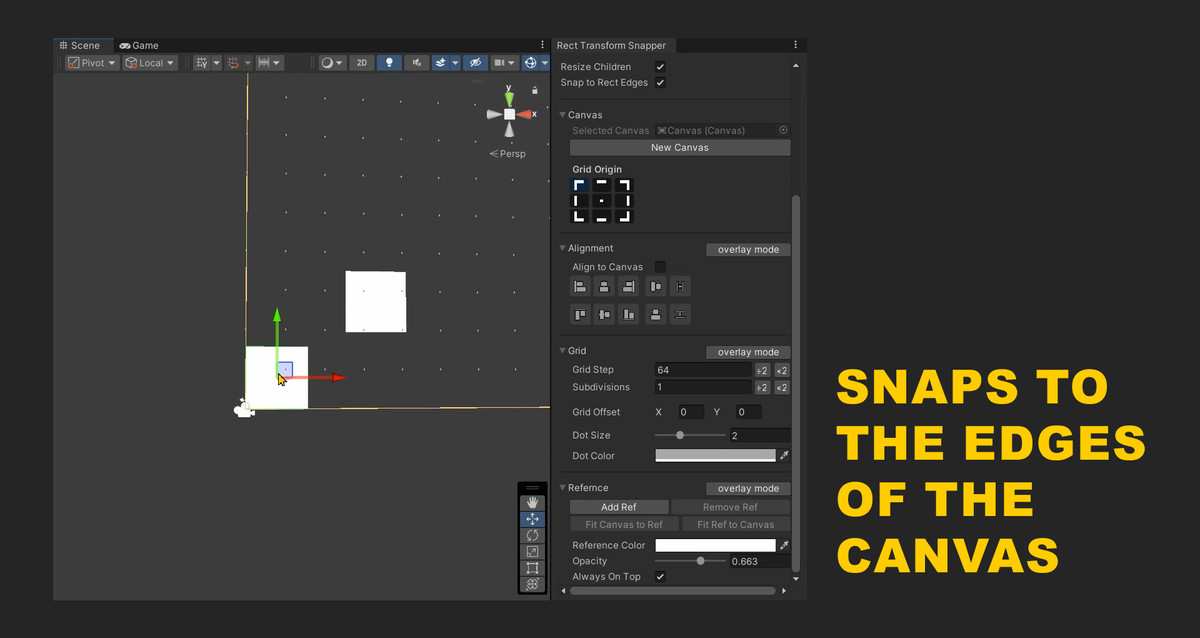
A grid for snapping RectTransform objects that lets you build interfaces quickly. There’s no longer any need to enter sizes manually. The asset automatically detects which canvas you’re working with and draws the grid on that canvas. Even if you have multiple canvases in the scene, you won’t get lost. The grid works well in world space, screen space, and camera space. The canvas scale doesn’t matter.
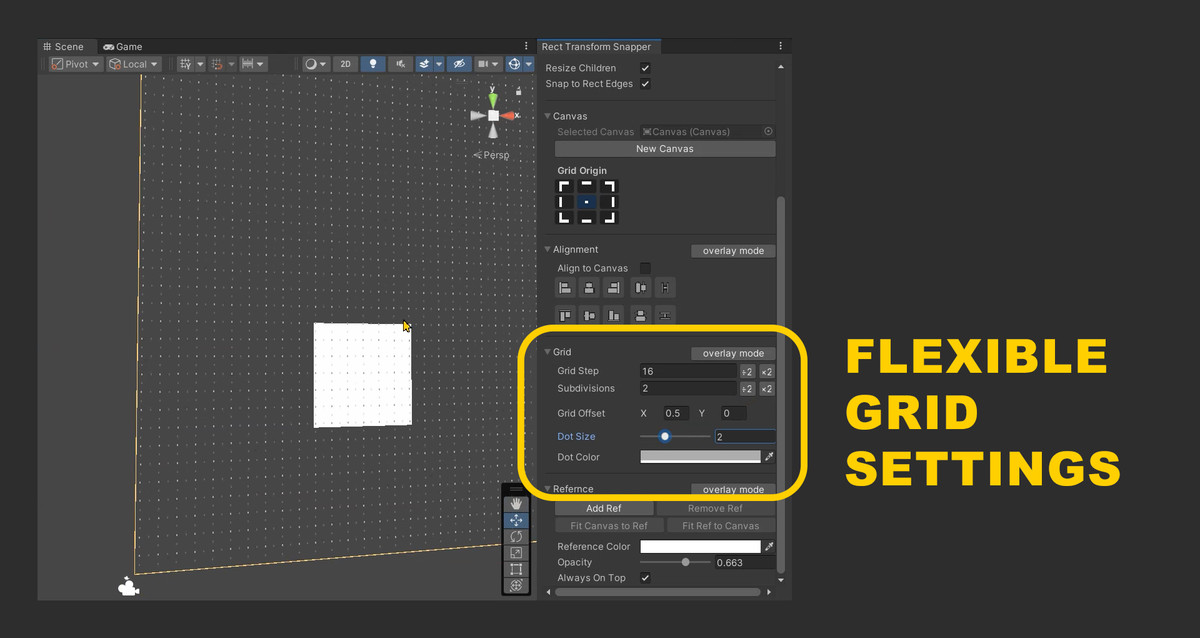
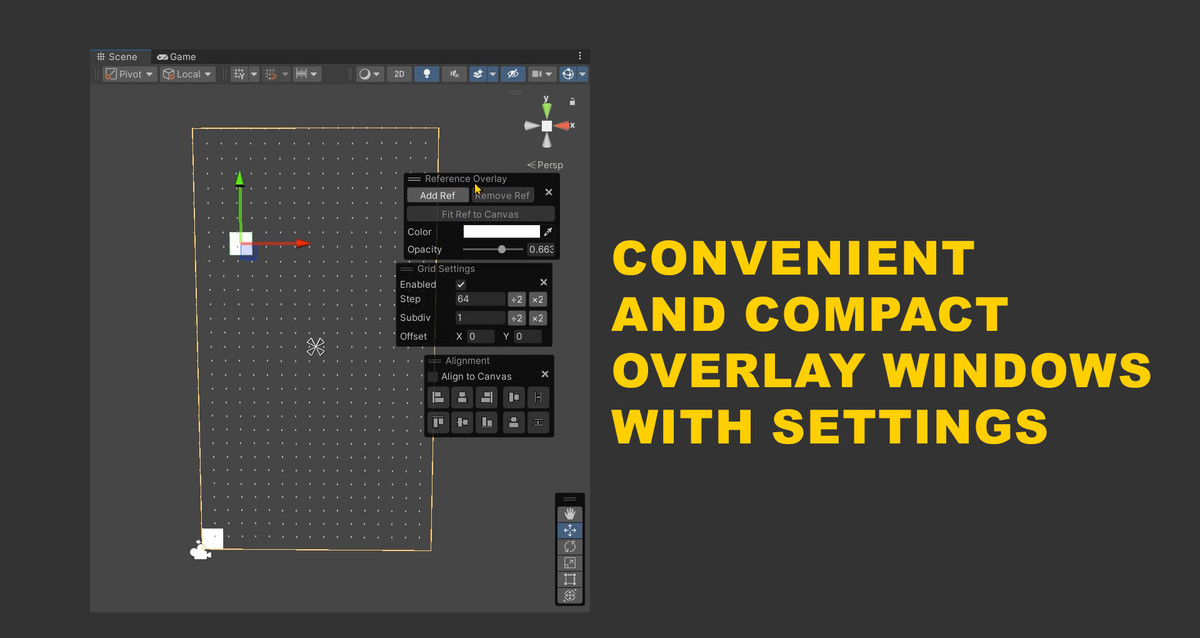
It offers flexible grid settings: set the grid step, subdivisions, and control the grid’s appearance. You can add a reference image that is always on top: add a reference, adjust its transparency and tint. You can also adjust the grid’s origin point.
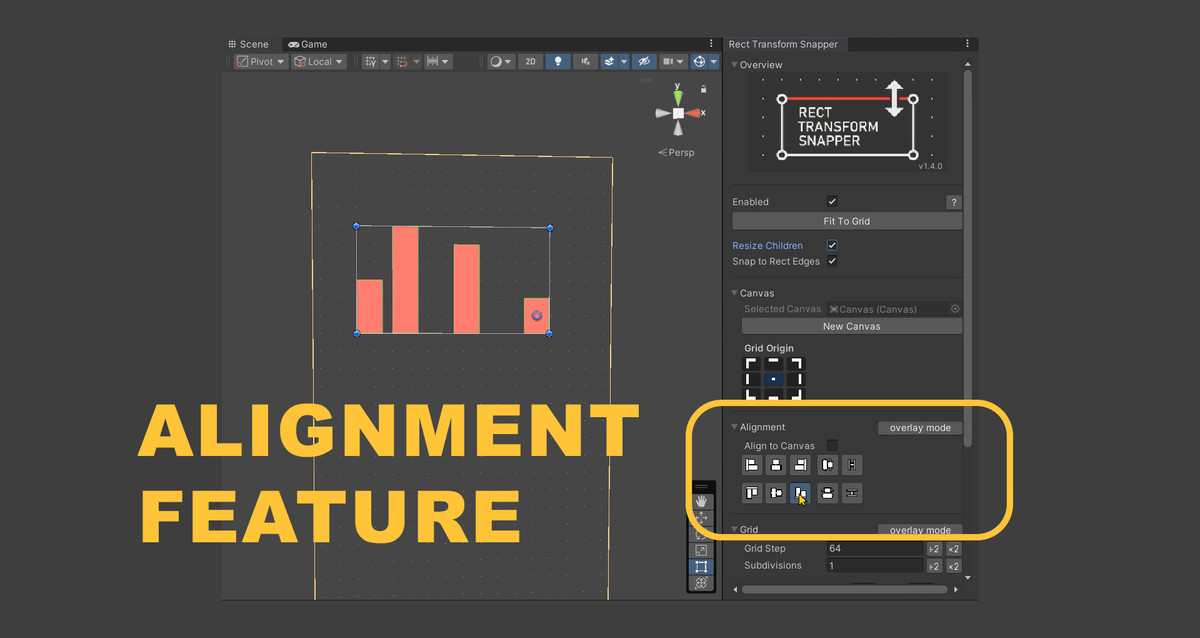
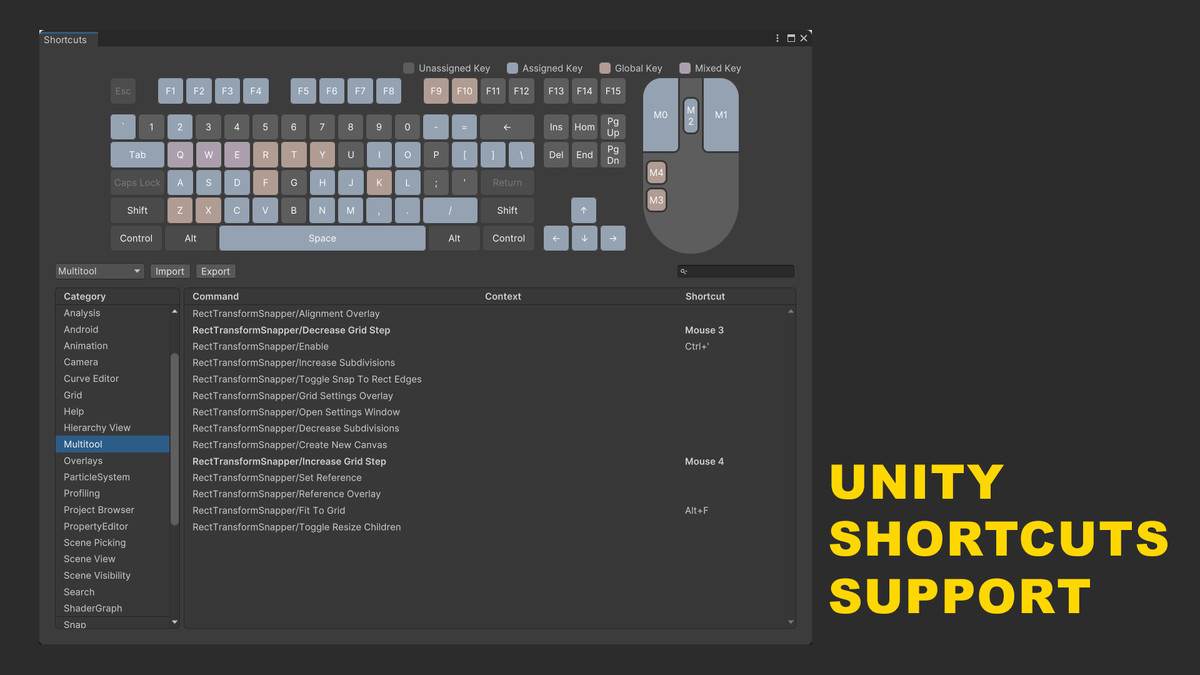
Change and assign your own hotkeys however you like. The asset supports the native Shortcuts window. Align and distribute objects: the new version adds the ability to align and distribute either along the canvas or relative to the bounds of the selected objects.
From the publisher's Asset Store listing.
Technical details
FEATURES OVERVIEW
5.1 Grid System
- Visual dot grid overlay in Scene View
- Customizable grid step (main spacing)
- Subdivisions for finer control
- Grid offset for precise alignment
- Automatic LOD (Level of Detail) for performance
- Grid origin selection (9-point system)
5.2 Smart Snapping
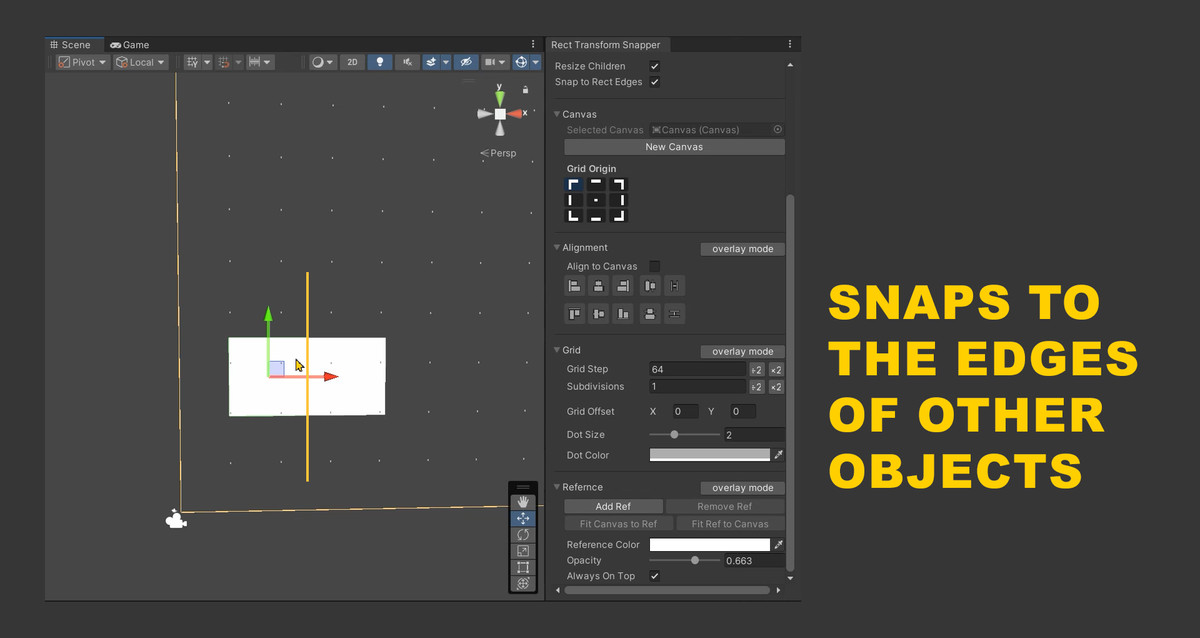
- Snaps object center, left/right edges, and top/bottom edges
- Chooses the closest snap target automatically
- Works with both Move and Rect tools
- Respects axis locking when enabled
- Fit to Grid button
5.3 Group Operations
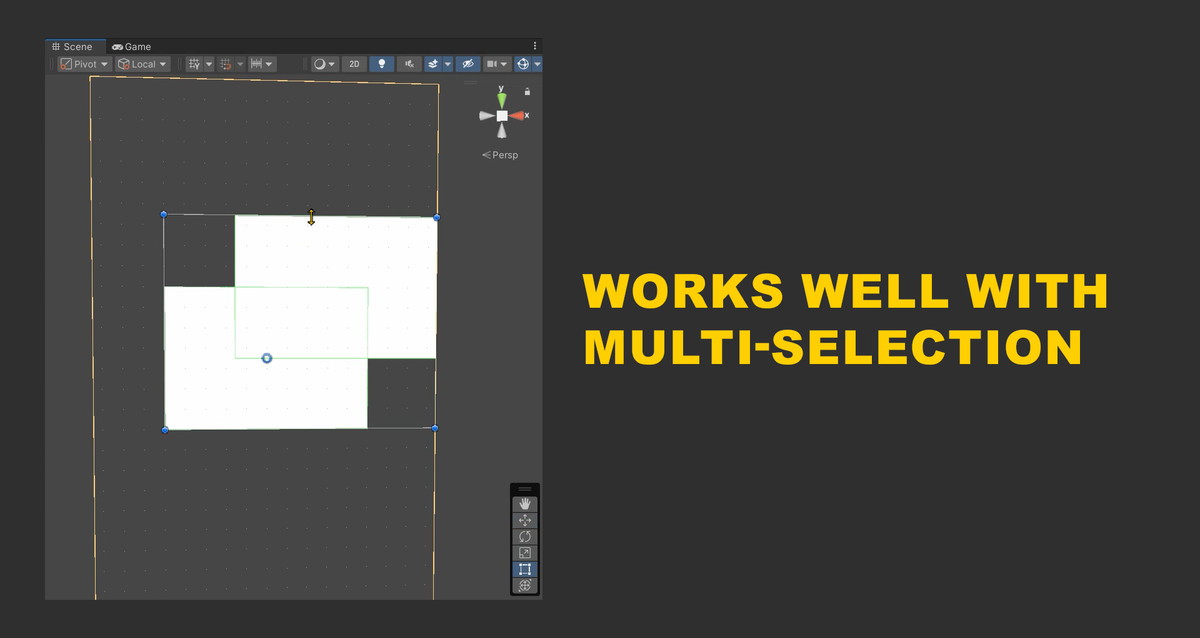
- Select multiple RectTransforms to enter group mode
- Move entire groups while maintaining relative positions
- Scale groups proportionally
- Visual group bounds with handles
5.4 Canvas Integration
- Assign any Canvas as the coordinate system
- Snap to Canvas boundaries (edges and center)
- Canvas boundary snapping (snaps automatically)
- Canvas origin selection for predictable alignment
- Grid automatically hides when Canvas is hidden via eye icon in hierarchy
5.5 Reference Overlay
- Add semi-transparent reference images
- Automatic texture size optimization
- Fit Canvas to reference dimensions
- Fit Reference to Canvas
- Easy removal and replacement
- Color and opacity controls (Reference Color, Opacity)
- Always On Top toggle (keeps the reference as the last Canvas child)
- Remove Ref button to delete the current reference overlay
- The Reference ObjectField auto-fills with the current reference sprite
5.6 Advanced Features
- Axis locking (click gizmo arrows to constrain movement)
- Proportional child scaling
- Undo/Redo for all operations
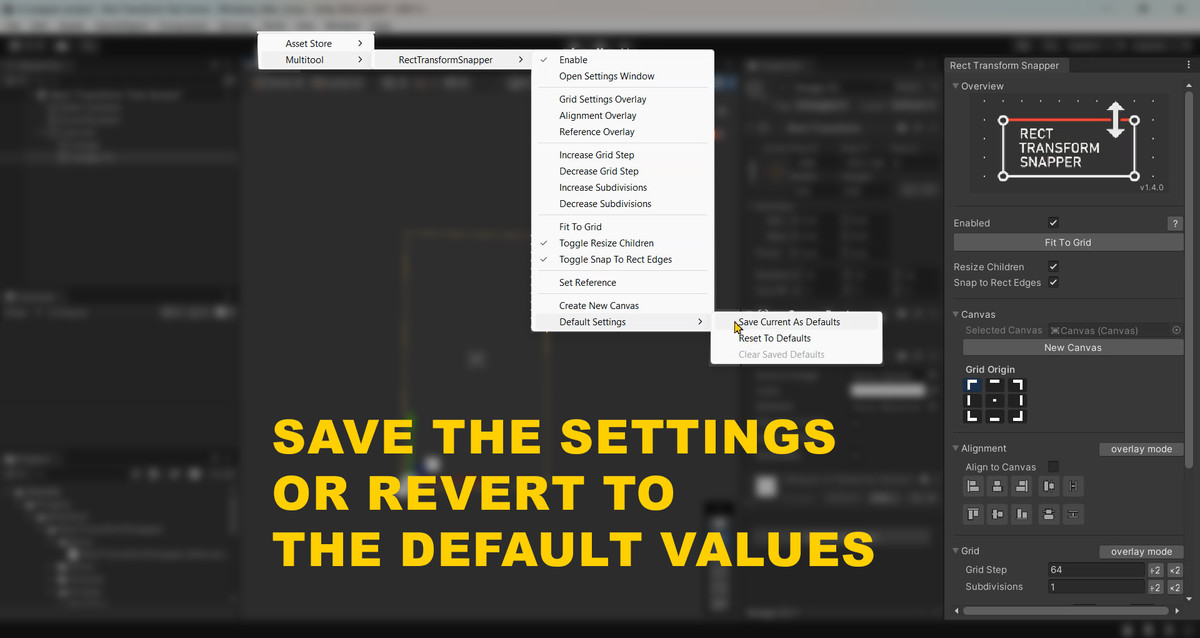
- Persistent settings across editor sessions
- Hotkey support
5.7 Alignment Features
- Alignment and distribution options
- Ability to align and distribute relative to canvas
5.8 Shortcuts Support
- Ability to configure shortcuts in the Shortcuts menu
- Shortcut for fit to grid
- Shortcut for enable rect transform snapper
5.9 Tools Menu
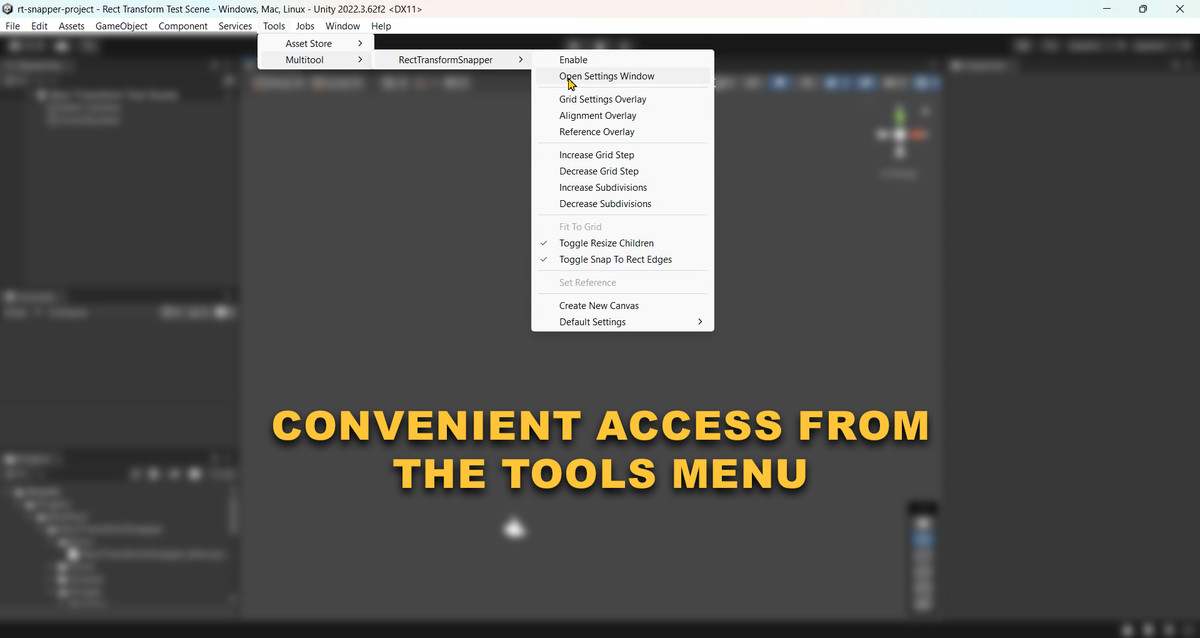
- All main settings are duplicated in the Tools menu
- Can work without opening the main window
Compatibility
| Unity version | Built-in | URP | HDRP | Custom |
|---|---|---|---|---|
| 2022.3.62f2 | Compatible | Compatible | Compatible | Compatible |
As listed on the Asset Store.