
 View on Asset Store (opens in new tab)
Package details
- Latest version
- 1.0
- Last updated
- First released
- Unity version
- 6000.0.50 or later
- Package size
- 1.5 MB
- Files
- 12
- Favorites
- 1
- Views in the past week
- 5
Price tracking
- Last checked
- Tracked since
- Lowest recorded
- $4.99 on
Keywords
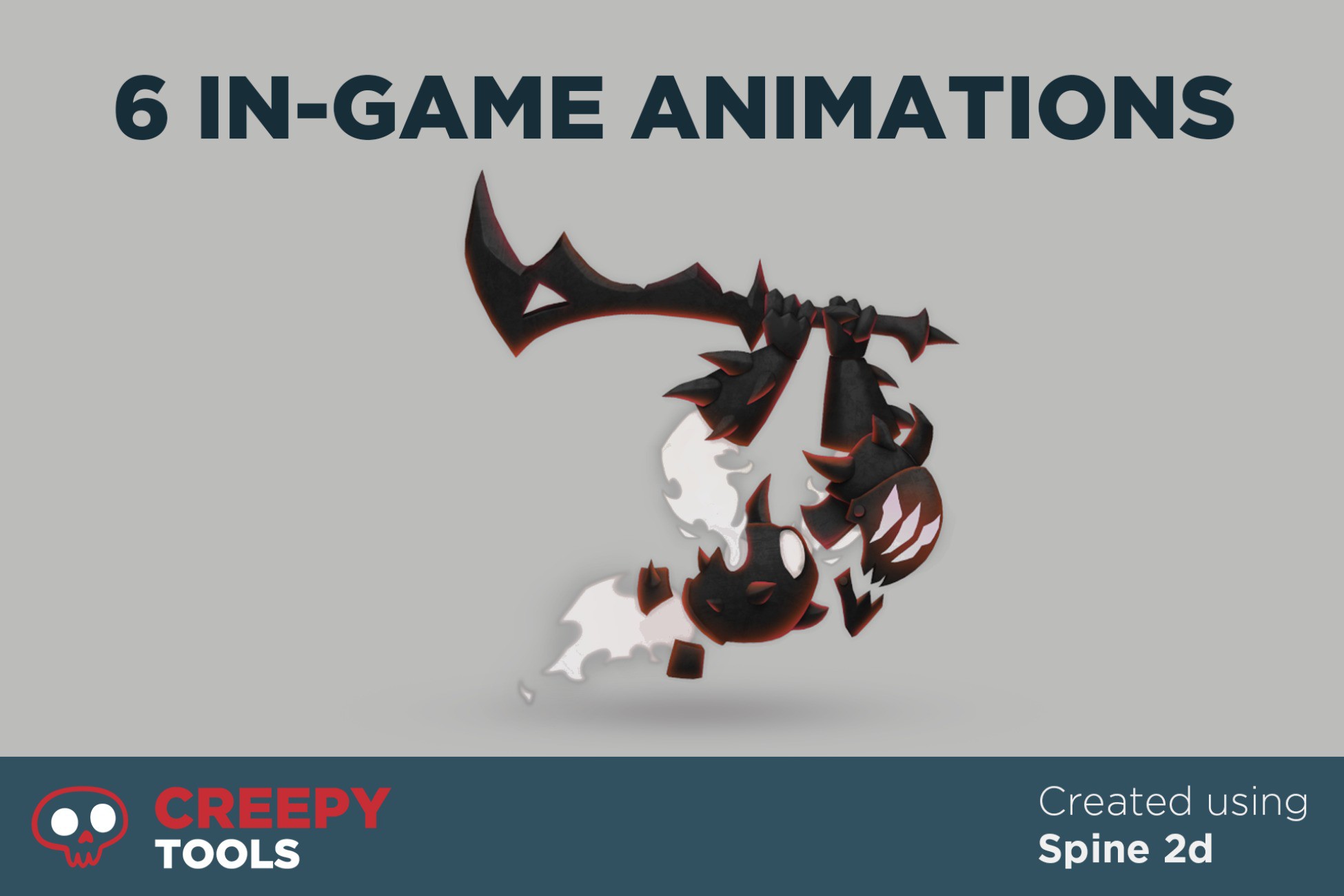
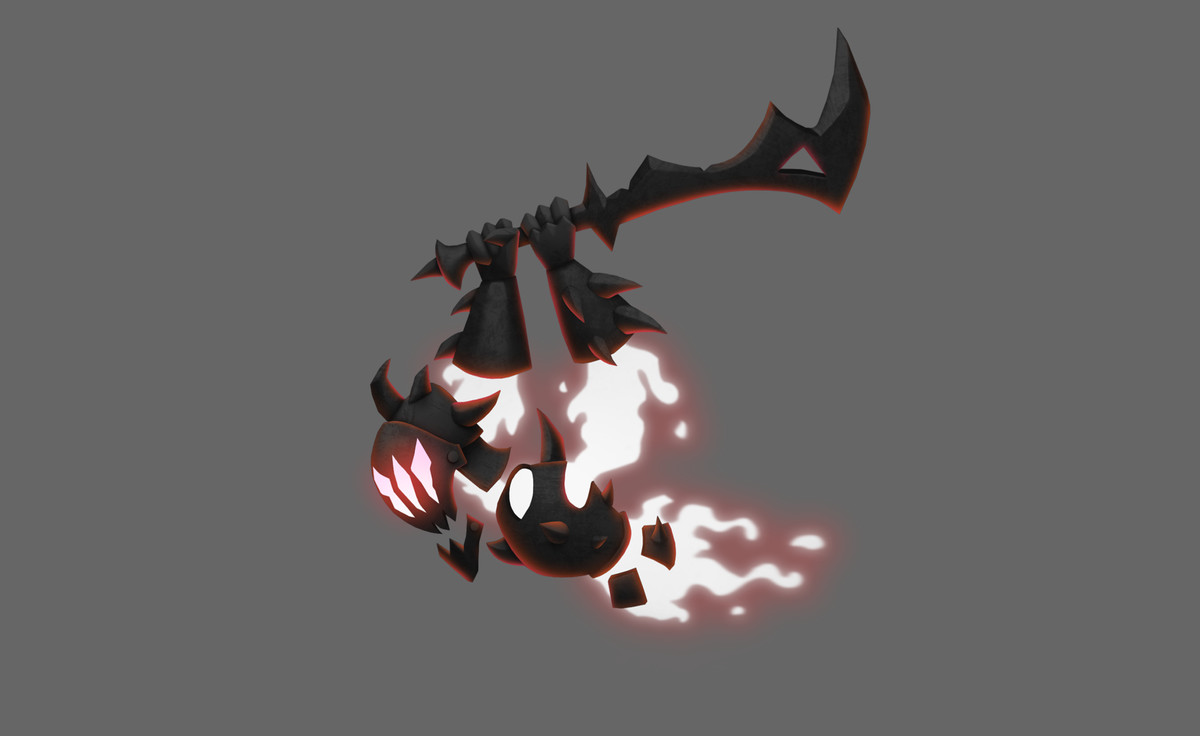
Stylized Ghost - Spine 2D
Spine Animation 2D Character pack: (Includes 6 in-game animations)
Price $4.99
Buy on Asset Store (opens in new tab)
Affiliate link · Purchases support this site
Price history
Last 6 months
USDAsset preview
1 / 2
Stylized Ghost - Spine 2D screenshot 1
About this asset
Bring your 2D action, platformer, or RPG to life with a curated set of hand-crafted enemy animations. This pack includes high quality character with 6 in-game animations, fully rigged and animated in Spine 4.1.17.
⚠️ The Spine runtime is not included in this package due to licensing restrictions.
List of animations:
- Idle (1.167s)
- Hit v1 (1.133s)
- Hit v2 (1.867s)
- Move (1s)
- Distance attack (1.133s)
- Dead (1.5s)
1 Texture
- 1804x1073
520 vertices
668 tris
What’s Inside
- 6 unique animations (cohesive visual style, readable in motion)
- Unity-ready exports: JSON + atlas + textures + material + demo scene
- Sample Unity scene showcasing animation playback
Support & Notes:
- Ensure your Spine skeleton assets are compatible with Spine-Unity 4.1.
- For Spine runtime issues, please consult the official Spine documentation: http://esotericsoftware.com/spine-unity-documentation
- In case of questions, don't hesitate to get in touch with us on Discord: https://discord.gg/hTN4BstV2G
From the publisher's Asset Store listing.
Technical details
Tested On:
- Unity Version: Unity 6000.0.50f1
- Spine Runtime: Spine-Unity 4.1 (from Esoteric Software)
- * You should install this separately from: http://esotericsoftware.com/spine-unity-download
Installation:
- Import the Spine-Unity runtime (v4.1) into your project.
- Import this package into Unity.
- Open the demo scene
Usage:
- Use the Next and Previous UI buttons to cycle through all available animations.
- The current animation name and character name are displayed on screen.
Compatibility
| Unity version | Built-in | URP | HDRP | Custom |
|---|---|---|---|---|
| 6000.0.50f1 | Compatible | Compatible | Compatible | Compatible |
As listed on the Asset Store.