
 View on Asset Store (opens in new tab)
Package details
- Latest version
- 1.0
- Last updated
- First released
- Unity version
- 2022.3.39 or later
- Package size
- 634 KB
- Files
- 8
- Favorites
- 15
- Views in the past week
- 6
Price tracking
- Last checked
- Tracked since
- Lowest recorded
- Free on
Keywords

Backbone Logger
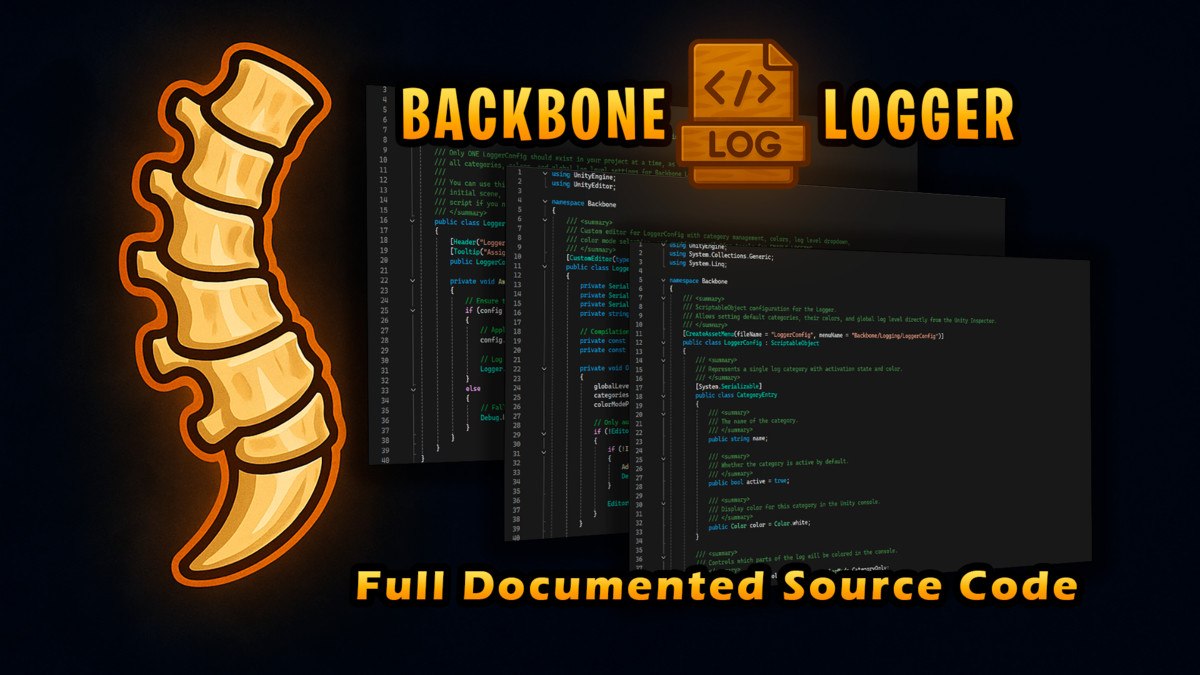
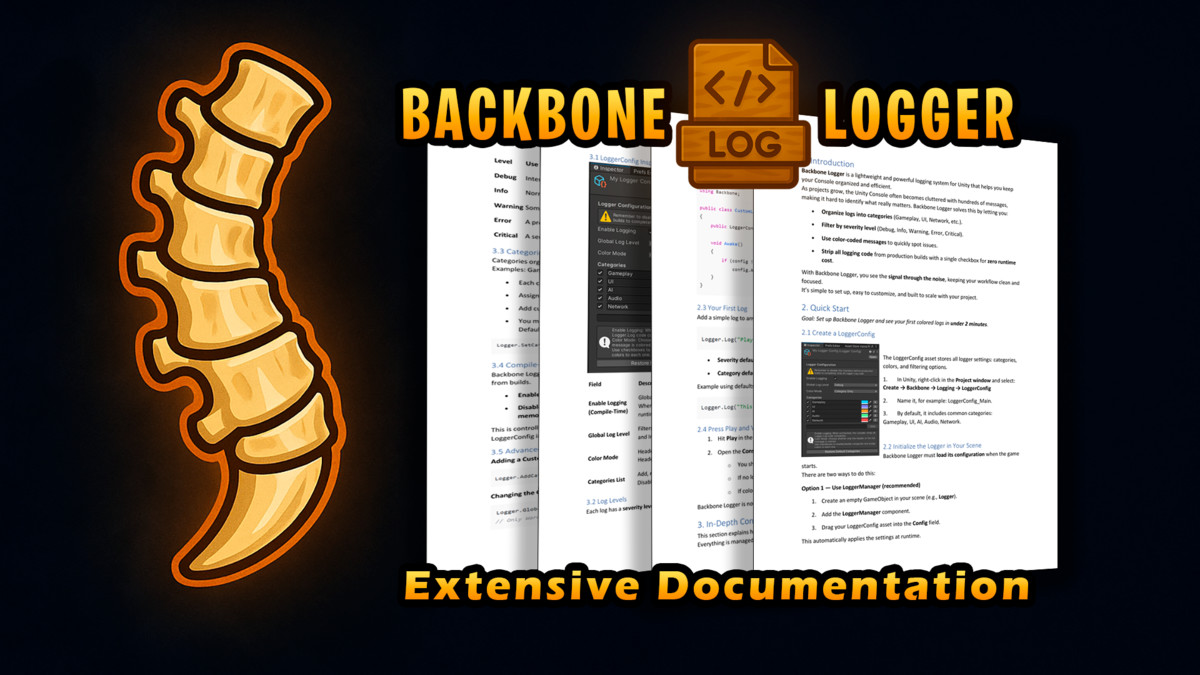
Backbone Logger is a lightweight and powerful logging system for Unity. Organize logs into categories, color-code messages, filter by level, and strip them entirely from builds for zero runtime cost.
Affiliate link · Purchases support this site
Price history
Last 6 months
USDAsset preview
1 / 9
Backbone Logger screenshot 1


About this asset
Clear, organized, optimized logging for Unity.
Backbone Logger keeps your Console clean and your workflow efficient. As projects grow, the Unity Console fills with noise—Backbone Logger gives you full control.
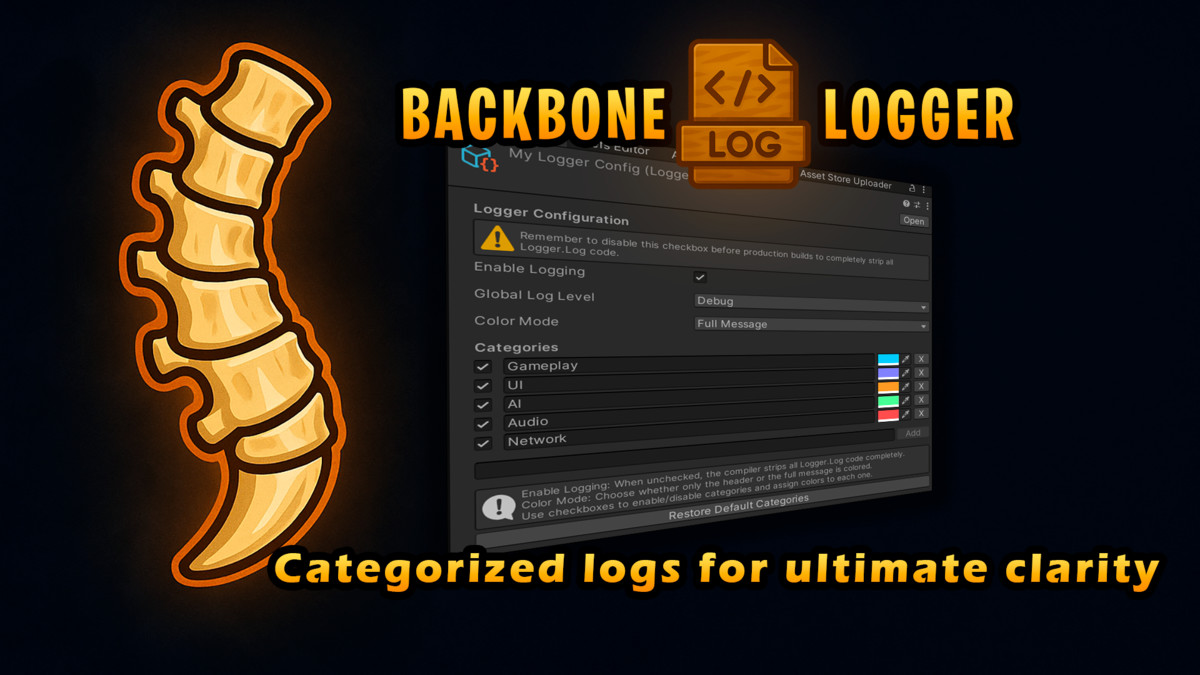
Categories: Organize logs by system (Gameplay, UI, Network, AI, Audio, etc.). Toggle them on/off anytime.
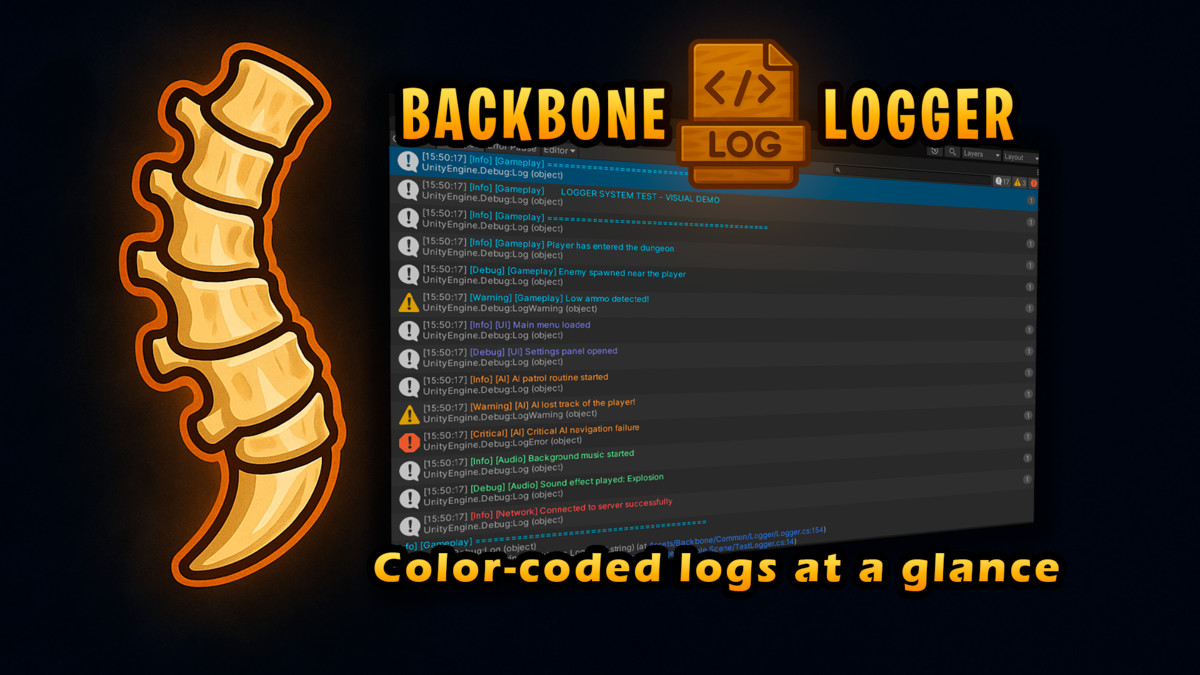
Colors: Assign unique colors to each category for instant visual clarity.
⚡Log Levels: Filter messages by severity (Debug, Info, Warning, Error, Critical). Hide what doesn’t matter.
Compile-Time Stripping: Remove all logging code from production builds with a single checkbox—zero CPU and memory overhead.
Configurable: Manage everything from a simple LoggerConfig asset. Use multiple configs for Dev, QA, and Release.
Fast Setup: Ready in under 2 minutes. Create a config, drag it in, and start logging.
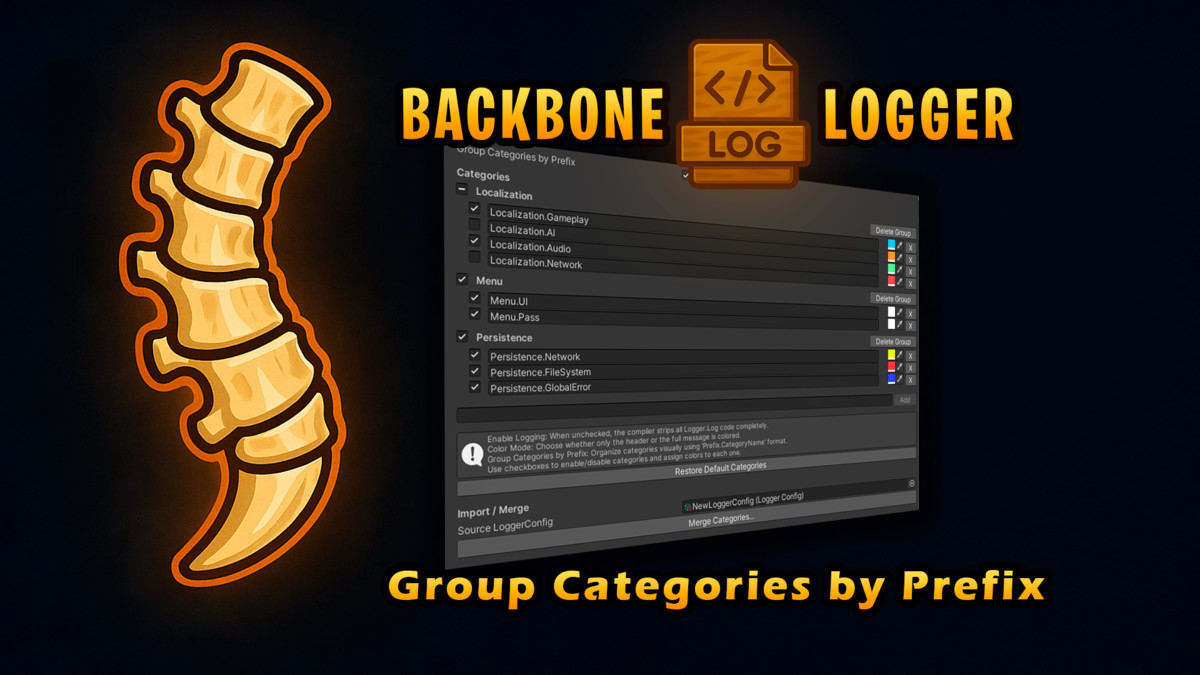
🧩 New: Grouping by Prefix (Sections/Families)
- Group categories by prefix (e.g., Menu.UI, Menu.Actions → Menu).
- Tri-state parent toggle to enable/disable entire families at once.
- Delete Group action with confirmation to remove a whole family safely.
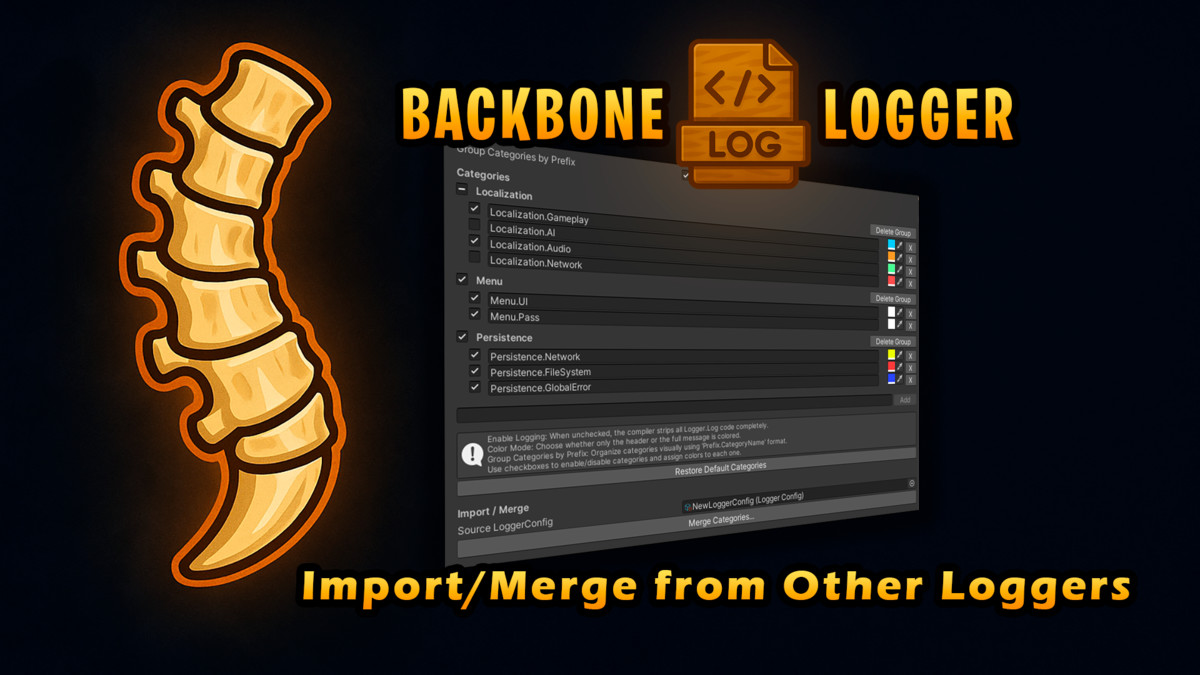
🔁 New: Import / Merge from Another LoggerConfig
- Keep existing: Add missing categories from a source config without touching your existing ones.
- Overwrite existing: Add missing categories and update color/active for same-name entries.
- No “replace all” by design. Safer merges, faster team alignment.
Why Backbone Logger?
Debugging should be fast, structured, and safe. With categories, colors, filters, compile-time stripping, grouping, and import/merge, you see the signal through the noise and ship without clutter.
- Focus on what matters.
- Debug faster.
- Deploy clean.
From the publisher's Asset Store listing.
Technical details
- Unity Versions: Compatible with Unity 2020.3 LTS and above
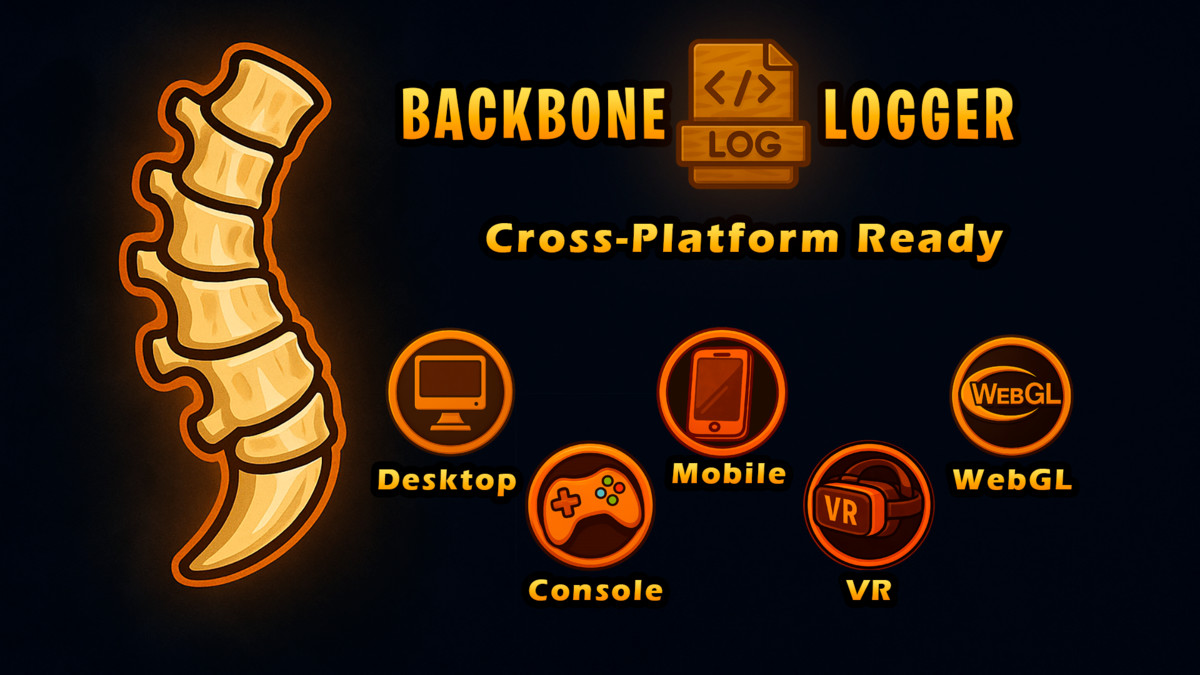
- Platforms: Works on all Unity-supported platforms (Editor, PC, Mac, Linux, iOS, Android, WebGL, Consoles)
- Dependencies: None (pure C#)
- Configuration:Managed through a single LoggerConfig ScriptableObject
Global enable/disable toggle (compile-time stripping)
Adjustable global log level
Category management: add, rename, enable/disable, assign colors
Color modes: Header Only or Header + Message - Logging Features:Severity levels: Debug, Info, Warning, Error, Critical
Category-based filtering
Color-coded log headers and messages
Runtime and compile-time control - Performance:Zero overhead in builds when logging is disabled (stripped at compile time)
Lightweight runtime filtering when enabled - Best Practices:Use multiple LoggerConfig assets for Dev, QA, and Release
Disable logging before production deployment
Compatibility
| Unity version | Built-in | URP | HDRP | Custom |
|---|---|---|---|---|
| 2022.3.39f1 | Compatible | Compatible | Compatible | Compatible |
As listed on the Asset Store.