
 View on Asset Store (opens in new tab)
Package details
- Latest version
- 1.0.0
- Last updated
- First released
- Unity version
- 6000.2.2 or later
- Package size
- 40 KB
- Files
- 22
- Favorites
- 8
- Views in the past week
- 6
Price tracking
- Last checked
- Tracked since
- Lowest recorded
- Free on
Keywords

Overseer: Debug & Console
Overseer: Debug & Console adds an in-game log viewer and developer console to Unity. Filter logs, run commands, and extend with custom tools—streamline debugging and testing.
Affiliate link · Purchases support this site
Price history
Last 6 months
USDAsset preview
1 / 2
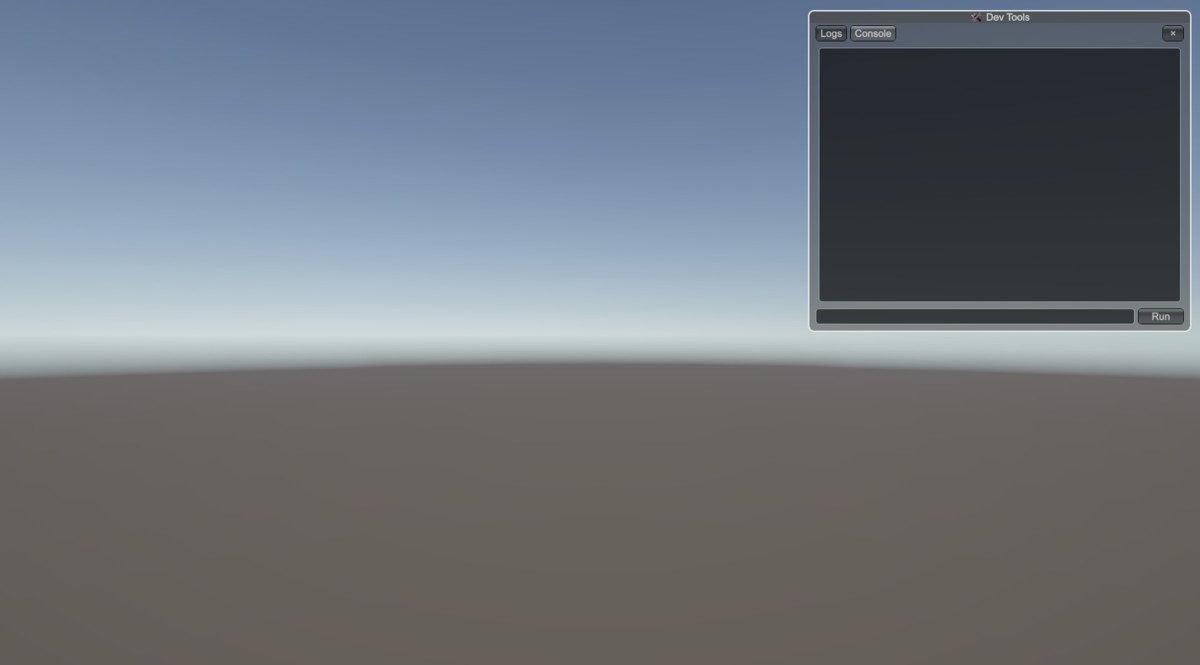
Overseer: Debug & Console screenshot 1
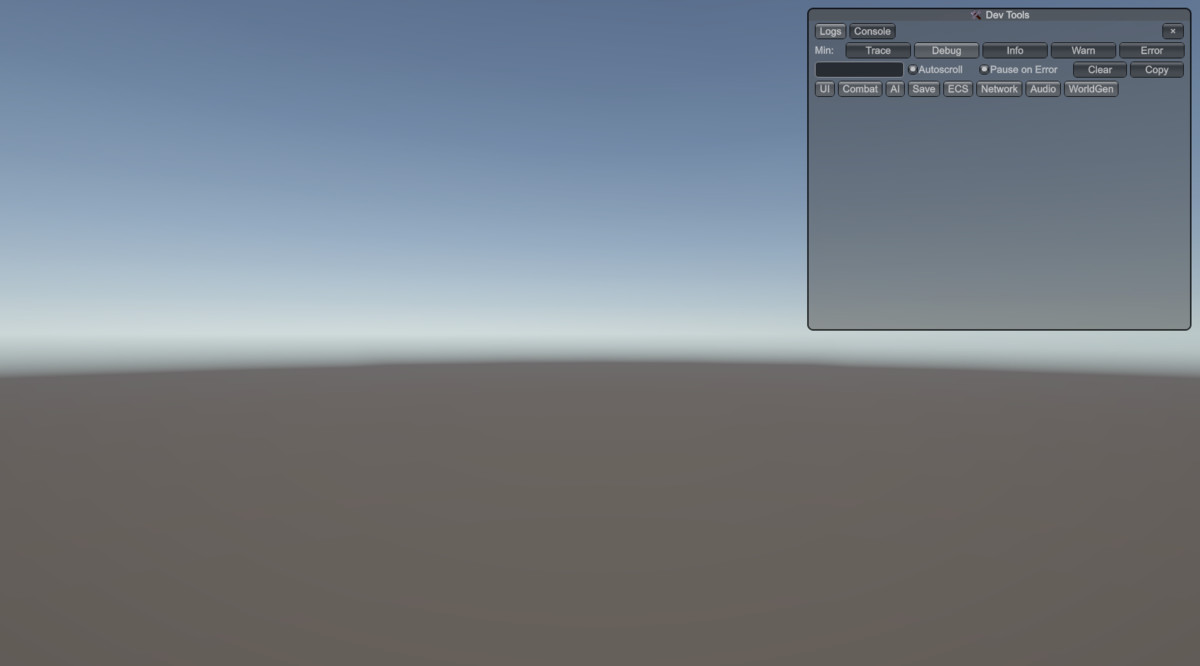
About this asset
Overseer: Debug & Console is a lightweight in-game overlay for Unity. It combines a log viewer with a developer console, helping you debug, test, and tune your project in real time. Logs are filterable, searchable, and expandable, while the console supports history, suggestions, and extensible custom commands. Fully customizable and engine-agnostic, Overseer fits any project or genre where reliable debugging tools are needed.
From the publisher's Asset Store listing.
Technical details
- In-game log overlay with filtering, search, stack traces
- Auto-pause on errors, clipboard export
- Developer console with command history & suggestions
- Built-in commands: help, clear, echo, gc, timescale, getvar, setvar
- Easy extension via IDevCommand + [DevCommand]
- Unity 2022.3+ and .NET Standard 2.1 compatible
- Faster debugging — see logs directly in-game without switching to the Editor.
- Better focus — filter by level or channel to isolate what matters.
- Quick testing — run commands on the fly without rebuilding.
- Extensible — add your own commands in minutes.
- Error visibility — auto-pause overlay on errors so nothing slips by.
- ️Lightweight — minimal setup, no heavy dependencies.
- Cross-version ready — works in Unity 2022.3+ and Unity 6.
Compatibility
| Unity version | Built-in | URP | HDRP | Custom |
|---|---|---|---|---|
| 6000.2.2f1 | Compatible | Compatible | Compatible | Compatible |
As listed on the Asset Store.