
 View on Asset Store (opens in new tab)
Package details
- Latest version
- 1.1.B
- Last updated
- First released
- Unity version
- 6000.0.26 or later
- Package size
- 1.7 GB
- Files
- 243
- Favorites
- 9
- Views in the past week
- 18
Price tracking
- Last checked
- Tracked since
- Lowest recorded
- $41.99 on
Keywords
Horror Environment Pack URP – Modular Haunted House, Spooky Props & VFX
Build horror scenes fast in URP: a modular Haunted House environment with interior/exterior pieces, spooky props, and ready-to-use VFX. Demo scene included - import and start building.
Affiliate link · Purchases support this site
Price history
Last 6 months
USDAsset preview
1 / 17
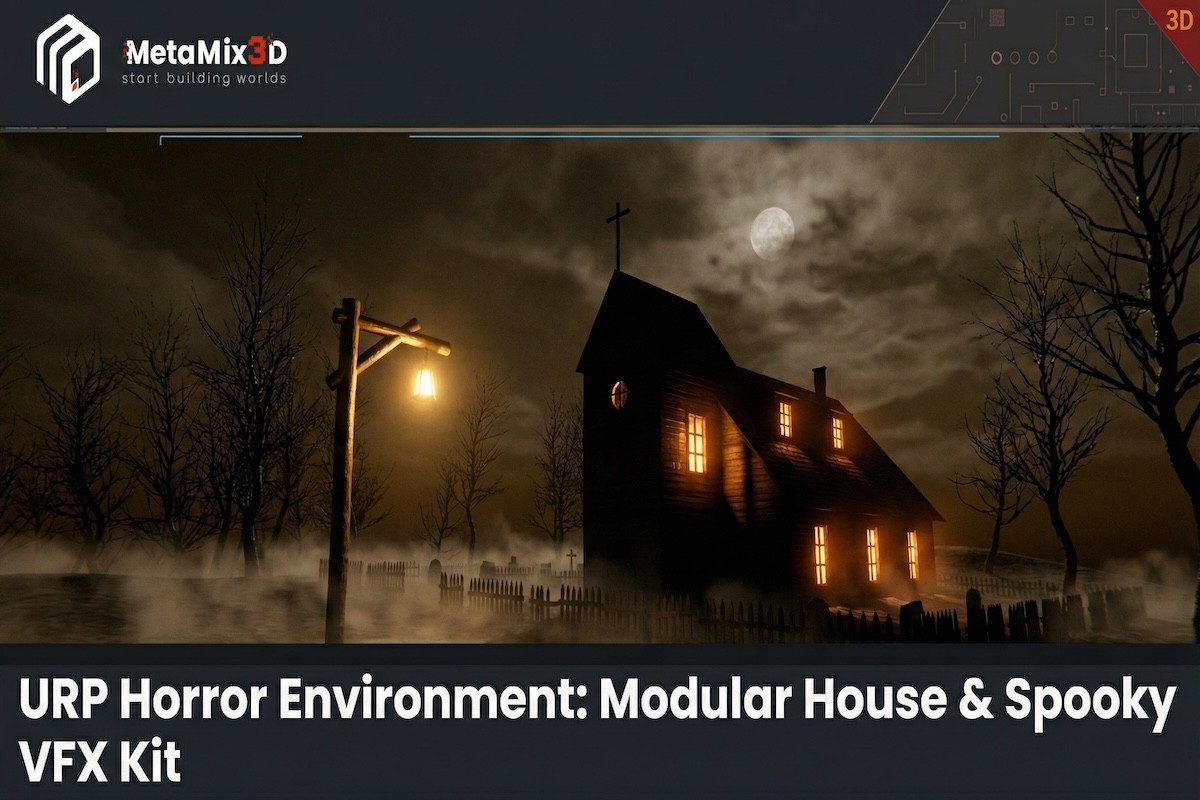
Horror Environment Pack URP – Modular Haunted House, Spooky Props & VFX screenshot 1



About this asset
URP Horror Environment Pack – Modular Haunted House + Spooky Props + VFX
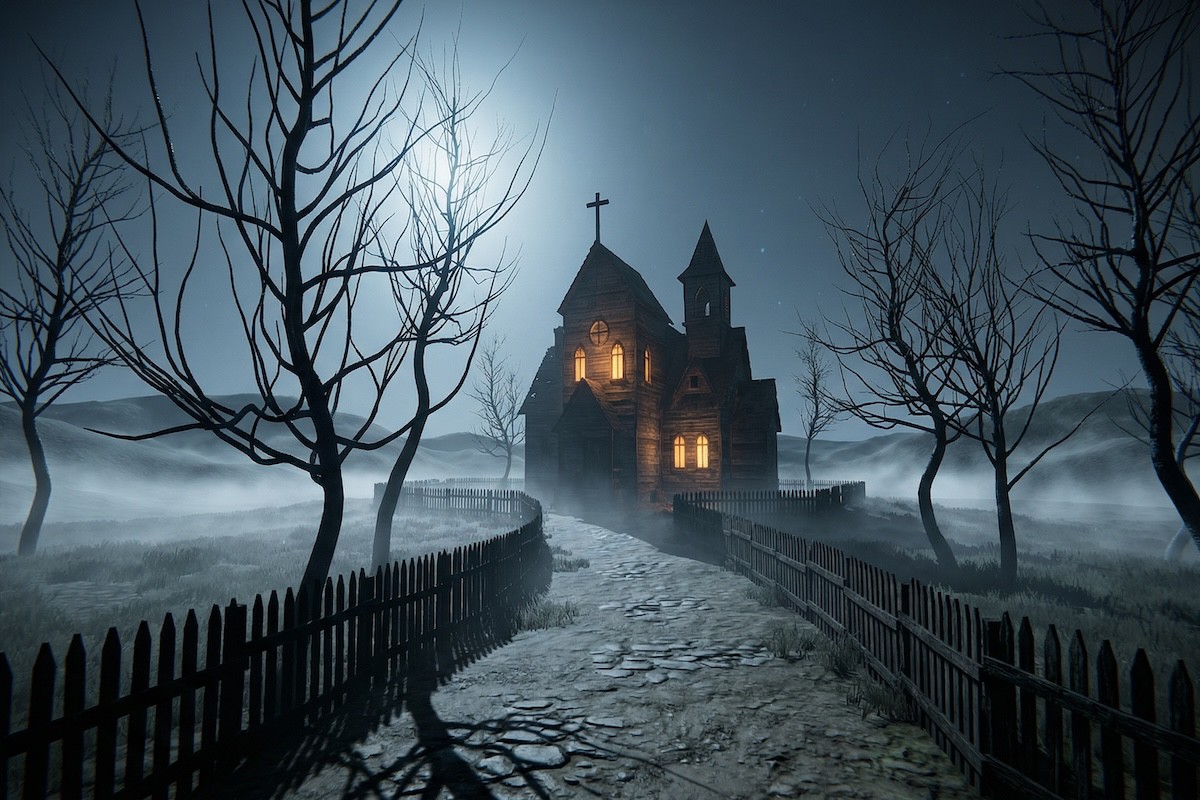
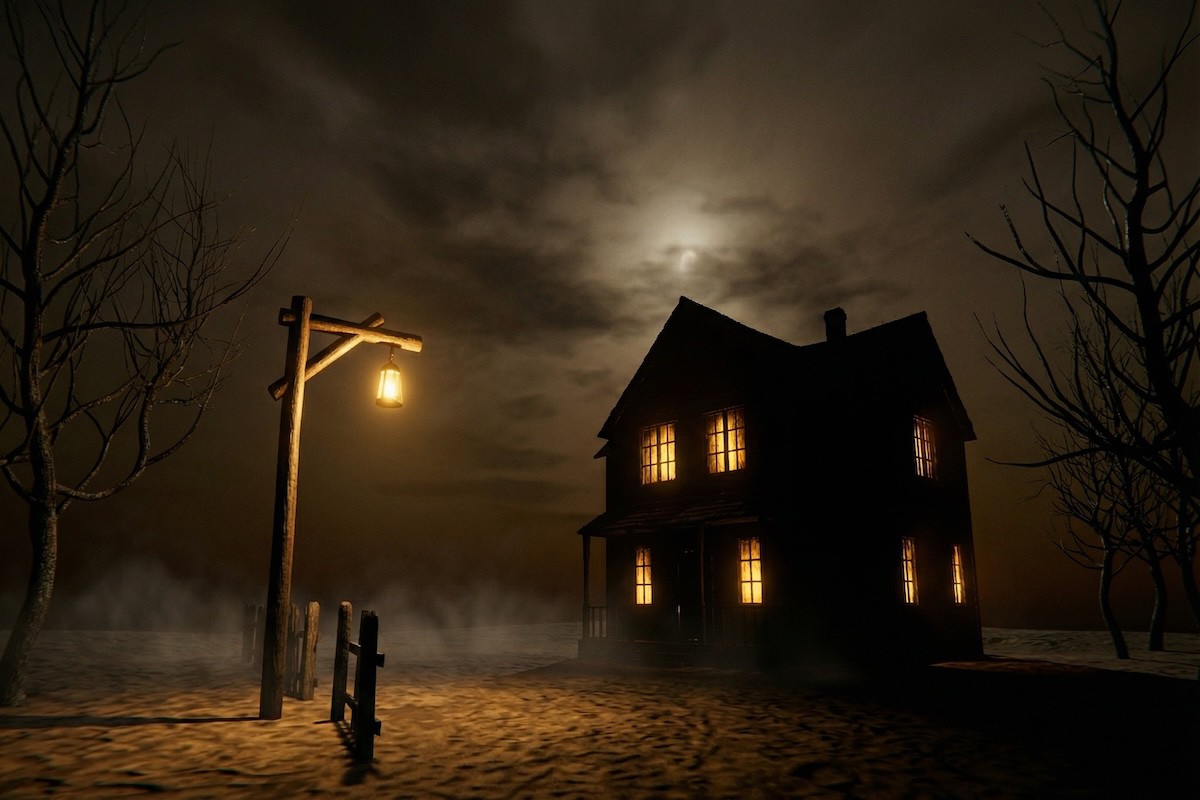
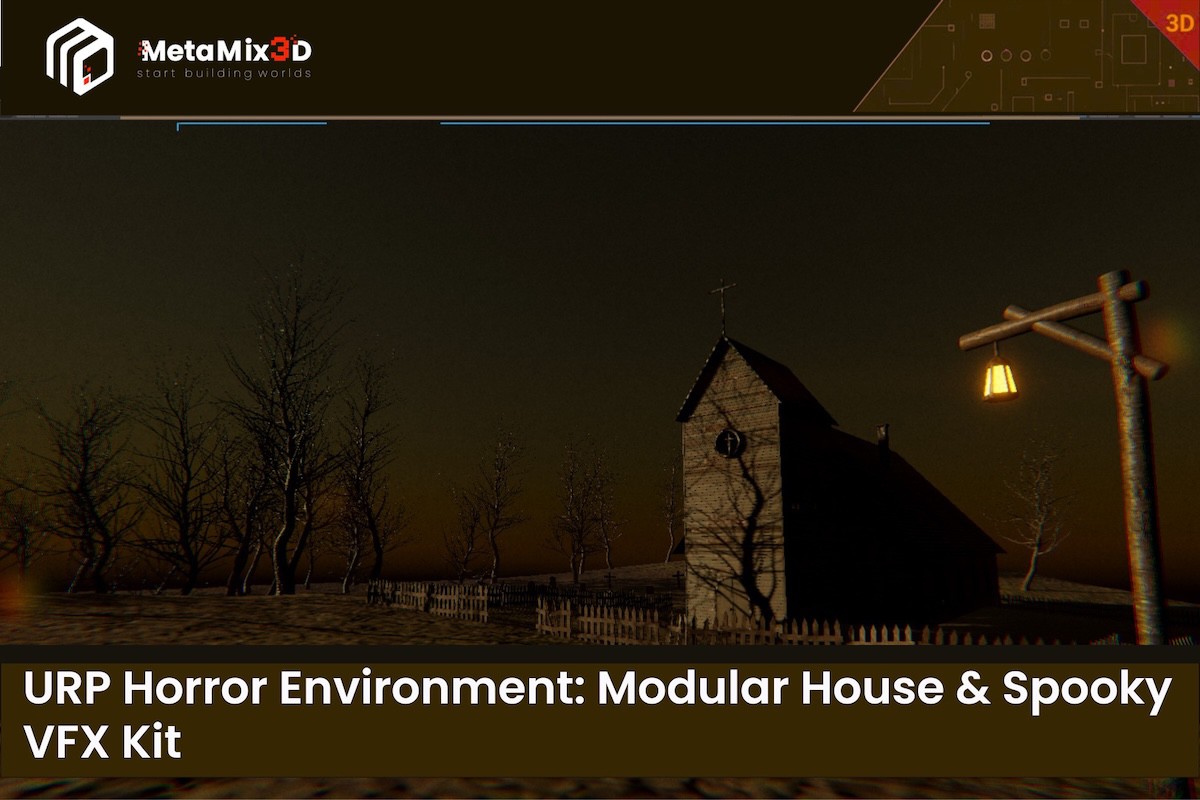
Build creepy horror scenes fast in Unity URP. This pack includes a modular haunted house kit (interior/exterior pieces), spooky props, and ready-to-use VFX so you can assemble a playable horror level quickly - ideal for FPS horror, exploration, and puzzle games.
What you can build?
- Haunted house interiors (hallways, rooms, stairs setups)
- Exterior house layouts (yards, fences, entrances)
- Halloween / spooky scenes with atmosphere VFX and emissive materials
What’s included?
Modular House Kit
- Walls, doors, windows, roofs, floors (snap-friendly modular pieces)
Spooky Props
- Lamp posts, trees, fences (plus other scene-dressing assets in the package)
Atmosphere
- Horror-themed skybox
- Emissive materials + VFX prefabs for mood/ambient effects
Textures
- PBR textures + normal maps
Render Pipeline Compatibility
- URP (Supported / Recommended): Materials + VFX set up and tested in URP.
- Built-in / HDRP: Assets may import, but materials and especially VFX require conversion to match your pipeline.
Use cases
Indie games, game jams, prototypes, and production scenes where you need a horror environment quickly without heavy setup.
Notes
- VFX are URP-ready and may require adjustments in other pipelines.
- Lighting and post-processing results can vary depending on your project settings.
From the publisher's Asset Store listing.
Technical details
Textures
- 46 textures total
- Texture resolution: 2K (2048×2048)
- Texture maps: Albedo/Diffuse, Normal, Roughness, MetalnessLamppost + Terrain include dedicated Metalness maps; others use Roughness workflow
Prefabs / Meshes
- 14 prefabs: 5 Houses, 5 Trees, 3 Fences, 1 Lamppost
- Terrain: 1 terrain mesh/asset
- UVs: Fully UV unwrapped
Triangle Counts (approx. per model)
- Houses: 1,168 – 2,186 tris
- Lamppost: 2,080 tris
- Fences: 264 – 360 tris
- Trees (hero assets): 30,218 – 85,898 trisNote: Trees share a texture set (one shared set stored in the Tree 5 folder)
- Trees are high-detail hero models; for mobile/VR, consider using the included LODs aggressively or swapping trees.
LOD
- 3 LOD levels included (if true)Recommended: enable Unity LODGroup + adjust screen thresholds per target platform
Rigging / Animation
- Rigging: No (static environment assets)
- Animations: 0
Materials
- PBR materials (URP-ready)
Compatibility
| Unity version | Built-in | URP | HDRP |
|---|---|---|---|
| 6000.2.6f2 | Compatible | Compatible | Not listed |
| 6000.0.26f1 | Compatible | Compatible | Not listed |
- URP (Recommended): Fully set up and tested in URP (materials, lighting, VFX).
- Import → open demo scene → ready to use.
- Built-in Render Pipeline: Included and works, but lighting/post-processing may need minor tweaks depending on your project settings.
- Notes: If you use custom post-processing/volumetrics, results may vary by your render settings.
As listed on the Asset Store.