
 View on Asset Store (opens in new tab)
Package details
- Latest version
- 1.0.0
- Last updated
- First released
- Unity version
- 6000.0.58 or later
- Package size
- 118 KB
- Files
- 98
- Views in the past week
- 6
Price tracking
- Last checked
- Tracked since
- Lowest recorded
- $10.00 on
Keywords

JuiceTwee
- Price drop
JuiceTwee is a lightweight, node-based tool for Unity that makes it easy to add polished tweening, animations, and game feel effects without writing complex code.
Lowest recorded price
Get 50% off on Asset Store (opens in new tab)Affiliate link · Purchases support this site
Price history
Last 6 months
USDAsset preview
1 / 3
JuiceTwee screenshot 1
About this asset
JuiceTwee – Game Feel & Tweening for Unity
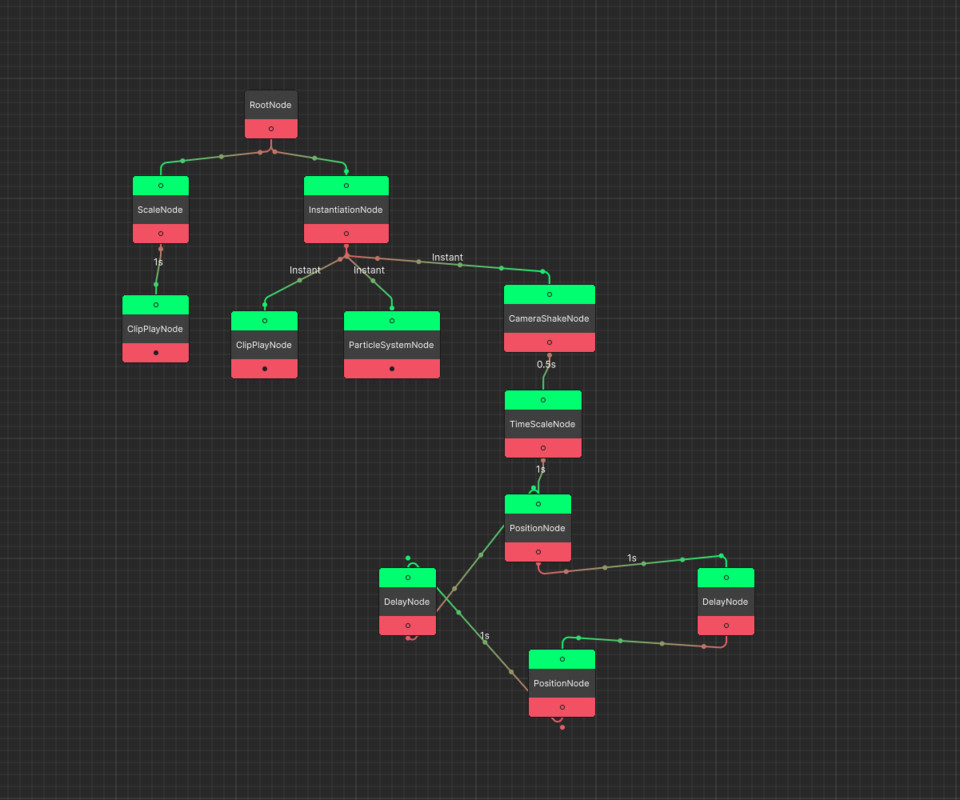
JuiceTwee is a coroutine-based, node graph tool that helps you add game feel, polish, and dynamic animations to your Unity projects. With its visual editor and wide range of built-in nodes, you can design complex effects without writing custom animation logic.
Features include:
- Visual Node-Based Editor – design animations and effects in an intuitive graph editor.
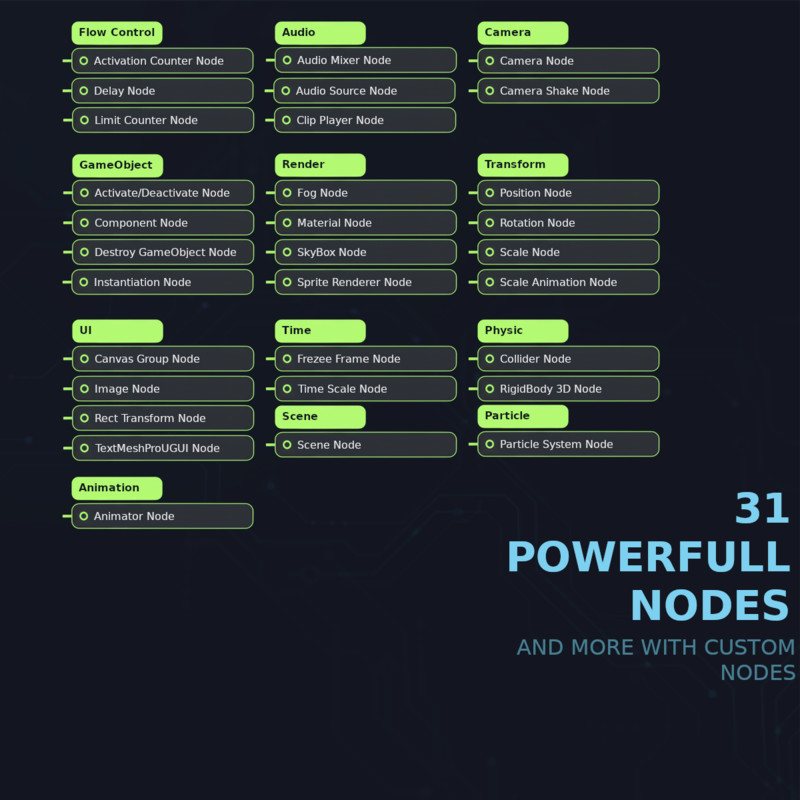
- Extensive Built-in Nodes – control transforms, audio, camera, particles, UI, rendering, physics, and more.
- Flow Control Nodes – manage timing, delays, counters, and execution logic.
- Customizable & Extensible – easily create your own nodes for specific gameplay needs.
- Decoupled Runtime – reusable effect trees that can target different objects.
- Coroutine-Based Execution – supports both scaled and unscaled time for smooth, natural animations.
- Undo/Redo: Graph editor supports full undo/redo
- Works with Unity 6+, supports URP, HDRP, and Built-in pipelines.
With FeelTree, you can:
- Create juicy feedback like camera shakes, squash & stretch, or hit stops.
- Animate UI elements (CanvasGroup, TextMeshPro, RectTransform, Images).
- Control audio sources, mixers, and particle systems.
- Add timing, counters, and flow logic to your effects.
- Quickly prototype and polish gameplay interactions.
Bring your game to life with smooth, responsive, and professional-quality effects — all without writing boilerplate animation code.
From the publisher's Asset Store listing.
Technical details
- Unity Version: Unity 6 or later
- Render Pipeline Support: URP, HDRP, Built-in
- Dependencies
- TextMesh Pro (installed automatically if missing)
- Included Systems:
- Graph Editor for node-based design
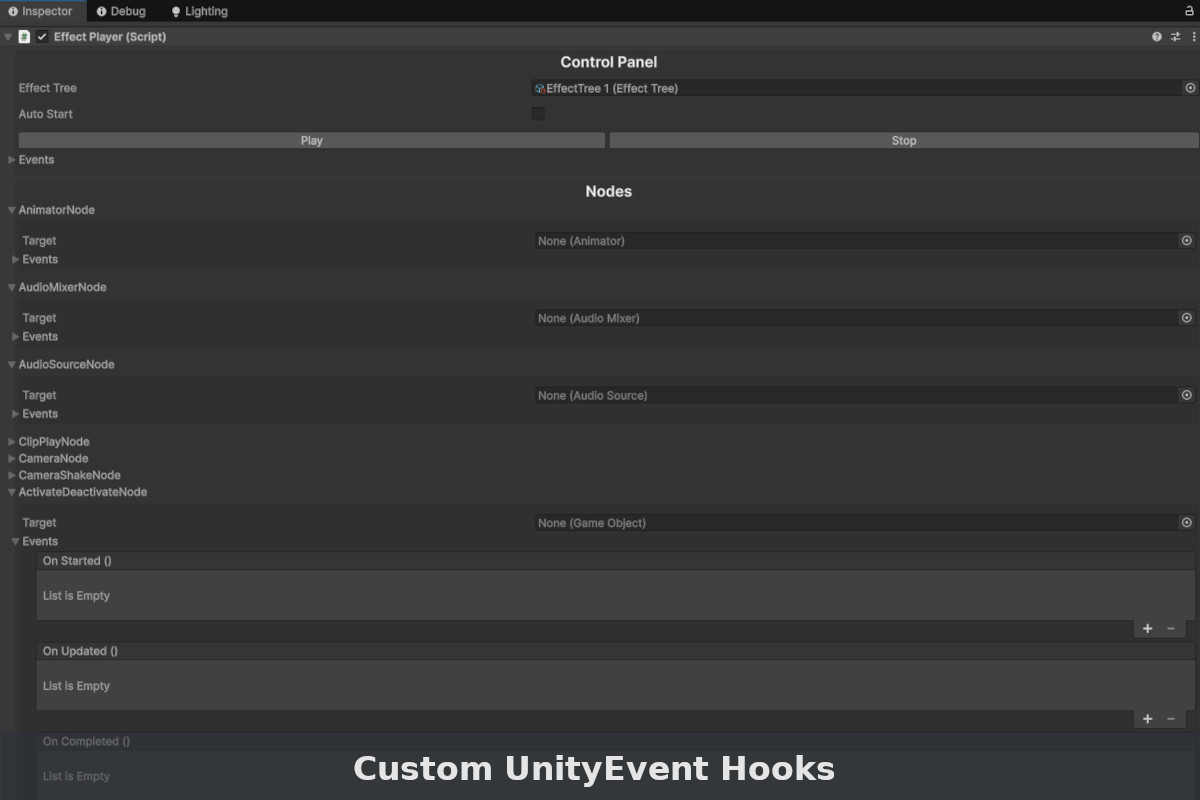
- EffectPlayer Component for runtime execution
- Flow Nodes for delays, counters, and execution control
- Extensibility: Easily create custom nodes tailored to your project
- Execution Model: Coroutine-based, supports both scaled and unscaled time
Compatibility
| Unity version | Built-in | URP | HDRP | Custom |
|---|---|---|---|---|
| 6000.0.58f2 | Compatible | Compatible | Compatible | Compatible |
As listed on the Asset Store.