
 View on Asset Store (opens in new tab)
Package details
- Latest version
- 2.0.0
- Last updated
- First released
- Unity version
- 6000.2.1 or later
- Package size
- 45.0 MB
- Files
- 233
- Favorites
- 11
- Views in the past week
- 24
Price tracking
- Last checked
- Tracked since
- Lowest recorded
- $19.99 on
Keywords

Digital Sky Pro
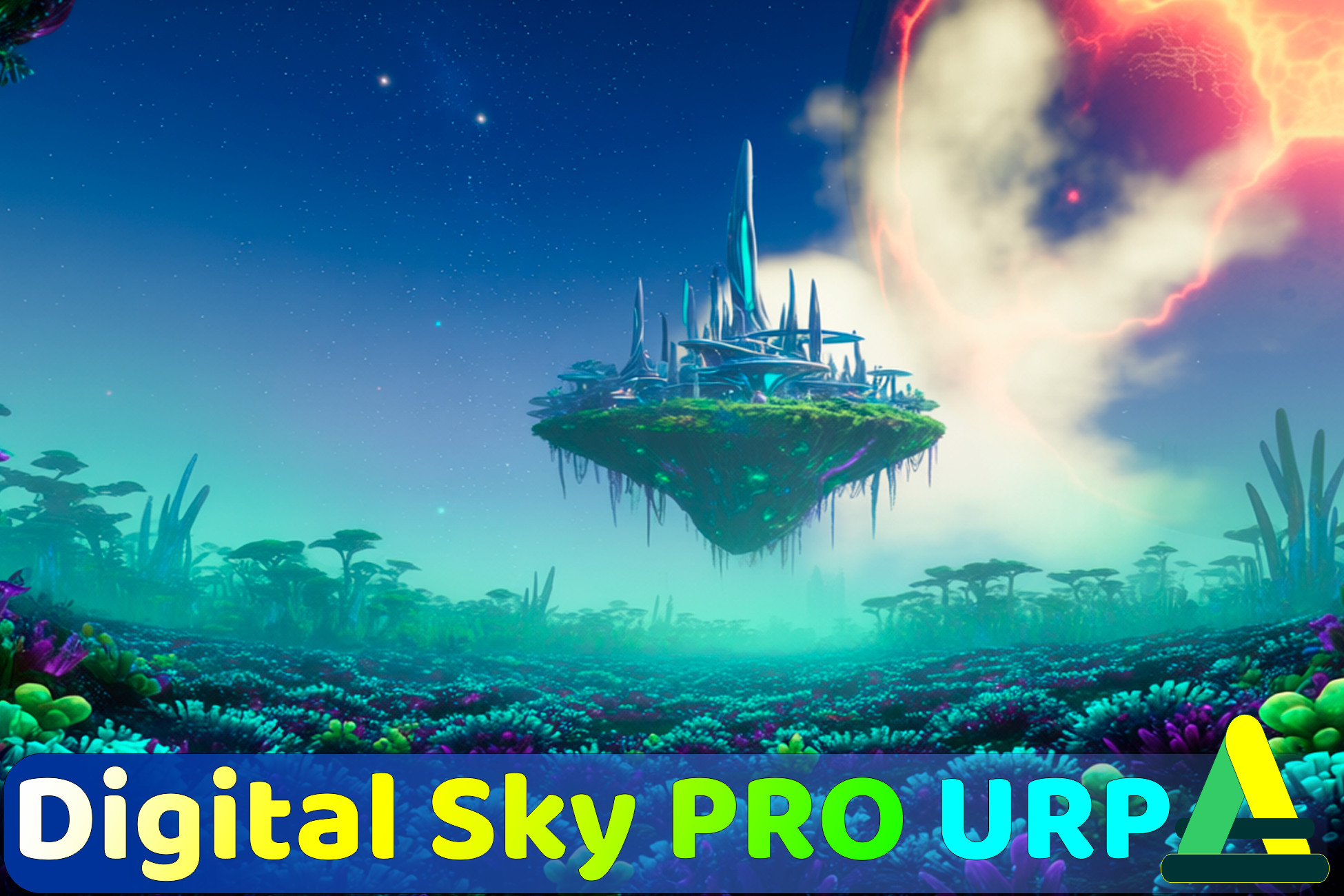
Procedural URP sky in one material: atmosphere, two cloud layers, stars, sun and moon, sky images, smooth day-night cycle, volumetric height fog and lightning. 60+ ready-made skies.
Affiliate link · Purchases support this site
Price history
Last 6 months
USDAsset preview
1 / 23
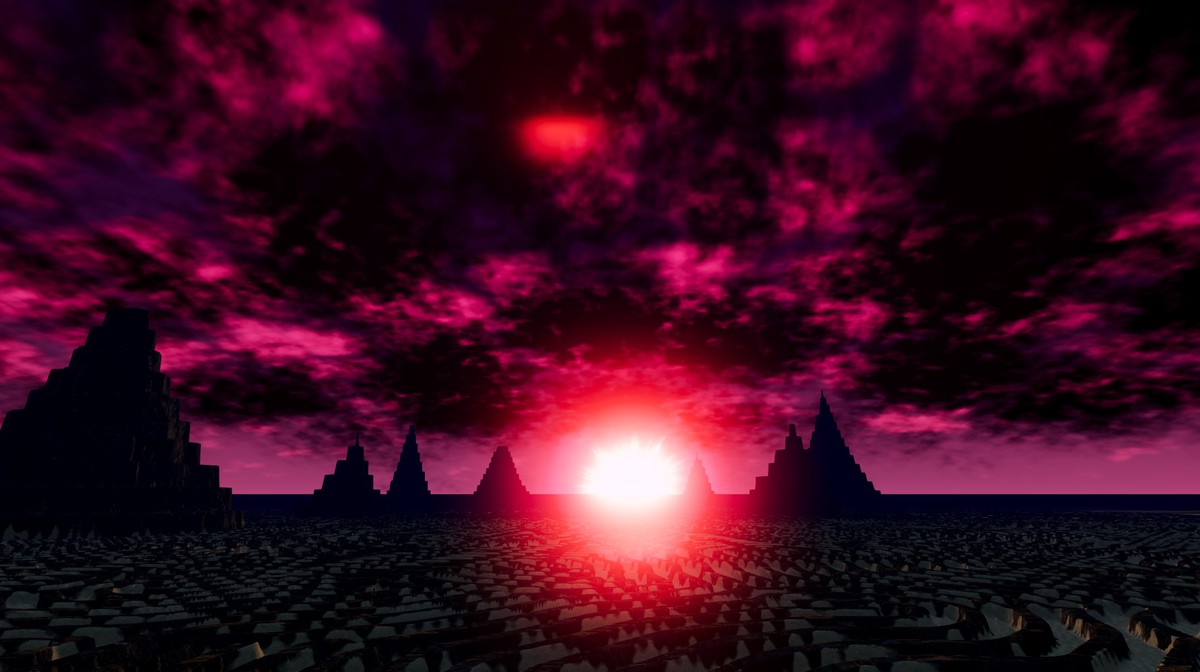
Digital Sky Pro screenshot 1




About this asset
Digital Sky Pro - Complete Atmospheric System
Transform your Unity project with the most comprehensive procedural sky and atmospheric system available!
WebGl Demo (Enable the WebGPU flag in your browser if sky is purple.)
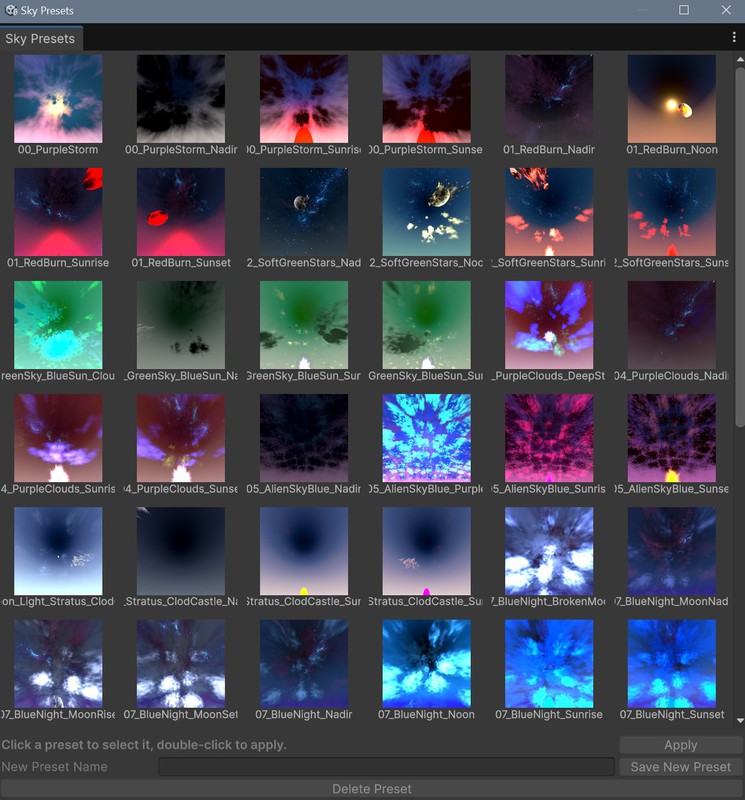
DigitalSky Pro renders the whole sky from one material. Atmosphere, gradient, stars, sun or moon, a sky image and two cloud layers draw in a single skybox pass, and every value is edited in the material inspector. A material is a preset: apply it from the Sky Presets window and the scene's directional light rotates and recolours to match the sun.
Version 2.0 is a full rebuild. The sky is now driven entirely by materials, volumetric fog runs through the URP Volume system, and a new day night cycle blends any list of skies. The code base went from 16,000 to 6,800 lines.
SKY
- One material per sky, custom inspector, no controller component in the scene
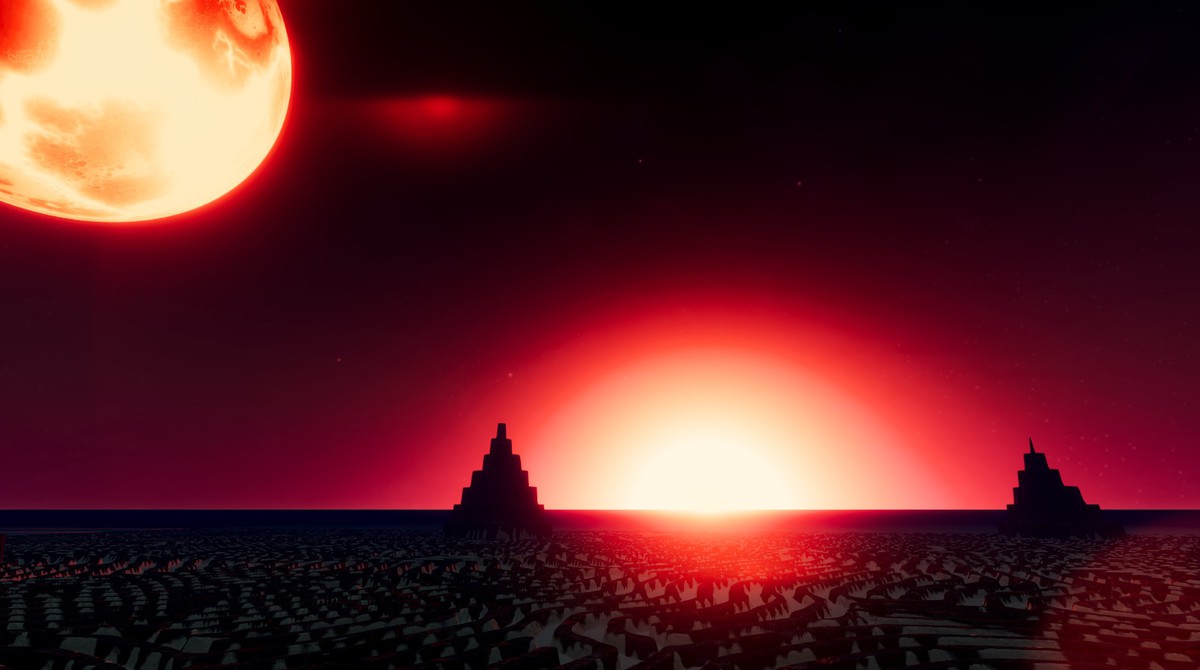
- 30 ready made skies: clear days, sunrises and sunsets, storms, alien worlds, moon nights, aurora
- Sky Presets window: tile grid with preview icons that are generated automatically for every new sky material
- 8 key colour gradient, collapsible to 2 7 keys
- Rayleigh and Mie scattering, Mie anisotropy, ozone absorption, ground albedo, scattering floor
- Background source: procedural sky, or a cubemap or equirectangular panorama with rotation and exposure
SUN, MOON AND STARS
- The sun moves on an orbit defined by two values, tilt and phase, with a compass in the inspector
- The scene directional light follows the sun automatically
- Textured sun or moon disc, texture rotation, Self Multiply mode for flickering rays
- Star cubemap with atmospheric fade and sun mask
SKY IMAGE (NEW)
- Place a picture in the sky: a planet, a nebula, a castle in the clouds
- Azimuth, elevation, size and rotation, Additive or Transparent mode, sun tint
- Drawn behind the clouds, costs nothing while switched off
CLOUDS
- Two independent procedural layers, Worley and Simplex FBM with up to 8 octaves
- Coverage, density, softness, height, speed, lighting, ambient, perspective, edge fade
- Light and shadow colour per layer
DAY NIGHT CYCLE
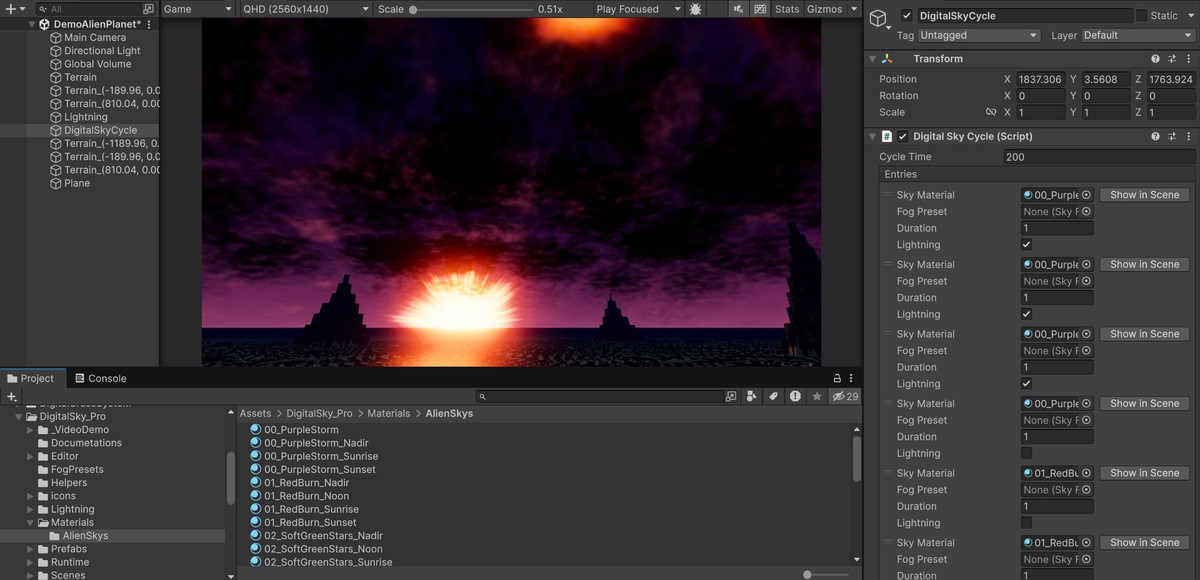
- DigitalSkyCycle plays a list of sky materials and blends every float and colour between them
- Star, sun and background textures cross fade; sky images fade out and in without morphing
- The sun always moves forward along its orbit, so a cycle plays as full days
- Each entry can carry its own fog preset
- Preview in Edit mode with Run in Editor
- Own time base: cloud animation stays smooth in sessions that run for hours
VOLUMETRIC HEIGHT FOG
- URP Volume component: fog settings live in Volume Profiles and blend with global and local volumes
- Exponential height falloff, base height, bottom cutoff, tint, absorption, Henyey Greenstein anisotropy
- Main light shadows, point and spot light scattering
- Tileable 3D noise texture with shape, detail and large scale variation, plus wind drift
- Downscaled raymarch, bilateral blur, depth aware upsample, Render Graph
- Classic Unity fog presets for low end targets; the cycle fades between volumetric and Unity fog
LIGHTNING (NEW)
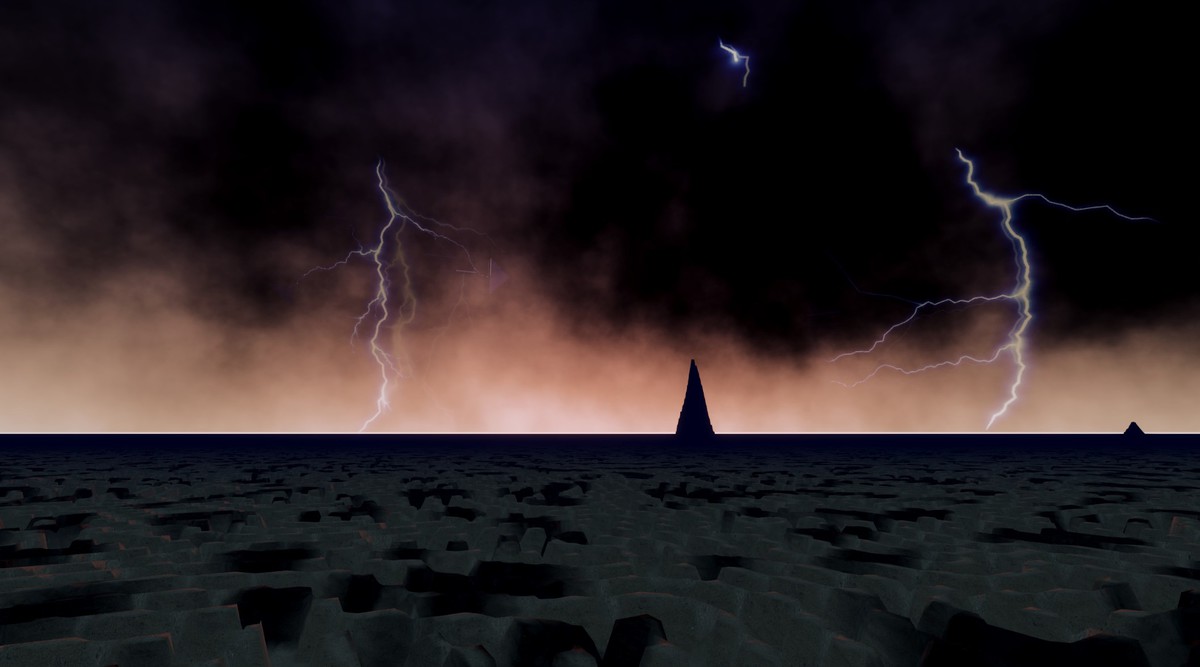
- LightningStorm component spawns flipbook strikes around the active camera
- Strikes per minute, distance range, view angle, height, per flipbook overrides
- Optional directional light flash driven by a curve
WHAT YOU GET
60+ sky materials, 27 fog presets, 5 demo scenes
Planet, moon, sky image, star cubemap and lightning flipbook textures
Documentation for every component plus a mobile optimization guide
Full C# and HLSL source
COMPATIBILITY
Unity 6.3 (6000.3) or newer, Universal Render Pipeline 17.3
Shaders compile for DirectX, Vulkan, OpenGL ES 3 and Metal
Not supported: Built in RP, HDRP
From the publisher's Asset Store listing.
Technical details
- Single pass skybox shader, shader target 3.5, SRP Batcher compatible
- Background modes through one local keyword; Sky Image through one local keyword, off when unused
- Sun orbit stored in the material (tilt, phase); directional light synced on apply and in the cycle
- Two procedural cloud layers, per pixel Worley and Simplex FBM, up to 8 octaves
- Atmosphere: Rayleigh, Mie with anisotropy, ozone absorption, ground albedo, scattering floor
- DigitalSkyCycle: Material.Lerp blending, texture cross fade for stars, sun and background, forward only sun motion, per entry fog presets, Edit mode preview
- Volumetric fog as a URP Renderer Feature and Volume component, Render Graph path
- Fog pipeline: downscaled raymarch, bilateral blur, depth aware upsample and composition
- Fog lighting: main light with shadows, additional point and spot lights, Henyey Greenstein phase
- Fog noise: baked tileable 128³ 3D texture, 3 samples per step, 2 5x faster than the 1.x procedural noise
- Fog presets: SkyFogPreset assets holding Unity fog settings or a Volume Profile reference
- Sky Presets editor window with automatic preview icon generation
- LightningStorm: camera relative flipbook billboards with optional light flash
- 30 sky materials, 27 fog presets, 5 demo scenes
- Unity 6000.3+, URP 17.3; DirectX, Vulkan, OpenGL ES 3, Metal
- Full source code, documentation in Markdown
Compatibility
| Unity version | Built-in | URP | HDRP |
|---|---|---|---|
| 6000.3.7f1 | Not listed | Compatible | Not listed |
| 6000.2.8f1 | Not listed | Compatible | Not listed |
| 6000.2.1f1 | Not listed | Compatible | Not listed |
Created and tested on 6000.2 Unity version in PC and android builds
Also tested on 2022.3 Unity version
In 2022 Shaders works in, but scripts needs few modifications for fix warnings in console
As listed on the Asset Store.