
 View on Asset Store (opens in new tab)
Package details
- Latest version
- 1.0
- Last updated
- First released
- Unity version
- 2022.3.37 or later
- Package size
- 130 KB
- Files
- 5
- Favorites
- 2
- Views in the past week
- 6
Price tracking
- Last checked
- Tracked since
- Lowest recorded
- $8.49 on
Keywords

AutoPOT – Texture to Power Of Two
AutoPOT automatically resizes non-Power of Two textures to the nearest POT size. Reduce build size, save memory, and fix mipmap issues with one click or batch processing.
Affiliate link · Purchases support this site
Price history
Last 6 months
USDAsset preview
1 / 7
AutoPOT – Texture to Power Of Two screenshot 1
About this asset
AutoPOT – Texture to Power of Two
Easily resize your textures to Power of Two (POT) dimensions with a single click!
Unity’s texture compression formats (PVRTC, ETC, ASTC, etc.) work best with POT textures (128, 256, 512 …). Non-POT textures get padded internally, which increases build size, wastes memory, and can cause performance issues. AutoPOT solves this instantly.
Features
- One-Click Conversion – Instantly resize any non-POT texture to the nearest POT size.
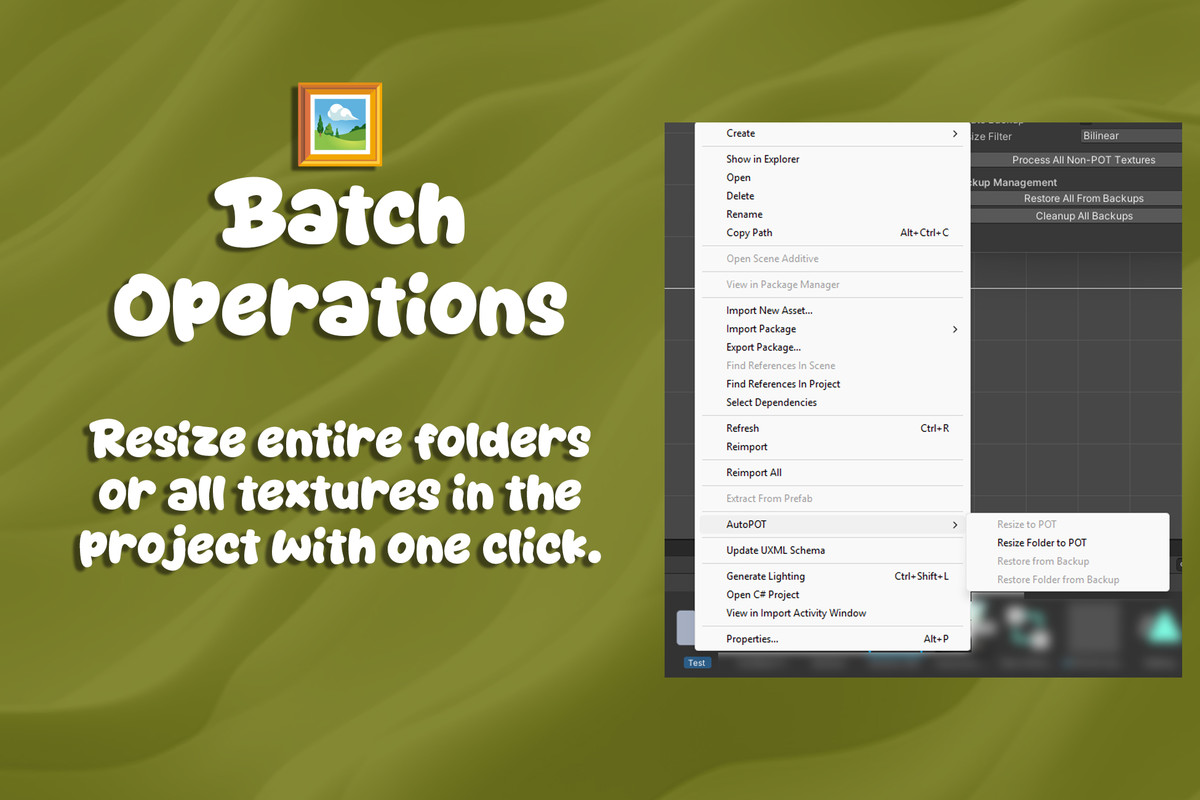
- Batch Processing – Convert multiple textures or entire folders at once.
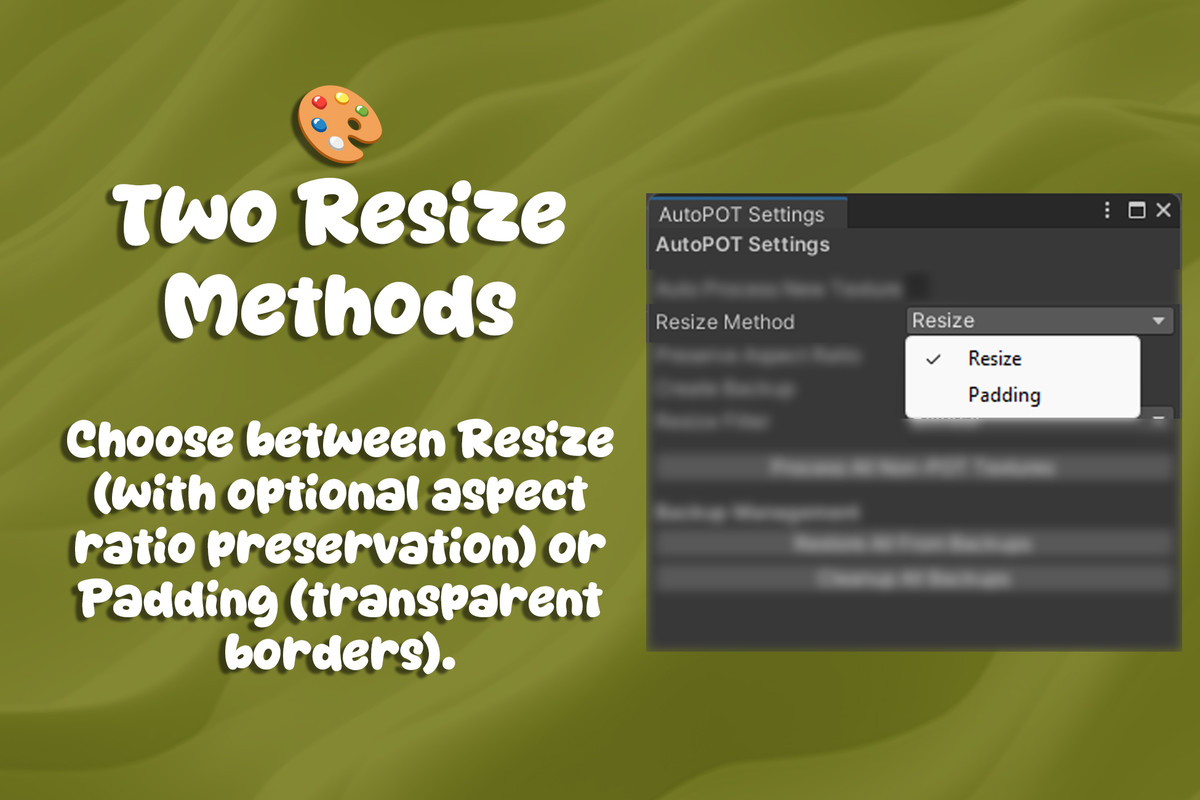
- Flexible Scaling – Choose between Resize or Padding, with filter modes (Nearest, Bilinear).
- Aspect Control – Preserve original proportions or stretch to fit.
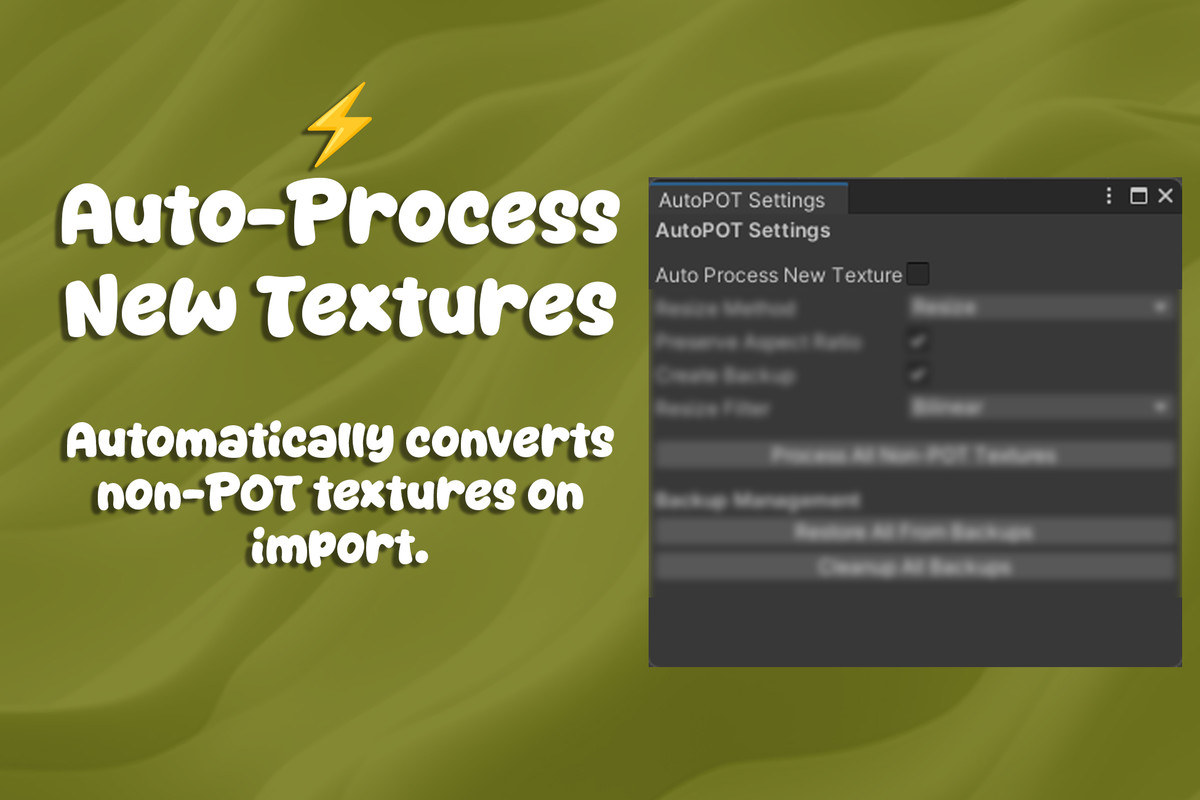
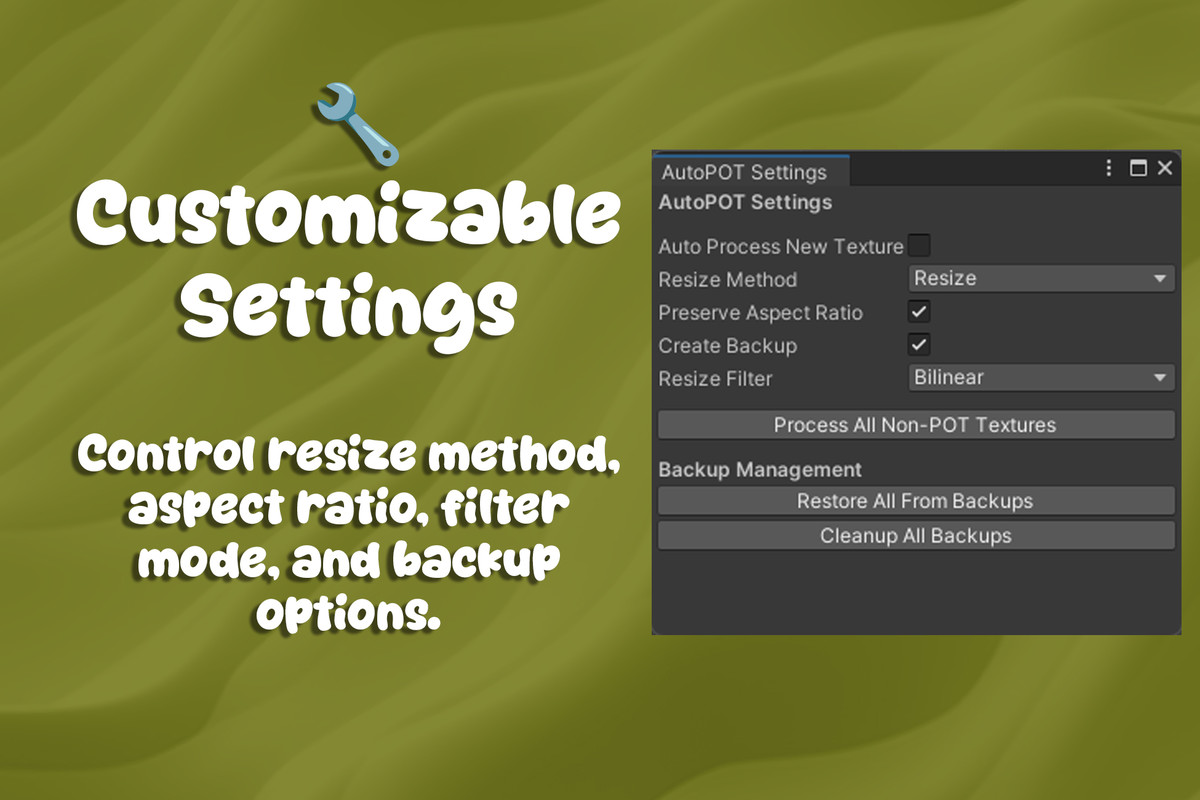
- Custom Settings – Control resize mode, aspect ratio, filter, and backup options.
- Auto Workflow – Enable automatic conversion for every new texture import.
- Seamless Integration – Right-click any texture or folder → Resize to POT.
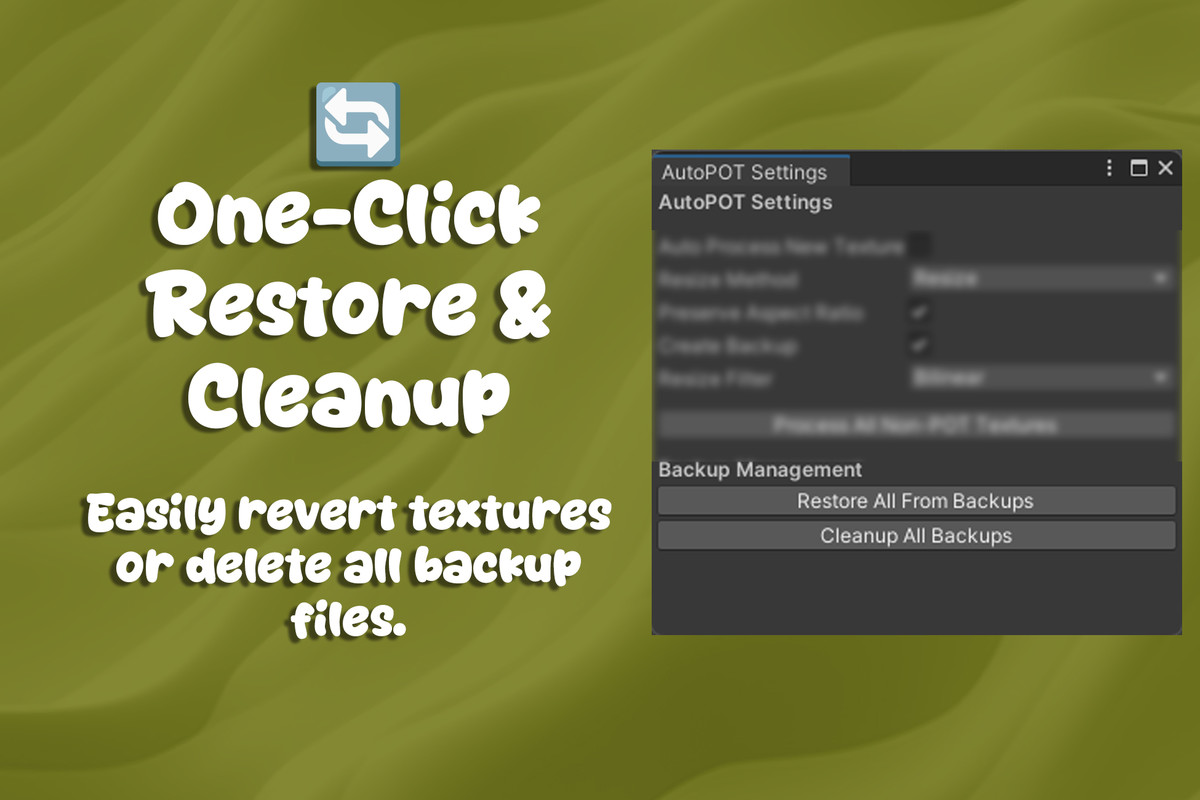
- Safe Backups – Automatic backup & one-click restore system.
Benefits
- Reduce build size.
- Save memory usage.
- Avoid mipmap and compression issues.
- Streamline and automate your texture import workflow.
From the publisher's Asset Store listing.
Technical details
🛠️ Technical Details
Unity Versions
- Tested on Unity 2021.3 LTS and above
- Supports Built-in, URP, HDRP
Platforms
- Works on Windows, macOS, Linux (Editor only)
- Compatible with projects targeting PC, Console, Mobile, WebGL
Supported Textures
- PNG, JPG, TGA, PSD, EXR, HDR, TIFF
- (Any format supported by Unity’s texture importer)
Resize Methods
- Bilinear – smoother results
- Nearest Neighbor – fast, pixel-perfect
Workflow Options
- Auto – run automatically on every new texture import
- Manual – right-click → Resize to POT
- Batch – process multiple textures or entire folders at once
Extra Features
- Reports texture size before & after conversion
- Option to preserve aspect ratio or stretch to fit
- Backup system – restore textures anytime
⚡ Lightweight & Editor-only – zero runtime overhead.
Compatibility
| Unity version | Built-in | URP | HDRP | Custom |
|---|---|---|---|---|
| 2022.3.37f1 | Compatible | Compatible | Compatible | Compatible |
As listed on the Asset Store.