
 View on Asset Store (opens in new tab)
Package details
- Latest version
- 1.0.2
- Last updated
- First released
- Unity version
- 6000.0.47 or later
- Package size
- 2.0 MB
- Files
- 66
- Favorites
- 3
- Views in the past week
- 6
Price tracking
- Last checked
- Tracked since
- Lowest recorded
- $4.99 on
Keywords
Rubik Cube
Rubik Cube is a Unity puzzle template featuring 2×2–9×9 cubes, smooth rotation controls, and fully customizable assets.
Affiliate link · Purchases support this site
Price history
Last 6 months
USDAsset preview
1 / 6

Rubik Cube screenshot 1


About this asset
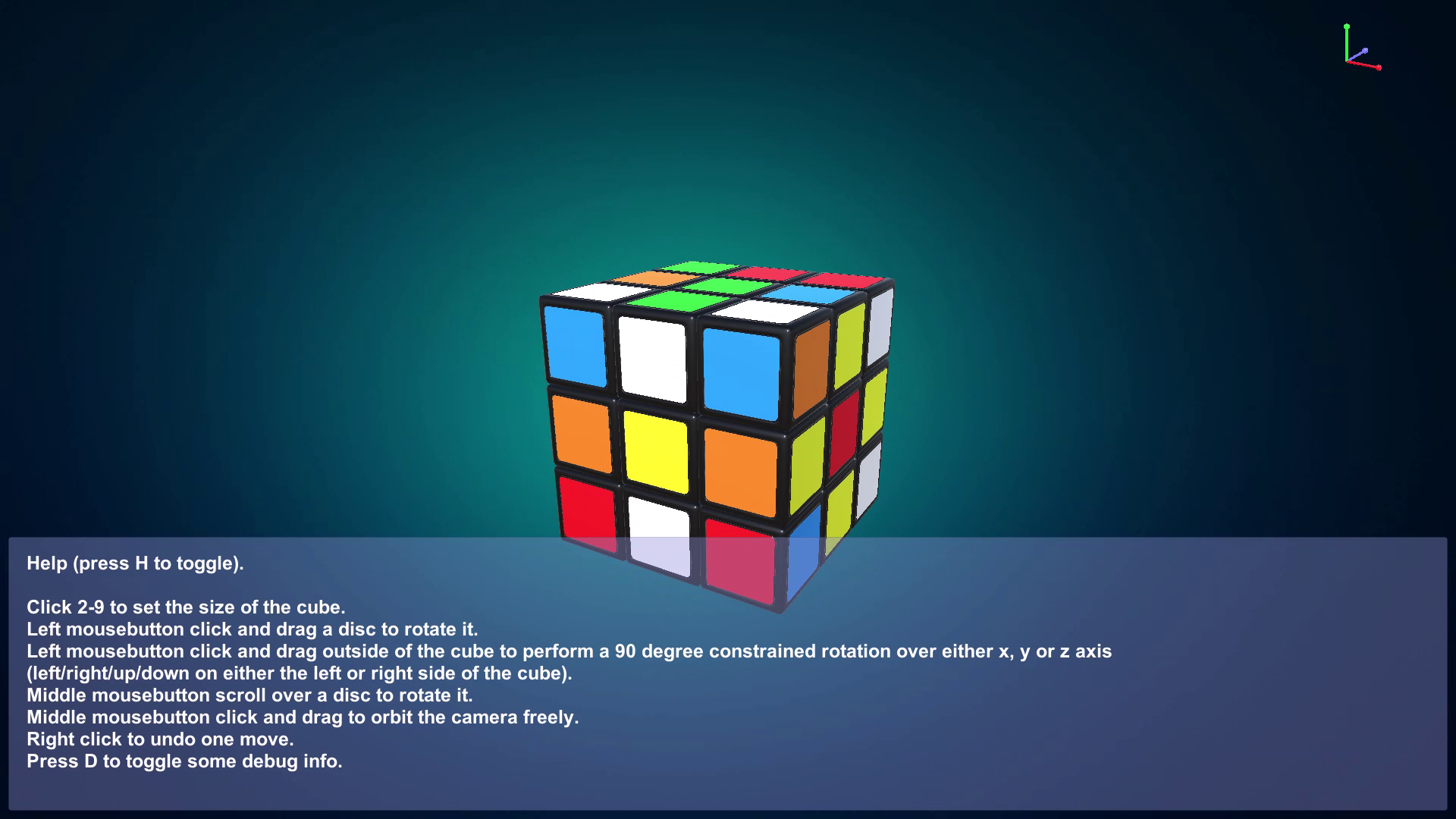
Rubik Cube is a fully featured Unity puzzle game template that brings the classic cube-solving challenge to your project.
Highly customizable, lightweight, and extendable, it’s perfect for casual games, educational apps, or cube-based experiments.
Core Objective
Solve cubes from 2×2 to 9×9 by aligning all faces by color using smooth axis-based rotation controls (X, Y, Z).
Key Features
Cube variations: 2×2 → 9×9
Smooth X, Y, Z axis rotations
Camera orbit & orientation gizmo
Customizable materials, colors, and prefabs
Clean C# scripts for easy modification
Fully editable assets; no third-party dependencies
Rendering Pipelines Supported
Built-in Render Pipeline: Default Unity pipeline for simple projects
URP (Universal Render Pipeline): Optimized for performance and mobile
HDRP (High Definition Render Pipeline): High-fidelity visuals for PC/console
Technical Details
Unity Version: Unity 2022 or Latest
Supported Platforms: Android, iOS, WebGL, Windows, macOS
Dependencies: None (fully self-contained)
File Structure: Organized and modular for easy updates
Summary
Rubik Cube is a flexible, self-contained puzzle template compatible with multiple pipelines, fully editable, and optimized for all major platforms.
6. Documentation Links
Gameplay Instructions – Learn how to play and explore all game modes
Rubik Cube – Game Play Documentation
Replacing the UI – Step-by-step guide to easily update graphics and icons
Rubik Cube – Replace Graphics Documentation
Rubik Cube gives you everything you need to build, customize, and publish your own cube-based puzzle game — fast, fun, and ready for any Unity project!
7. Support
For support, customization, or technical assistance, contact:
From the publisher's Asset Store listing.
Technical details
Key Features
Cube Variations: From 2×2 up to 9×9 – challenge your solving skills!
Smooth Rotation Controls: Rotate along the X, Y, and Z axes effortlessly.
Intuitive Input System: Supports mouse drag, scroll, and hotkeys for seamless control.
Camera Orbit & Orientation Gizmo: Easily view and navigate the cube from any angle.
Customizable Materials & Colors: Adjust cube shades, faces, and rotation speed to your liking.
Prefabs Included: Ready-made prefabs for quick setup and editing.
Lightweight & Optimized: Runs smoothly across mobile and desktop platforms.
Clean, Well-Documented Scripts: Easy to understand, extend, and modify for your own gameplay logic.
Single Playable Scene: RubikCubeScene.unity – plug and play right away!
No Third-Party Dependencies: 100% original models, scripts, and textures.
Supported Unity Versions: Unity 2021.3 or newer (fully compatible with later versions).
Platform Compatibility: Windows, macOS, Android, iOS, and other Unity-supported platforms.
Compatibility
| Unity version | Built-in | URP | HDRP |
|---|---|---|---|
| 6000.0.47f1 | Compatible | Compatible | Compatible |
As listed on the Asset Store.