
 View on Asset Store (opens in new tab)
Package details
- Latest version
- 1.0
- Last updated
- First released
- Unity version
- 6000.0.30 or later
- Package size
- 139 KB
- Files
- 19
- Favorites
- 5
- Views in the past week
- 5
Price tracking
- Last checked
- Tracked since
- Lowest recorded
- Free on
Keywords
- Search for efficient 2d workflow
- Search for unity tools
- Search for image importer
- Search for WebGL Optimization
- Search for sprite sheet optimization
- Search for unity sprite tool
- Search for 2d performance
- Search for sprite optimization
- Search for runtime sprites
- Search for Texture Compression
- Search for lightweight textures
- Search for texture memory saver
GNP
A new sprite format and Unity importer that removes transparent pixels from PNGs. It stores only the real pixels, giving you smaller files and perfect pixel accurate interactions inside Unity.
Affiliate link · Purchases support this site
Price history
Last 6 months
USDAsset preview
1 / 4
GNP screenshot 1
About this asset
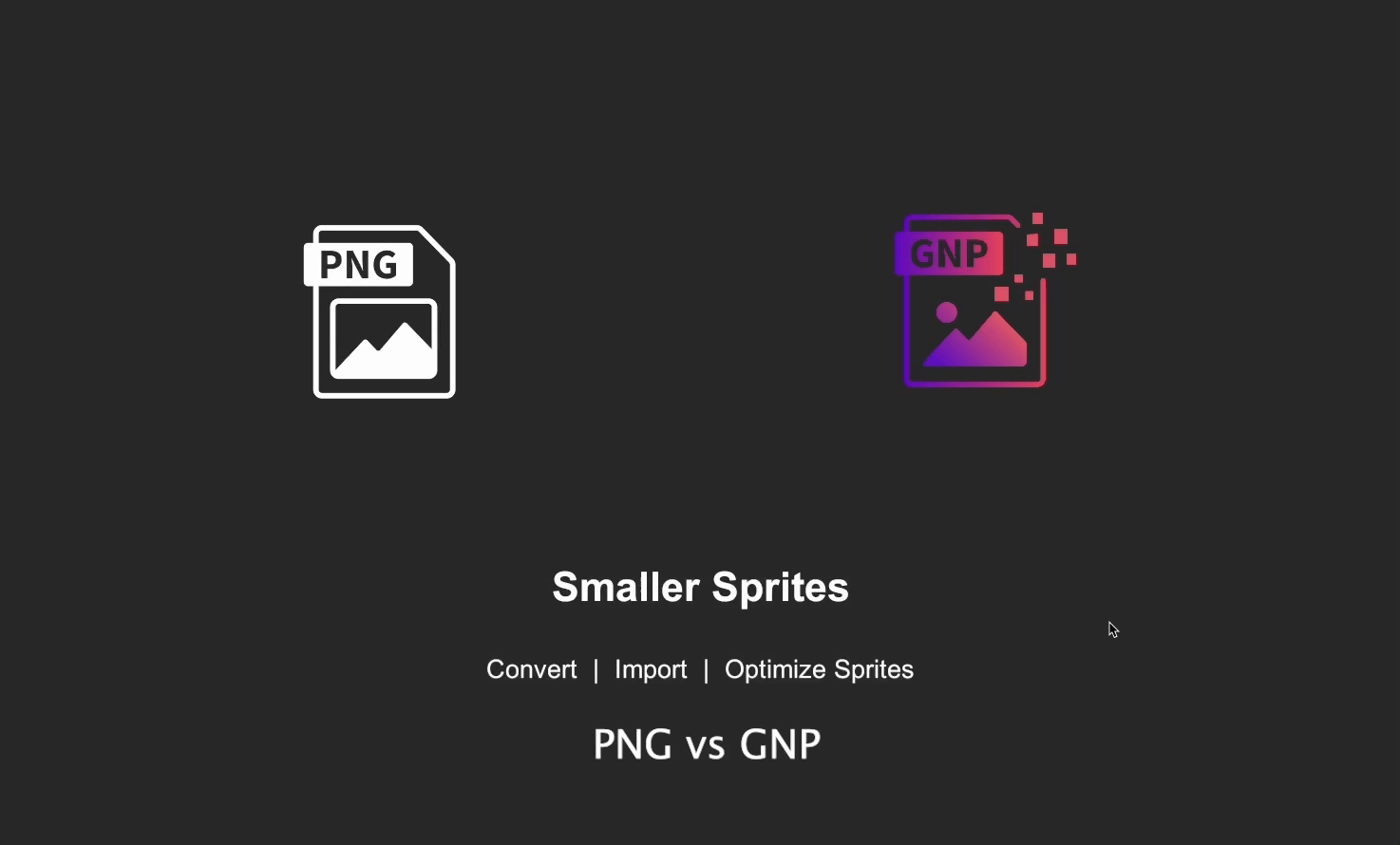
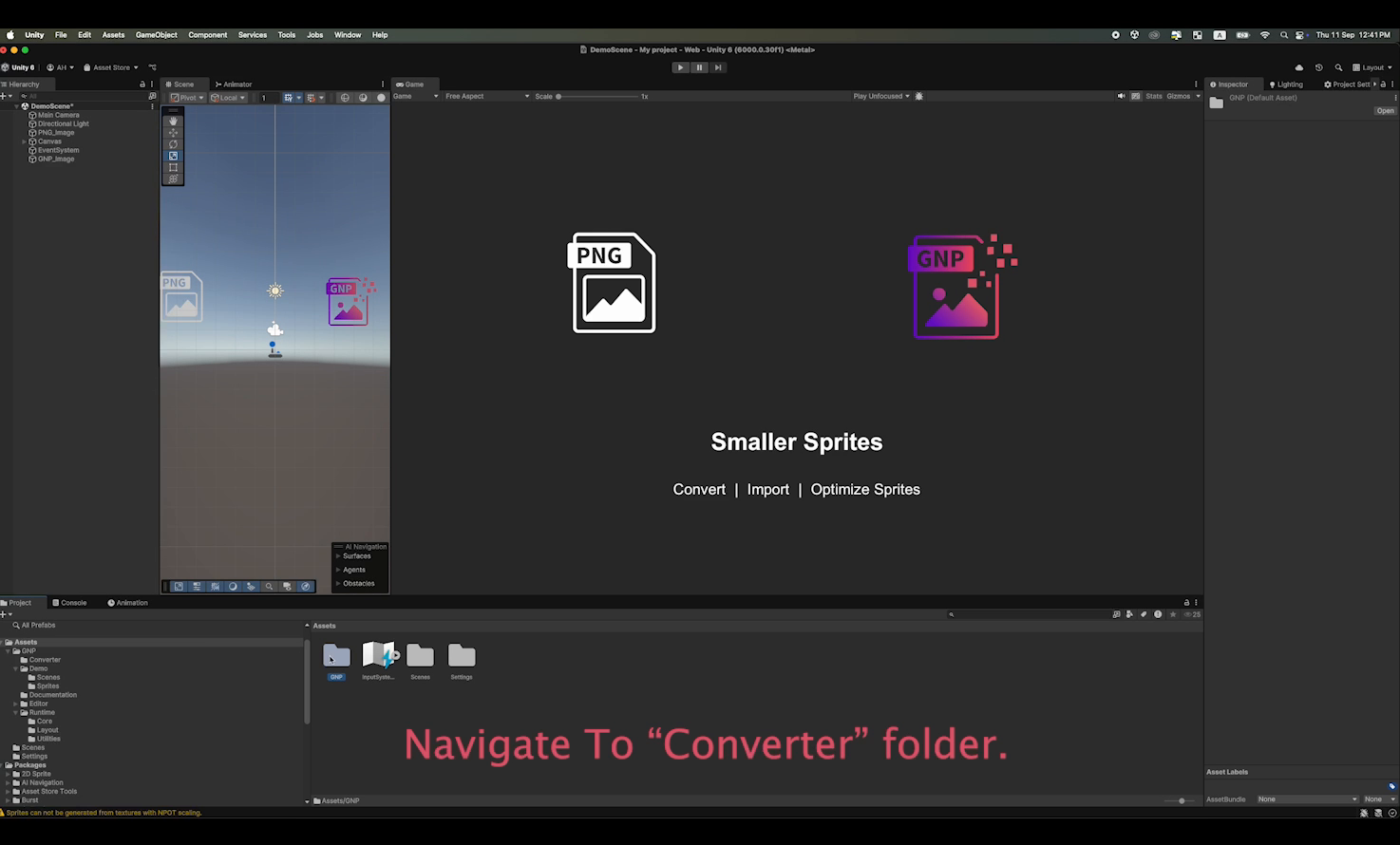
GNP (Graphics Node Pack) is built for developers who are tired of wasted memory and inaccurate hit-testing. Unlike PNG, which keeps empty transparent areas, GNP only saves the visible parts of your sprite.
That means:
- No wasted transparent pixels → smaller file sizes and faster loading.
- Pixel perfect hit-testing → clicks and hovers register only where your art exists.
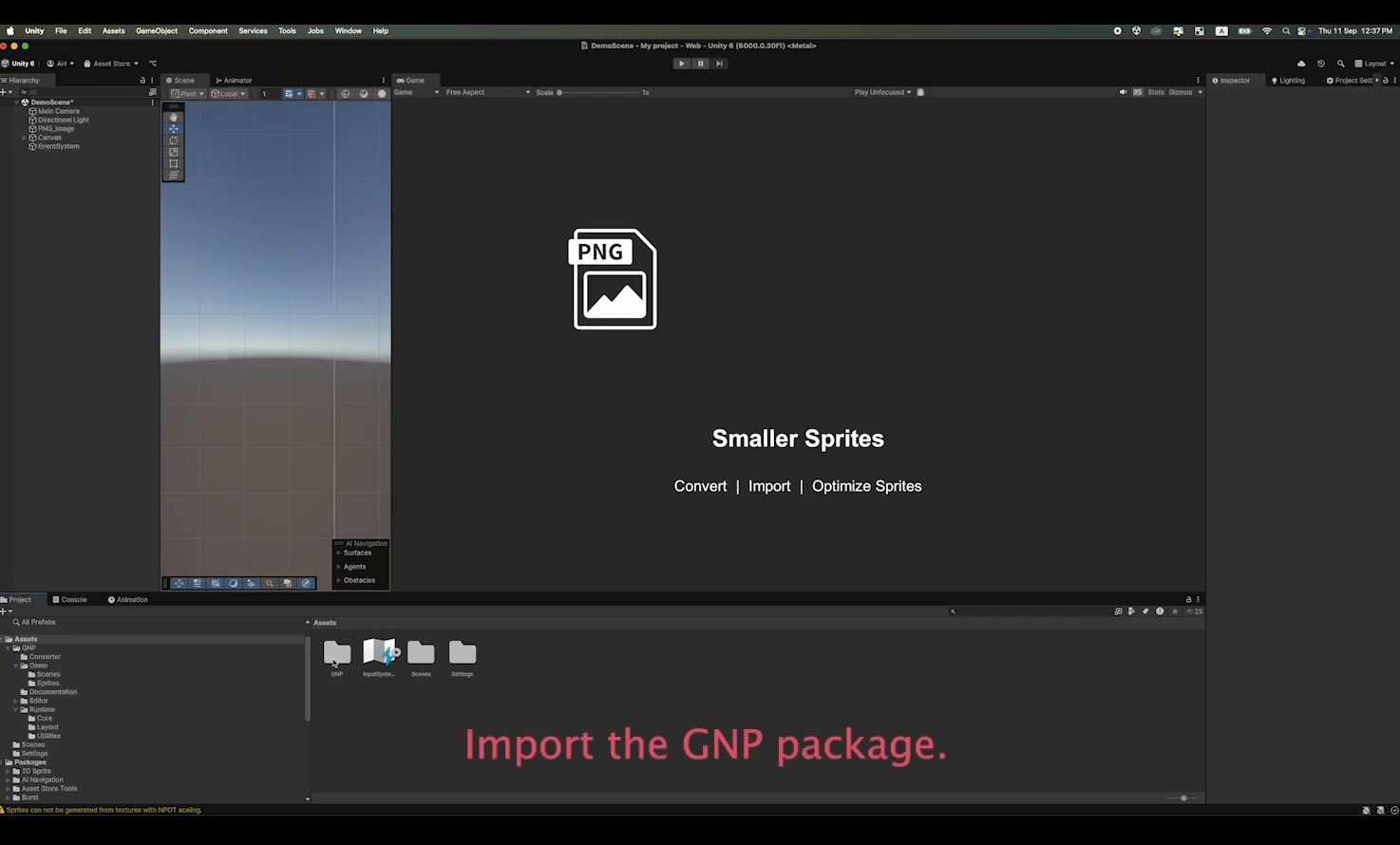
- Simple workflow → convert PNGs to .gnp with the included web tool, then drag them into Unity.
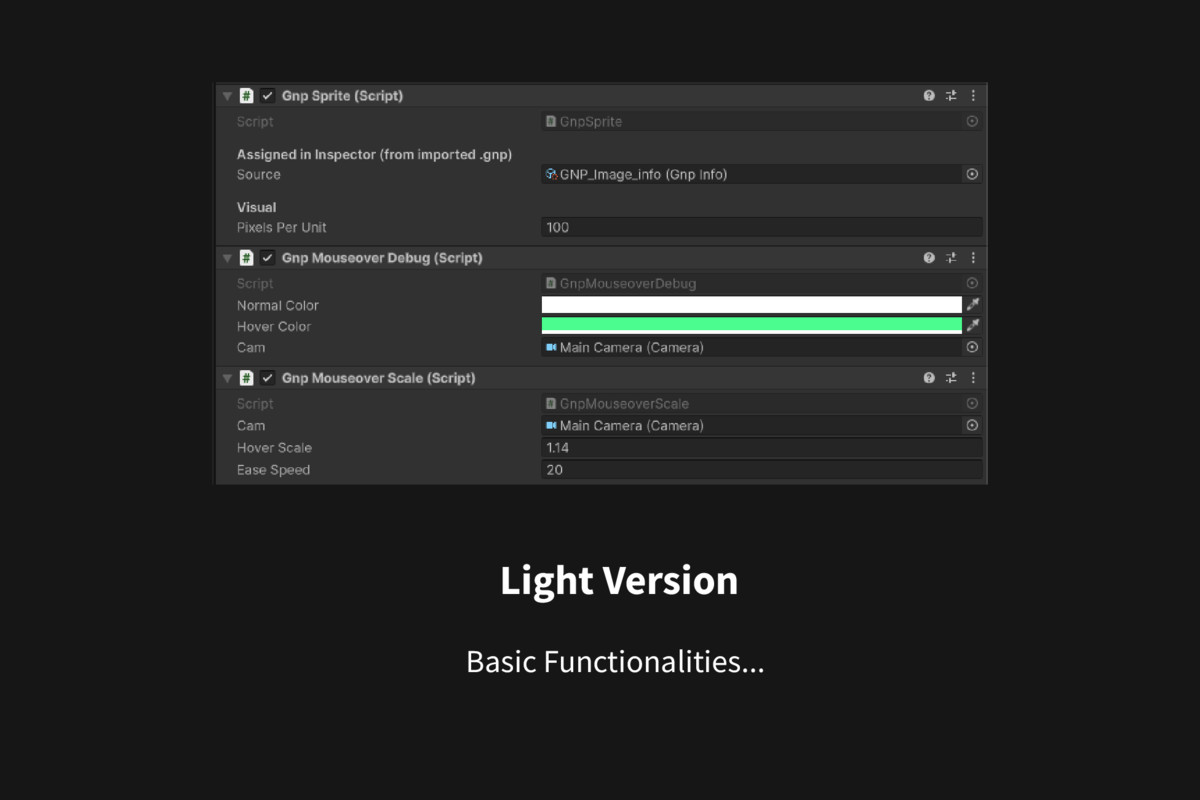
- Ready made scripts → add hover color or smooth scaling with one component.
This Lite version focuses on the essentials: fast conversion, Unity import, and pixel-accurate interactions.
I am currently developing GNP Pro, a heavier plugin with batch tools, deeper compression, and advanced editor features.
From the publisher's Asset Store listing.
Technical details
Package Contents
- Web Converter: index.html, gnp.js, script.js, style.css
- GnpMouseoverScale.cs → smooth scaling on hoverUnity Runtime Scripts:GnpInfo.cs → stores metadata (size, bounding box, spans)
GnpSprite.cs → renders and hit-tests GNP sprites
GnpMouseoverDebug.cs → color change on hover
Requirements
- Unity 2021.3 LTS or newer
- Works on Windows, macOS, Linux
- Converter requires a modern browser (Chrome, Edge, Firefox, Safari)
Limitations
- This package is the Lite version (basic converter + runtime use).
- The upcoming Pro version will include full editor tools, compression options, and batch workflows.
License
MIT License (see included LICENSE.txt).
Compatibility
| Unity version | Built-in | URP | HDRP |
|---|---|---|---|
| 6000.0.30f1 | Not listed | Compatible | Not listed |
As listed on the Asset Store.