
 View on Asset Store (opens in new tab)
Package details
- Latest version
- 2.1
- Last updated
- First released
- Unity version
- 6000.0.24 or later
- Package size
- 323 KB
- Files
- 141
- Favorites
- 8
- Views in the past week
- 8
Price tracking
- Last checked
- Tracked since
- Lowest recorded
- $24.99 on
Keywords
- Search for 2D Graphing
- Search for Graphing Calculator
- Search for Adaptive Grid
- Search for Vector Graphics
- Search for Data Visualization
- Search for Coordinate System
- Search for Math
- Search for Mathematical Functions
- Search for Function Plotter
- Search for Math Visualization
- Search for Real-time Plotting
- Search for STEM Education
Math Visualizer Pro
Unity mathematical function visualization system with interactive navigation, adaptive grids, and professional graphing features.
Affiliate link · Purchases support this site
Price history
Last 6 months
USDAsset preview
1 / 12
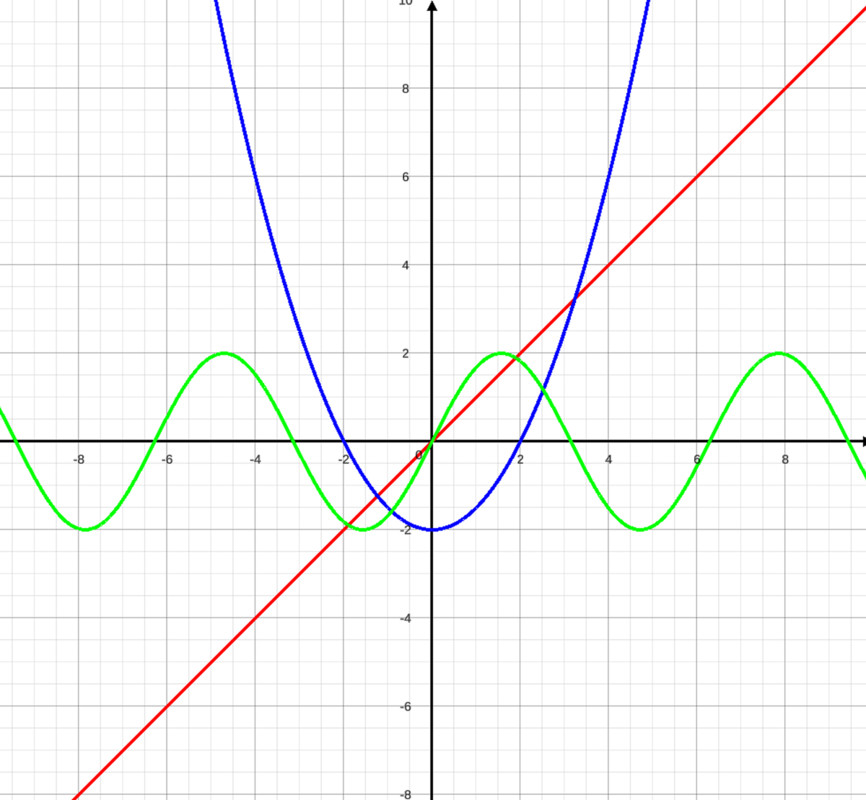
Math Visualizer Pro screenshot 1


About this asset
Documentation | WebGL Demo | Forum | Discord
Math Visualizer Pro transforms Unity into a powerful mathematical visualization platform. Create interactive graphs, plot functions, and build geometric shapes with professional-grade tools that bring Desmos-like capabilities directly to your Unity projects. Perfect for educational apps, data visualization, scientific simulations, and interactive learning experiences.
Math Visualizer Pro is a comprehensive Unity package that transforms mathematical function visualization in your projects. This professional-grade system brings Desmos-like graphing capabilities directly into Unity, making it perfect for educational applications, mathematical simulations, data visualization tools, and interactive learning experiences.
The package offers complete customization with modular architecture, allowing developers to tailor every aspect to their specific needs. Whether you're building educational games, scientific applications, or interactive learning platforms, Math Visualizer Pro provides the tools you need.
Key Capabilities:
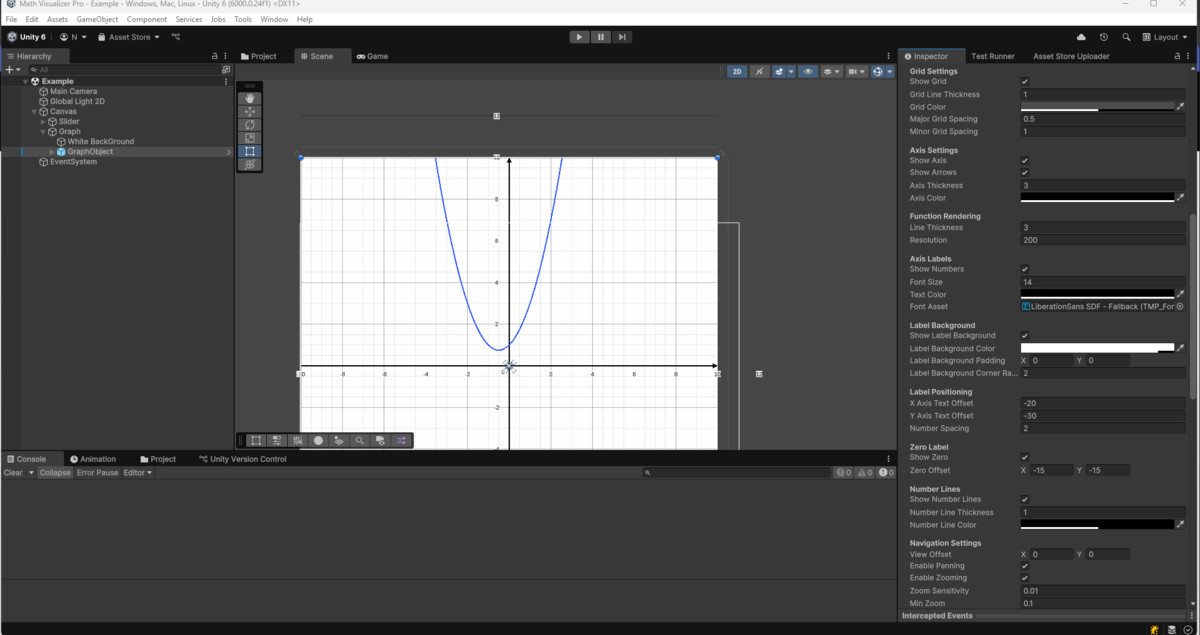
- Function Plotting: Visualize linear, quadratic, trigonometric, exponential, logarithmic, and custom functions
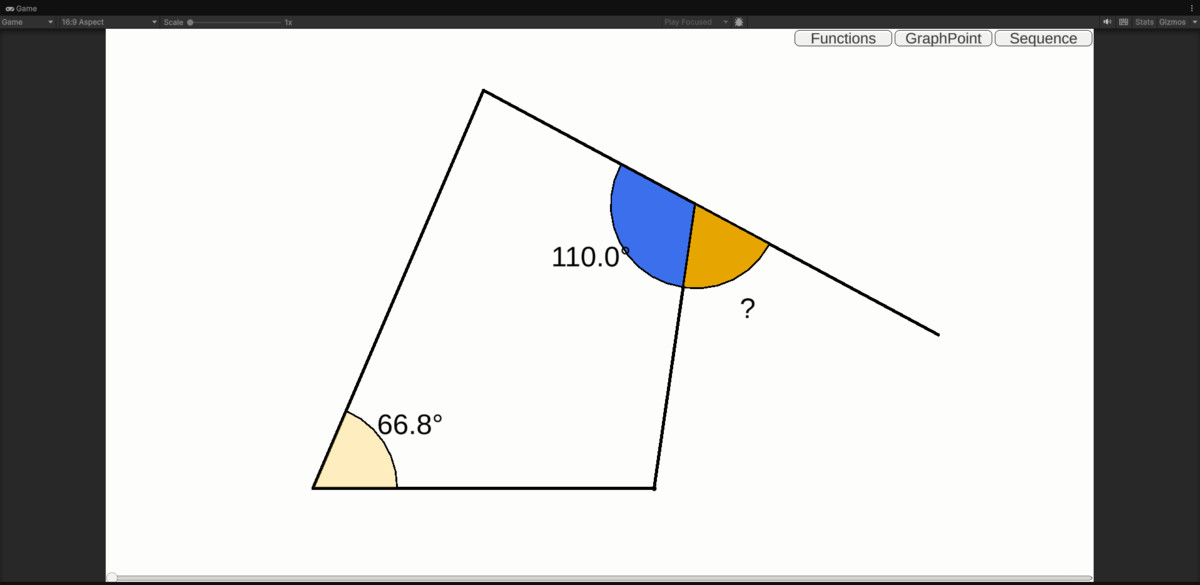
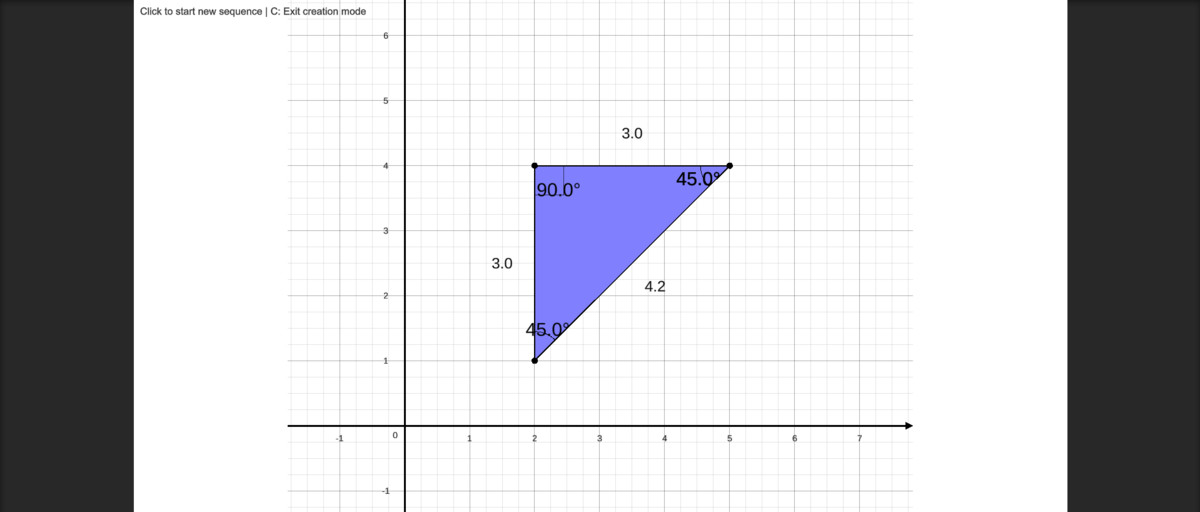
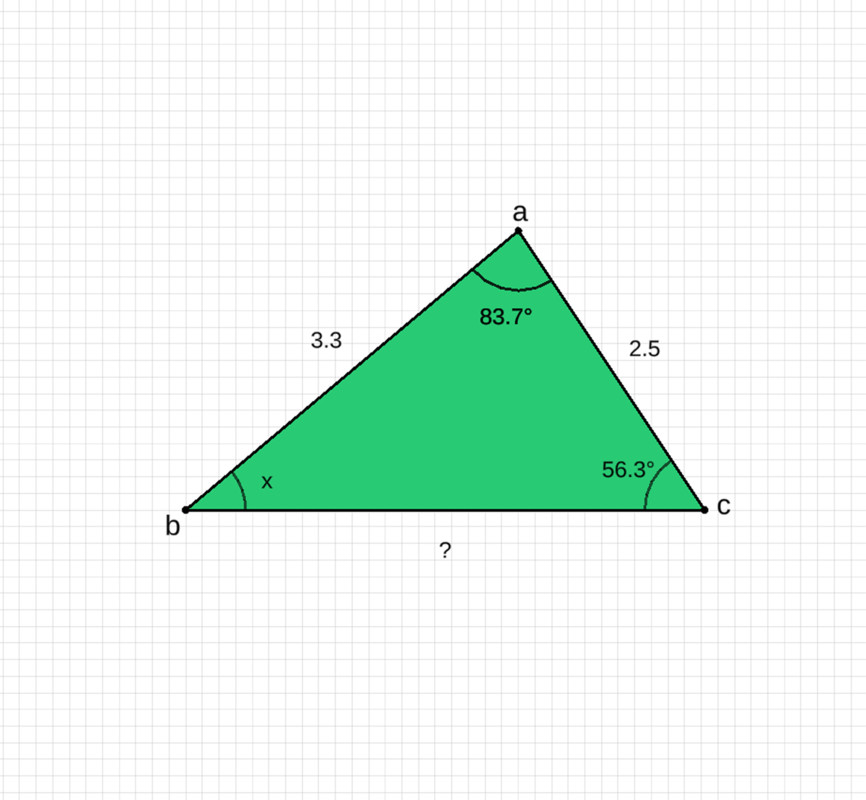
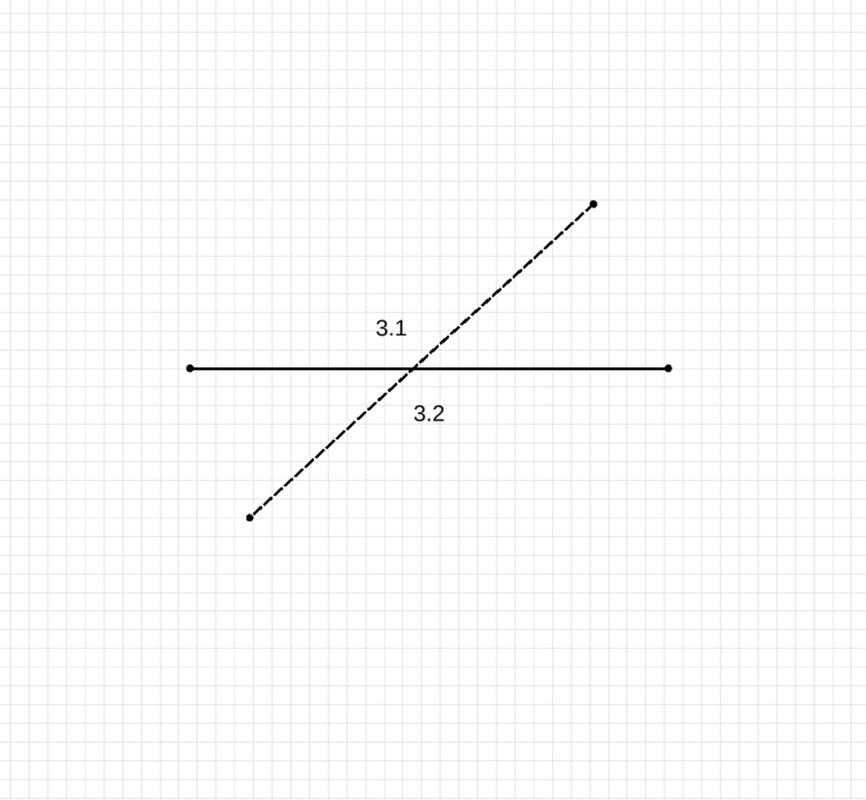
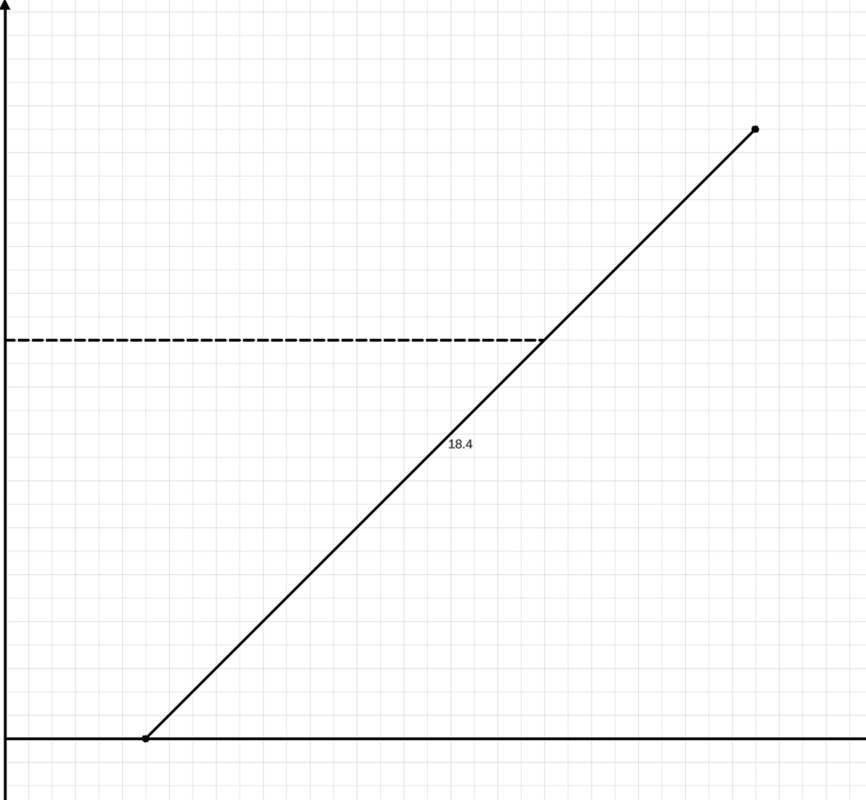
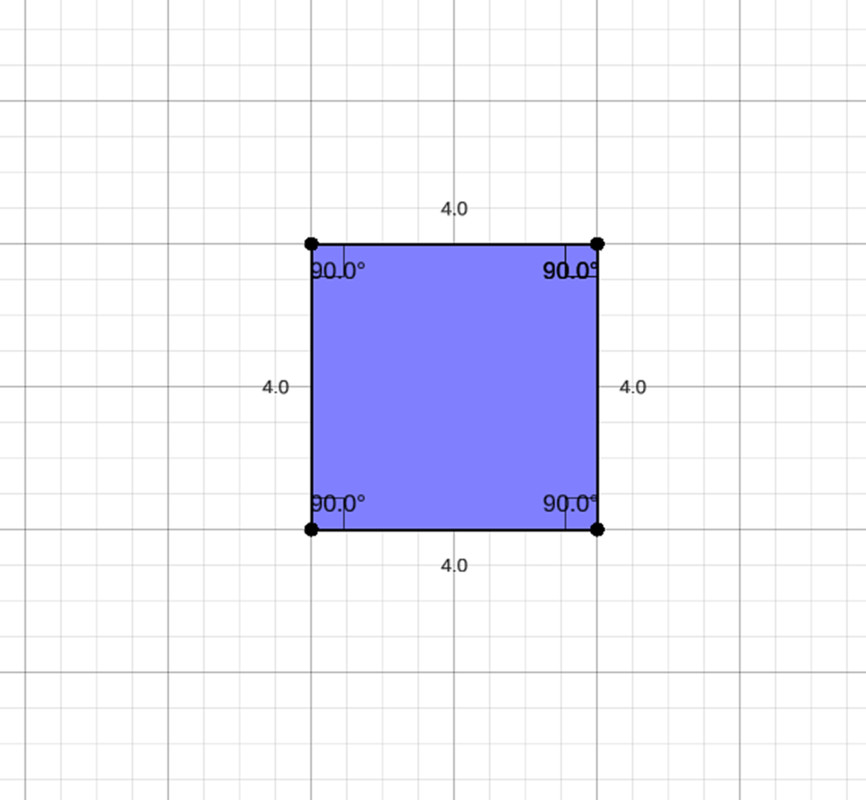
- Geometric System: Create complex shapes using sequences of points with distance and angle calculations
- Interactive Objects: Place and manage dynamic UI objects directly on graphs
- Real-time Visualization: Smooth performance with configurable quality settings
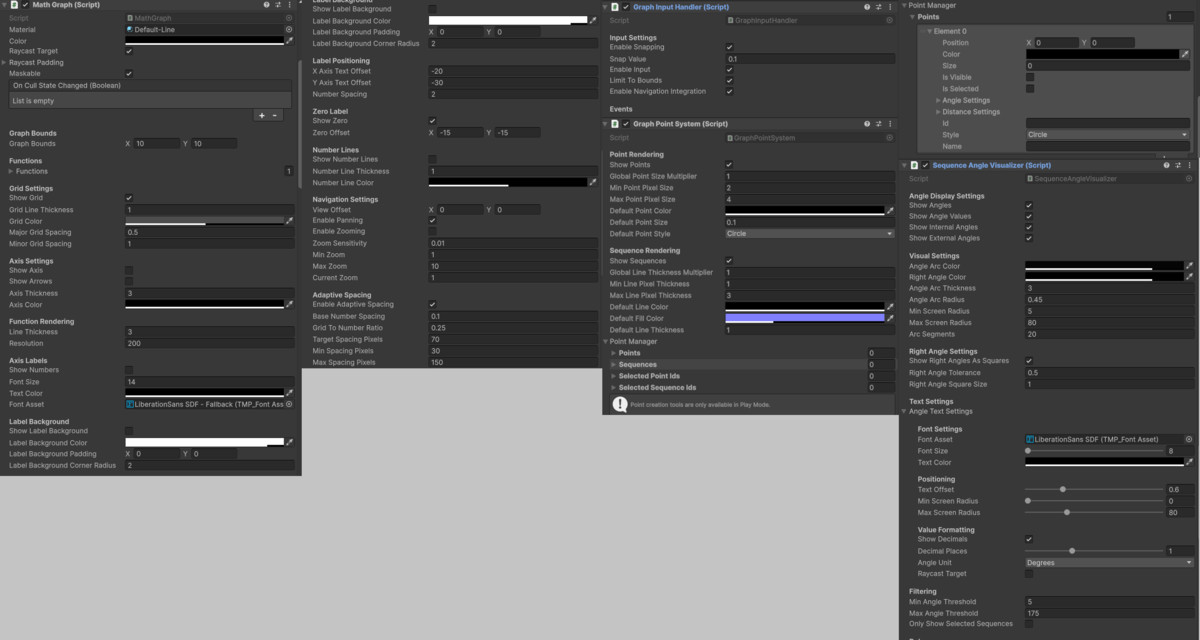
- Professional Styling: Complete control over colors, thickness, and visual appearance
Perfect for:
- Educational games and applications
- Mathematical simulation software
- Data visualization projects
- Scientific applications
- Interactive learning platforms
- Engineering visualization tools
The system supports real-time function plotting with smooth performance, making it ideal for both static displays and dynamic, interactive mathematical environments. With its intuitive API and comprehensive documentation, developers can quickly integrate professional mathematical visualization into their Unity projects.
Technical Details
From the publisher's Asset Store listing.
Technical details
Core Features:
- Interactive Navigation System - Smooth pan and zoom with touch/mouse support
- Adaptive Grid Technology - Automatically adjusts spacing based on zoom level for optimal readability
- Comprehensive Function Support - Linear, quadratic, trigonometric, exponential, logarithmic, and more
- Real-time Mesh Rendering - High-performance visualization using Unity's UI system
- Modular Architecture - Clean separation with pluggable components for easy customization
Advanced Systems:
- Interactive Graph Objects - Place and manage dynamic objects on graphs
- Dynamic Axis Labeling - Smart positioning with background styling and text pooling
- Professional Styling Options - Full control over colors, thickness, and visual appearance
- Coordinate System Integration - Seamless screen-to-graph coordinate transformations
- Performance Optimization - Configurable resolution and efficient rendering pipeline
- Geometric Shape Creation - Build complex shapes using point sequences with real-time measurements
Additional Features:
- Touch and mouse input support for all platforms
- Efficient object pooling for optimal performance
- Customizable color themes and styling options
- Screen-to-graph coordinate conversion system
- Modular component system for easy extension
- Professional documentation with examples
Compatibility
| Unity version | Built-in | URP | HDRP | Custom |
|---|---|---|---|---|
| 6000.0.24f1 | Compatible | Compatible | Compatible | Compatible |
As listed on the Asset Store.