
 View on Asset Store (opens in new tab)
Package details
- Latest version
- 1.0
- Last updated
- First released
- Unity version
- 2021.3.45 or later
- Package size
- 104.6 MB
- Files
- 112
- Favorites
- 5
- Views in the past week
- 4
Price tracking
- Last checked
- Tracked since
- Lowest recorded
- $4.99 on
Keywords

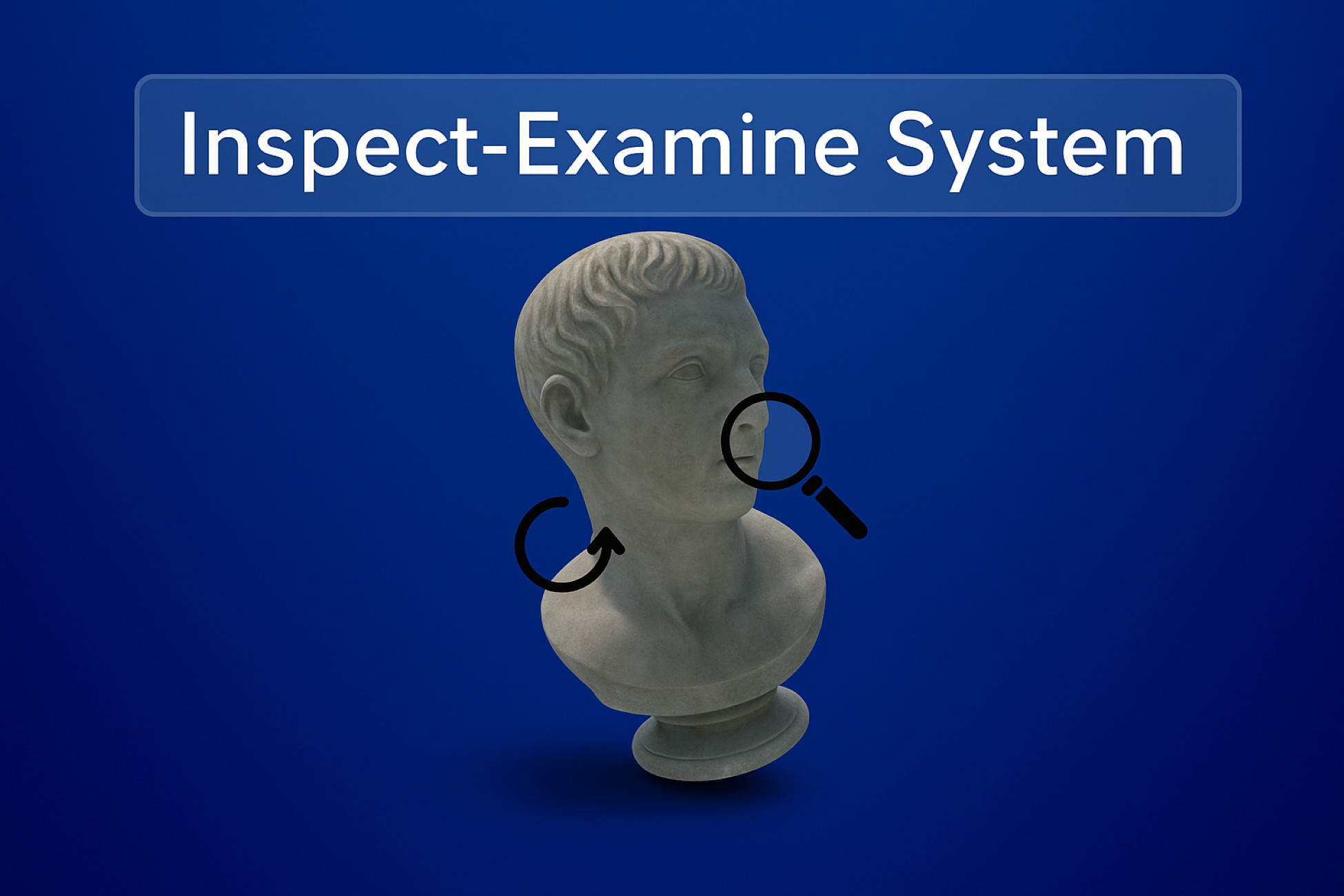
Inspect/Examine System
FPS controller, interaction & inspect system with Kawase Blur for pro visuals. Easy setup, URP & New Input System support. Makes your project polished and ready fast.
Affiliate link · Purchases support this site
Price history
Last 6 months
USDAsset preview
1 / 8
Inspect/Examine System screenshot 1

About this asset
The Inspect & Examine System is a complete first-person interaction framework designed for Unity 2021.3 LTS and above.
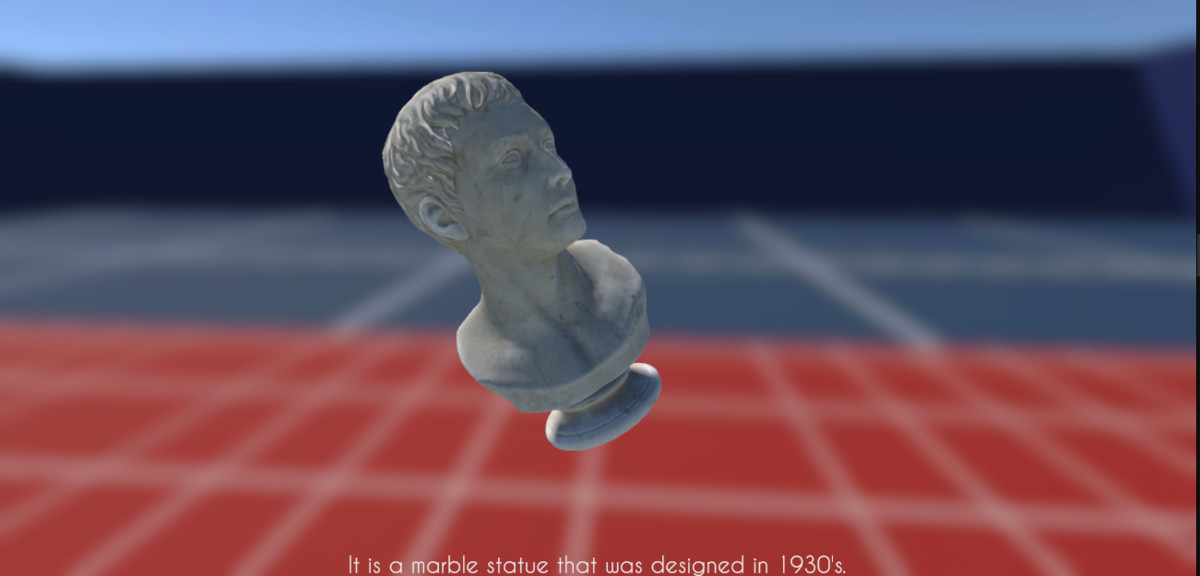
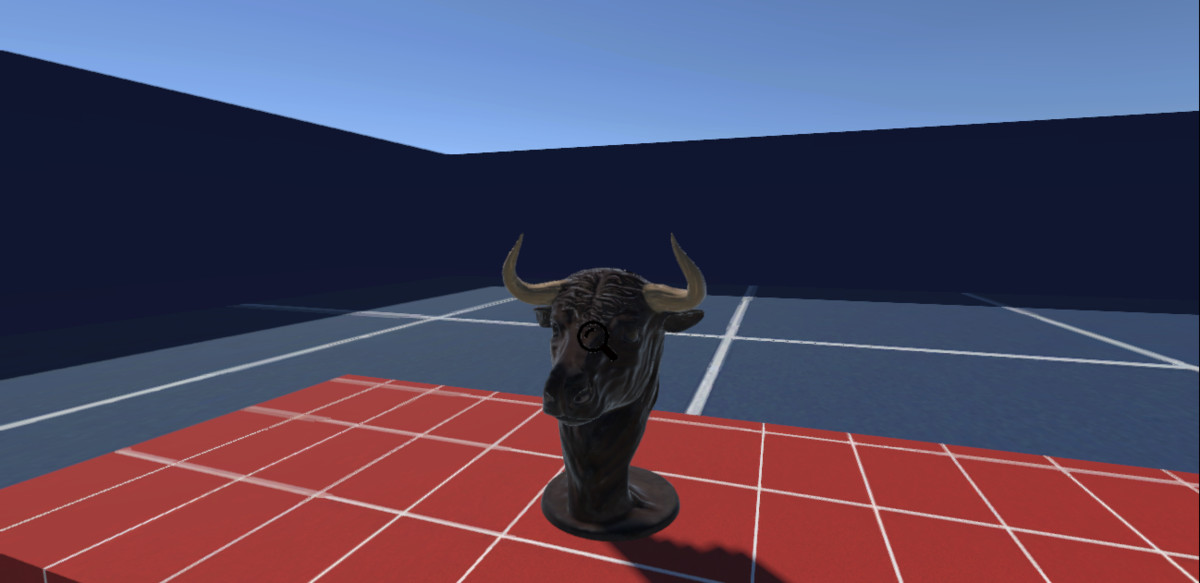
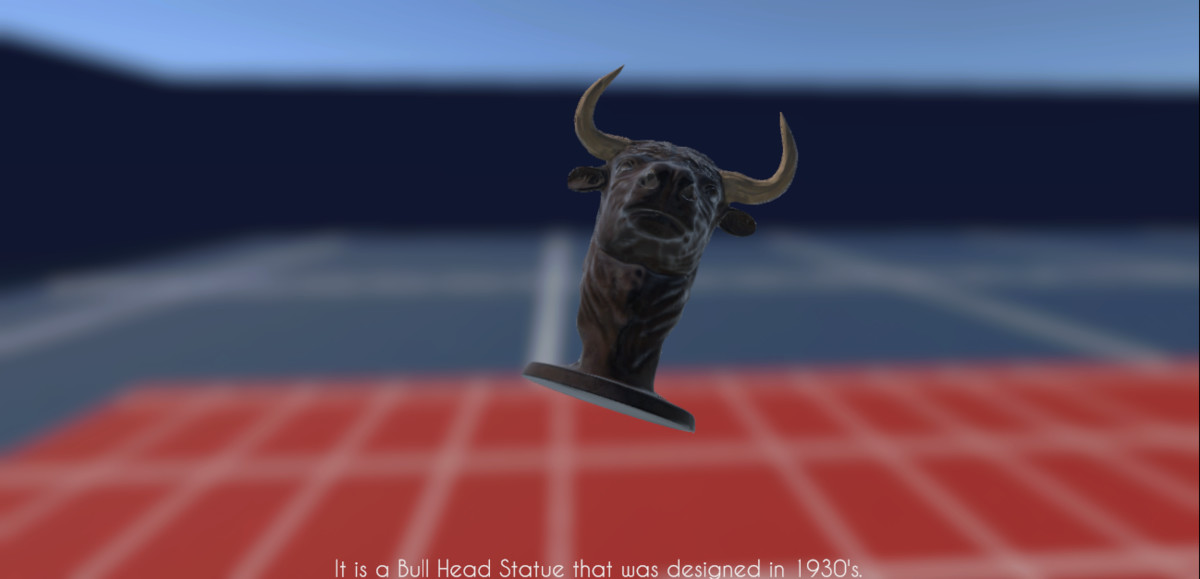
It enables players to interact with and inspect 3D objects in real time, featuring rotation, zoom, and cinematic blur effects for an immersive gameplay experience.
This system is ideal for horror, mystery, and exploration games that require realistic object interaction and smooth player feedback.
Built with performance, clarity, and modularity in mind, this system integrates easily into any Unity project using the New Input System.
Features
- Object inspection with rotation and zoom controls.
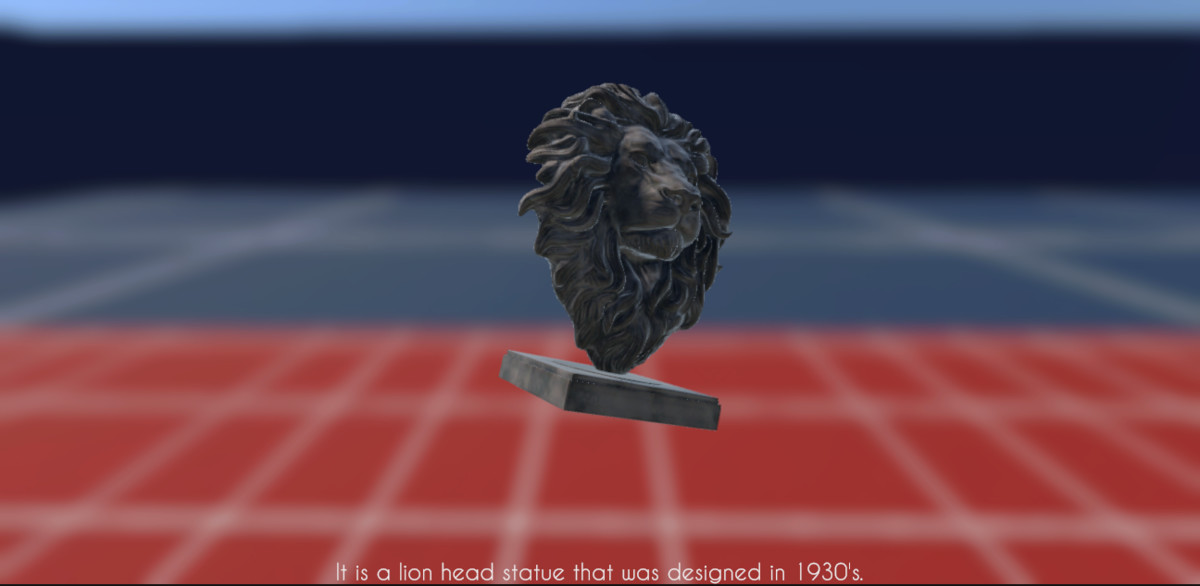
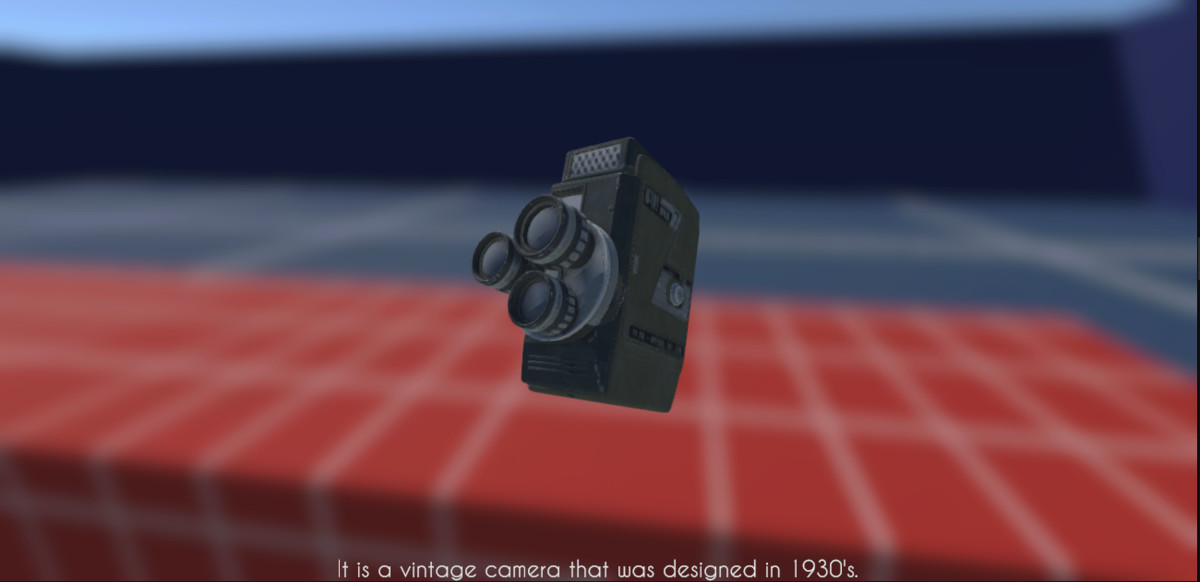
- Integrated Kawase Blur effect for depth and focus during inspection (URP compatible).
- Fully compatible with Unity’s New Input System.
- Clean and modular C# code, easy to extend.
- Includes demo scene with preconfigured settings.
- Professional, organized folder structure.
- Lightweight and performance-optimized.
Requirements
- Unity 2021.3 LTS or later
- URP or Built-in Render Pipeline
- New Input System package installed (Edit → Project Settings → Player → Active Input Handling → Both or Input System Only)
Included
- Inspect & Examine core scripts
- FPS interaction and camera management scripts
- Demo scene with Kawase Blur setup
- Documentation (PDF setup guide)
- Licenses folder with all third-party license information
License and Third-Party Content
This package includes free, publicly available environment assets from PolyHaven, distributed under the CC0 (Public Domain) license.
You are free to use, modify, and redistribute these assets for personal or commercial purposes. A copy of the PolyHaven license is included in the “Licenses” folder.
The included font Caviar Dreams by Lauren Thompson is licensed as free for personal and commercial use.
A license text file with author credit and link to the source is also included.
All scripts, systems, and code in this package are original works by Lakshya Srivastava.
From the publisher's Asset Store listing.
Technical details
- Fully functional FPS Controller with smooth movement, sprint, and jump
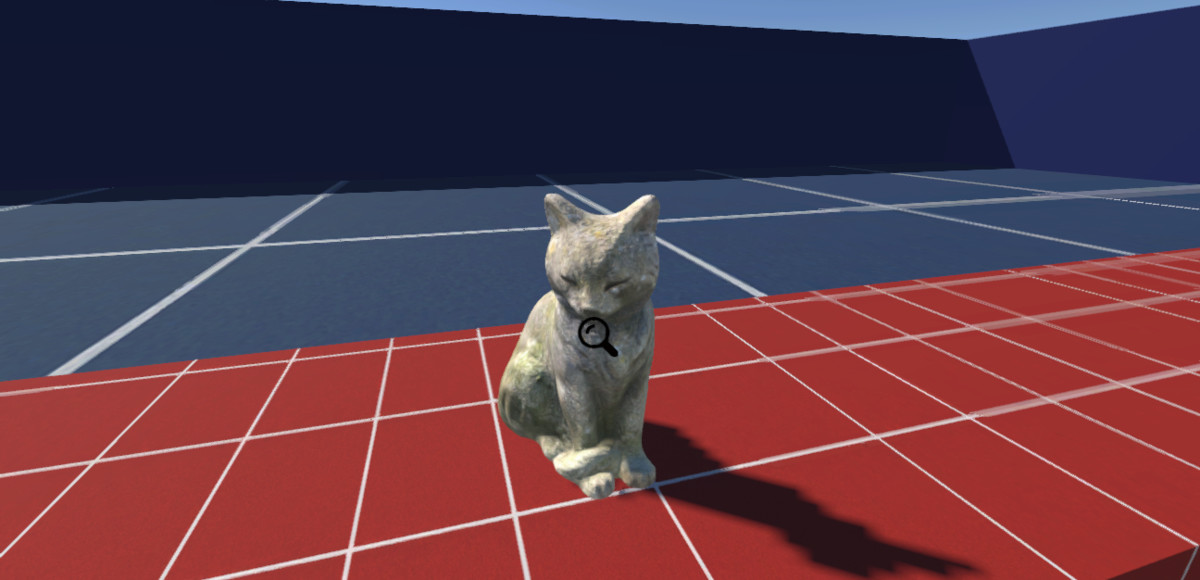
- Built-in interaction system for object interaction using raycasting
- Customizable object inspection/examination system with rotation
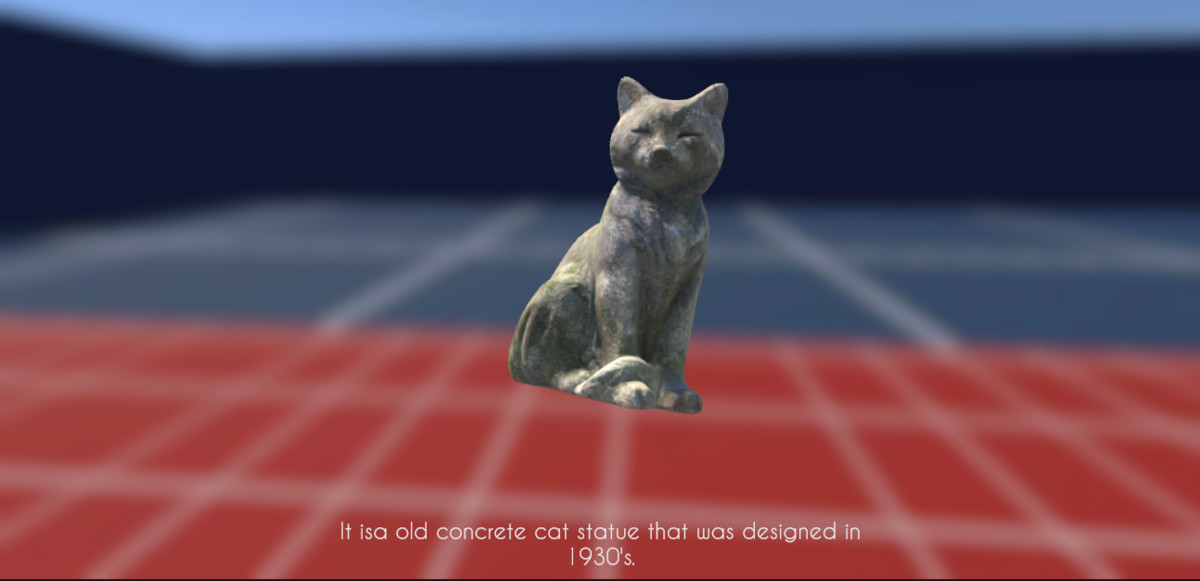
- Kawase Blur effect for professional-looking object inspection visuals
- Information of the Object can be shown on the bottom of the screen(Font has been already provided).
- Uses Unity’s new Input System for modern and flexible input handling
- Configurable interaction range, UI highlights, and interaction prompts
- Easy-to-integrate scripts with clear namespaces and well-structured code
- Universal Render Pipeline (URP) compatibility for optimized graphics and performance
- No external dependencies besides Unity packages (Input System, URP, ProBuilder)
- Ready-to-use demo scene for quick testing and demonstration
- Modular system: Easily customize or extend interaction and inspection logic
Compatibility
| Unity version | Built-in | URP | HDRP |
|---|---|---|---|
| 2021.3.45f1 | Not listed | Compatible | Not listed |
This package is compatible with Unity’s Universal Render Pipeline (URP) and requires the New Input System Package and TextMeshPro to function properly. Make sure the Input System is enabled in your project’s Player Settings. Do not use the old Input Manager system, as it is not supported.
As listed on the Asset Store.