
 View on Asset Store (opens in new tab)
Package details
- Latest version
- 1.0
- Last updated
- First released
- Unity version
- 2022.3.0 or later
- Package size
- 593.9 MB
- Files
- 349
- Favorites
- 2
- Views in the past week
- 8
Price tracking
- Last checked
- Tracked since
- Lowest recorded
- $15.00 on
Keywords
Construction Props & Road Generation
- Price drop
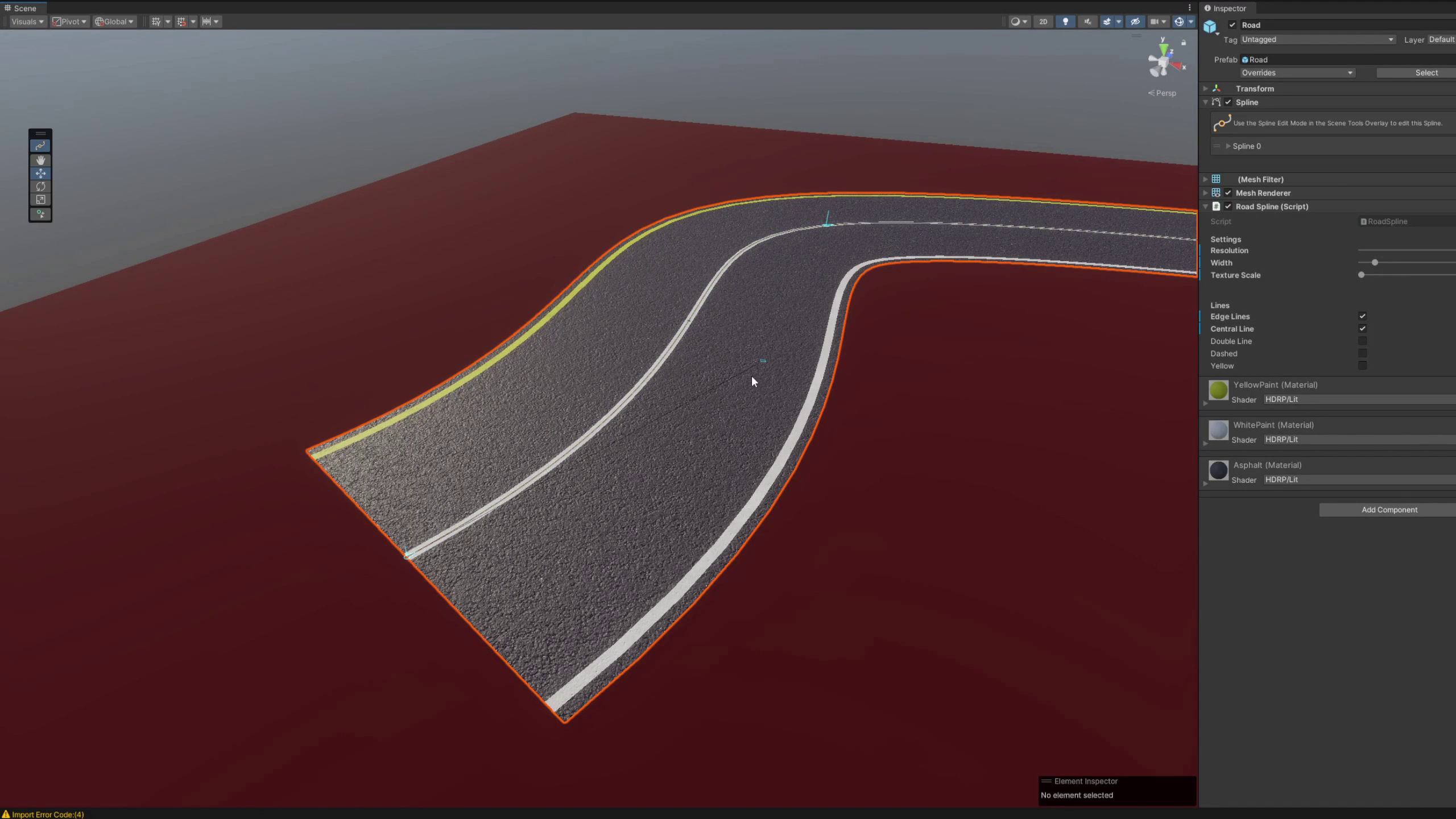
Construction props for quick scene set up. Create roads in minutes using the spline tool and customize lane markings.
Lowest recorded price
Get 50% off on Asset Store (opens in new tab)Affiliate link · Purchases support this site
Price history
Last 6 months
USDAsset preview
1 / 9
Construction Props & Road Generation screenshot 1
About this asset
Realistic road and traffic props to lay the foundation for a racing, driving, survival, or construction game.
- Road Generation
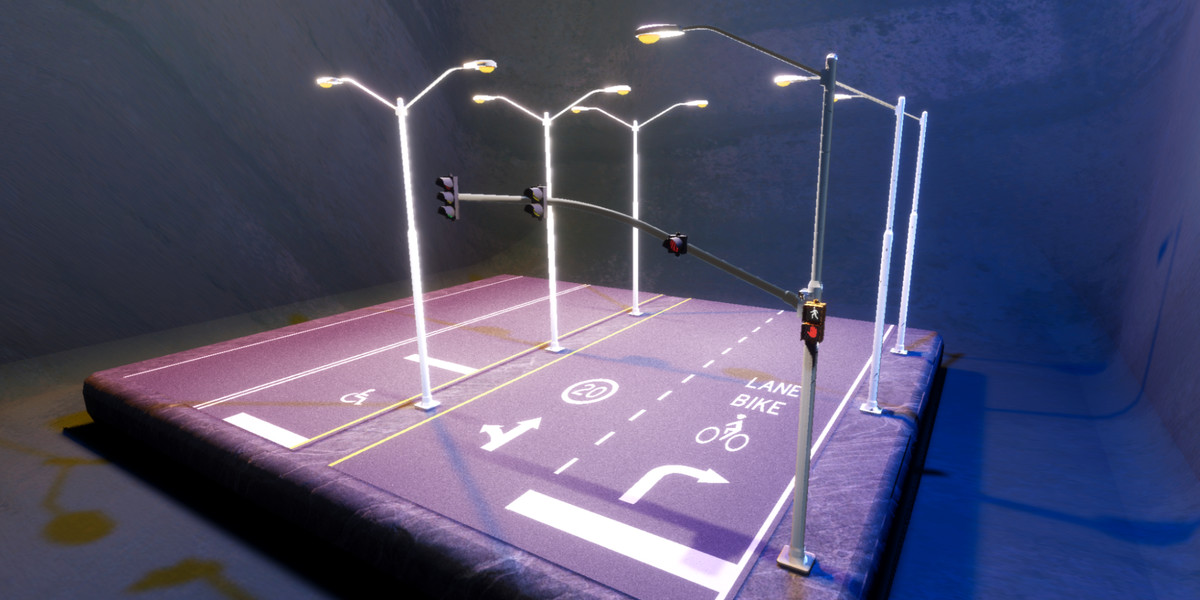
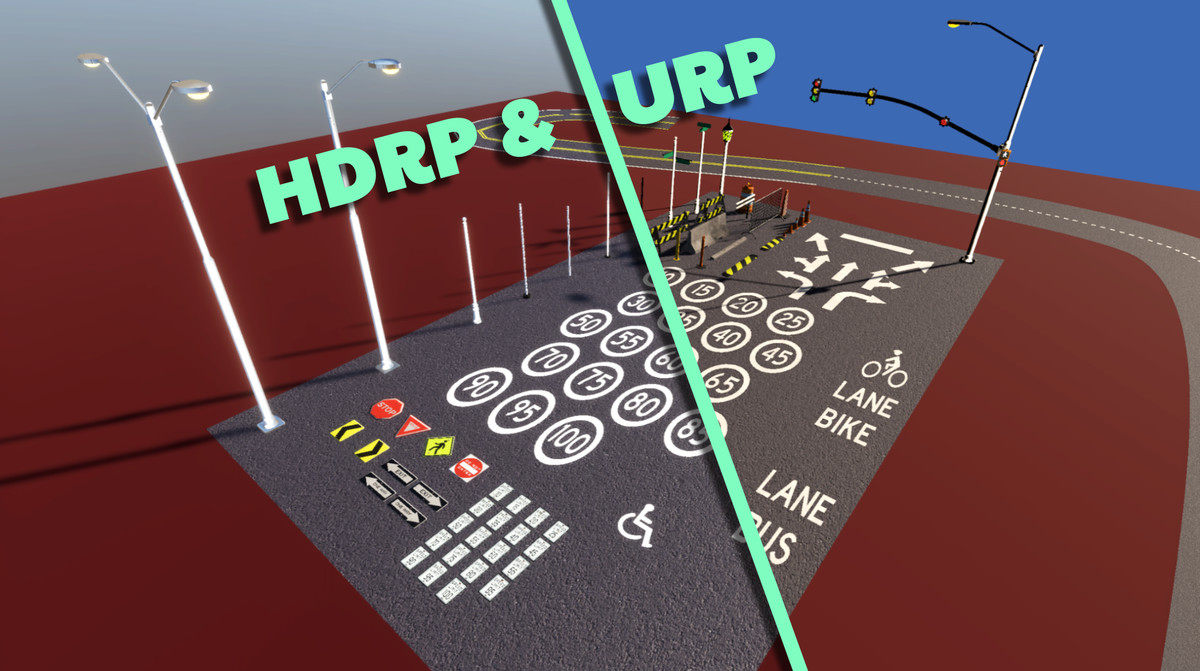
- Adjust road splines, apply lane markings, add props, and you're good to go! Create entire road networks in minutes.
- Roads use spline generation and auto-UV mapping. This provides a quick workflow to achieve perfect curves and no texture stretching.
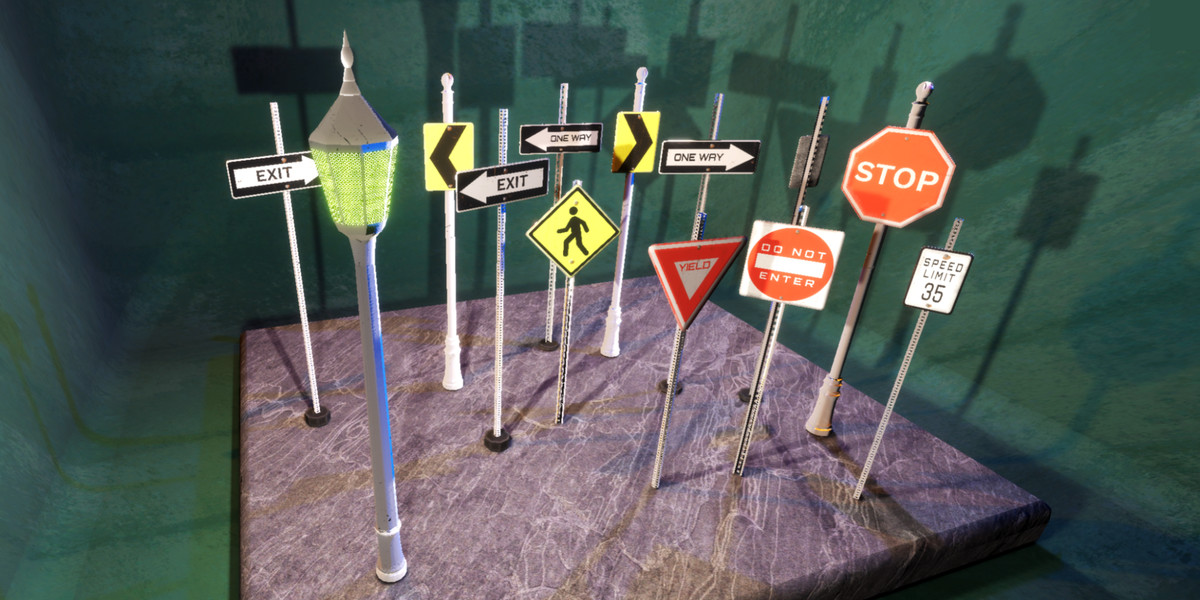
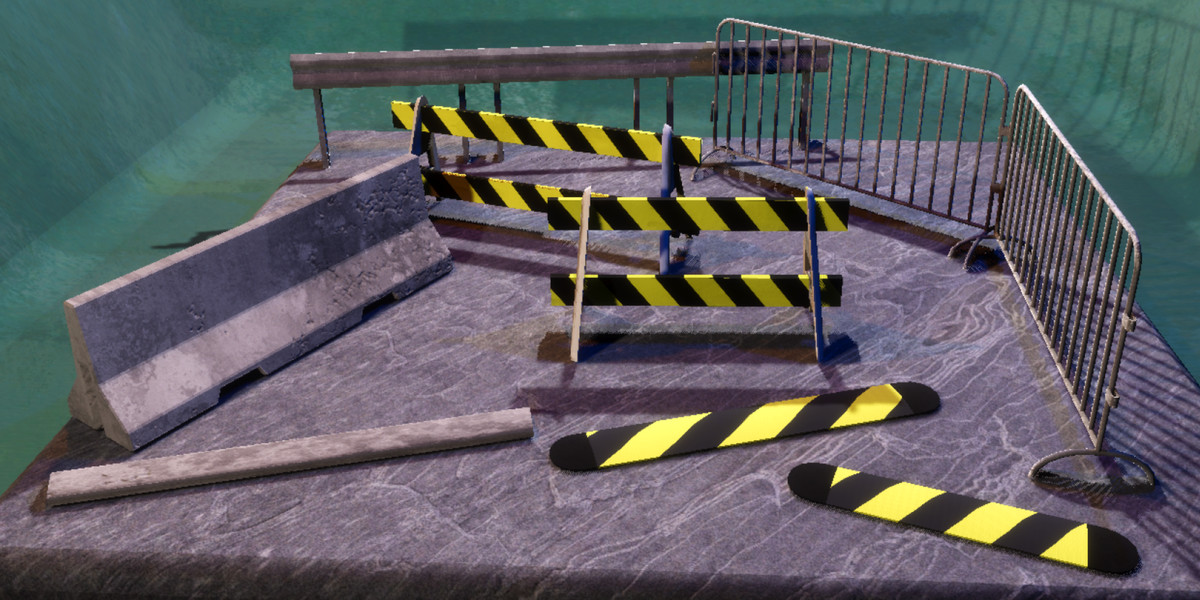
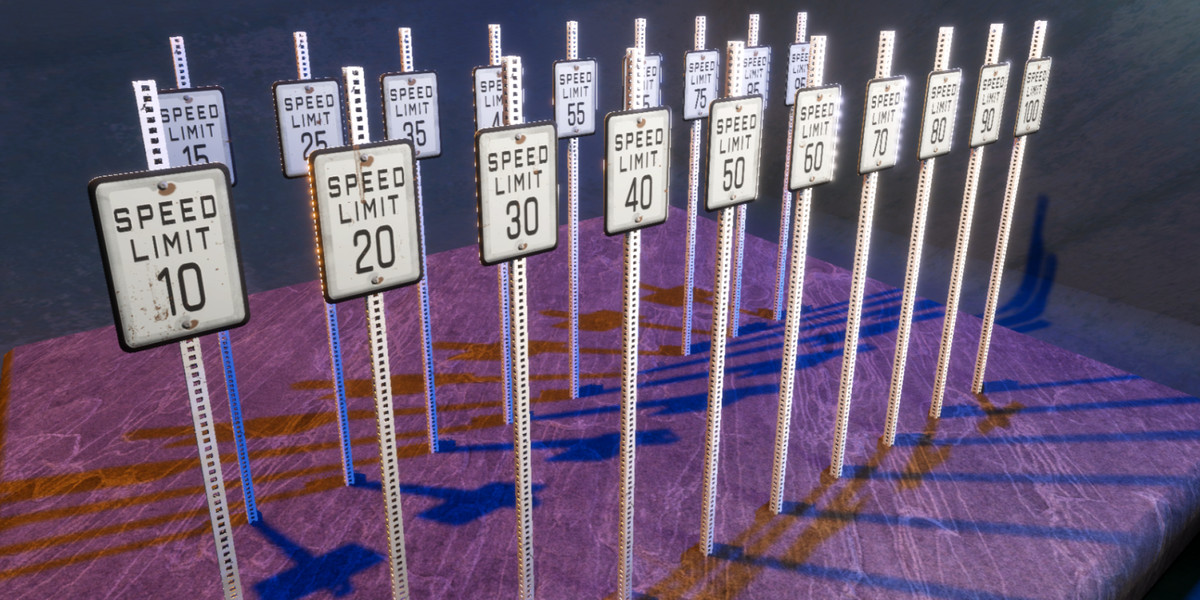
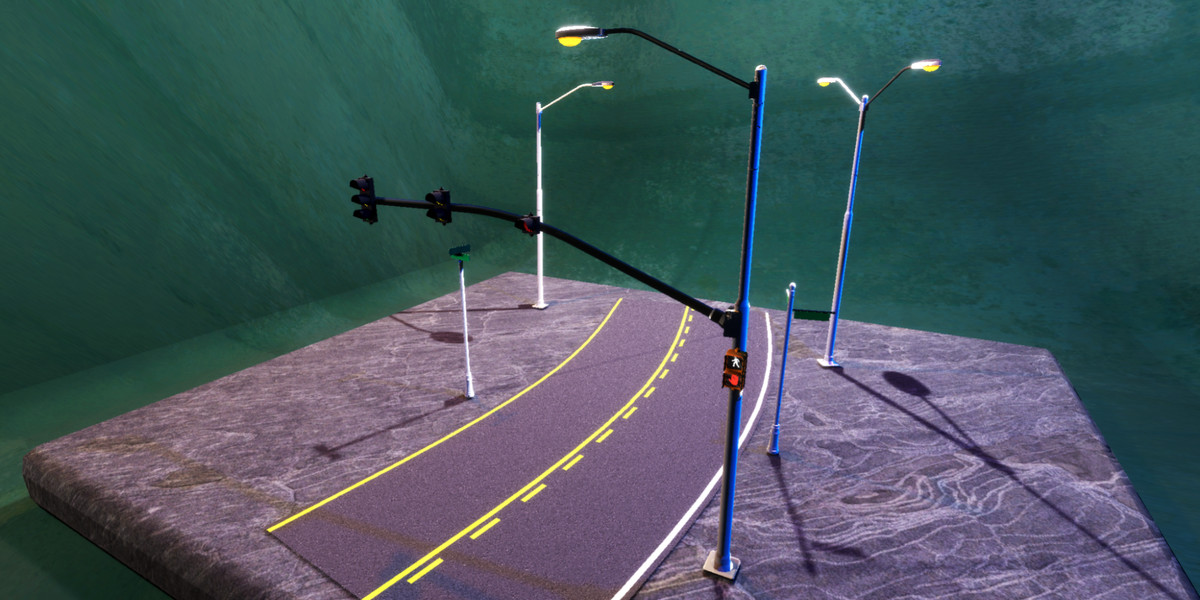
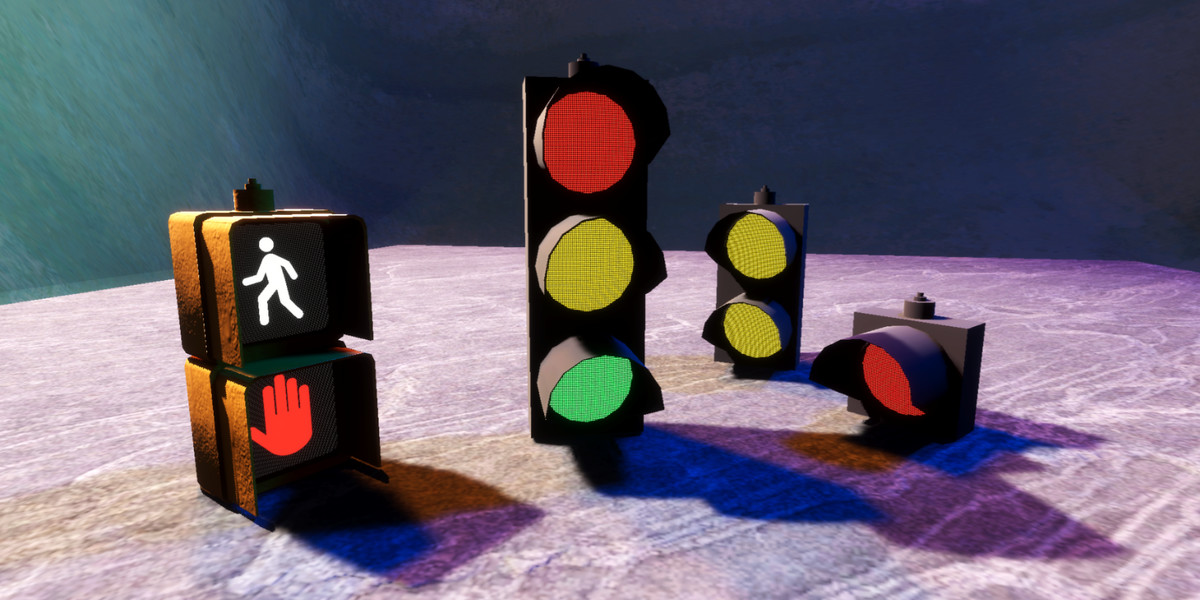
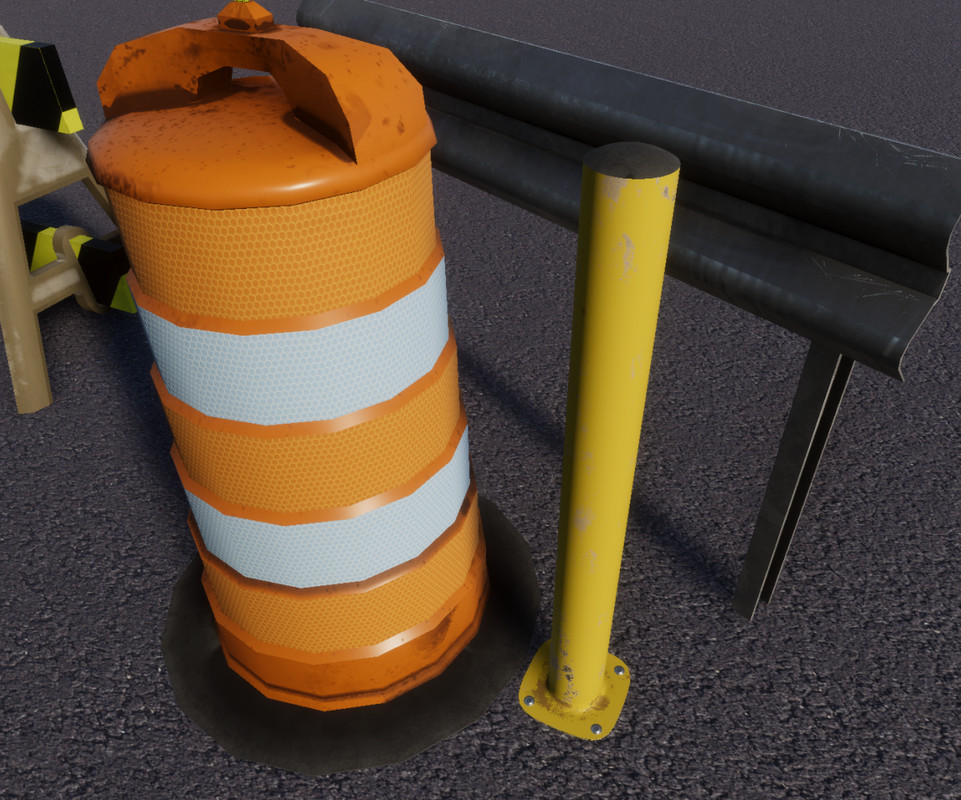
- Library of PBR traffic and construction props: signs, lights, barriers, cones, guardrails, and ground decals
From the publisher's Asset Store listing.
Technical details
1 Model
- Includes all meshs in a single .fbx
93 Prefabs Included:
- 1 Customizable road
- 17 Traffic Equipment
- 11 Poles/Posts
- 31 Road markings
- 4 Traffic lights
- 29 Signs
- 10 Safety/Traffic Control
- 19 Speed Limits (10, 15..., 95, 100)
33 Materials (x2 - HDRP, URP)
- 12 Equipment
- 5 Emissive Lights
- 3 Road
- 7 Sign
- 6 Signal Posts
89 Textures
- 5 Emissive Textures (4096x4096)
- 28 Texture Sets (Base, Mask, Normal)
- 27 Large (4096x4096)
- 1 Small (128x128)
Compatibility
| Unity version | Built-in | URP | HDRP |
|---|---|---|---|
| 2022.3.0f1 | Compatible | Compatible | Compatible |
Compatible with Built-In, URP, and HDRP.
Materials, Prefabs, and Demo Scenes are included for both Built-in and HDRP pipelines.
Use the pipeline converter to convert to URP Materials.
Some of the sign materials in your scenes may not update. Either revert overrides on the prefab, or reassign the materials.
As listed on the Asset Store.