
 View on Asset Store (opens in new tab)
Package details
- Latest version
- 4.0.0
- Last updated
- First released
- Unity version
- 6000.3.6 or later
- Package size
- 78.6 MB
- Files
- 2,238
- Favorites
- 60
- Views in the past week
- 50
Price tracking
- Last checked
- Tracked since
- Lowest recorded
- Free on
Keywords

Dialogue Graph System
Build branching dialogue in Unity with a visual graph editor, runtime UI, localization, camera direction, NPC banter, sound sequencing, and optional AI authoring.
Affiliate link · Purchases support this site
Price history
Last 6 months
USDAsset preview
1 / 15
Dialogue Graph System screenshot 1

About this asset
Build branching conversations and connect them to your game.
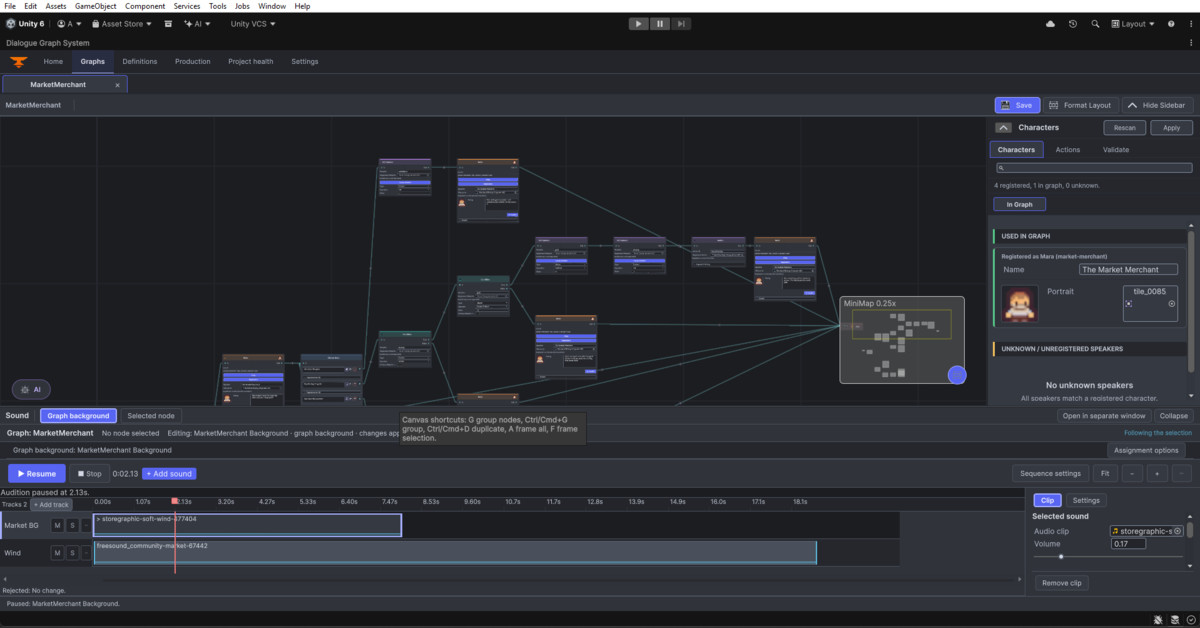
Dialogue Graph System brings visual dialogue authoring, runtime presentation, and narrative production tools into one Unity package. Create conversations for RPGs, adventures, visual novels, and other story-driven projects, then connect choices and dialogue events to your own gameplay systems.
Support and community: Website | Email | Discord
Author and organize your story
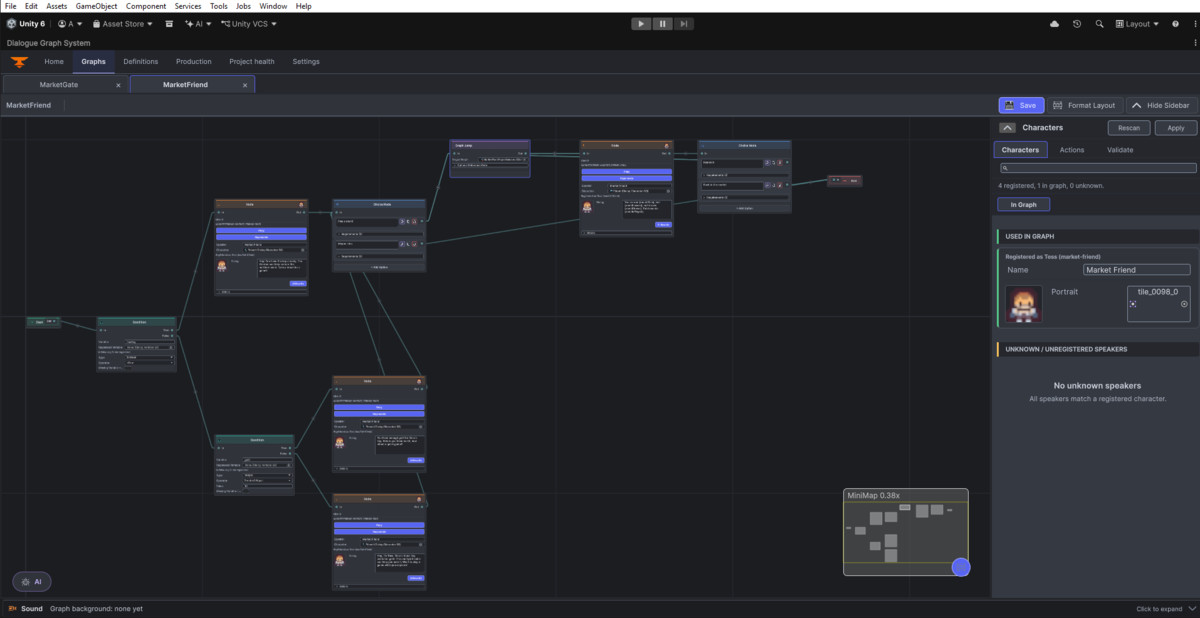
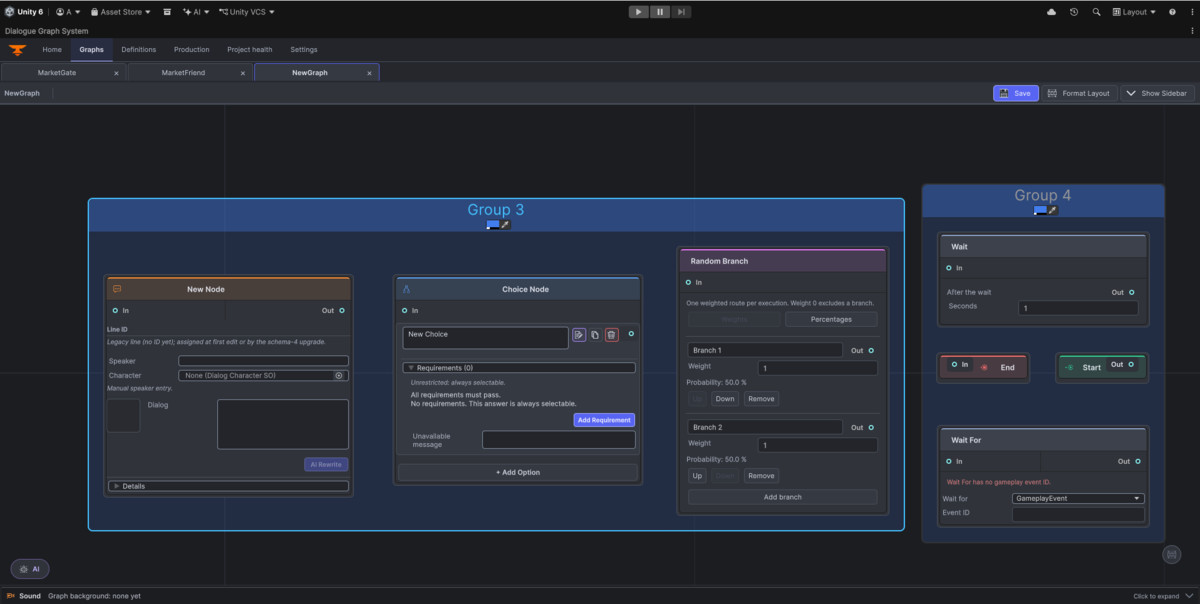
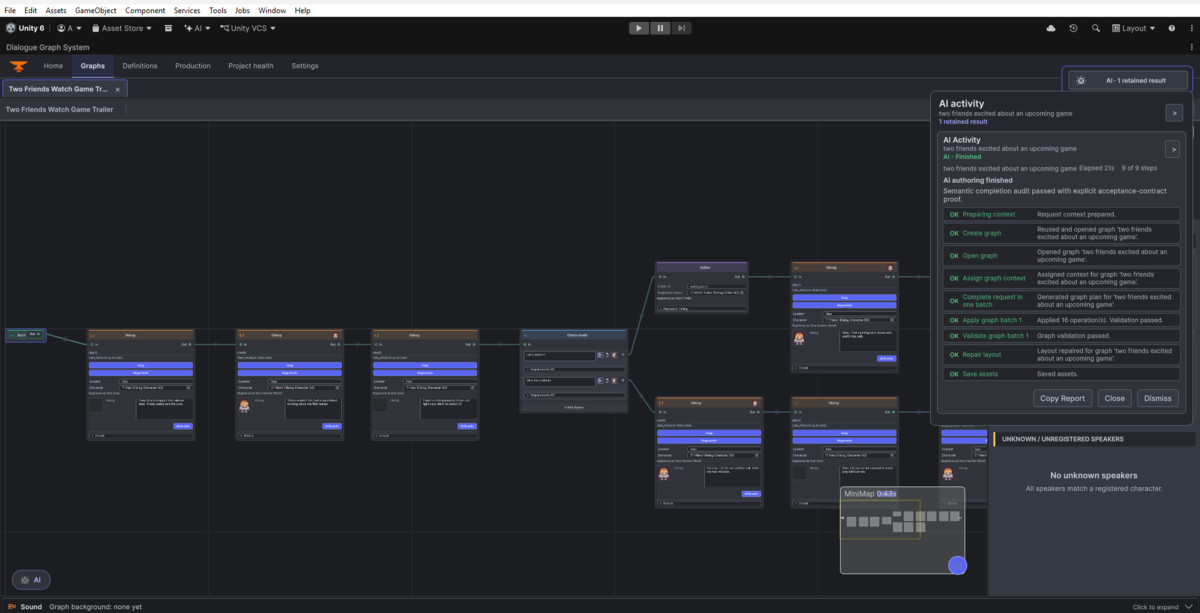
- Build conversations with dialogue, choices, conditions, variables, actions, Graph Jumps, outcomes, random branches, switches, and waits.
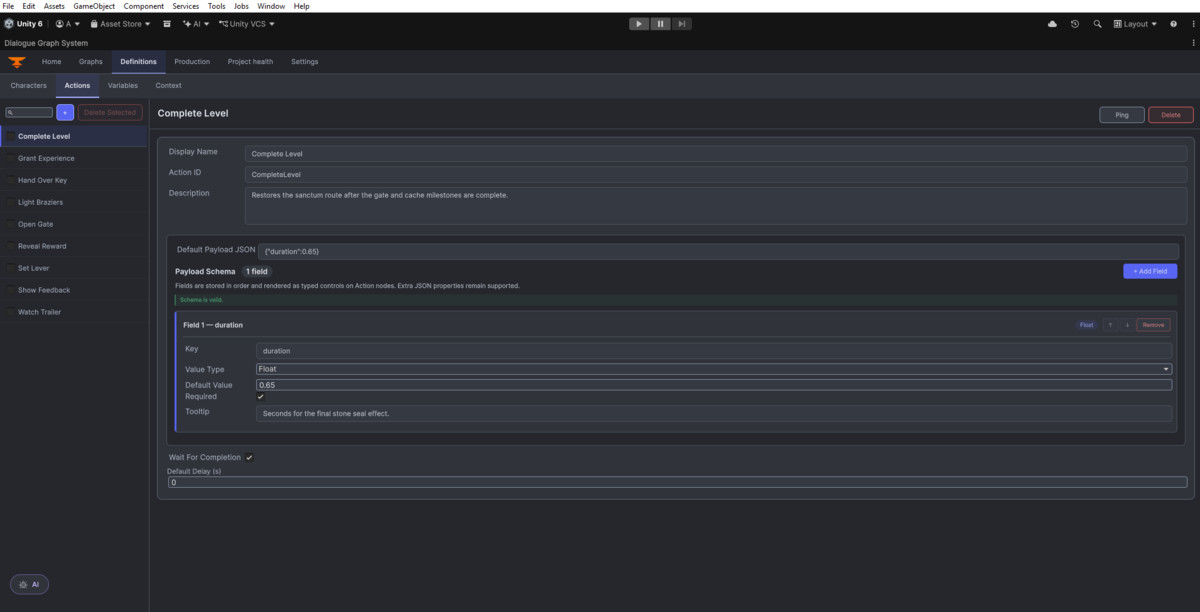
- Reuse characters, actions, variables, and context through ScriptableObject definitions.
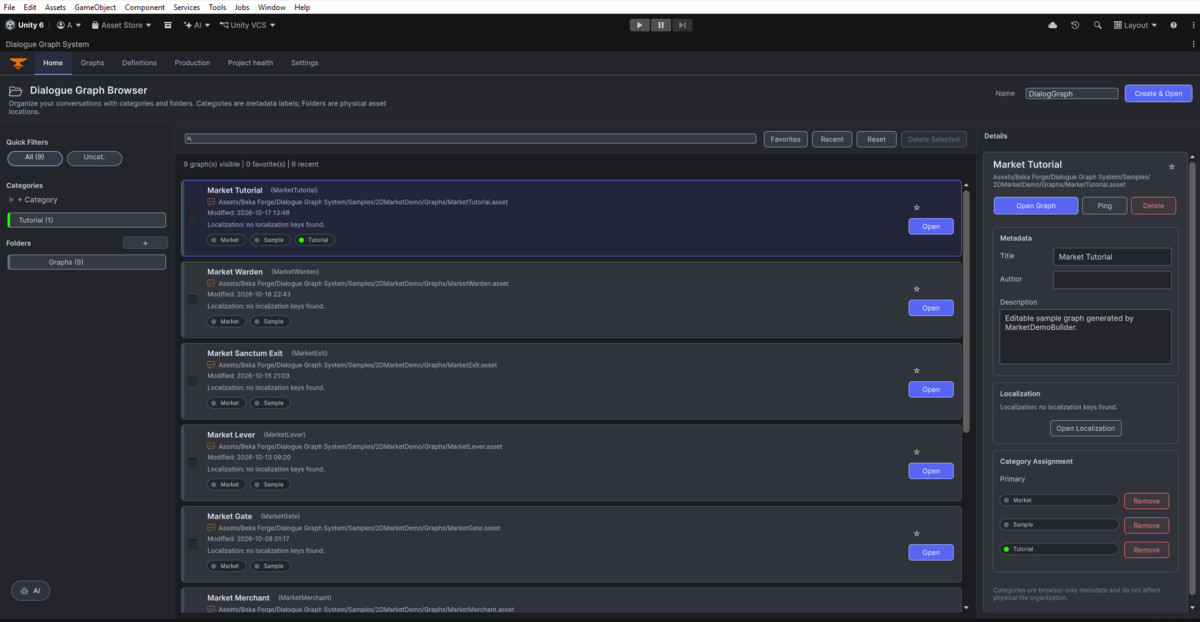
- Organize graphs with categories and metadata, navigate with search and automatic layout, and exchange graphs through JSON import/export.
- Find structural, definition, and wiring issues with graph validation and the Project Health workspace.
Bring conversations into play
- Present speaker names, portraits, choices, recorded voice clips, and history through the included UGUI and TextMesh Pro UI.
- Choose typewriter, fade, or word-reveal effects, with skip and autoplay controls.
- Branch from runtime variables, insert values into dialogue and choices, and invoke your own gameplay logic through Action nodes.
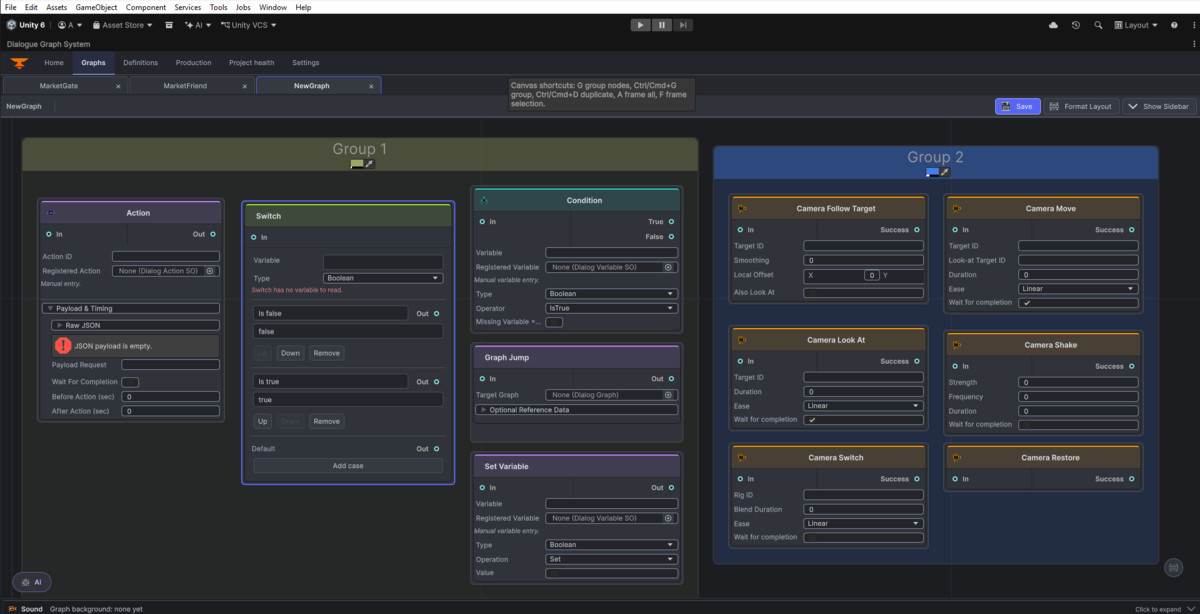
- Direct cameras with Switch, Move, Look At, Follow Point, Follow Target, Shake, and Restore nodes.
Manage localization and production
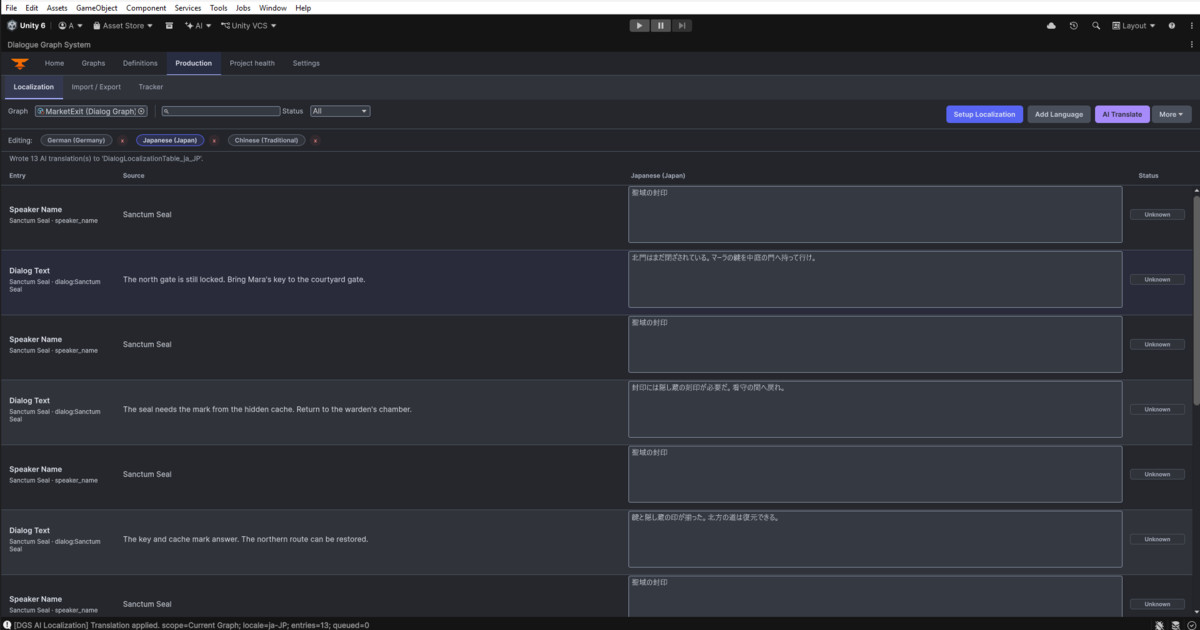
- Author localization tables and switch languages at runtime.
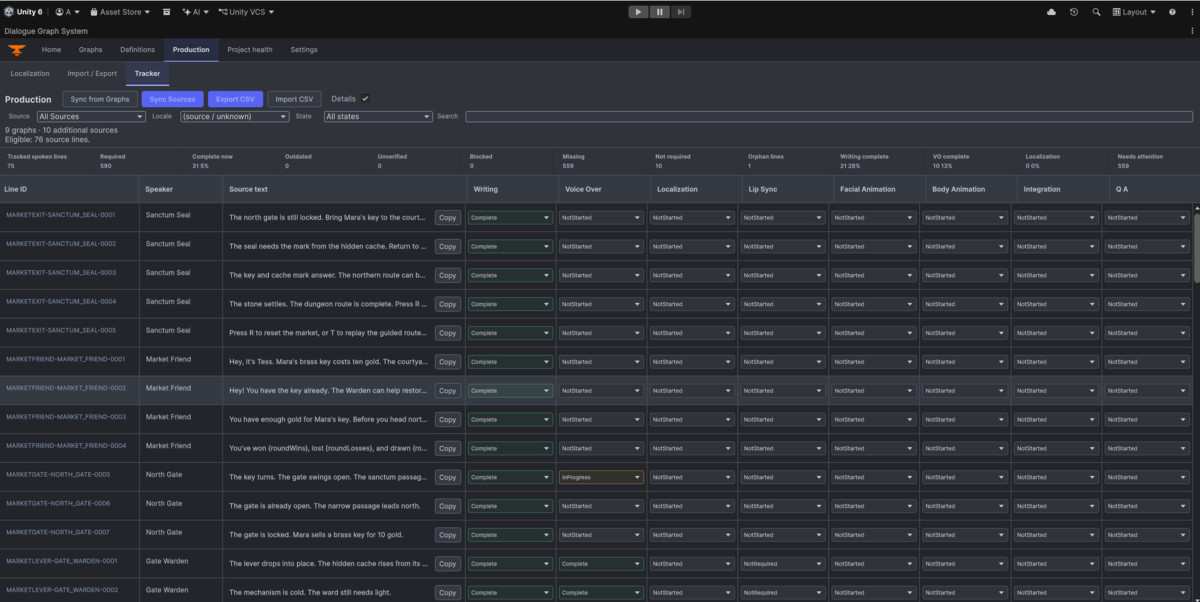
- Track writing, voice over, localization, animation, integration, and QA through the Production tracker, with stable line IDs and CSV exchange.
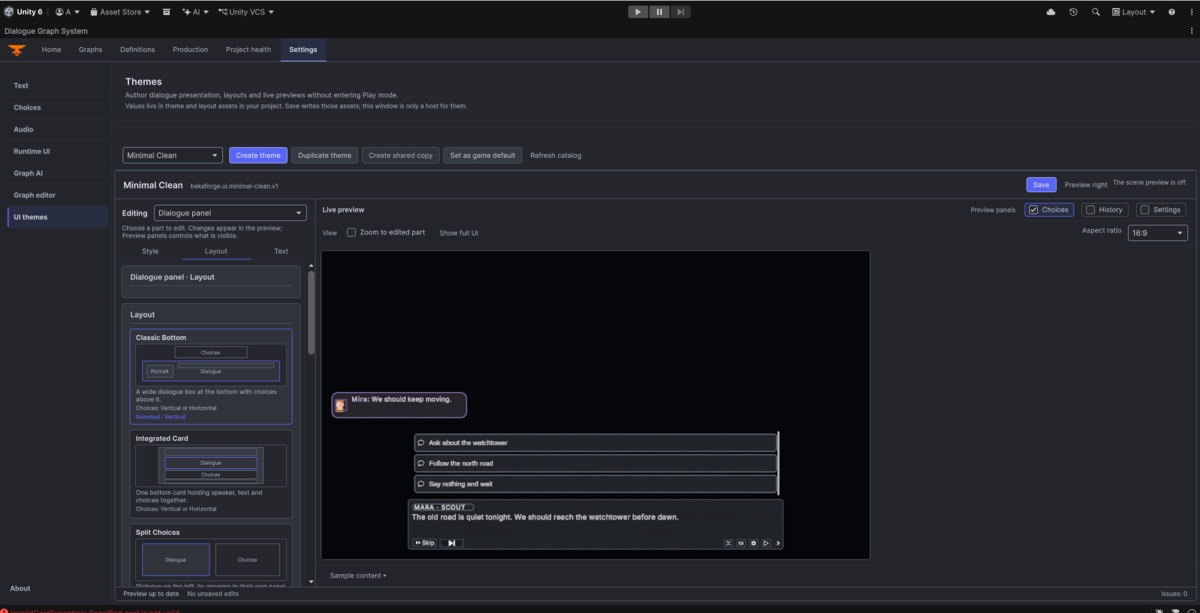
- Customize dialogue, choices, history, settings, and Banter presentation using themes and appearance packs.
Included in DGS 4.0
- Dialogue graph editor and runtime, with full C# source.
- Camera Controller and Interaction System.
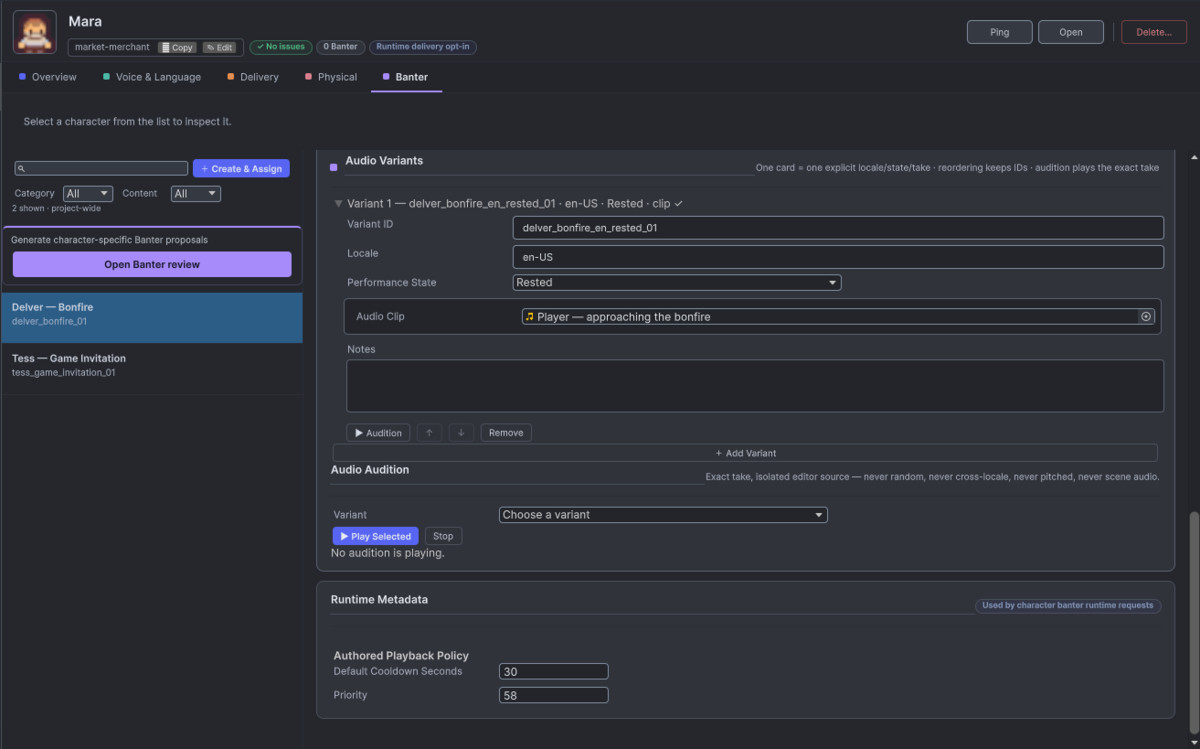
- Banter tools for contextual NPC dialogue and recorded performance variants.
- Sound Sequencer (Walla) for sound-sequence authoring, preview, and dialogue integration.
- UI Themes and localization helpers.
- Dungeon Market sample and Commentary Cube showcase with Story, Settings, and Creator tours.
- Runtime UI prefabs, example graphs and definitions, documentation, and upgrade guidance.
- A bundled SKILL.md guide for AI coding assistants.
- AI Extension 2.1.0 for optional AI-assisted authoring.
Guidance for AI coding assistants
DGS includes a Markdown skill guide (SKILL.md) that you can provide to an AI coding assistant when integrating or extending the package. It explains the package structure, editor and runtime workflows, compatibility rules, and how to preserve existing graphs, asset references, and public APIs.
The separately supplied AI Providers package includes its own skill guide for provider integration work.
Optional AI authoring
The included AI Extension provides tools for drafting and rewriting dialogue, suggesting choices, translation, and graph authoring. The AI Authoring workspace validates generated plans and shows a preview before applying graph changes.
AI features require the separately supplied AI Providers 2.2.0 package and a configured provider. Hosted providers may require an account and API key and may charge usage fees. No provider credentials are included.
Core dialogue authoring and playback work without AI Providers, an API key, or an internet connection.
Compatibility and requirements
Tested with Unity 2022.3.62 and Unity 6. Newer Unity versions are expected to work. Unity 2021 compatibility is unconfirmed.
Requires Unity UI (uGUI), TextMesh Pro, and Newtonsoft Json, using versions compatible with your Unity editor.
Import TMP Essential Resources before testing the included runtime UI and samples.
Upgrading an existing project
Back up your project before updating. Follow the bundled upgrade guide, review any explicit graph-schema upgrade, and test your graphs and custom integrations in a project copy.
From the publisher's Asset Store listing.
Technical details
Graph and runtime
- ScriptableObject graph assets, separate runtime/editor assemblies, and full C# source.
- GraphView editor and UGUI + TextMesh Pro runtime presentation.
- Nodes: Start, Dialog, Choice, Action, Condition, Set Variable, Graph Jump, Outcome, Random Branch, Switch, Wait, Wait For, End, and seven Camera node types.
- Boolean, integer, float, and string variables, conditional branching, and variable text injection.
- UnityEvent and coroutine-capable Action handlers, with optional typed payload fields and raw JSON editing.
- Cross-graph traversal and independent graph sessions with separate history and layout.
- Portraits, per-line audio, reveal effects, choices, skip, autoplay, history, and runtime settings.
Authoring and production
- Launcher, Graphs, Definitions, Production, Project Health, and Settings workspaces.
- Search, pan/zoom, minimap, automatic layout, validation, and JSON import/export.
- Read-only Project Health reports for definitions, graph usage, and selected scene wiring.
- Stable spoken-line IDs and Production tracking for graph and Banter content, with CSV import/export.
- Bundled SKILL.md guidance for AI coding assistants, covering package structure, workflows, and compatibility safeguards.
- Localization tables, locale keys, runtime language switching, and font/direction helpers.
- RTL helpers are opt-in; they do not provide complete Unicode bidirectional layout or automatic RTL integration for every custom text presenter.
Included integrations
Camera Controller, Interaction, Banter, Sound Sequencer (Walla), UI Themes, Localization helpers, and AI Extension 2.1.0.
AI Providers 2.2.0 is supplied separately and required only for AI features.
Compatibility and dependencies
- Tested with Unity 2022.3.62 and Unity 6.
- Newer Unity versions are expected to work.
- Unity 2021 compatibility is unconfirmed.
- Requires Unity UI (uGUI), TextMesh Pro, and Newtonsoft Json, using versions compatible with your Unity editor.
- TMP Essential Resources must be imported into the consuming project.
- Dungeon Market keyboard controls require Active Input Handling set to Input Manager (Old) or Both.
- Primarily editor tooling and UI; check sample materials and custom presentation in the target render pipeline.
Compatibility
| Unity version | Built-in | URP | HDRP |
|---|---|---|---|
| 6000.3.6f1 | Compatible | Compatible | Compatible |
Dialogue Graph System 4.0 is pipeline-independent for normal use with Built-in, URP and HDRP. Editor tools run only in Unity Editor; runtime UI uses UGUI + TextMesh Pro. Requires UGUI, TMP and Newtonsoft JSON; no separate Vector Graphics package. Full package targets Unity 6.3. Import/editor checks passed on 2022.3.62f3 and 6000.3.6f1. Full cross-pipeline gameplay testing is unverified.
As listed on the Asset Store.