
 View on Asset Store (opens in new tab)
Package details
- Latest version
- 1.4.7
- Last updated
- First released
- Unity version
- 6000.0.68 or later
- Package size
- 830 KB
- Files
- 10
- Favorites
- 63
- Views in the past week
- 9
Price tracking
- Last checked
- Tracked since
- Lowest recorded
- $6.00 on
Keywords
Clean Editor Layout for Unity
Highly customizable all-in-one toolbar for the Unity Editor, reducing visual clutter, improving visual appearance and boosting productivity.
Affiliate link · Purchases support this site
Price history
Last 6 months
USDAsset preview
1 / 14

Clean Editor Layout for Unity screenshot 1






About this asset
Clean Editor Layout combines menubar, toolbar, message bar and window bar into a single-line toolbar, freeing up vertical space and enabling a clutter-free workspace.
Retain all core functionality while enjoying a cleaner, more focused workspace. The toolbar is highly customizable. It can be as minimalist or feature-packed as you want. Whether you're building a small prototype or working on a large production, Clean Editor Layout keeps you organized and productive, all while maintaining a clean and streamlined look.
⚙️ Features
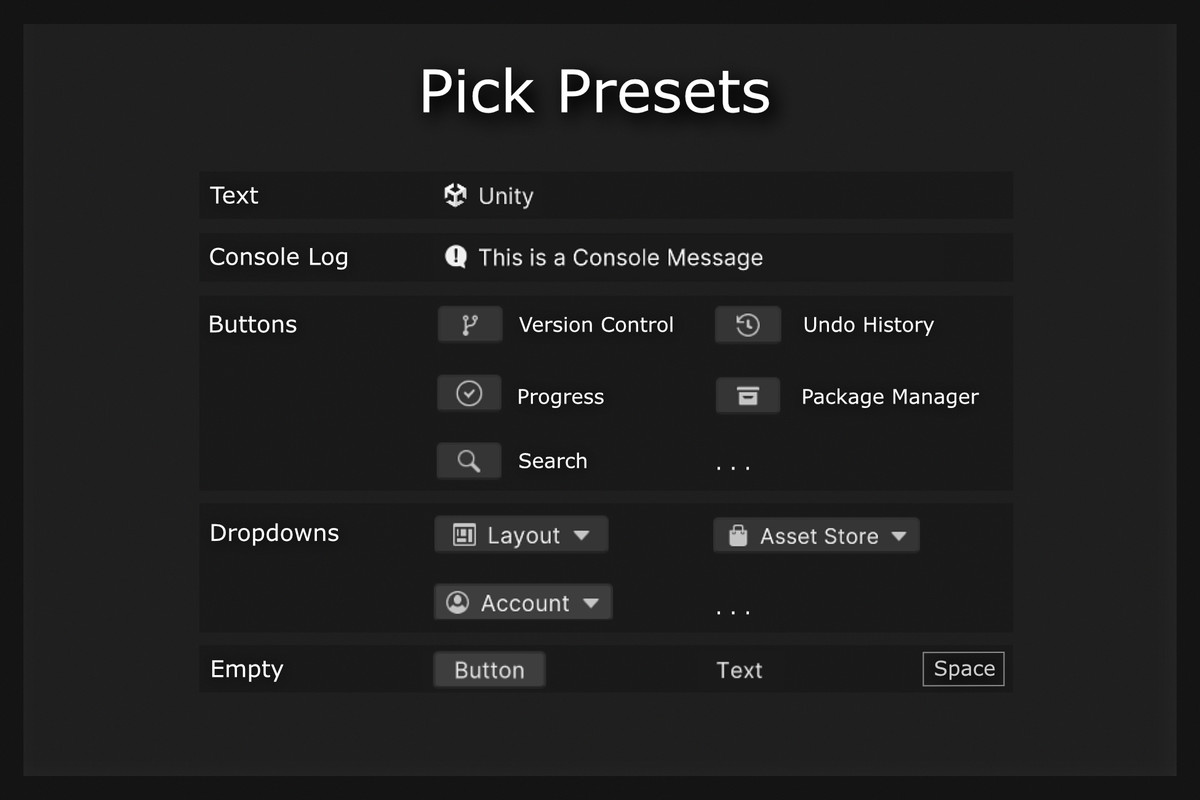
• hide, show and customize buttons and dropdowns as needed
• create custom buttons to speed up your workflow
• tweak the color palette of the editor's interface
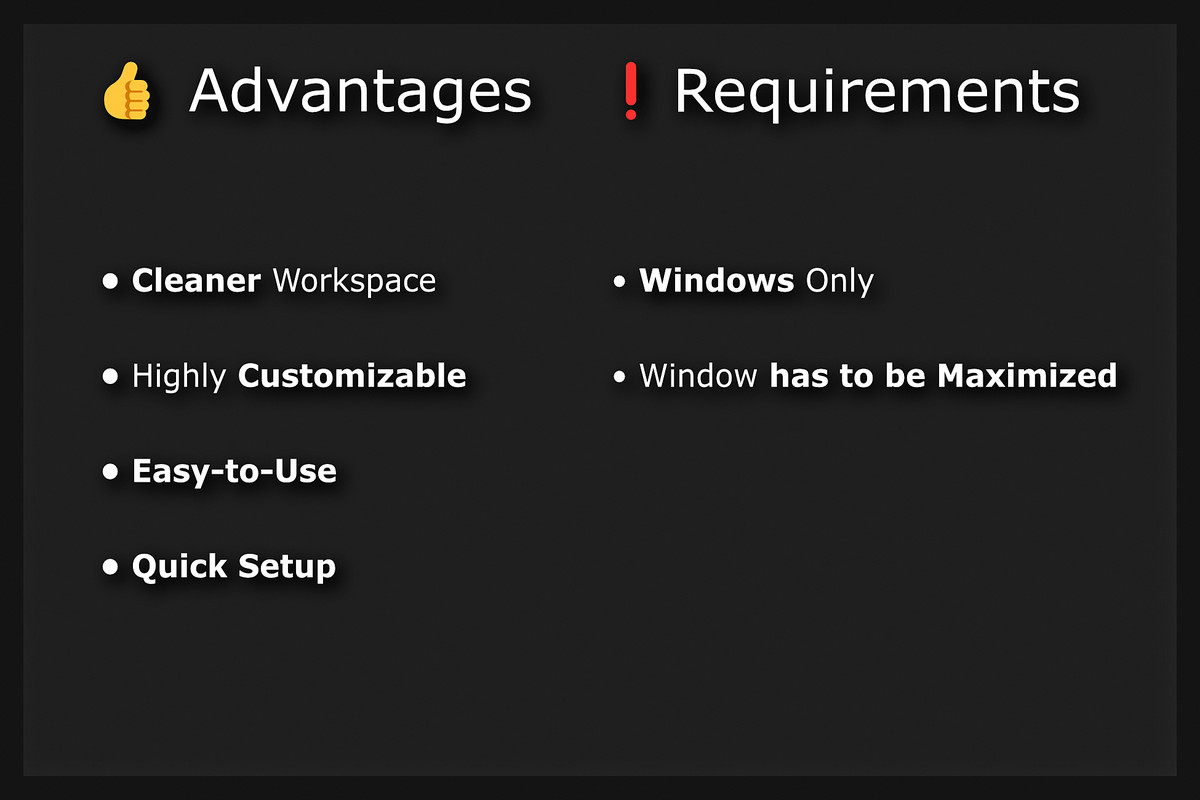
👍 Advantages
• increases usable vertical space by default
• fixes the bright white top section that doesn’t match the dark editor theme
• lets you simplify and personalize your editor interface
• quick setup and easy-to-use customization options
❗Requirements
• Windows only
• window has to be maximized
Built for developers who want more space, less clutter, and more control.
Check out the video tutorial: https://www.youtube.com/watch?v=FBaRiF7YBb8
If you have any problems, questions or feature requests feel free to contact me through my email: [email protected]
From the publisher's Asset Store listing.
Technical details
Unity 2021.3.45f2 and higher are supported.
In older versions, only the toolbar and toolbar button colors can be customized. Changing the editor color only works in Unity 6 or newer.
Compatibility
| Unity version | Built-in | URP | HDRP | Custom |
|---|---|---|---|---|
| 6000.0.68f1 | Compatible | Compatible | Compatible | Compatible |
As listed on the Asset Store.