
 View on Asset Store (opens in new tab)
Package details
- Latest version
- 1.1
- Last updated
- First released
- Unity version
- 6000.3.2 or later
- Package size
- 449 KB
- Files
- 10
- Favorites
- 30
- Views in the past week
- 40
Price tracking
- Last checked
- Tracked since
- Lowest recorded
- Free on
Keywords
Strategy / RTS Camera Controller
A customizable "Total War"-style camera controller for RTS and strategy games. Easy to integrate, smooth, and free.
Affiliate link · Purchases support this site
Price history
Last 6 months
USDAsset preview
1 / 1
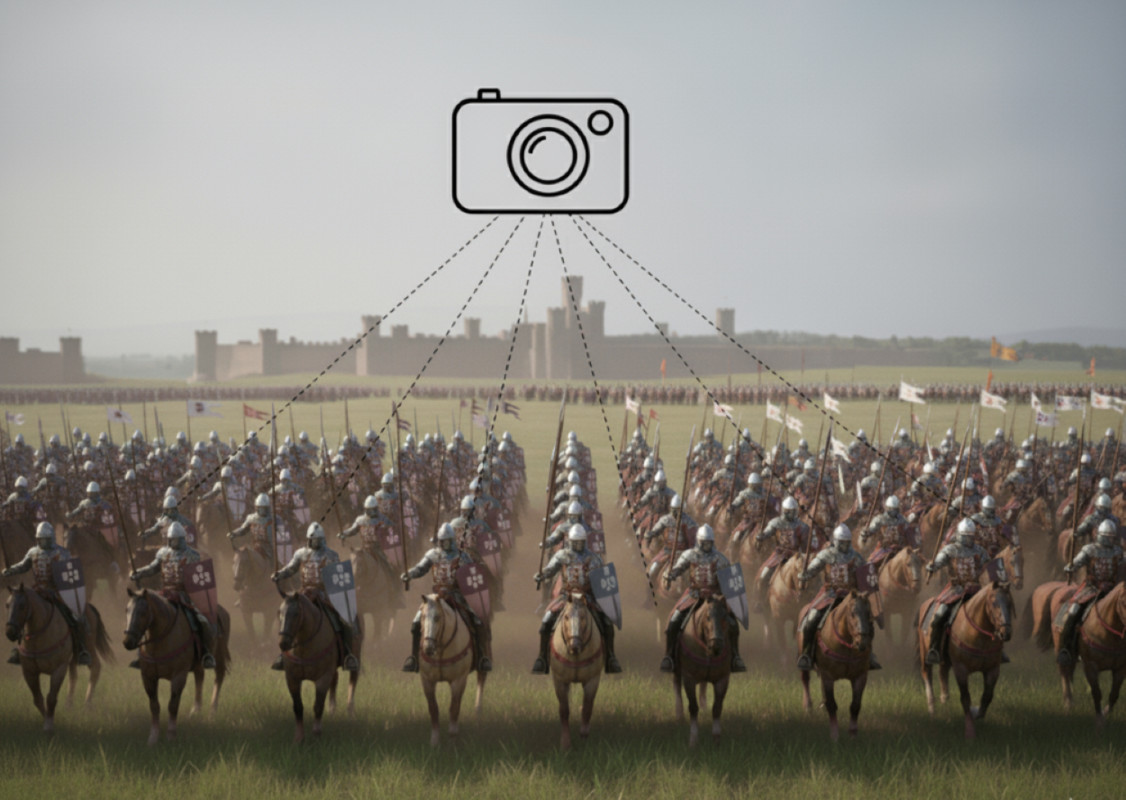
Strategy / RTS Camera Controller screenshot 1
About this asset
The Strategy / RTS Camera Controller is highly customizable to fit various game genres, especially those requiring an expansive top-down or tactical view.
Check out our other assets for large Strategy / RTS games where the camera controller is in use:
Also try out our Demo for the Combat System where the Strategy / RTS Camera Controller is in use:
Technical Details
The Strategy / RTS Camera Controller offers a suite of features designed for flexibility and control:
- Includes Mobile Controls
- Total War-Style Navigation: Experience smooth and familiar camera controls, ideal for RTS and grand strategy games.
- Intuitive Panning: Effortlessly move the camera across your game world with mouse-driven edge panning or traditional WASD/arrow key controls.
- Dynamic Zoom: Seamlessly zoom in for detailed inspections or zoom out for a tactical overview using the mouse scroll wheel.
- Smooth Rotation: Rotate the camera around a central point or the current target to view the scene from any angle.
- Adjustable Movement Speeds: Customize pan, zoom, and rotation speeds to perfectly match your game's feel and player preferences.
- Configurable Boundaries: Define camera movement limits to keep players within the intended game area.
- Ground Snapping: Optionally keep the camera at a consistent distance above the terrain for a polished look.
- Easy Integration: Designed for quick setup and minimal configuration, enabling you to get your camera running in minutes.
From the publisher's Asset Store listing.
Technical details
Technical Details:
- Core Controls: Smooth Pan, Zoom, and Rotation.
- Input: Supports WASD/Arrow keys and mouse controls.
- Customization: Adjustable speeds for all movements and configurable world boundaries to limit camera area.
- Integration: Designed for quick setup and easy integration into any project.
- Code: Clean, commented, and easily extendable C# code.
Compatibility
| Unity version | Built-in | URP | HDRP |
|---|---|---|---|
| 6000.3.2f1 | Compatible | Compatible | Not listed |
As listed on the Asset Store.