
 View on Asset Store (opens in new tab)
Package details
- Latest version
- 2.3
- Last updated
- First released
- Unity version
- 2022.3.58 or later
- Package size
- 1.4 MB
- Files
- 33
- Favorites
- 193
- Views in the past week
- 90
Price tracking
- Last checked
- Tracked since
- Lowest recorded
- Free on
Keywords
First Person Controller Pro
A professional, ready-to-use first-person movement solution. A complete feature set: smart crouching, interactive footstep sounds, and smooth camera control.
Affiliate link · Purchases support this site
Price history
Last 6 months
USDAsset preview
1 / 6
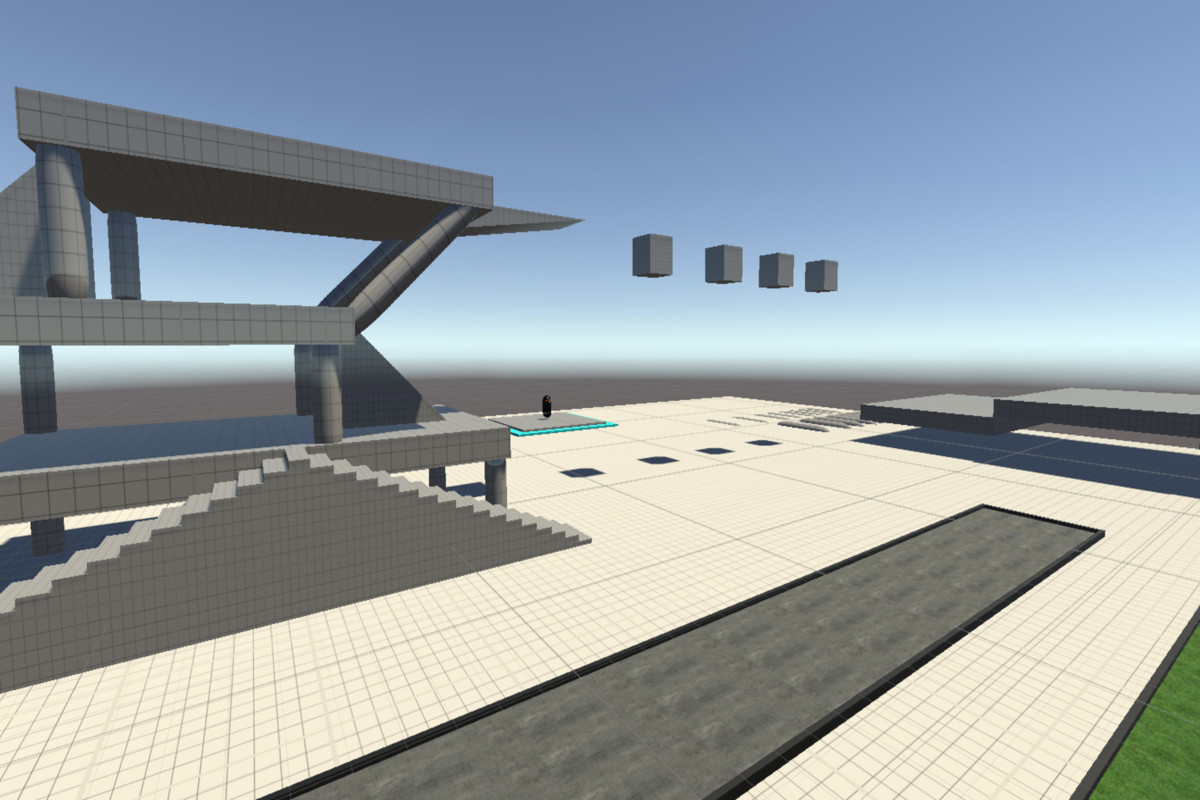
First Person Controller Pro screenshot 1
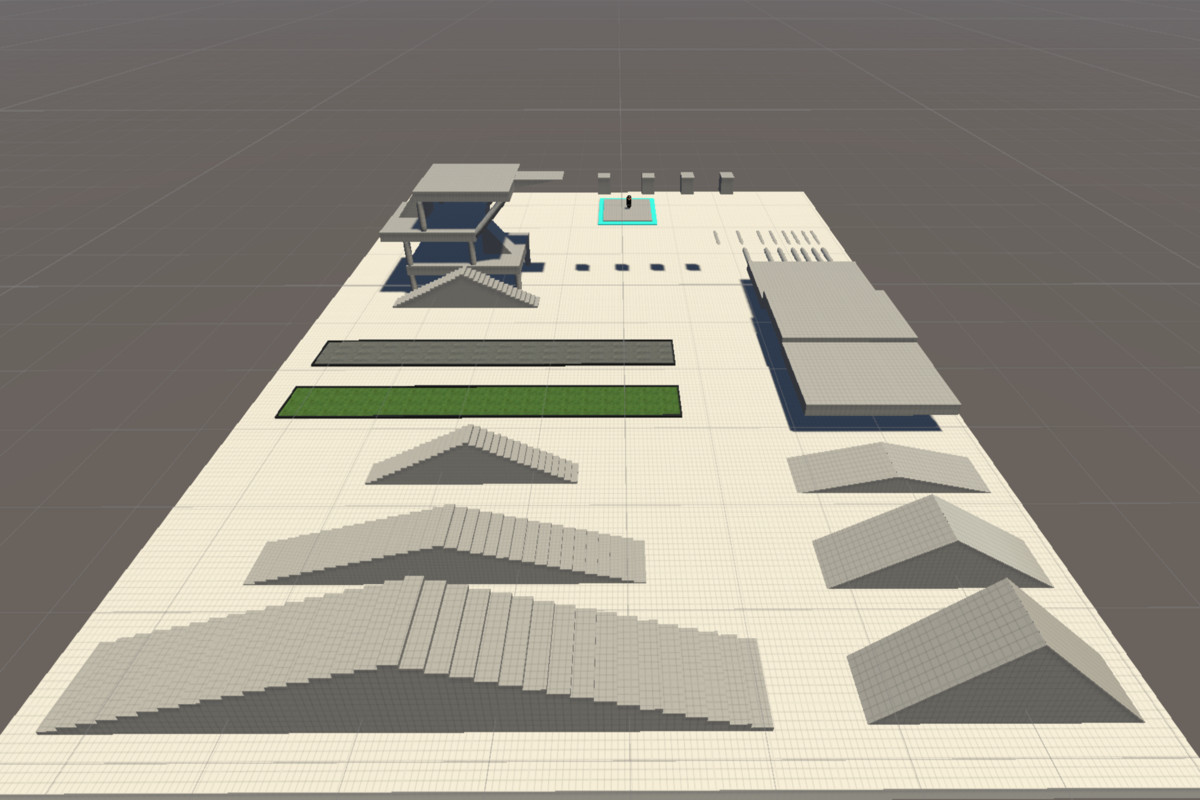
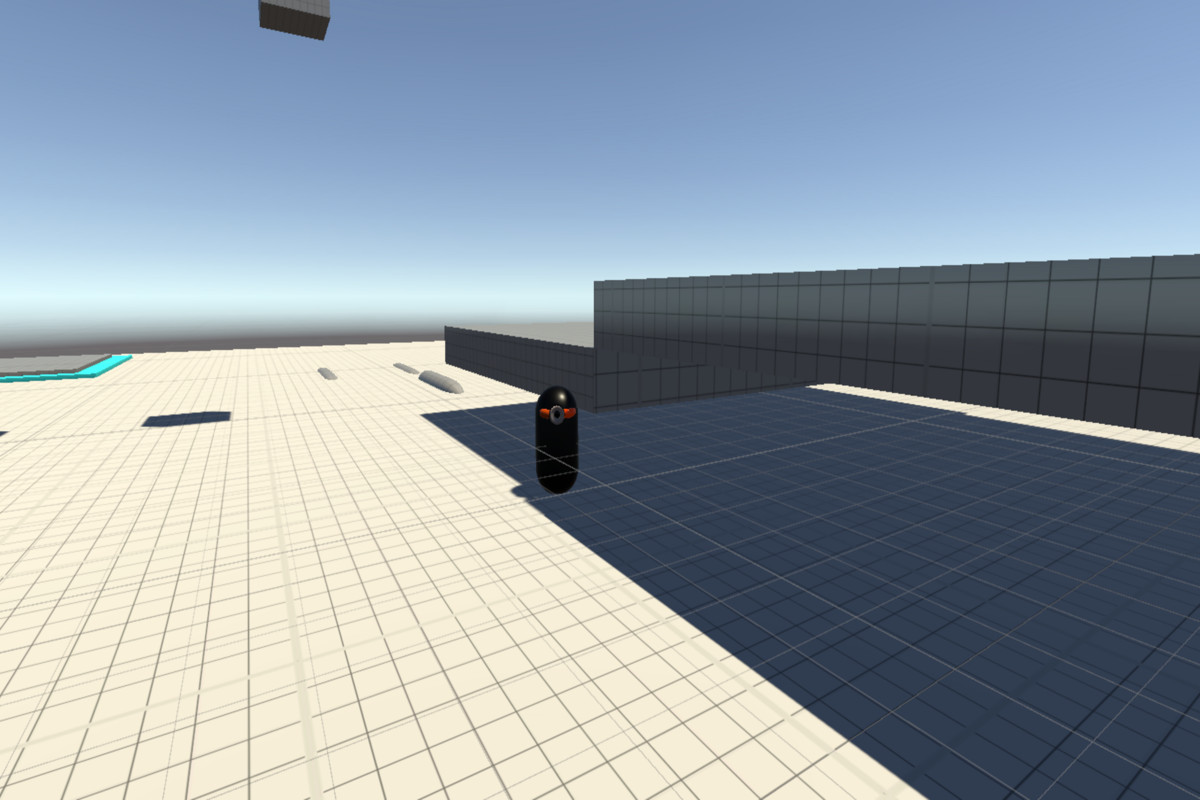
About this asset
First Person Controller Pro
First Person Controller Pro is a powerful, optimized, and professional-grade controller designed for developers who value quality and reliability. It provides all the necessary tools for creating realistic, responsive, and "AAA-feel" first-person movement. Save weeks of development time and focus on your game's unique features with a controller that works perfectly out of the box.
🎮 Key Features:
1. Advanced Movement & Physics:
- State-Aware Movement: Smooth walking, sprinting, and jumping with a robust state machine (Walking, Running, Crouching, Jumping).
- Stair-Stability Tech: Improved ground detection using SphereCast and constant downward force to eliminate "jitter" or "bouncing" when descending stairs or slopes.
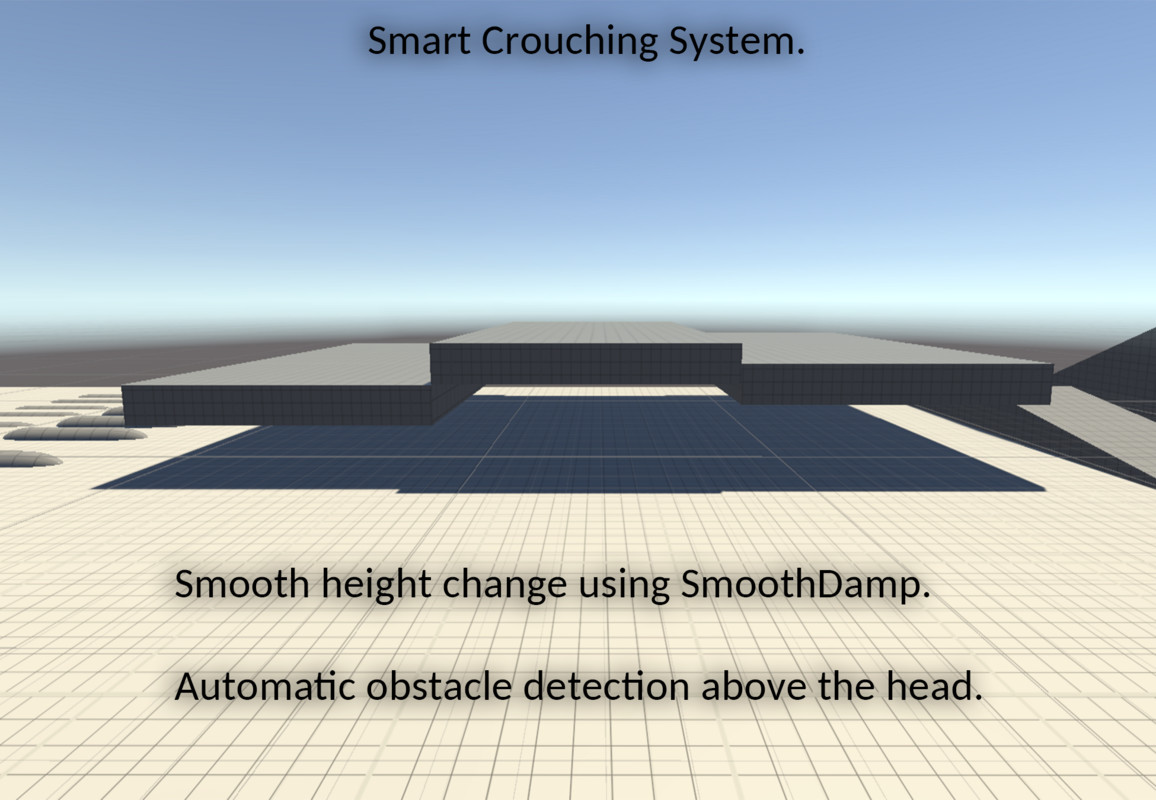
- Smart Crouching System:
Overhead Obstacle Detection: A precise system that prevents the player from standing up if there is an object above their head, avoiding clipping through geometry.
Visual Debugging: Gizmos support in the Scene view to easily visualize ground and overhead checks.
Smooth Transitions: Height changes use interpolated calculations to eliminate camera jerking.
2. Cinematic Camera System:
- Inertia & Weight: New target-based rotation logic with adjustable Camera Weight for professional, smooth mouse-look without "snapping."
- Dynamic FOV (Field of View): Smoothly transitions FOV during sprinting (e.g., 60° → 70°) and maintains state during jumps for visual consistency.
- Hybrid Camera Tilting: Procedural tilting that responds both to side-to-side movement (strafing) and mouse rotation velocity.
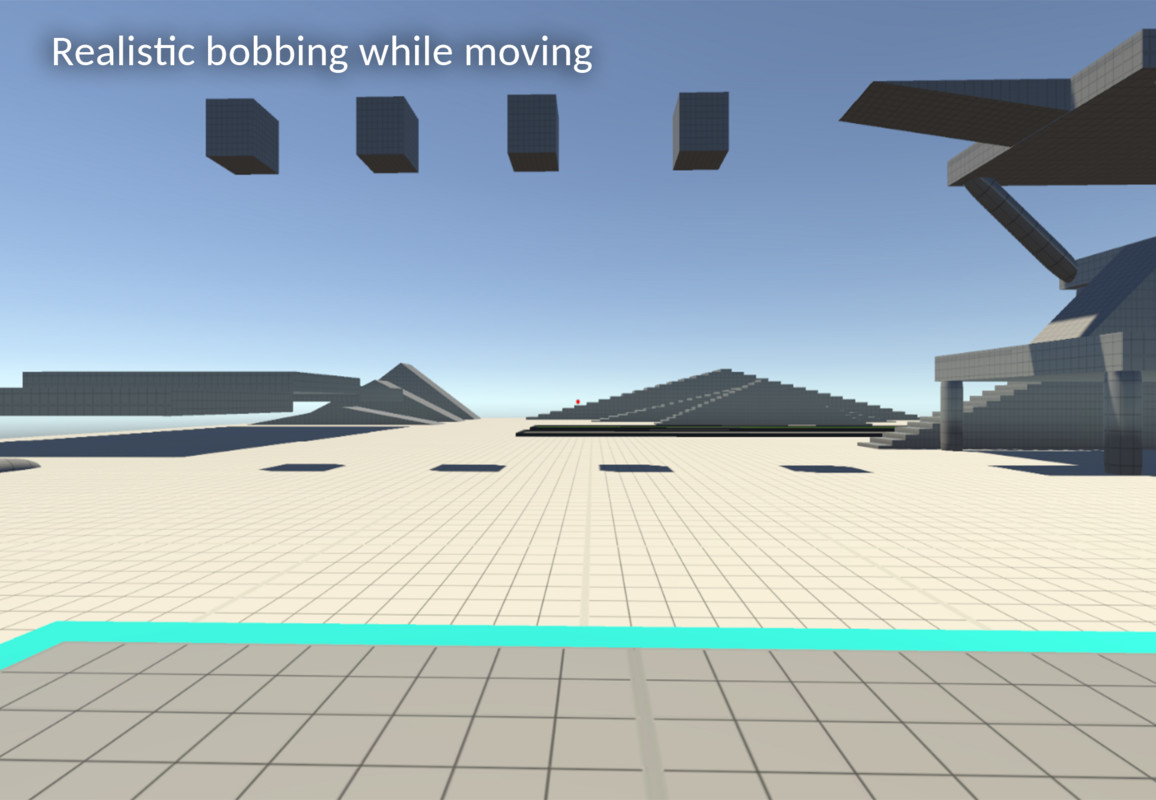
- State-Based Head Bobbing: Separate frequency and amplitude settings for walking, running, and crouching to enhance immersion.
3. Professional Surface Audio System:
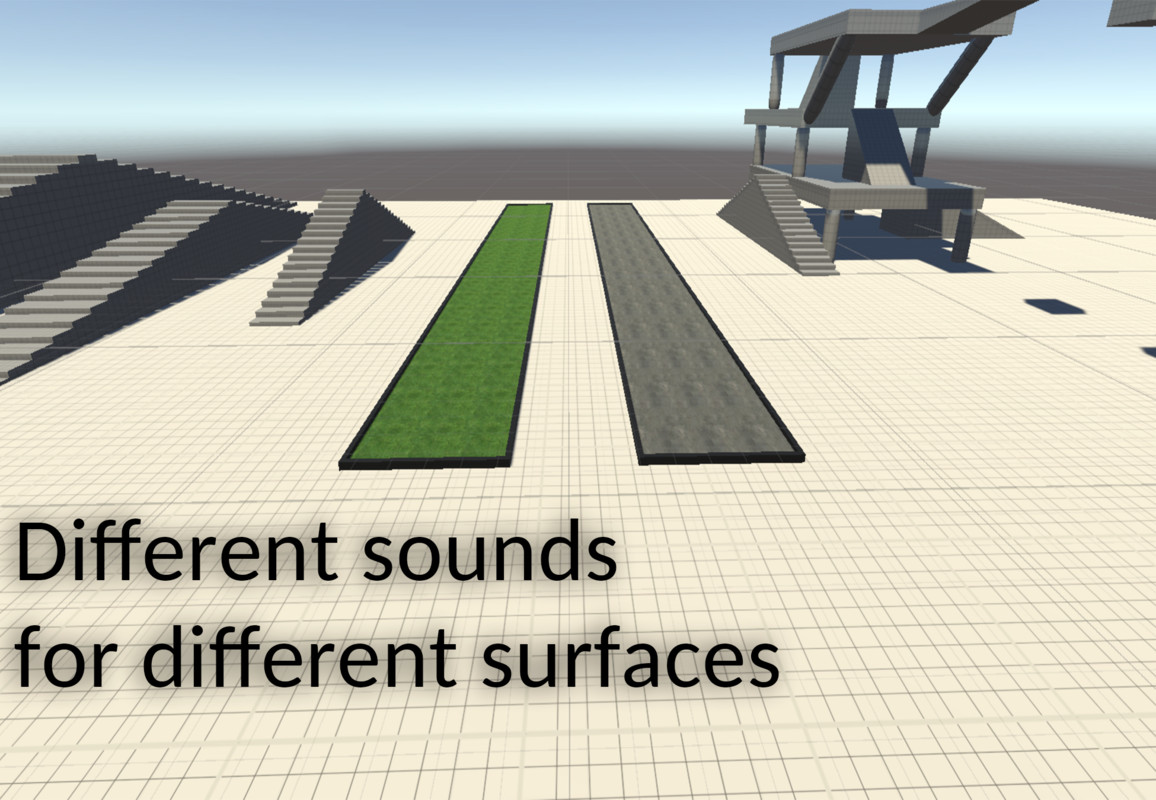
- Surface Awareness: Automatically detects ground materials using both Unity Terrain Layers (Textures) and GameObject Tags.
- Anti-Cut Logic: A smart "Air-Time Threshold" prevents footstep sounds from abruptly cutting off or restarting when moving over small bumps or down stairs.
- Dynamic Pitch: Audio playback speed automatically adjusts based on the movement state (Crouch = slower/deeper, Run = faster/higher).
4. Developer-Friendly Design:
- Clean & Documented C# Code: Fully commented using XML standards for perfect IntelliSense support and easy modification.
- Inspector-Centric Setup: Every parameter, from tilt intensity to bob frequency, is exposed via the Inspector with helpful Tooltips.
- Zero Hidden Dependencies: Built on the standard Unity CharacterController for maximum compatibility with other assets.
🛠 Who is this asset for?
- Indie Developers: Who need a polished, ready-to-use foundation for their FPS, Horror, or Adventure games.
- Prototypers: Quickly test gameplay ideas with controls that already feel "finished."
- Students: Learn from a well-structured, professional-grade codebase that follows industry standards.
📦 What's included in the package?
- PlayerController.cs: The core logic handling movement, physics-safe rotation, and camera effects.
- PlayerMusic.cs: Advanced surface-detection audio script with Terrain support.
- Ready-to-use Prefab: Pre-configured player hierarchy for drag-and-drop integration.
- Documentation: Clear setup instructions and XML-documented code.
🔄 Version 2.3 - The "Stability & Polish" Update:
- NEW: Full Terrain Texture detection for footstep sounds.
- NEW: Target-based rotation system for lag-free camera movement.
- NEW: Anti-restart audio logic for smooth movement on stairs.
- FIXED: Resolved "standing into ceiling" bugs with new overhead clearance checks.
- FIXED: Eliminated FOV "flickering" issues during state transitions.
First Person Controller Pro is the foundation your next project deserves. Experience the difference of a controller built with physics stability and professional polish.
From the publisher's Asset Store listing.
Technical details
Professional First-Person Character Controller Solution for Unity Engine
This implementation provides a robust movement mechanic, an interactive audio system, and smooth camera control, engineered for production environments.
Core Components
Dependencies:
- Unity's CharacterController component
- Transform-based camera system
- Layer-based collision detection
- Terrain System Support: Integration with Unity TerrainData
Movement Architecture:
- Physics-Stable Grounding: Improved SphereCast detection with a constant downward force (-5f) to prevent "micro-bouncing" on slopes and stairs.
- Enhanced State Machine: Integrated Walking, Running, Crouching, and Jumping states with priority-based speed multipliers.
- Smart Standing Logic: Advanced overhead obstacle detection using a dedicated standingHeightMarker to prevent geometry clipping.
- Step Offset & Slope Processing: Optimized for standard Unity physics with frame-rate independent gravity calculations.
Camera System:
- Target-Based Rotation (New): Decoupled input from rotation using TargetYaw/Pitch variables to eliminate "jitter" or "snapping" during frame drops.
- Weighted Camera Movement: Adjustable CameraWeight parameter for high-end cinematic smoothness and input lag simulation.
- Dynamic FOV System: State-aware FOV transitions (60° → 70°) that persist through jump arcs for visual consistency.
- Hybrid Camera Tilting: Procedural leaning based on both horizontal movement vectors and mouse look velocity.
- Procedural Head Bobbing: State-dependent frequency and amplitude curves for realistic movement simulation across all speeds.
Audio Management System:
- Multi-Source Surface Detection:
Terrain Texture Detection: Real-time sampling of the most prominent AlphaMap texture at the player's position.
Tag-Based Identification: Standard fallback to GameObject tags for non-terrain objects. - Advanced Playback Logic:
Anti-Cut Smoothing: Air-time threshold logic (0.2s) prevents audio interruptions during stair descents or small jumps.
Dynamic Pitch Modulation: Automatic pitch shifting based on movement state (Crouching: 0.8x, Running: 1.3x).
Advanced Features
Smart Standing & Ceiling Detection:
- Precise Clearance Checks: Uses OverlapSphere at the height marker to ensure the player only stands when a safe clearance is detected.
- Visual Status Gizmos: Color-coded Scene view debugging (Green: Clear / Red: Blocked).
- Auto-Crouch Retention: Automatically stays in crouch state as long as an obstacle remains overhead.
Physics-Safe Interactions:
- Velocity Reset: Smart landing logic that resets vertical velocity to a stable base value to prevent "gravity stacking" during ground contact.
- Consistent FOV Tracking: FOV transitions track player intent (input keys) rather than raw physics states, preventing FOV "flickering" on stairs.
Optimization Features
Performance:
- Cached Component Architecture: Minimal use of GetComponent or Camera.main inside Update loops.
- Efficient Math: Switched to sqrMagnitude for movement checks to reduce CPU overhead.
- Optimized Physics Sequence: Ground, Crouch, and Movement checks are processed in a specific order to ensure zero-frame latency in state updates.
Code Quality (Asset Store Standards):
- Full XML Documentation: Complete code comments for every method and property.
- Inspector Tooltips: Comprehensive tooltips for all public fields in the Unity Inspector.
- Namespaced Structure: Organized into PlayerSystem and PlayerAudio to prevent conflicts in large projects.
Integration Guide
Basic Setup:
- Attach PlayerController to a GameObject with a CharacterController.
- Assign the Camera Transform in the inspector.
- Place a Standing Height Marker (empty GameObject) at the player's full height level.
- Define Ground Layers and Obstacle Layers in the settings.
Audio Configuration:
- Add PlayerMusic to the player hierarchy.
- Populate the SurfaceSettings array with your Terrain Textures and/or Object Tags.
- Assign corresponding AudioClips for each surface.
Version 2.3 Technical Updates (Major Update):
- Major: Replaced direct rotation with a target-based smoothing system for AAA camera feel.
- Major: Added full support for Terrain Texture-based footstep detection.
- New: Implemented "Stair Smoothing" logic to the audio system to prevent sound cutting.
- Improved: Upgraded overhead detection to prevent CharacterController ceiling clipping.
- Optimization: Reduced GC allocation footprint by optimizing surface detection raycasts.
Compatibility
| Unity version | Built-in | URP | HDRP |
|---|---|---|---|
| 2022.3.58f1 | Compatible | Compatible | Compatible |
As listed on the Asset Store.