
 View on Asset Store (opens in new tab)
Package details
- Latest version
- 1.0
- Last updated
- First released
- Unity version
- 6000.0.33 or later
- Package size
- 248 KB
- Files
- 4
- Favorites
- 1
- Views in the past week
- 6
Price tracking
- Last checked
- Tracked since
- Lowest recorded
- $20.00 on
Keywords

Instant Replay
Capture the last seconds of Play Mode as MP4 instantly—no external builds. Easy setup, background encoding, timestamped files. Editor only.
Affiliate link · Purchases support this site
Price history
Last 6 months
USDAsset preview
1 / 5
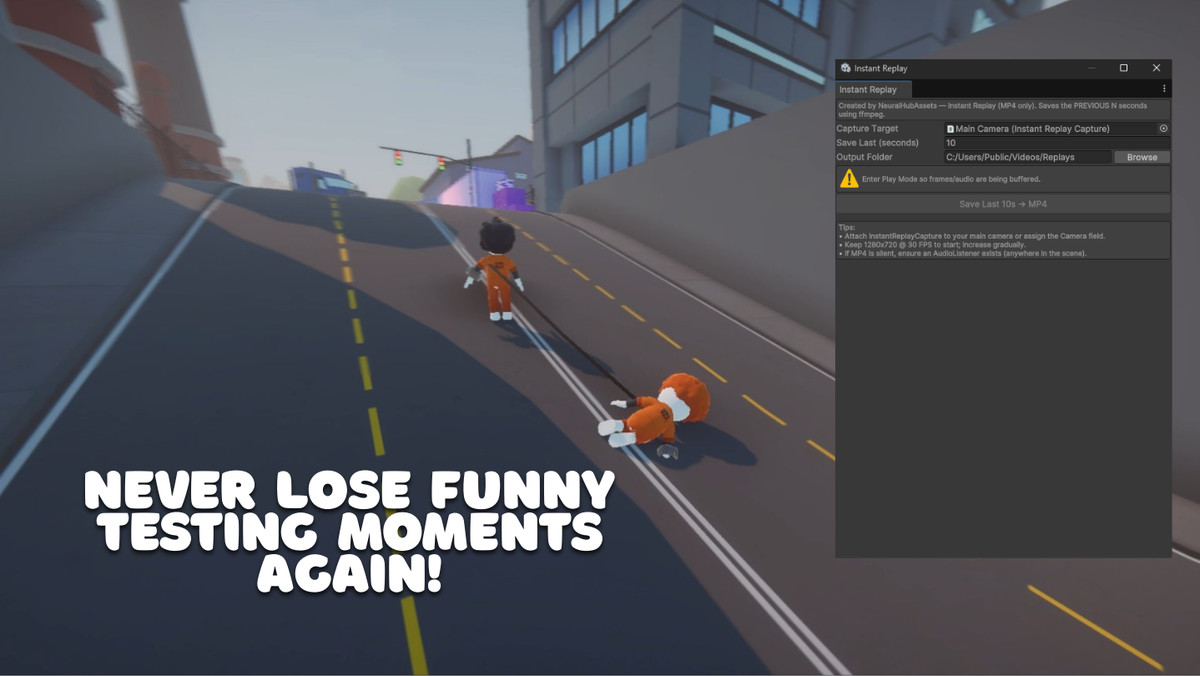
Instant Replay screenshot 1

About this asset
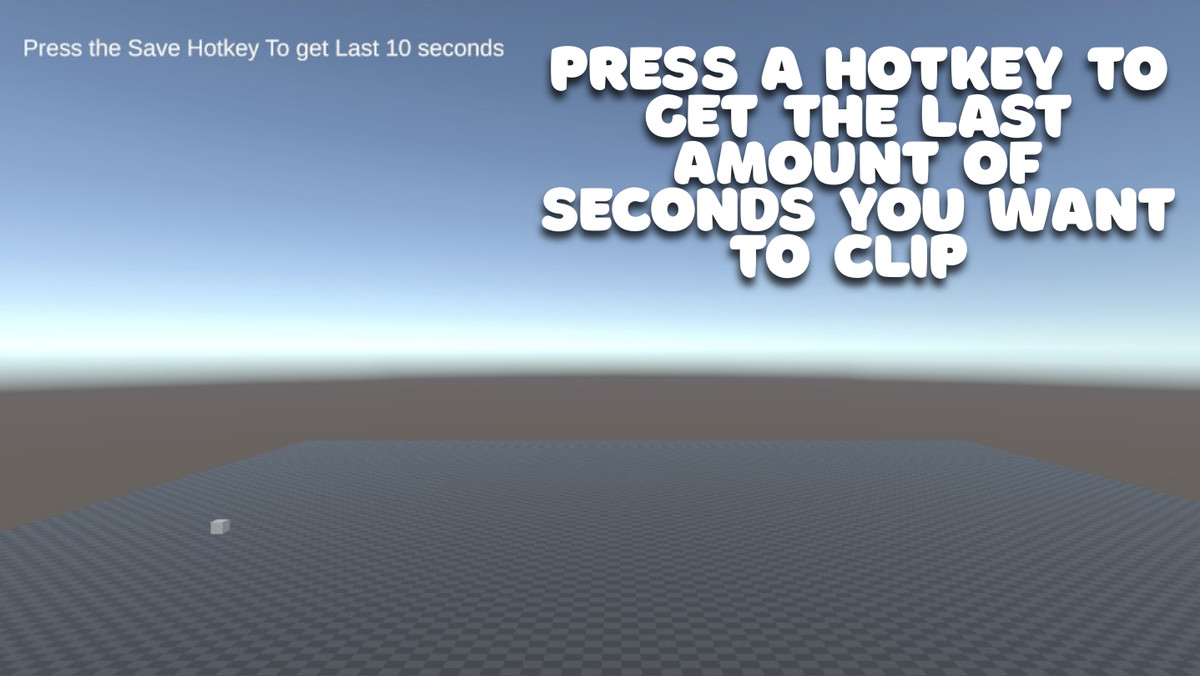
Capture the final moments of your Unity Play Mode directly as an MP4 with a single press of F9. Instant Replay (Editor-Only) buffers gameplay and audio, then encodes seamlessly in the background—no PNGs, no WAVs, just clean MP4 output with timestamped filenames.
It’s perfect for:
- Capturing bugs, devlogs, or highlights
- Fast iteration and debugging
- Minimal setup—just point to ffmpeg and go!
⚠️ Note: Unity does not allow distributing executables, so ffmpeg is not bundled.
You must download it once from the official source:
👉 https://www.gyan.dev/ffmpeg/builds/
After downloading, either:
- Copy ffmpeg.exe into Assets/InstantReplay/FFmpeg/ (auto-detected), or
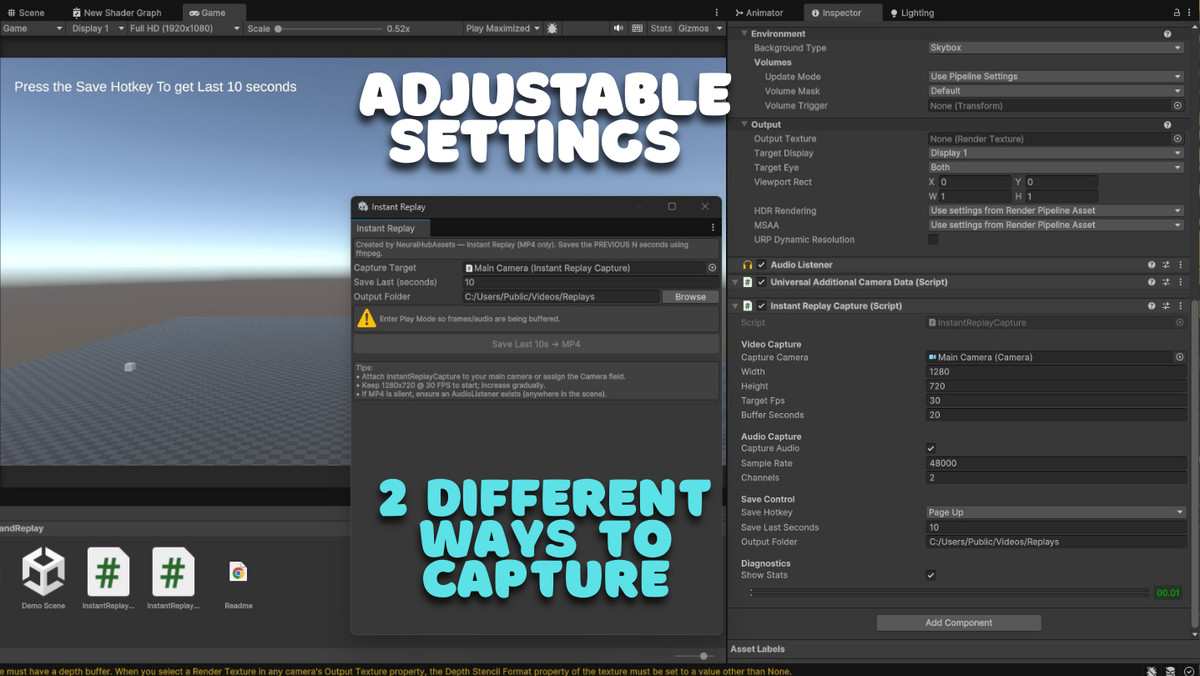
- Set the path to your ffmpeg.exe in the Inspector.
Once installed, you’re ready to hit F9 and save your replays.
From the publisher's Asset Store listing.
Technical details
- One-click capture (F9): Instantly save the last few seconds of gameplay without interrupting flow.
- MP4-only pipeline: No intermediate PNG or WAV files—clean, efficient, and space-saving.
- Background encoding: Runs ffmpeg without freezing the Editor.
- Timestamped filenames: Never overwrite; every replay is uniquely named by date/time.
- Flexible quality settings: Customize resolution, FPS, and buffer length to fit your workflow and memory.
- Audio included: Captures game sound through your standard AudioListener.
- Two setup options:
Copy ffmpeg.exe into Assets/InstantReplay/FFmpeg/
Or assign a path in the Inspector if you prefer your own ffmpeg location
Compatibility
| Unity version | Built-in | URP | HDRP | Custom |
|---|---|---|---|---|
| 6000.0.33f1 | Compatible | Compatible | Compatible | Compatible |
As listed on the Asset Store.