
 View on Asset Store (opens in new tab)
Package details
- Latest version
- 1.4
- Last updated
- First released
- Unity version
- 2022.3.62 or later
- Package size
- 104 KB
- Files
- 20
- Favorites
- 17
- Views in the past week
- 8
Price tracking
- Last checked
- Tracked since
- Lowest recorded
- $14.99 on
Keywords

USM - Universal Sound Manager
USM simplifies Unity audio with one-line playback, visual editors, multi-track timeline composition, and chainable builder controls for all skill levels
Affiliate link · Purchases support this site
Price history
Last 6 months
USDAsset preview
1 / 14
USM - Universal Sound Manager screenshot 1


About this asset
USM – Universal Sound Manager
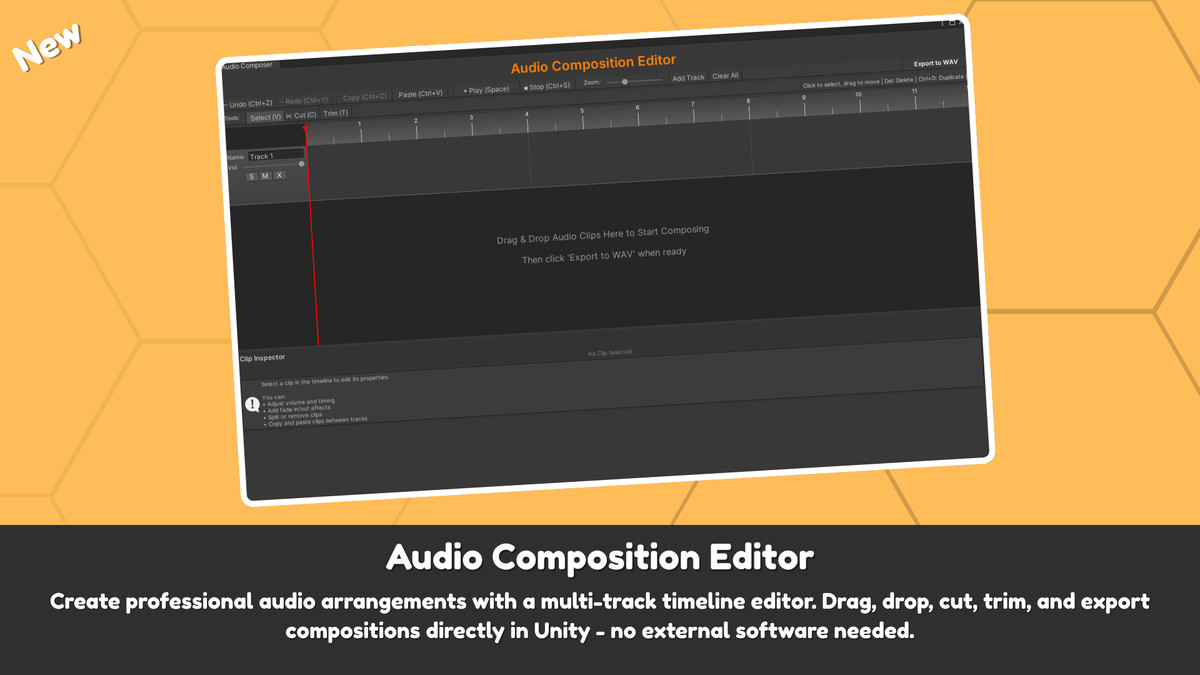
USM is a comprehensive audio management solution designed specifically for Unity developers who want an all-in-one audio system with a multi-track audio composition editor that works entirely inside Unity — no external tools required.
It allows you to edit any type of audio and includes all the essential features you’d expect from an audio composition editor, an audio clip editor, and an audio manager — all with a clean and easy-to-understand workflow.
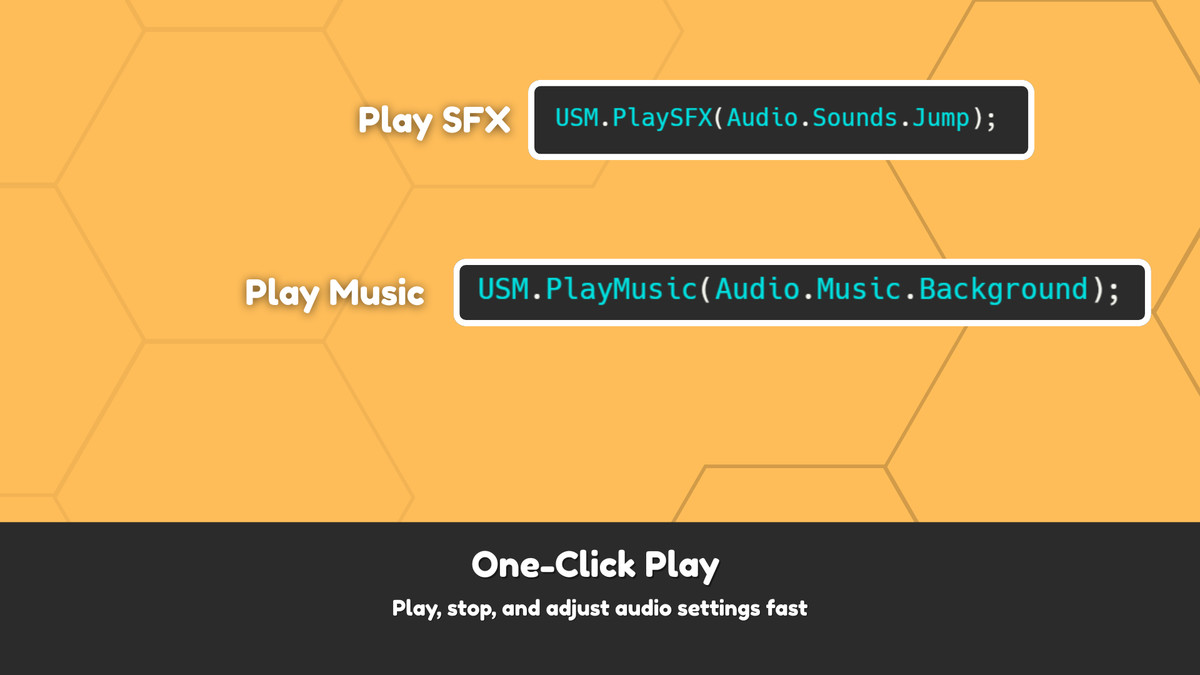
With USM, you can play music or SFX with a single line of code, or manage your audio completely without writing any code at all. You can create, control, edit, and experiment with sound effortlessly.
Key Features
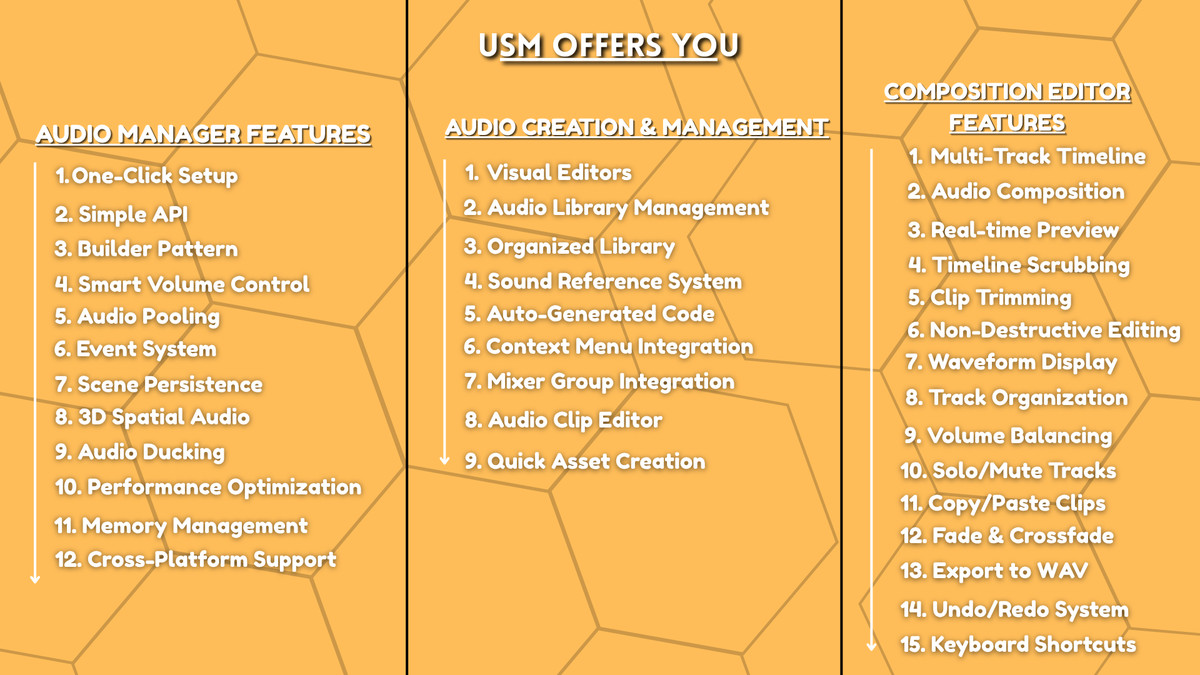
- One-Click Setup: Automated installation via Tools > USM > Quick Setup
- Simple API: Play sounds with one line: USM.PlaySFX(Audio.Sounds.Jump)
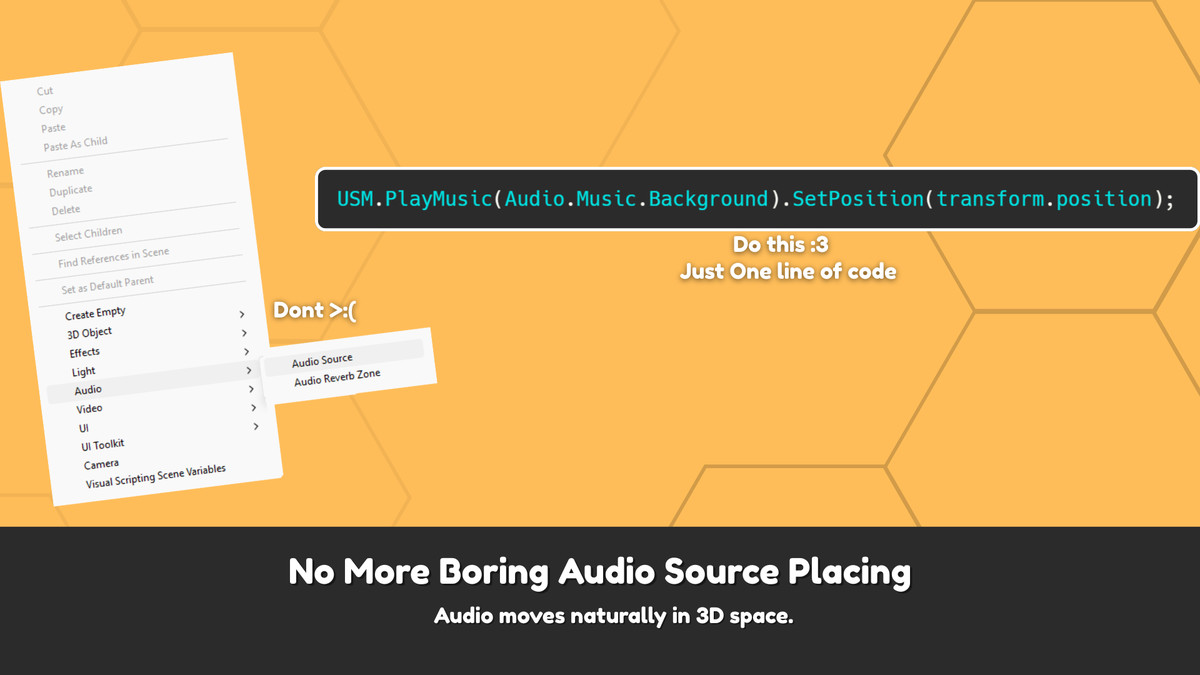
- Builder Pattern: Chain controls like .SetVolume().SetPosition().SetFade()
- Volume Control: Global, Music, and SFX volume with individual track control
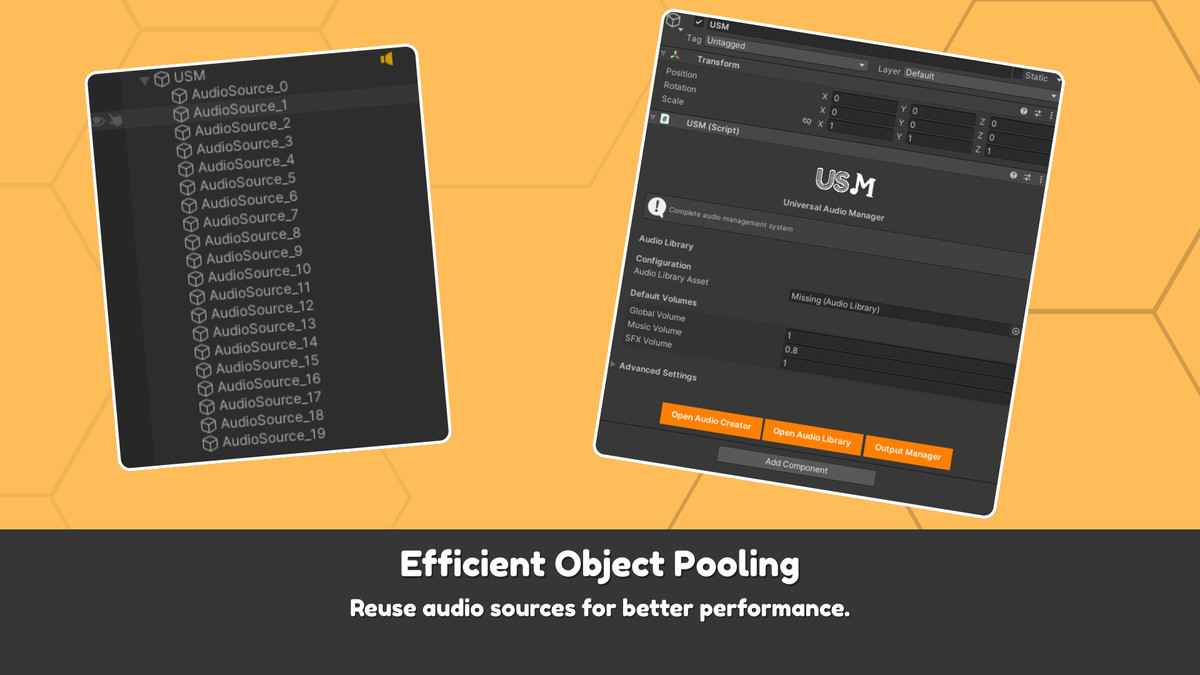
- Audio Pooling: Built-in object pooling for performance (no lag with many sounds)
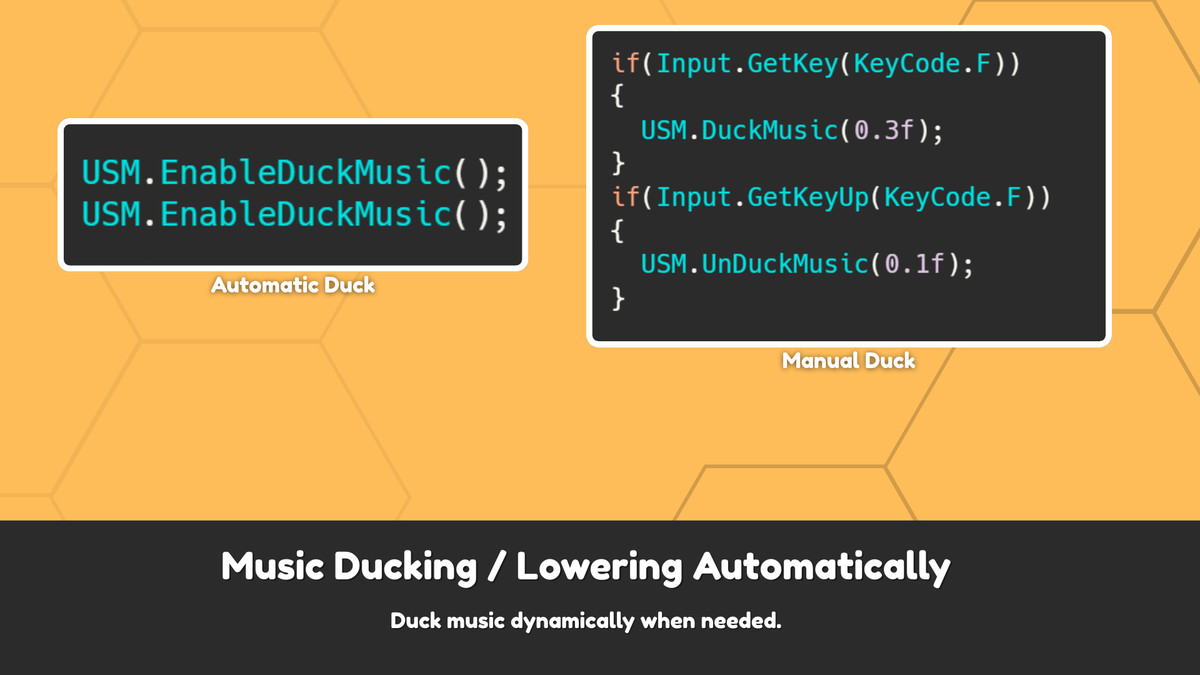
- Music System: Crossfading, automatic ducking, and playlist support
- Spatial Audio: Full 3D sound positioning and spatial effects
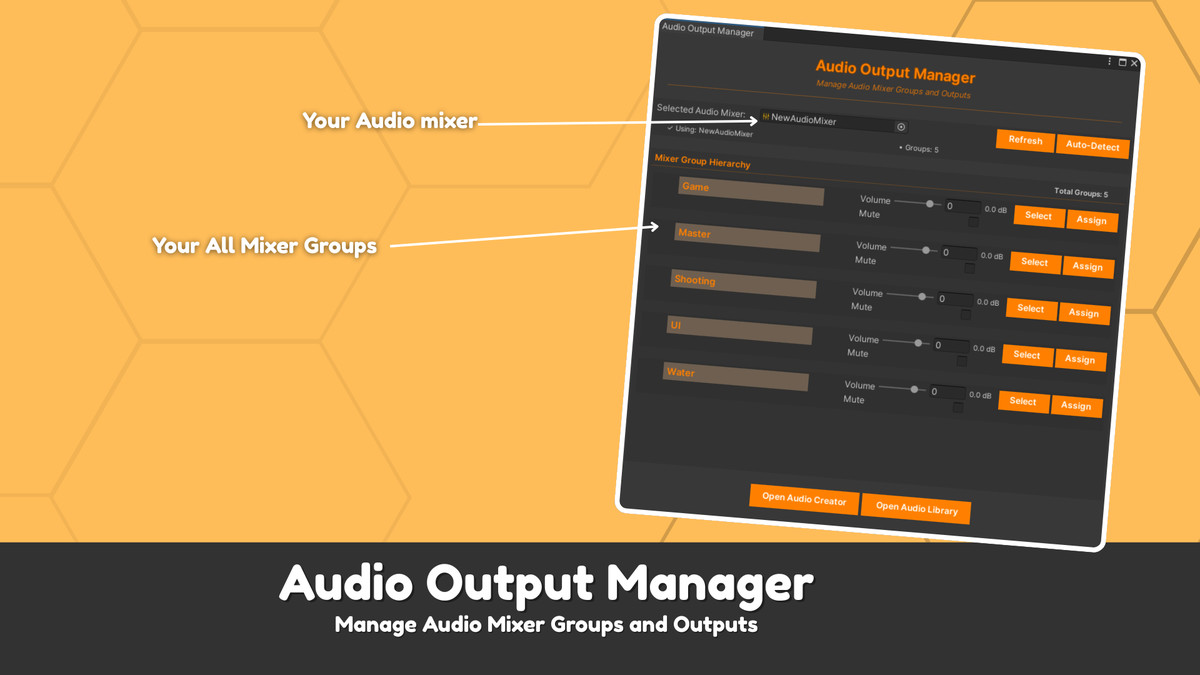
- Mixer Integration: Complete Audio Mixer control with Output Manager
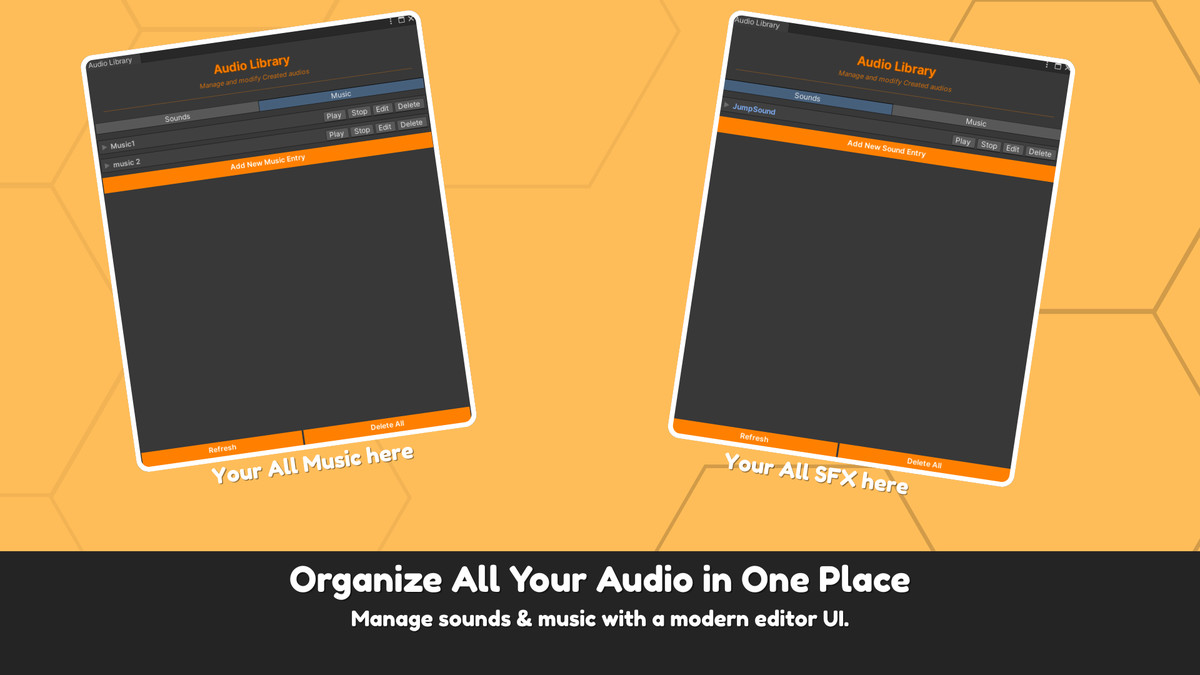
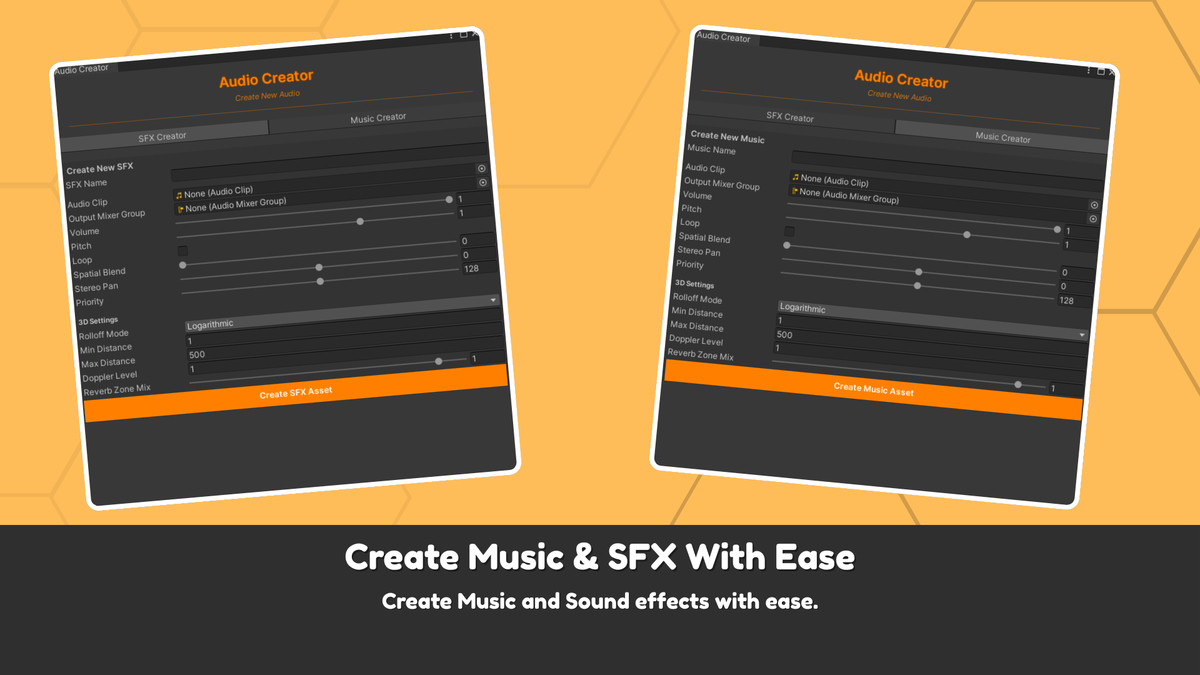
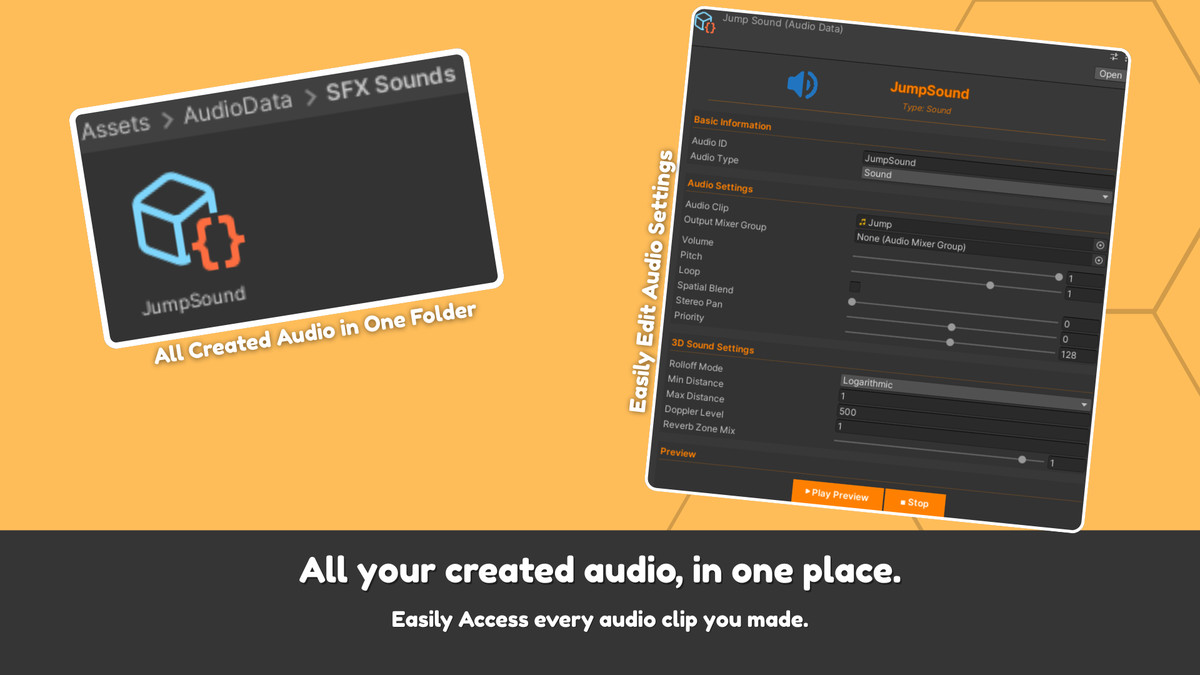
- Visual Editor: Create and manage all audio through editor windows
- Audio Composition: Multi-track timeline editor for professional audio arrangements
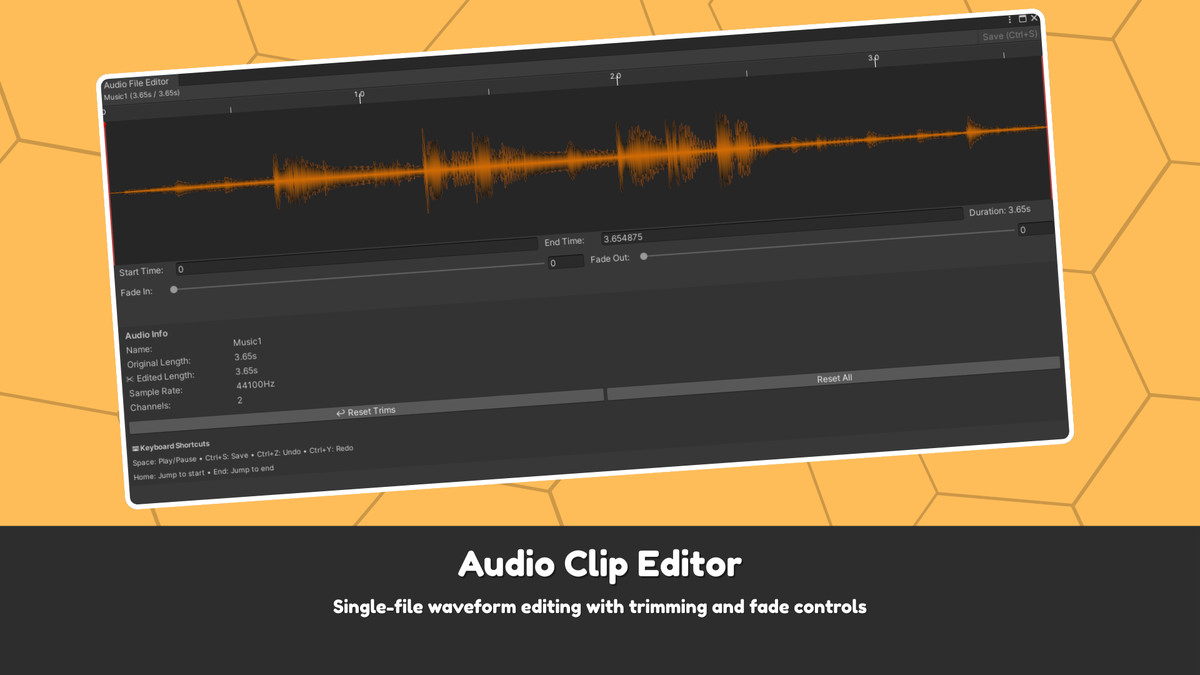
- Audio Clip Editor: Single-file waveform editing with trimming and fade controls
- Universal Compatibility: Works with all Unity render pipelines and platforms
Complete Professional Audio Workflow
USM transforms Unity audio development with an all-in-one suite designed for developers of any level. Its simple yet powerful API lets you play sounds with a single line of code, while method chaining allows advanced features like spatial audio and fades — keeping your code clean and readable.
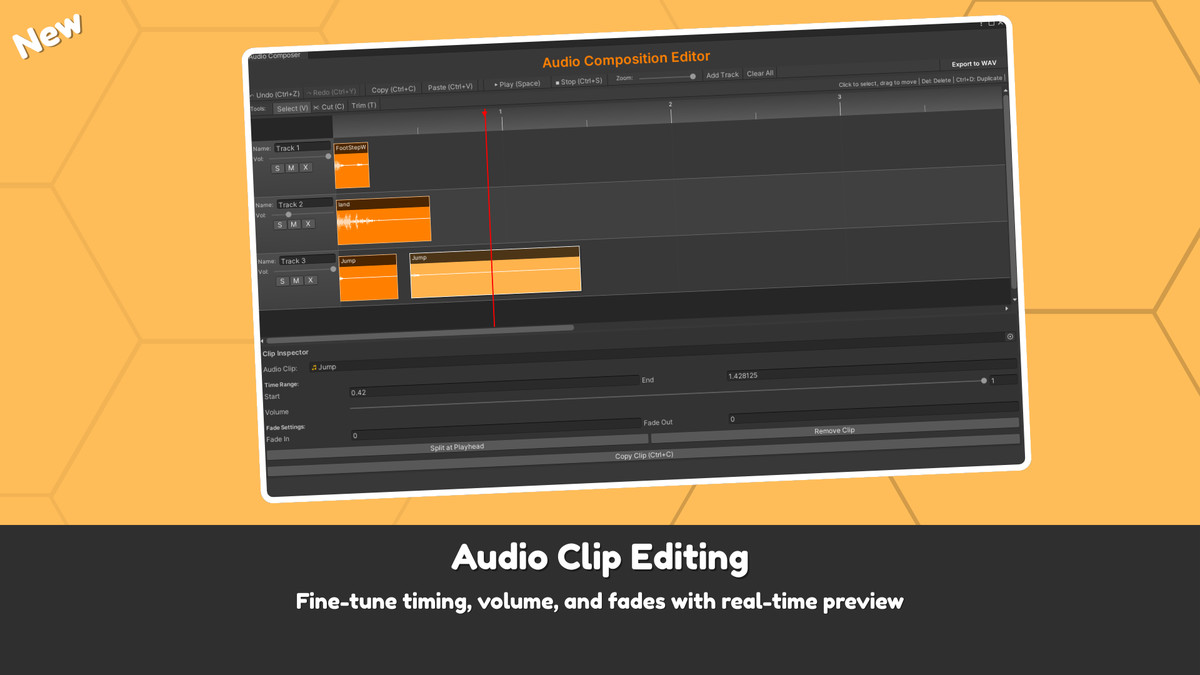
Inside Unity, the visual editor suite offers everything you need: an Audio Creator for making new clips, an Audio Library for managing sounds, an Output Manager for full mixer control, and a Multi-Track Composition Editor for timeline-based editing with waveform visualization and real-time preview. The new Audio Clip Editor adds precise trimming, visual waveform editing, and non-destructive fades — all seamlessly integrated.
Advanced Audio Capabilities
USM covers all your audio needs — from SFX and UI sounds to music, spatial audio, loops, and full timeline-based compositions. It features intelligent crossfading for smooth transitions, automatic audio ducking that adjusts music volume during key sound effects, and a robust event system for managing audio lifecycles.
Built for performance, USM uses automatic object pooling to efficiently handle audio sources, ensuring smooth playback even in sound-heavy scenes. It fully integrates with Unity’s Audio Mixer, delivering professional-grade control that’s simple enough for indies and powerful enough for AAA teams.
Get Started Today
Whether you're building a simple mobile experience or a complex AAA title, USM provides the complete toolset to implement, manage, compose, and perfect your game's audio landscape. Stop wrestling with audio implementation complexities and start creating amazing, professional soundscapes with USM.
Contact && Documentation
- Website: About Kitler Dev
- Documentation - USM Documentation
- Email: [email protected]
- Community: Join our developer Discord for support - https://discord.gg/M2wm9MjME4
Transform your Unity audio workflow today with USM - where professional power meets intuitive design.
From the publisher's Asset Store listing.
Technical details
- One-Click Setup: Automated installation via Tools > USM > Quick Setup
- Simple API: Play sounds with one line: USM.PlaySFX(Audio.Sounds.Jump)
- Builder Pattern: Chain controls like .SetVolume().SetPosition().SetFade()
- Volume Control: Global, Music, and SFX volume with individual track control
- Audio Pooling: Built-in object pooling for performance (no lag with many sounds)
- Music System: Crossfading, automatic ducking, and playlist support
- Spatial Audio: Full 3D sound positioning and spatial effects
- Mixer Integration: Complete Audio Mixer control with Output Manager
- Visual Editor: Create and manage all audio through editor windows
- Audio Composition: Multi-track timeline editor for professional audio arrangements
- Audio Clip Editor: Single-file waveform editing with trimming and fade controls
- Universal Compatibility: Works with all Unity render pipelines and platforms
Compatibility
| Unity version | Built-in | URP | HDRP | Custom |
|---|---|---|---|---|
| 2022.3.62f1 | Compatible | Compatible | Compatible | Compatible |
This asset is compatible with all render pipelines (Built-in, URP, HDRP). The audio code works everywhere. And the Compistion editor also
As listed on the Asset Store.