
 View on Asset Store (opens in new tab)
Package details
- Latest version
- 1.0.0
- Last updated
- First released
- Unity version
- 2022.3.62 or later
- Package size
- 2.1 MB
- Files
- 20
- Favorites
- 10
- Views in the past week
- 7
Price tracking
- Last checked
- Tracked since
- Lowest recorded
- Free on
Keywords
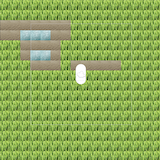
realtime-wfc-generation
Wave Function Collapse generated tile world around a moving camera in real time. Maintains a visible square window of tiles around the player.
Price Free
Get it free on Asset Store (opens in new tab)
Affiliate link · Purchases support this site
Price history
Last 6 months
USDAsset preview
1 / 3
realtime-wfc-generation screenshot 1
About this asset
The package contains nessecary tools to create sample data for the Wave Function Collapse algorithm as well as allow for tweaking settings to fit your project's needs.
Use the provided tools to generate a single tilemap for your world, dynamically build terrain as the player moves as shown in the demo, or expand on the algorithm to suit your custom needs.
Usage
- Import the Unity Package.
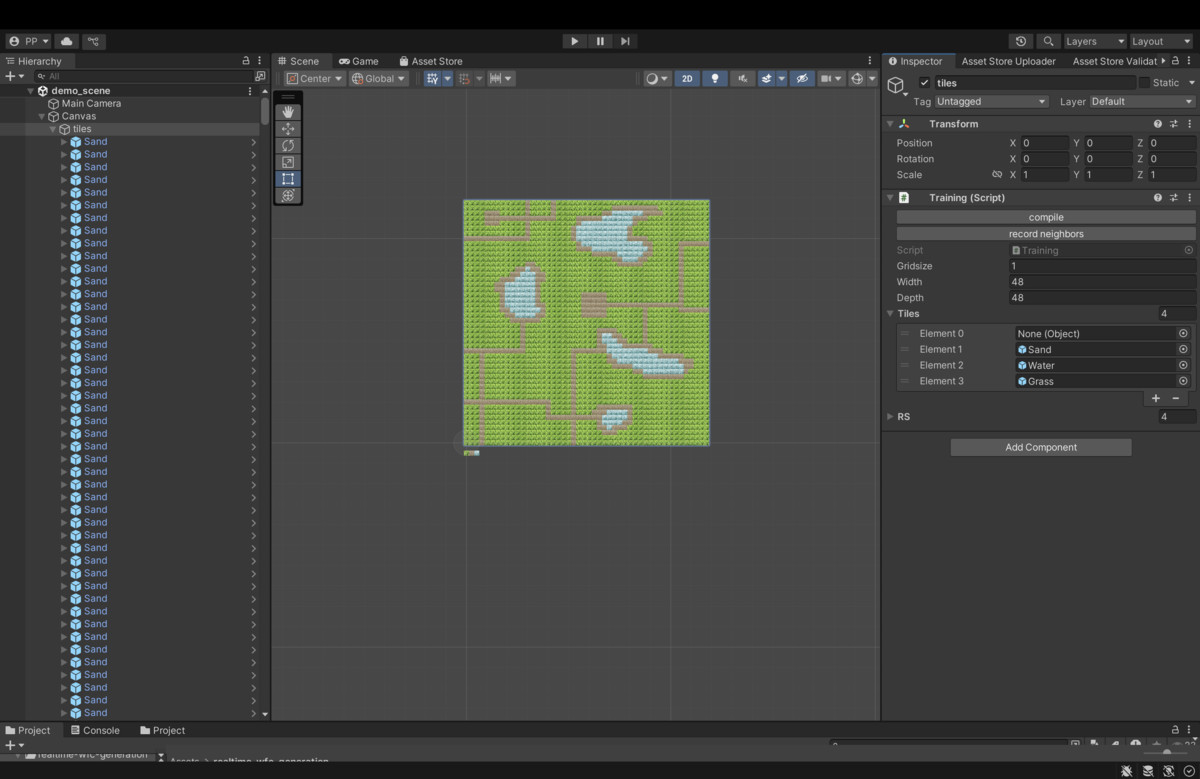
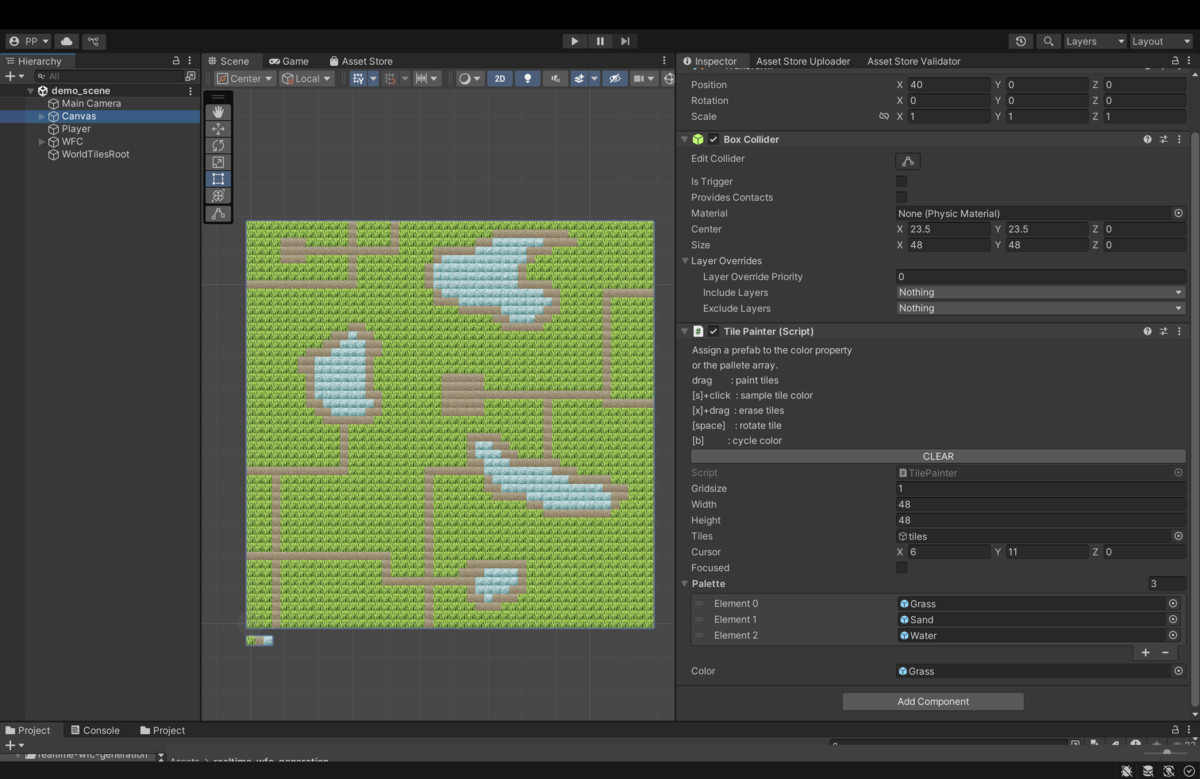
- Create Training: Add an empty GameObject with a TilePainter component.
Assign prefab tiles to the palatte and paint an input scene.
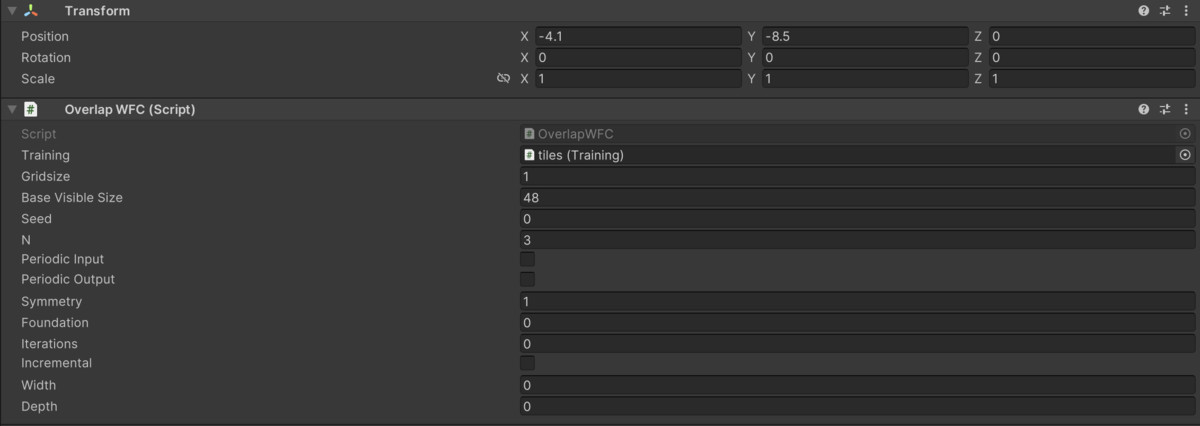
Create a child with the Training component, click "compile". - Add an OverlapWFC component: Assign the Training reference.
Set N (start with 2).
Set baseVisibleSize (e.g. 16 for a 16x16 tile view with a default camera).
Optionally tweak seed, iterations (0 = full solve). - Add Player: Assign camera (or it will auto-grab Camera.main).
Assign the OverlapWFC instance. - Press Play: Move with WASD / Arrow keys.
Tiles generate around you.
From the publisher's Asset Store listing.
Technical details
- Uses an overlapping Wave Function Collapse model to synthesize tiles.
- Maintains a visible square window of tiles around the player.
- Supports fixed sliding window regeneration and optional directional one‑row/column extensions.
- Rebuilds / constrains the model as the camera moves so exploration feels continuous.
Compatibility
| Unity version | Built-in | URP | HDRP |
|---|---|---|---|
| 2022.3.62f1 | Compatible | Not listed | Not listed |
As listed on the Asset Store.