
 View on Asset Store (opens in new tab)
Package details
- Latest version
- 2.2.0
- Last updated
- First released
- Unity version
- 2022.3.62 or later
- Package size
- 76.2 MB
- Files
- 104
- Favorites
- 25
- Views in the past week
- 14
Price tracking
- Last checked
- Tracked since
- Lowest recorded
- $15.00 on
Keywords

Mesh Seam Blending Pro
- Price drop
Add a transition to seams in between assets as a post process.
Lowest recorded price
Get 40% off on Asset Store (opens in new tab)Affiliate link · Purchases support this site
Price history
Last 6 months
USDAsset preview
1 / 7

Mesh Seam Blending Pro screenshot 1


About this asset
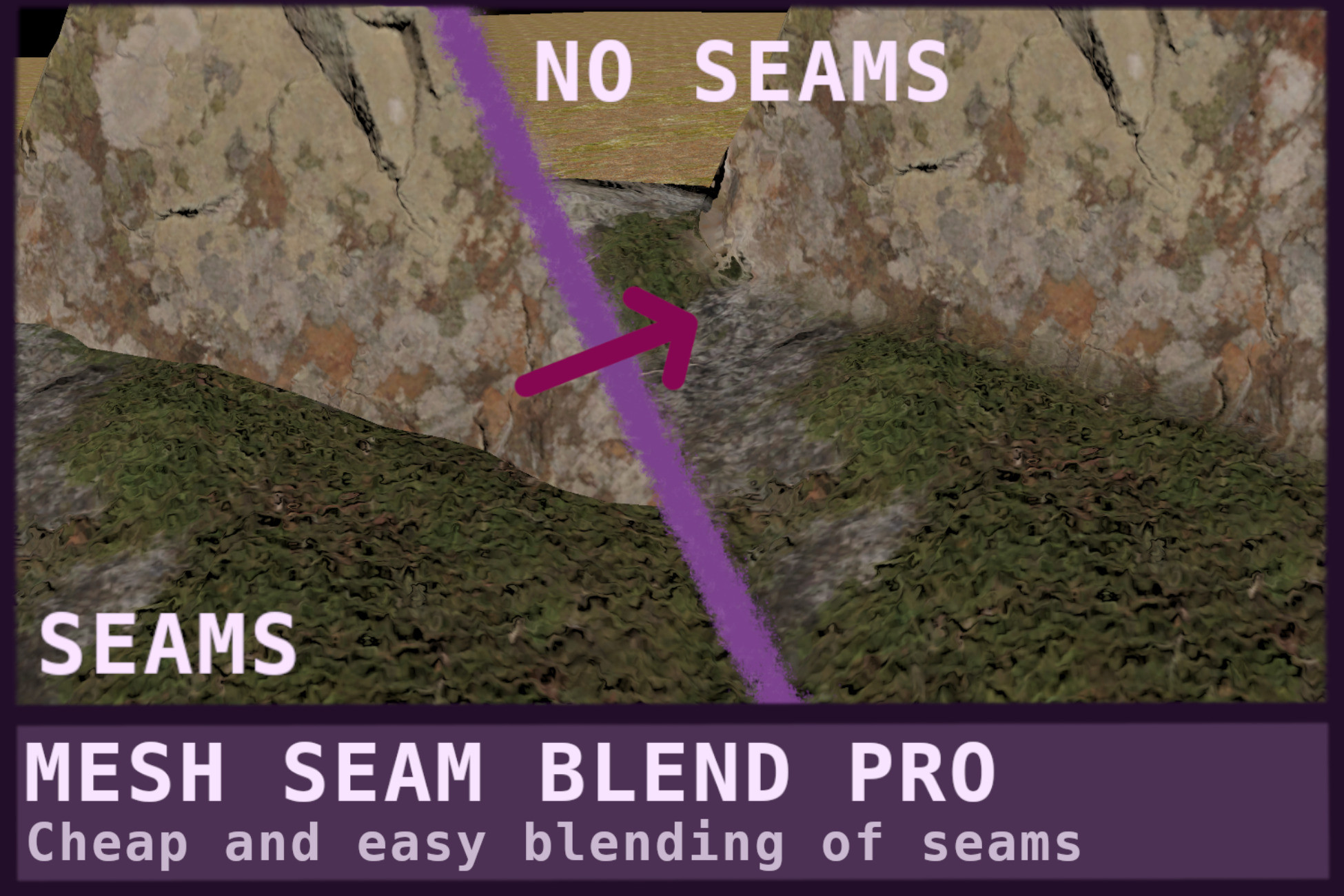
This post processing effect adds transitions in between seams of meshes,
This masively reduces hard seams when combining meshes together, which allows for rapid iteration of building terrains or environments without having to make custom assets for everything.
Great for procedural levels in which you cant easily combine meshes without ugly seams.
The effect works for all kinds of renderers, So you can blend meshes with terrain but also meshes with meshes.
This is the paid version of this asset a earlier (free) version is available here
Main differences being, a huge difference in performance, Visual quality and user control.
There is also an explanation on how the effect works is available on my website
From the publisher's Asset Store listing.
Technical details
Features
- Automatically works on all (3D) renderers together including meshes and terrain.
- You can easily select what objects blend using a rendering layermask. Or more advanced by a script per object that supports 32 object ID which you can control if they blend together.
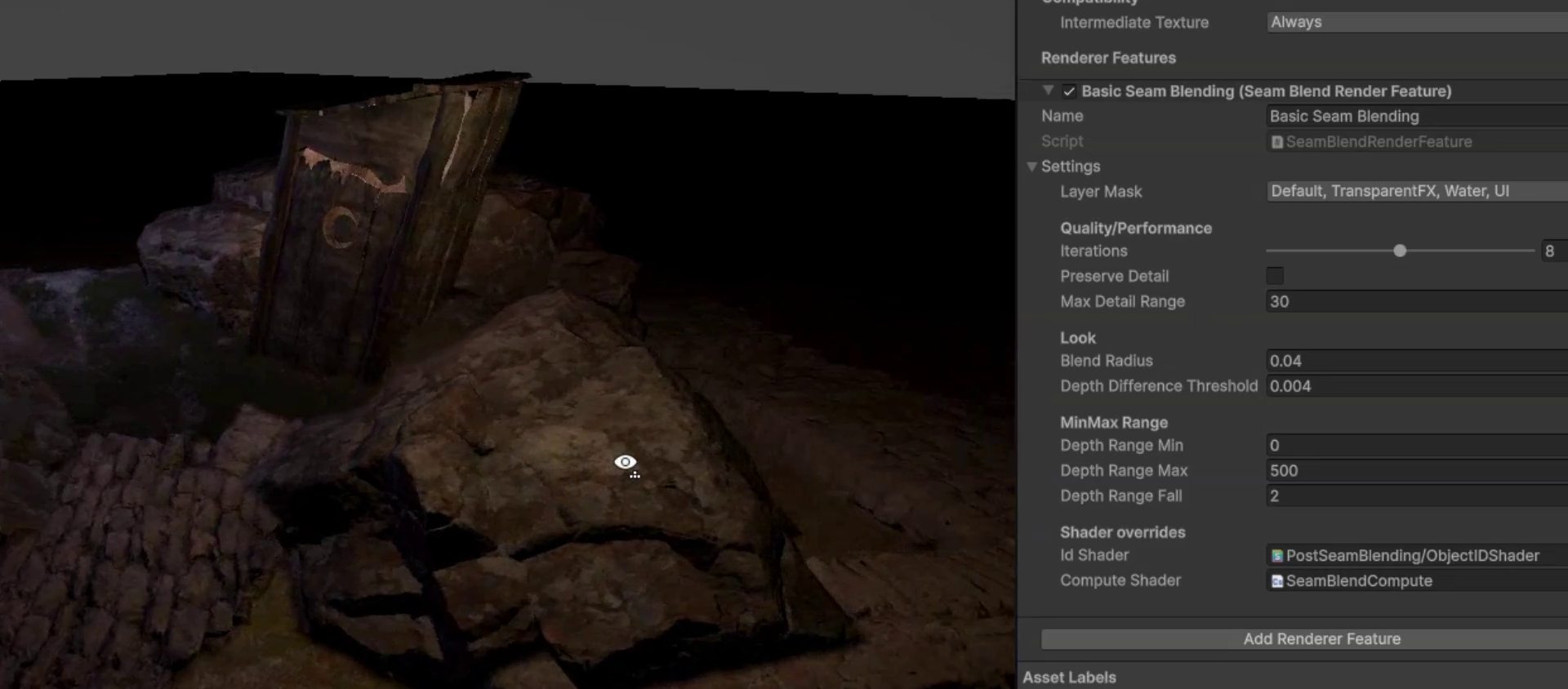
- Configurable transition sizes and quality
- Works with textures because it mirrors colors instead of blurring.
- As a post process its barely affected by objects and updates real time for free.
- Configurable fading distance
Limitations
- Only works for opaque objects
- The mirror effect can look off with some texture or shadow patterns.
Performance
The effect is somewhat cheap, and is masked so has even less effect if no transition is visible.
Performance is very configurable by blend size, search iterations and detail quality.
From testing on my 4060 Laptop GPU and i7-12650H in the demo scene the effect takes about 0.4ms at 1920x1080 and 5ms at 3840x2160
At a blend radius of 0.15, 5 iterations and preserve detail on
Compatibility
| Unity version | Built-in | URP | HDRP |
|---|---|---|---|
| 6000.0.58f2 | Not listed | Compatible | Not listed |
| 2022.3.62f2 | Not listed | Compatible | Not listed |
As listed on the Asset Store.