
 View on Asset Store (opens in new tab)
Package details
- Latest version
- 1.0
- Last updated
- First released
- Unity version
- 6000.2.6 or later
- Package size
- 149 KB
- Files
- 16
- Favorites
- 1
- Views in the past week
- 2
Price tracking
- Last checked
- Tracked since
- Lowest recorded
- $7.50 on
Keywords

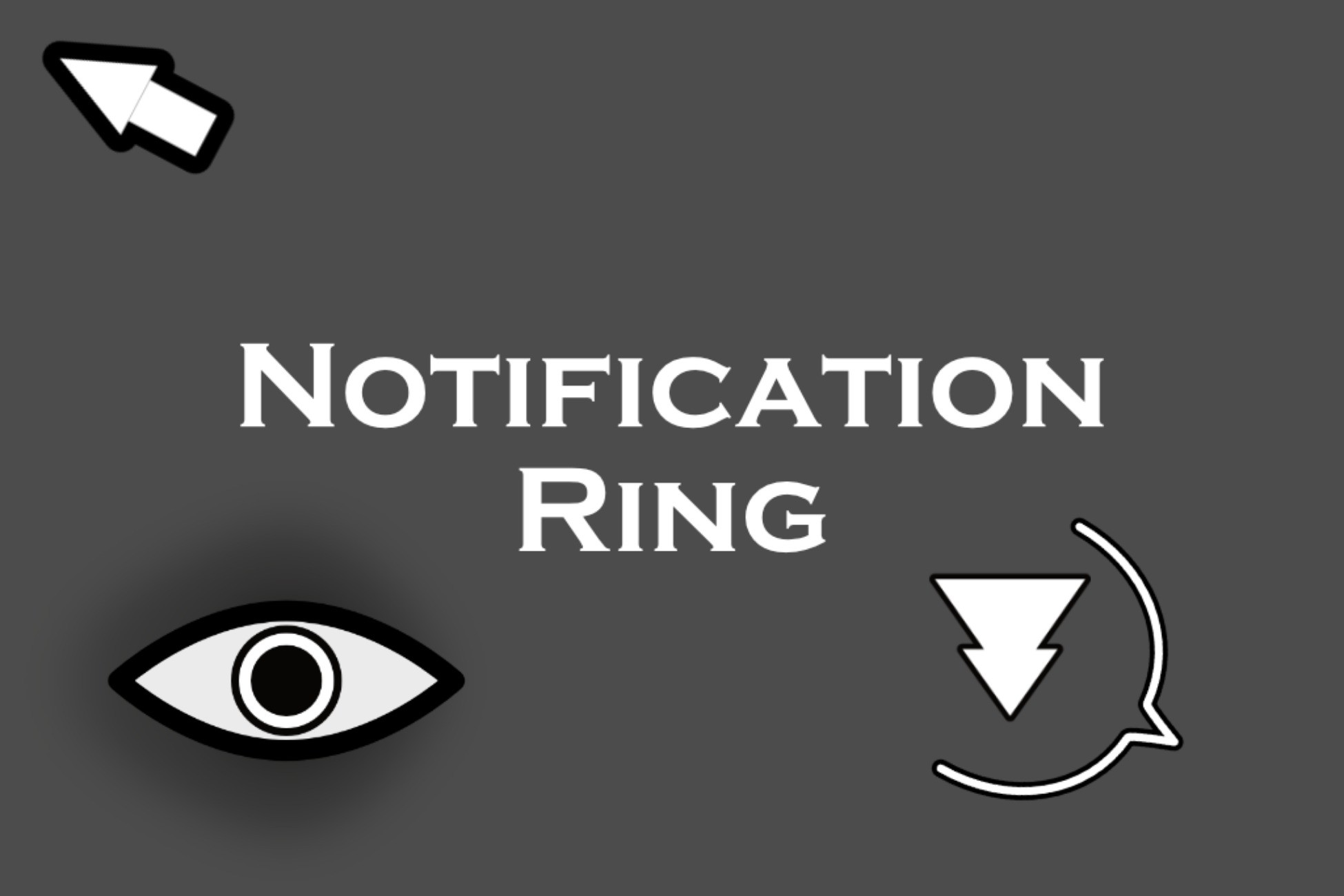
Notification Ring: Quest, Goal, and Detection Indicator System
Draw players' attention to objects in your game world; provides intuitive on-screen and off-screen indicators, making it easier for players to track objectives, enemies, or interactable objects.
Affiliate link · Purchases support this site
Price history
Last 6 months
USDAsset preview
1 / 2

Notification Ring: Quest, Goal, and Detection Indicator System screenshot 1

About this asset
NotificationRing is a modular solution for drawing player attention to important objects in your game world. It provides intuitive on-screen and off-screen indicators that adapt dynamically to the camera view, making it easier for players to track objectives, enemies, or interactable objects.
The original intent was to be used in stealth-focused games (e.g. "Look to your right; someone can see you"), however it's been designed to work in all types of games, including racing games (e.g. "This is your next target destination"), RPGs (e.g. "Your quest destination is here"), etc.
Setup of a new project is straighforward, and there is a demo scene along with several example sprites that you are welcome to use as-is or inspiration to drop-in a new, original sprite asset.
From the publisher's Asset Store listing.
Technical details
Scripts Included:
- NotificationObserver.cs
- NotificationSource.cs
- IndicatorUI.cs
Prefabs Included:
- IndicatorUI.prefab (preconfigured, optional)
Core Features:
- Indicators appear on closest screen edge for off-screen objects
- Indicators appear on top of object for on-screen objects
- Configurable to show either/both of on-screen or off-screen indicators
- Automatic source registration/unregistration at runtime
- Sprites and visibility can be changed and toggled via script at runtime
- Inspector tooltips for all serialized fields
- Sprites and indicator modes are configurable at a per-object level, allowing multiple types of utilization at the same time.
- Customizable indicator targets (e.g. specify an armature's head bone and/or floating above the target object)
- Initial setup guide included
Designed and tested in Unity 6000.0.49f1. Scripts are written in a way that intends to streamline any customizations you may need to make on a per-project basis.
Compatibility
| Unity version | Built-in | URP | HDRP |
|---|---|---|---|
| 6000.2.6f2 | Compatible | Not listed | Not listed |
As listed on the Asset Store.