
 View on Asset Store (opens in new tab)
Package details
- Latest version
- 1.2
- Last updated
- First released
- Unity version
- 6000.3.4 or later
- Package size
- 2.1 MB
- Files
- 120
- Favorites
- 76
- Views in the past week
- 10
Price tracking
- Last checked
- Tracked since
- Lowest recorded
- $22.50 on
Keywords
BT - OptiAnimX: AAA-Level Animation Optimization Framework
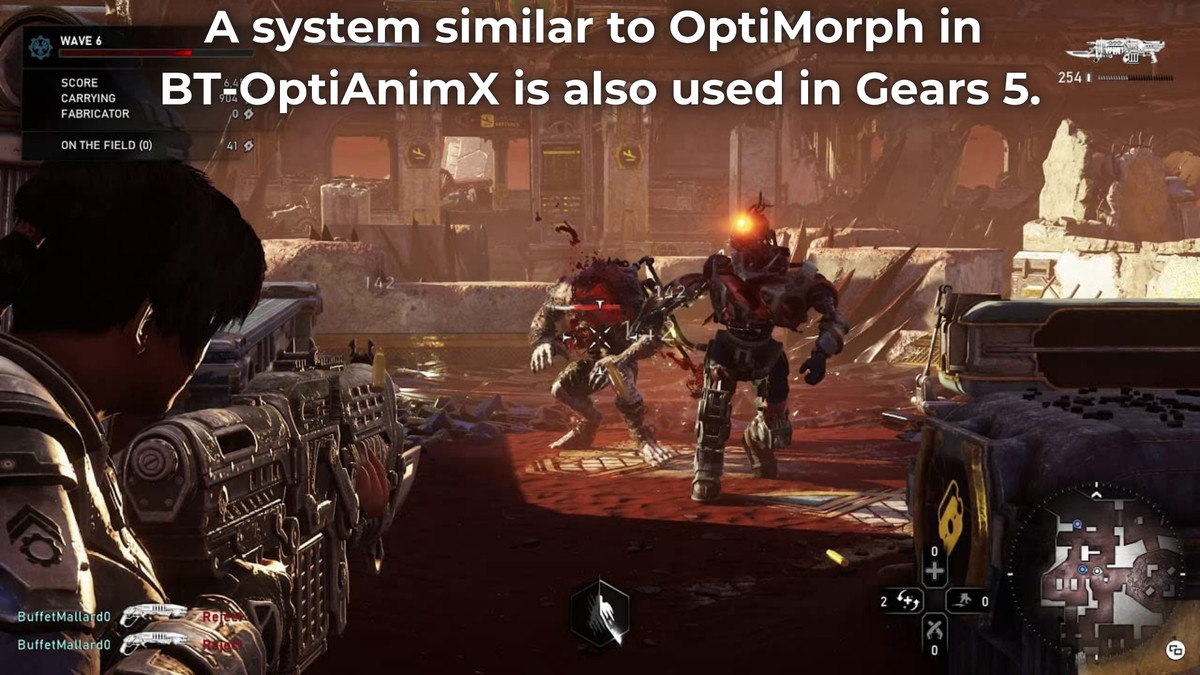
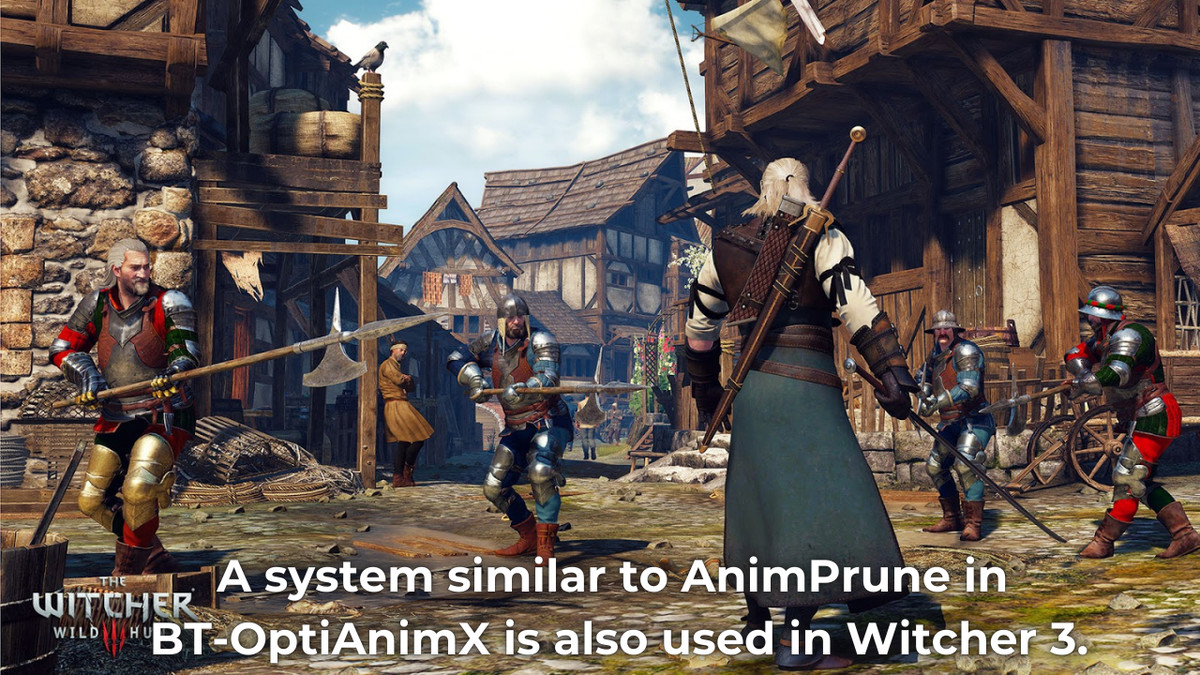
AAA animation optimization used in Gears 5 & Witcher 3. Professional-grade tools for mobile to desktop. Boost performance with BT - OptiAnimX AAA-Level Animation Optimization Framework
Affiliate link · Purchases support this site
Price history
Last 6 months
USDAsset preview
1 / 7
BT - OptiAnimX: AAA-Level Animation Optimization Framework screenshot 1
About this asset
Transform Your Game's Performance with Industry-Leading Animation Optimization
Harness the same cutting-edge animation optimization techniques used in AAA blockbusters like Gears 5, The Witcher 3, and other industry titans. BT-OptiAnimX delivers professional-grade performance tools that scale from mobile to high-end desktop platforms.
🎯 Core Optimization Systems
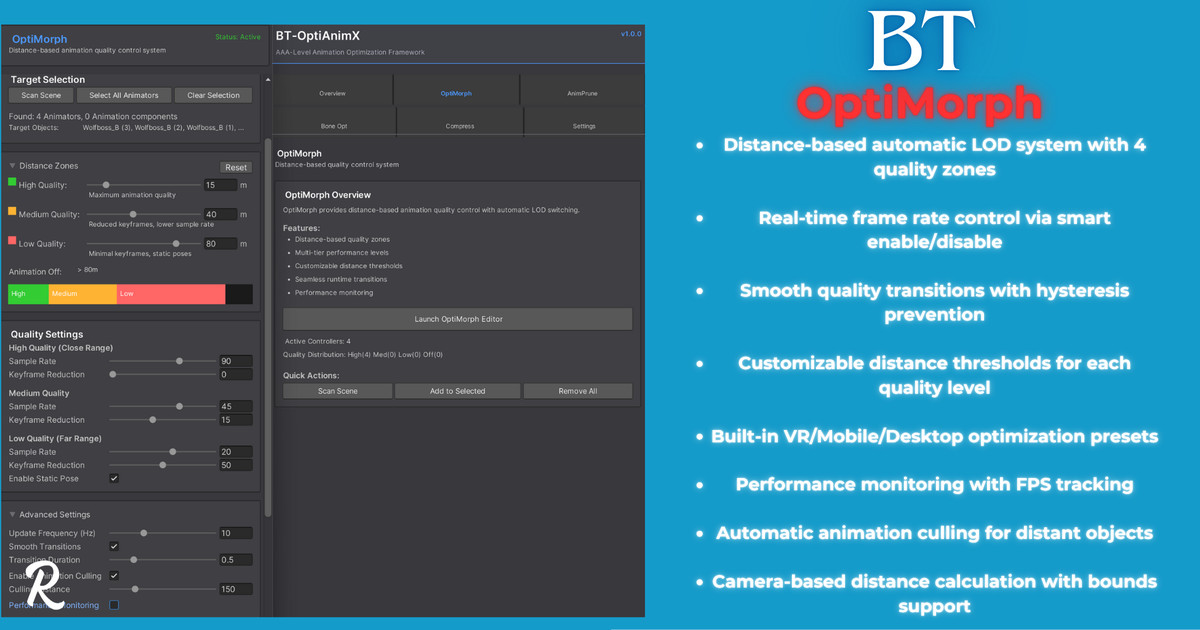
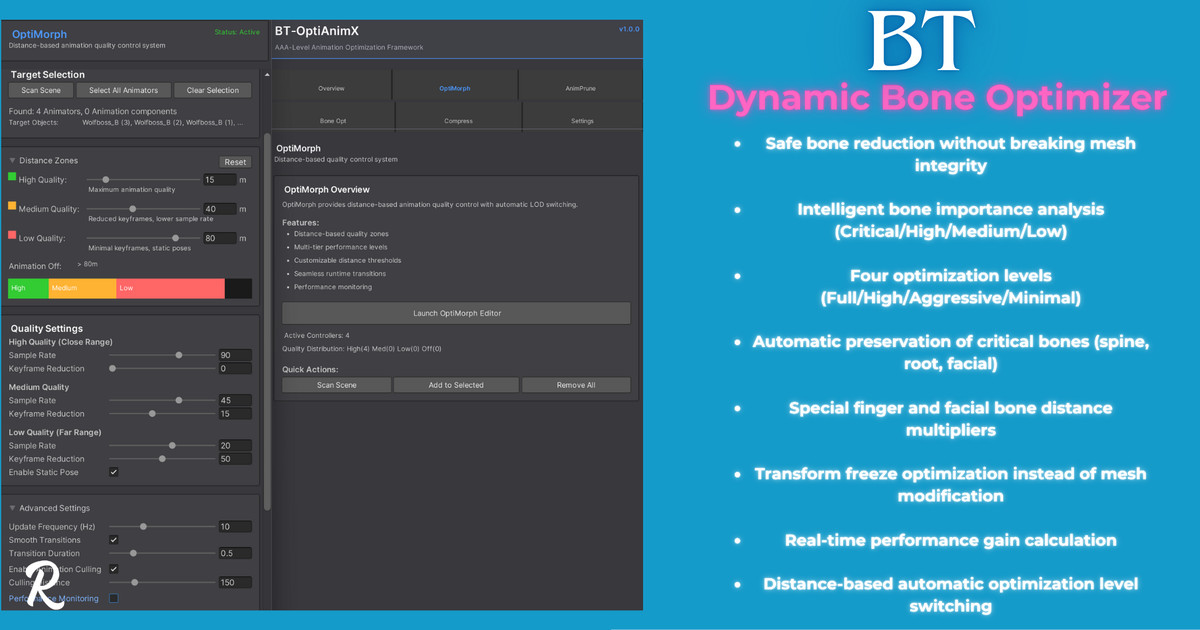
OptiMorph - Distance-Based Quality Control
- Dynamic LOD System: Automatically adjusts animation quality based on camera distance
- Real Frame Rate Control: Intelligent enable/disable patterns for precise performance control
- Seamless Transitions: Smooth quality scaling with hysteresis prevention
- Platform Presets: VR, Mobile, and Desktop optimized configurations
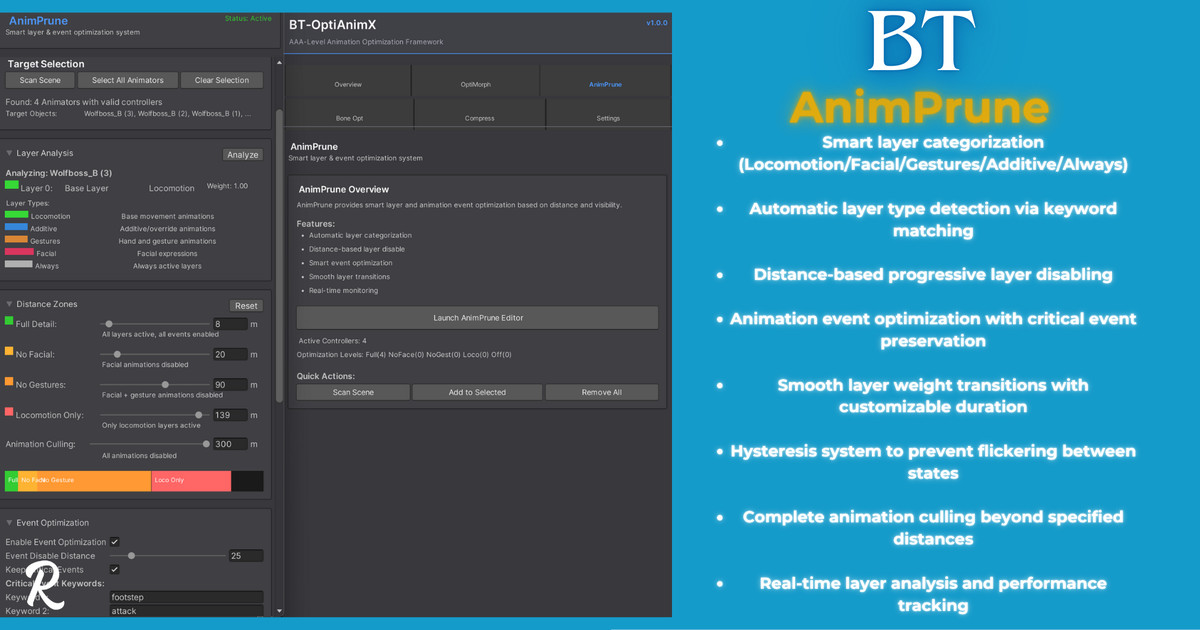
AnimPrune - Smart Layer & Event Optimization
- Intelligent Layer Categorization: Automatically detects facial, gesture, and locomotion layers
- Distance-Based Culling: Progressively disables non-essential animation layers
- Event Optimization: Smart filtering of animation events based on distance and importance
- Critical Event Preservation: Never lose important footsteps, attacks, or gameplay events
Bone Optimizer - Dynamic Bone Reduction
- Importance-Based Analysis: Automatically categorizes bones by visual impact
- Safe Optimization: Non-destructive bone reduction that preserves mesh integrity
- Finger & Facial Preservation: Special handling for detail-critical bone chains
- Performance Scaling: Up to 85% bone reduction with minimal visual impact
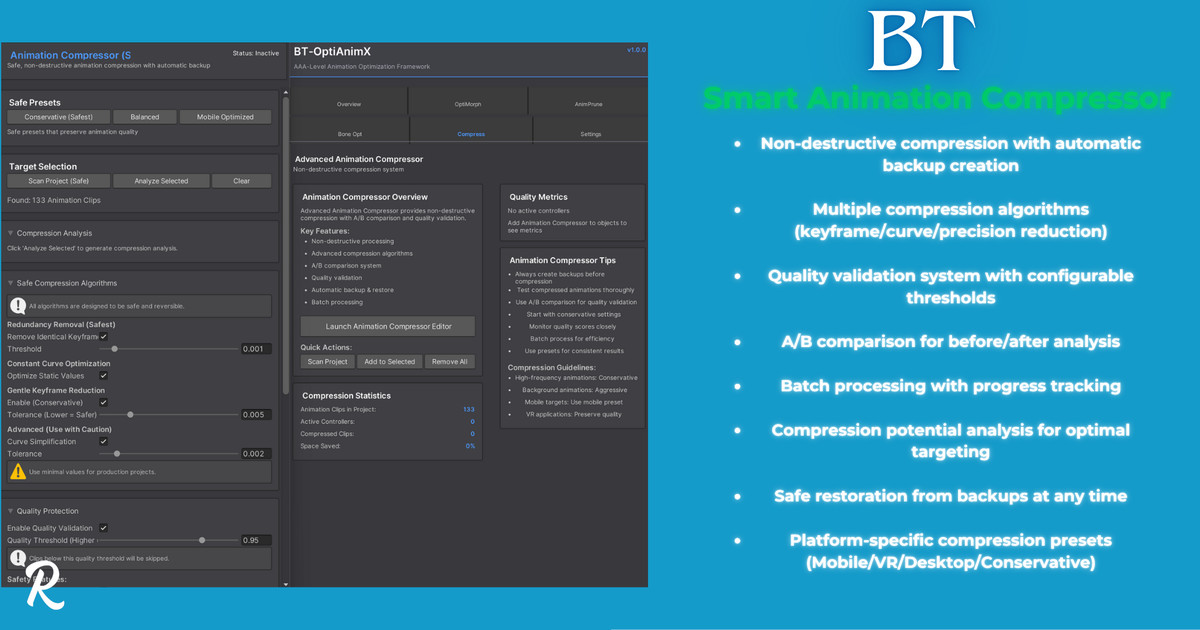
Smart Animation Compressor - Non-Destructive Compression
- Advanced Algorithms: Keyframe reduction, curve simplification, precision optimization
- Automatic Backup System: Safe compression with one-click restoration
- Quality Validation: Built-in A/B comparison and quality metrics
- Batch Processing: Compress entire projects with intelligent analysis
🚀 Production-Ready Features
Comprehensive Editor Tools
- Unified control window with real-time monitoring
- Visual distance zones and performance metrics
- Scene view debugging with live statistics
- Validation systems for optimal setup
Runtime Intelligence
- Automatic distance tracking and optimization switching
- Performance monitoring with FPS adaptation
- Memory usage optimization
- Thread-safe multi-object management
Safety & Workflow
- Non-destructive operations with automatic backups
- Extensive validation and error checking
- Detailed logging and performance analytics
- Easy setup with one-click component application
📊 Proven Performance Gains
- Animation Performance Improvement across typical game scenarios
- Memory Reduction in animation data
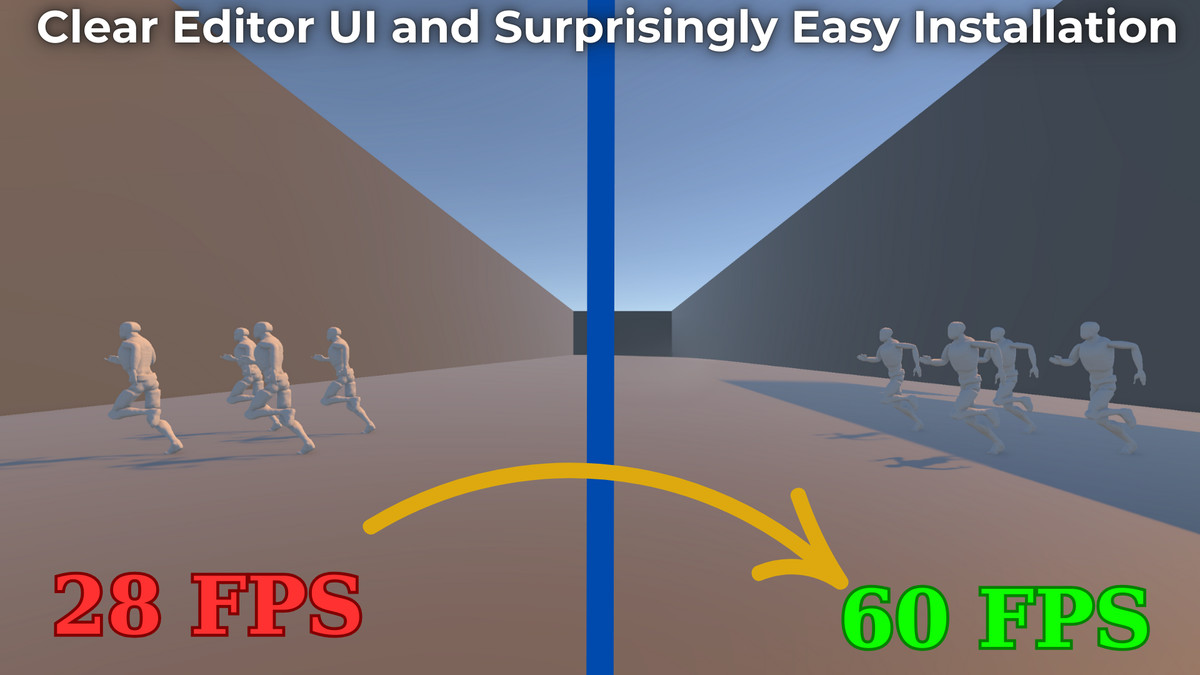
- Consistent 60+ FPS maintenance even with 100+ animated characters
- Scalable Architecture from mobile VR to high-end desktop
🎮 Platform Optimized
Mobile & VR Ready
- Aggressive optimization presets for limited hardware
- Battery life considerations with adaptive quality
- Touch-optimized UI for mobile development
Desktop & Console
- High-fidelity presets maintaining visual quality
- Multi-threading support for modern hardware
- Extensive customization for specific performance targets
🛡️ Enterprise Quality
Built with AAA development standards:
- Extensive documentation
- Professional support and regular updates
- Battle-tested in production environments
- Compatible with all Unity LTS versions
What You Get
- Complete source code with detailed comments
- Comprehensive documentation
- Platform-specific optimization presets
- Regular updates and new optimization techniques
From the publisher's Asset Store listing.
Technical details
Core Systems:
- OptiMorph: Distance-based animation quality control with automatic LOD switching and unique algorithms.
- AnimPrune: Smart layer categorization and distance-based culling system
- Bone Optimizer: Dynamic bone reduction with importance analysis (up to 85% reduction)
- Animation Compressor: Non-destructive keyframe and curve optimization
Key Features:
- Real-time distance tracking and automatic optimization switching
- Safe mesh optimization without breaking skinned mesh renderers
- Automatic backup and restore system for all operations
- Platform-specific presets (Mobile, VR, Desktop, VRChat)
- Multi-threaded processing with job system support
- Comprehensive editor tools with visual debugging
- Scene view gizmos and real-time performance monitoring
- Batch processing for project-wide optimization
- Quality validation and A/B comparison tools
- Memory usage optimization and performance analytics
Technical Specifications:
- Unity 2019.4 LTS or newer
- Compatible with Built-in, URP, and HDRP
- Thread-safe architecture for multi-object scenes
- Supports Animator and Animation components
- Works with SkinnedMeshRenderer bone systems
- Complete C# source code included
- Extensive documentation and example scenes
Compatibility
| Unity version | Built-in | URP | HDRP |
|---|---|---|---|
| 6000.3.4f1 | Compatible | Compatible | Compatible |
Unity 6.x fully compatible
As listed on the Asset Store.