
 View on Asset Store (opens in new tab)
Package details
- Latest version
- 1.0.0
- Last updated
- First released
- Unity version
- 2022.3.60 or later
- Package size
- 1.1 MB
- Files
- 18
- Favorites
- 2
- Views in the past week
- 4
Price tracking
- Last checked
- Tracked since
- Lowest recorded
- $6.99 on
Keywords

Video Cross-Promotion Popup for Unity
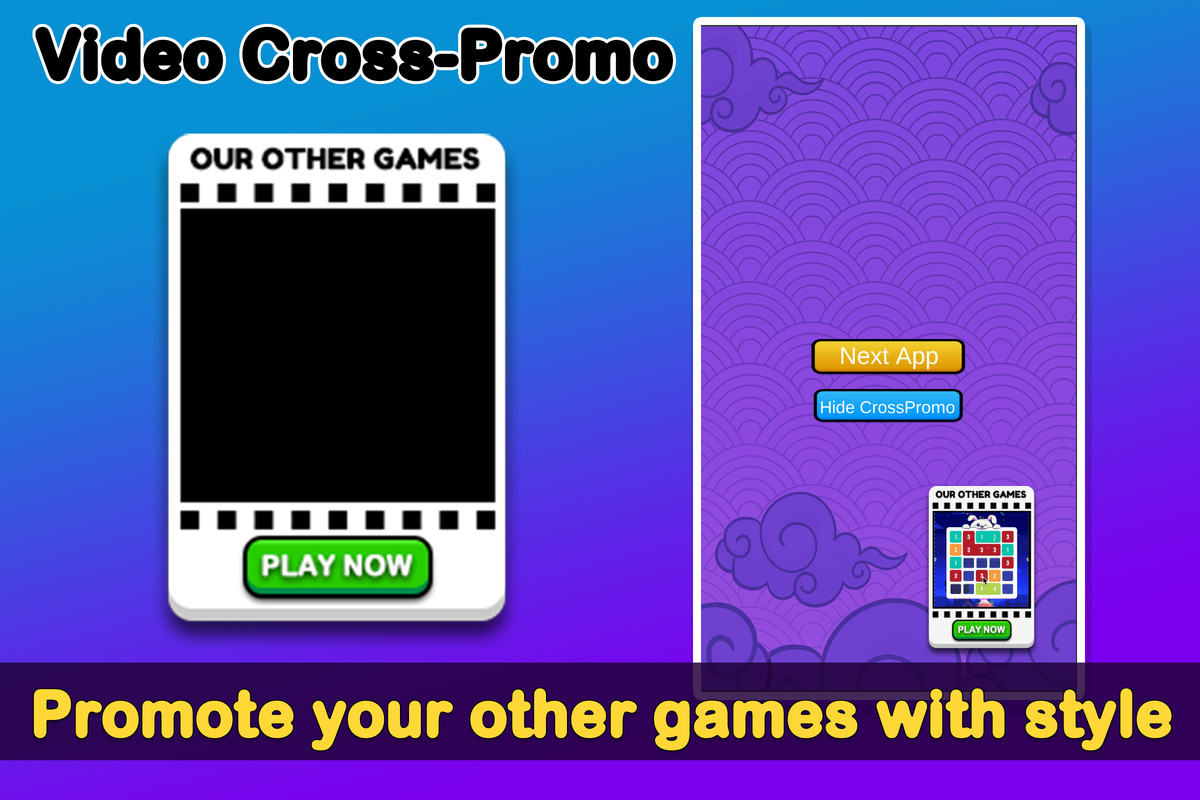
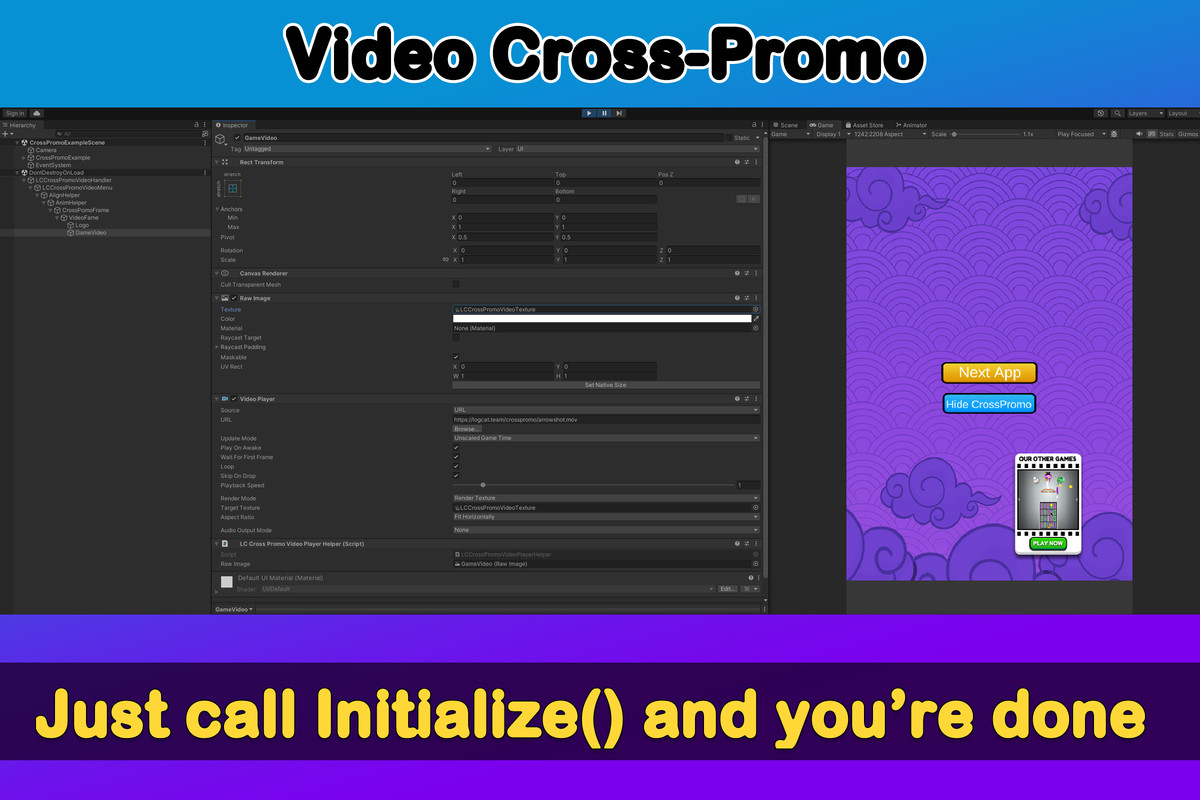
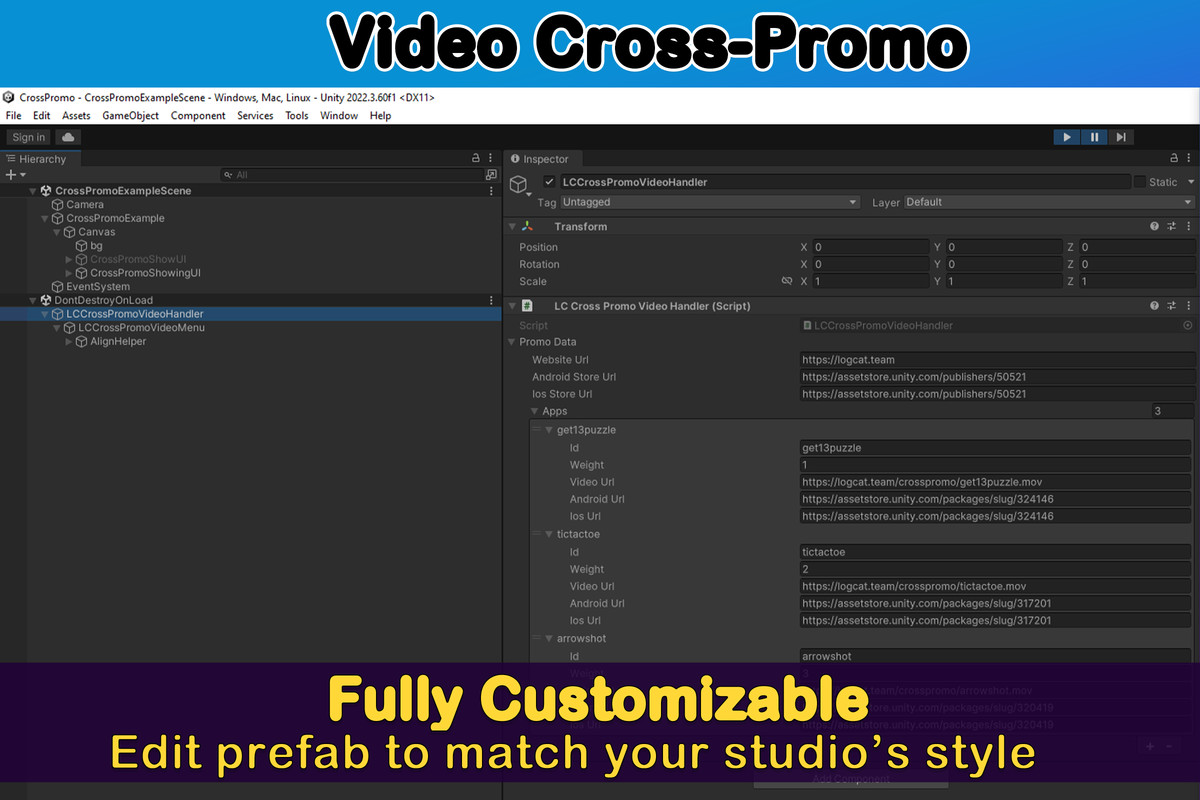
Cross Promo Video Popup lets you promote your other games with a video-based cross-promotion popup. Easy setup → just configure JSON + prefab → call LCCrossPromoVideoHandler.Initialize().
Affiliate link · Purchases support this site
Price history
Last 6 months
USDAsset preview
1 / 6
Video Cross-Promotion Popup for Unity screenshot 1
About this asset
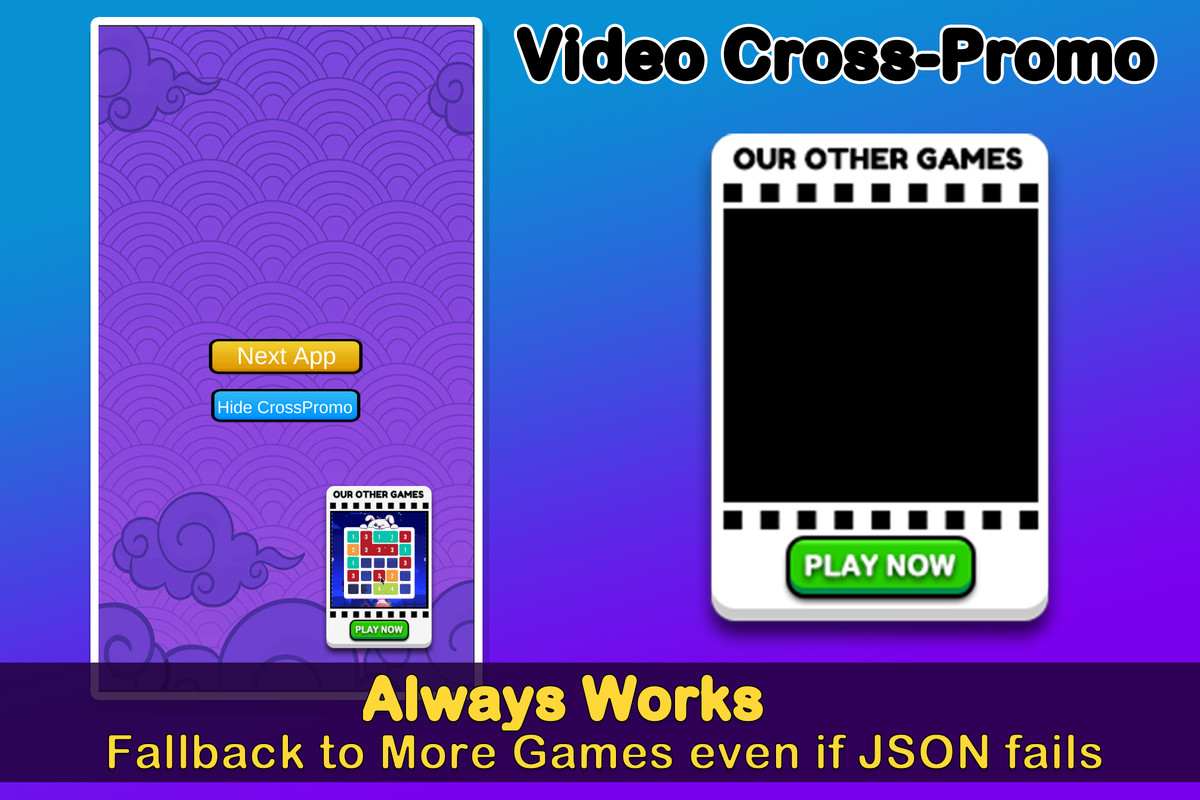
Promote your mobile games with a video-based cross-promotion popup.
This lightweight Unity plugin is designed for Android & iOS, helping studios boost portfolio visibility with minimal effort.
- Video-first design – Looping promo videos for your other games
- Smart targeting – Current app is automatically excluded
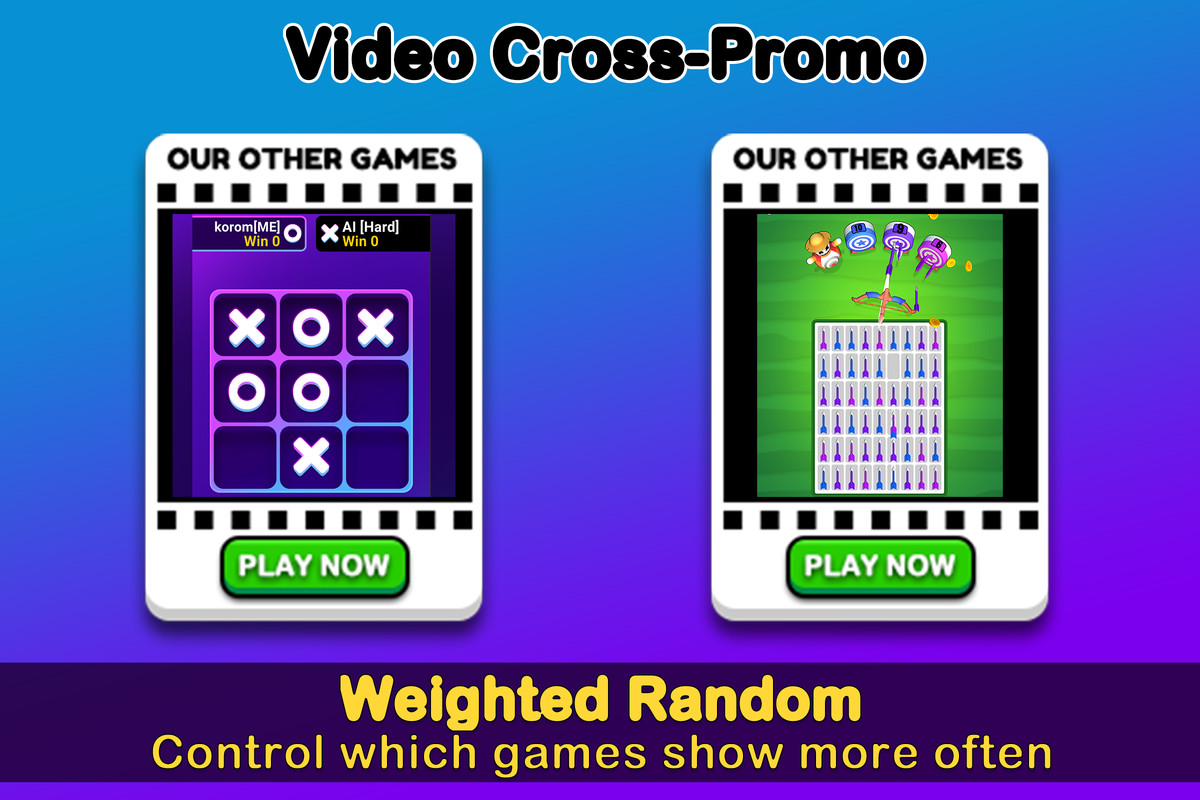
- Weighted random – Control which games appear more often
- Reliable – If JSON fails, fallback to “More Games” store link
- One-line integration – Just call LCCrossPromoVideoHandler.Initialize()
- Customizable UI – Prefab-based, easy to reskin to your studio’s style
Includes an example scene (CrossPromoExampleScene) and ready-to-use prefab (LCCrossPromoVideoMenu.prefab).
Online Documentation: https://logcat.team/docs/video_crosspromotion_popup.pdf
Demo
Android APK: https://drive.google.com/drive/folders/11e_e3H1wm454tYfD54XMsclP2_9WFZdu
Support
- Email: [email protected]
- Discord: logcatteam
- Customization & publishing help available
From the publisher's Asset Store listing.
Technical details
- Unity versions: 2021.3 LTS or higher (tested on 2021, 2022, 2023).
- Platforms: Android, iOS (focus on mobile).
- Render Pipeline compatibility: Built-in, URP, HDRP (UI-based, no graphics dependency).
- Dependencies: None (pure C# + Unity UI).
- Supported languages: C#.
- Demo content: Example scene CrossPromoExampleScene included.
- Prefabs:
Resources/CrossPromo/LCCrossPromoVideoMenu.prefab (popup UI). - Settings:
ScriptableObject LCCrossPromoSettings.asset stored in Assets/LC/CrossPromo/Resources. - JSON config: Remote-hosted config, supports multiple apps, weighted random selection.
- Fallbacks:
If JSON fails → popup still works and redirects to “More Games” store URL. - Code entry point:
LCCrossPromoVideoHandler.Initialize()
Compatibility
| Unity version | Built-in | URP | HDRP |
|---|---|---|---|
| 2022.3.60f1 | Compatible | Compatible | Compatible |
As listed on the Asset Store.