
 View on Asset Store (opens in new tab)
Package details
- Latest version
- 1.4
- Last updated
- First released
- Unity version
- 2022.3.62 or later
- Package size
- 37 KB
- Files
- 6
- Favorites
- 2
- Views in the past week
- 1
- Requires
Price tracking
- Last checked
- Tracked since
- Lowest recorded
- $20.30 on
Keywords
Synapse - Thumbnail Maker
Thumbnail Maker – Capture clean, customizable thumbnails directly in the Unity Editor with live preview and automation.
Affiliate link · Purchases support this site
Price history
Last 6 months
USDAsset preview
1 / 6
Synapse - Thumbnail Maker screenshot 1

About this asset
Thumbnail Maker is a powerful Unity Editor tool designed to help developers and artists create high-quality thumbnails, previews, and screenshots without leaving the editor.
Built for production workflows, this tool allows you to:
- Capture 2D/3D objects directly with a dedicated render camera
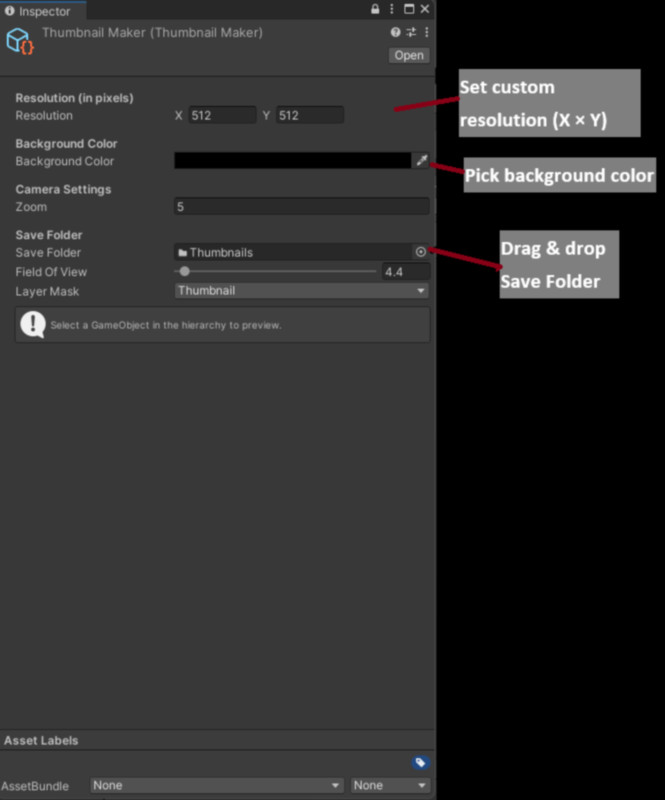
- Control background color, resolution, and field of view
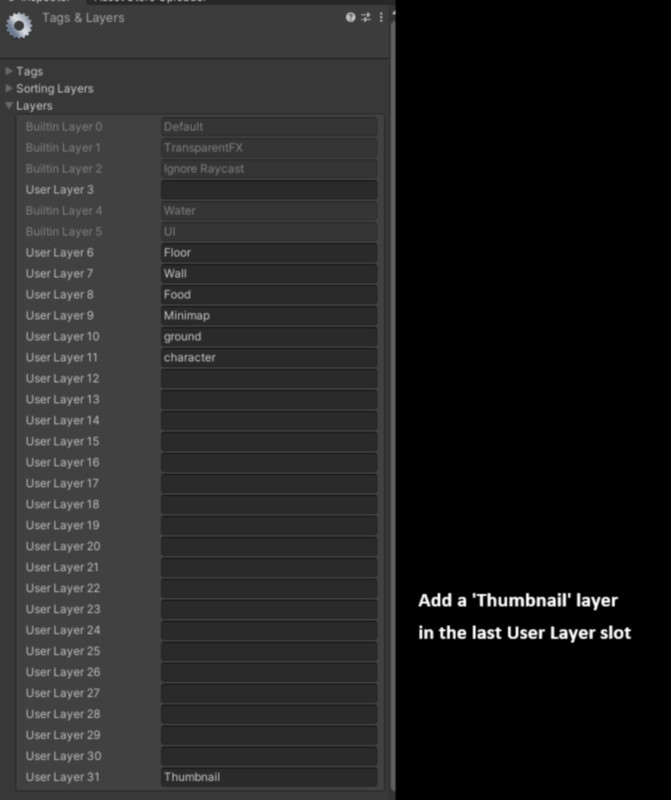
- Apply layer masks to isolate objects for clean results
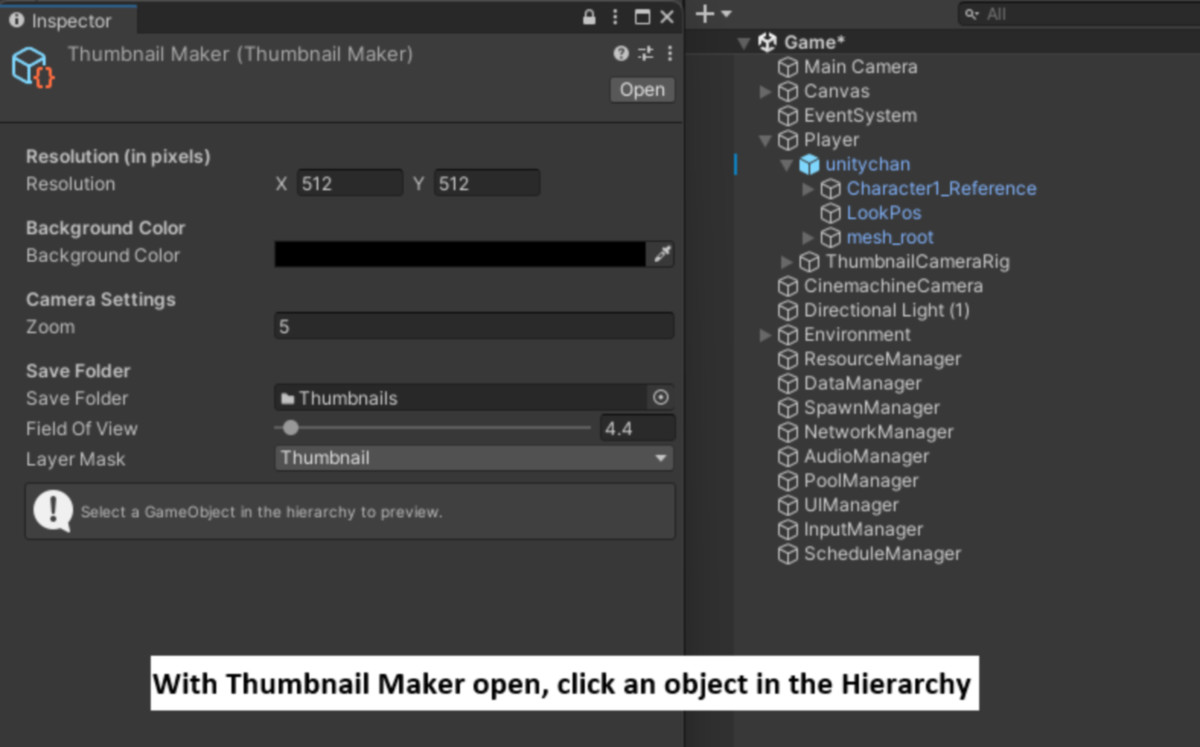
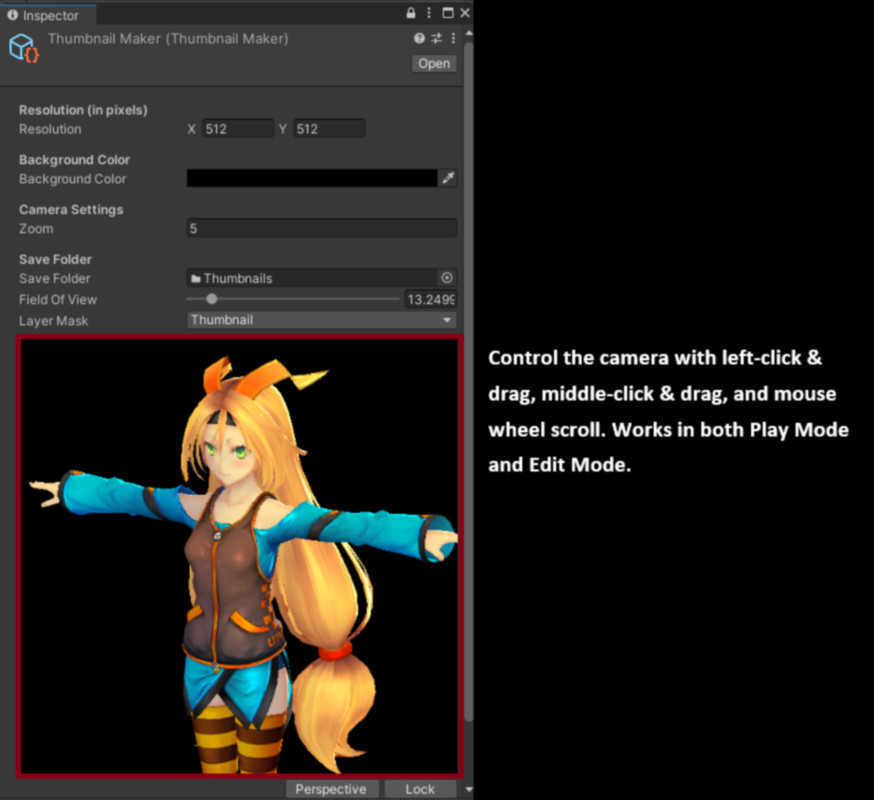
- Preview thumbnails in real time before saving
- Save outputs automatically into organized project folders
Whether you need quick prototype icons, store screenshots, or polished presentation images, Thumbnail Maker streamlines the process and ensures consistent results.
📖 Documentation
Full setup guides, API references, and module breakdowns are available here:
From the publisher's Asset Store listing.
Technical details
• Live preview window with orbit/zoom camera controls
• Background color and resolution presets
• Layer Mask filtering to capture only what you want
• Automatic save folder management and naming
• One-key shortcut (Alt+Shift+T) to open settings instantly
• Works standalone or integrated with Synapse Control Center
• Editor-only (safe to include in builds, excluded automatically)
Compatibility
| Unity version | Built-in | URP | HDRP |
|---|---|---|---|
| 2022.3.62f2 | Compatible | Not listed | Not listed |
This tool does not rely on a specific render pipeline.
It works with Built-in, URP, and HDRP as it only uses standard Camera and RenderTexture features.
As listed on the Asset Store.