
 View on Asset Store (opens in new tab)
Package details
- Latest version
- 1.0
- Last updated
- First released
- Unity version
- 6000.0.62 or later
- Package size
- 665 KB
- Files
- 9
- Favorites
- 2
- Views in the past week
- 5
Price tracking
- Last checked
- Tracked since
- Lowest recorded
- $4.99 on
Keywords

Touch React Shadergraph — Interactive Plants & Objects
- Price drop
Interactive shader for plants & objects, reacts when player touches. URP, Unity 6, mobile-optimized. Plug & play.
Lowest recorded price
Get 38% off on Asset Store (opens in new tab)Affiliate link · Purchases support this site
Price history
Last 6 months
USDAsset preview
1 / 2

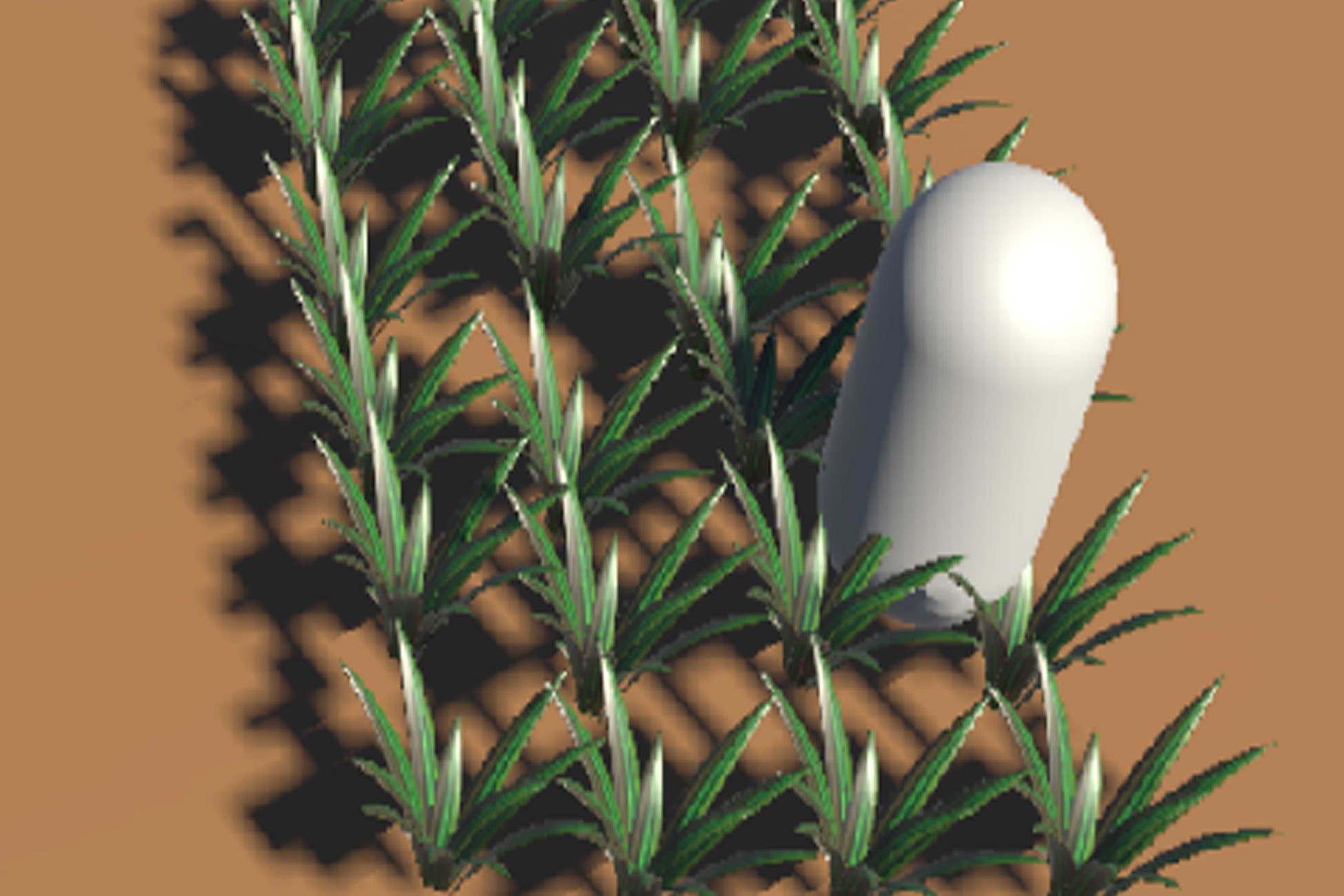
Touch React Shadergraph — Interactive Plants & Objects screenshot 1
About this asset
Touch React Shadergraph — Interactive Soft Objects
(URP, Unity 6, Mobile-Optimized)
By PlayMind
Version 1.0 — Built for URP — Unity 6 Ready — Mobile-Optimized
What is this?
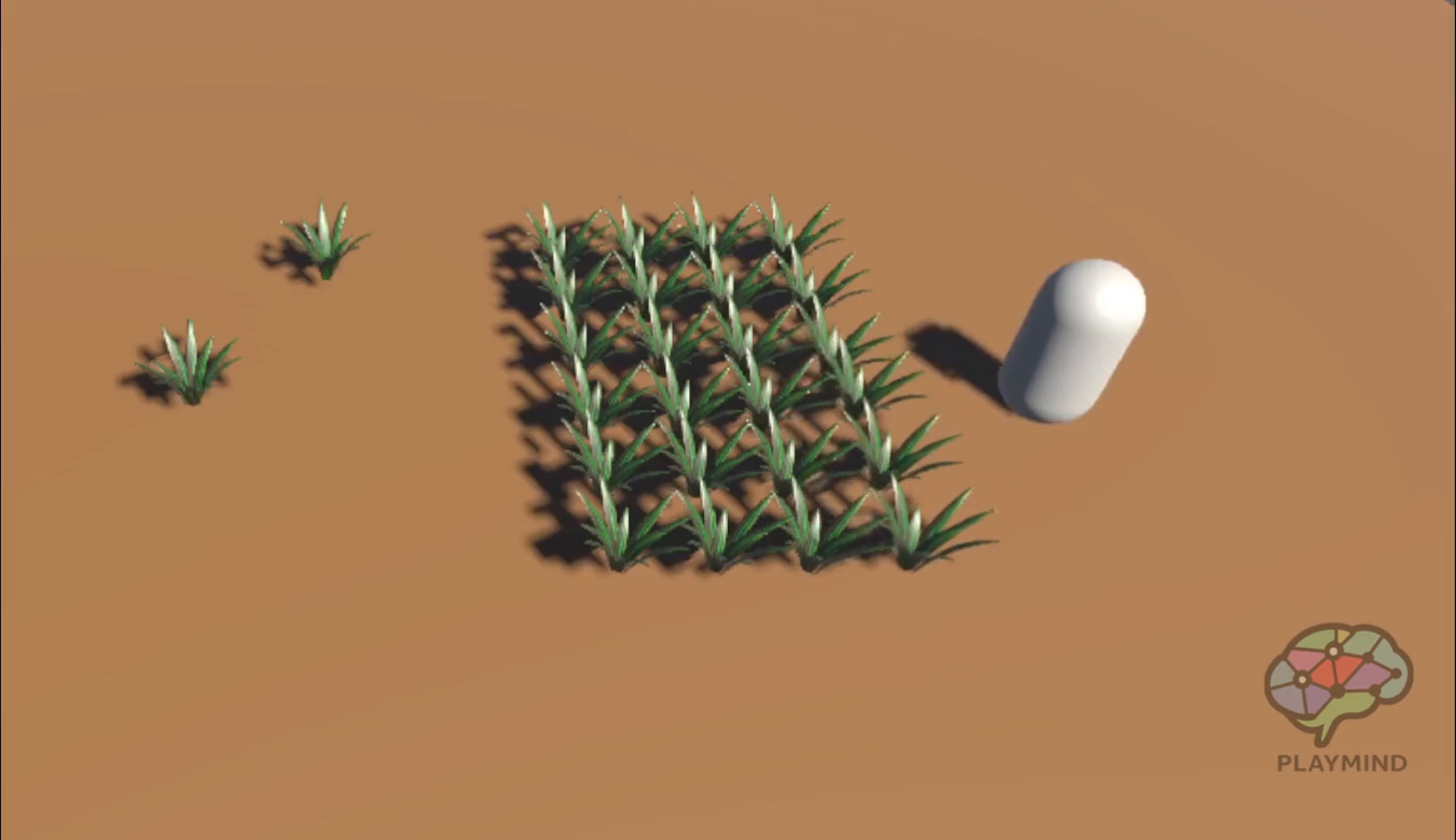
Touch React Shadergraph is a lightweight, mobile-optimized shader system for URP.
Objects react naturally — and only — when the player touches them.
Perfect for soft, organic, or hanging objects like grass, lanterns, curtains, papers, and fantasy elements.
No coding.
No complex setup.
Just drag, drop, and play.
Key Features
- One-touch trigger → smooth animation continues after player leaves
- Random phase offset → each object moves uniquely
- Fully customizable → color, texture, radius, duration — via script
- Built for mobile performance → vertex animation only → low overhead
- Unity 6 compatible → takes advantage of URP improvements
- Demo scene included → works in 30 seconds
⚠️ Render Pipeline Requirement (Important)
This asset is built exclusively for URP (Universal Render Pipeline).
If materials appear pink after import, this means URP is not enabled in your project.
How to fix:
- Install Universal Render Pipeline via Package Manager
- Assign a URP Render Pipeline Asset in
Project Settings → Graphics
Once URP is properly set, all shaders and materials will display and work correctly.
Package Contents
TouchReactShadergraph/
├── Demo/ → DemoScene.unity (add your own player to test)
├── Documentation/ → Touch React Shadergraph.pdf
├── Materials/ → TouchReactShadergraphMat.mat, Ground_Mat.mat
├── Prefabs/ → Plant.prefab (100% original mesh by PlayMind)
├── Scripts/ → TouchReactController.cs
├── Shaders/ → TouchReactShadergraph.shadergraph (URP, editable)
├── Third-Party Notices.txt
Quick Start (30 seconds)
- Import into your URP project (Unity 2022.3 or higher recommended).
- Open Demo/DemoScene.unity.
- To test: add any GameObject with the tag "Player" and move near the plants.
- To use in your own scene:
- Drag Plant.prefab into your scene, or
- Add TouchReactController to your mesh and assign TouchReactShadergraphMat.mat.
- Ensure your player has the tag "Player".
Perfect For
This shader is designed for soft, organic, or hanging objects that naturally react to player presence:
- Grass, bushes, flowers, vines
- Lanterns, flags, curtains, banners
- Carpets, pillows, cloth, towels
- Papers, books, posters, scrolls
- Magical crystals, floating bubbles, fantasy tentacles
Not recommended for rigid objects like rocks or walls — use only where movement feels natural.
Customize via Script
On TouchReactController:
- Detection Radius → trigger distance
- Wave Duration → animation length
- Fade Speed → return speed
- Base Color → tint
- Main Texture (optional) → use ASTC / ETC2 for mobile
Pro Tip:
Use different colors or your own textures for visual variety — no shader editing needed.
Mobile Tips
- Use ASTC 4x4 or ETC2 texture compression.
- Works with any input system — just tag your player "Player".
- Tested on Samsung A12 / iPhone SE → stable 60 FPS.
FAQ
Q: Does this work with Unity 6?
A: Yes. Fully tested and optimized for Unity 6 + URP.
Q: Can I use this on any mesh?
A: Yes — as long as it’s a soft object (see “Perfect For”).
The object must have a Renderer and a Collider.
Q: What if I have multiple players?
A: Easy to extend — modify the script to check for multiple tags or layers.
Q: Why not use a Wind Zone?
A: Wind Zones create constant, global movement — great for ambient background wind.
Touch React is player-driven and triggers only on interaction.
Design Philosophy
Touch React is interactive by design — objects react only when the player touches them.
This means:
- Gameplay-first → the world responds to player actions
- Mobile-optimized → no idle calculations
- Full artistic control → you decide where and when movement happens
Use Wind Zones for background ambiance.
Use Touch React for meaningful, interactive moments.
Support & Licensing
Made with passion by PlayMind.
All 3D models, shaders, scripts, and materials in this package are 100% original creations by PlayMind.
No third-party assets are included.
Questions or suggestions?
📩 [email protected]
Thank you for choosing Touch React Shadergraph, may your scenes feel alive, even on the smallest screen.
From the publisher's Asset Store listing.
Technical details
- One-time touch trigger with smooth animation decay
- Per-object random phase for natural variation
- Fully exposed parameters (radius, duration, color, etc.)
- Mobile-optimized (vertex shader only)
- URP-native, Unity 6 compatible
- Includes: demo scene, prefabs, materials, documentation
- Zero code required for basic use
Compatibility
| Unity version | Built-in | URP | HDRP |
|---|---|---|---|
| 6000.0.62f1 | Not listed | Compatible | Not listed |
This shader is built for URP (Universal Render Pipeline) and requires Unity 2022.3 or higher. Tested and optimized for Unity 6. Not compatible with Built-in or HDRP.
As listed on the Asset Store.