
 View on Asset Store (opens in new tab)
Package details
- Latest version
- 1.0
- Last updated
- First released
- Unity version
- 6000.0.51 or later
- Package size
- 229 KB
- Files
- 23
- Favorites
- 1
- Views in the past week
- 6
Price tracking
- Last checked
- Tracked since
- Lowest recorded
- $6.99 on
Keywords

In-Editor Physics Simulator
The In-Editor Physics Simulator is a tool that enables developers and designers to run real-time physics simulations without the need of physics components and entering Play Mode.
Affiliate link · Purchases support this site
Price history
Last 6 months
USDAsset preview
1 / 9
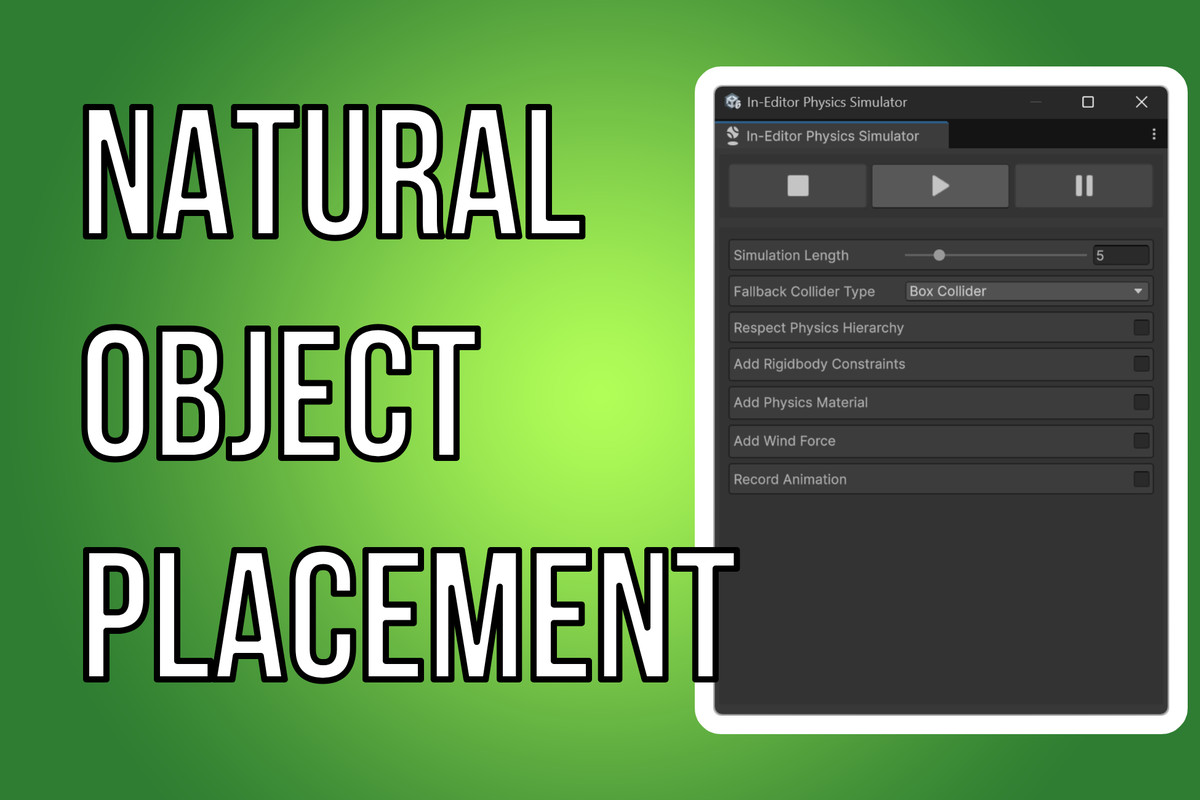
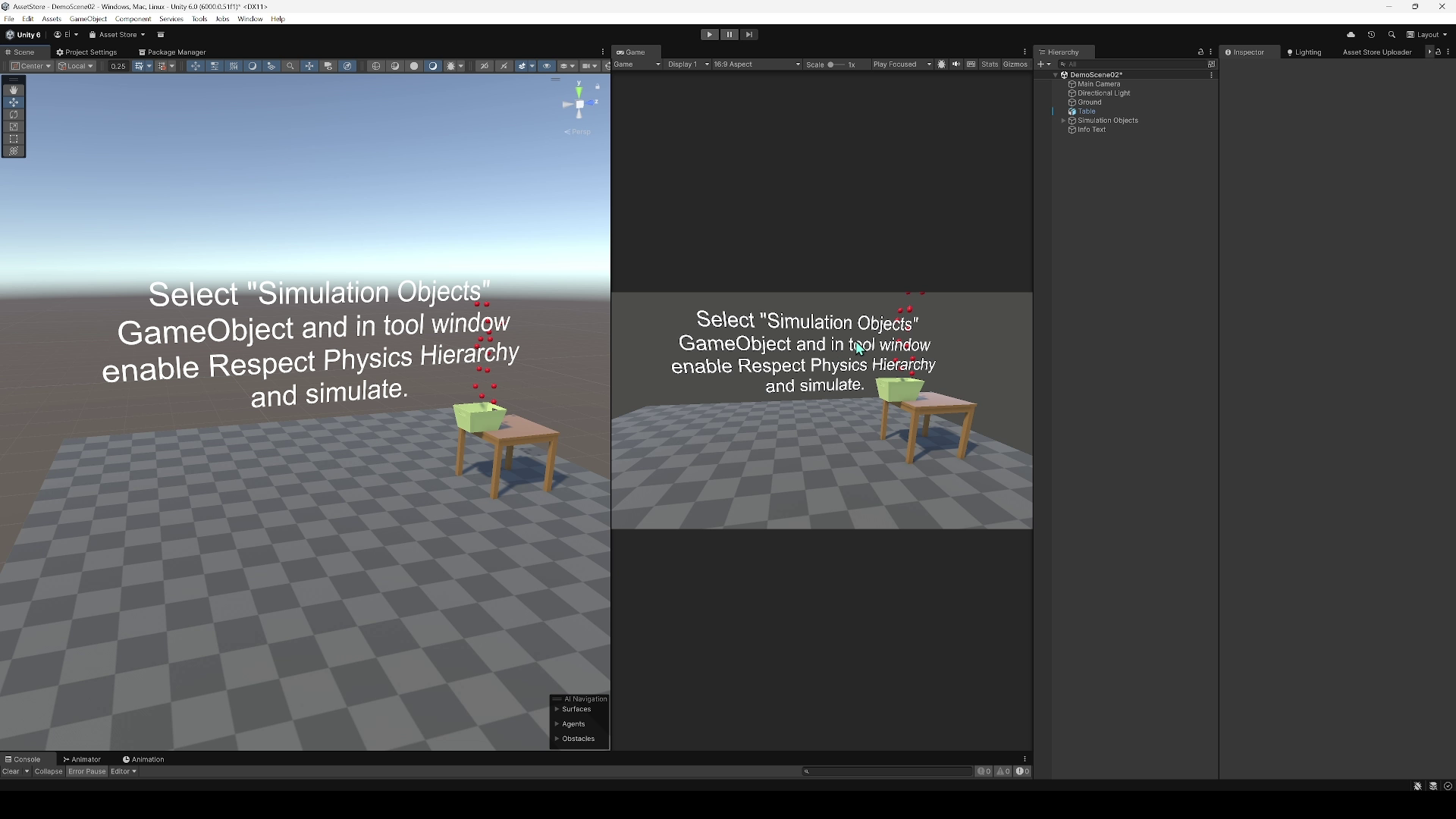
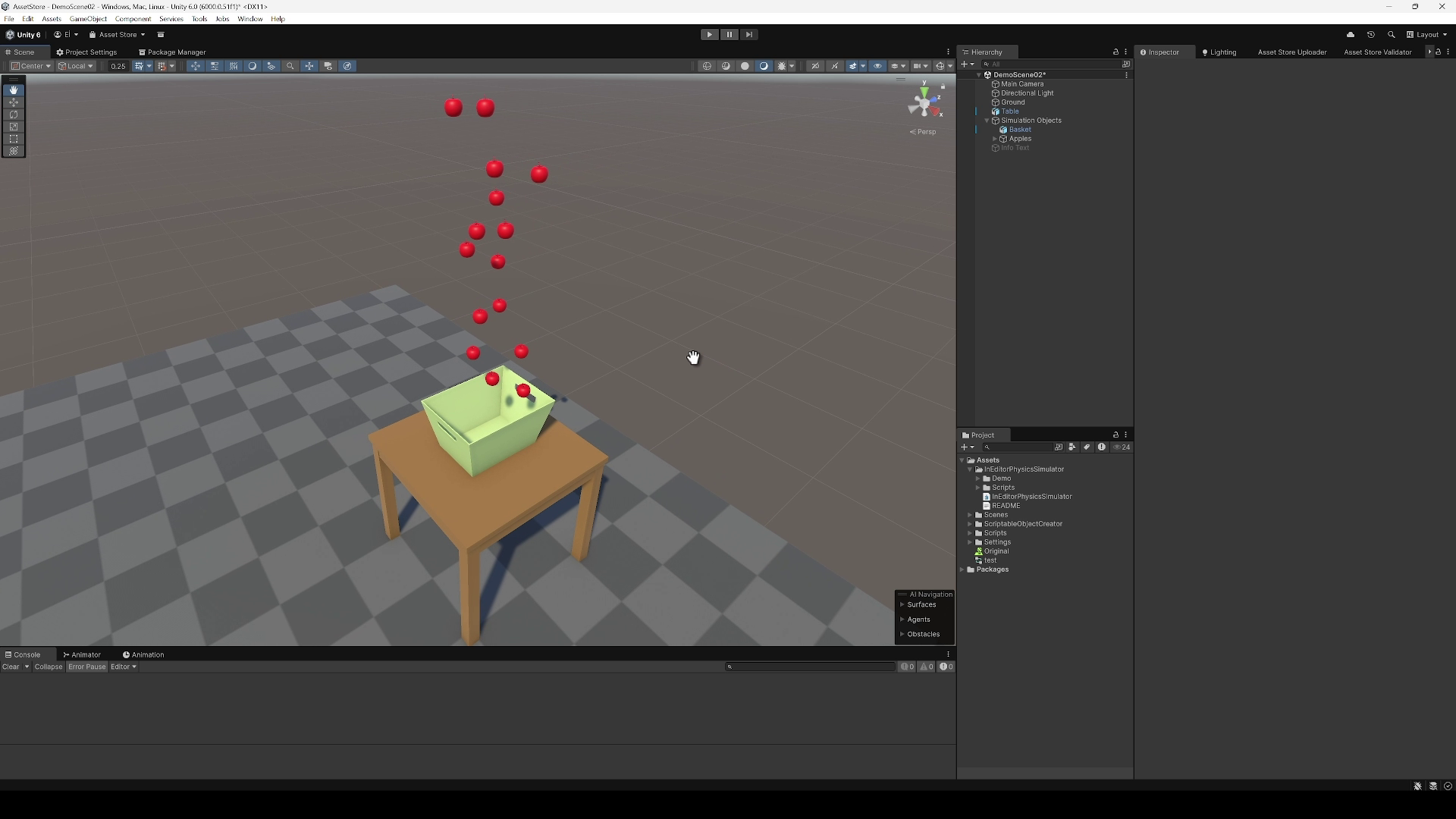
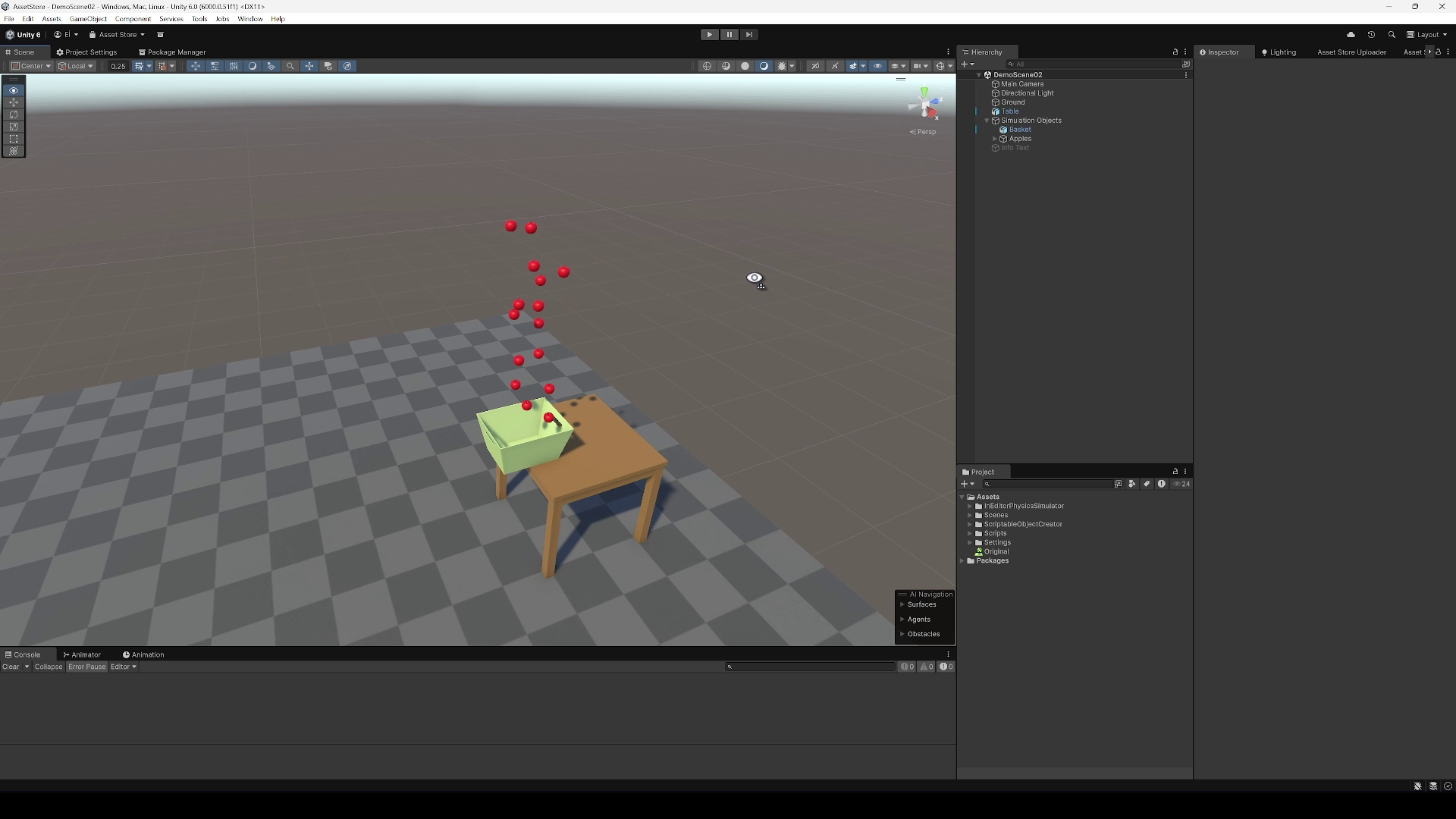
In-Editor Physics Simulator screenshot 1
About this asset
The In-Editor Physics Simulator empowers Unity developers and designers to simulate physics directly in the Editor and not having the need of physics components on simulated objects, making it ideal for testing physics-based interactions, placing objects naturally and generating animation clips from simulations. This tool handful of configuration settings, applying rigidbody constraints, adding physics materials, recording animations and adding additional wind force that is customizable.
- Real-Time Physics Simulation: Run physics simulation in the Unity Editor without entering Play Mode.
- Flexible Collider Support: Automatically adds Box or Sphere colliders to GameObjects that do not have colliders.
- Physics Hierarchy Control: Optionally respect the physics hierarchy to simulate only objects with physics components or their children.
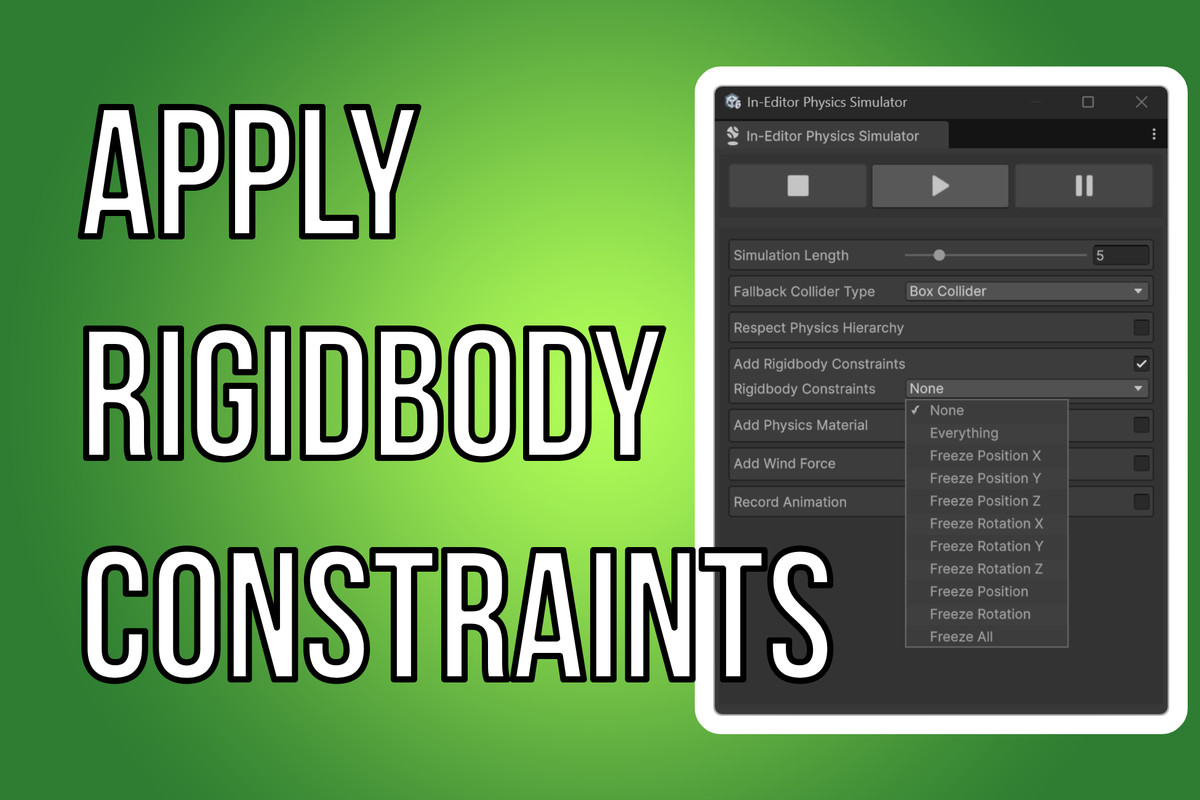
- Rigidbody Constraints: Apply constraints to limit movement or rotation during simulation.
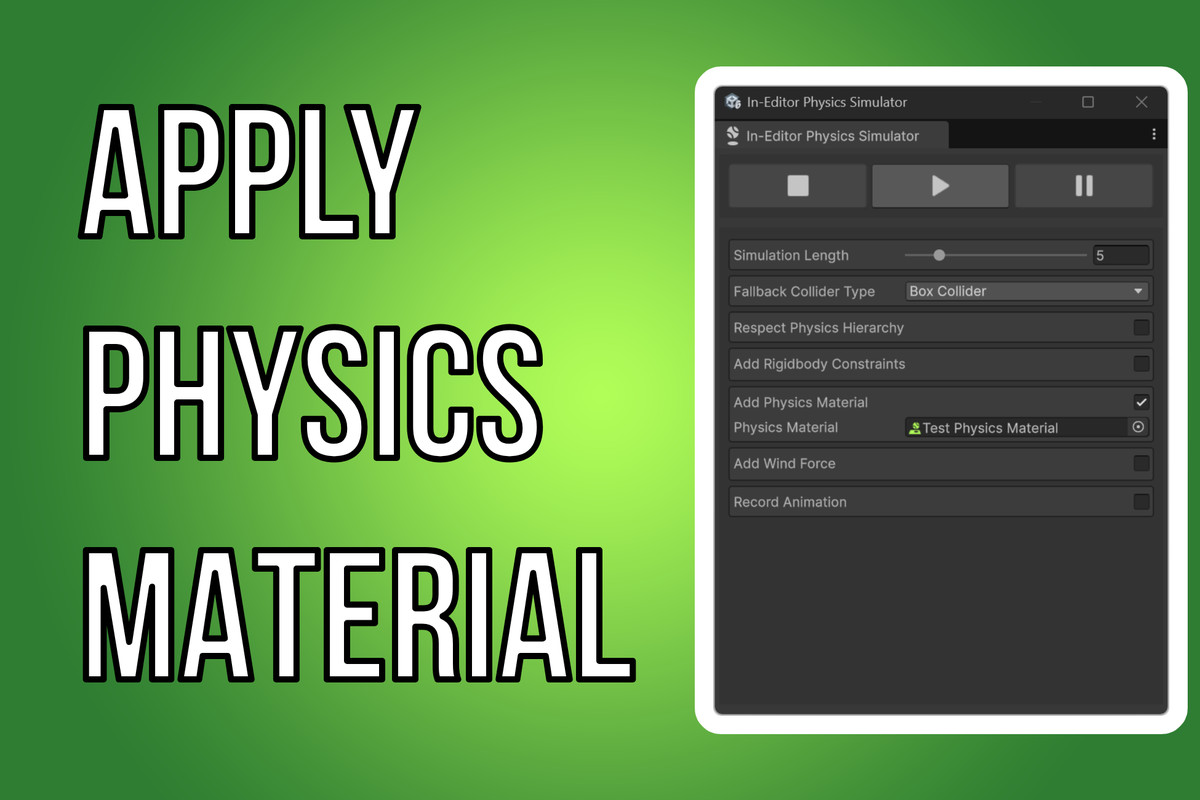
- Physics Materials: Assign physics materials to colliders for customized friction and bounciness.
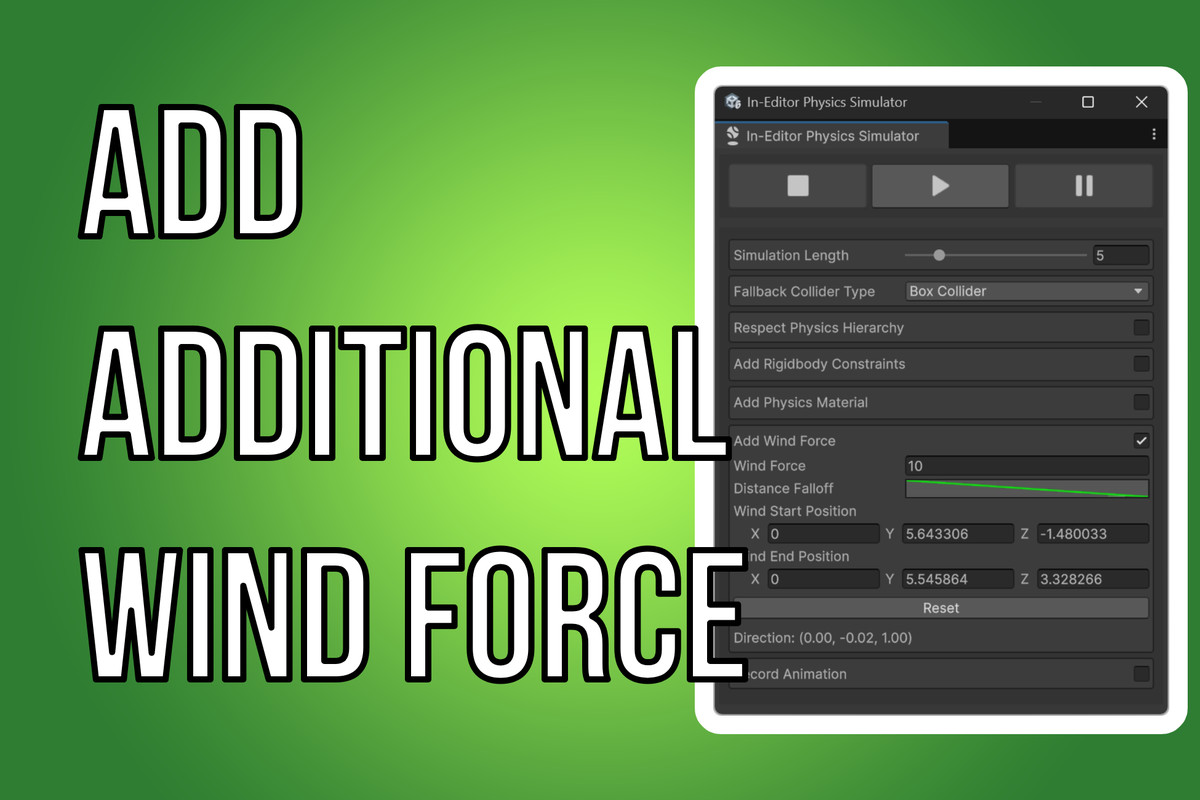
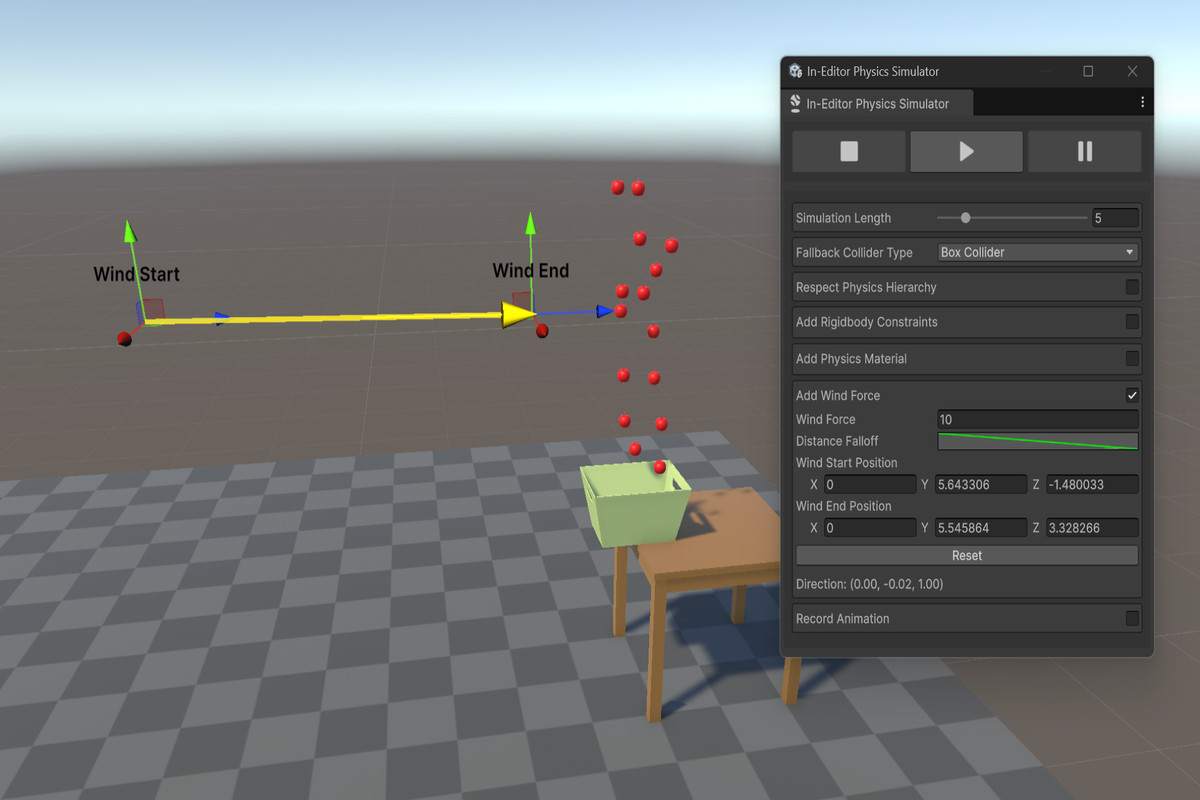
- Wind Force Simulation: Add directional wind force with customizable strength and distance-based falloff.
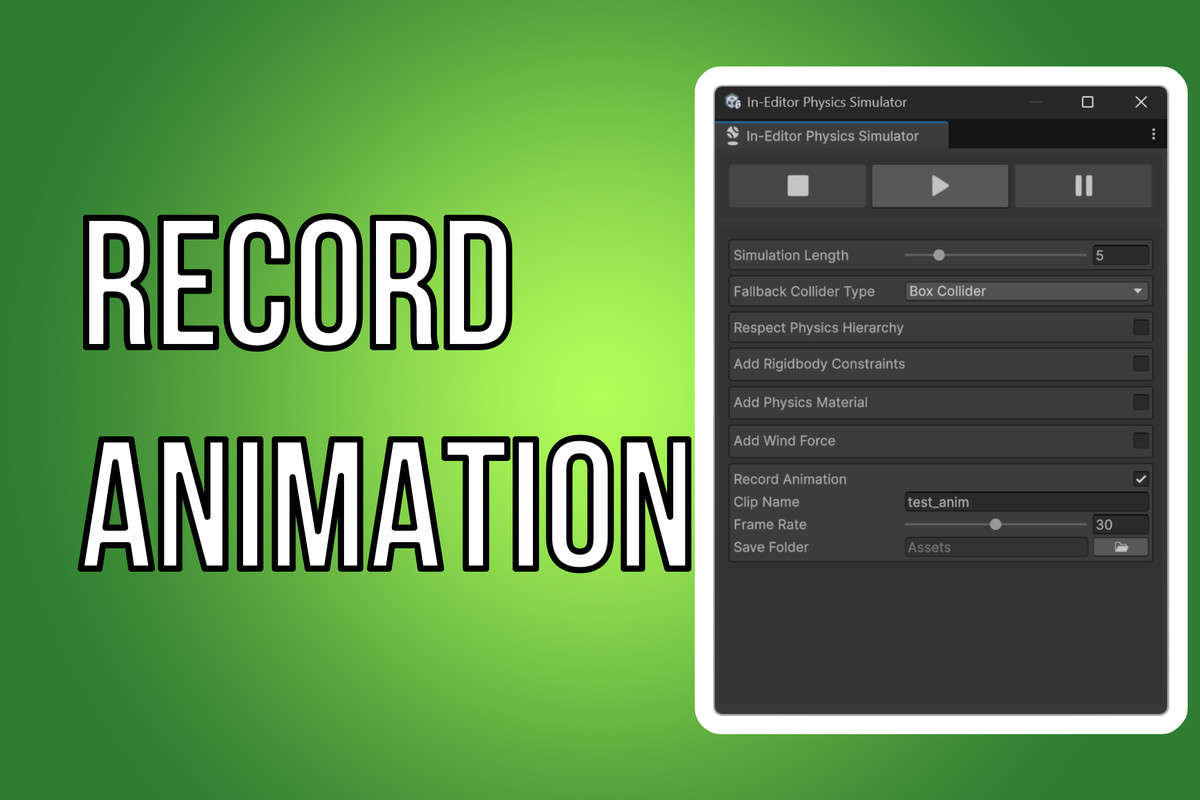
- Animation Recording: Record the simulation as an Animation Clip for use in Unity's Animation system.
- Scene View Visualization: Visualize and adjust wind force direction in the Scene View with interactive handles.
- State Management: Save and restore original state of GameObjects after simulation, with an option to keep the simulated state.
- Customizable Settings: Adjust simulation length, frame rate and save path for animations.
From the publisher's Asset Store listing.
Technical details
Compatibility: Unity 2019.4 or newer
Compatibility
| Unity version | Built-in | URP | HDRP | Custom |
|---|---|---|---|---|
| 6000.0.51f1 | Compatible | Compatible | Compatible | Compatible |
As listed on the Asset Store.