
 View on Asset Store (opens in new tab)
Package details
- Latest version
- 1.0
- Last updated
- First released
- Unity version
- 2021.3.19 or later
- Package size
- 7.7 MB
- Files
- 30
- Favorites
- 7
- Views in the past week
- 8
Price tracking
- Last checked
- Tracked since
- Lowest recorded
- $9.00 on
Keywords

DungeonForge: Procedural Dungeon & Maze Generator with NavMesh & Player Spawning
Create and customize procedural or drawn dungeons with dynamic room generation, object placement, and lighting. Includes editor support for Unity with intuitive settings.
Affiliate link · Purchases support this site
Price history
Last 6 months
USDAsset preview
1 / 8

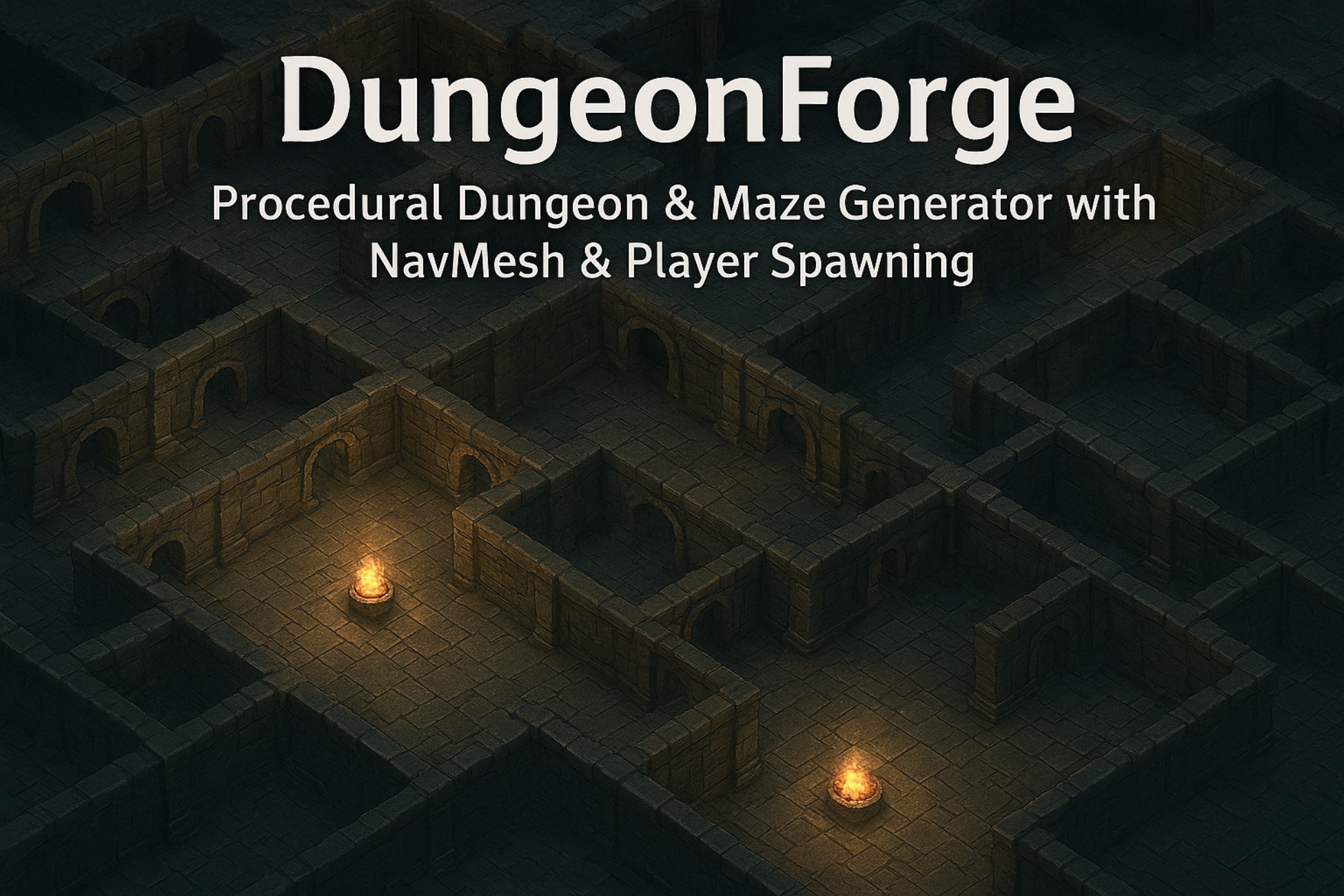
DungeonForge: Procedural Dungeon & Maze Generator with NavMesh & Player Spawning screenshot 1



About this asset
Dungeon Generator for Unity lets you design procedural or drawn dungeons. With customizable room sizes, lighting, game element placement, and NavMesh support, it generates unique dungeon layouts. Whether using pre-drawn shapes or procedural generation, the tool simplifies dungeon creation with powerful features like random prefab spawning and dynamic wall/floor generation.
🔥 If you're building a game that needs procedural level generation, DungeonForge gives you a ready-to-use, highly versatile tool with no extra add-ons required.
DungeonForge:
- ✅ Unleash Your Creativity: Don't be confined to grids! Draw your levels exactly as you imagine them.
- ✅ Endless Replayability: Every level can have a unique style and feel.
- ✅ Instantly Create Atmosphere: The built-in light placement system brings your dark corridors to life in seconds.
- ✅ Save Hours of Level Design: One click is all it takes to get a playable, AI-navigable, and populated level.
List Of Features:
Generation Mode:
- 🧩 Generation Type: Choose between procedural generation and drawn dungeon layout.
- 🖼️ Dungeon Drawer: Custom drawing tool for creating your dungeon layout in the scene view.
Dungeon Settings:
- 🏰 Number of Rooms: Set how many rooms will be generated in the dungeon.
- 📏 Room Size (Min/Max): Adjust the range of room sizes, with separate width and height settings.
Dungeon Dimensions:
- 📐 Width: Set the width of the dungeon grid.
- 📏 Height: Set the height of the dungeon grid.
Dungeon Visuals:
- 🧱 Cell Size: Controls the size of each grid cell.
- 🏢 Wall Height: The height of walls in the dungeon.
- 🏰 Wall Prefab: Custom model for the walls.
- 🌍 Floor Prefab: Custom model for the dungeon floor.
- 🏠 Roof Prefab: Optionally add roofs to rooms.
- 💡 Lighting: Configure light prefab, spawn density, and offsets for realistic lighting in the dungeon.
Game Elements:
- 🚪 Start/End Prefabs: Place start and end points for players.
- 👾 Player Prefab: Set the player’s spawn point.
- 🎮 Random Object Prefabs: Add randomly spawned objects like traps or items.
- 🔄 Object Spawn Density: Control how often random objects spawn.
Generation Settings:
- ⚡ Generate on Start: Automatically generate the dungeon when the scene starts.
- 🎲 Random Seed: Enable random seed generation or specify a custom seed.
- 🧬 Use Random Seed: Toggle random or fixed seed for generation.
Additional Features:
- 🗺️ NavMesh Baking: Automatically generates a NavMesh for pathfinding.
- 📊 Clear Dungeon: Easily clear the generated dungeon with a single click.
- ⚙️ Grid Visualization: Optional grid visualization for easy editing in the scene.
From the publisher's Asset Store listing.
Compatibility
| Unity version | Built-in | URP | HDRP | Custom |
|---|---|---|---|---|
| 2021.3.19f1 | Compatible | Compatible | Compatible | Compatible |
As listed on the Asset Store.