
 View on Asset Store (opens in new tab)
Package details
- Latest version
- 1.0.0
- Last updated
- First released
- Unity version
- 2022.3.47 or later
- Package size
- 43 KB
- Files
- 11
- Favorites
- 13
- Views in the past week
- 8
Price tracking
- Last checked
- Tracked since
- Lowest recorded
- Free on
Keywords

Editor Productivity Suite Lite
Streamline your Unity editor workflow with essential productivity tools: Quick Search, Hierarchy Icons, Color Tags, and Quick Actions. Free, lightweight edition of EPS Pro.
Affiliate link · Purchases support this site
Price history
Last 6 months
USDAsset preview
1 / 4
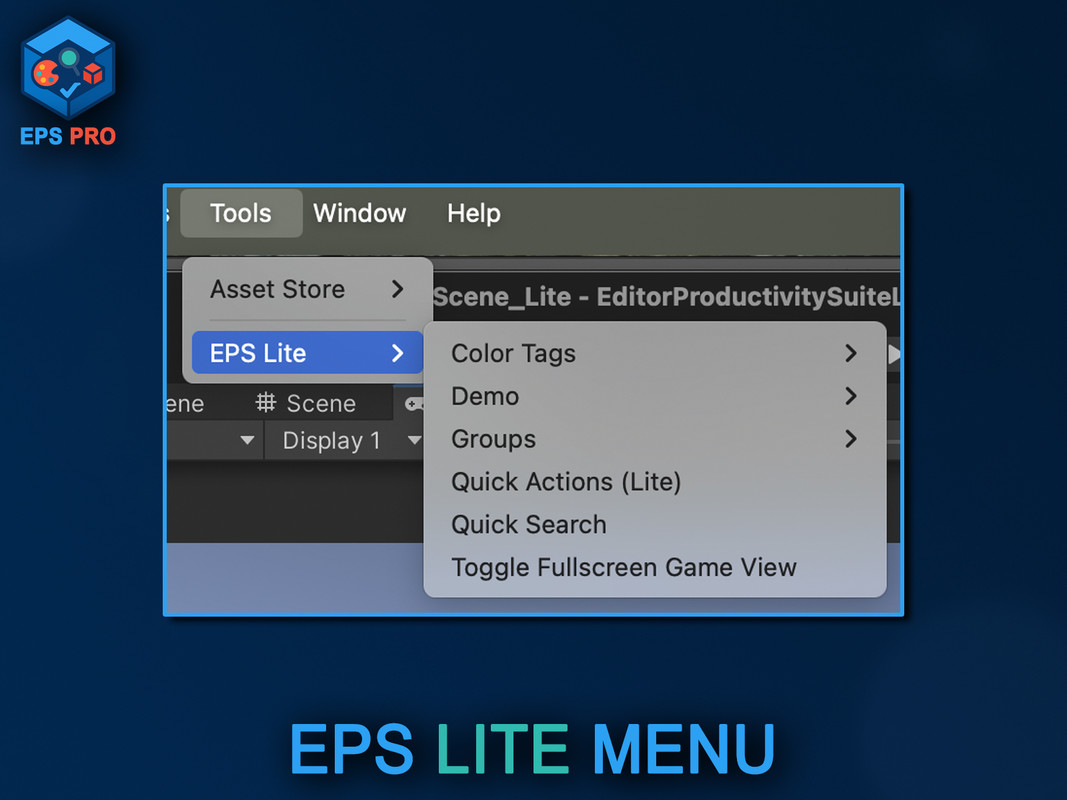
Editor Productivity Suite Lite screenshot 1
About this asset
Full Description
Take control of your Unity Editor experience with Editor Productivity Suite Lite, a free and lightweight toolkit designed to save you time and keep your projects organized.
Key Features in the Lite Edition:
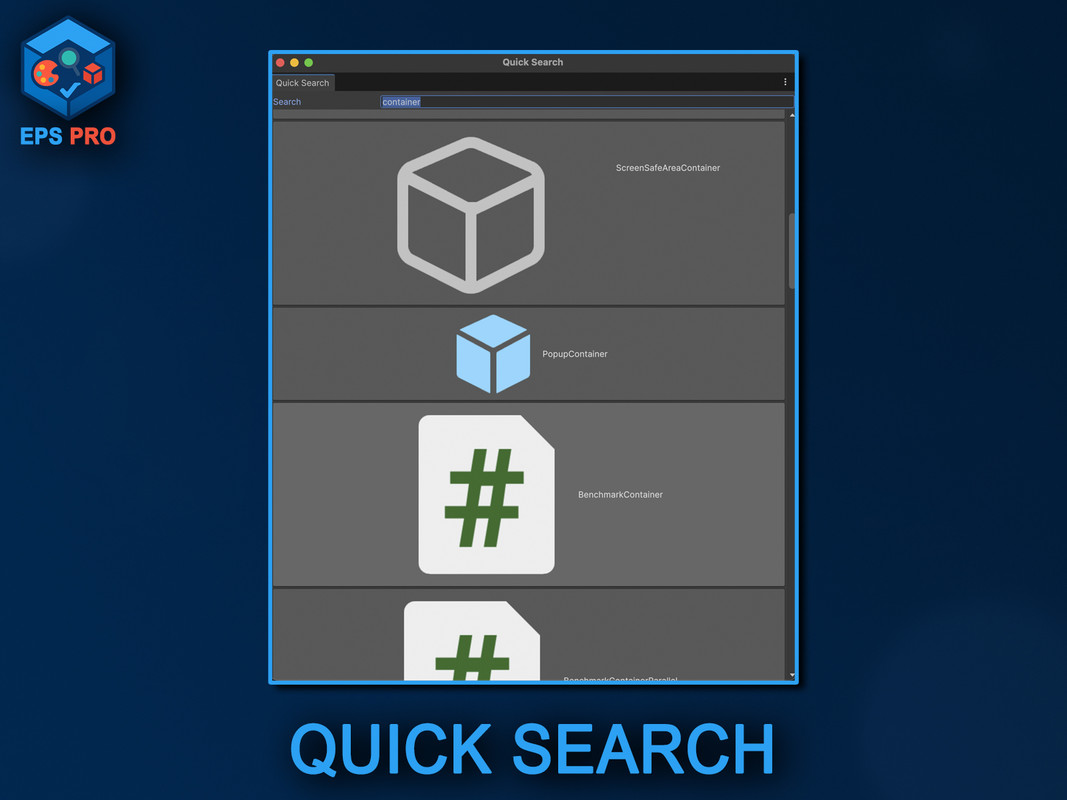
- Quick Search – Instantly locate GameObjects in your scene with a simple shortcut.
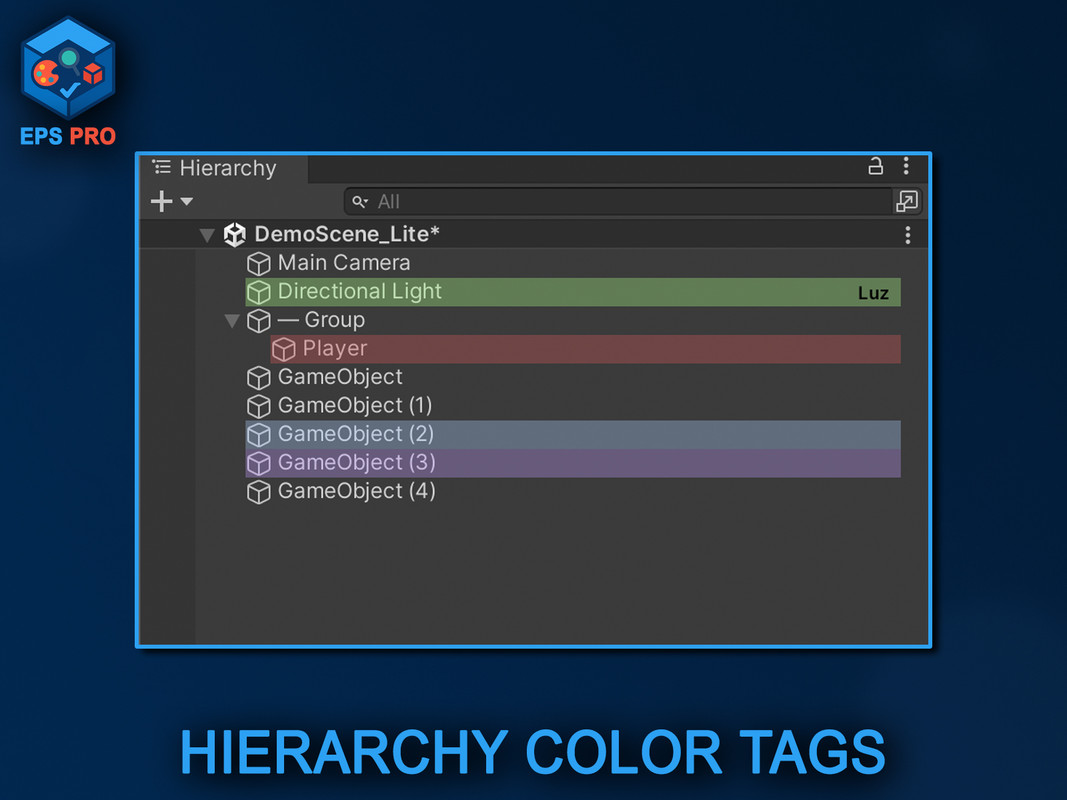
- Color Tags – Mark important GameObjects with colored backgrounds and labels in the Hierarchy.
- Hierarchy Icons – View essential component icons (Camera, Light, Collider, Script, etc.) directly in the Hierarchy.
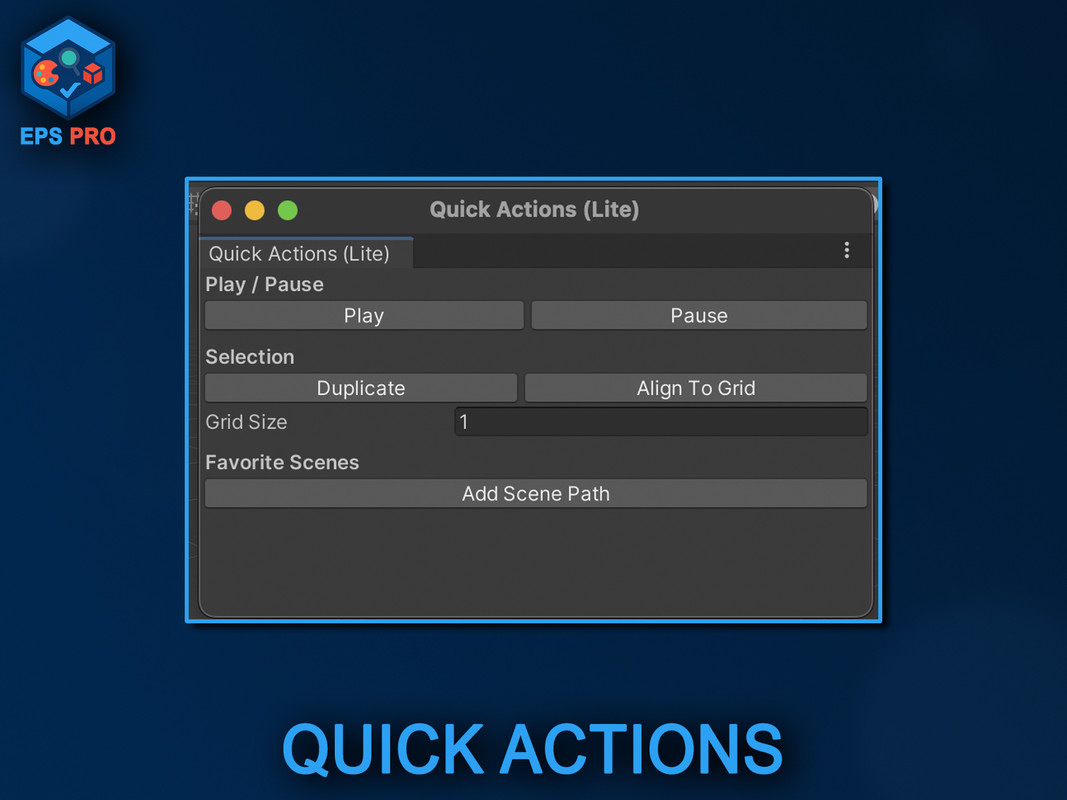
- Quick Actions Toolbar (Lite) – Access common actions and favorite scenes from a dockable panel.
Why choose EPS Lite?
- Lightweight and easy to install (Unity 2021.3+).
- Free edition with the most essential features.
- Perfect entry point before upgrading to EPS Pro for advanced tools like Virtual Folders, Scene Bookmarks, Advanced Console, and Profile management.
Upgrade Path:
Need more power? Upgrade anytime to Editor Productivity Suite Pro for the full set of workflow boosters, team collaboration features, and advanced customization.
UPDATE TO PRO: https://u3d.as/3BJB
From the publisher's Asset Store listing.
Technical details
Key Features
- Quick Search with shortcut navigation
- Color Tags for GameObjects
- Hierarchy component icons
- Quick Actions Toolbar (Lite version)
- Lightweight and free
Compatibility
| Unity version | Built-in | URP | HDRP | Custom |
|---|---|---|---|---|
| 2022.3.47f1 | Compatible | Compatible | Compatible | Compatible |
As listed on the Asset Store.