
 View on Asset Store (opens in new tab)
Package details
- Latest version
- 0.6.0
- Last updated
- First released
- Unity version
- 2022.3.62 or later
- Package size
- 31.9 MB
- Files
- 5,344
- Favorites
- 30
- Views in the past week
- 32
Price tracking
- Last checked
- Tracked since
- Lowest recorded
- $40.00 on
Keywords

ProStream
ProStream automates the transition from GameObject scenes to optimized, stutter-free Entity SubScenes via powerful rule-based systems.
Affiliate link · Purchases support this site
Price history
Last 6 months
USDAsset preview
1 / 11
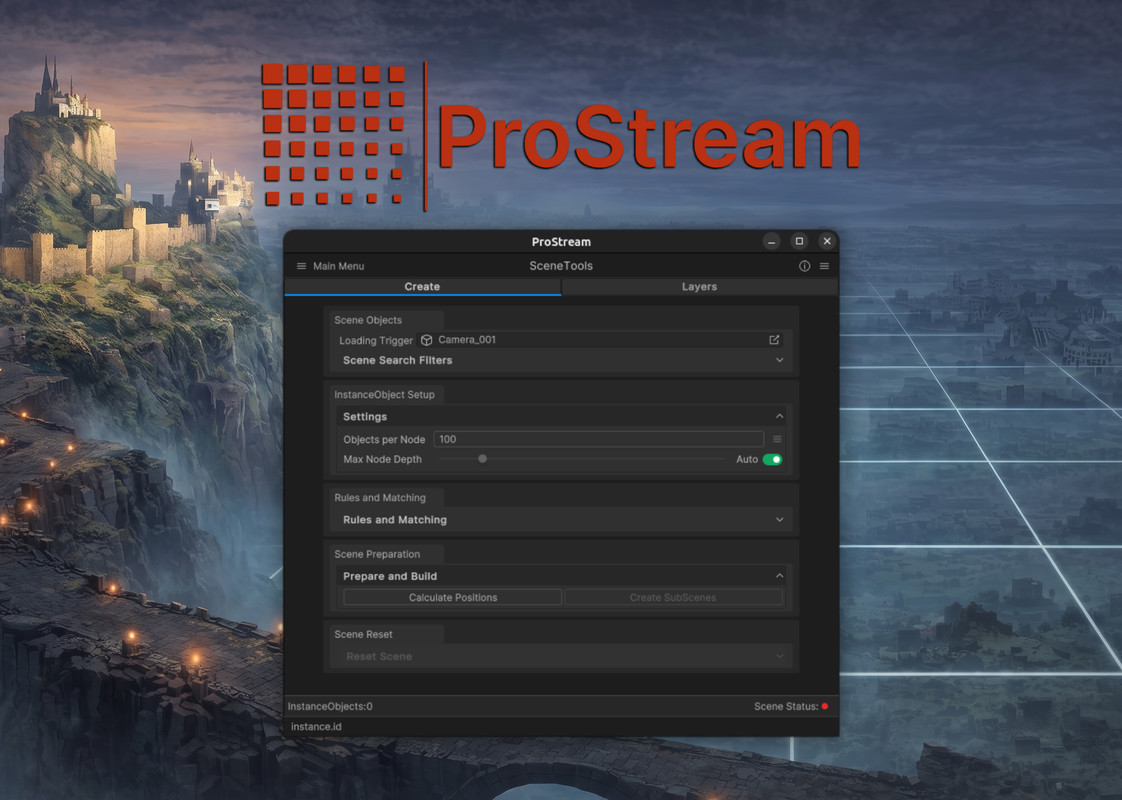
ProStream screenshot 1









About this asset
--------------------
ProStream is the bridge between standard Unity GameObject scenes and high-performance, stutter-free streaming worlds, automating the transition from GameObjects to optimized Entities in just a few steps.
ProStream is a DOTS/ECS based world streaming toolkit designed to address the performance overhead of traditional Unity GameObject scene streaming. By providing comprehensive tooling that automates the conversion of large, heavy scenes into fast-loading, memory-efficient Entity SubScenes, ProStream empowers you to build high-performance, seamlessly streaming worlds with exceptional performance.
Whether you are developing open-world games, massive simulations, or complex architectural visualizations, ProStream leverages the power of Unity's Entity Component System (ECS), the Burst Compiler, and the C# Job System to eliminate loading stalls and reduce memory overhead.
Why Choose DOTS/ECS Streaming?
Traditional GameObject Scene streaming can cause significant memory spikes and stuttering/stalls due to sudden and large amounts of MonoBehaviour instantiations on the main thread when a Scene is loaded. This can often result in massive and very noticeable frame rate drops.
ProStream uses asynchronous Entity SubScene streaming. This means zero-stall and spikeless background loading, reduced memory footprints, and the ability to stream scalable, highly detailed environments seamlessly without sacrificing performance.
Intelligent Scene Analysis: The core preprocessing engine evaluates scene object bounds and density, utilizing an adaptive Quadtree algorithm to dynamically partition your world into balanced, memory-efficient streaming chunks.
GameObject-to-Entity Conversion: Quickly and easily convert Unity GameObject scenes into effecient, streamable, DOTS-ready Entity SubScenes.
Advanced Rule-Based Matching: Leverage powerful, customizable rules and queries to automatically categorize GameObjects into distinct streaming layers which enables independant loading ranges and streaming behaviors.
High-Performance Runtime Streaming: Implements SubScene streaming utilizing Unity ECS and multi-threaded Burst-compiled jobs for maximum CPU efficiency.
Proximity-Driven Loading: Dynamically evaluates distance thresholds in parallel to seamlessly load and unload scene content as the player navigates the world.
Responsive Streaming Control: Adjust loading ranges and streaming parameters at runtime for precise, dynamic control over your world's memory footprint.
Built-in Diagnostics & Validation: A comprehensive diagnostic framework can help identifiy and resolve potential Entity conversion issues (e.g., incompatible shaders, missing colliders, invalid bounds) before they become runtime problems.
Visual Debugging Tools: Built-in editor visualizations allow you to inspect distance thresholds and streaming behavior in real-time.
Due to the advanced nature and complexity of DOTS/ECS, support is limited to ProStream's tools and workflows. Please be aware that we are unable to provide general support, tutorials, or troubleshooting for core Unity DOTS/ECS concepts and development.
--------------------
These planned features are designed to expand ProStream into a comprehensive, world-building and streaming toolchain:
DataObjects: Compact, reusable prefab data workflows that reduce duplication while actively shrinking memory footprint and build size.-
RemoteScenes: Referenced-scene processing workflows that make dense, heavily populated environments easier to prepare and iterate on in smaller units.-
Terrain System: Planned Unity Terrain conversion pipeline for spatial mapping, mesh chunking, and proximity-driven detail streaming in a ProStream-friendly format.-
Visibility Culling: Frustum-aware section culling designed to reduce unnecessary runtime work when dense scene content moves out of view.-
Impostors: Atlas-based long-range rendering workflow for replacing distant complex geometry with significantly lighter visual representations.
-------------------
FAQ
Q: Is my favorite Asset Store pack/kit/model compatible with ProStream?
A: ProStream is compatible with any asset that is compatible with DOTS/ECS. Though, DOTS/ECS has stricter requirements than traditional GameObject workflows. Some assets may require minor adjustments (such as updating custom shaders, fixing invalid mesh data, etc). ProStream includes built-in diagnostic tools to help you quickly identify and fix many common compatibility issues.
---
Q: Can I use/create my own DOTS/ECS features/components/systems alongside ProStream?
A: Certainly! You can create your own custom DOTS/ECS components, systems, and features which either integrate with ProStream's workflows or run independently alongside them.
--------------------
Known DOTS/ECS Limitations and Existing/Planned ProStream Solutions:
Physics Interaction: The Unity Physics (DOTS) and standard PhysX (GameObjects) systems are isolated. Entities cannot natively collide with GameObjects unless data is manually synced across systems.
ProStream's ColliderObjectsWorkflow provides a streamlined solution for this.
Native Engine Implementations/Plans
Terrain: Standard Unity Terrains are not currently supported by DOTS/ECS and cannot be directly converted into ECS entities.
ProStream's TerrainWorkflow is in development to address this gap (unless Unity provides a native solution first).
--------------------
https://discord.gg/YUcMwtvhss
Discord: https://discord.gg/YUcMwtvhss
From the publisher's Asset Store listing.
Technical details
--------------------
- Architecture: DOTS/ECS native streaming pipeline.
- Performance: Multithreaded using the C# Job System and Burst Compiler.
- Streaming Method: Asynchronous Entity SubScene streaming (eliminates main-thread stalls).
- Editor Tools: Intuitive setup wizards, automated layer generation, and scene splitting.
- Diagnostics: Automated detection of incompatible shaders, bad meshes, missing materials/colliders, and invalid transforms.
- Visualization: Debug rendering of streaming layers and loading ranges.
- Compatibility: Supports large world, simulation, and visualization projects using Unity ECS. Compatible with URP and HDRP (dependent on ECS support).
- Requirements: Requires Unity's Entities package and Burst compiler.
Compatibility
| Unity version | Built-in | URP | HDRP |
|---|---|---|---|
| 2022.3.62f3 | Not listed | Compatible | Compatible |
Compatible with all current ECS/DOTS compatible releases
Tested with the most current URP/HDRP version available in Editor v2022.3, 6.0-6.6
As listed on the Asset Store.