
 View on Asset Store (opens in new tab)
Package details
- Latest version
- 4.0.1
- Last updated
- First released
- Unity version
- 6000.0.49 or later
- Package size
- 1.2 GB
- Files
- 64
- Views in the past week
- 801
Price tracking
- Last checked
- Tracked since
- Lowest recorded
- $35.00 on
Keywords
Realistic Car Controller Pro 2
- Launch discount
Create driving, racing and drifting games with RCCP 2. Configure wheel physics, tires and damage. Add AI drivers, vehicle customization, replays and controls through the visual editor tools.
Launch promotion for 329833 Realistic Car Controller Pro 2 Ends (30 Nov)
Get 50% off on Asset Store (opens in new tab)Affiliate link · Purchases support this site
Price history
Last 6 months
USDAsset preview
1 / 22
Realistic Car Controller Pro 2 screenshot 1
About this asset
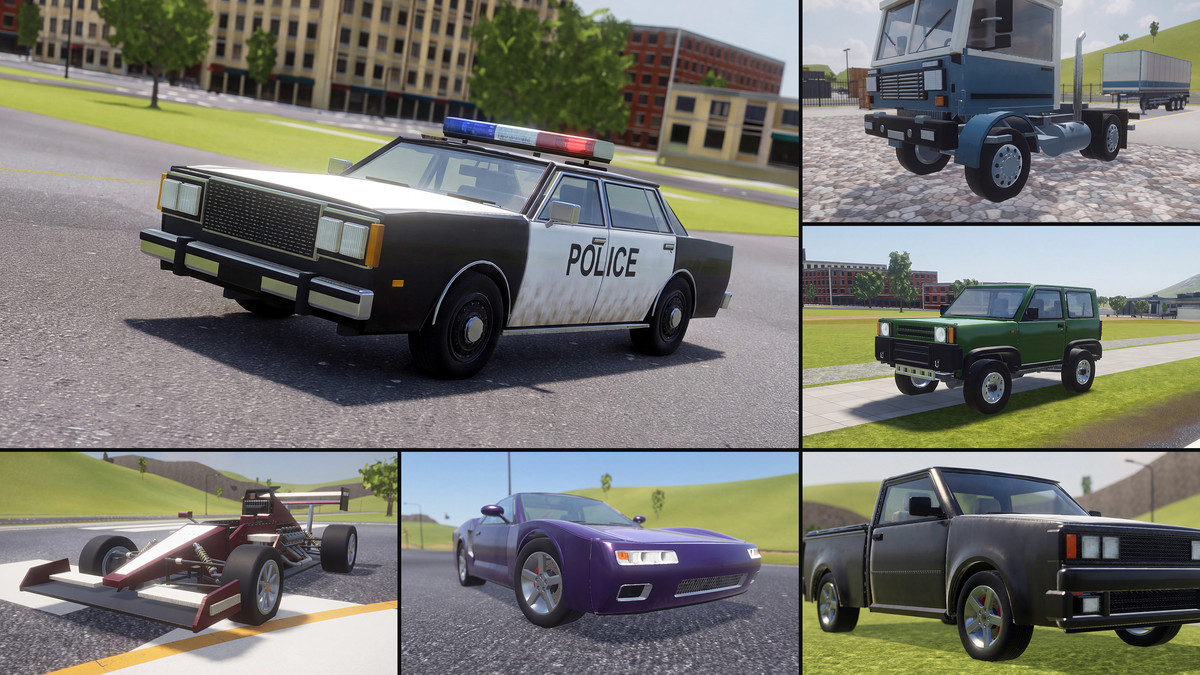
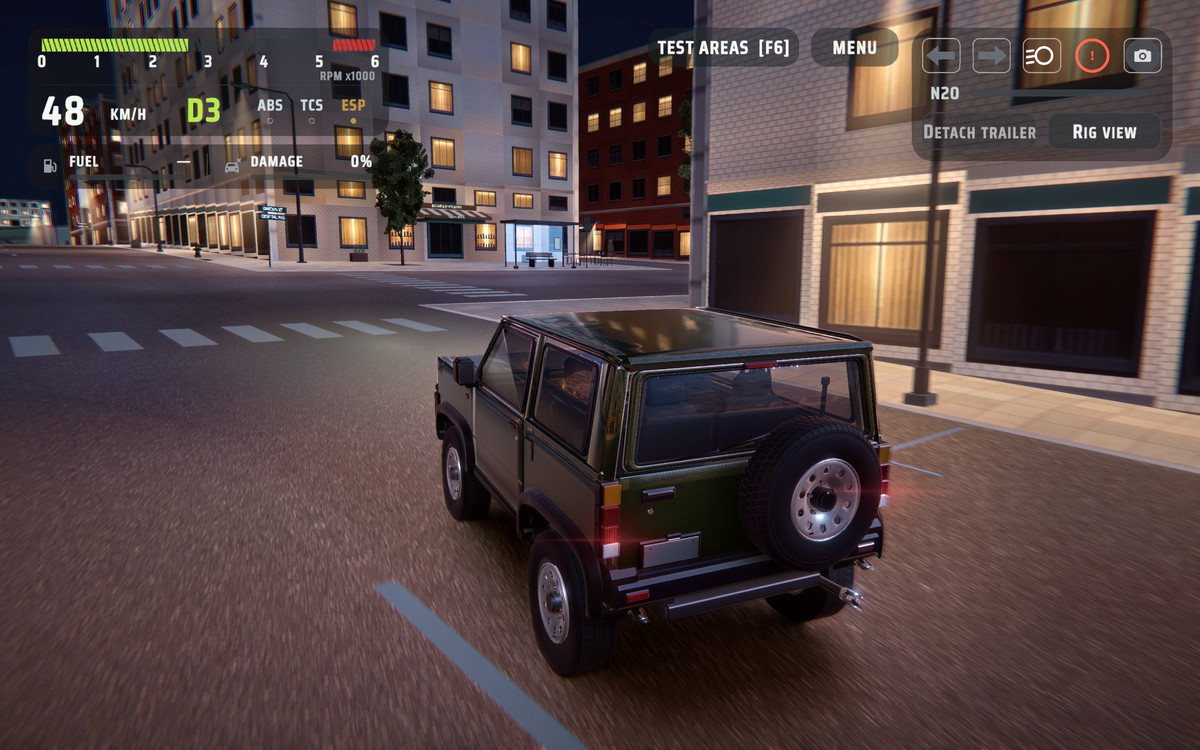
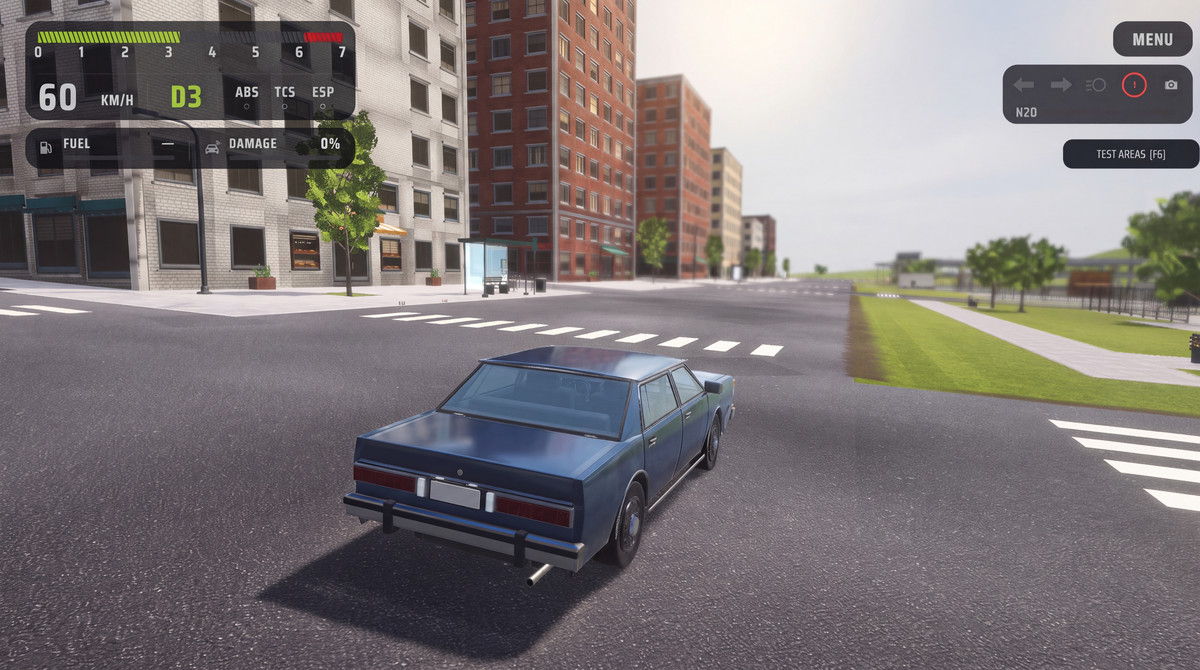
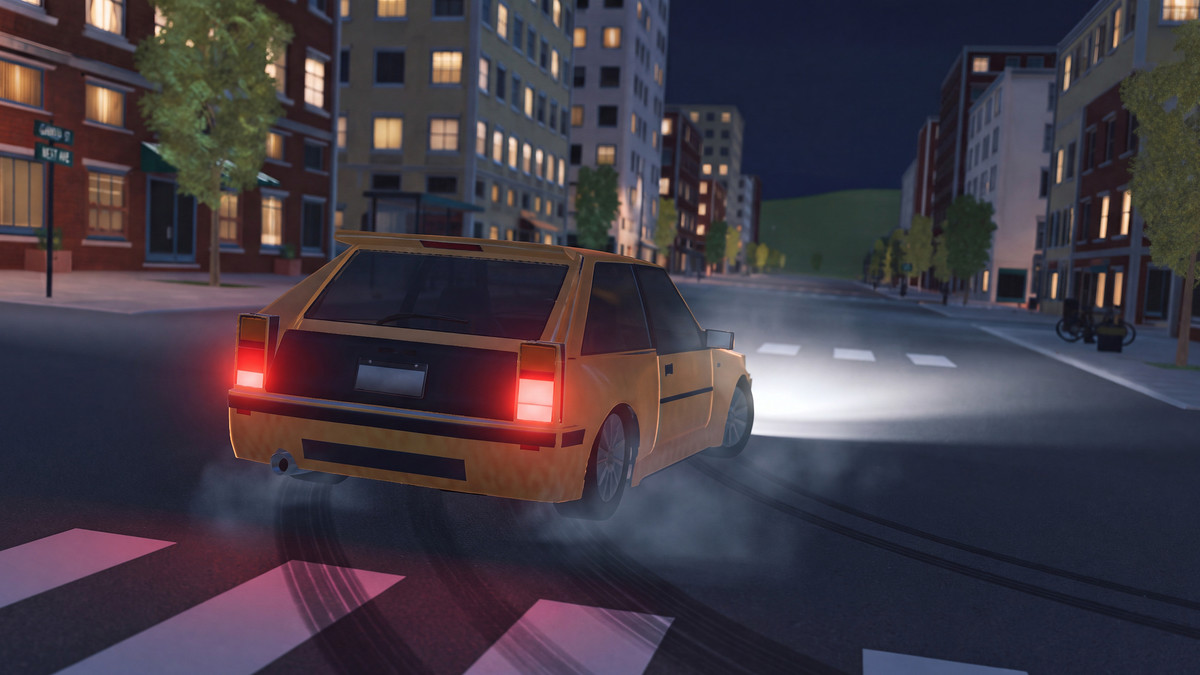
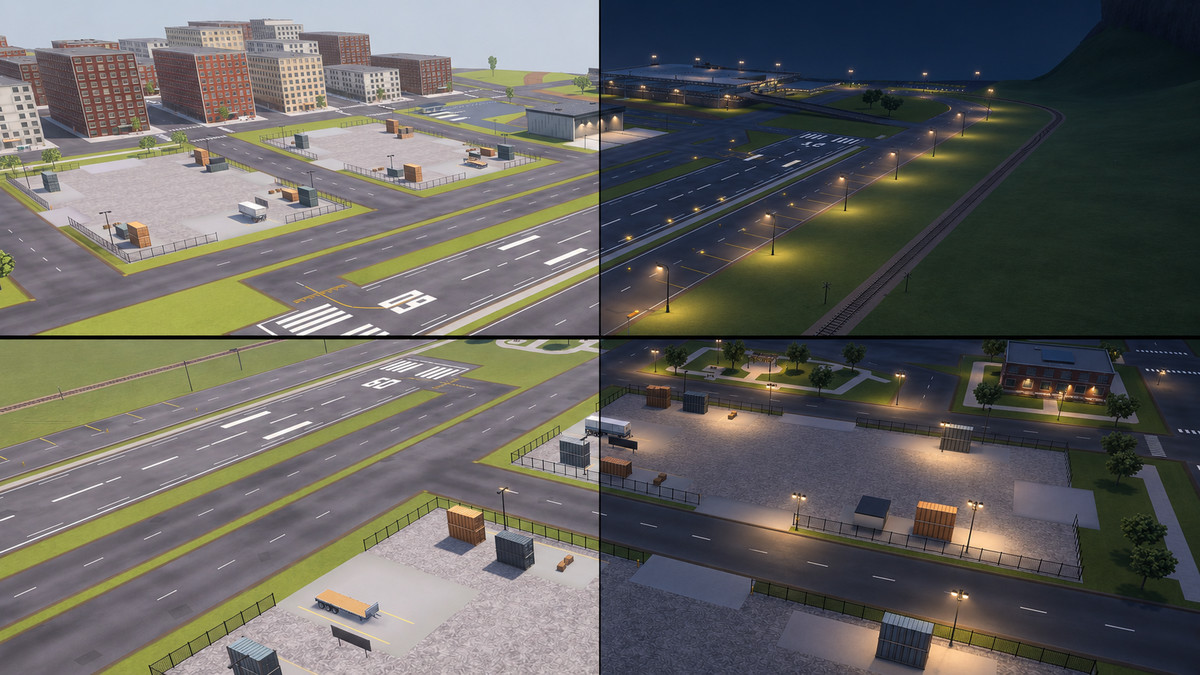
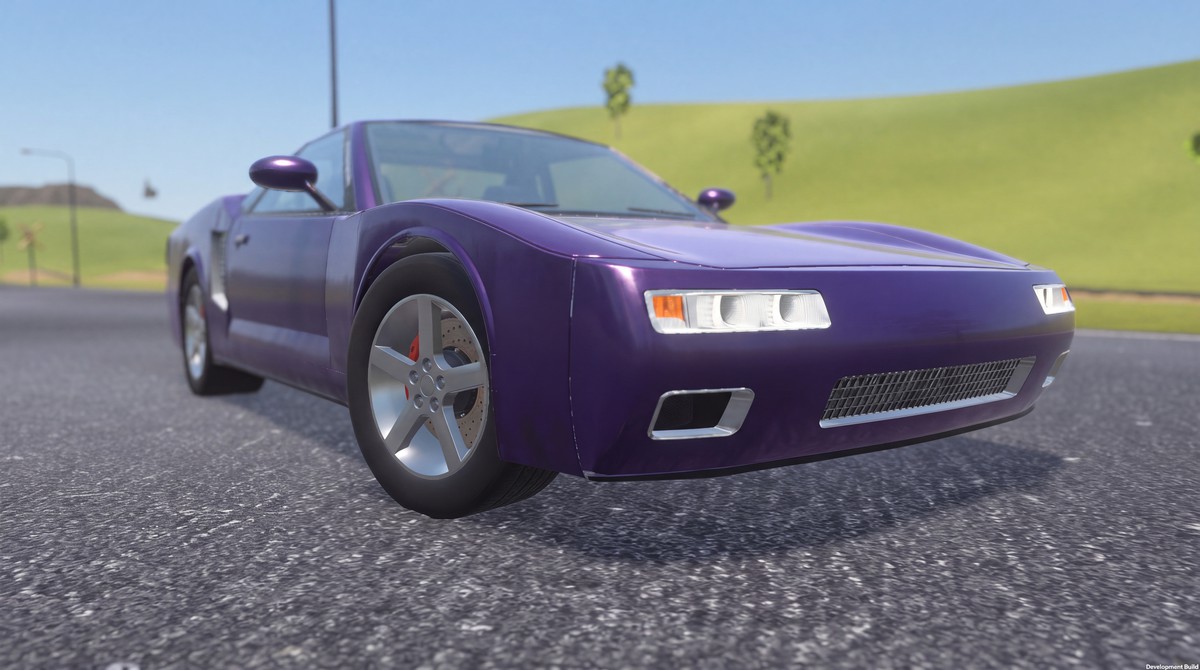
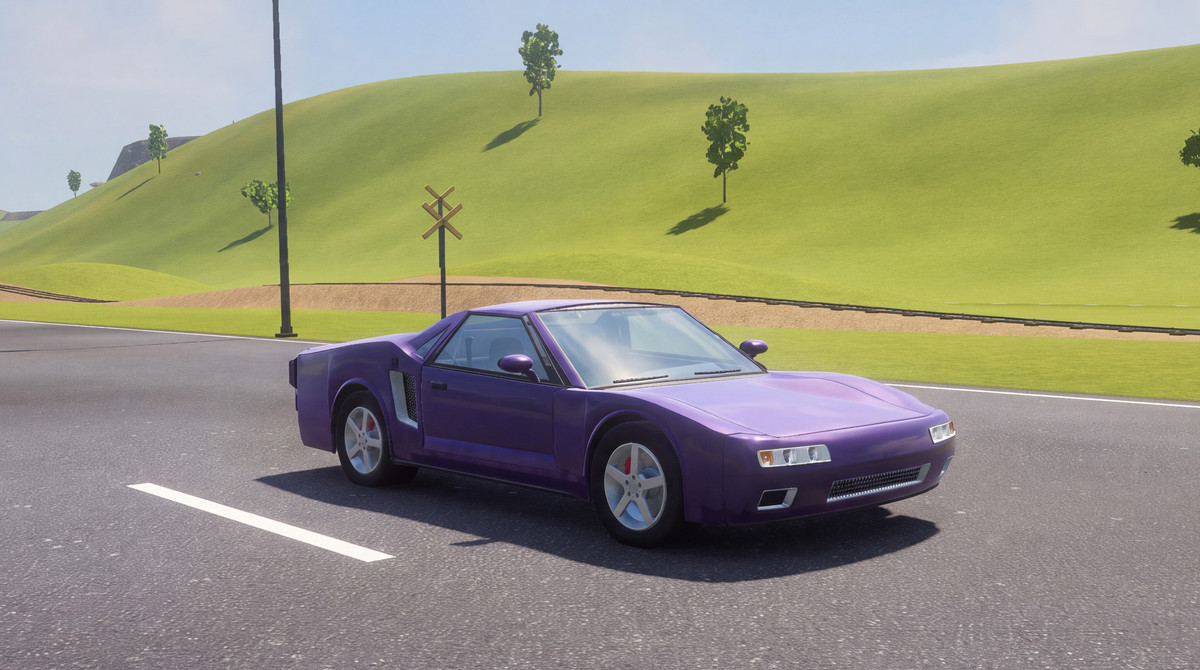
Realistic Car Controller Pro 2 (RCCP 2) is a modular vehicle controller with custom wheel and tire simulation. Build realistic driving simulations with editor extensions in no time. Explore leading features of RCCP 2 with its demo content that includes 12 stylized demo vehicles, mechanical rigs and Compact City environment.
Start with a quick prototype and expand your project into a complete driving simulation. Configure the engine, clutch, gearbox, differential, axles, and wheels through separate components. RCCP builds on over 14 years of continuous development since the first release of the original Realistic Car Controller.
You also get access to Realistic Car Controller Pro 1 and Realistic Car Controller. Three vehicle controller assets, one purchase.
🕹️ Web Demo · Android Demo · PC Demo
🚗 12 stylized demo vehicles
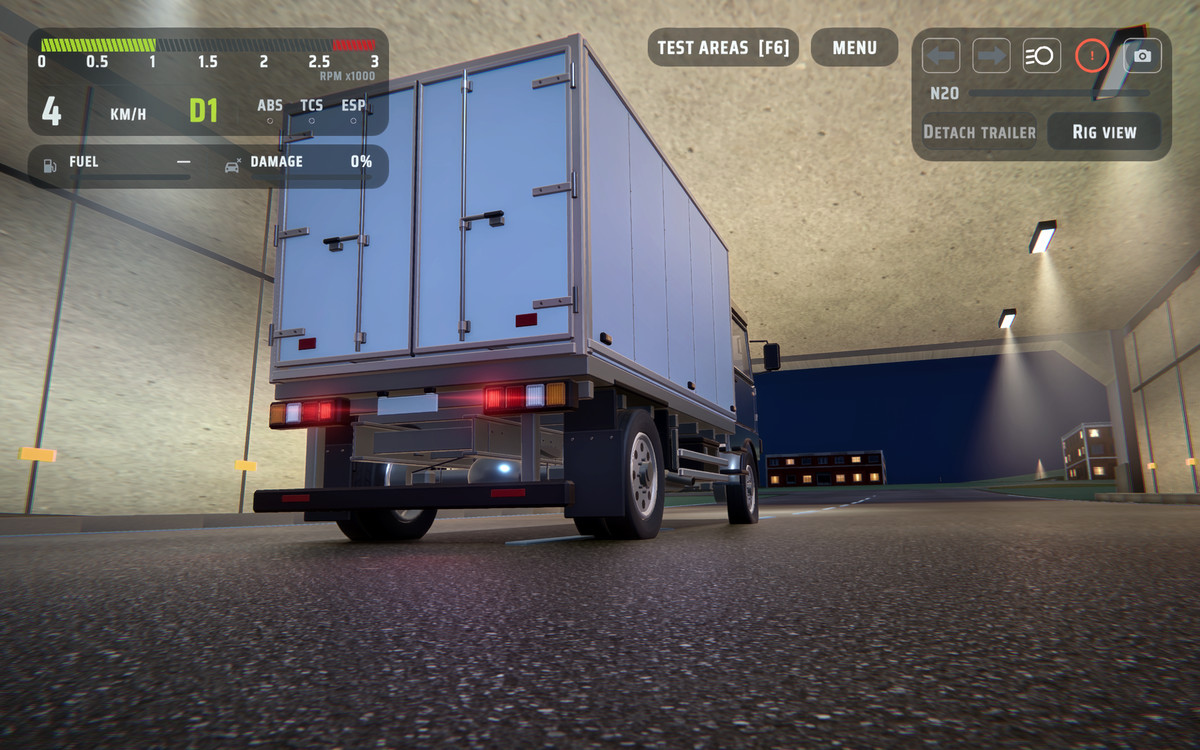
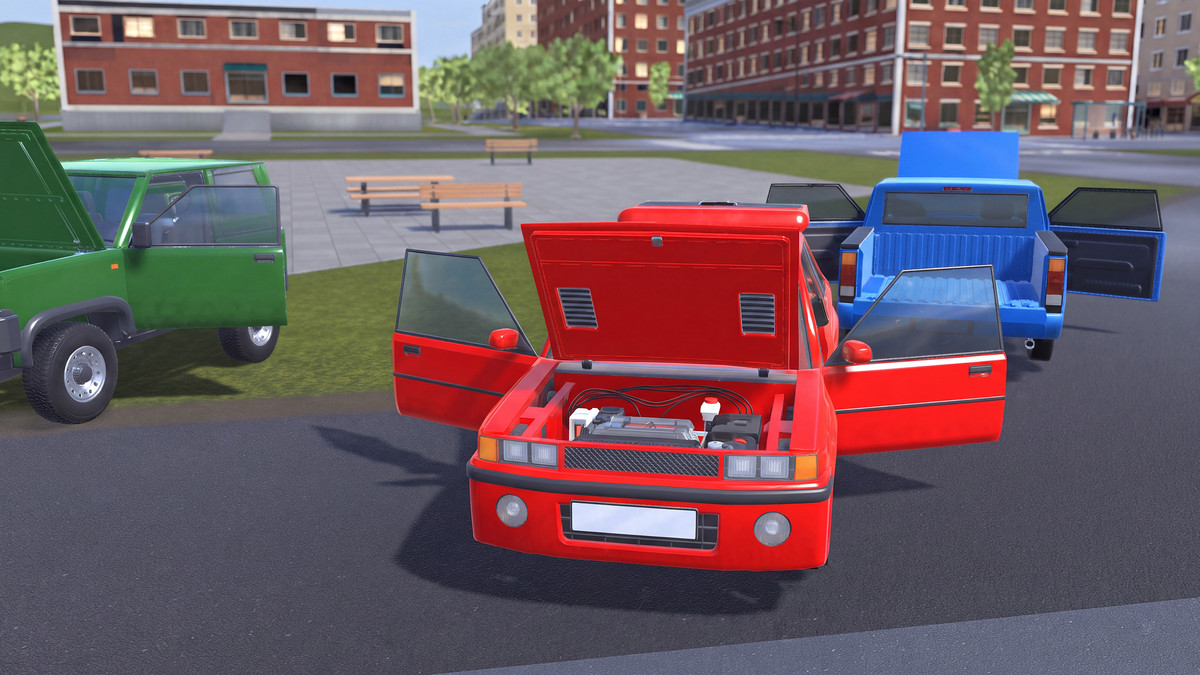
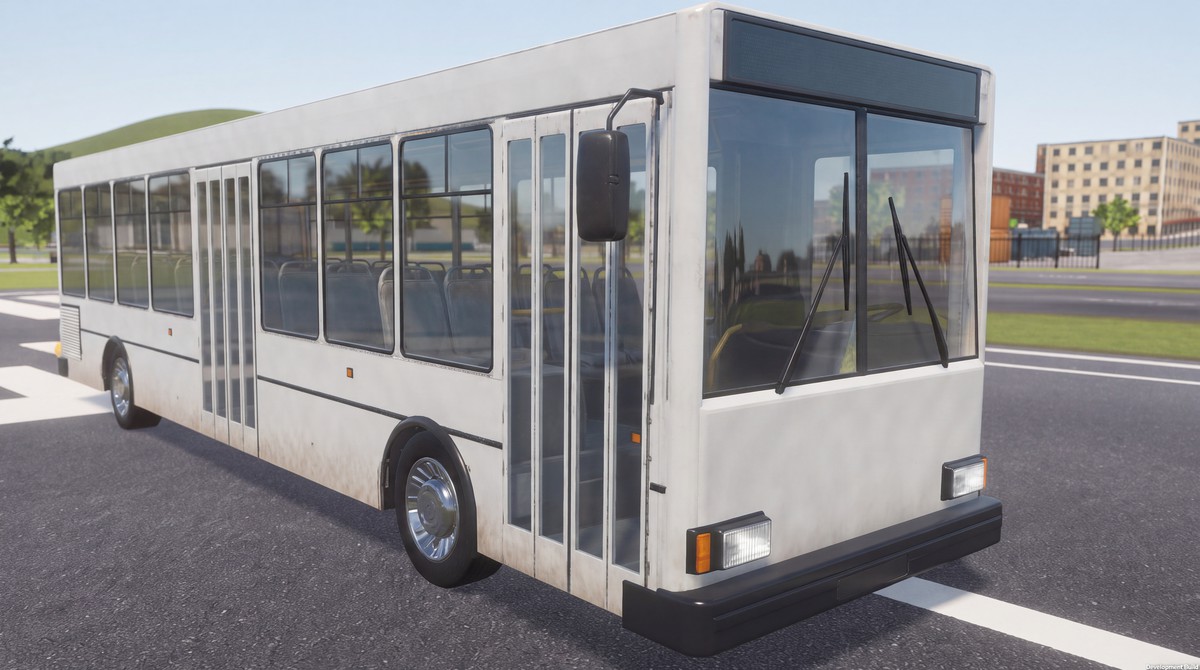
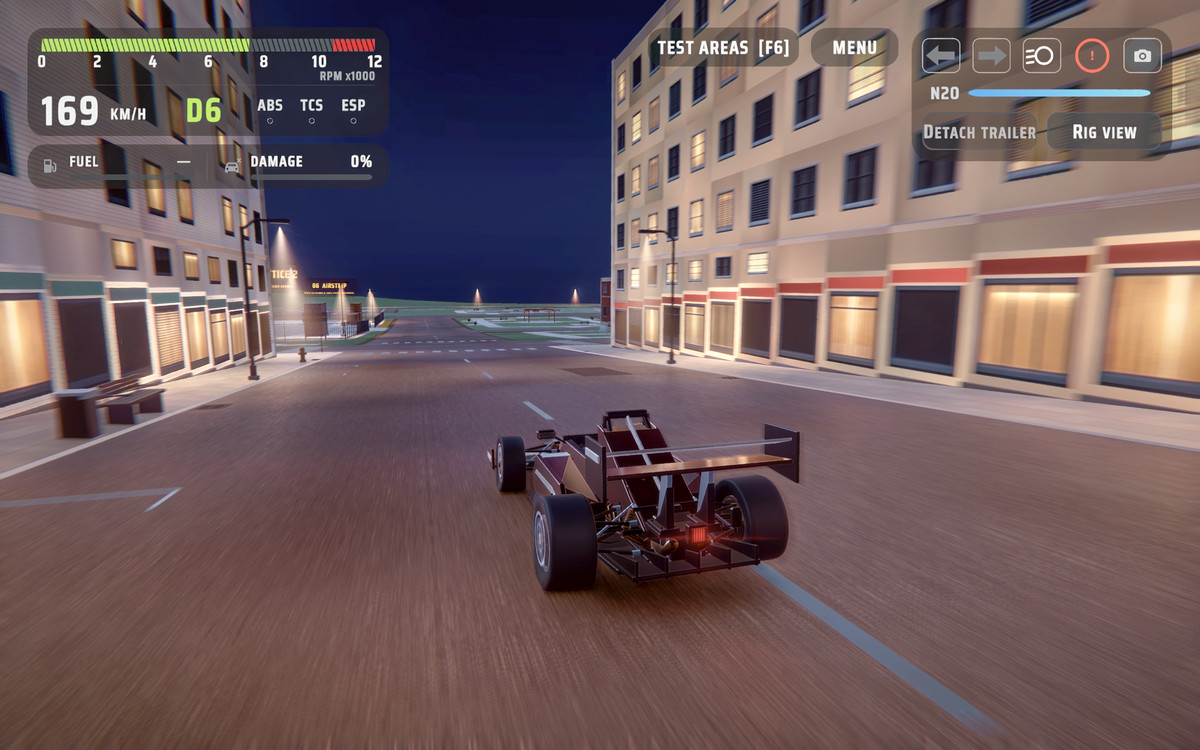
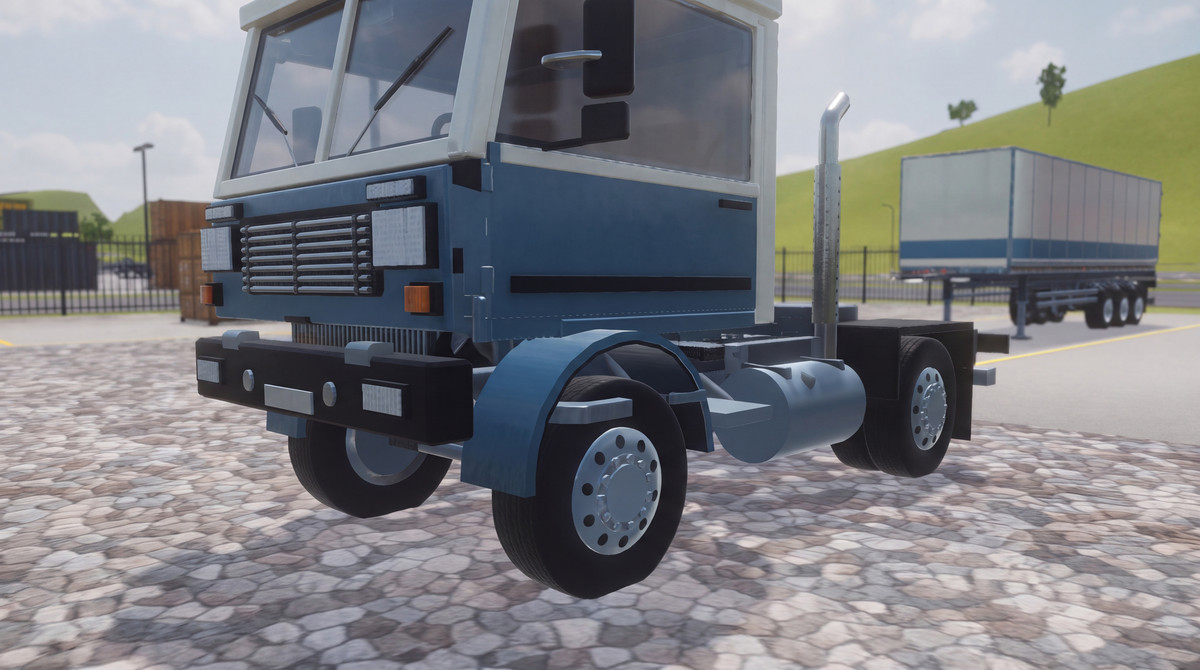
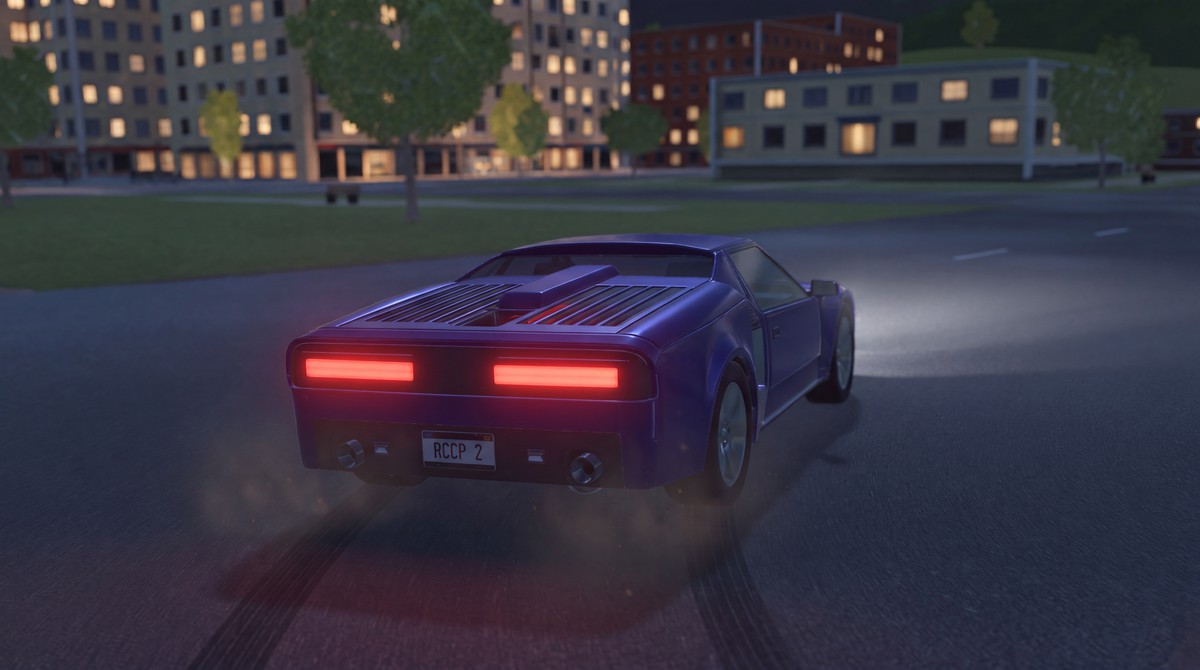
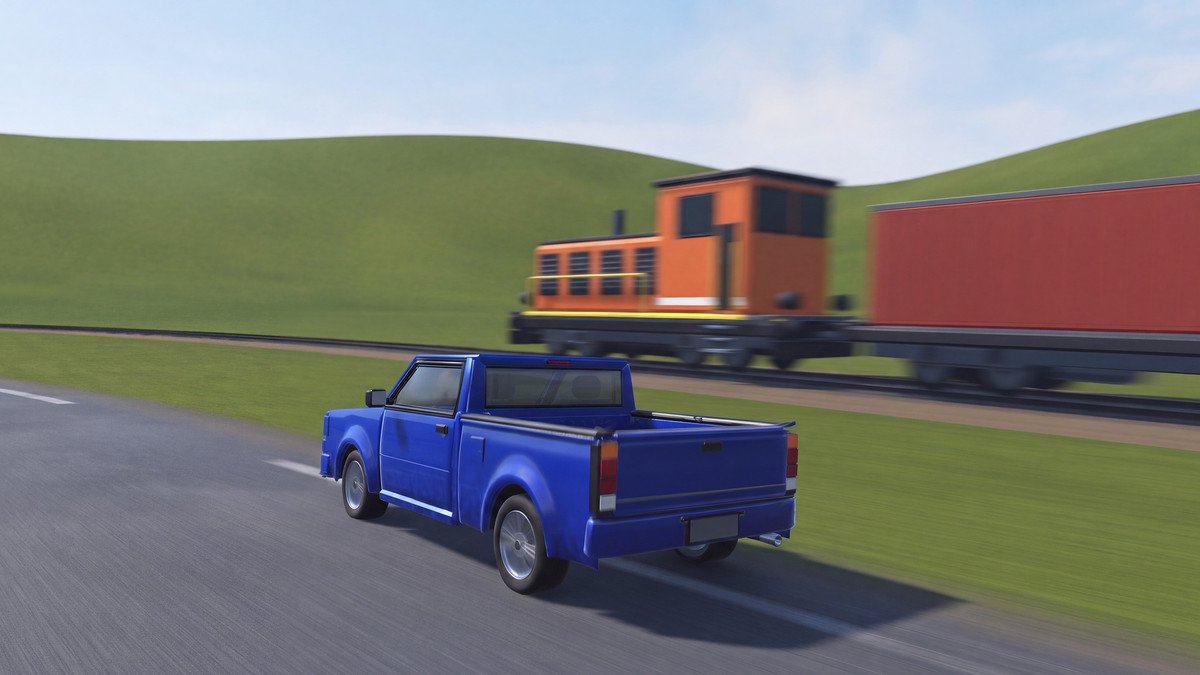
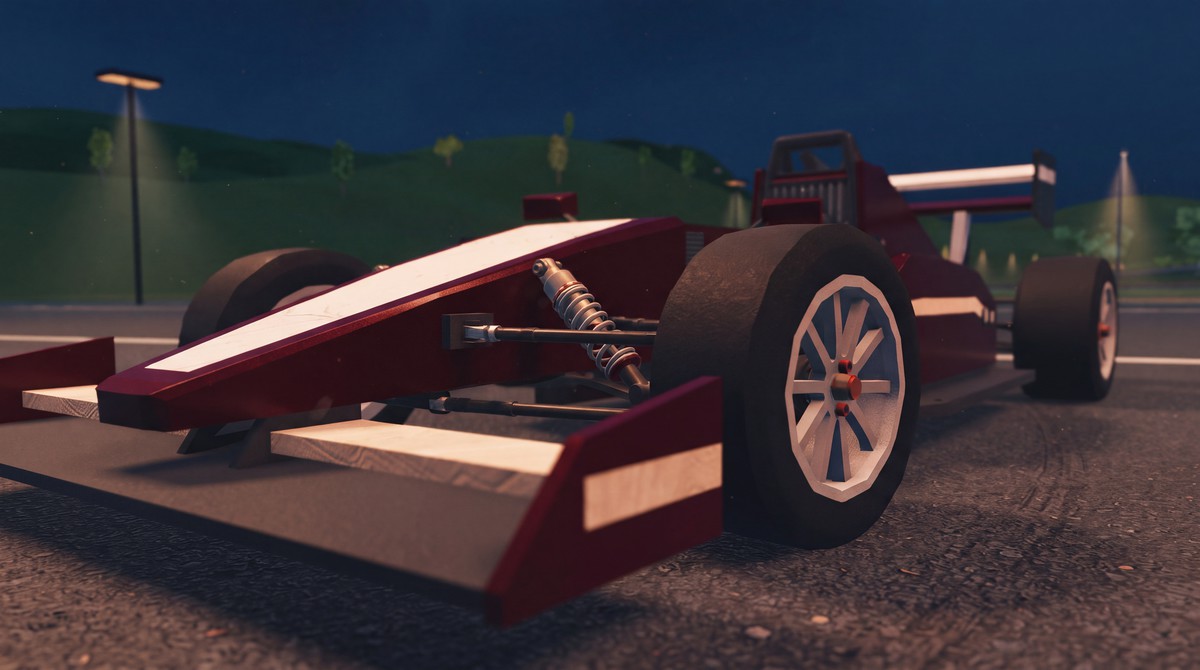
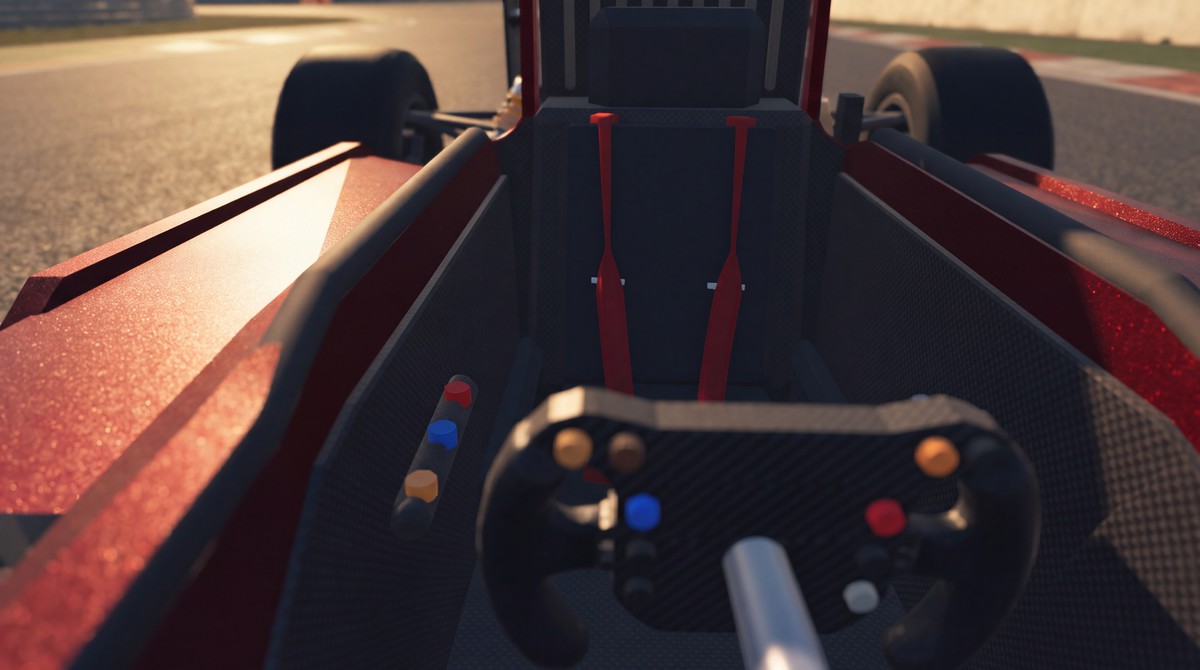
The included demo content contains 12 stylized vehicles, from passenger cars and sports cars to buses, trucks and a formula car ready to use out of the box. Use their setups as examples for your own models. With interior, doors, hood, trunk, and bumpers. Fully destructible, customizable, modular.
🛞 Custom wheel and tire simulation
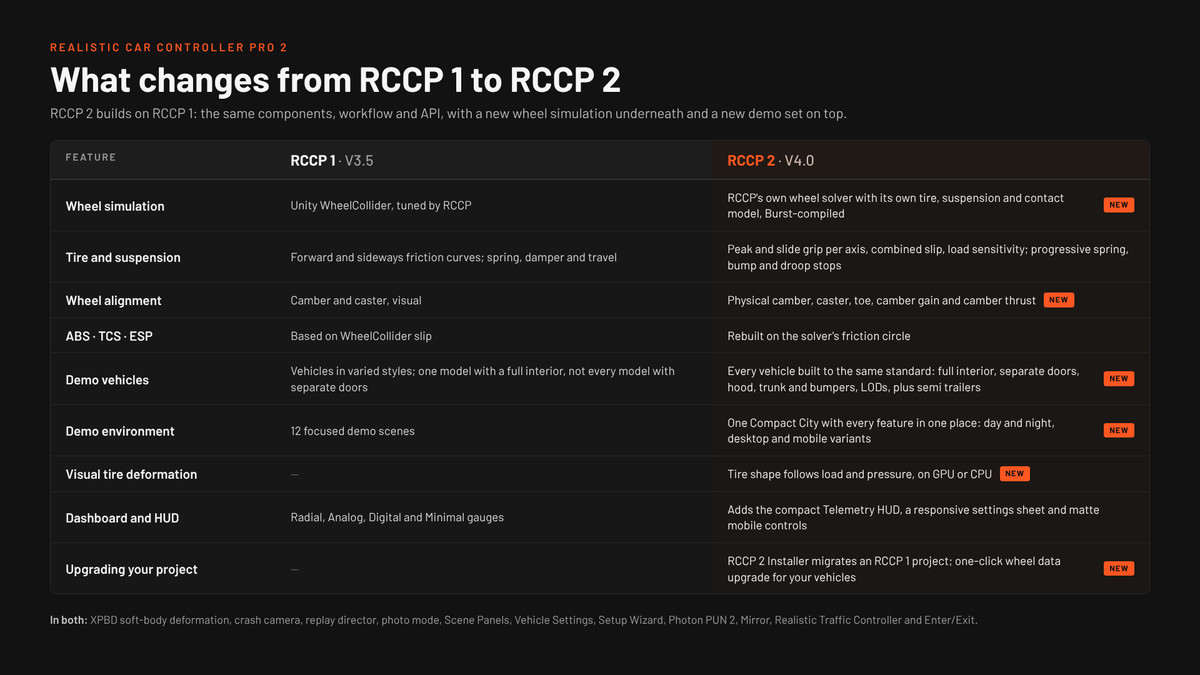
Configure tire grip, suspension and physical camber, caster and toe with the custom wheel simulation. Acceleration, braking and cornering share the available tire grip.
⚙️ Suspension and physical wheel alignment
Adjust spring progression, damping, rebound response, contact width and suspension limits. Configure physical camber, caster and toe, including camber changes through suspension travel.
⚙️ Modular drivetrain
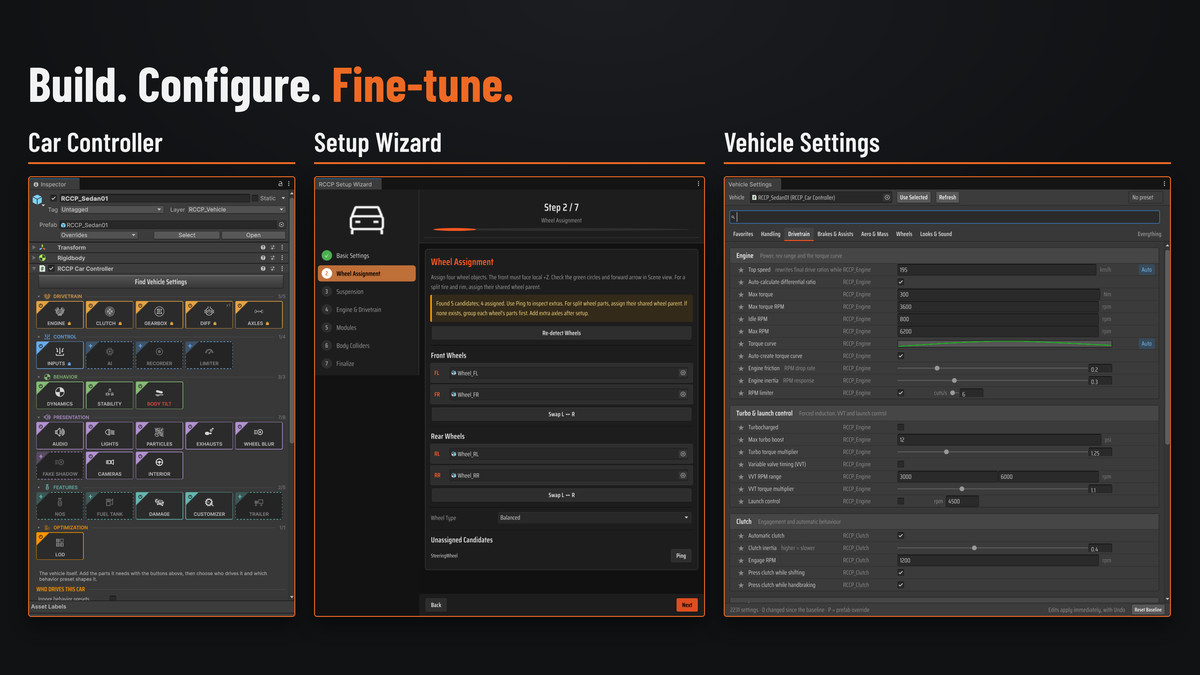
Configure engine, clutch, gearbox, differential and axle components individually. Adjust torque curves, gear ratios and automatic or manual shifting easily.
⚒️ Guided vehicle setup
Create your own vehicles within a few minutes only. Assign wheels, configure the drivetrain and select the vehicle systems you need.
💥 Damage and repair
Configure body deformation, detachable parts, wheel damage, light damage and repair. Optional mechanical damage adds effects such as power loss, overheating, steering pull and tire leaks. Optional soft-body deformation is included.
🎨 Vehicle customization
Configure paint, wheels, spoilers, decals and performance upgrades. Save and load player customization choices. Decals and neon underglow require URP or HDRP.
🎮 Mobile controls and dashboard
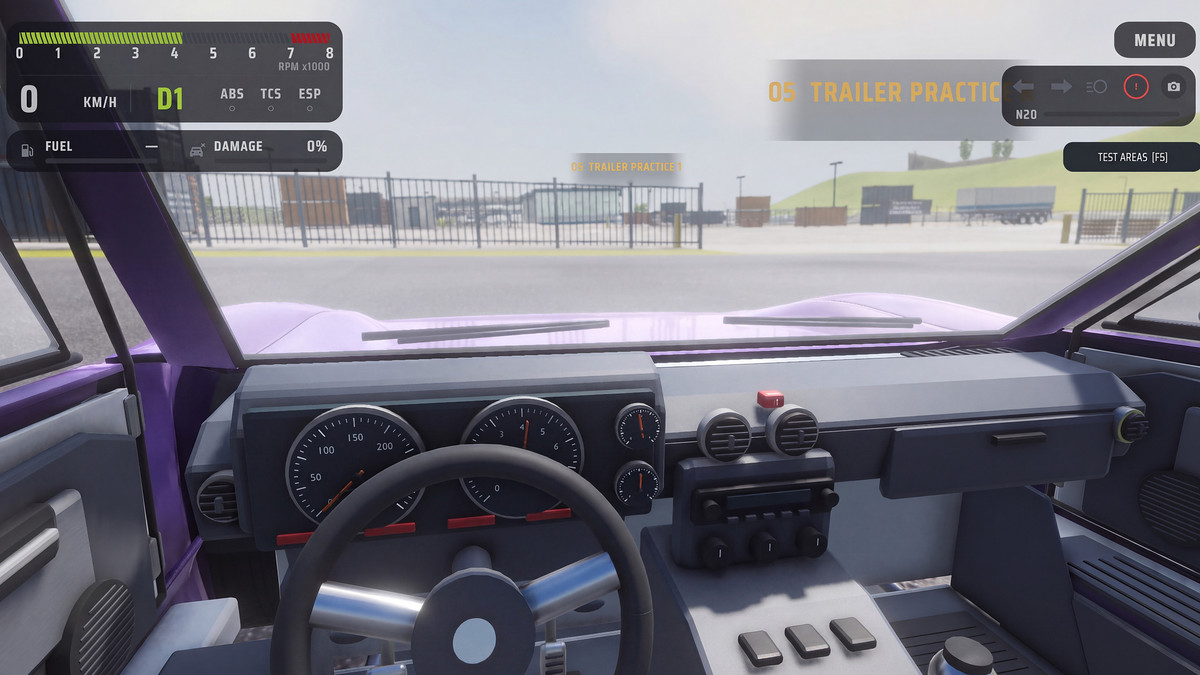
Use keyboard, gamepad and mobile touch controls through the Unity Input System. Change key bindings, select a dashboard style and adjust the mobile layout.
🏙️ Compact City and environment
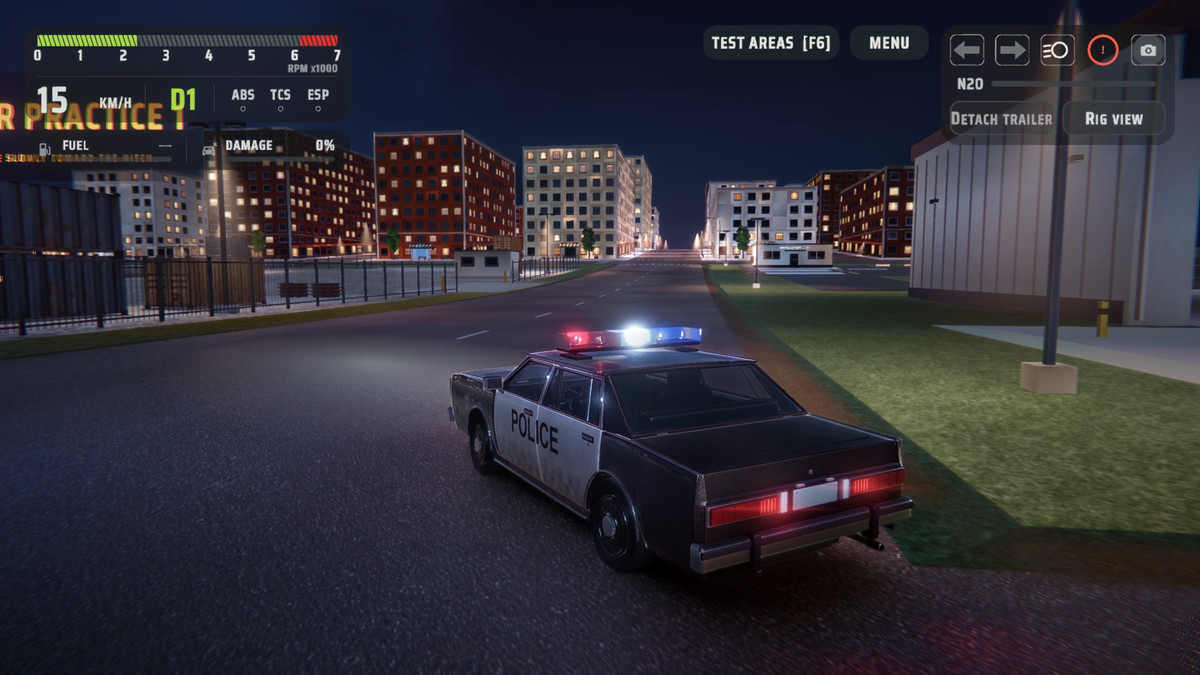
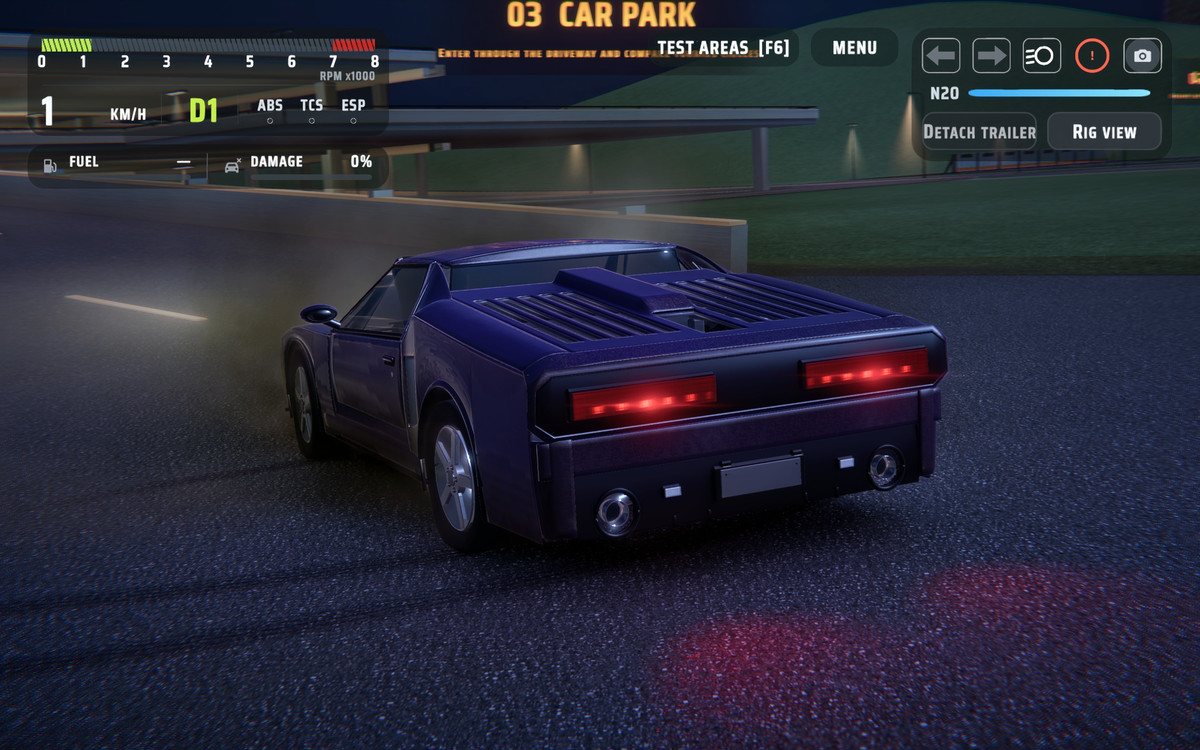
Drive through day and night scenes, including separate mobile versions. Explore surface tests, trailer areas and a damage yard with a pendulum, hydraulic press, crusher and impact ram.
🔧 Mechanical visual rigs
Watch suspension and steering parts move with the vehicle. Use Rig view or press X in the demo scenes to reveal the mechanisms. Rig animation follows the vehicle’s wheel and steering state.
🛞 Visual tire deformation
Show tire compression and sidewall expansion in response to wheel load. Adjust visual tire pressure and stiffness. GPU deformation uses compute support where available, with a CPU fallback when compute is unavailable.
🛡️ Driving assists
Configure anti-lock braking, traction control, stability control and steering helpers. Start with a behavior preset, then adjust the systems for your game.
📊 Feature Lab and live vehicle data
Add the included Feature Lab panel to adjust engine, drivetrain, wheel, damage, camera and effect settings during play. Reset individual settings or categories to compare results. Feature Lab changes apply to the current play session. Monitor speed, RPM, gear and assist activity on the Telemetry HUD. Inspect detailed wheel loads, tire forces, suspension compression and slip in the Unity Editor.
🚛 Trailers and towing
Attach and detach trailers, apply trailer braking and use the detached trailer’s parking brake.
🤖 AI drivers
Create waypoint routes and configure racing behavior. AI drivers can follow or chase targets and avoid obstacles.
🔊 Layered audio and effects
Blend engine recordings according to RPM and engine load, with separate acceleration and overrun clips. Configure turbo, blow-off and backfire sounds, vehicle lights, skidmarks and tire smoke. Ground surface settings control grip, sounds and effects.
🎥 Cameras and Photo Mode
Switch between chase, hood, wheel, fixed, cinematic and top-down views. Configure camera distance, look-around controls and obstacle avoidance.
Compose screenshots with Photo Mode’s orbit, free-camera and automatic orbit controls. An optional crash camera provides slow-motion crash views.
🎬 Replay and Flashback
Record single-player driving, select replay cameras and move along the timeline. Save replay clips for later playback. Use Flashback to resume driving from an earlier moment in the current driving session.
📚 Included documentation
Follow guides for installation, vehicle setup, tuning, scripting, integration and troubleshooting.
🏆 12 Years of Evolution
Our journey began in 2014 with RCC, bringing the core driving systems together in a central vehicle controller for Unity developers.
In 2023, RCCP 1 opened a new chapter with a modular architecture. Separate engine, clutch, gearbox and differential components gave developers greater control over how they built and tuned their vehicles.
In 2026, RCCP 2 takes that foundation further with custom wheel and tire simulation, expanded suspension tuning and physical wheel alignment. Mechanical visual rigs and new demo content help developers explore, understand and build on these systems.
Across three generations, RCC has grown from a car controller into a modular vehicle simulation framework, giving developers more tools to bring their vehicles to life.
↗️ Upgrade from RCCP 1
- You can upgrade your RCCP 1 vehicles while installing RCCP 2. Installer will create a restore point of your vehicles in your project, and upgrade them for RCCP2.
🎛️ Compatibility and requirements
- Unity 6, version 6000.0 or newer.
- Built-in, Universal Render Pipeline and High Definition Render Pipeline.
- Pipeline setup : Import the related RCCP shaders and convert materials for URP or HDRP.
- Required packages : Input System, Unity UI (uGUI) and Editor Coroutines.
- Demo Content : Included with RCCP 2 and imported separately from the core package. Requires AI Navigation and Newtonsoft Json.
- AI navigation : AI drivers require a baked NavMesh.
- Visual tire deformation : GPU mode requires compute support and an assigned deformation shader. Devices without compute support use the CPU path.
- Decals and neon underglow : Require URP or HDRP.
- WebGL : Soft-body preparation runs on the main thread. Adjust deformation quality and effects for the target device.
- Custom models : Require the correct scale and separate wheel objects.
* The core package includes a rigged Sedan and a Prototype scene. Import the included Demo Content for Compact City and the full demo vehicle selection.
From the publisher's Asset Store listing.
Technical details
- Unity: Unity 6 (6000.0 or newer).
- Render pipelines (core): Built-in, Universal Render Pipeline (URP) and High Definition Render Pipeline (HDRP).
- Pipeline setup: For URP and HDRP, import the related shaders and convert the materials.
- Required packages: Input System, Unity UI (uGUI) and Editor Coroutines.
- AI navigation: AI drivers need a baked NavMesh. Use the Unity AI Navigation package to bake the NavMesh for the scene.
Compatibility
| Unity version | Built-in | URP | HDRP |
|---|---|---|---|
| 6000.0.49f1 | Compatible | Compatible | Compatible |
As listed on the Asset Store.