
 View on Asset Store (opens in new tab)
Package details
- Latest version
- 1.2.2
- Last updated
- First released
- Unity version
- 2022.3.62 or later
- Package size
- 1.7 MB
- Files
- 60
- Favorites
- 23
- Views in the past week
- 8
Price tracking
- Last checked
- Tracked since
- Lowest recorded
- $7.99 on
Keywords
- Search for productivity
- Search for play from here
- Search for Play From View
- Search for Play From Camera
- Search for Play Mode Editor View
- Search for Unreal Engine Play From here
- Search for Play Mode Scene View
- Search for Play From Scene View
- Search for Play at View
- Search for Editor Extension
- Search for Editor Tools
- Search for Play From Scene

Play From Anywhere - Enter Play Mode From Anywhere
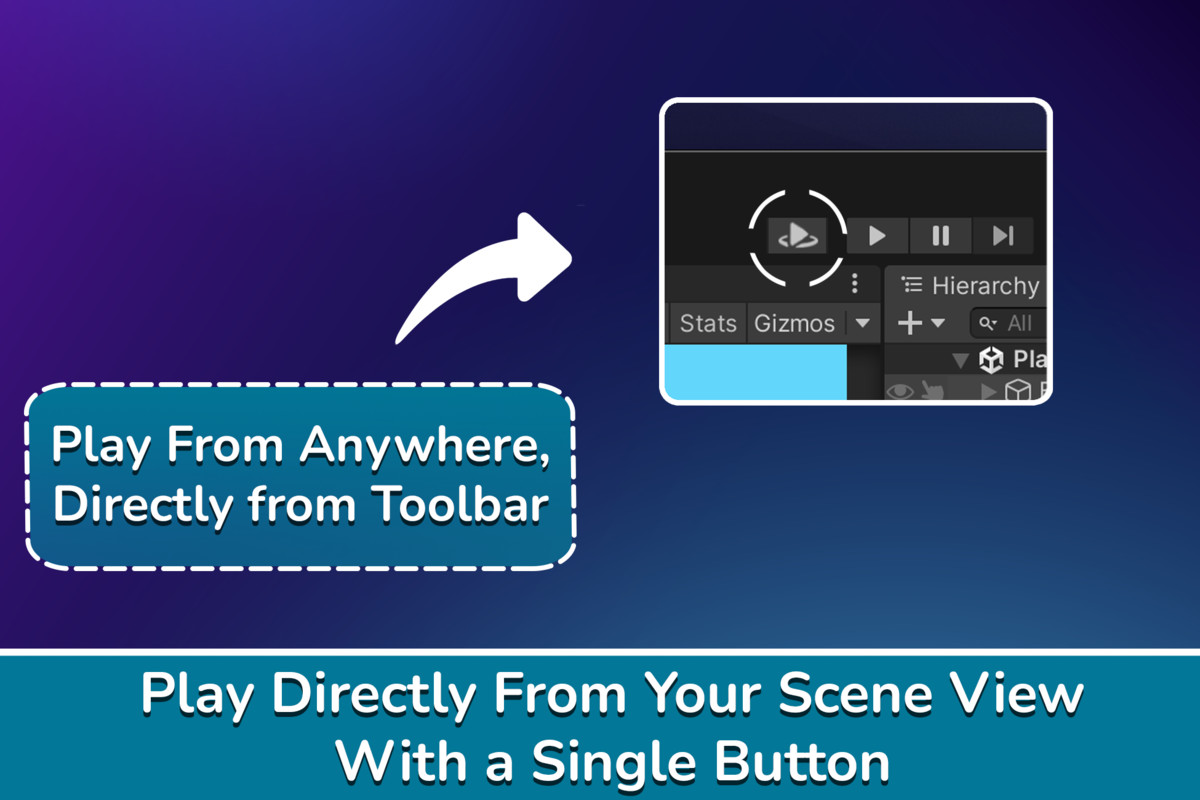
Play Mode, Anywhere! Enter Play Mode from anywhere in your scene. Play from the Scene View position, mouse position, or pre-defined spawn points, all from one seamless toolbar button.
Affiliate link · Purchases support this site
Price history
Last 6 months
USDAsset preview
1 / 5
Play From Anywhere - Enter Play Mode From Anywhere screenshot 1
About this asset
Tired of running across your level just to test a small section, or moving around your spawn, only having to revert it later?
Play From Anywhere lets you enter Play Mode exactly where you’re working.
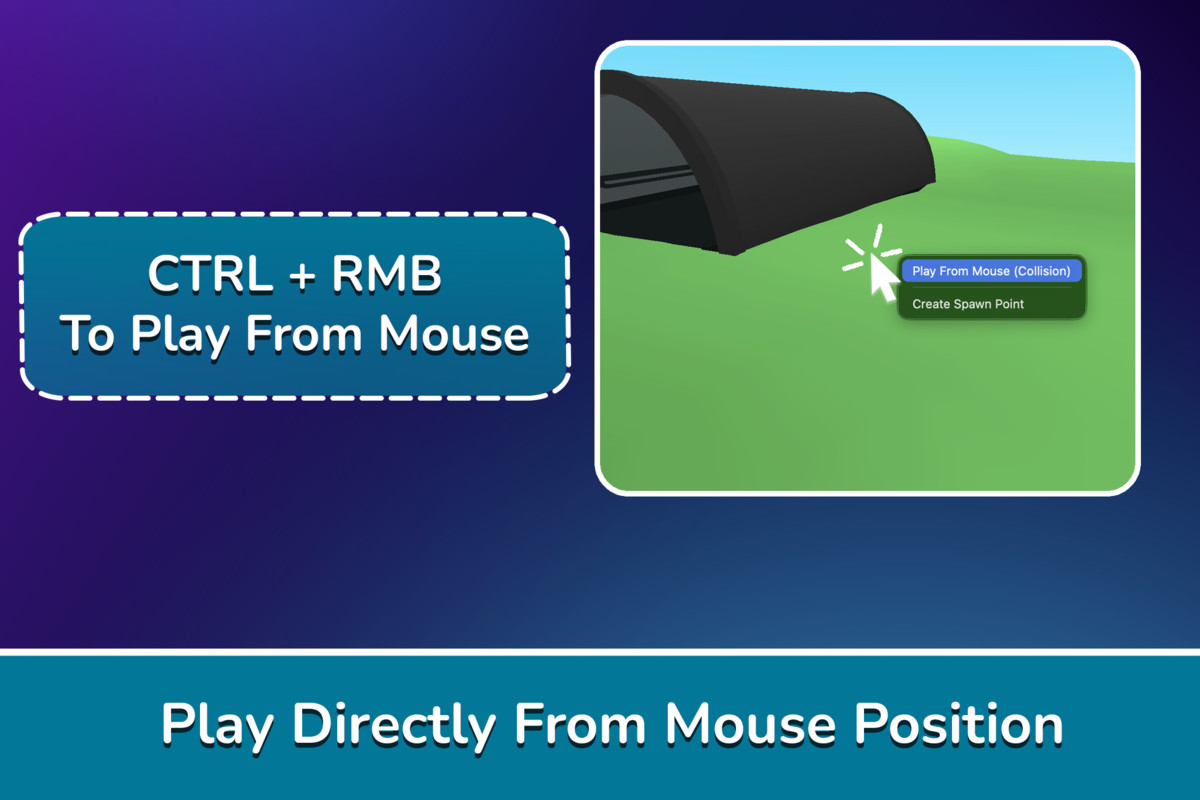
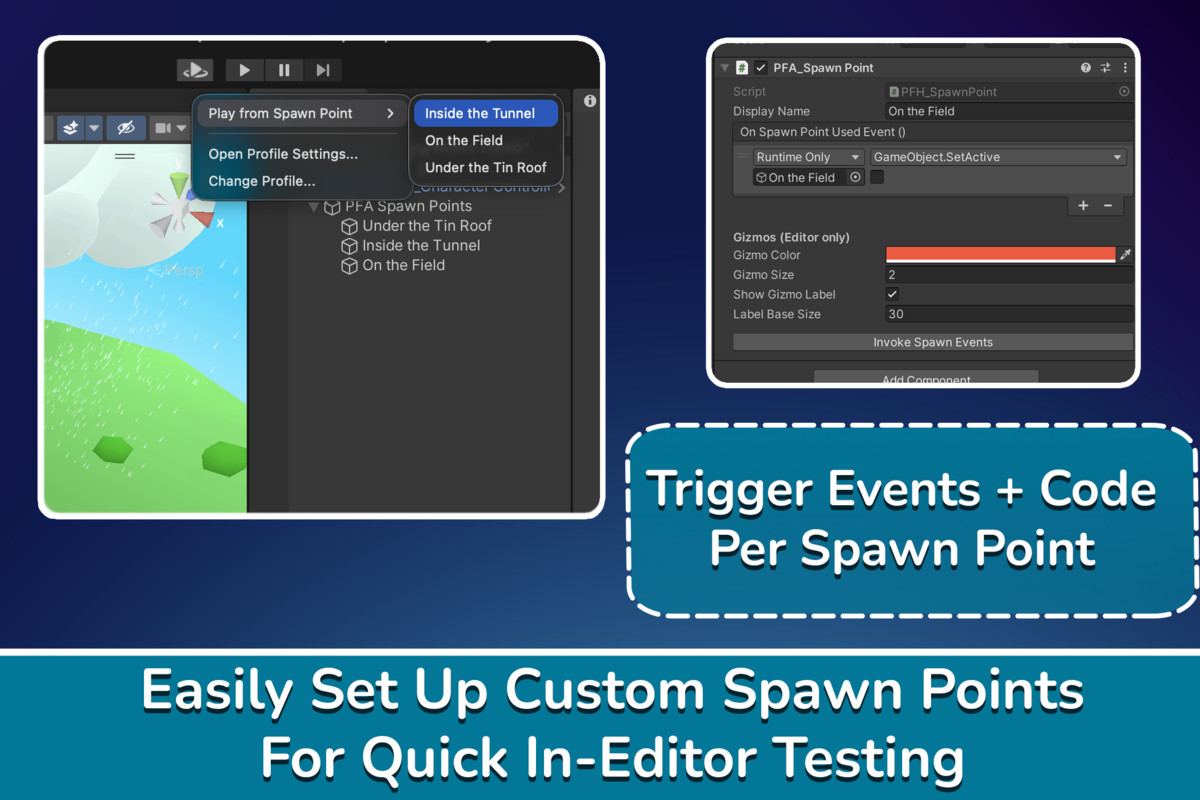
- One-click workflow: Start from the Scene View camera, mouse click position, or from custom spawn points.
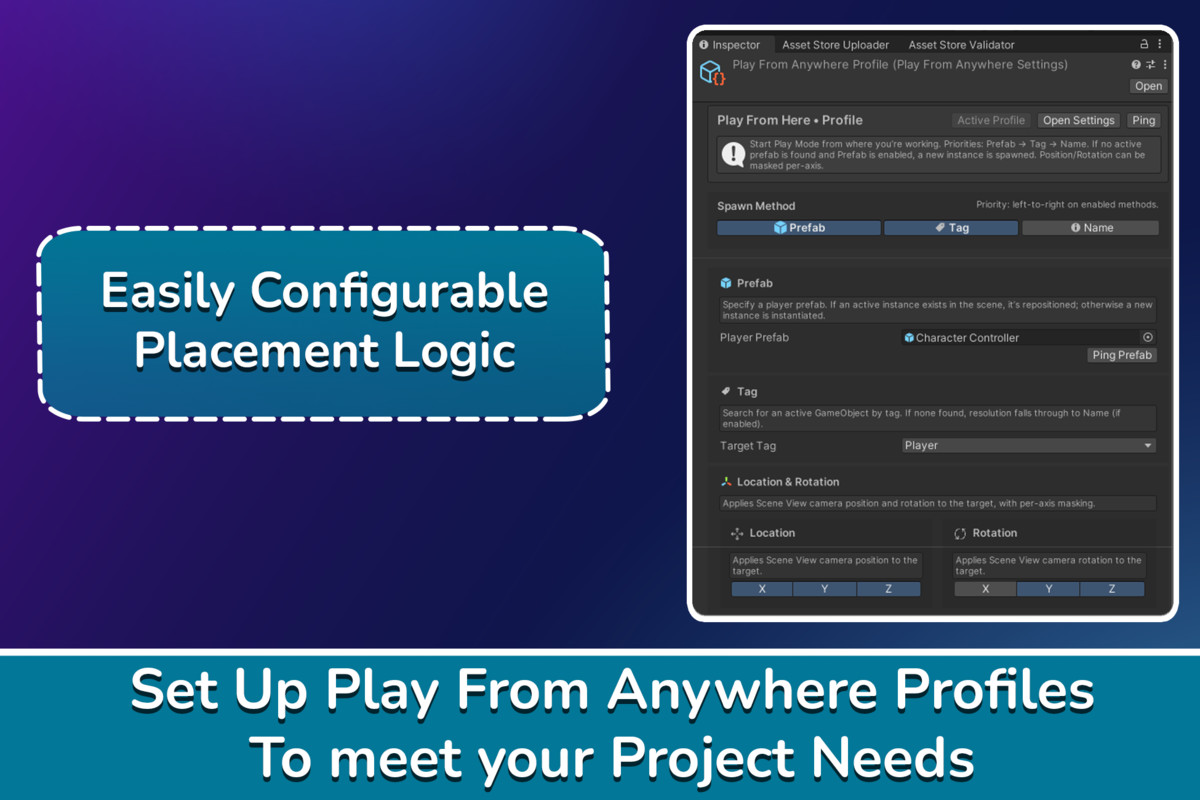
- Smart Player handling: Move an active prefab, spawn a new one, or fall back to a tagged/named object.
- Customizable settings: Mask position/rotation settomgs per axis, and whether to cast directly to ground.
- Broad Application: Tested in first-person, third-person, isometric, and 2D projects.
Simply press the Play Anywhere button (integrated right in your toolbar) or use Ctrl+RMB in the Scene to spawn instantly where you need.
Hop on the TelePresent Games Discord Server for questions, updates, and community feedback!
Check out the Documentation here.
Note: Assets featured in video are shown for illustration only and are not included in the package, including the following:
From the publisher's Asset Store listing.
Technical details
Play From Anywhere can detect your Player Object based on a configurable methods: By Prefab, Tag, and Name.
- If an active Player instance instance exists, it will be moved.
- If none exists, a new instance is spawned.
- If no prefab is set, the system falls back to looking for a tagged or named object.
Once located or instantiated, the Player (or designated spawn object) is teleported and oriented according to your profile settings.
Per-axis position and rotation masks allow fine control, and all configuration is stored in a ScriptableObject profile, of which you can create multiple, for different uses.
Compatibility
| Unity version | Built-in | URP | HDRP | Custom |
|---|---|---|---|---|
| 6000.4.4f1 | Compatible | Compatible | Compatible | Compatible |
| 2022.3.62f3 | Compatible | Compatible | Compatible | Compatible |
As listed on the Asset Store.