
 View on Asset Store (opens in new tab)
Package details
- Latest version
- 1.0
- Last updated
- First released
- Unity version
- 2021.3.19 or later
- Package size
- 331 KB
- Files
- 11
- Favorites
- 4
- Views in the past week
- 5
Price tracking
- Last checked
- Tracked since
- Lowest recorded
- $4.99 on
Keywords

Stress Test Analyzer
- Price drop
Spawn thousands of objects, test game performance, and simulate extreme scenarios with this powerful editor extension. Perfect for stress-testing physics, and rendering.
Discount -67%
Previous price
$15.00
Price $4.99
Lowest recorded price
Get 67% off on Asset Store (opens in new tab)Affiliate link · Purchases support this site
Price history
Last 6 months
USDAsset preview
1 / 6

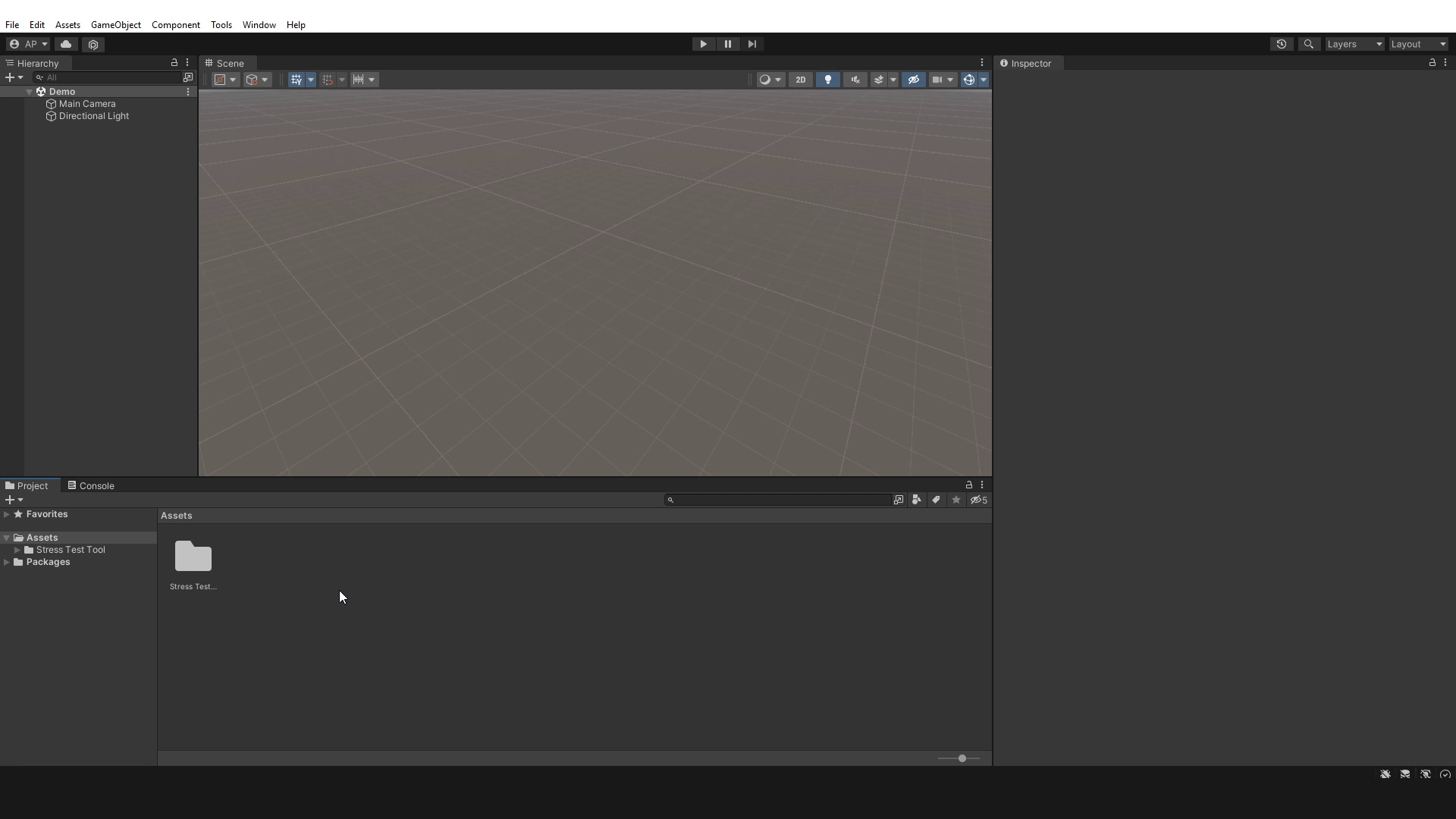
Stress Test Analyzer screenshot 1


About this asset
The Stress Test Analyzer is an editor-only utility that allows developers to simulate high-intensity performance scenarios by spawning large quantities of objects with customizable behaviors.
Key Features:
- Instantly spawn hundreds or thousands of objects in configurable patterns (random, grid, spiral, cluster) with precise control over density and distribution
- Toggle various stress behaviors including physics simulation, AI movement, material changes, and render effects
- Save and load test configurations for consistent performance benchmarking across projects
- Editor-only implementation that works without affecting built game performance
Ideal For:
- Developers optimizing open-world or large-scale scenes
- Teams establishing performance baselines
- VR and mobile projects with strict hardware limitations
- Technical artists validating asset performance characteristics
Setup and Usage:
- Import the package into your Unity project
- Open the Stress Test Tool window (Tools > Stress Test Tool)
- Configure spawn settings and desired behaviors
- Run the simulation in Editor play mode
- Analyze performance and adjust accordingly
Performance Impact:
- Minimal editor overhead during operation
- No runtime memory allocation
- Clean removal of all test objects when disabled
From the publisher's Asset Store listing.
Technical details
Supported Render Pipelines
- Built-in Render Pipeline (BRP)
- Universal Render Pipeline (URP)
- (Tested in Unity 2021 LTS and newer. Behavior consistency may vary slightly depending on RP physics/shader settings.)High Definition Render Pipeline (HDRP)
System Requirements
- Unity 2021.3 LTS or newer recommended
- Editor-only: No runtime footprint (does not affect builds)
- Compatible with Windows, macOS, and Linux editors
Customization Options
- Spawn Patterns: Random, grid, spiral, cluster (adjustable density/radius).
Behavior Toggles:
- AI (pathfinding, avoidance).
- Physics (gravity, collisions).
- Rendering (flicker, color changes).
Limitations
- Physics Scaling: Large object counts may cause editor slowdowns (dependent on hardware).
- No Runtime Support: Designed exclusively for editor performance testing.
Compatibility
| Unity version | Built-in | URP | HDRP |
|---|---|---|---|
| 2021.3.19f1 | Compatible | Compatible | Compatible |
As listed on the Asset Store.