
 View on Asset Store (opens in new tab)
Package details
- Latest version
- 1.0
- Last updated
- First released
- Unity version
- 2022.1.24 or later
- Package size
- 929 KB
- Files
- 9
- Favorites
- 3
- Views in the past week
- 10
Price tracking
- Last checked
- Tracked since
- Lowest recorded
- $12.99 on
Keywords
Sheet Tools – Read, Create & Edit Excel Files for Unity
- Price drop
Work with Excel files directly inside Unity – create, read, and edit spreadsheets effortlessly. Perfect for game data, configs, and leaderboards.
Lowest recorded price
Get 32% off on Asset Store (opens in new tab)Affiliate link · Purchases support this site
Price history
Last 6 months
USDAsset preview
1 / 4
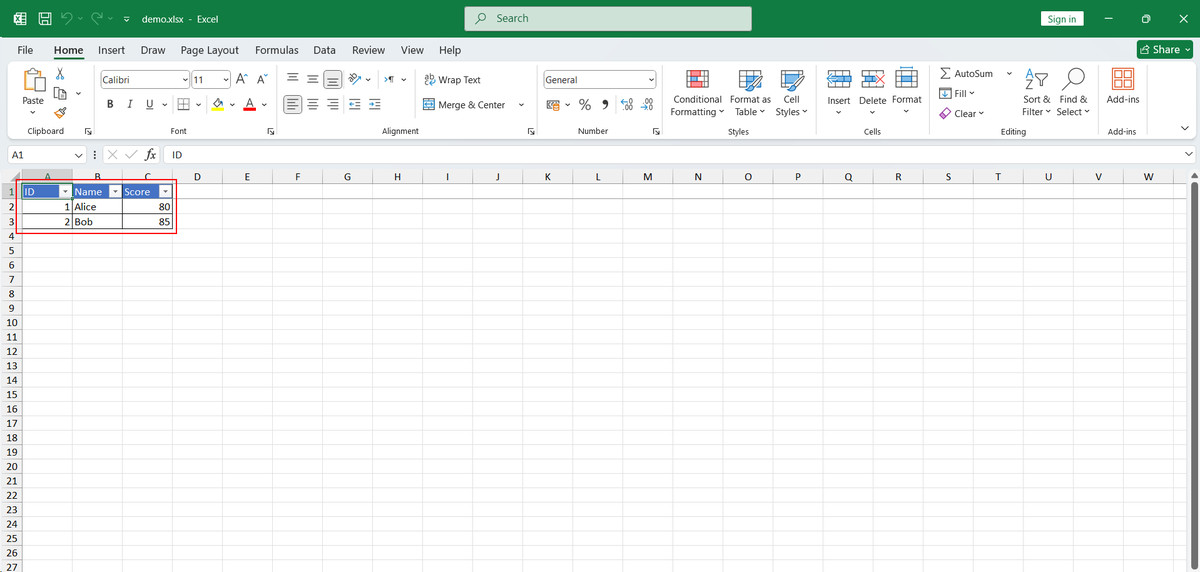
Sheet Tools – Read, Create & Edit Excel Files for Unity screenshot 1

About this asset
Sheet Tools – Spreadsheet Management Inside Unity
Work with spreadsheet files (.xlsx format) directly within Unity – no need for external editors.
Why Sheet Tools?
- Create Files Instantly – Generate or overwrite .xlsx files in seconds
- Append Rows Easily – Add new data without removing existing content
- Read & Print Rows – Output your data to the Unity Console instantly
- Editor & Runtime Support – Works both during development and in builds
- All-Inclusive – No extra plugins or dependencies required
- Perfect for Game Data – Items, dialogues, leaderboards, configs, and more
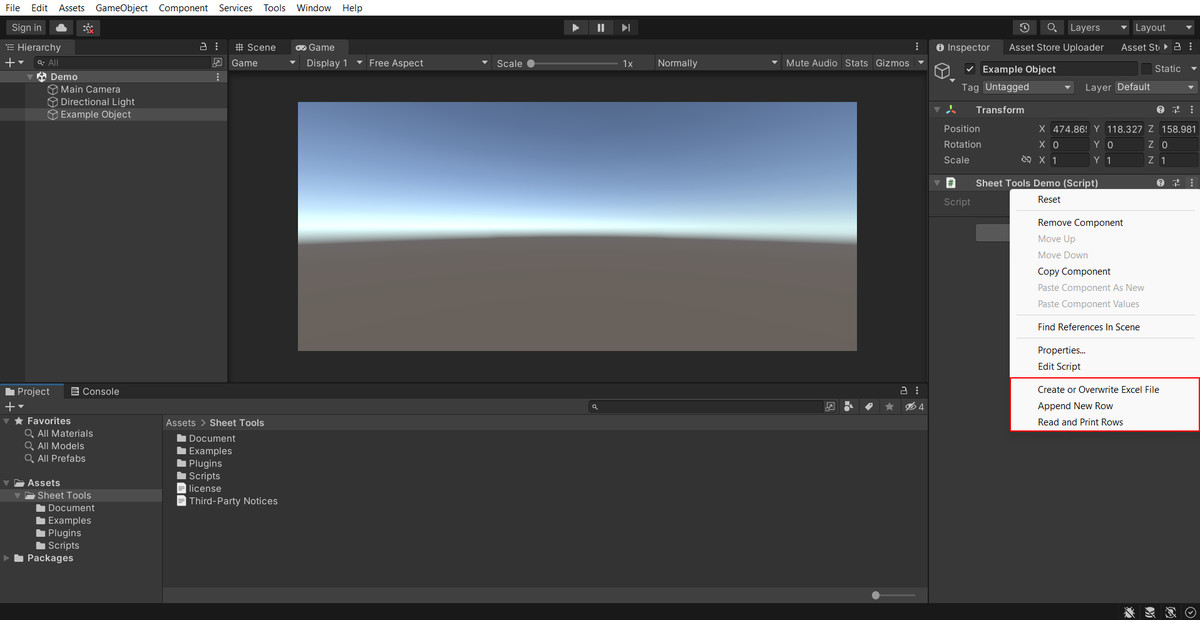
Just attach the included SheetToolsDemo script to any GameObject, right-click, and start managing spreadsheet files directly inside Unity.
From the publisher's Asset Store listing.
Technical details
✅ Compatibility:
- Unity 2021+
- Works on Windows, macOS, Linux
📂 File Format:
- .xlsx (Spreadsheet 2007+)
🛠 Requirements:
- No external software needed
- No extra dependencies
📜 Included in Package:
- Example Scene
- SheetToolsDemo script
- Full API documentation
🔧 Runtime:
- .NET Standard 2.0+
📦 Namespace: SheetTools
Compatibility
| Unity version | Built-in | URP | HDRP |
|---|---|---|---|
| 2022.1.24f1 | Compatible | Not listed | Not listed |
As listed on the Asset Store.