
 View on Asset Store (opens in new tab)
Package details
- Latest version
- 1.1.2
- Last updated
- First released
- Unity version
- 2022.3.62 or later
- Package size
- 11.5 MB
- Files
- 83
- Favorites
- 66
- Views in the past week
- 57
Price tracking
- Last checked
- Tracked since
- Lowest recorded
- Free on
Keywords

Easy Transition Free - Scene Fades & Wipes
Instantly add professional, animated scene transitions to Unity with zero coding. Built on ScriptableObjects, it features asynchronous loading, custom shaders, VR support, and same-scene actions.
Affiliate link · Purchases support this site
Price history
Last 6 months
USDAsset preview
1 / 11
Easy Transition Free - Scene Fades & Wipes screenshot 1

About this asset
Instantly add professional, animated scene transitions to your Unity project. Whether you are loading massive new levels, teleporting a player, or opening a pause menu, Easy Transition handles the hard work for you.
🎮 [ Click Here to Play the Live WebGL Demo ]
📖 [ Click Here to Read the Online Documentation ]
🎬 [ Click Here to Watch the Video Showcase ]
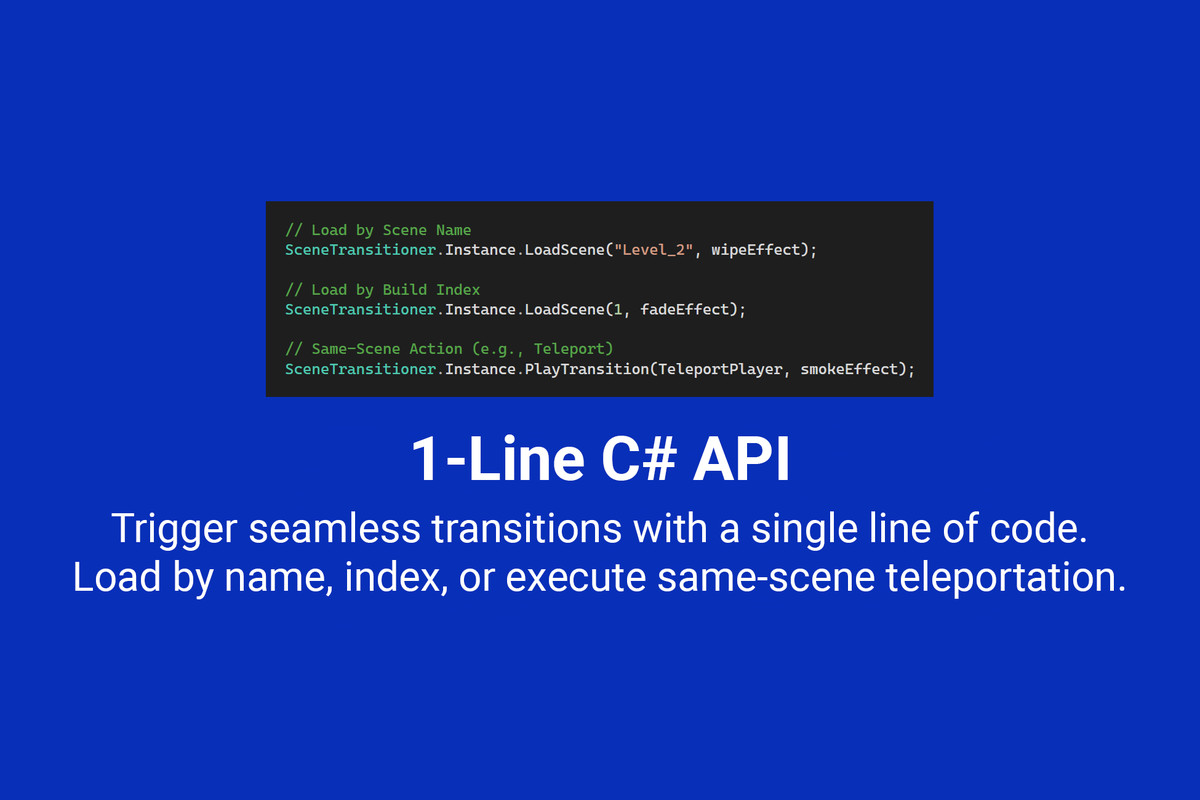
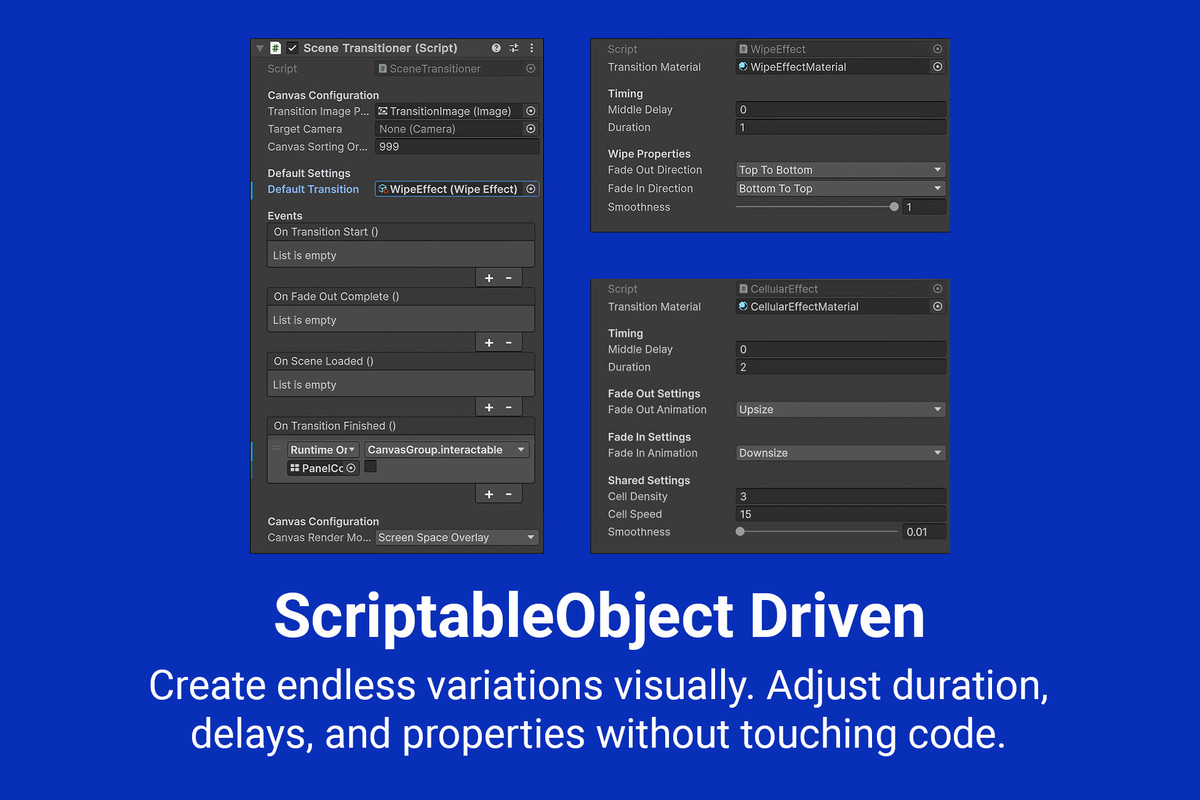
Designed around a robust ScriptableObject architecture, you can create endless visual variations without writing a single line of code. Just drop the manager prefab into your first scene and trigger beautifully smooth, asynchronous loads with a simple 1-line C# API.
🌟 KEY FEATURES
• Zero Setup Required: Just drag the manager prefab into your first scene and trigger transitions instantly from anywhere.
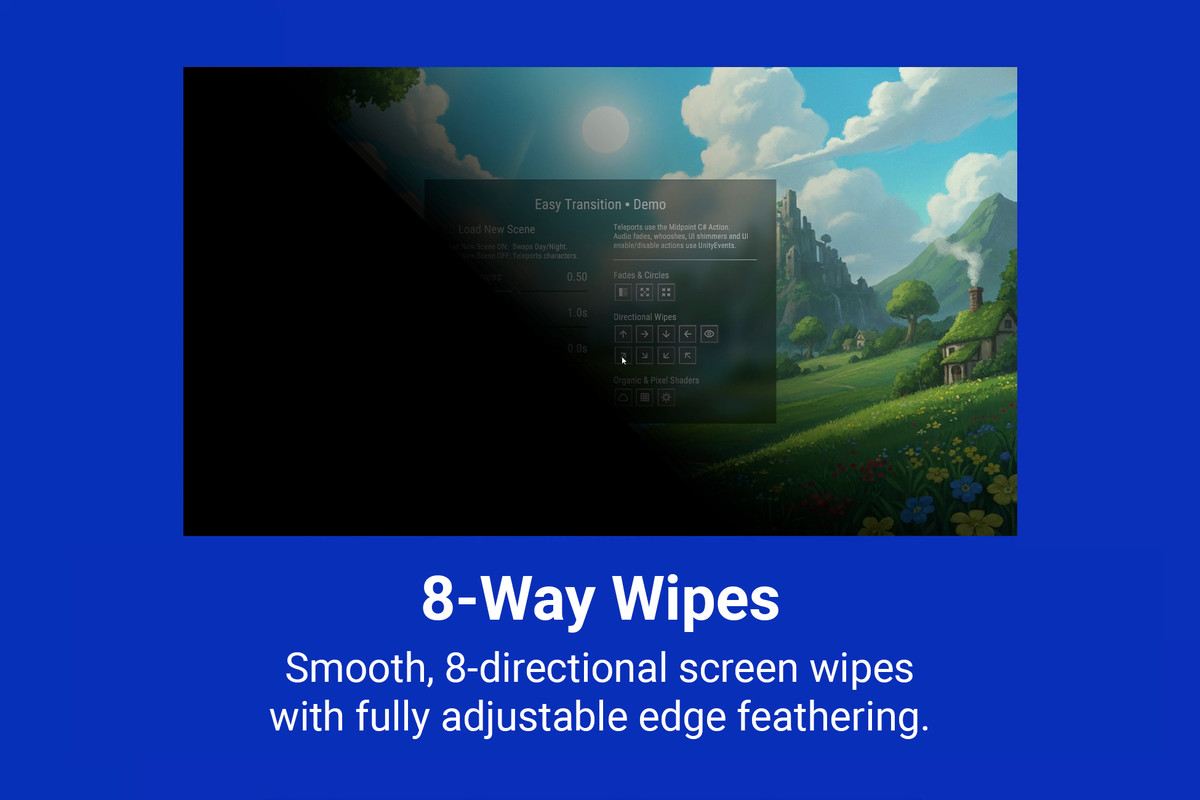
• ScriptableObject Workflow: Create, tweak, and save different transition styles (Duration, Delay, Smoothness, Direction) as reusable assets. No coding required for variations.
• Asynchronous Loading: Transitions seamlessly mask Unity's background scene loading, completely preventing game freezes and stutters.
• Same-Scene Midpoint Actions: Not just for loading scenes! Pass custom C# methods (like teleporting the player or advancing time) to execute exactly when the screen is fully obscured.
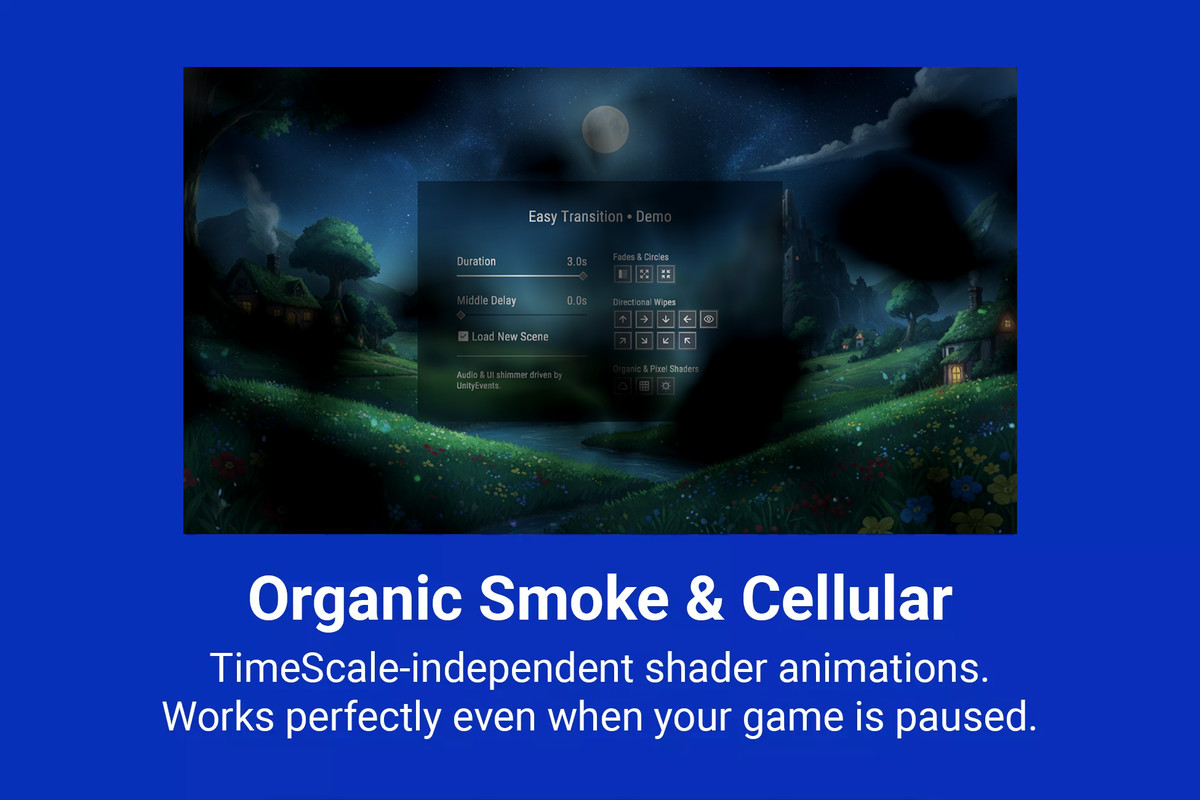
• TimeScale Independent: Uses unscaled time to ensure transitions animate perfectly even when your game is fully paused (Time.timeScale = 0).
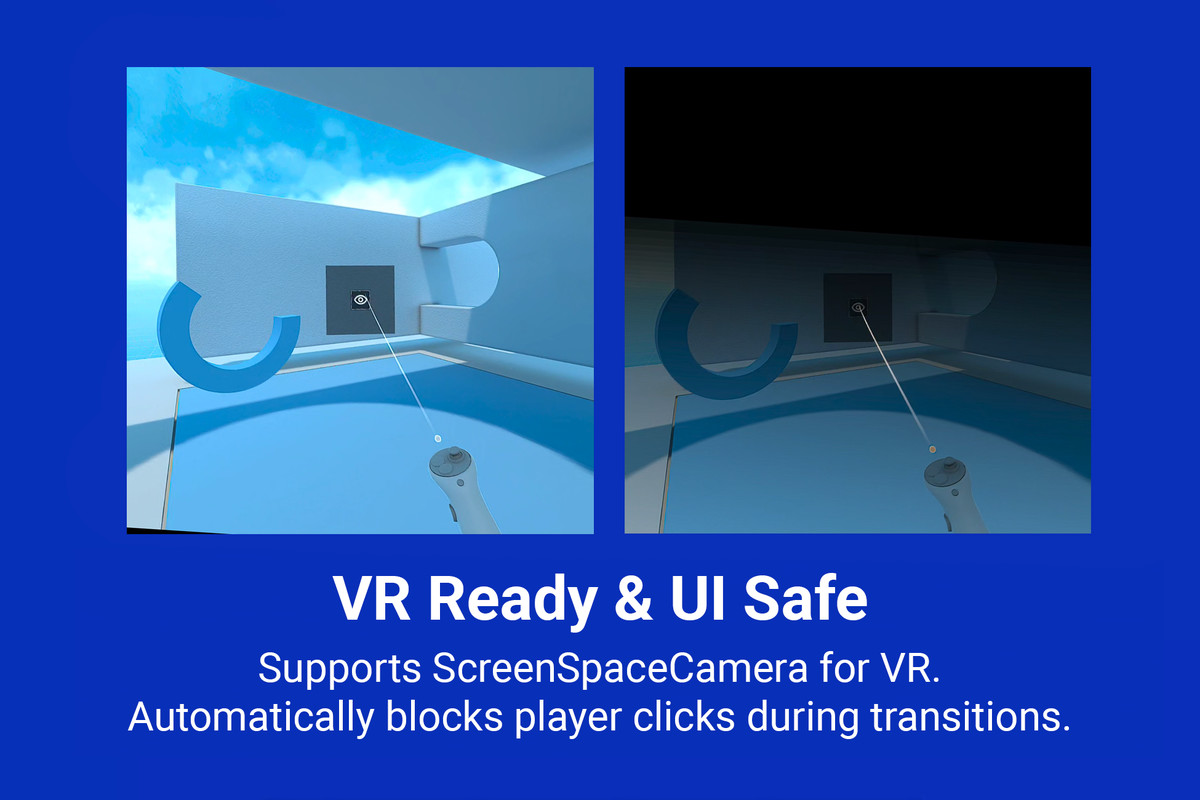
• VR & UI Safe: Automatically blocks UI clicks during transitions to prevent player input bugs. Built-in support for Screen Space Camera and World Space canvas modes for VR headsets.
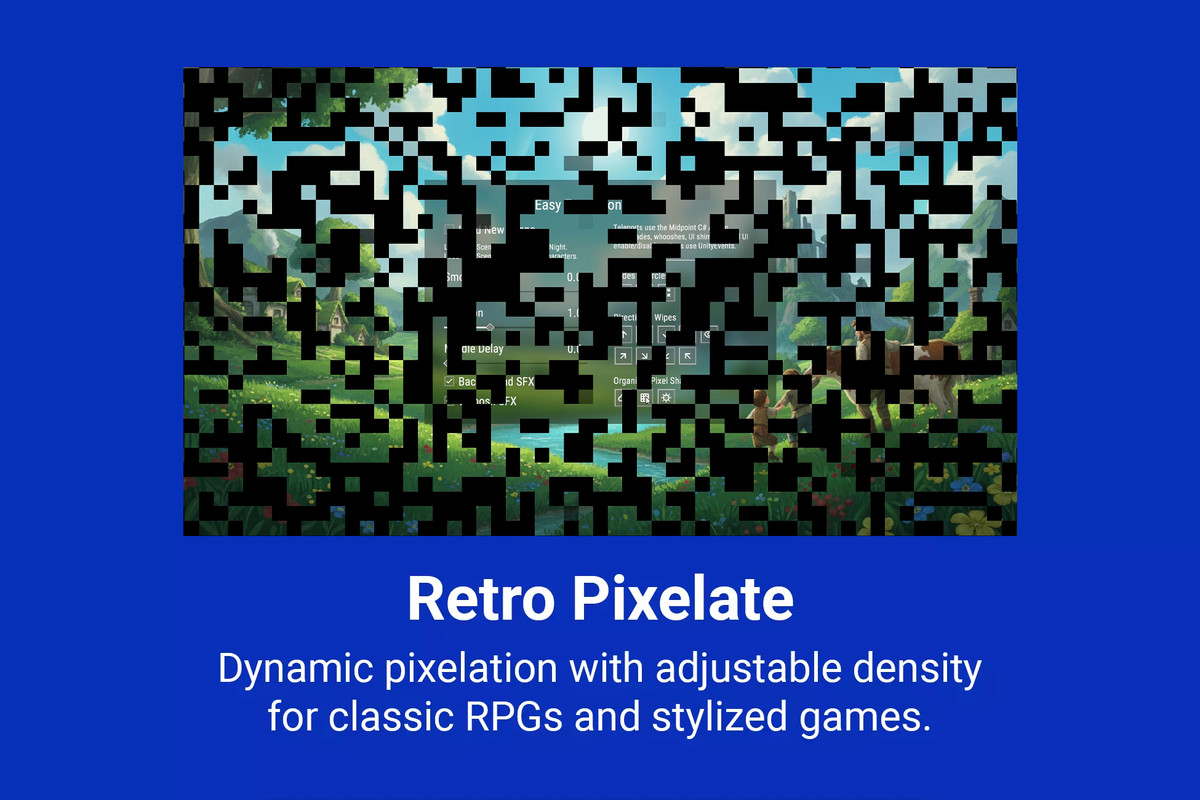
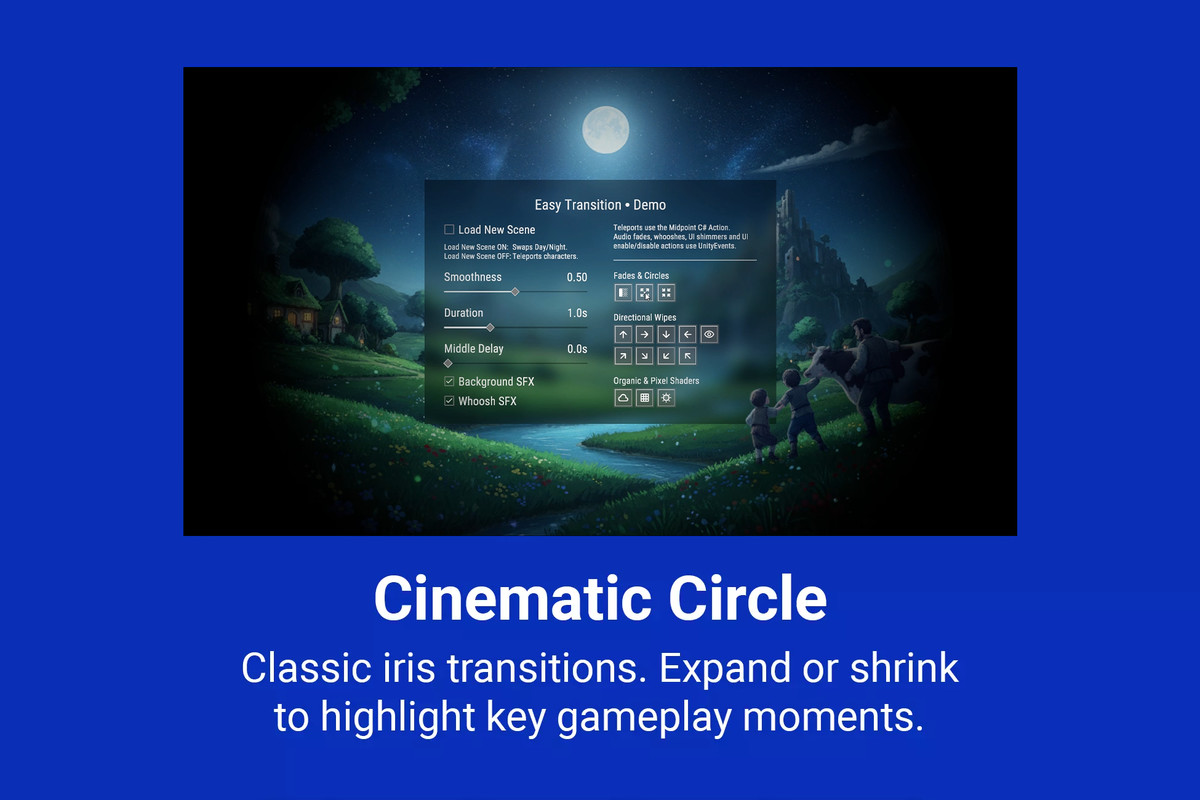
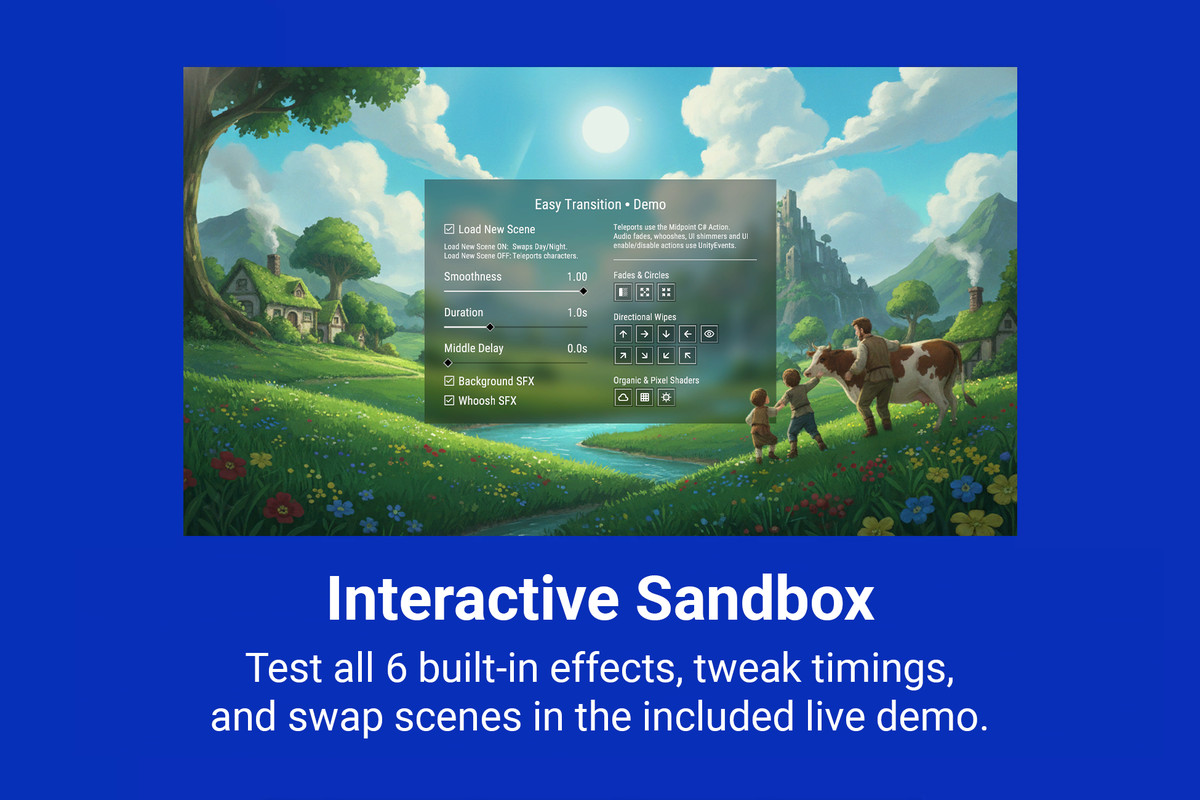
• 6 Included Effects: Comes out-of-the-box with highly customizable Fade, Wipe, Circle, Cellular, Smoke, and Pixelate shader effects. Need more? Easily write your own custom effects via the extensible API.
• Custom Animation Easing: Ditch boring linear fades. Use built-in Unity Animation Curves to apply ultra-smooth 'Ease-In-Out' pacing to any transition.
📦 WHAT'S INCLUDED
• Clean, fully documented C# Source Code.
• Ready-to-use Scene Transition Manager prefab.
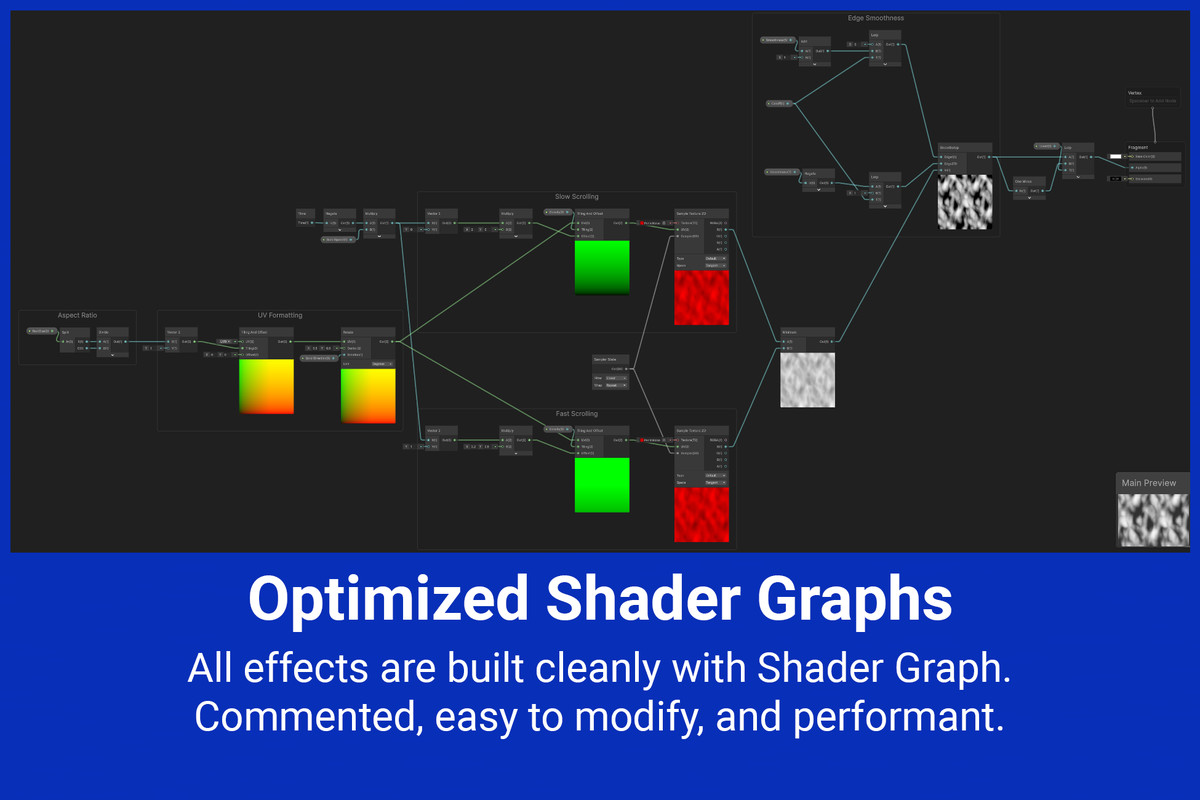
• 6 customizable Transition Effect assets and highly optimized Shaders.
• Comprehensive interactive Demo Scene (Live Sandbox) to test effects and timing parameters in real-time.
• Detailed offline documentation.
⭐⭐⭐⭐⭐ Leave a Rating!
If Easy Transition helps your project, please consider leaving a 5-star review!
Need Support?
Email is the fastest way to reach me. If you encounter any issues, please contact me before leaving a review at contact.pixeleader@gmail.com.
(Please include "[Easy Transition]" in the email subject line so it doesn't get caught in spam)
From the publisher's Asset Store listing.
Technical details
• Asynchronous Loading: Uses SceneManager.LoadSceneAsync to prevent gameplay stutters.
• ScriptableObject-Based: Effect variations are created as .asset files in your project, allowing for deep customization and reusability.
• Extensible C# Architecture: Inherit from the TransitionEffect base class to create entirely new transition types.
• TimeScale Independence: Uses Time.unscaledDeltaTime to ensure smooth shader animations even when the game is paused (Time.timeScale = 0).
• Memory Optimized: Implements internal material caching to eliminate garbage collection (GC) spikes during repeated transitions.
• VR & Multi-Canvas Support: Native support for ScreenSpaceOverlay, ScreenSpaceCamera, and WorldSpace render modes with automatic camera reassignment.
• Optional Input Blocking: Dynamically manages a CanvasGroup to safely block GraphicRaycaster interactions, which can be toggled off if you use a custom input manager.
• Action Delegates: Pass custom C# Action callbacks to execute mid-point logic without invoking scene management.
• Customizable Shaders: All included effects are driven by materials using highly optimized shaders that can be modified.
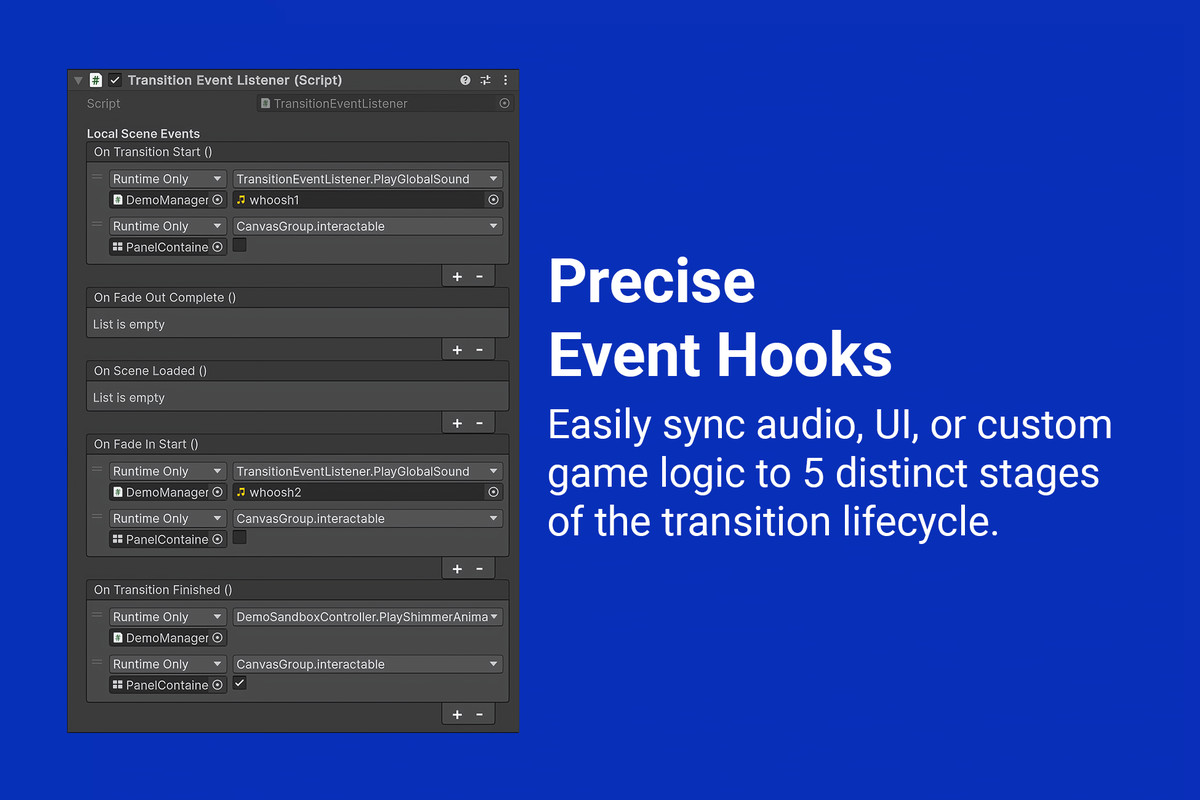
• Safe Event Bridging: Includes a TransitionEventListener component to securely link local scene objects (like AudioSources or UI) to global transition events without causing missing reference errors on scene load.
• Animation Curve Easing: The base transition logic evaluates Unity AnimationCurve properties, allowing for non-linear, custom-paced animation easing (e.g., Ease-In-Out).
• Render Pipeline Compatible: Works out-of-the-box with Built-in, URP, and HDRP.
• Full Demo Scene: Includes a comprehensive, self-contained interactive sandbox to showcase all features.
Compatibility
| Unity version | Built-in | URP | HDRP |
|---|---|---|---|
| 6000.5.0f1 | Compatible | Compatible | Compatible |
| 2022.3.62f2 | Compatible | Compatible | Compatible |
As listed on the Asset Store.