
 View on Asset Store (opens in new tab)
Package details
- Latest version
- 1.0
- Last updated
- First released
- Unity version
- 2022.3.20 or later
- Package size
- 496 KB
- Files
- 37
- Favorites
- 1
- Views in the past week
- 8
Price tracking
- Last checked
- Tracked since
- Lowest recorded
- $14.99 on
Keywords

Spline Builder
SplineBuilder is a modular Unity toolkit to create/edit splines in Editor & runtime: linear & Bézier, bezier graph paths with A*/Dijkstra, path following, unified extensible API.
Affiliate link · Purchases support this site
Price history
Last 6 months
USDAsset preview
1 / 3
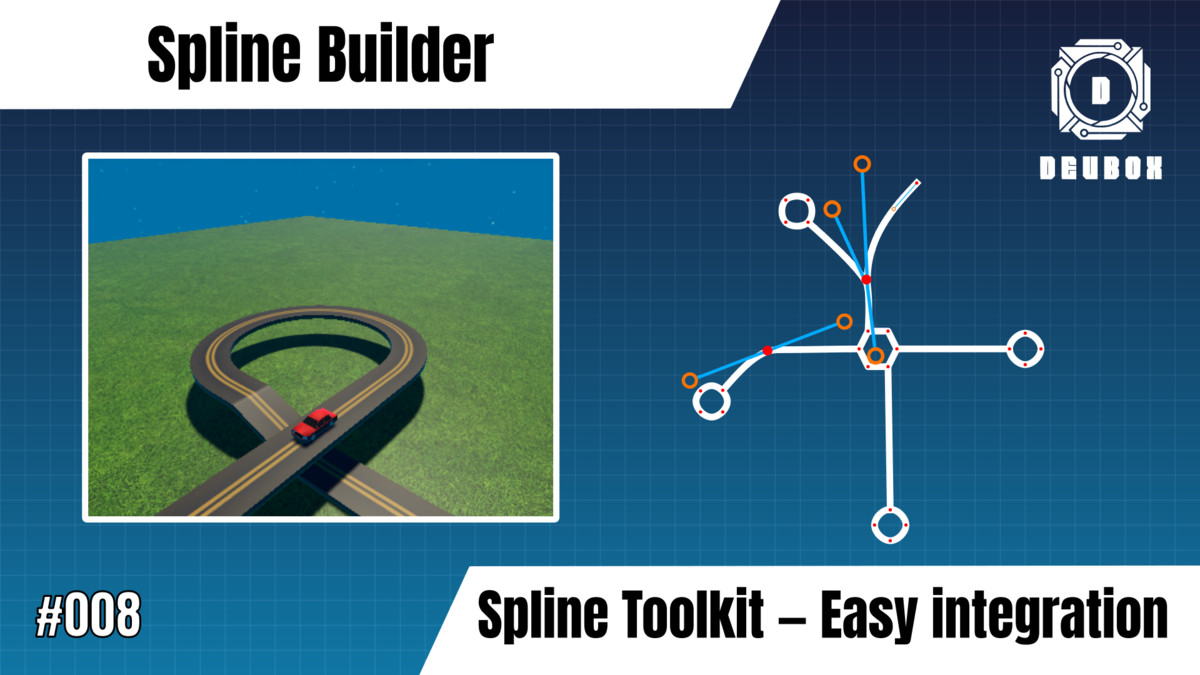
Spline Builder screenshot 1

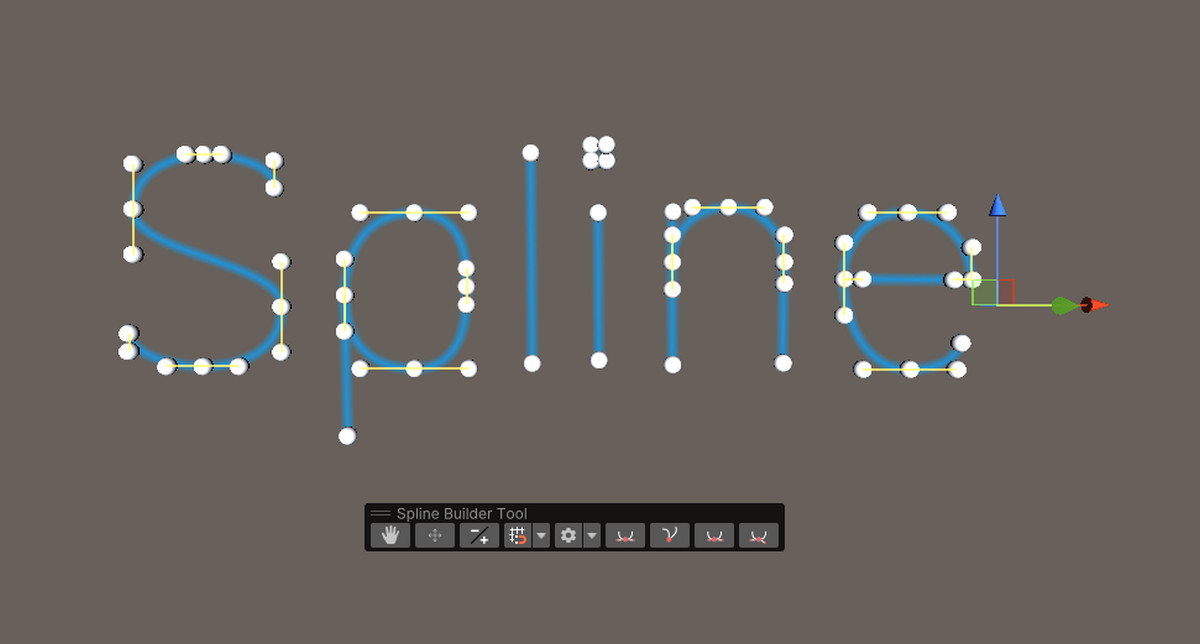
About this asset
SplineBuilder is a complete toolkit to create, edit, and use curves (splines) directly in the Unity Editor and at runtime. Built for level design, camera rails, character paths, AI/navigation, and procedural modeling, it combines an ergonomic editor workflow with a unified, extensible API.
Highlights
- Curve types: Linear splines and Bézier splines.
- Spline graphs: Node/link graphs with built-in pathfinding (A* and Dijkstra).
- Spline following: Precise control of tangent and orientation to animate any Transform.
- Dedicated editor tools: Toolbar with hand, select/move anchors, add/delete points, anchor parameters, tangent tools, and a configurable grid (axes, color, cell size, snapping).
- One API everywhere: Same methods in Editor and runtime for clean integrations.
- Extensible design: Inherit from the base classes to implement custom spline types or behaviors.
Description
With its integrated editor, SplineBuilder makes curve manipulation fast and visual: add and position anchors, tweak in/out tangents, and enable a snapping grid for pixel-perfect placement.
On the code side, a coherent runtime/Editor API lets you sample positions, query geometry, drive objects along paths, or compute optimal routes over a spline graph. The architecture slots smoothly into existing pipelines and serves as a strong foundation for advanced needs via inheritance.
Scope:
SplineBuilder focuses exclusively on spline editing and path following. It is not a modeling or mesh-generation tool, nor does it provide level-building, physics, animation rigging, or VFX authoring features
From the publisher's Asset Store listing.
Technical details
Core components
- ASpline (shared base, point API and utilities)
- Spline (linear): add/insert/remove points, loop support
- BezierSpline: in/out tangents with modes (MANUAL, LINKED, ORIENTEDLINK, LENGTHLINK, LINEAR)
- Graph splines: GraphSpline<TAnchor, TLink> with concrete GraphLinearSpline and BezierGraphSpline
- FollowSpline: path following with units (PathUnits / Distance / Normalized), index bounds, custom paths, and A / Dijkstra* algorithms
Editor tooling
Toolbar actions:
- navigate
- select/move anchors
- add/delete points and links
- parameters,
- tangent tools (Mirror & Equal, Mirror Only, Manual, No Tangent) Display Grid: axes, color, cell size, and snapping
API examples (by capability)
- Sampling & geometry: GetPoint(int), GetLocalPoint(int)
- Pathfinding (graphs): BuildPathAStar(...), BuildPathDijkstra(...)
- Path maintenance: RebuildPath(), ReConstructPath() after edits
Integration — Callbacks & Events
Fired whenever the BezierSpline is modified (adding/removing points, moving anchors, editing in/out tangents).
Useful to trigger dependent systems (mesh refresh, baking, UI updates, caches).
- Bezier only: OnUpdateEvent fires on any BezierSpline change (move/add/remove/tangent edit).
- Non-graph splines: OnAddPointEvent(int prevIndex) and OnRemovePointEvent(int index) are available.
Not available on GraphSpline<,>.
Compatibility
| Unity version | Built-in | URP | HDRP | Custom |
|---|---|---|---|---|
| 2022.3.20f1 | Compatible | Compatible | Compatible | Compatible |
As listed on the Asset Store.