
 View on Asset Store (opens in new tab)
Package details
- Latest version
- 2.0.3
- Last updated
- First released
- Unity version
- 2022.3.58 or later
- Package size
- 346 KB
- Files
- 217
- Favorites
- 5
- Views in the past week
- 4
Price tracking
- Last checked
- Tracked since
- Lowest recorded
- $7.50 on
Keywords
- Search for Inspector Tools
- Search for Call Methods
- Search for Invoke Methods
- Search for Execute Function
- Search for Pokemon Animations
- Search for Animation
- Search for reflection
- Search for rapid prototyping
- Search for Editor Scripting
- Search for Debug Tools
- Search for Unity Editor
- Search for Editor Extension

Function Player
A powerful Unity Editor tool that lets you execute almost any method from any component. Supports parameters and coroutines unlocking new levels of flexibility for both developers and artists.
Affiliate link · Purchases support this site
Price history
Last 6 months
USDAsset preview
1 / 5
Function Player screenshot 1


About this asset
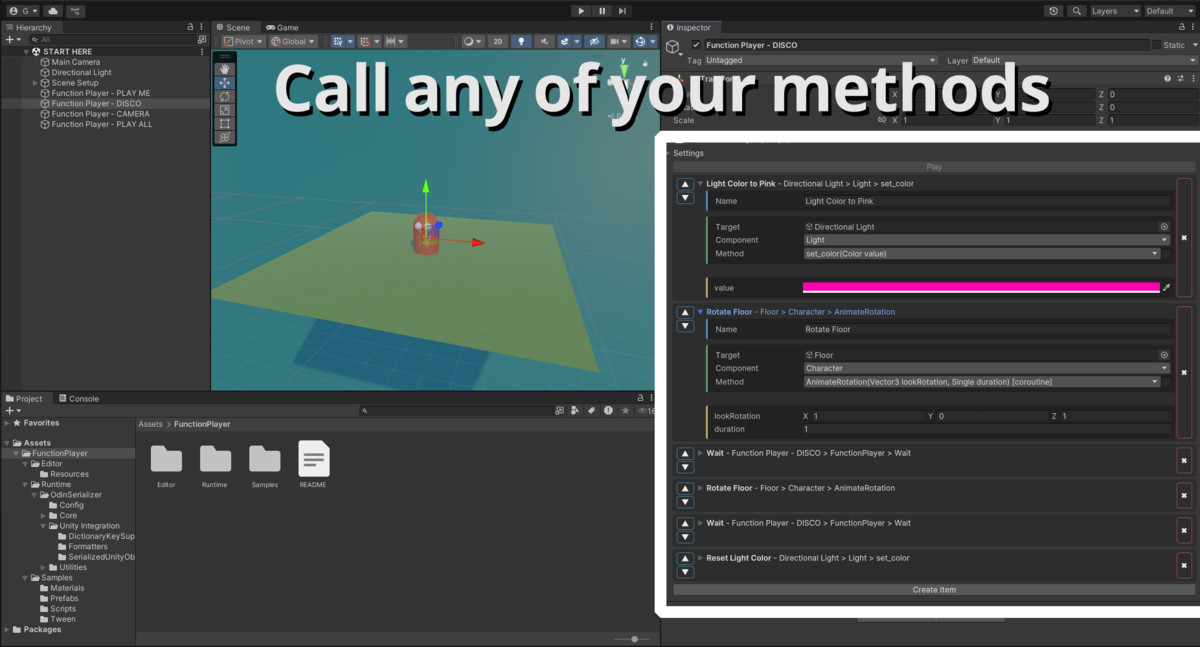
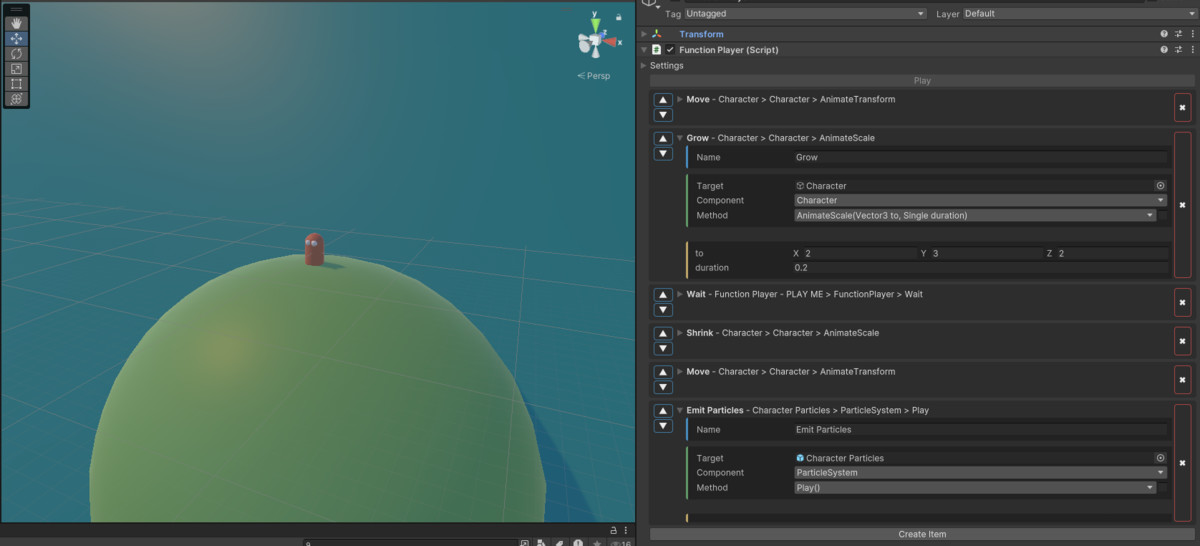
This tool bridges the gap between code and editor by enabling you to call component methods instantly from the Unity Editor. Pass arguments (including primitive types and most Unity objects), run coroutines that can pause execution until conditions are met, and even manipulate built-in Unity properties like Transform.position via setters.
Instead of hardcoding sequences of events in a script, you can design and trigger them interactively—waiting for user input, a timed delay, or in-game events—directly from the Inspector. Whether you’re a developer prototyping gameplay or an artist automating repetitive tasks, this tool can dramatically streamline your workflow and spark new creative possibilities.
Asset uses Odin Serializer under Apache License 2.0; see Third-Party Notices.txt file in package for details.
If you find this tool useful, leaving a review is incredibly helpful—it not only supports ongoing development but also guides future improvements. I’m always open to feedback and eager to refine the tool to better fit your needs. Feel free to share the projects you’re working on as well; seeing how this tool contributes to your creative process is both inspiring and valuable.
From the publisher's Asset Store listing.
Technical details
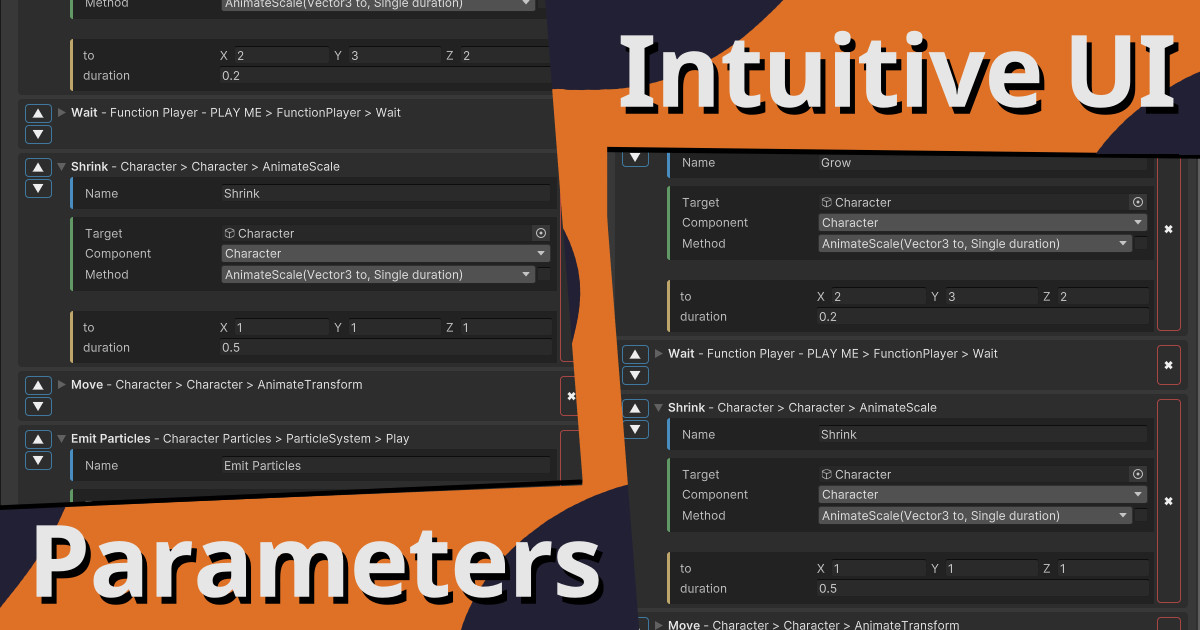
- Parameter Support: Compatible with primitive types (int, float, bool, Enum etc.) and most Unity core types (Vector2, Vector3, Color, AnimationCurve, Gradient, Bounds, Rect, Vector2Int, etc.).
- Coroutine Support: Methods returning IEnumerator are executed as coroutines, allowing sequential logic with delays, user prompts, or event waits before moving to the next step.
- Property Access: Supports calling getters and setters for Unity properties, e.g., Transform.set_position(Vector3 newPos).
- Use Cases: Rapid prototyping, editor automation, testing without play mode scripting, artist-friendly scene manipulation, and custom toolchains.
- Execution Method: Uses C# reflection to dynamically locate and invoke methods on any component in your scene or prefab.
Documentation: https://guilleatm.github.io/function-player-docs/
Compatibility
| Unity version | Built-in | URP | HDRP | Custom |
|---|---|---|---|---|
| 2022.3.58f1 | Compatible | Compatible | Compatible | Compatible |
As listed on the Asset Store.