
 View on Asset Store (opens in new tab)
Package details
- Latest version
- 2.0
- Last updated
- First released
- Unity version
- 6000.1.0 or later
- Package size
- 76.9 MB
- Files
- 78
- Favorites
- 20
- Views in the past week
- 14
Price tracking
- Last checked
- Tracked since
- Lowest recorded
- $17.00 on
Keywords

Galaxy Constructor
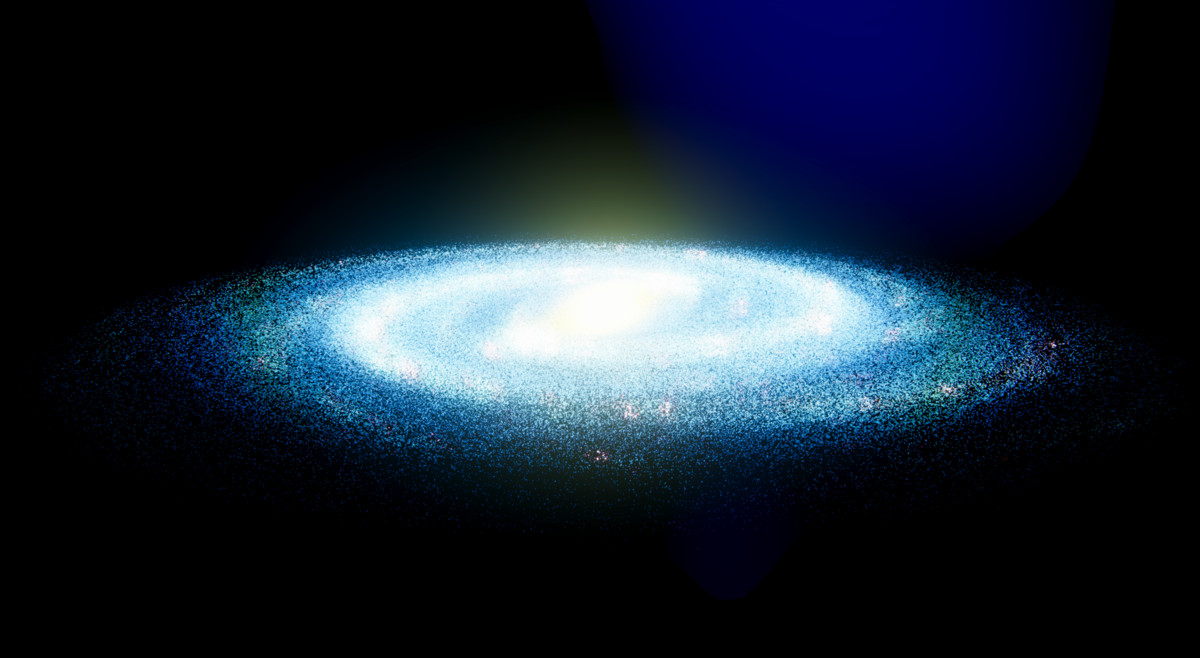
Professional GPU-powered galaxy generator. Create millions of realistic stars with NASA data support. URP optimized, real-time controls, unlimited variations.
Affiliate link · Purchases support this site
Price history
Last 6 months
USDAsset preview
1 / 10
Galaxy Constructor screenshot 1


About this asset
Live WebGPU Demo (desktop browser with WebGPU)
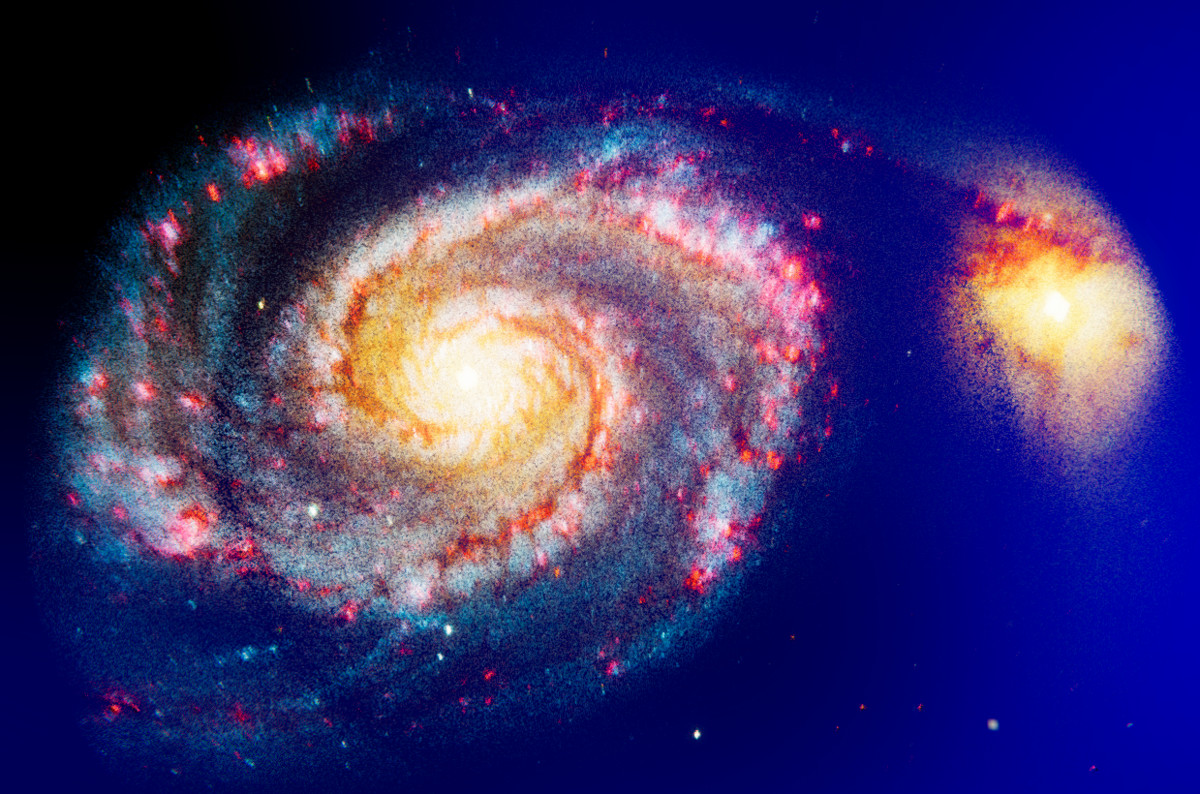
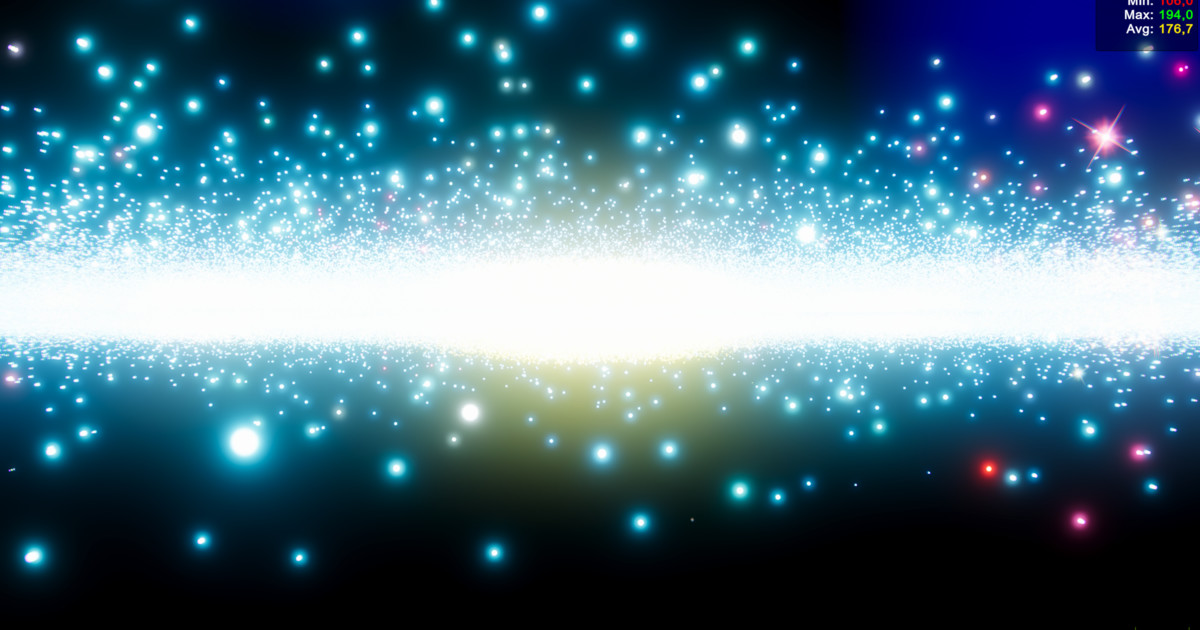
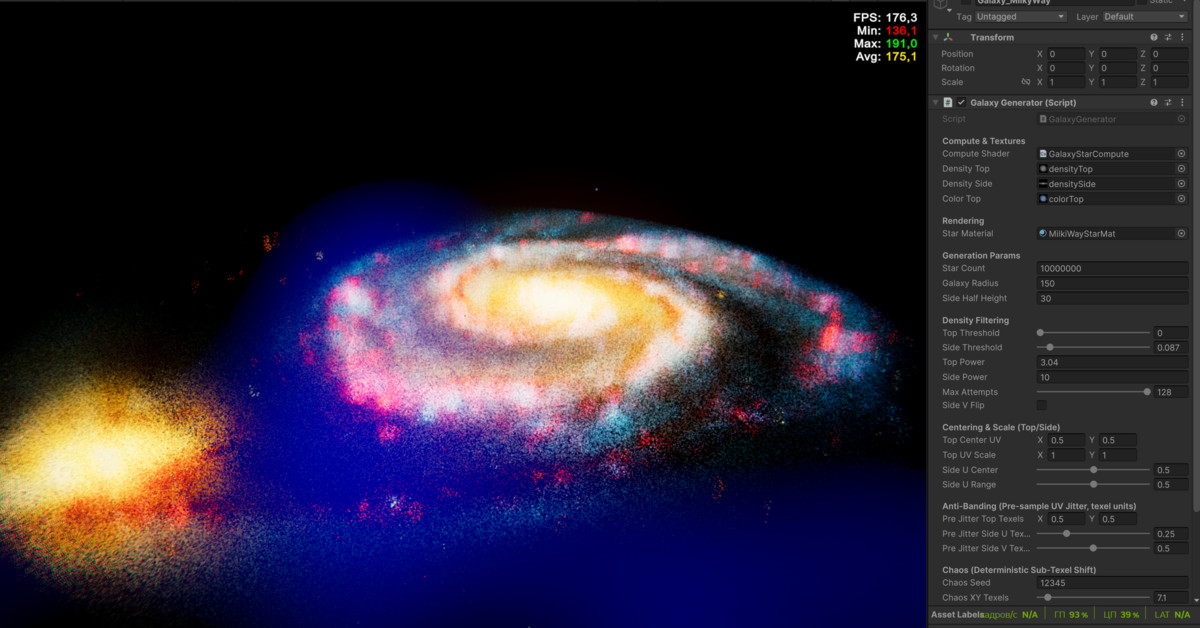
Transform your Unity projects with scientifically grounded galaxies rendered in real time. Galaxy Constructor generates a million stars and more with GPU compute shaders and draws them in a single draw call, delivering cosmic environments for space games, simulations and cinematic scenes. Version 3 makes every star a place you can visit.
- Real Telescope Data: Use astronomical images from Hubble, Spitzer or WISE. A density map and a color map made from the image set the shape and colors of the galaxy. Or design alien galaxies with your own density maps and color palettes.
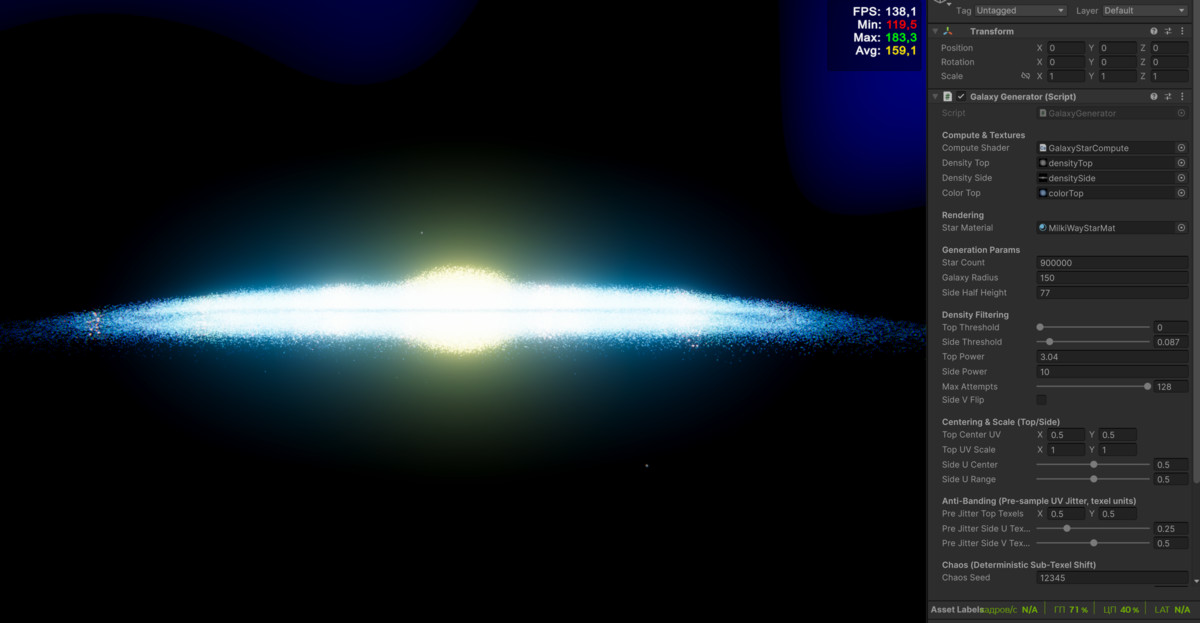
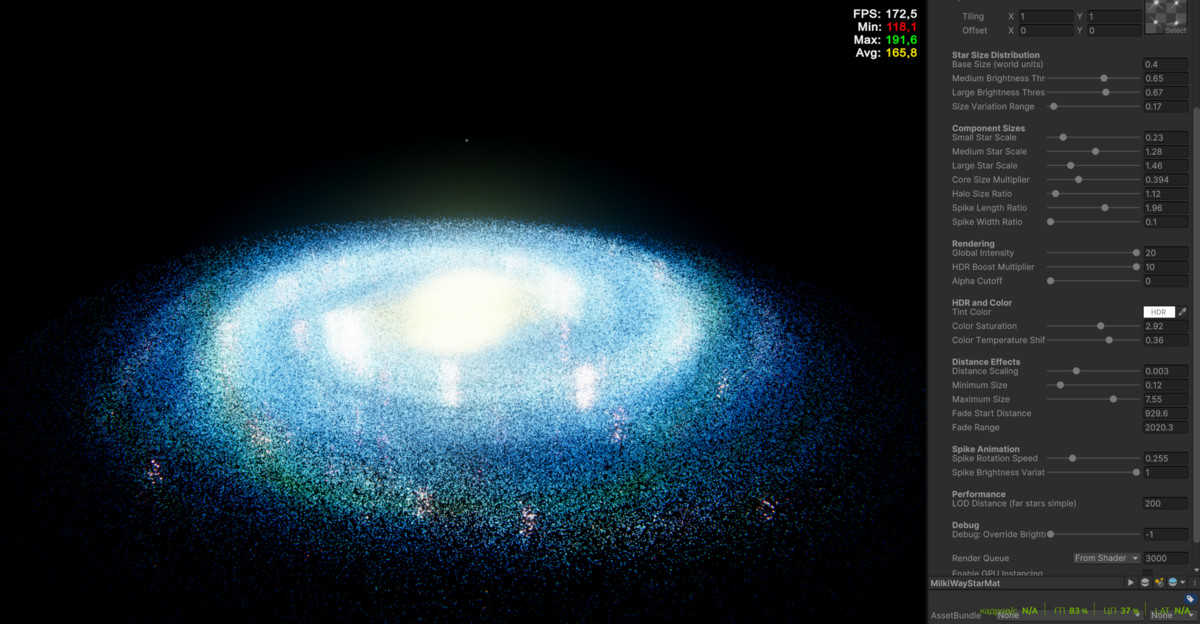
- Power Meets Simplicity: Adjust star density, brightness and scale in the Inspector while the game runs and watch the galaxy rebuild. The same live preview works in the Editor outside Play Mode. No coding and no shader setup for the basic workflow.
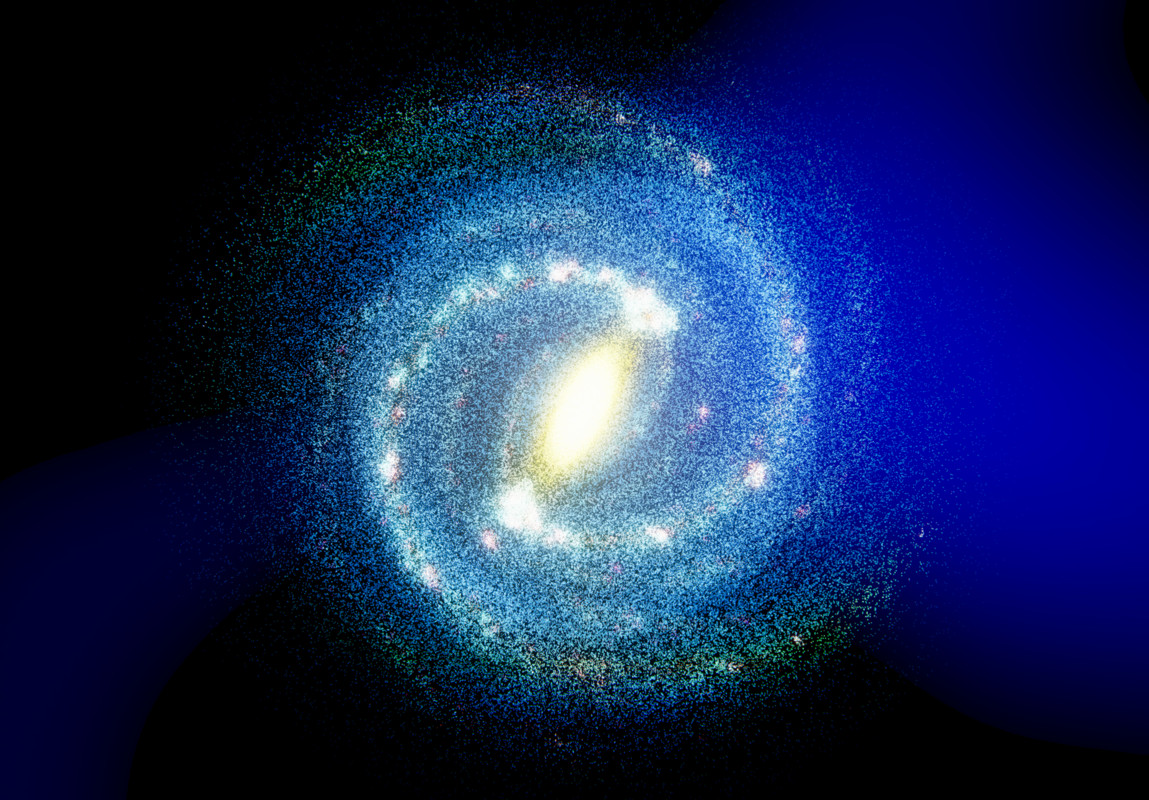
- Endless Possibilities: From a classic spiral to an irregular or colliding pair, any image becomes a galaxy. Change the seed for a new variation, keep it fixed for a stable map.
- Every Star Is a Destination: Click a star and it gets a spectral class, physical parameters, a name and a planetary system with moons, asteroid belts and comets. The record goes to a CSV database and appears on an info card. The Jump button flies the camera to the star and opens its system.
New in Version 2.0
- Star selection by mouse click or touch
- Procedural star data: spectral and luminosity class, temperature, luminosity, radius, mass, age, metallicity
- Old and young stellar populations mixed by position: the bulge and halo lean old, the disk leans young
- Catalog names by galactic sector and proper names for bright giants
- Planetary systems built from your own Body Type assets and prefabs
- CSV database of visited stars
- UI Toolkit info card, camera flight and a demo star system view
- Galaxy Settings asset: one galaxy in one file, swappable from the Inspector or a script
- Near Rays: lens style diffraction rays on bright stars close to the camera
Data That Matches the Picture
Star data follows what the player sees. Blue regions of the color map give hot stars, red and orange regions give cool ones, and a large bright star is more likely to be a giant. Brown dwarfs, white dwarfs, neutron stars and black holes appear alongside normal stars, and every chance is editable.
Deterministic
The same Galaxy Settings asset gives the same stars, names and planets on every run. Each system and each body carries its own seed for your own content: surfaces, resources, missions. Visited stars are read back from the database, so tuning the tables later does not change a map your players already know.
Performance
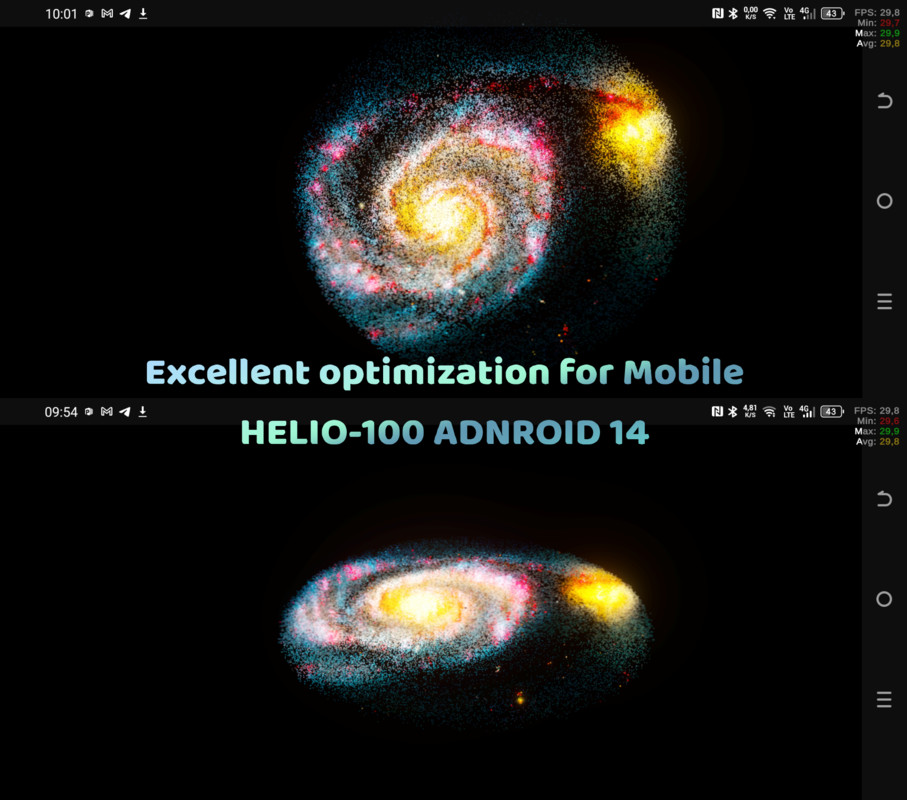
Stars are camera facing quads read straight from a GPU buffer: no GameObjects, no geometry shader, one draw call for the whole galaxy. Star data is generated only on click, and picking among 300,000 stars takes 1 to 2 ms in a build. Metal, Vulkan, mobile, consoles and VR are supported.
Full C# and HLSL source code, a demo scene and detailed documentation are included.
Also you may like Digital Planets for planets shaders
From the publisher's Asset Store listing.
Technical details
- Generation
- GPU compute generation: a million stars and more on desktop, all in one draw call
- Galaxy shape from two density maps (face on and side profile) and a color map
- Works with real astronomical images (Hubble, Spitzer, WISE) or hand painted art
- Fixed Galaxy Seed: the same settings give the same galaxy on every run
- Galaxy Settings ScriptableObject: prepare several galaxies and swap them in the Inspector or from code
- Live preview in the Editor and automatic regeneration in Play Mode while you move sliders
- Anti banding jitter and chaos displacement remove texel grid patterns
Rendering
- Camera facing star quads from a GPU buffer, no GameObjects, no geometry shader
- Four star shapes selected by brightness, from a bare core to core with halo and diffraction spikes
- One 2x2 grayscale star atlas, easy to replace with your own
- Deterministic per star size variation and rotation
- Minimum on screen pixel size keeps distant stars stable, without subpixel flicker
- Near Rays: screen aligned lens rays fade in as the camera approaches a bright star
- Additive (HDR + Bloom) and premultiplied Alpha blend modes
- Draws in every Game, Scene and VR camera, several generators can share one material
Interaction and Star Data
- Click or tap a star to select it, with UI blocking and drag detection
- Spectral and luminosity class, temperature, luminosity, radius, mass, age, metallicity
- Young and old stellar populations mixed by position in the galaxy
- Brown dwarfs, white dwarfs, neutron stars and black holes alongside normal stars
- Catalog names by galactic sector (for example "Kelsaemkrox RC V d14") and proper names for bright giants
- Planets, moons, asteroid belts and comets from Body Type assets with chance, orbit preference, size range and prefab
- Orbits scaled by star luminosity: one set of rules for red dwarfs and supergiants
- Seed per system and per body for your own procedural content
- CSV database: stars and bodies are written on the first visit and read back afterwards
- UI Toolkit info card, camera flight to the star and a demo star system view with Kepler orbits
Tools and API
- Star positions and colors available in C# as a NativeArray for your own gameplay code
- Simple API: swap settings, regenerate, read the selection, listen to SelectionChanged
- Free fly camera controller with mouse, keyboard and touch input
- Missing references are reported as errors, a click on the error selects the GameObject
- Full C# and HLSL source code
- Demo scene, galaxy textures, star atlas and skybox
- Documentation: setup guide, scripts reference, performance guide with star counts per platform, troubleshooting
Requirements
- Unity 6000.3 (Unity 6.3) or newer
- Universal Render Pipeline
- Input System package
- Compute shader support, Shader Model 4.5 or higher
- HDR camera with Bloom for the Additive blend mode
Platforms
Windows (DX11, DX12, Vulkan), macOS and iOS (Metal), Linux (Vulkan), Android (Vulkan, OpenGL ES 3.1+), PlayStation, Xbox.
WebGPU runs, experimental in Unity 6. WebGL 2.0 is not supported because it has no compute shaders.
Compatibility
| Unity version | Built-in | URP | HDRP |
|---|---|---|---|
| 6000.3.7f1 | Not listed | Compatible | Not listed |
| 6000.3.0f1 | Not listed | Compatible | Not listed |
| 6000.1.0f1 | Not listed | Compatible | Not listed |
As listed on the Asset Store.