
 View on Asset Store (opens in new tab)
Package details
- Latest version
- 1.0
- Last updated
- First released
- Unity version
- 2022.3.35 or later
- Package size
- 1.2 MB
- Files
- 43
- Favorites
- 76
- Views in the past week
- 6
Price tracking
- Last checked
- Tracked since
- Lowest recorded
- $35.00 on
Keywords

Level Design Helper Pro
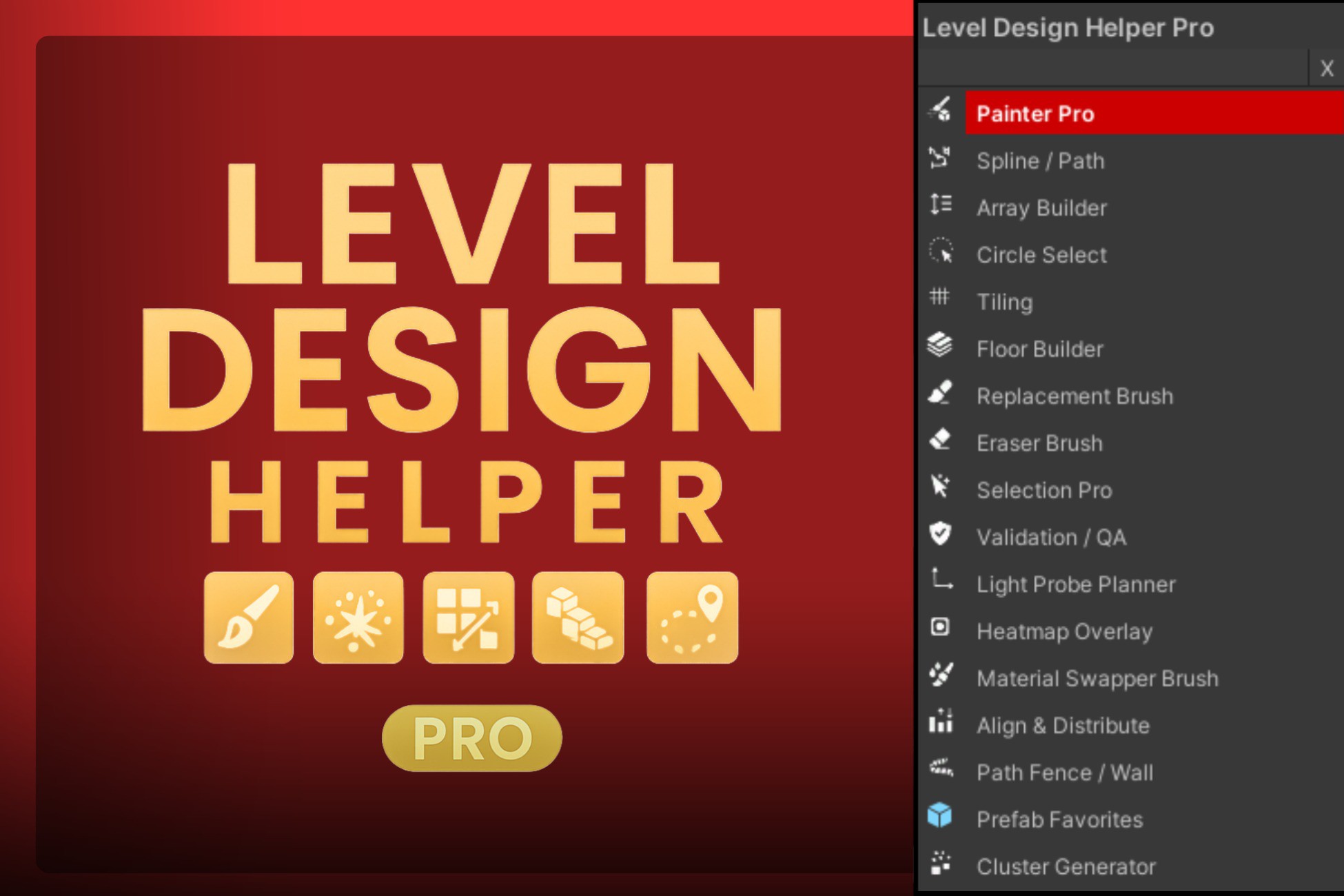
A comprehensive Unity Editor toolkit for faster level design, featuring prefab painting, snapping, path tools, clustering, material swapping, and optimization utilities.
Affiliate link · Purchases support this site
Price history
Last 6 months
USDAsset preview
1 / 17
Level Design Helper Pro screenshot 1
About this asset
Level Design Helper Pro is an all-in-one Unity Editor toolkit for rapid, precise, and creative environment building. From brush-based prefab painting to spline-driven fence placement, modular snapping, material swapping, cluster generation, advanced selection, grid snapping, and performance heatmaps — this package packs everything you need to design professional-quality levels faster and smarter. Perfect for indie developers, studios, and level artists looking to cut down on tedious placement work and focus on creativity.
From the publisher's Asset Store listing.
Technical details
Features
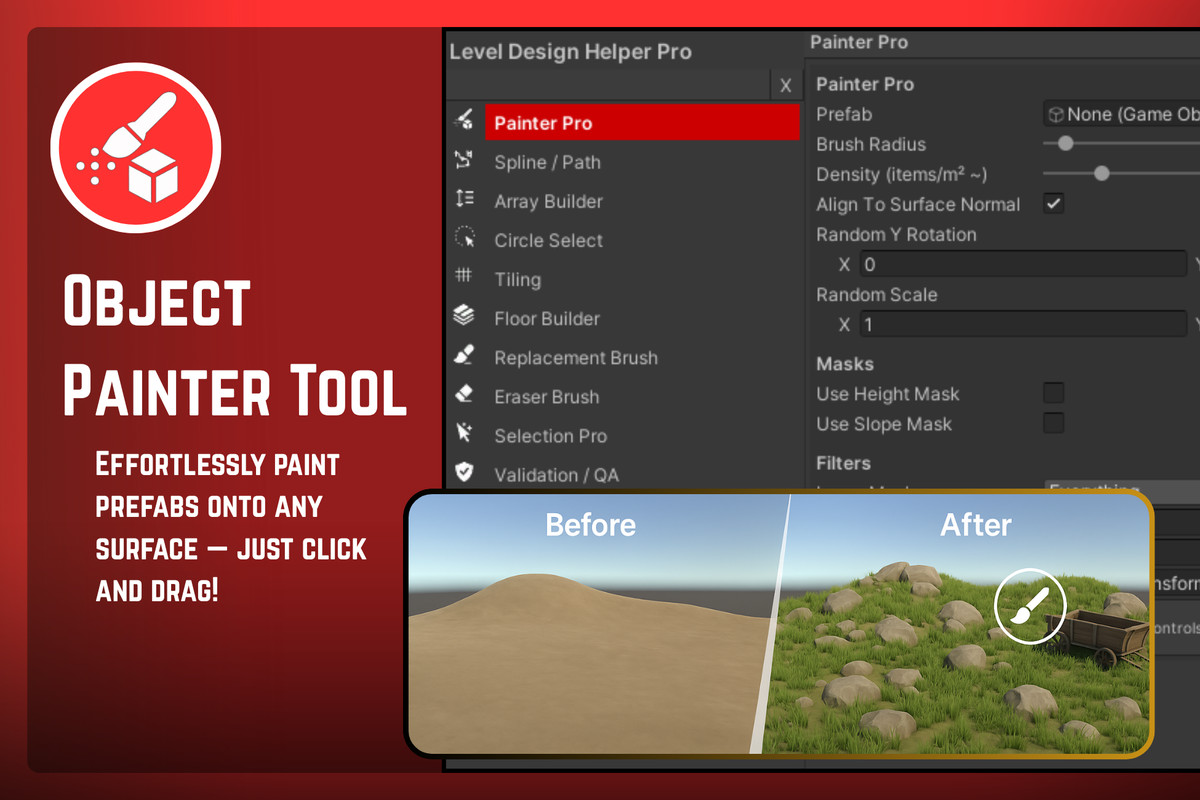
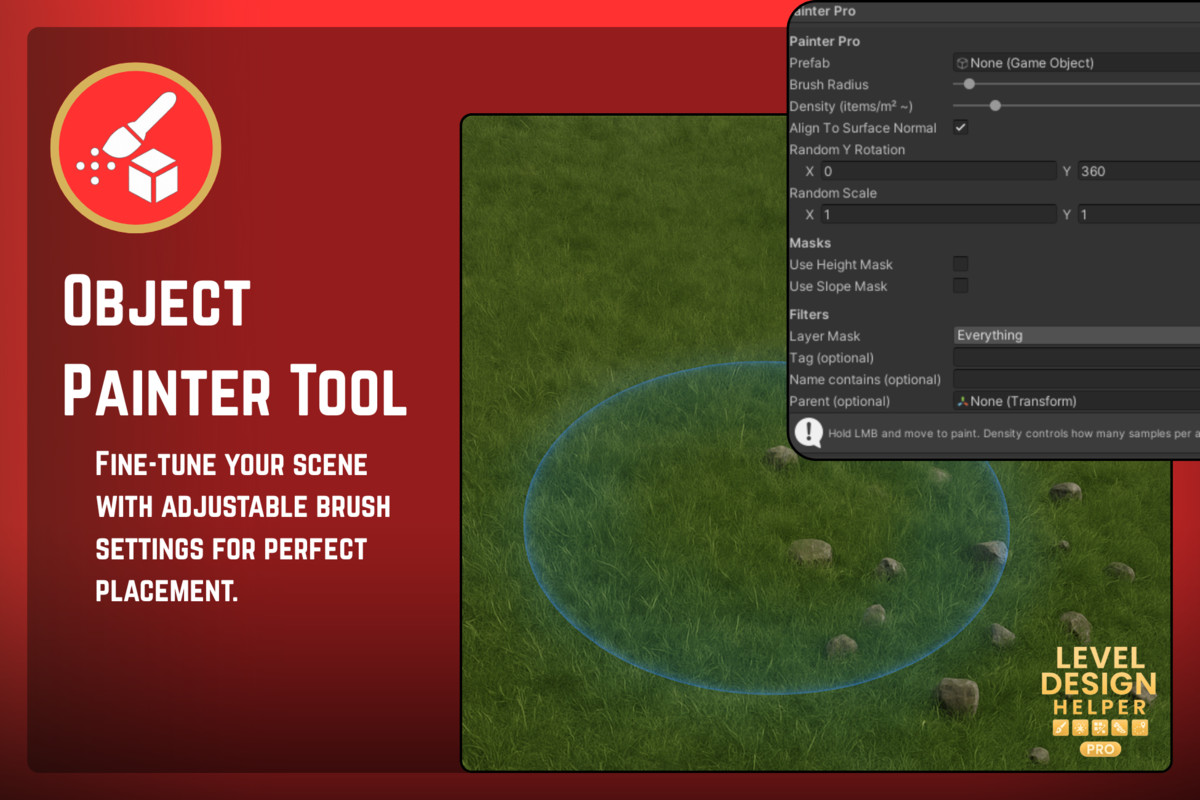
- Object Painter Tool – Brush-based prefab placement with rotation & scale randomization.
- Prefab Scatter Tool – Quick random scattering with density control.
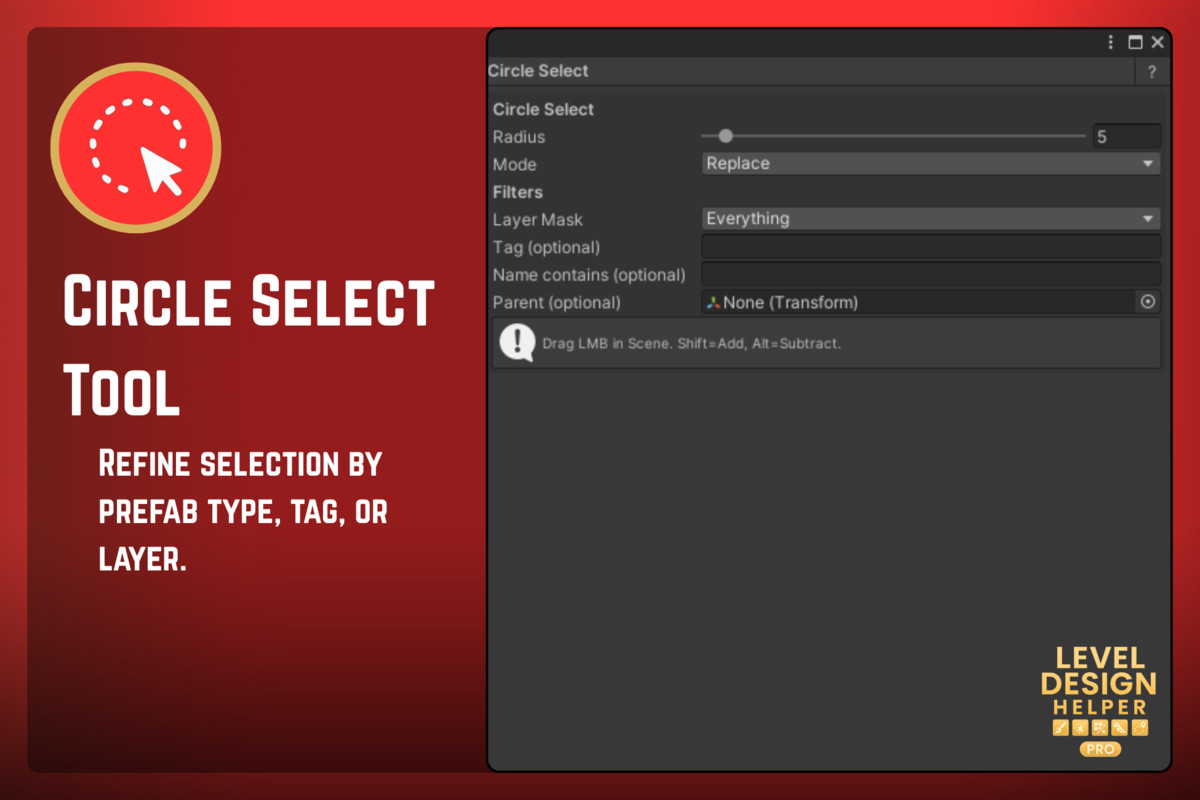
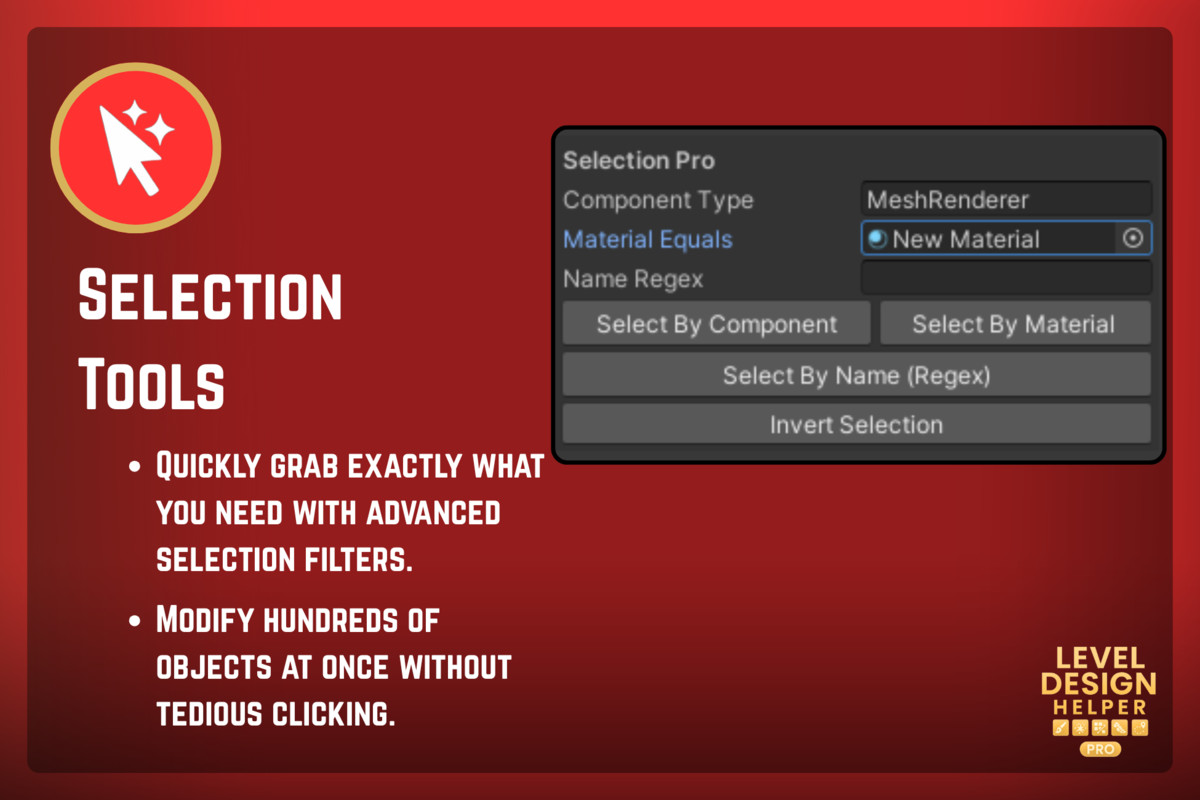
- Selection Tools – Filter by type, layer, tag, or prefab.
- Grid Snap Tool – Customizable grid size & orientation for perfect alignment.
- Modular Builder Tool – Snap modular pieces like walls, floors, and ceilings.
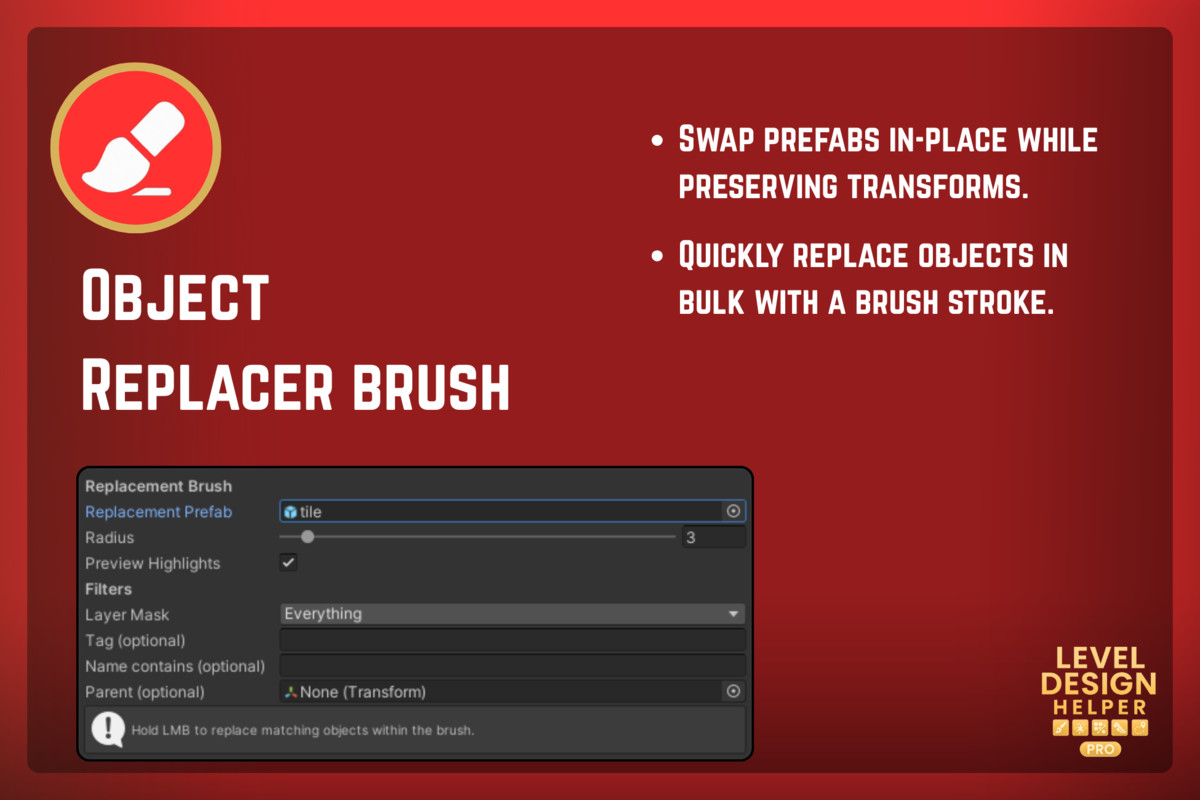
- Object Replacer Tool – Swap prefabs in-place or via brush stroke.
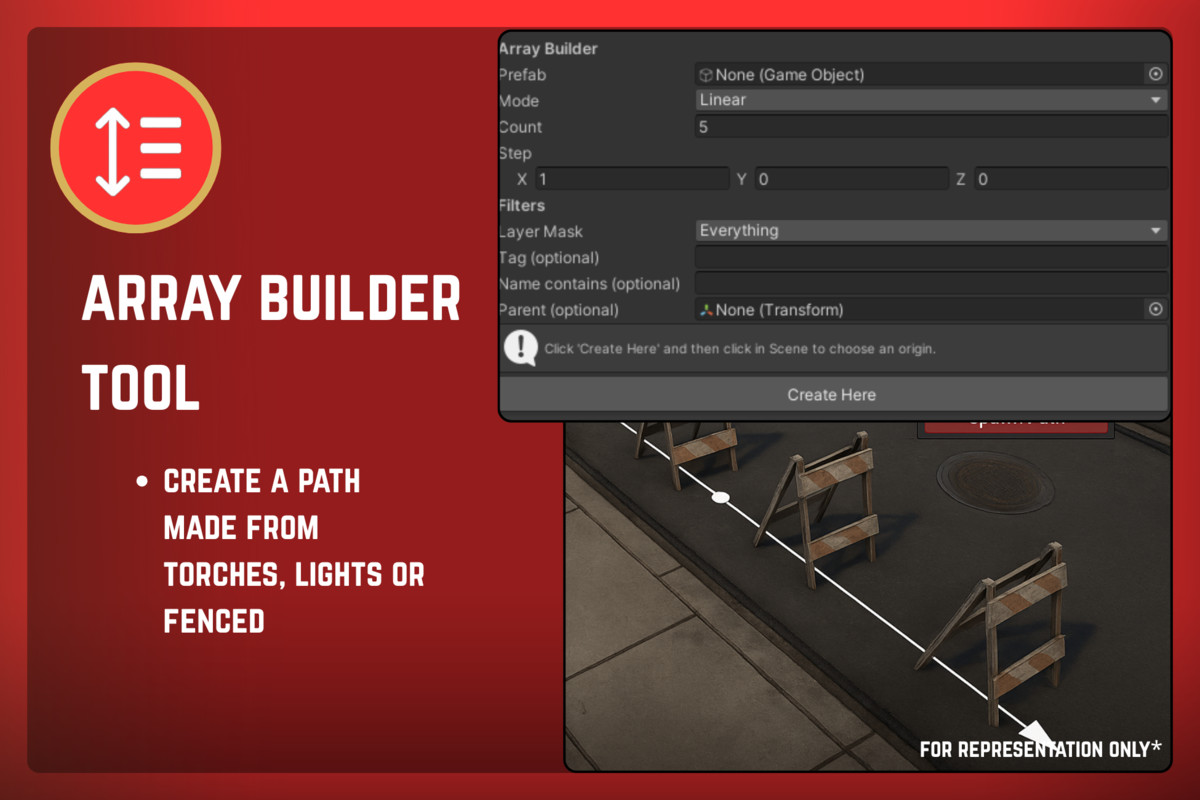
- Path Tool – Place objects along customizable splines.
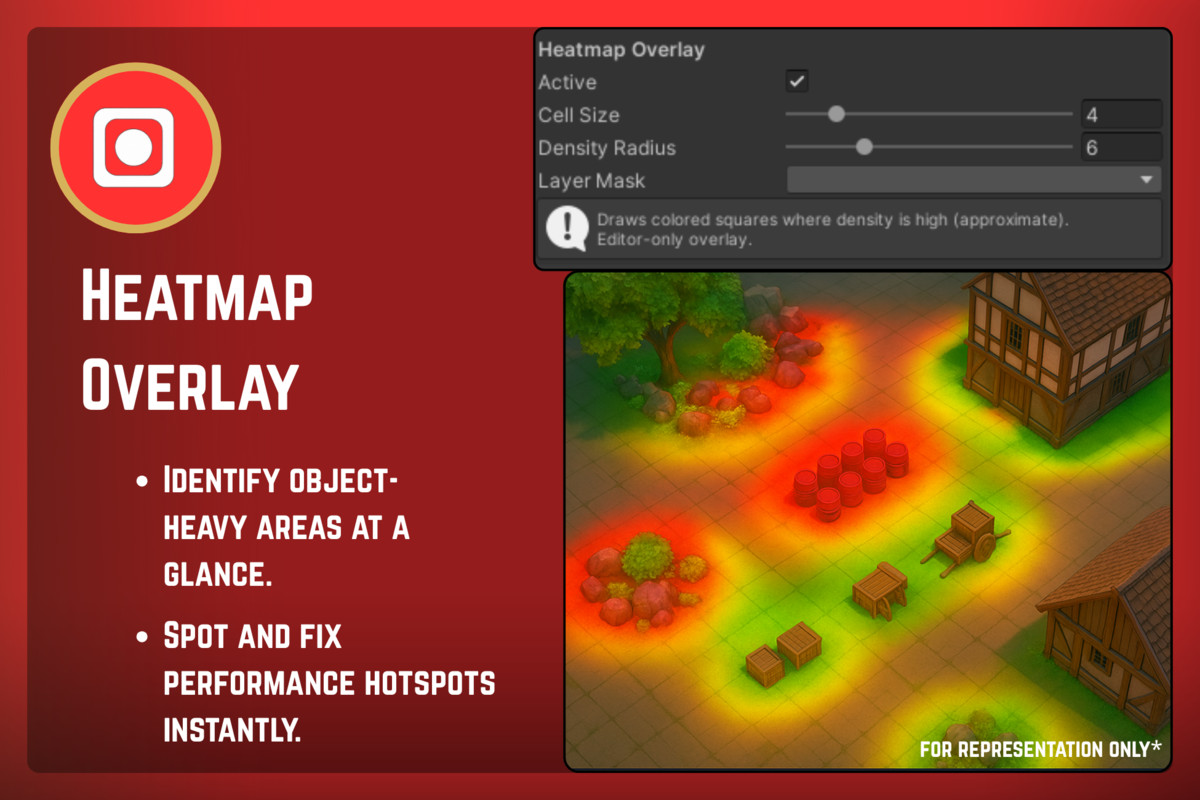
- Heatmap Overlay – Visualize object density for optimization.
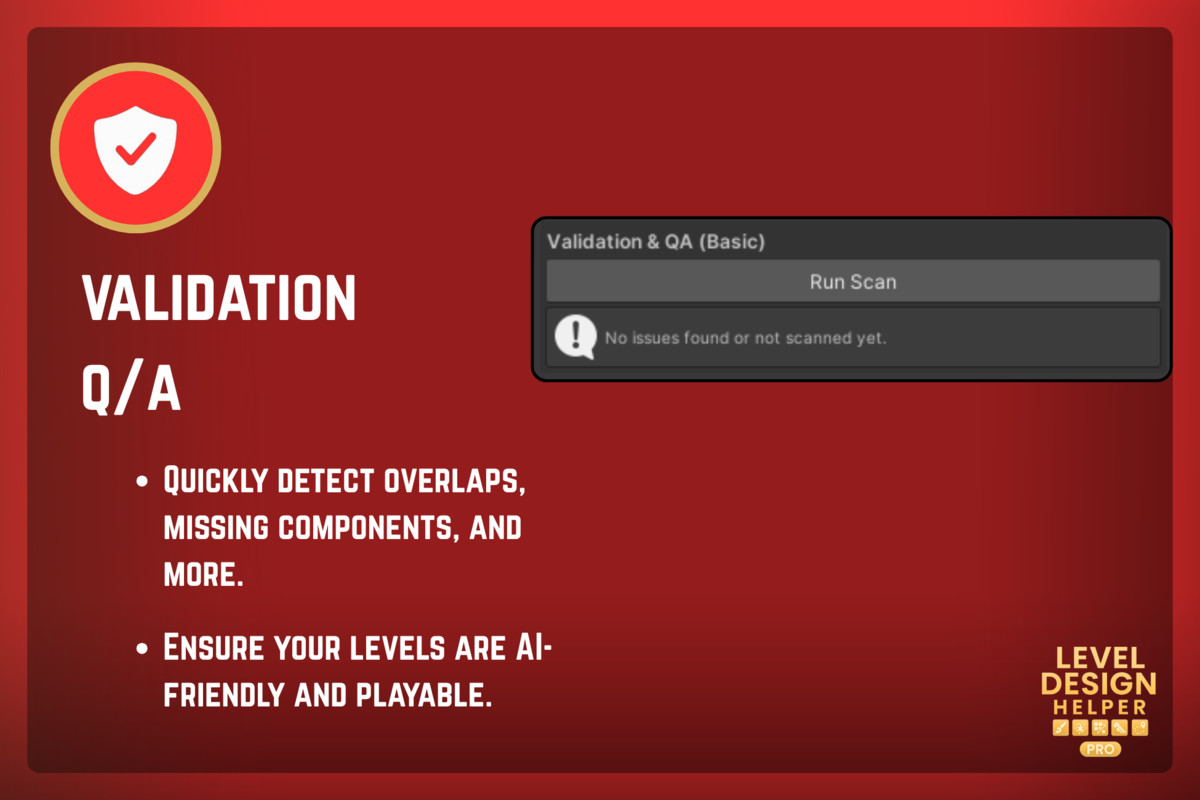
- Debug Tools – Detect overlaps, missing references, NavMesh issues.
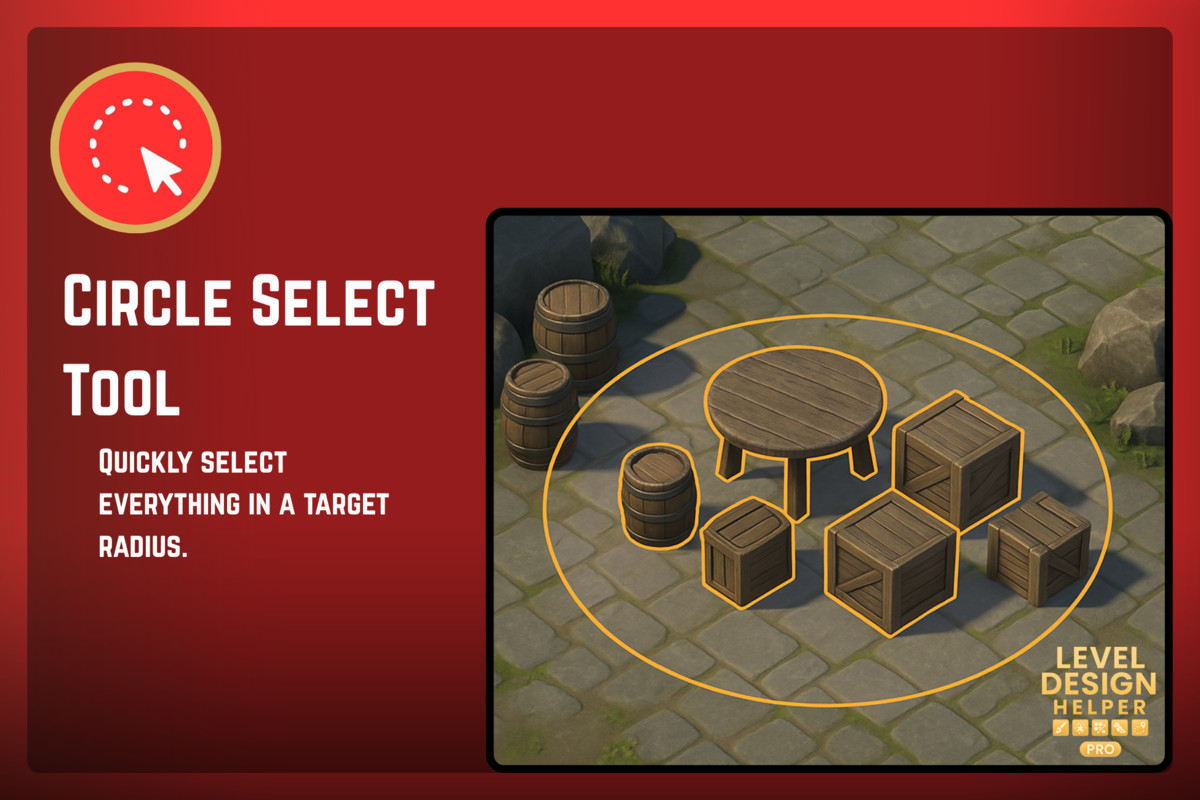
- Circle Select Tool – Area-based selection with filters.
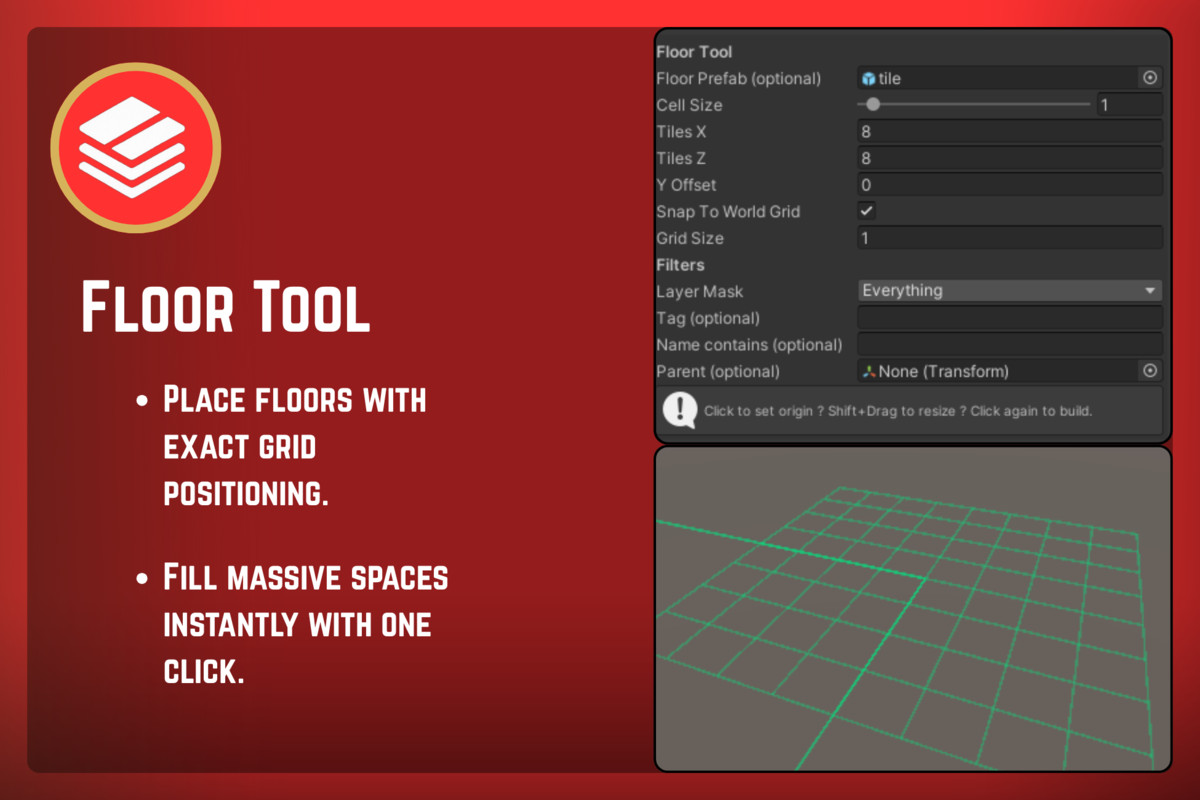
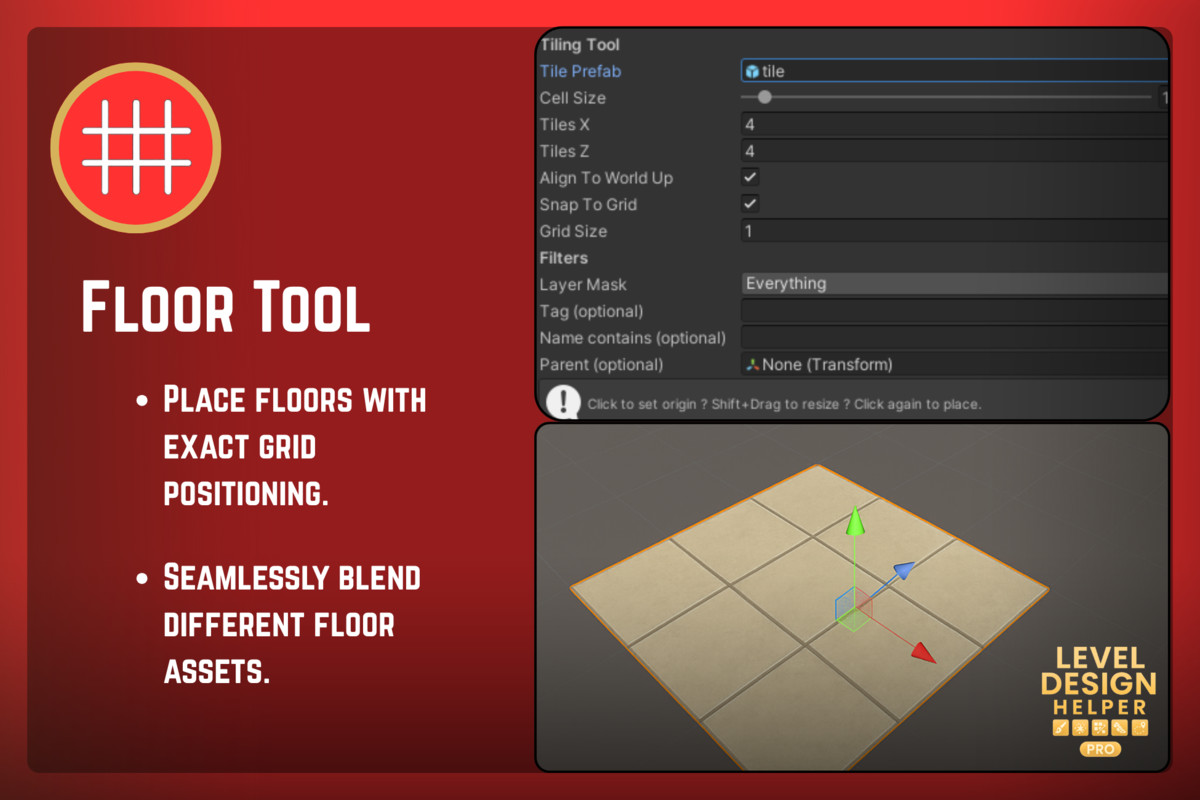
- Tiling Tool – Create perfect floor patterns on a grid.
- Floor Tool – Precision floor placement with grid snapping.
- Eraser Tool – Brush-based object removal.
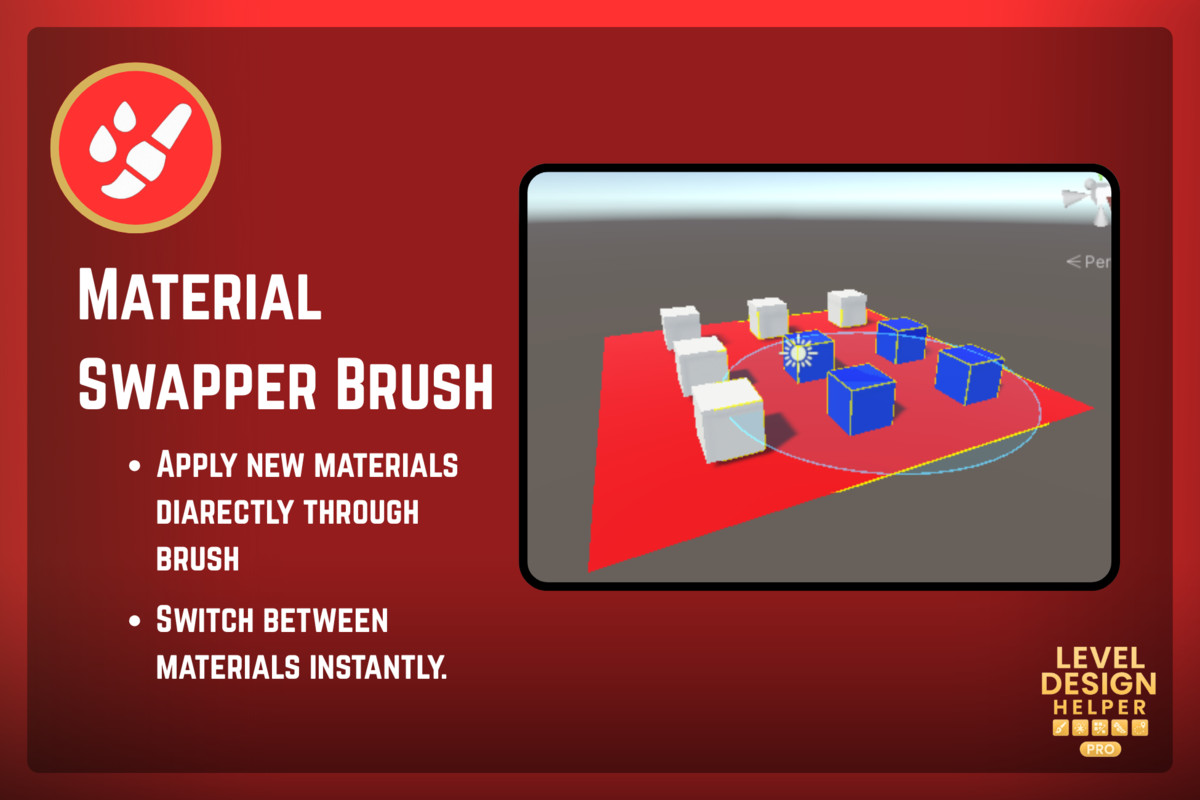
- Material Swapper Brush – Apply materials directly in the scene.
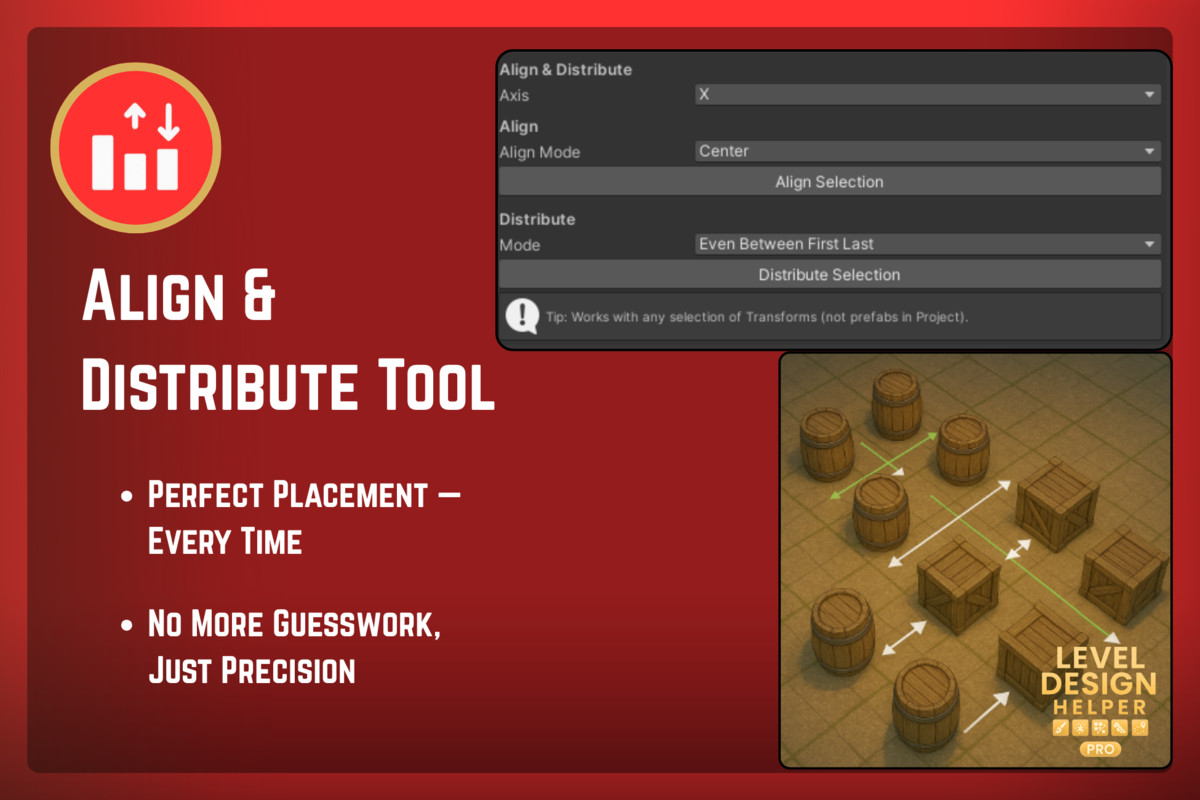
- Align & Distribute Tool – Arrange objects evenly in any axis.
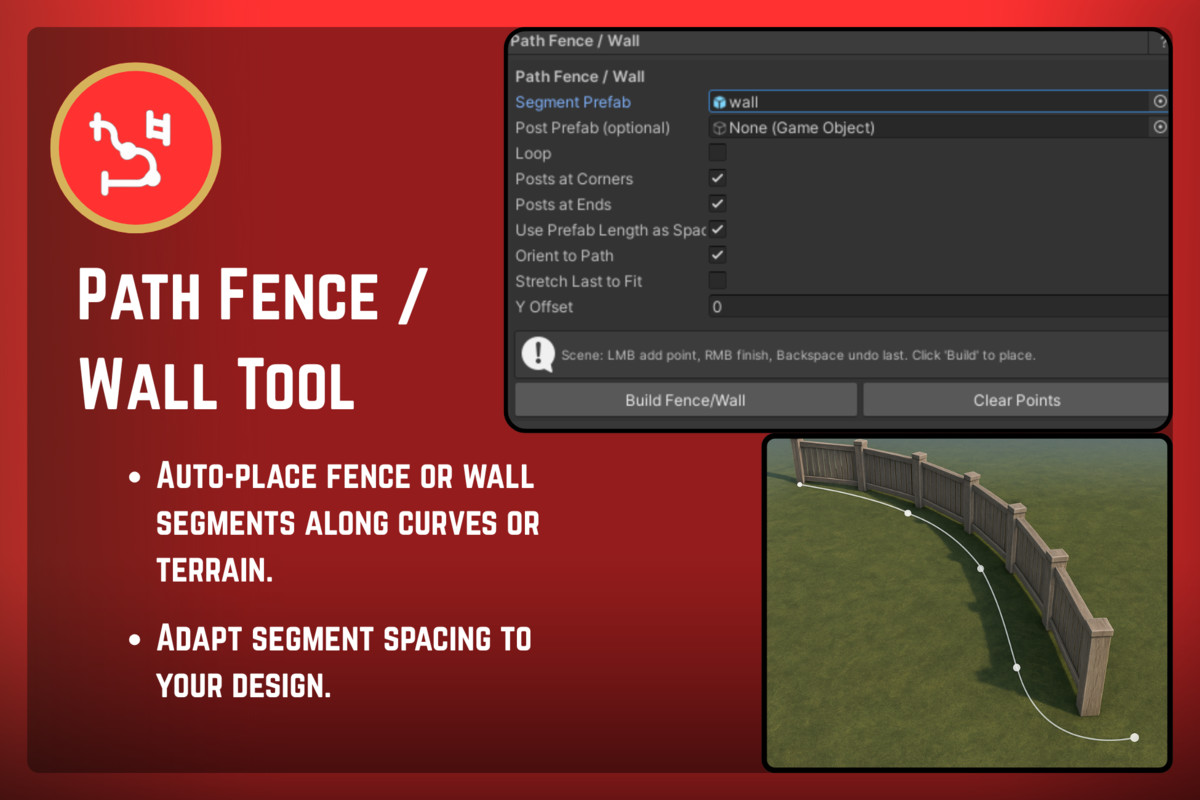
- Path Fence / Wall Tool – Build fences & walls along splines.
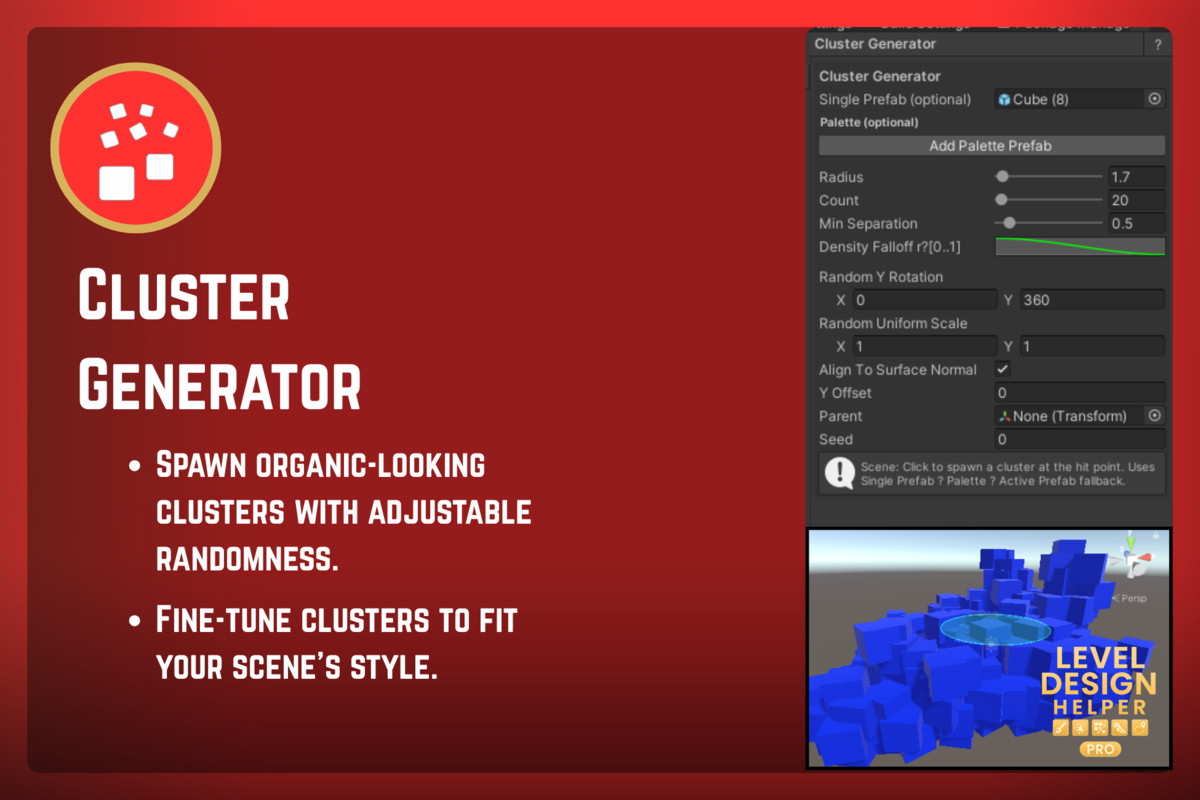
- Cluster Generator – Spawn natural-looking clusters with density falloff.
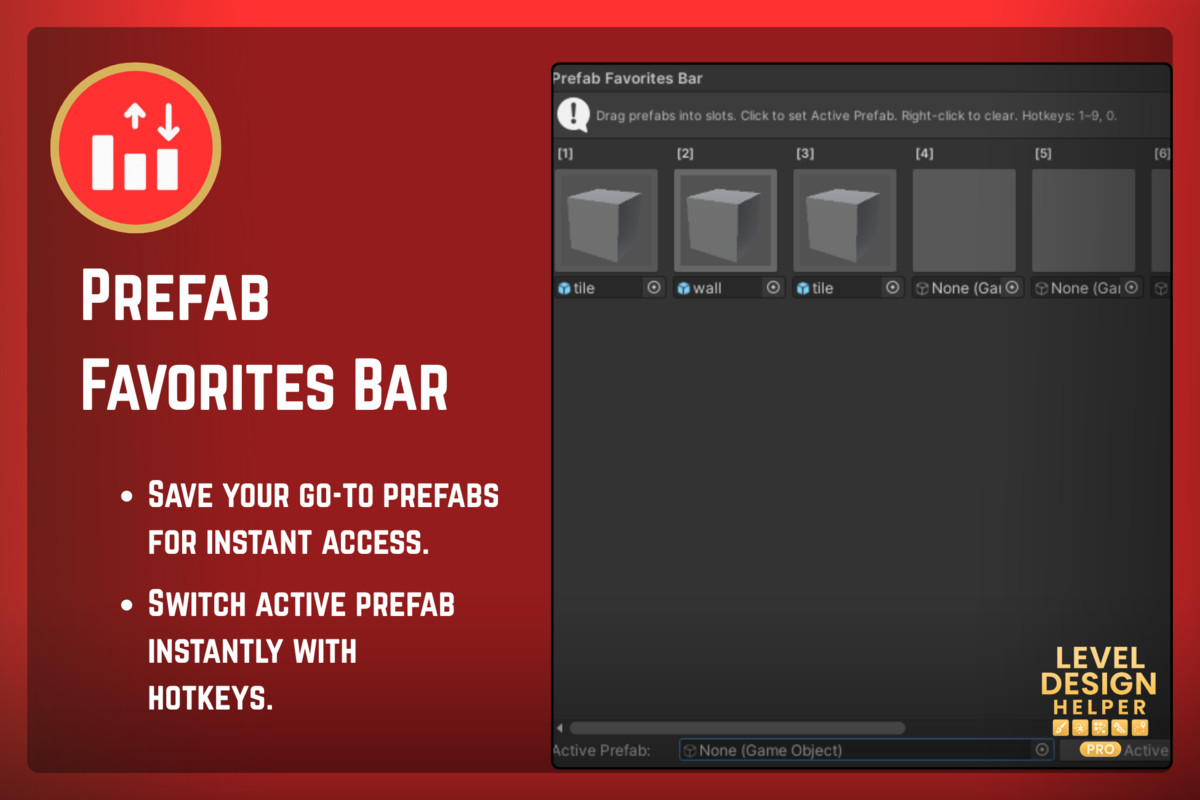
- Prefab Favorites Bar – Quick-access prefab toolbar with hotkeys.
Supported OS
- Windows
- macOS
- Linux (Editor support)
📄 Documentation
Compatibility
| Unity version | Built-in | URP | HDRP |
|---|---|---|---|
| 2022.3.35f1 | Compatible | Compatible | Compatible |
As listed on the Asset Store.