
 View on Asset Store (opens in new tab)
Package details
- Latest version
- 1.2.6
- Last updated
- First released
- Unity version
- 6000.6.8 or later
- Package size
- 169 KB
- Files
- 25
- Favorites
- 10
- Views in the past week
- 5
Price tracking
- Last checked
- Tracked since
- Lowest recorded
- Free on
Keywords
- Search for Memory Usage
- Search for Asset Optimization
- Search for Texture Optimization
- Search for project optimization
- Search for Scene Optimization
- Search for Tools
- Search for memory optimization
- Search for game optimization
- Search for performance optimization
- Search for profiling
- Search for mobile optimization
- Search for mesh optimization
Device Memory Profiler IMGUI
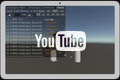
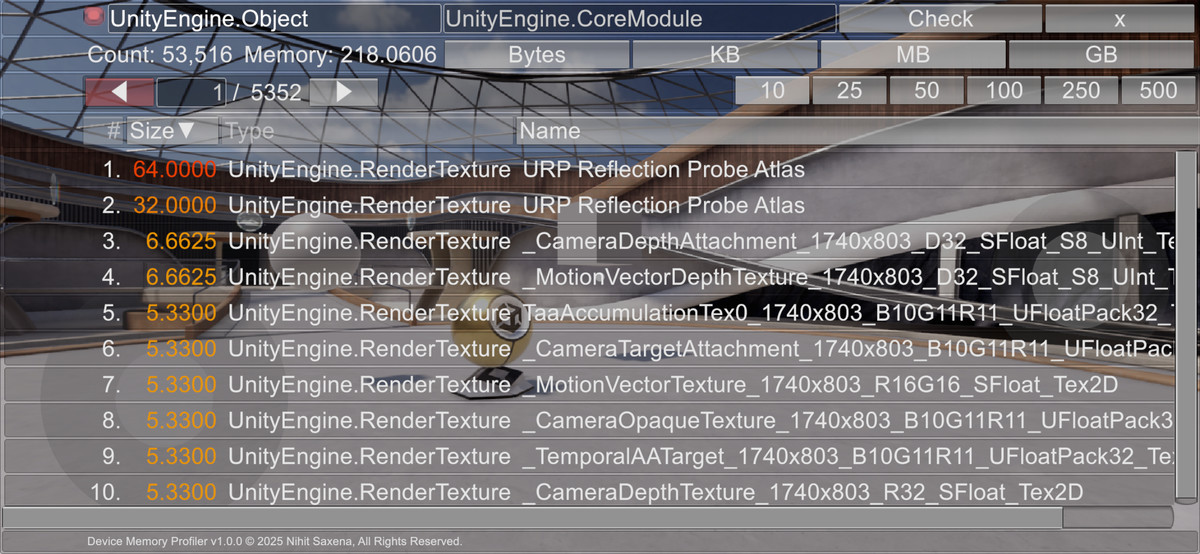
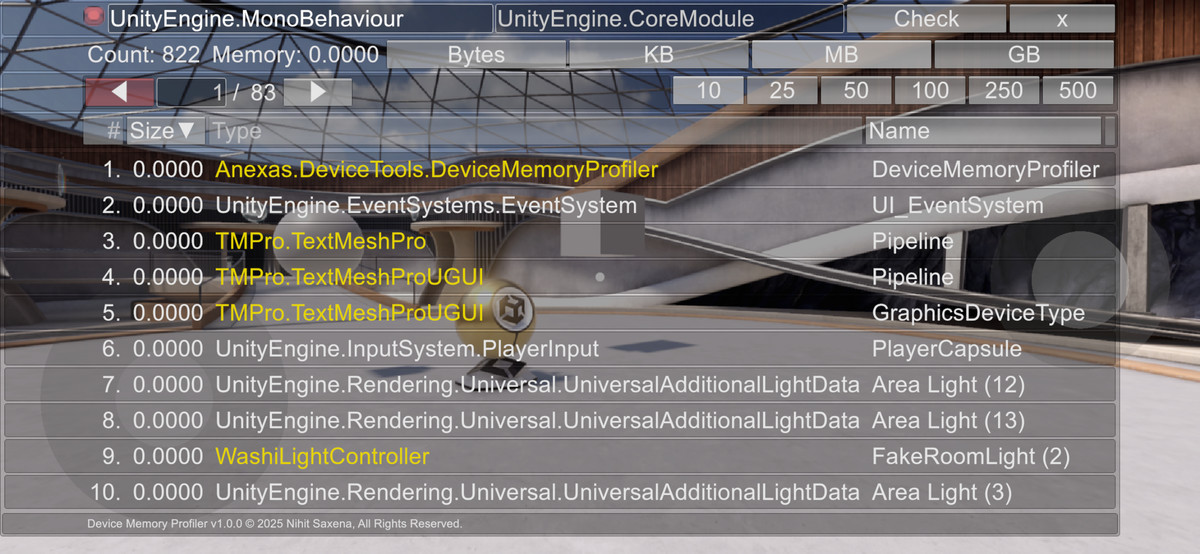
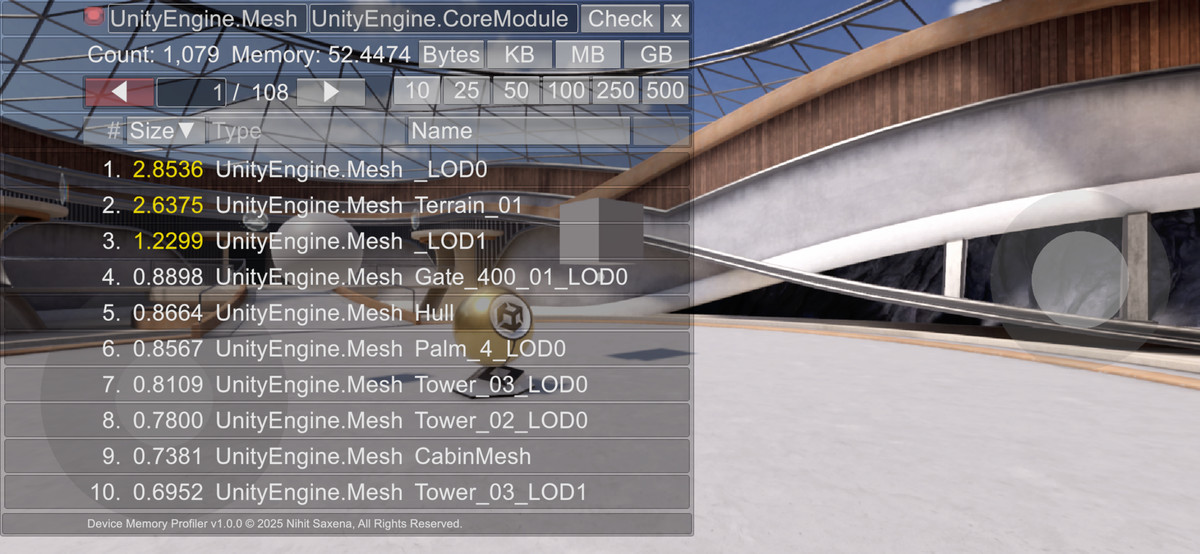
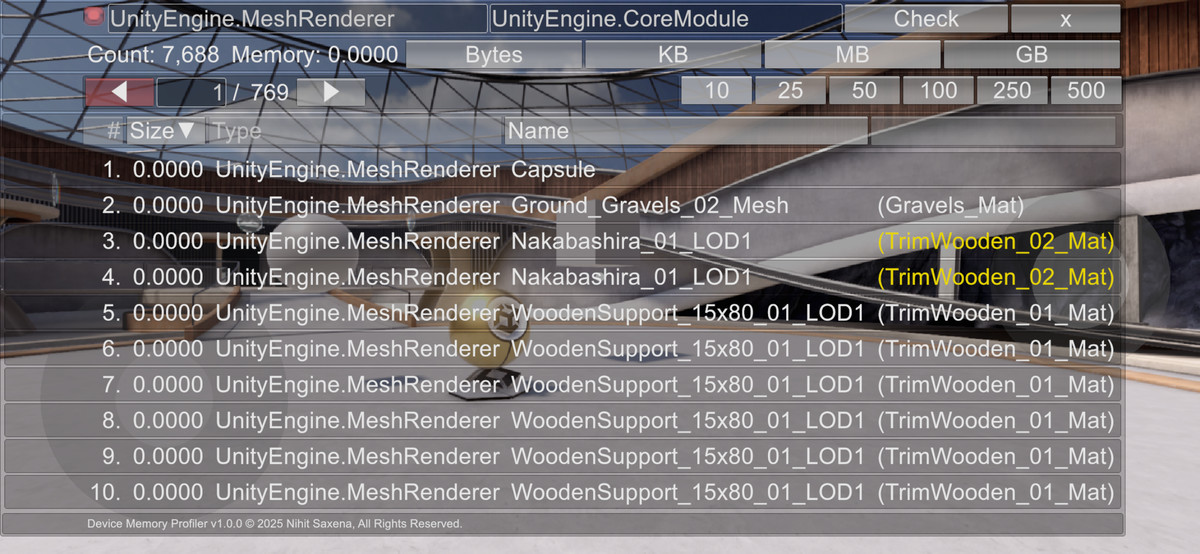
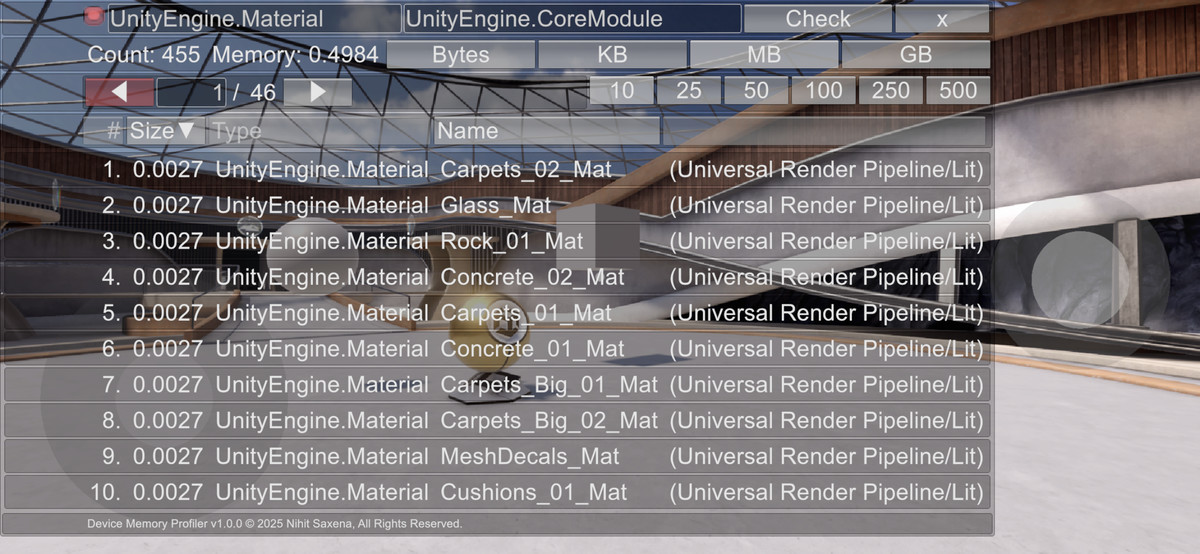
Shows a list of all Unity Objects and how much memory they consume on the target device.
Affiliate link · Purchases support this site
Price history
Last 6 months
USDAsset preview
1 / 11
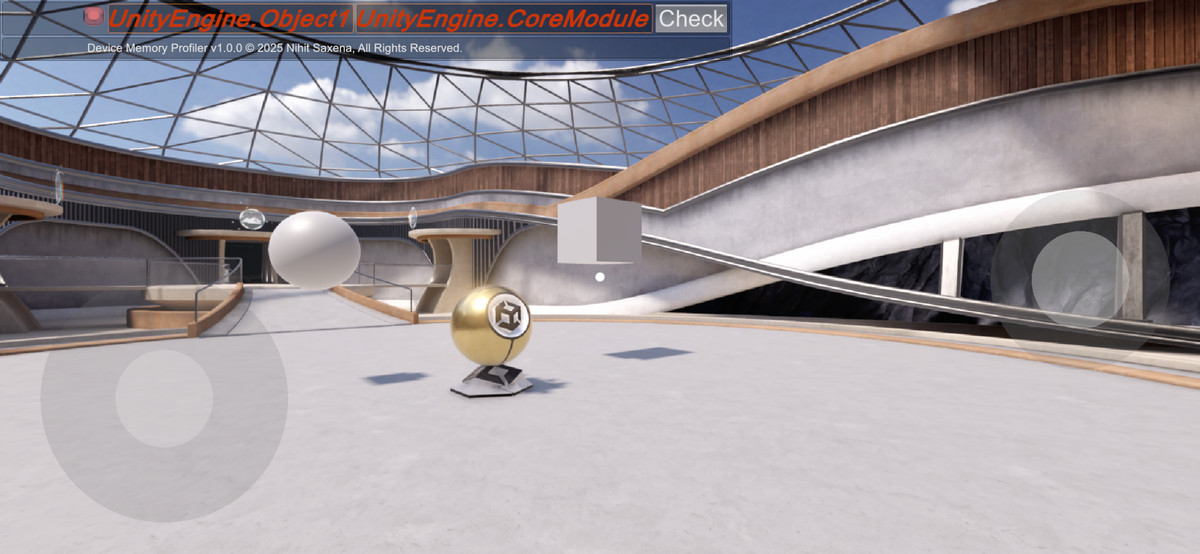
Device Memory Profiler IMGUI screenshot 1
About this asset
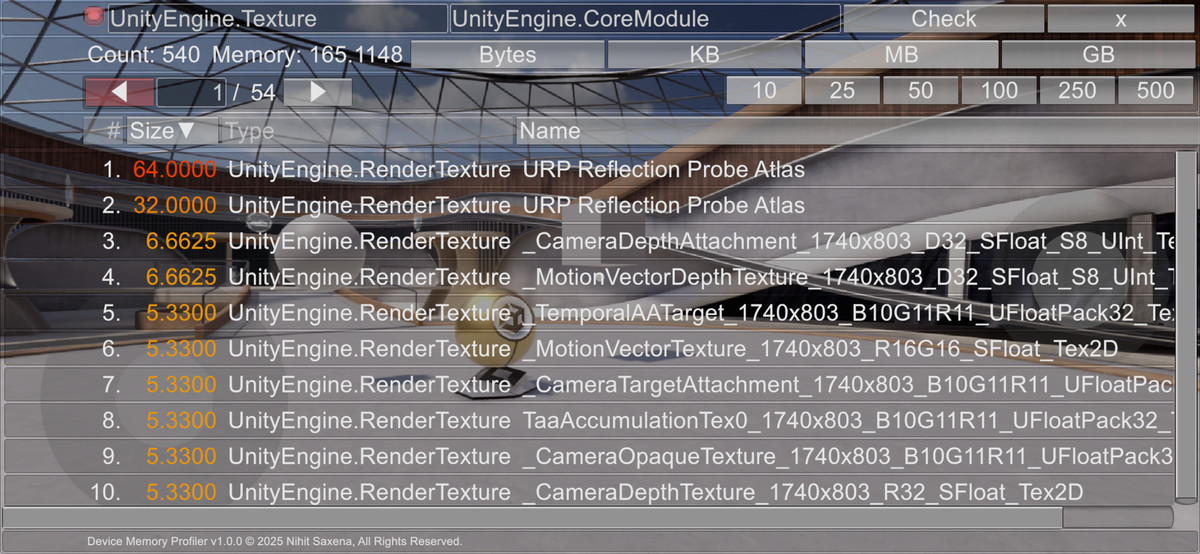
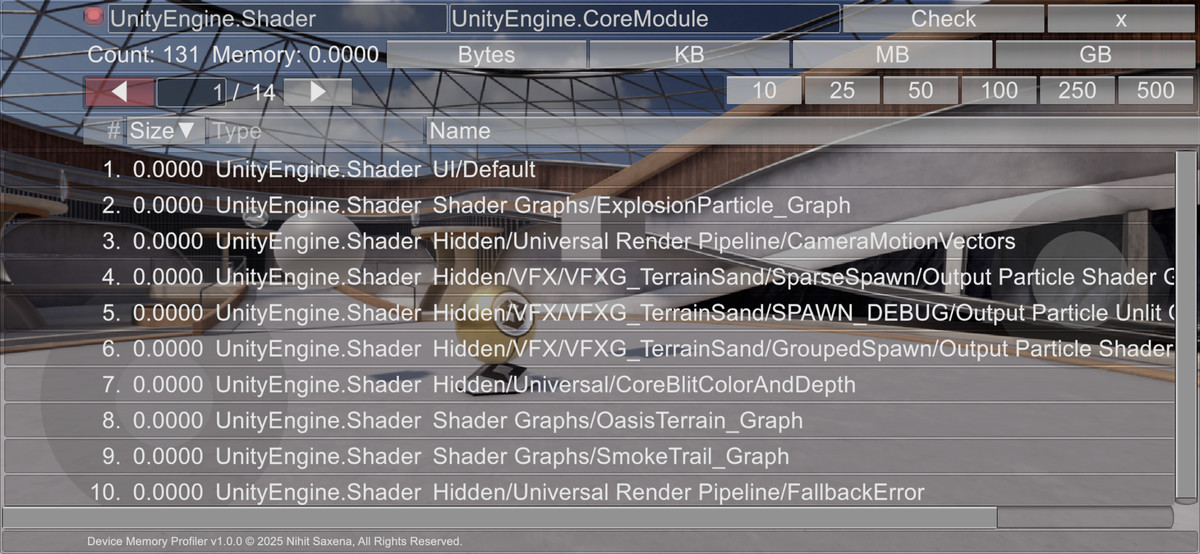
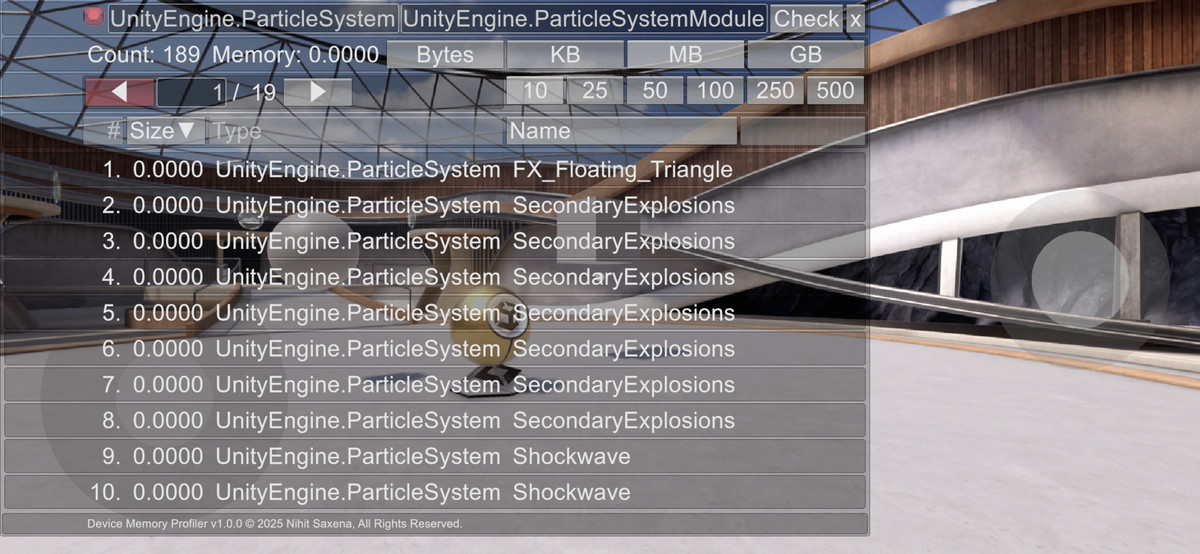
* See list of either all Unity objects type in one list or specific Unity Object,
such as Texture, Texture2D, Mesh, Renderer, SkinnedMeshRenderer, Material,
Shader, ComputeShader, Component, MonoBehaviour, or any custom object in the project extending from Unity Object.
* The lists are by default sorted by their memory size. You may optionally sort them by name. The list view is scrollable. Use scrollbars to see beyond the visible window.
* You can see any particular type of unity object by specifying its name (with package such as UnityEngine.Texture2D) in the first TextBox,
and its module name in the second text box. The module name for most common unity objects is "UnityEngine.CoreModule".
For monobehaviour classes written by you, you may enter "Assembly-CSharp" for the module.
From the publisher's Asset Store listing.
Compatibility
| Unity version | Built-in | URP | HDRP |
|---|---|---|---|
| 6000.6.8f1 | Compatible | Compatible | Compatible |
* Unity 2022.3+
* Edit > Project Settings > Player > Other Settings > Active Input Handling should be set to 'Input Manager (Old)' or 'Both' and not 'Input System Package (New)'.
As listed on the Asset Store.