
 View on Asset Store (opens in new tab)
Package details
- Latest version
- 1.0
- Last updated
- First released
- Unity version
- 6000.0.20 or later
- Package size
- 4 KB
- Files
- 2
- Favorites
- 9
- Views in the past week
- 3
Price tracking
- Last checked
- Tracked since
- Lowest recorded
- Free on
Keywords
Quick Editor Script
Quick Editor Script Open, edit, and save scripts directly inside the Unity Editor.
Affiliate link · Purchases support this site
Price history
Last 6 months
USDAsset preview
1 / 2
Quick Editor Script screenshot 1
About this asset
This tool is ideal for quick edits, script reviews, and learning workflows
---
Features
- **Script editing directly inside Unity**
- **Drag & Drop C# scripts** into the editor
- **Open, Save, Restore & Close** script support
- **Line numbers** synchronized with the scroll view
- **Font size control** with built-in A+ / A- buttons
- **Clean UI.
- **Auto-loads last opened script** even after Play Mode or Unity reload
- ** Lightweight and built for fast iteration
How To Use
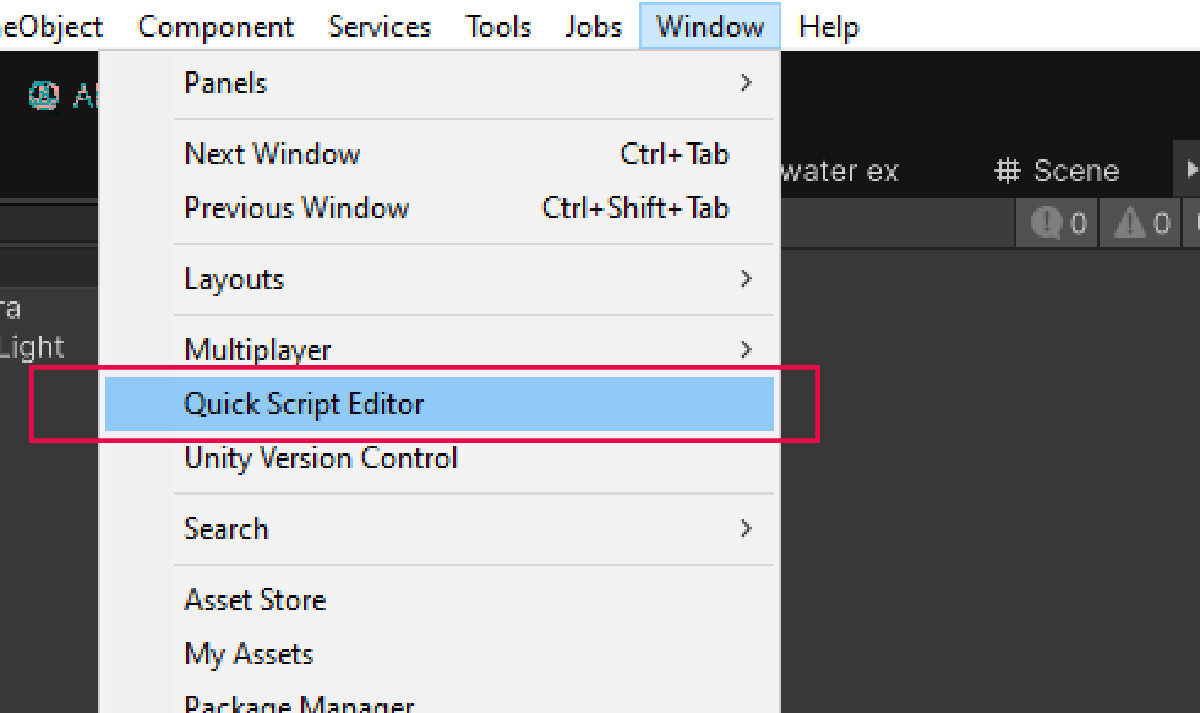
1. Go to `Window > Quick Script Editor`.
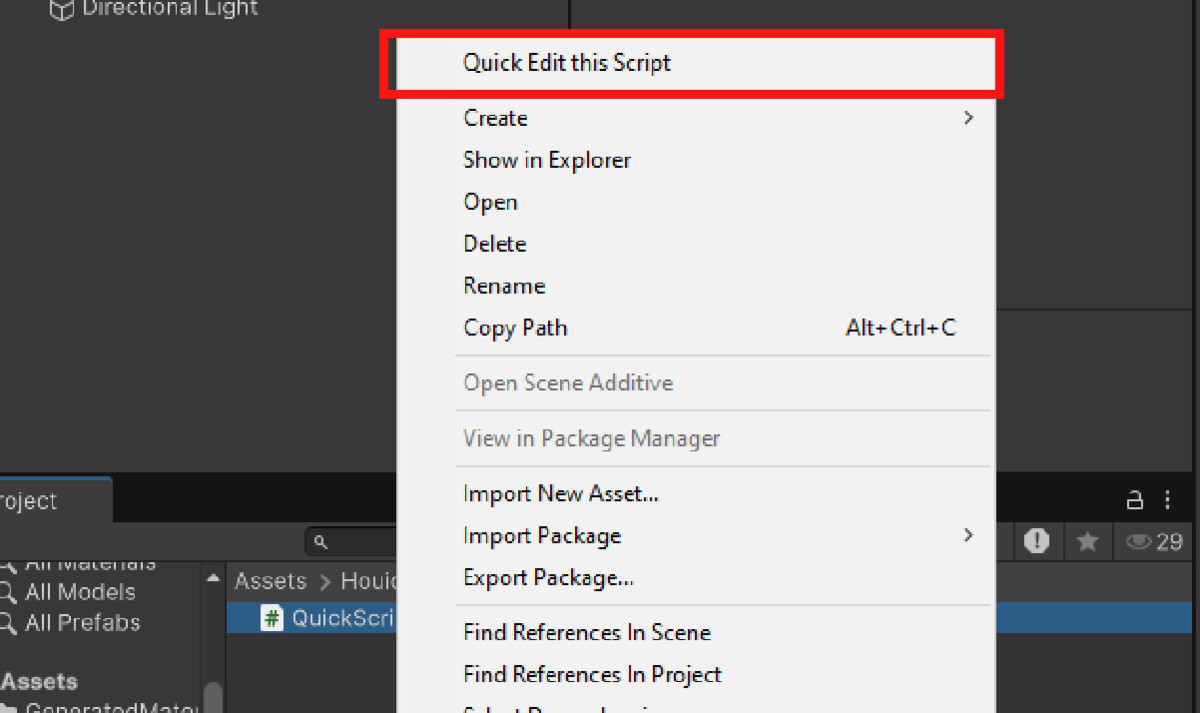
2. Drag any script from the Project window into the drop zone — or click **Open**.
3. Edit your code and click **Save** to apply changes.
4. Use **A+ / A-** to adjust font size as needed.
From the publisher's Asset Store listing.
Compatibility
| Unity version | Built-in | URP | HDRP | Custom |
|---|---|---|---|---|
| 6000.0.20f1 | Compatible | Compatible | Compatible | Compatible |
As listed on the Asset Store.