
 View on Asset Store (opens in new tab)
Package details
- Latest version
- 1.0
- Last updated
- First released
- Unity version
- 2022.3.35 or later
- Package size
- 3.1 MB
- Files
- 14
- Favorites
- 13
- Views in the past week
- 5
Price tracking
- Last checked
- Tracked since
- Lowest recorded
- $14.00 on
Keywords
Ultimate Optimization Toolkit
Trim the fat, boost performance, and ship polished Unity games with the Ultimate Optimization Toolkit—because every byte counts.
Price $20.00
Buy on Asset Store (opens in new tab)
Affiliate link · Purchases support this site
Price history
Last 6 months
USDAsset preview
1 / 6
Ultimate Optimization Toolkit screenshot 1
About this asset
- Ultimate Optimization Toolkit is your all-in-one Unity Editor extension for keeping projects lean and lightning-fast. Whether you’re shipping to mobile, VR, or desktop, UOT empowers you to:
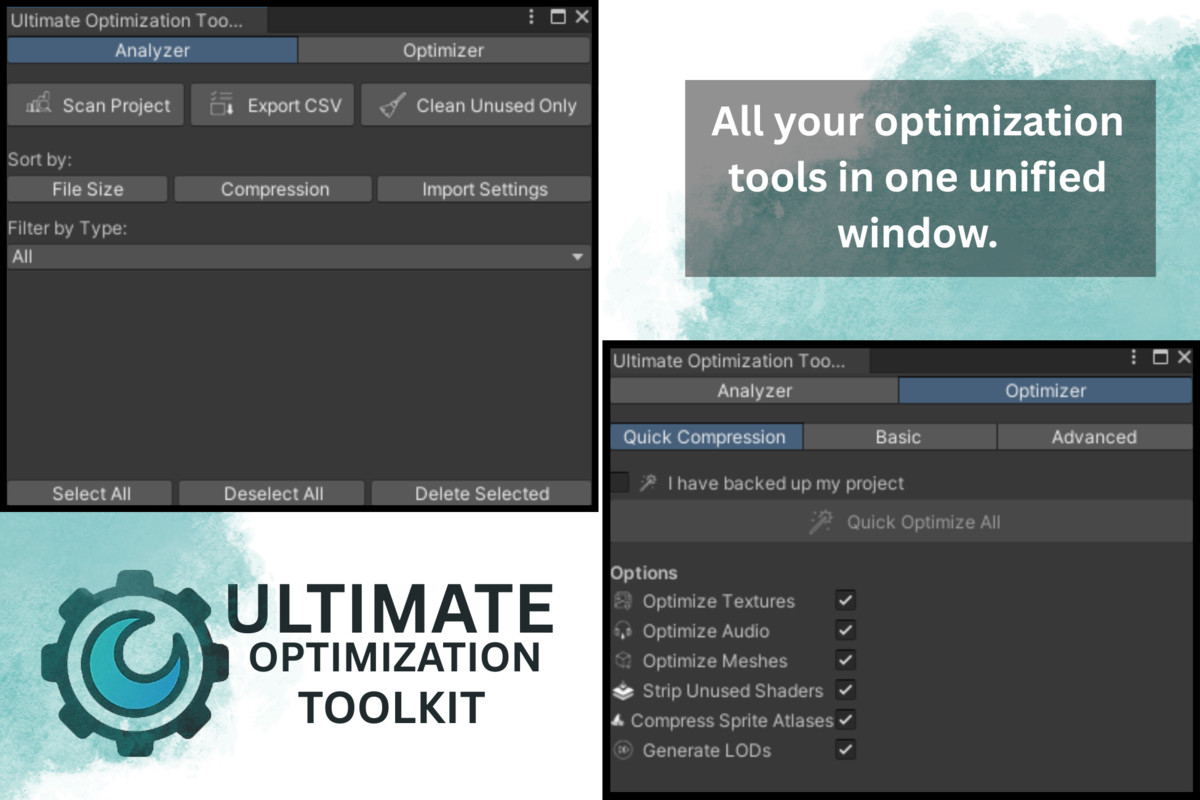
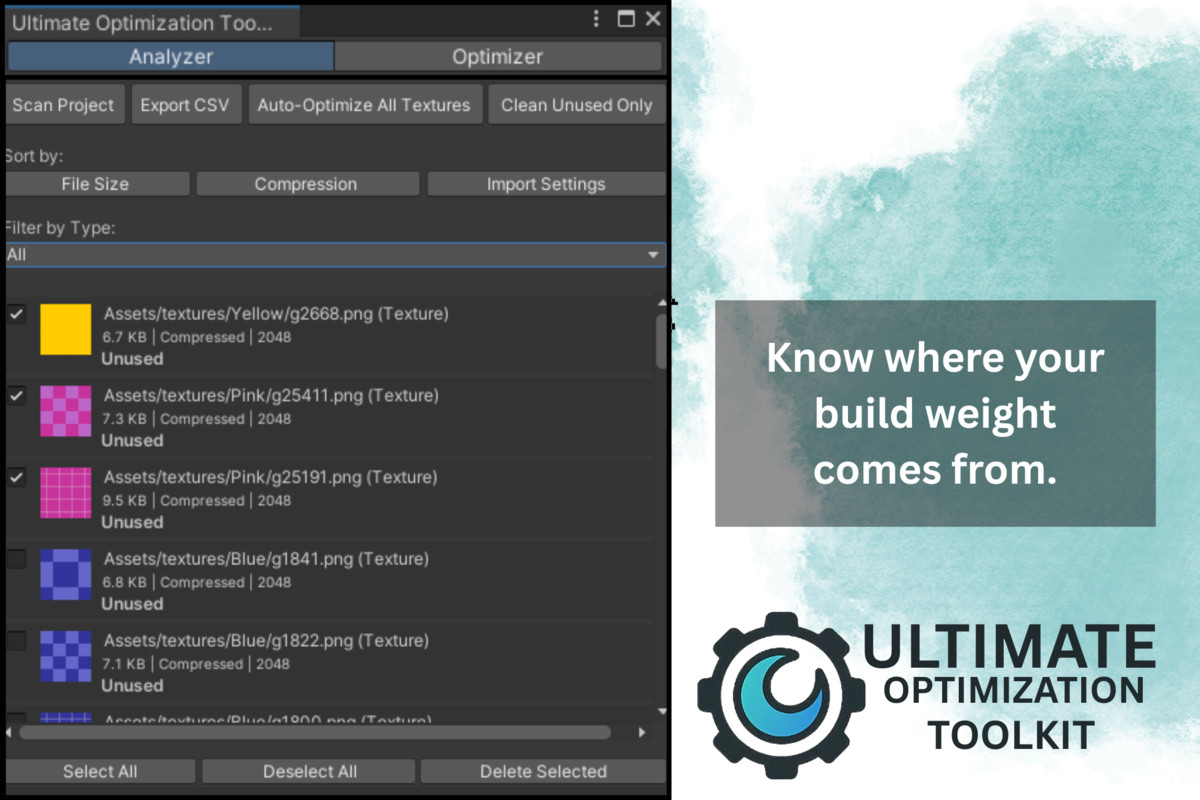
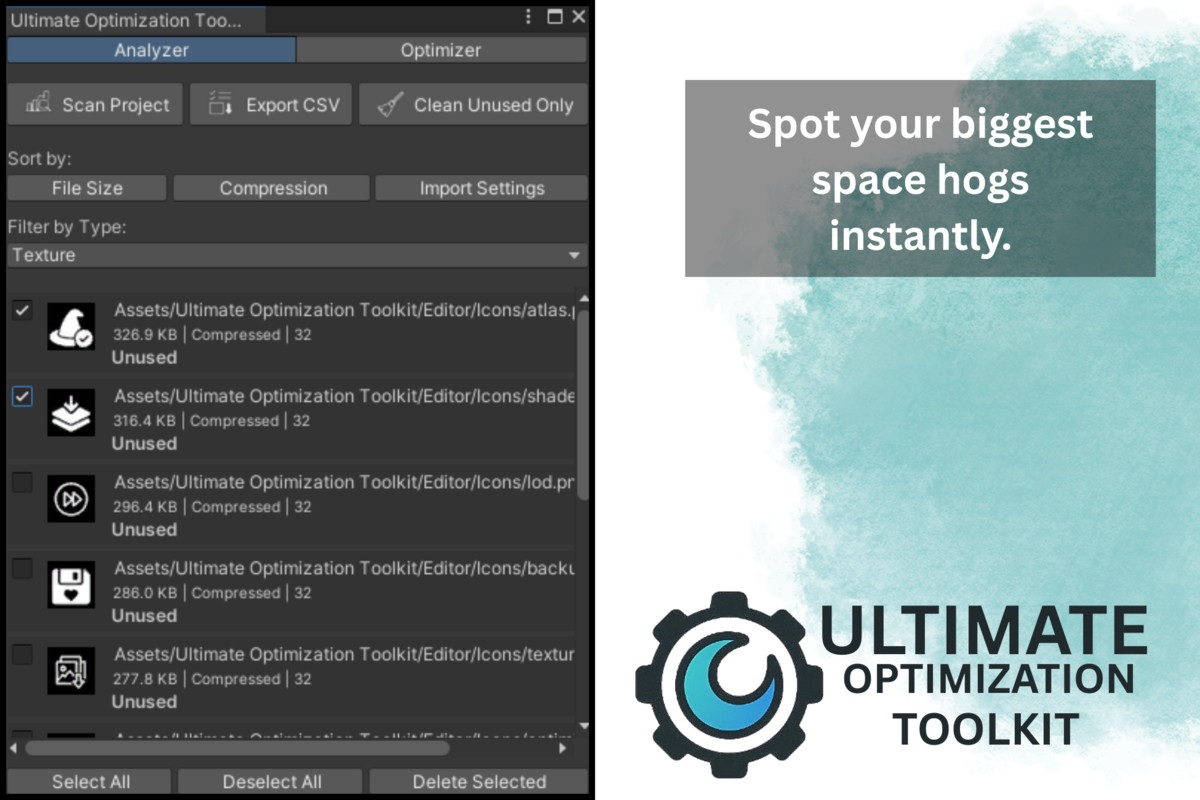
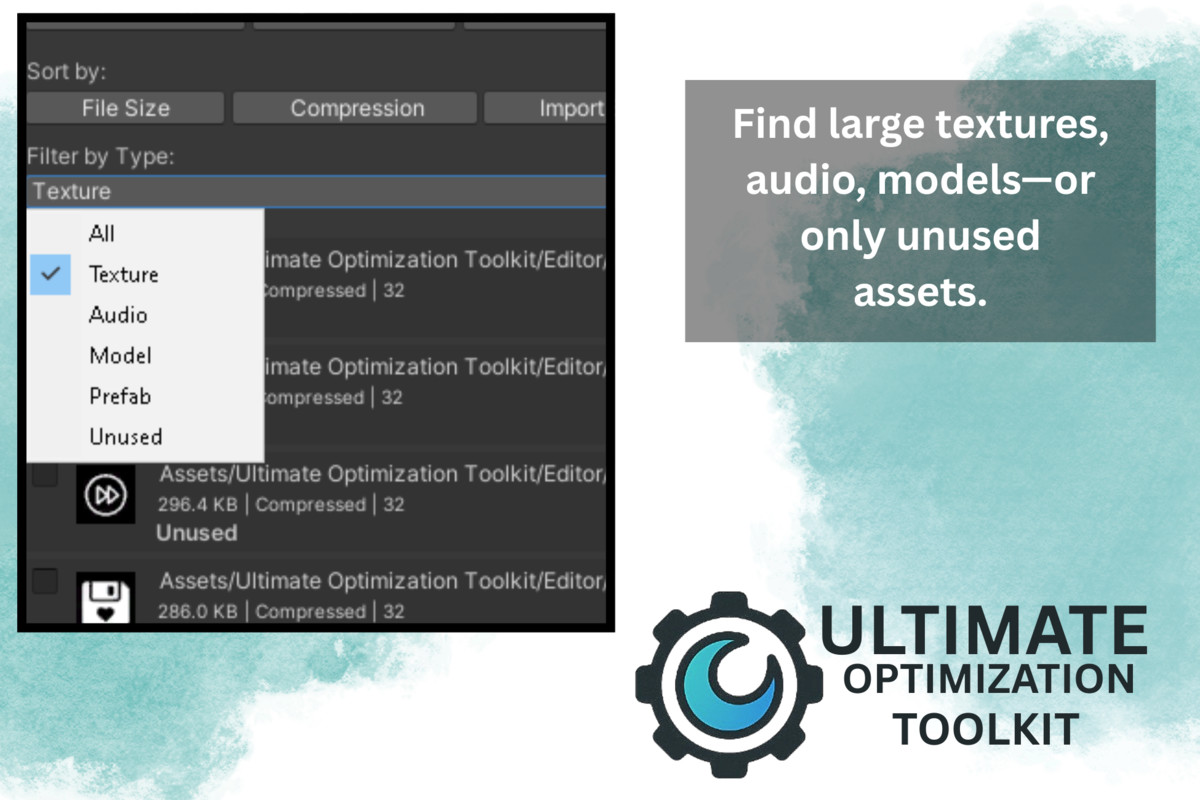
Spot the Biggest Offenders with a built-in Bloat Analyzer that scans textures, models, audio, prefabs, and more—surfacing file sizes, compression settings, and unused assets in an easy-to-navigate list.
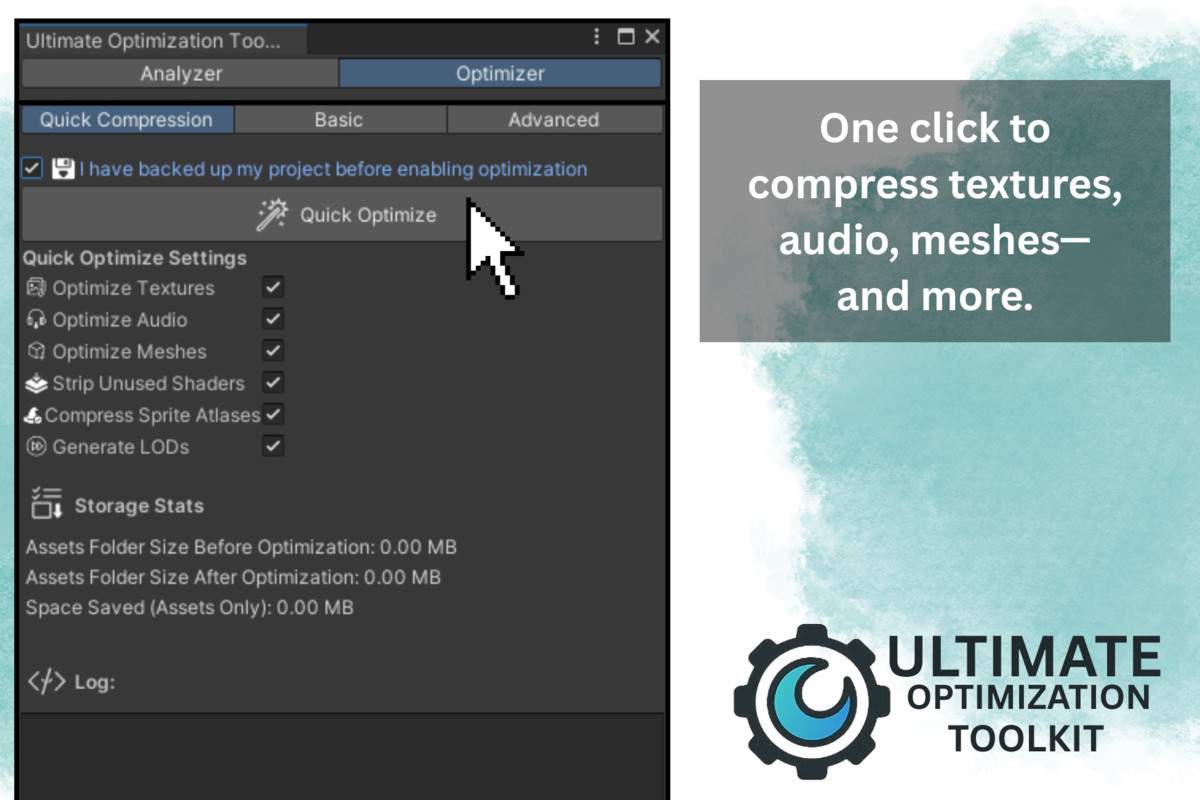
Compress with Confidence using one-click texture, audio, mesh, and sprite atlas optimizers. Choose from platform-specific presets or dial in your own.
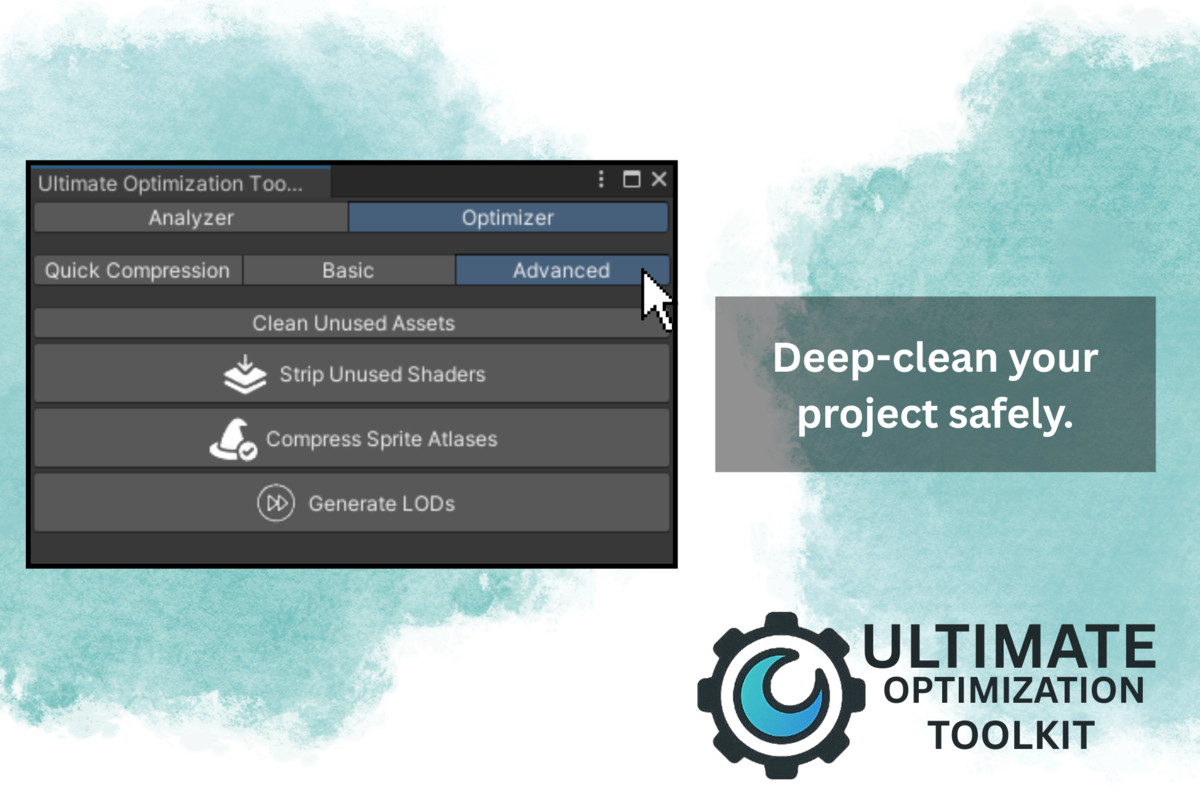
Automate Cleanup by stripping unused shaders, generating basic LODs for models, and purging orphaned assets you never reference.
Compare & Report storage stats before and after optimization, then export detailed CSV/HTML reports or build-size summaries to share with your team.
Designed for Unity 2020.3+ (Built-in, URP, HDRP), UOT slots seamlessly into your workflow—run individual steps in the Basic and Advanced tabs, or blitz your entire project with a single Quick-Optimize pass.
Key Benefits: - Dramatically reduce build size and memory footprint
- Accelerate iteration times with faster imports and loads
- Maintain a tidy project folder, free of dead files
- Gain insight into where your biggest savings lie
Features at a Glance: - Bloat Analyzer: Sort-and-filter by size, type, or unused status
- Quick-Optimize: Run all compression and cleanup steps automatically
- Basic Mode: Compress textures, audio, meshes, or generate reports one at a time
- Advanced Mode: Clean unused assets, strip shaders, compress atlases, create LODs
- Preset Manager: (Optional) Save and load your custom compression profiles
- Exportable Reports: CSV/HTML build-size and asset-breakdown
- System Requirements:
Unity 2020.3 or later
Windows or macOS Editor
From the publisher's Asset Store listing.
Technical details
Bloat Analyzer
- Scans all “Assets/” files (textures, models, audio, prefabs, etc.)
- Shows file size, compression settings, import settings, and unused status
- Sort and filter by size, type, compression, or unused
Quick-Optimize
One-click run of all enabled steps: texture/audio/mesh compression, shader stripping, sprite-atlas compression, LOD generation
Backup reminder before applying permanent changes
Basic Mode
Individual buttons for:
- Compress Textures
- Compress Audio
- Optimize Meshes
- Generate Build-Size Report
- Advanced Mode
- Remove unused assets safely
- Strip unused shader variants
- Compress Sprite Atlases
- Generate basic LOD import settings
- Storage Stats & Reporting
- Calculates Assets folder size before/after optimization
- Logs detailed operations in-Editor
- Export CSV/HTML bloat reports and build-size summaries
- Custom Presets (extendable)
- ScriptableObject-based profiles for platform-specific compression settings
- Editor IntegrationSingle unified “Ultimate Optimization Toolkit” window under Tools/ menu
Supported OS
- Windows (Unity Editor 2020.3+)
- macOS (Unity Editor 2020.3+)
Compatibility
| Unity version | Built-in | URP | HDRP |
|---|---|---|---|
| 2022.3.35f1 | Compatible | Compatible | Compatible |
As listed on the Asset Store.