
 View on Asset Store (opens in new tab)
Package details
- Latest version
- 2.0
- Last updated
- First released
- Unity version
- 2021.3.45 or later
- Package size
- 38.7 MB
- Files
- 164
- Favorites
- 10
- Views in the past week
- 39
Price tracking
- Last checked
- Tracked since
- Lowest recorded
- $9.00 on
Keywords
Stylized Terrain Studio
- Price drop
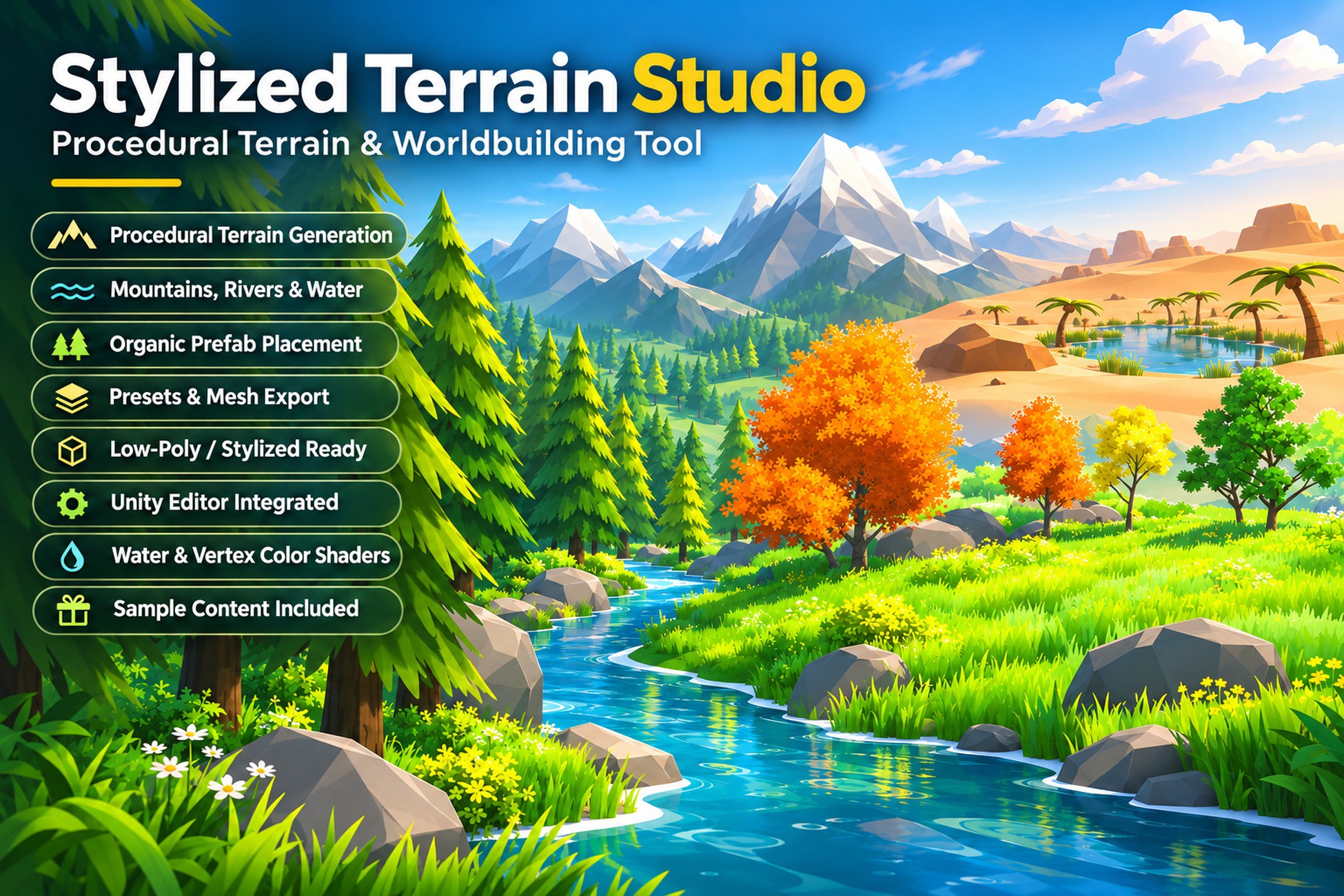
Easily generate customizable, game-ready terrains with mountains, water planes, rivers and prefab placement. Perfect for prototyping or building low poly, stylized and realistic environments.
Lowest recorded price
Get 50% off on Asset Store (opens in new tab)Affiliate link · Purchases support this site
Price history
Last 6 months
USDAsset preview
1 / 12
Stylized Terrain Studio screenshot 1


About this asset
🌍 Procedural Terrain Generator by MysticForge
MysticForge is dedicated to creating powerful, intuitive tools and asset packs tailored for stylized and low-poly game development. With a focus on modularity and in-editor customization, our tools are designed to help developers prototype, build, and ship faster — without needing external 3D software.
This package includes a few low-poly and stylized prefab samples from our other MysticForge assets, such as:
🌳 Procedural Tree Generator by MysticForge
The Procedural Tree Generator lets you create fully customizable trees within seconds.
Quickly create customizable low-poly meshes right inside Unity — great for props, trees, rocks, and background elements.
A collection of game-ready nature assets perfect for stylized environments — forests, fantasy worlds, or vibrant open landscapes.
🖼️ Fantasy Skybox by MysticForge
Easily create unique fantasy atmospheres to enhance any Unity project with vibrant, game-ready skyboxes.
These included samples give you a head start when generating terrains. If you need a broader set of assets to fill your world, be sure to explore the full
Procedural Terrain Generator by MysticForge is a flexible, editor-integrated tool for creating low-poly and stylized terrains directly inside Unity — no modeling software required.
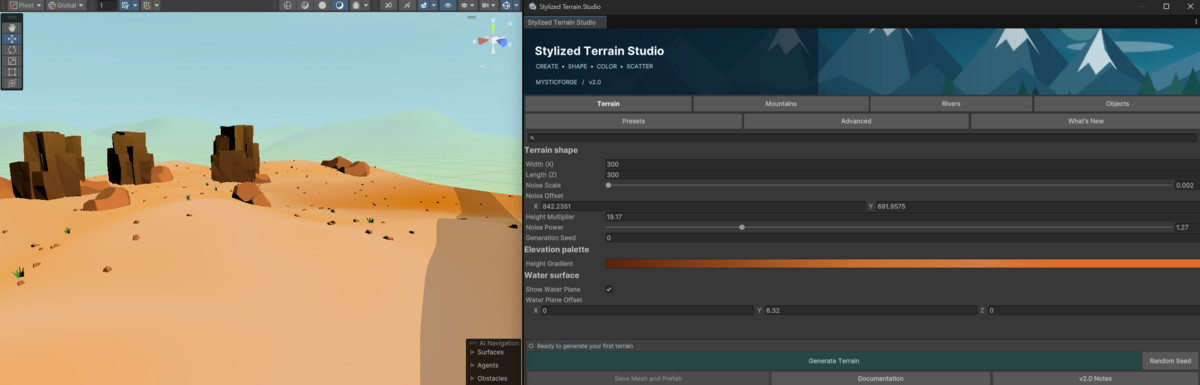
With intuitive sliders and real-time generation, you can control polygon density, noise shape, height, and more. Whether you’re prototyping or building final scenes, you’ll be able to quickly iterate and save terrains as mesh assets or optimized prefabs.
🧱 The tool includes a prefab placement system tailored for natural, organic environments — perfect for open worlds, fantasy landscapes, or survival games. It’s not designed for grid-based precision like city builders, but it excels at creating varied, randomized outdoor worlds.
🎮 Ideal for:
- Stylized RPGs
- Survival & exploration games
- Open-world or sandbox projects
- Prototypes that need rapid terrain iteration
From the publisher's Asset Store listing.
Technical details
🔹 Procedural Terrain Generation
- Customizable terrain size, resolution, and noise-based heightmap
- Fine-tune with noise scale, power, height multiplier, and offset
- Gradient-based terrain coloring for stylized visuals
🏔 Mountain System
- Place procedural mountains with adjustable radius, peak height, falloff, and blend strength
- Customize mountain colors with dedicated gradient blending
🌊 Water & River Support
- Optional water plane with offset controls
- Procedural river generator with curve noise, depth, width, and start/end positions
🌲 Prefab Placement System
- Place GameObjects based on terrain gradient (vertex color based placement)
- Set thresholds, max instances, size range, and mountain inclusion per prefab
- Randomized scatter placement for natural distribution
💾 Preset System
- Save and load terrain generation presets as assets
- Includes UI for managing and previewing presets
- Comes with 3 initial presets
🧱 Mesh Output & Optimization
- Save generated terrains as reusable mesh + prefab inside the project folder
- Supports flat shading toggle and resolution steps (poly optimization)
- Optional triangle view for debugging or stylized wireframe
- GPU Instancing compatible for prefabs with shared materials
- Optional static batching toggle during prefab export (ideal for environment props)
🎮 Editor Integration
- Fully integrated Unity Editor window
- All features adjustable in real-time — no playmode required
- One-click terrain generation and asset saving
🌊 Water Shader (URP + Simple version for Built-In)
• Adjustable depth color, refraction, foam, and more (URP only)
• Comes with a matching water plane prefab
Vertex color shader
- Includes a vertex color based shader for URP, HDRP and In-Build to get you started
- Can be replaced with your own vertex shaders or adjusted to your needs
Prefabs
- Includes 30 prefabs (Grass, Trees, Rocks, Plants) to provide a solid starting ground
- Low Poly and Stylized prefabs
- Prefabs use Unitys provided standard materials. Prefabs shown in the Video and Screenshots may vary and can be found within other assets by MysticForge as mentioned above.
Compatibility
| Unity version | Built-in | URP | HDRP |
|---|---|---|---|
| 6000.0.32f1 | Compatible | Compatible | Compatible |
| 2021.3.45f1 | Compatible | Compatible | Compatible |
- Includes terrain shaders for URP,HDRP & Built-In RP
- Included water shaders for URP & Built-In RP
- URP Water Shader needs Depth & Opaque Texture enabled
- Materials can be overridden via editor (input fields), folder replacement, or script edits (further explained in the documentation)
As listed on the Asset Store.