
 View on Asset Store (opens in new tab)
Package details
- Latest version
- 1.7.3
- Last updated
- First released
- Unity version
- 6000.6.8 or later
- Package size
- 104.7 MB
- Files
- 297
- Favorites
- 376
- Views in the past week
- 120
Price tracking
- Last checked
- Tracked since
- Lowest recorded
- $10.50 on
Keywords

Cutscene Engine
The all-in-one solution for creating high-quality cinematics in Unity. Bring your story to life with intuitive timeline features.
Affiliate link · Purchases support this site
Price history
Last 6 months
USDAsset preview
1 / 17
Cutscene Engine screenshot 1

About this asset
🎬 It's time to bring your game to life.
Are you tired of juggling countless assets and scattered scripts just to create the perfect cutscene? Cutscene Engine was created to solve that problem.
Introducing the all-in-one, intuitive, and powerful cinematic toolkit that goes beyond Unity's default timeline features, packing everything you need to create breathtaking cutscenes into a single package.
___________________________________________________________________
If you have any questions or encounter any problems while using Cutscene Engine, please feel free to email us at [email protected]
✨ Unlock Infinite Creative Possibilities
With Cutscene Engine, you can effortlessly implement professional-level cinematics without complex coding.
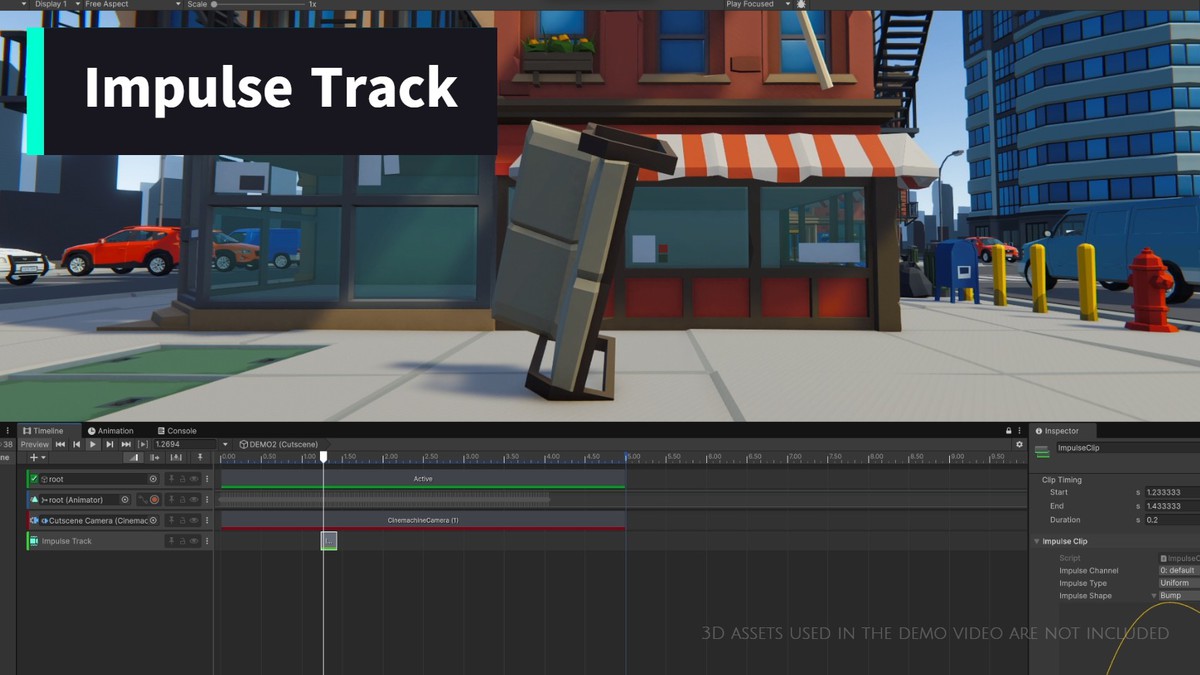
- Pro-Level Camera Work: Add powerful camera shake effects with the Impulse Track, which is fully compatible with Cinemachine, and create cinematic transitions by smoothly fading between two camera views with the Camera Overlap Track.
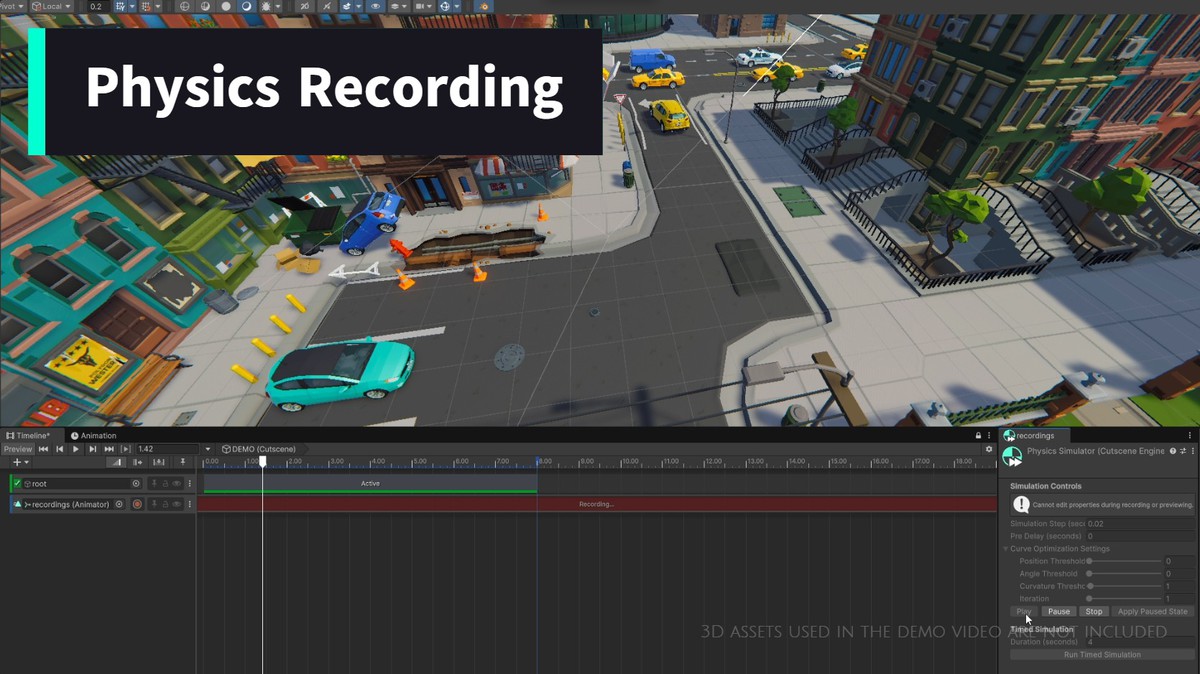
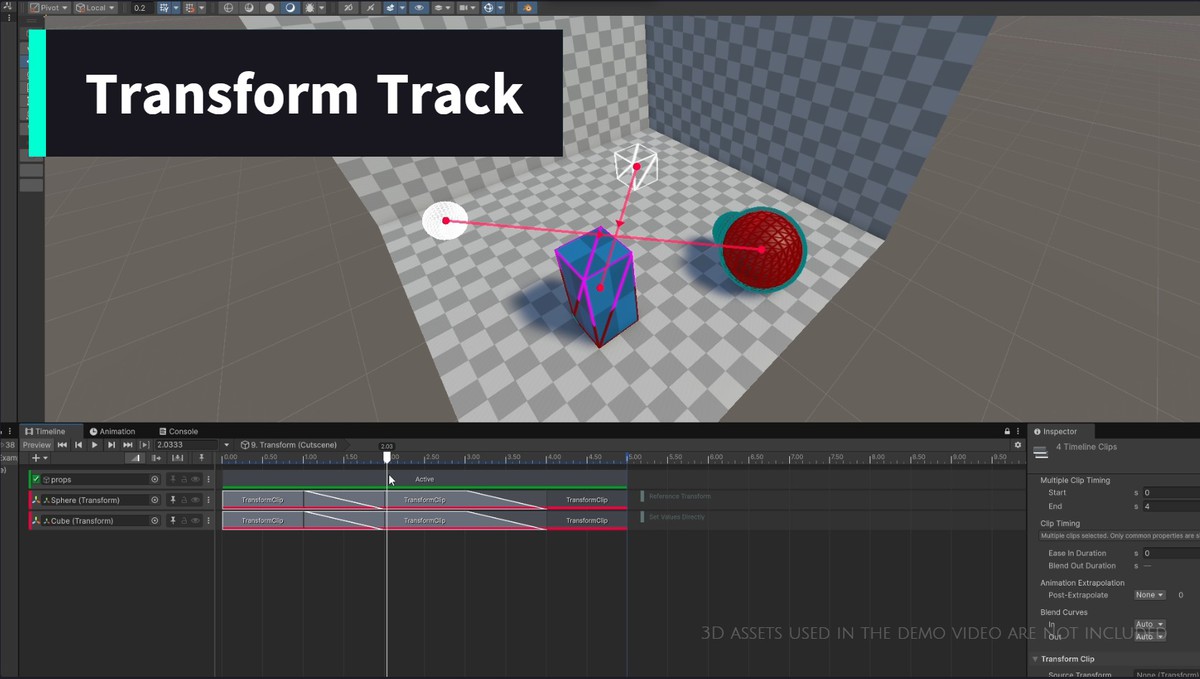
- Living, Breathing Objects: Intuitively control an object's position, rotation, and scale on the timeline with the Transform Track. Run physics simulations directly in the editor and instantly record the results to your timeline with the Physics Simulator. No more hitting "Play" and waiting to see what happens!
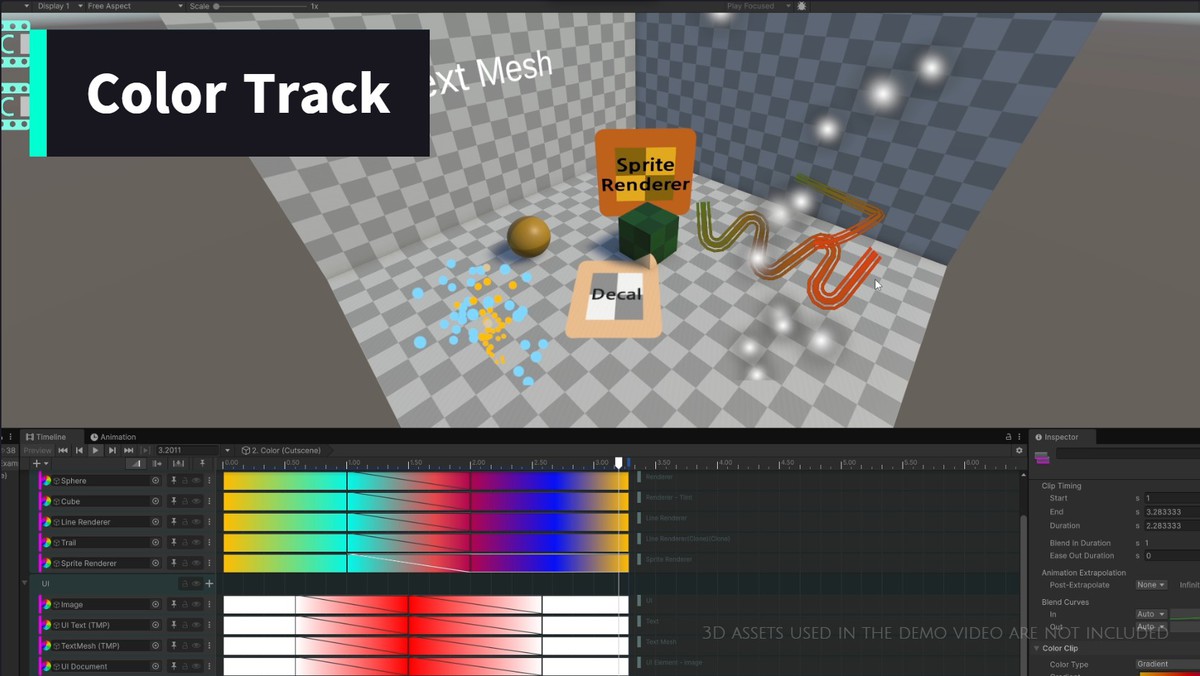
- Master the Mood with Light & Color: Animate the color of almost any object, from materials to UI, with the Color Track. Take detailed control of your lighting with the Light Track, animating color, intensity, and range, and even simulating effects like the flicker of an old lightbulb or a campfire.
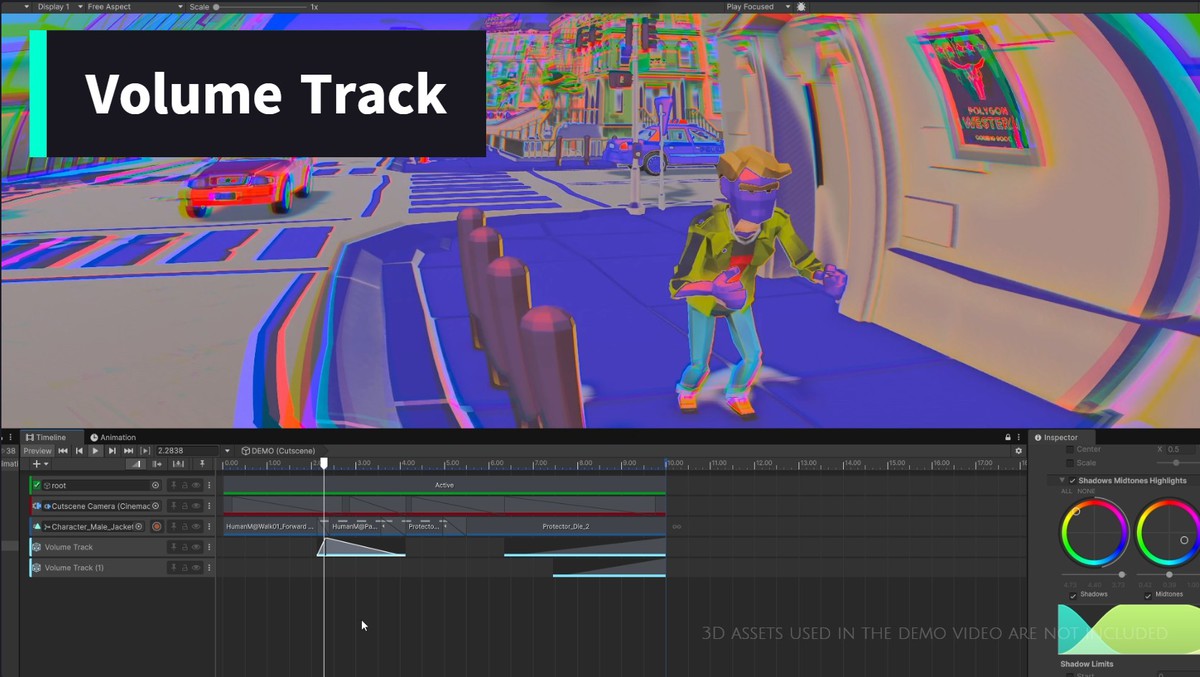
- Eye-Catching Visual Effects: Dramatically alter the mood of your cutscene by controlling post-processing effects directly on the timeline with the Volume Track. Go beyond simple fullscreen playback with the Video Play Track, which allows you to output video to a RenderTexture for limitless expressions, like creating in-game TV or monitor screens.
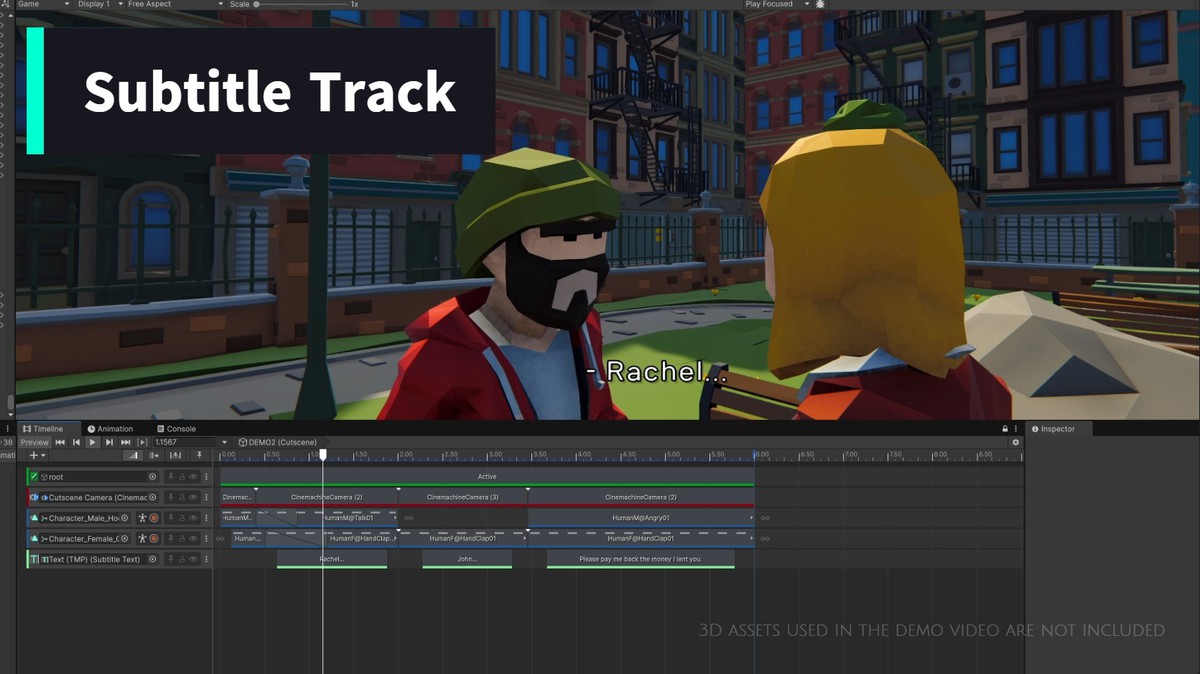
- Powerful Core Features, Enhanced: Take control of your particles with the Particle Track, which provides accurate simulation even outside the clip's duration, overcoming the limitations of Unity's default Control Track. Effortlessly build a multilingual subtitle system with the Subtitle Track, which supports integration with Unity's Localization package.
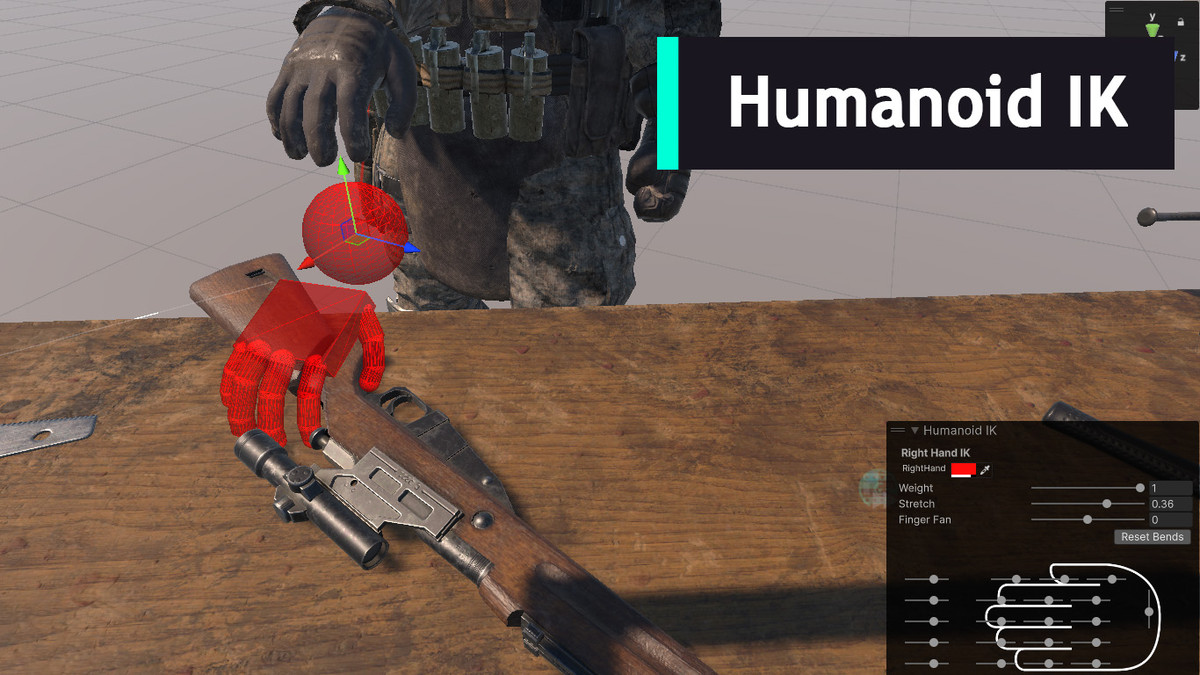
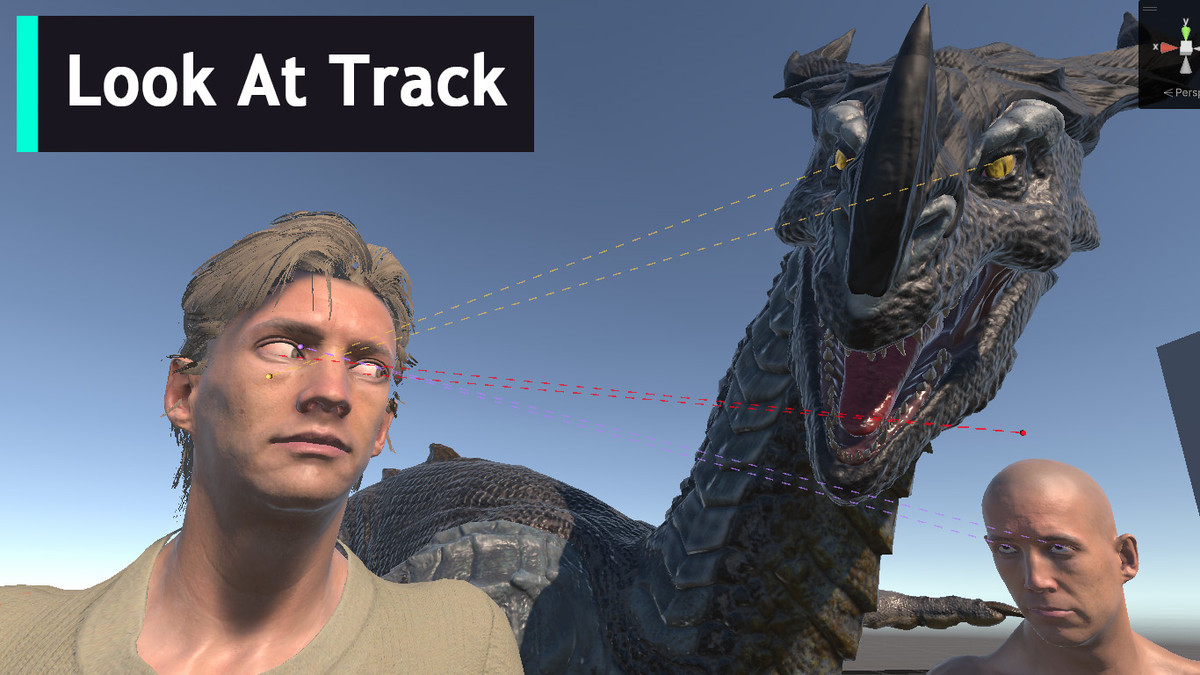
- Lifelike Character Performance: Bring your characters to life with full control over poses and expressions directly on the timeline. Precisely position hands, feet, and elbow/knee bend goals with the Humanoid IK Track, complete with intuitive scene-view handles and detailed toe posing. Direct your character's focus with the Look At Track, featuring natural spine curvature, customizable rotation limits, automatic blinking, and gaze-synced eyelid animations for truly organic performances.
- Production support using AI agents: Endpoints are provided to process the content of each clip and generate video previews, allowing the agents to visually verify the material.
___________________________________________________________________
🚀 Flexible for Any Project
Cutscene Engine is not limited to a specific genre. Whether you're creating a grand narrative for an RPG, a dynamic sequence for an action game, or a subtle dialogue scene for a narrative adventure, this powerful toolkit gives you the flexibility to bring any cinematic vision to life. Elevate your project's quality today with Cutscene Engine!
🤖AI-Friendly
Each feature of Cutscene Engine is efficiently documented by dividing them into md files, with concise entry points provided for each document. Thanks to this, when developing with AI agents such as Codex or Claude Code, it is optimized to allow the agent to explore necessary features token- and time-efficiently.
From the publisher's Asset Store listing.
Technical details
Compatibility
- Unity 2022 LTS +
- Unity 6000 +
- Unity 6000.1 +
- Unity 6000.2 +
- Unity 6000.3 LTS +
- Unity 6000.4 +
- Unity 6000.5 +
- Unity 6000.6 +
- Supports Built-in Render Pipeline, URP, and HDRP. (Note: Some tracks are SRP-specific).
Requirements
- Timeline
- Cinemachine (Optional)
🎬 Powerful Timeline Tracks
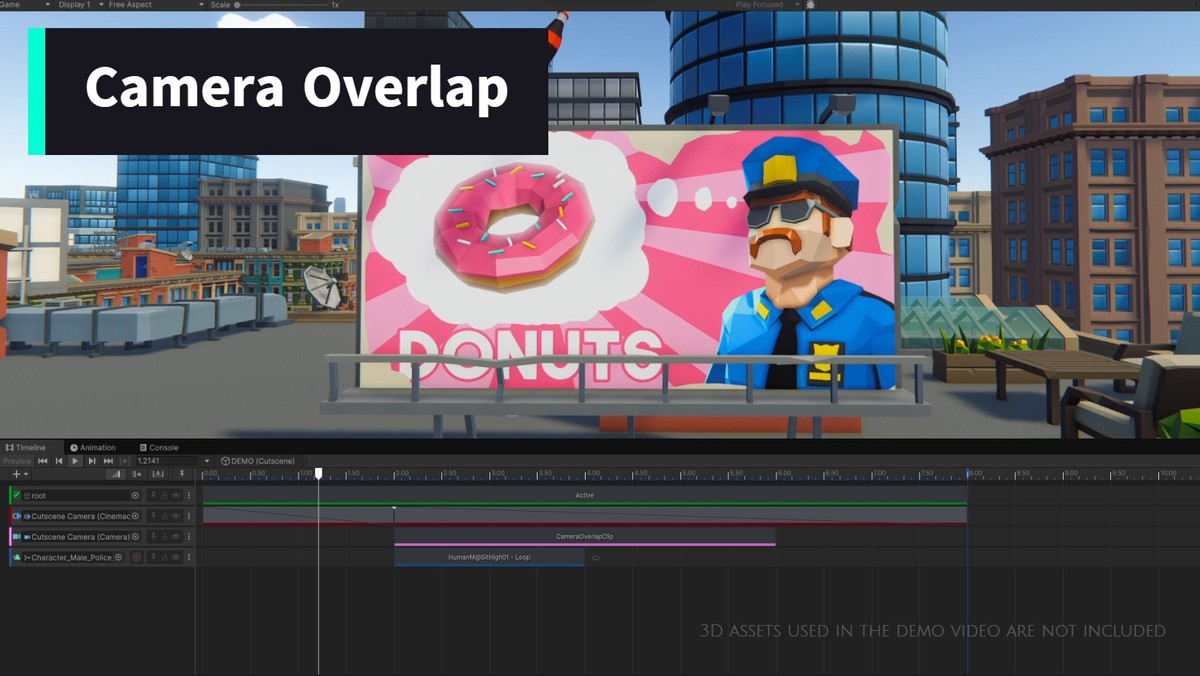
- Camera Overlap: Implements fade effects by overlapping two or more cameras.
- Color: Changes the color of almost any object except lights (e.g., MeshRenderers, Particles, UI, TMP).
- Impulse: Use Cinemachine's Impulse feature directly on the timeline to create camera shake effects. (Requires Cinemachine package)
- Light: Control various light properties like color, intensity, and range, and add extra features like flickering effects.
- Light2D: All the features you use in the Light track are available to Light2D in the same way.
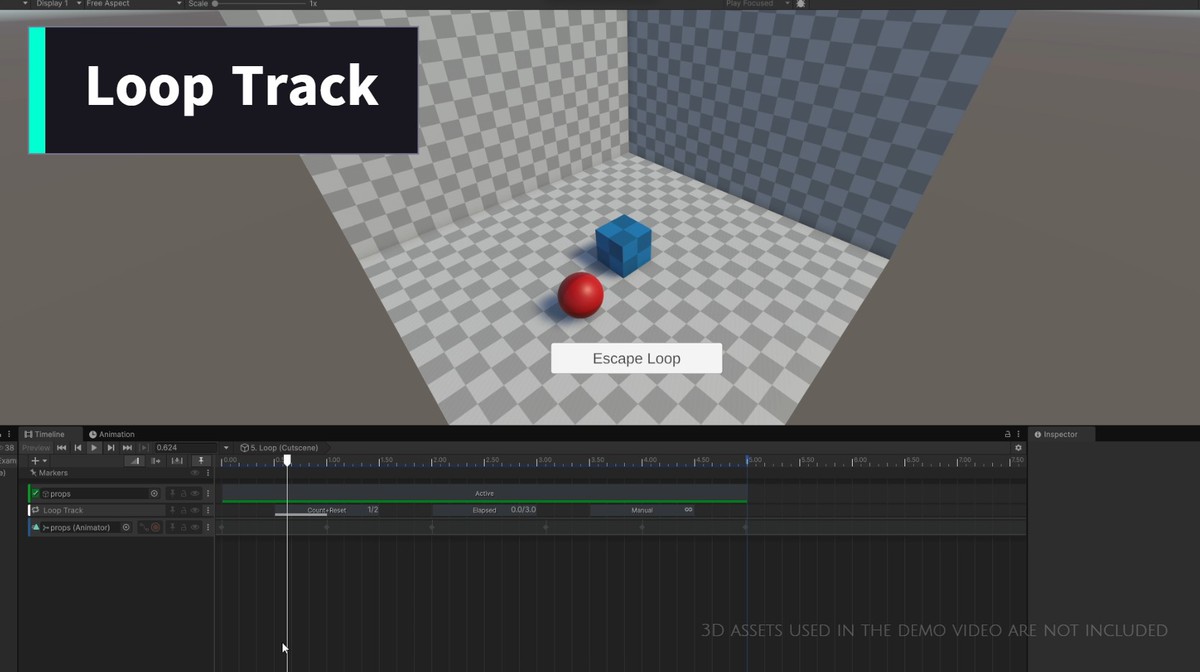
- Loop: Repeats a specified clip section for a set number of times, a duration, or until manually triggered.
- Particle: An improved track that supports accurate particle simulation beyond the clip's range, unlike Unity's default.
- Subtitle: Displays text on-screen using the SubtitleText component and supports Unity's Localization package.
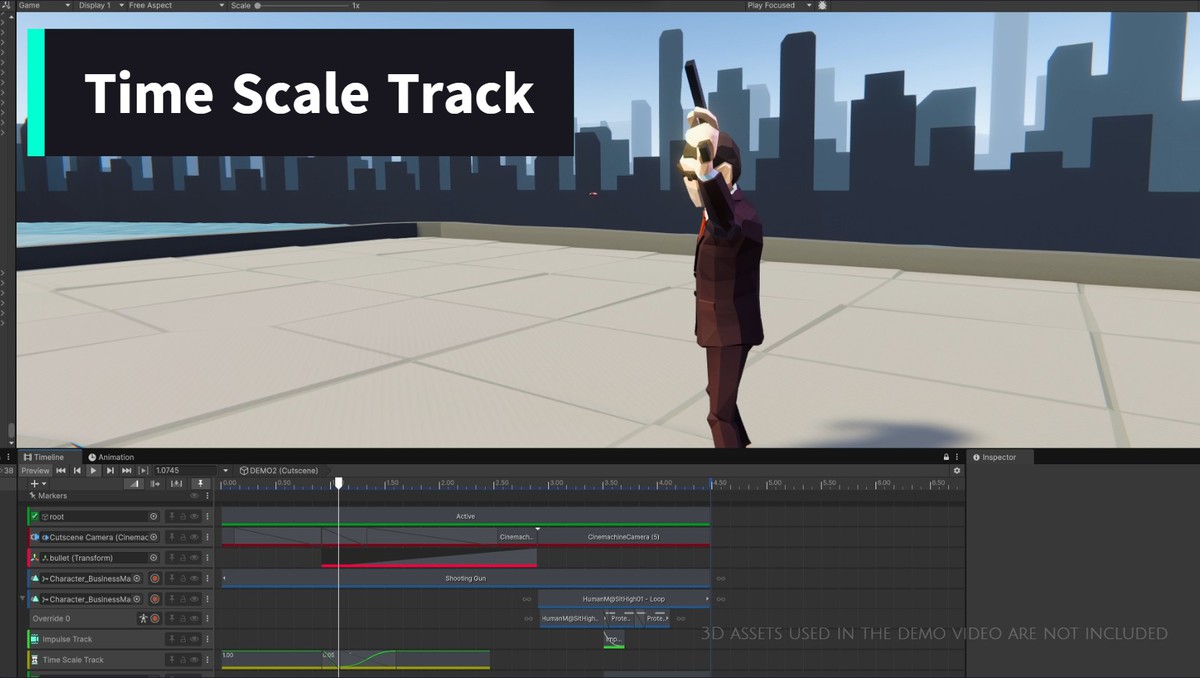
- Time Scale: Controls Time.timeScale to create slow-motion or fast-motion effects.
- Transform: Intuitively control and smoothly blend an object's position, rotation, and scale using a clip-based workflow.
- Video Play: Plays video clips. Supports output to Fullscreen, Background, and even RenderTexture for advanced effects.
- Volume: Controls and blends post-processing effects using the Volume component in URP/HDRP directly on the timeline. And you can also use the PostProcessingProfile in BiRP.
🔧 Core Components
- Cutscene: The core component for managing overall playback, stopping, and callbacks for your cutscene.
- Subtitle Text: A flexible component for displaying subtitles. It supports Legacy Text, TextMesh Pro, and UIElements, and provides various effects like Typing and Fading.
- Physics Simulator: Run physics simulations within the editor—without entering Play Mode—and record the results to an animation track.
- Force Settings: Defines the force and torque to be applied to Rigidbodies during a PhysicsSimulator simulation.
- Character Binding: Bind characters to animation tracks when cutscenes start.
- Cutscene Trigger: Triggers a cutscene when a collider collides with it, or in event callbacks like Awake, Start, OnEnable, OnDisable, OnDestroy, etc.
✨ Workflow & Editor Enhancements
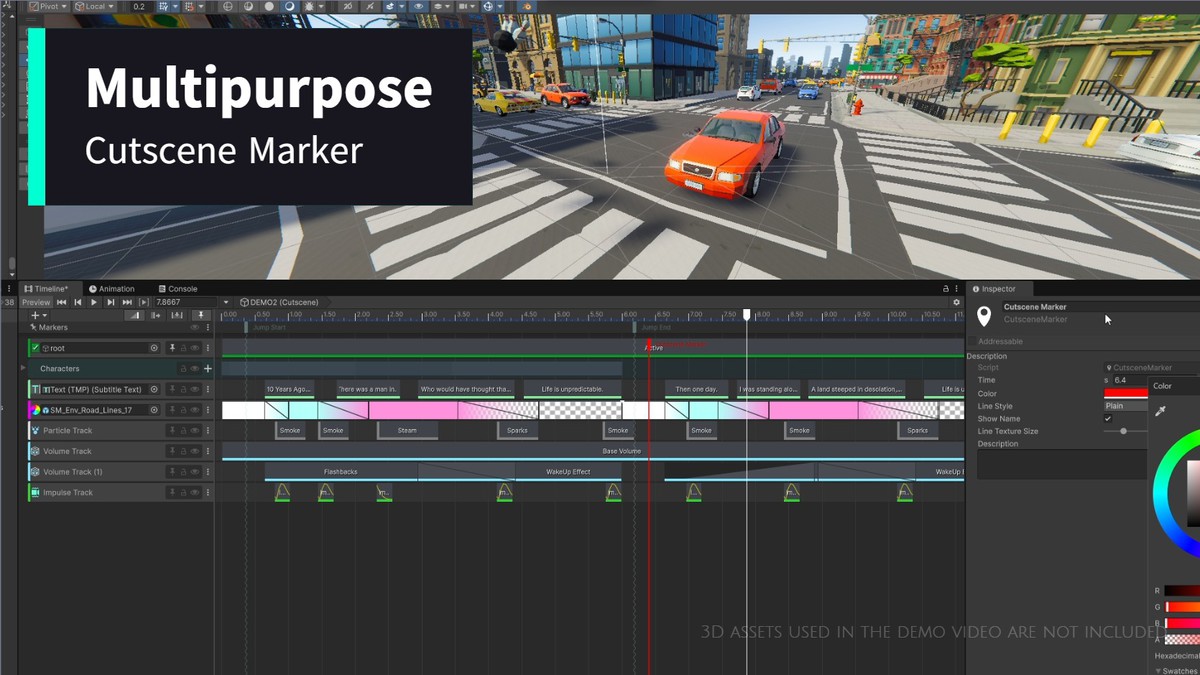
- Cutscene Marker: This is a versatile and multipurpose marker that can be used to create interactive events, such as moving to a different point in the timeline or ending a cutscene, or to add notes. It can also be used to change the start point of a cutscene based on different conditions. The possibilities are endless!
- Custom Dialogue Integration: Includes a utility to automatically generate SubtitleClips on a track from your own dialogue lists, including from third-party assets.
- Intuitive GUI: See the state of your clips at a glance; the timeline editor visually represents colors, intensity curves, text content, and more.
- Flexible API: Provides a rich API for advanced runtime control, allowing you to manage cutscenes, react to markers, and dynamically change track bindings via script.
Compatibility
| Unity version | Built-in | URP | HDRP | Custom |
|---|---|---|---|---|
| 6000.6.8f1 | Compatible | Compatible | Compatible | Compatible |
As listed on the Asset Store.