
 View on Asset Store (opens in new tab)
Package details
- Latest version
- 1.0
- Last updated
- First released
- Unity version
- 6000.0.24 or later
- Package size
- 244 KB
- Files
- 20
- Favorites
- 7
- Views in the past week
- 3
Price tracking
- Last checked
- Tracked since
- Lowest recorded
- Free on
Keywords

Asset Renamer Pro
- Price drop
AssetRenamer Pro is a powerful Unity plugin for bulk asset renaming with tokens, conflict checks, drag & drop, preview, and undo—perfect for organizing large projects fast.
Affiliate link · Purchases support this site
Price history
Last 6 months
USDAsset preview
1 / 7
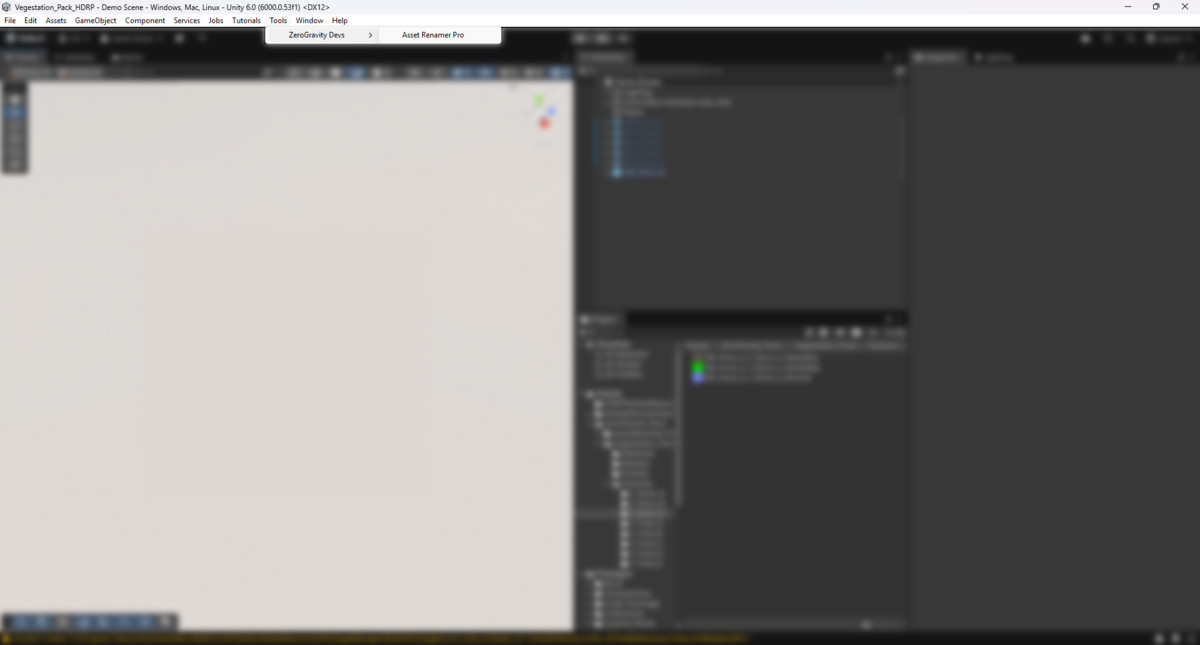
Asset Renamer Pro screenshot 1



About this asset
Asset Renamer Pro is a powerful Unity Editor extension built to save you time and bring order to even the most chaotic projects. Whether you’re a solo developer, a studio team, or an Asset Store publisher, this tool transforms the tedious process of renaming assets into a fast, reliable, and error-free workflow.
With Asset Renamer Pro, you can batch rename hundreds of assets in seconds while maintaining full control through live previews, conflict detection, and undo support. No more manual renaming or broken references—everything happens seamlessly inside the Unity Editor.
🔑 Key Features
- Smart Token System – Use dynamic tokens like {n} (auto numbering), {date} (current date), and {folder} (parent folder name) to build consistent naming patterns.
- Advanced Regex Support – Leverage regular expressions for powerful search-and-replace operations, from cleaning up messy imports to enforcing naming conventions.
- Real-Time Validation – Built-in checks prevent duplicate names, invalid characters, and Unity-reserved words before changes are applied.
- Animated Rename Preview – Instantly see how each asset will be renamed with clear visual highlights and smooth fade-in/out effects.
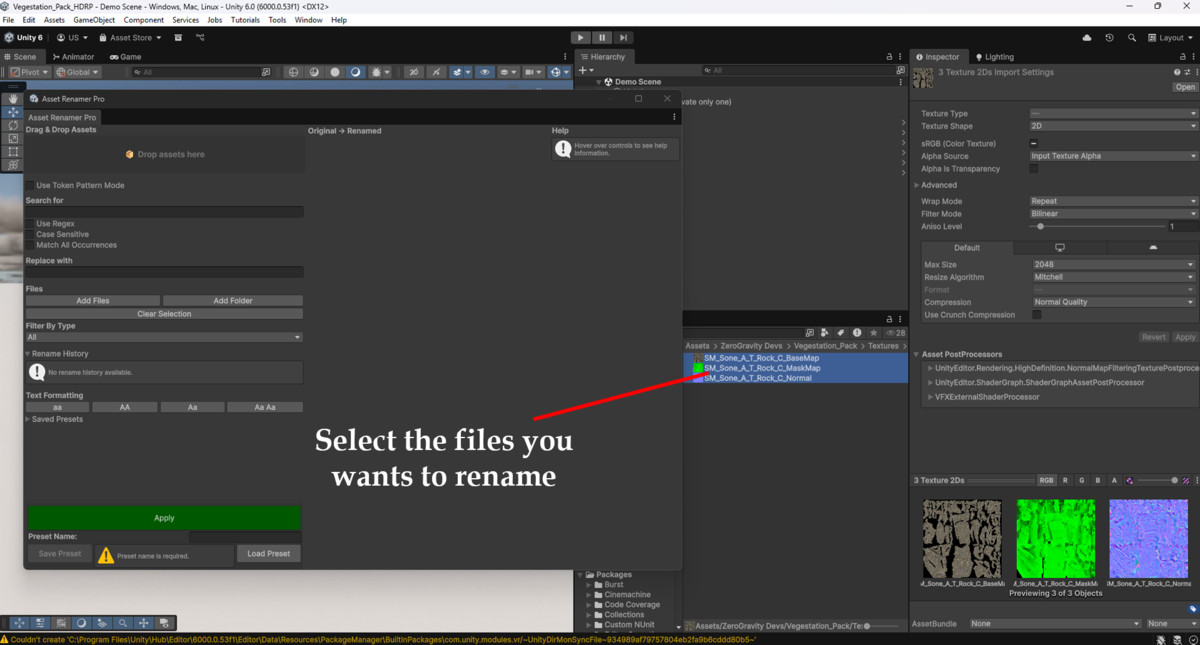
- Drag & Drop Workflow – Add individual assets or entire folders with a simple drag-and-drop interface.
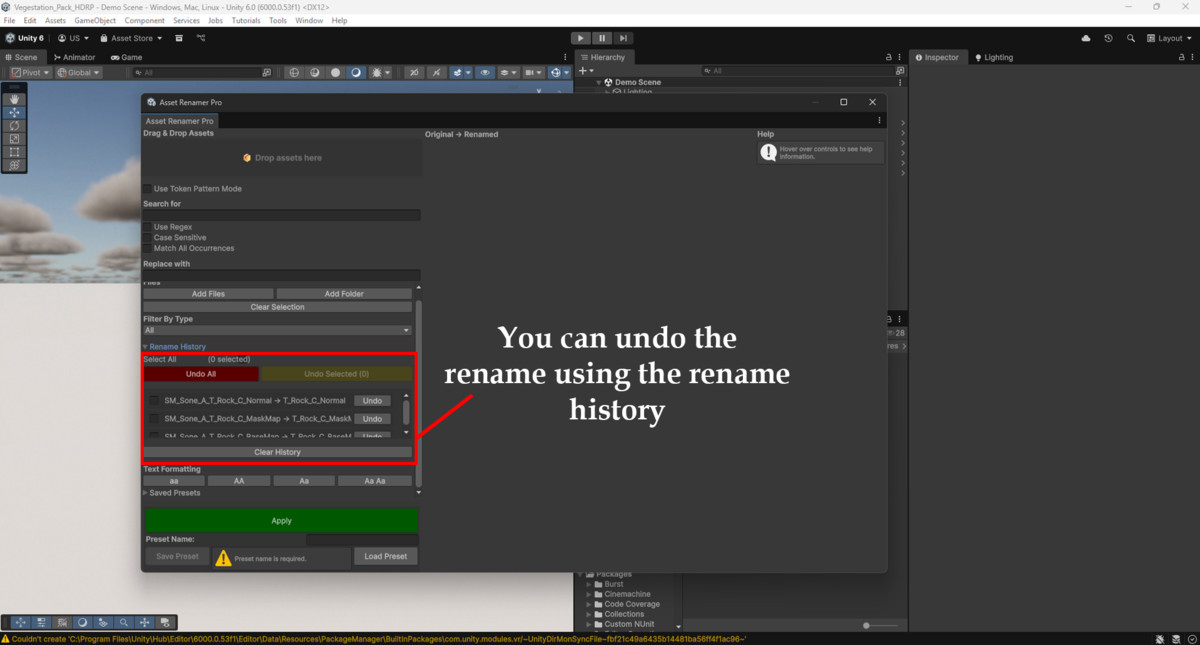
- Undo Rename History – Every operation is stored, allowing selective or bulk undo—even across Unity sessions.
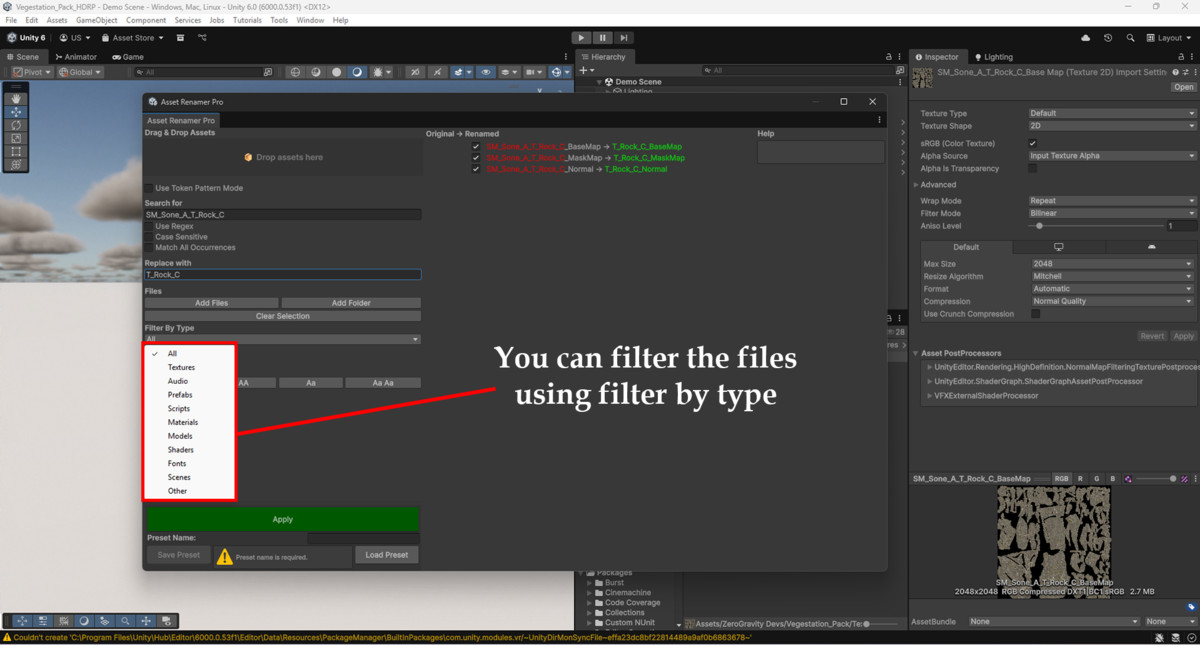
- File Type Filters – Focus on exactly what you need by filtering assets by type (Textures, Audio, Models, Prefabs, Scripts, Materials, and more).
- Preset Management – Save and reload frequently used rename patterns to standardize naming conventions across multiple projects.
💡 Why Choose Asset Renamer Pro?
- Efficiency at Scale – Handle hundreds of files at once without slowing down.
- Error Prevention – Avoid conflicts and broken references with smart validation.
- Consistency – Apply project-wide naming conventions effortlessly.
- Flexibility – Switch between simple search/replace, regex operations, or fully customized token-based renames.
- User-Friendly – Designed with a modern, responsive UI that’s easy to learn yet powerful for advanced users.
Whether you’re importing third-party assets, preparing a package for the Unity Asset Store, or just keeping your project folders tidy, Asset Renamer Pro gives you the tools to stay organized and productive.
Bring order to your workflow and make renaming a painless part of development—upgrade your project management today with Asset Renamer Pro.
From the publisher's Asset Store listing.
Technical details
- ✅ Unity Editor Extension (no runtime dependencies)
- ✅ Compatible with Unity 2020.3 LTS and above
- ✅ Works with URP, HDRP, and Built-in Pipeline
- ✅ Supports Windows, macOS, and Linux
- ✅ Clean C# source code included
- ✅ Modular architecture for easy integration
- ✅ Optimized for large projects with thousands of assets
Includes:
🔹 Full source code
🔹 Documentation
Compatibility
| Unity version | Built-in | URP | HDRP |
|---|---|---|---|
| 6000.0.24f1 | Compatible | Compatible | Compatible |
As listed on the Asset Store.