
 View on Asset Store (opens in new tab)
Package details
- Latest version
- 1.0
- Last updated
- First released
- Unity version
- 6000.2.0 or later
- Package size
- 64 KB
- Files
- 2
- Views in the past week
- 18
Price tracking
- Last checked
- Tracked since
- Lowest recorded
- $4.99 on
Keywords

Prefab Previewer (URP & Built in)
Preview prefabs instantly without dragging them into the scene. No setup, no clutter. Adjustable persistent lighting settings, orbit and height camera, PNG export. Supports Built-in and URP
Affiliate link · Purchases support this site
Price history
Last 6 months
USDAsset preview
1 / 11
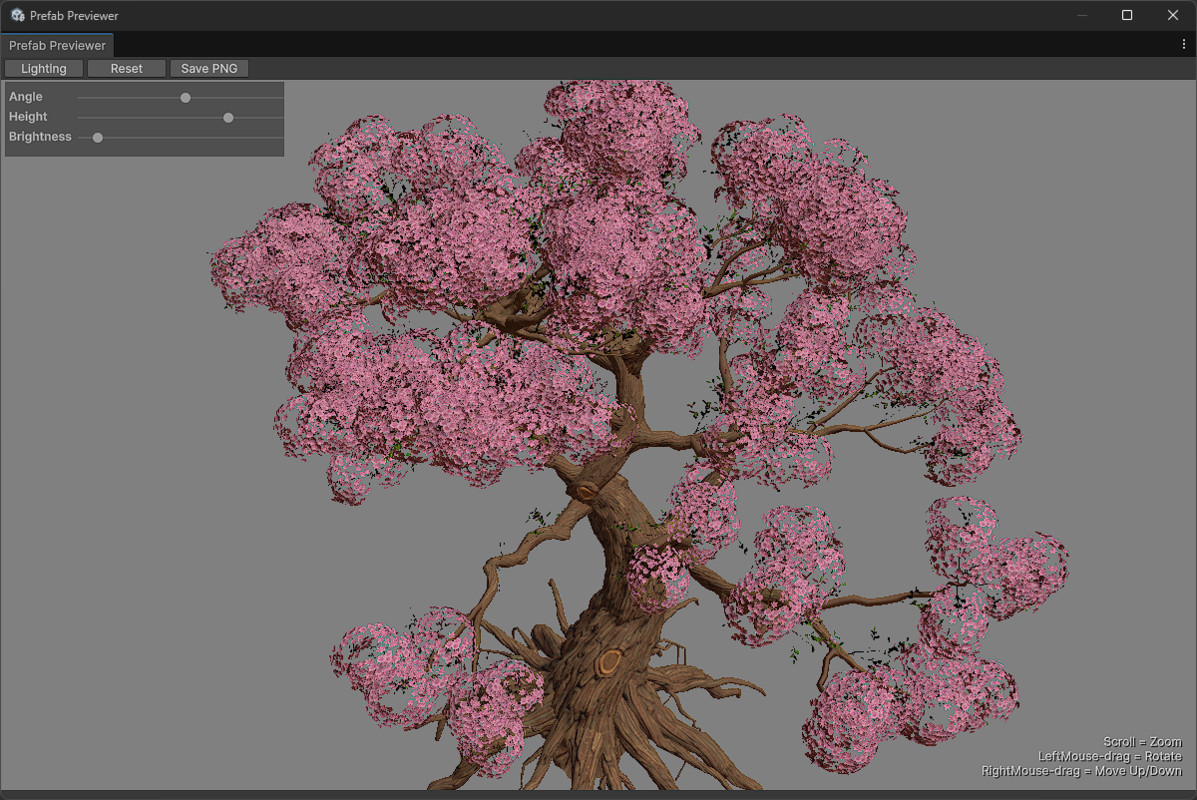
Prefab Previewer (URP & Built in) screenshot 1
About this asset
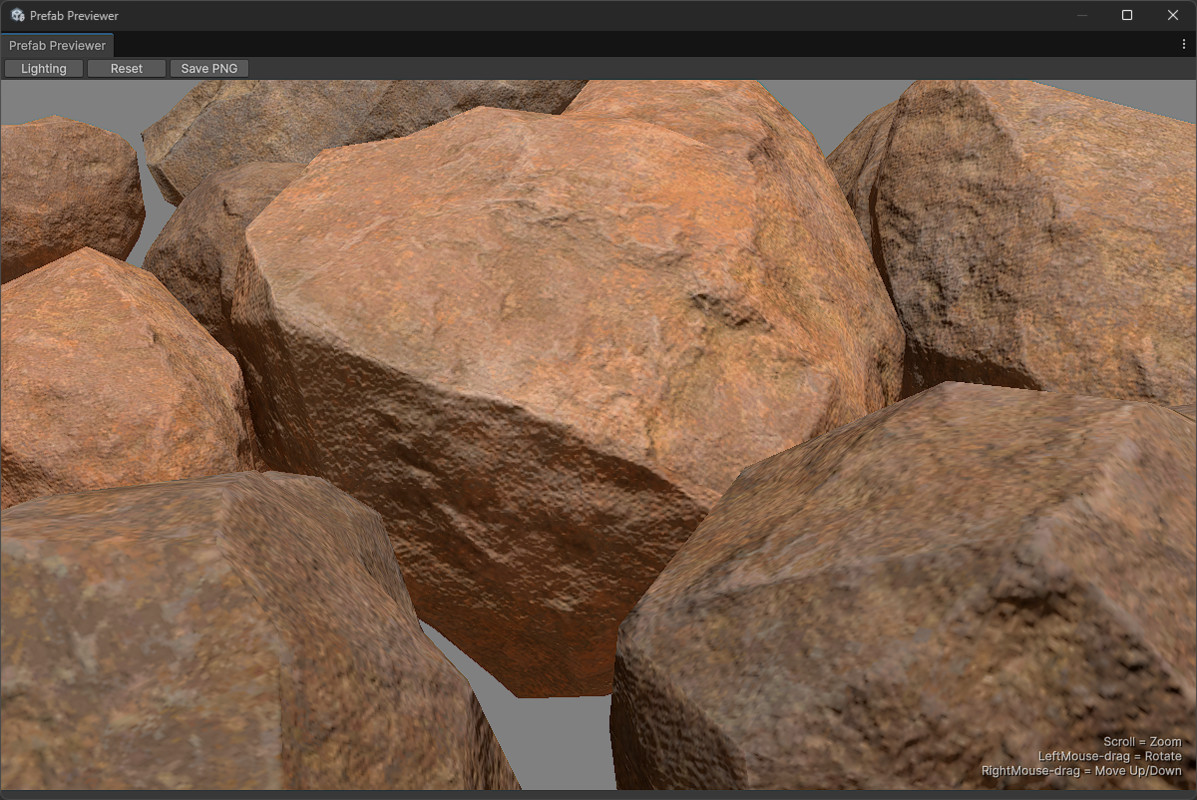
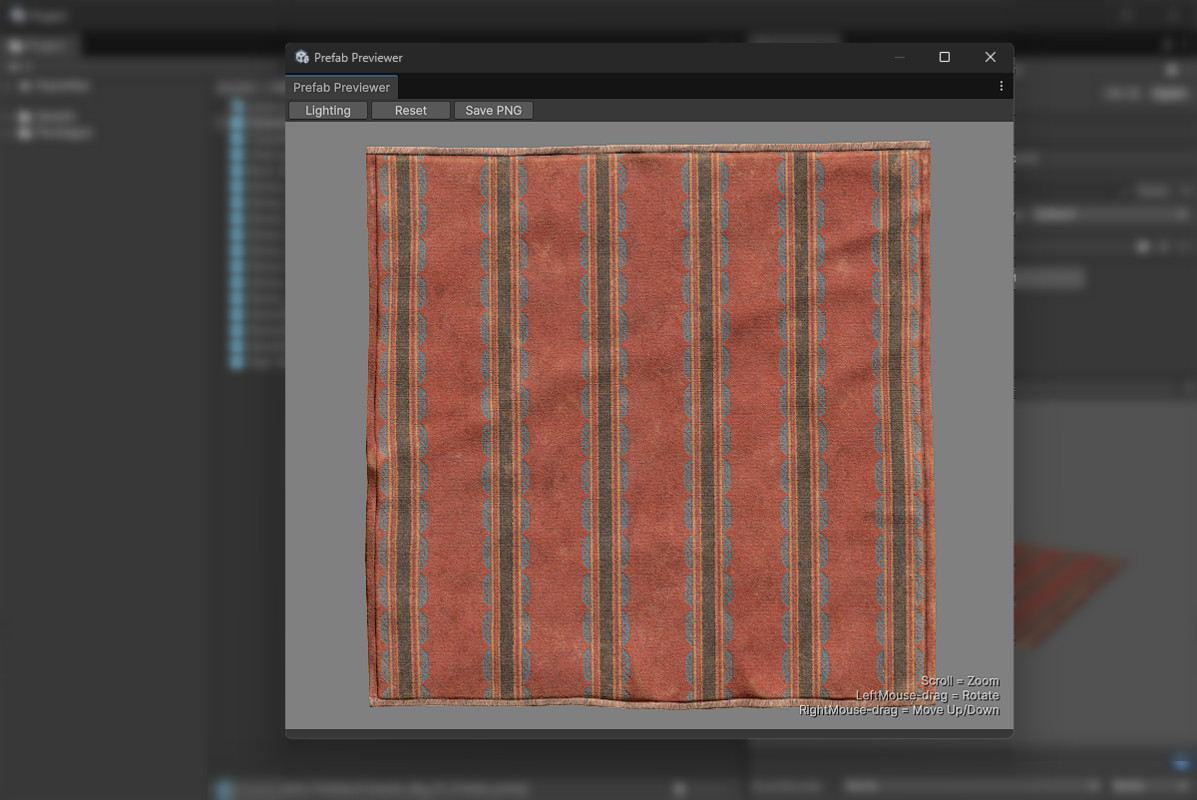
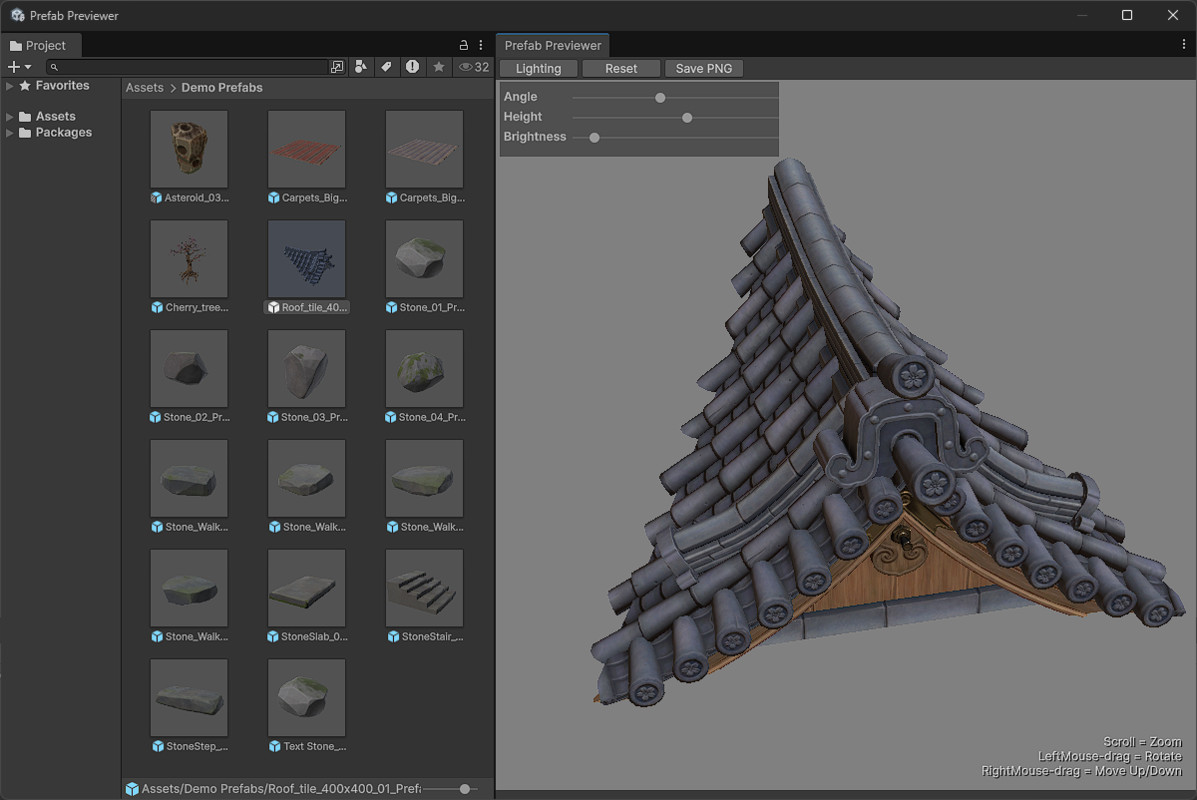
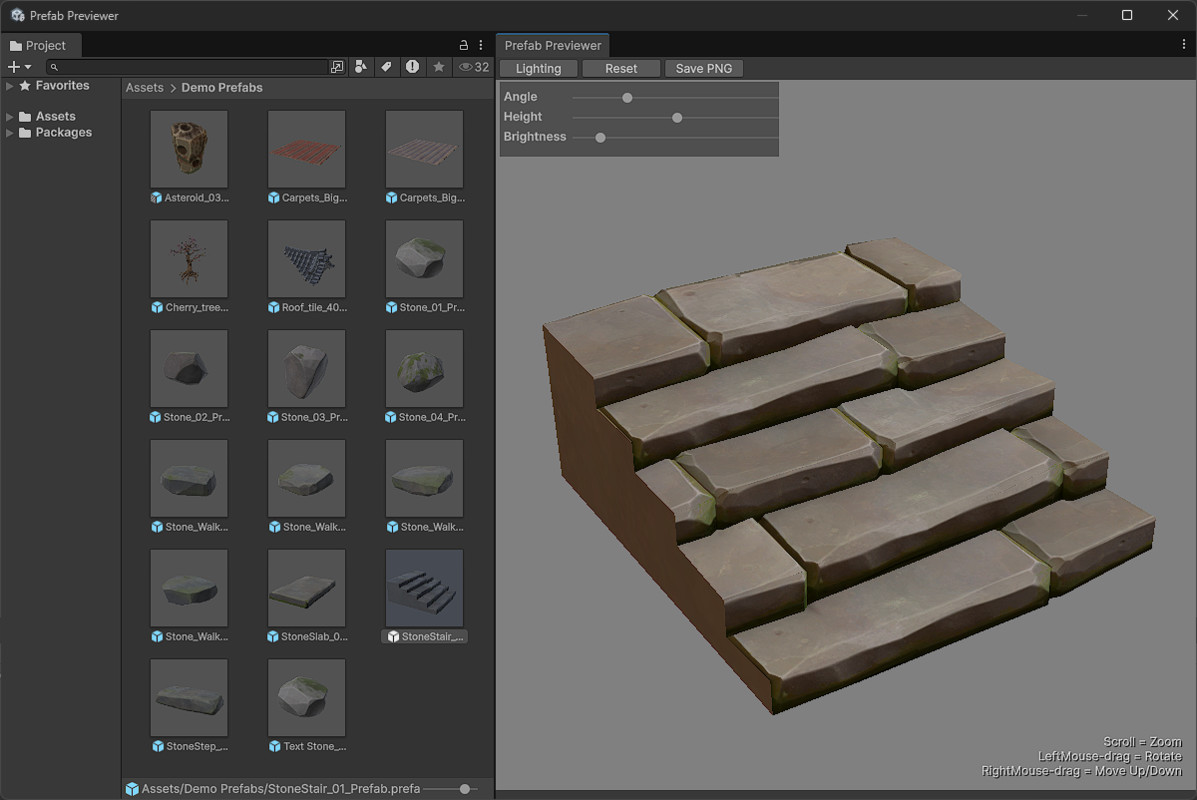
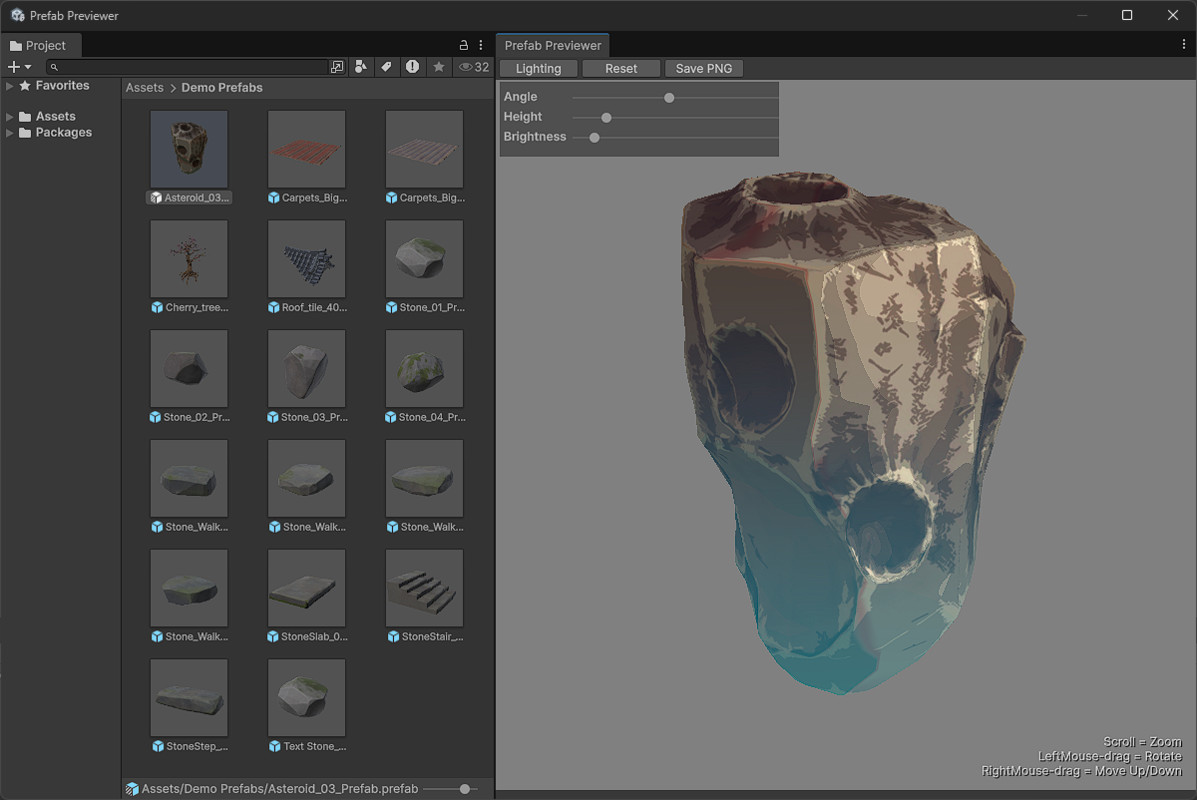
Preview your prefabs instantly inside the Unity Editor - no scene setup, no clutter.
Stop guessing what your prefabs look like!
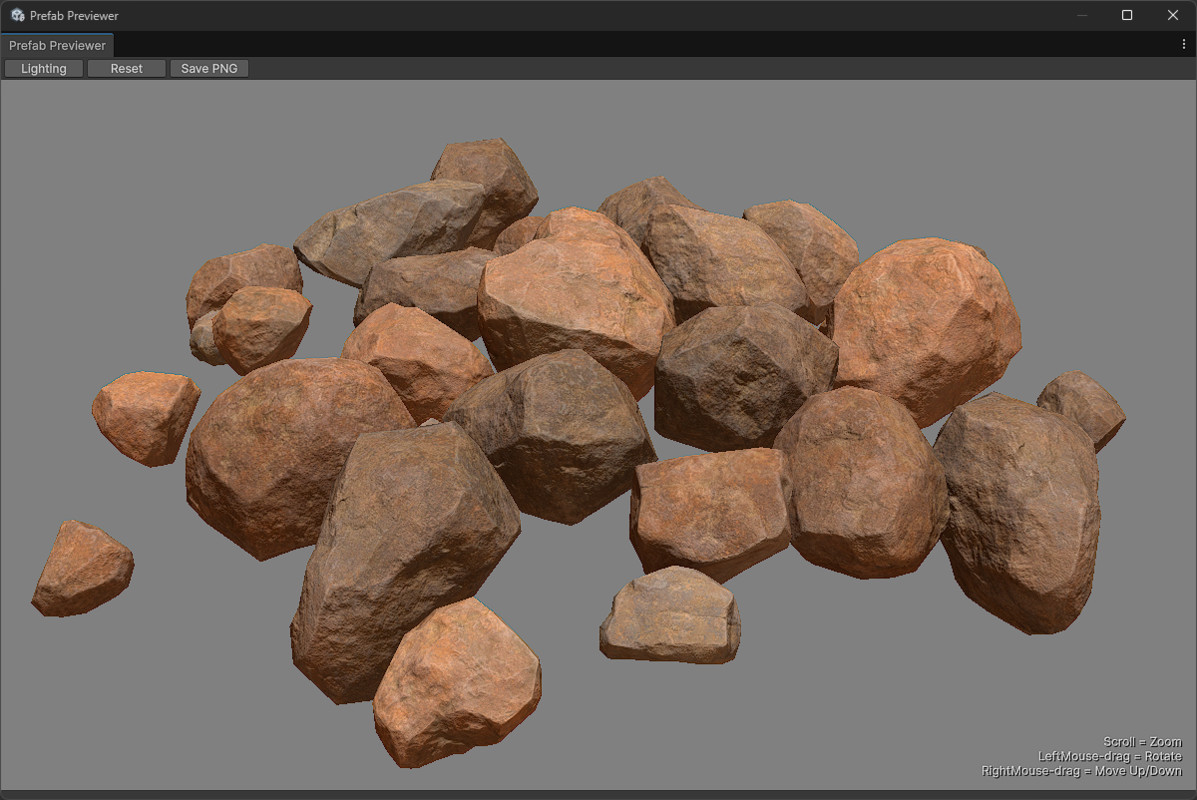
Unity’s default thumbnails and inspector previews don’t cut it. Prefab Previewer gives you a clean, full-size 3D preview inside the Editor, with orbit camera, lighting, and exporting PNGs.
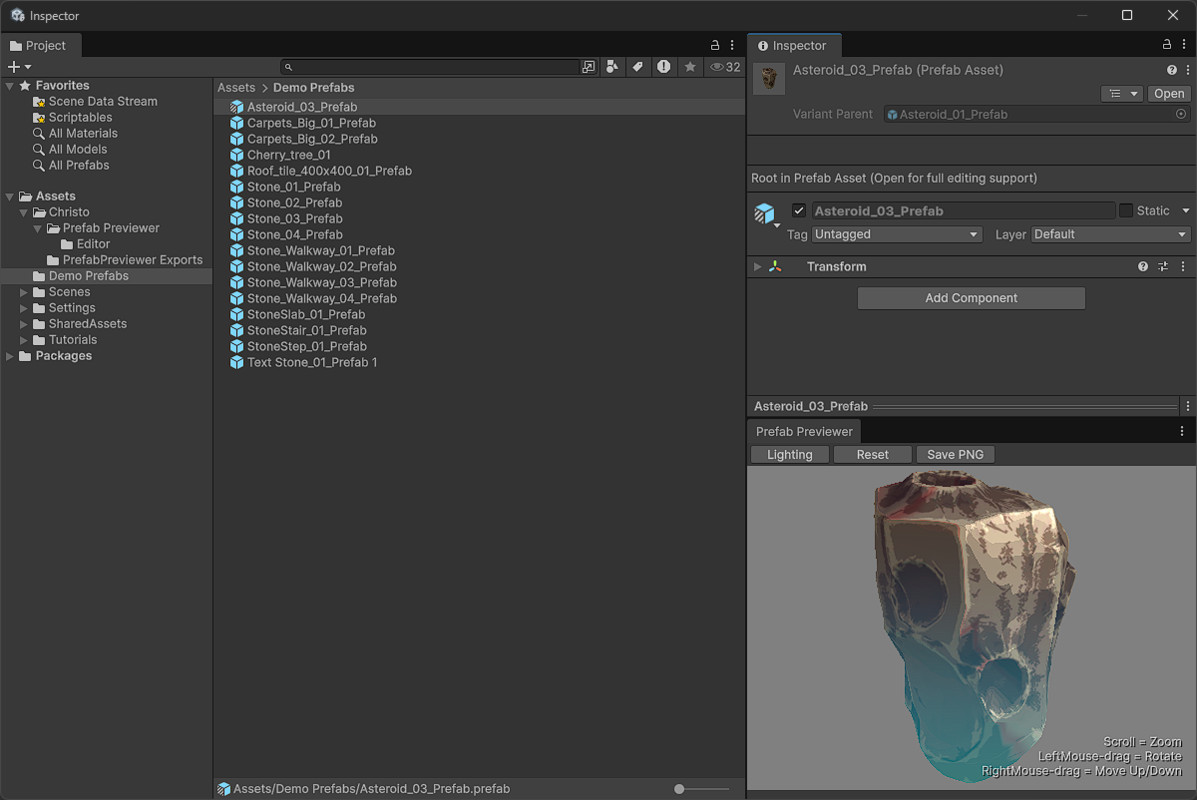
No more dropping prefabs in a scene to see your prefabs, no more struggling with the dark and feature limited inspector preview!
This tool opens an interactive preview window right inside the Unity Editor. It’s lightweight, clean, and designed for speed: no heavy Editor bloat, no scene clutter, and no dependencies.
✔ Works with standard render pipelines Built-In, and URP
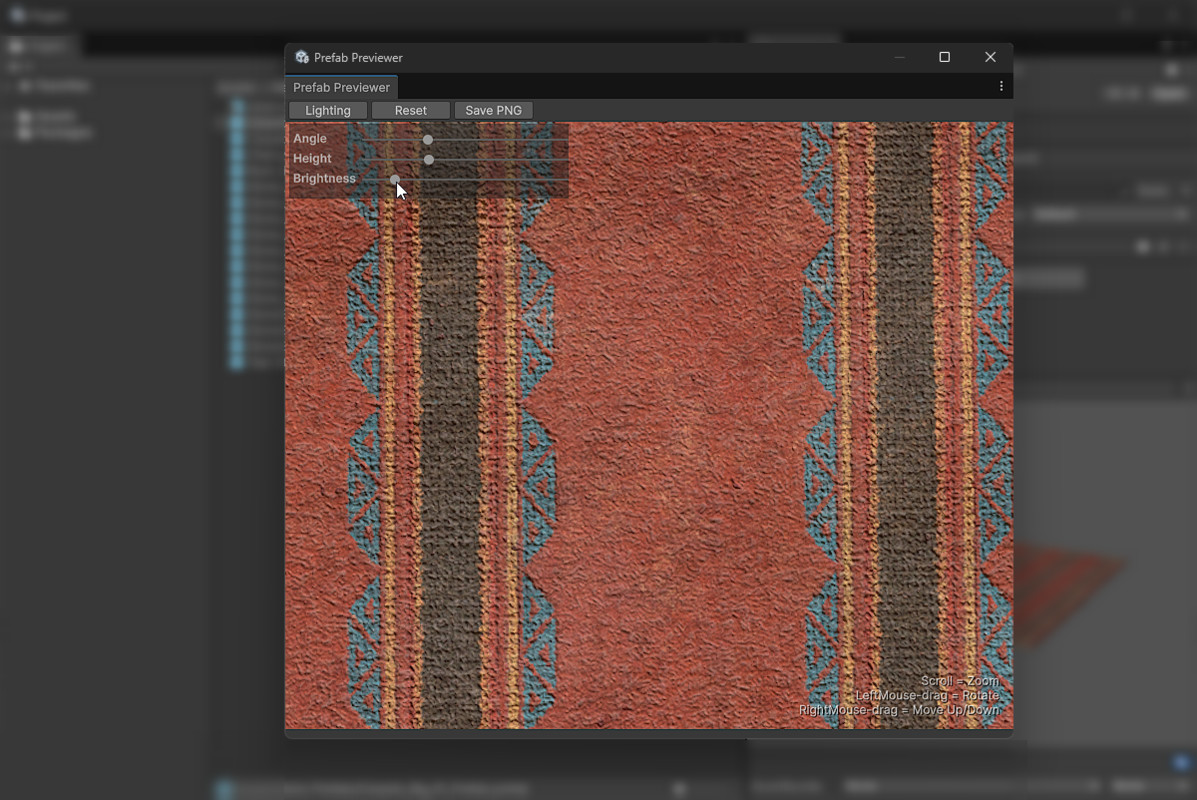
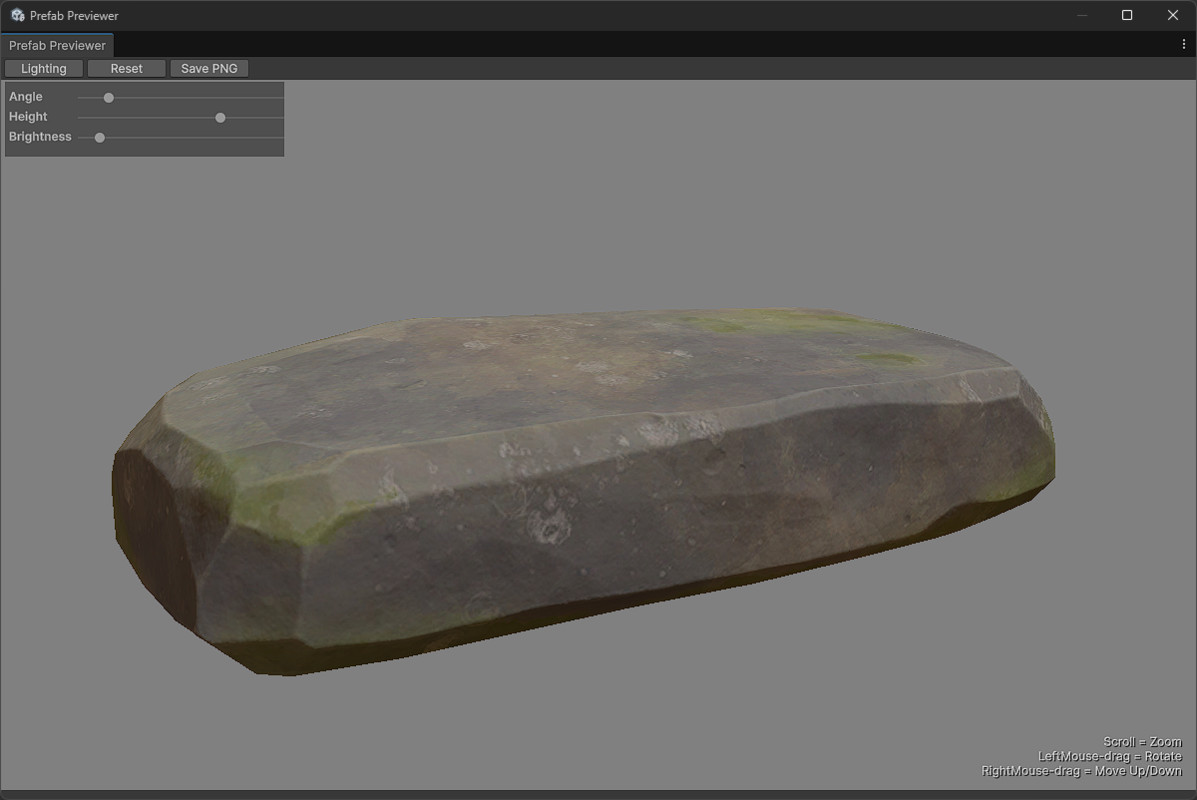
✔ Adjust Light angle, Light height, and Light brightness
✔ Orbit camera with zoom and vertical moving
✔ One-click Reset View and PNG Export
✔ Real-time internal scene, never touches your open scenes
✔ Never pollutes your project
✔ Lightweight and efficient, doesn't slow down your editor!
✔ Combine with other assets to replace asset icons
✔ Clear comments to learn from or extend
Ideal for world builders, level designers, artists, and asset reviewers who want to work faster and see assets clearly.
From the creator of Unity's Starter Assets third and first person character controllers. No setup. No clutter. Just see your prefab properly.
How to use:
- Top navigation bar: Tools > Prefab Previewer
- Select a prefab in Project window
- Use mouse to orbit, zoom and move
You can also adjust lighting and export PNGs via the buttons, or adjust configuration settings in the class variables including resolution, export dimensions, and new defaults
Controls / Buttons:
- Scroll = Zoom
- Left-drag = Orbit
- Right-drag = Move Up/Down
- Lighting button = Adjust lighting settings: bightness, angle and height
- Reset button = Resets position and lighting settings
- Save PNG button = Export PNG by clicking Save PNG button
From the publisher's Asset Store listing.
Technical details
- Fast prefab preview window with no scene set up needed
- Adjustable camera controls orbit zoom vertical offset and reset
- Adjustable directional light angle height intensity
- PNG export of the current camera view with timestamped names
- Supports meshes and skinned meshes
- Preview scene is isolated and never touches open scenes
- Lightweight Editor code with near zero project overhead
- Source code included
- Supports Built in and URP
- Compatible with Unity 2021.3 LTS recommended and Unity 6
Compatibility
| Unity version | Built-in | URP | HDRP |
|---|---|---|---|
| 6000.2.0f1 | Compatible | Compatible | Not listed |
As listed on the Asset Store.