
 View on Asset Store (opens in new tab)
Package details
- Latest version
- 1.1
- Last updated
- First released
- Unity version
- 6000.0.0 or later
- Package size
- 707 KB
- Files
- 94
- Favorites
- 40
- Views in the past week
- 29
- Requires
Price tracking
- Last checked
- Tracked since
- Lowest recorded
- $35.00 on
Keywords

Traffic Engine - Vehicle
High-performance DOTS-based vehicle simulation plugin with physics-based movement, AI traffic behavior, and LaneGraph integration for realistic traffic systems in Unity.
Affiliate link · Purchases support this site
Price history
Last 6 months
USDAsset preview
1 / 12
Traffic Engine - Vehicle screenshot 1

About this asset
100% Real Physics. 100% DOTS Performance. Built for Scale.
Featured in 📺 CodeMonkey's Top 10 Unity Tools
📖 Documentation | 💬 Discord | 📧 Email Support
Traffic Engine - Vehicle delivers authentic Unity.Vehicles physics simulation built entirely on Unity's DOTS architecture. Experience genuine vehicle dynamics with suspension, tire physics, and realistic steering — all running through ECS, Burst-compiled jobs, and native collections for exceptional performance at any scale.
Physics Implementation
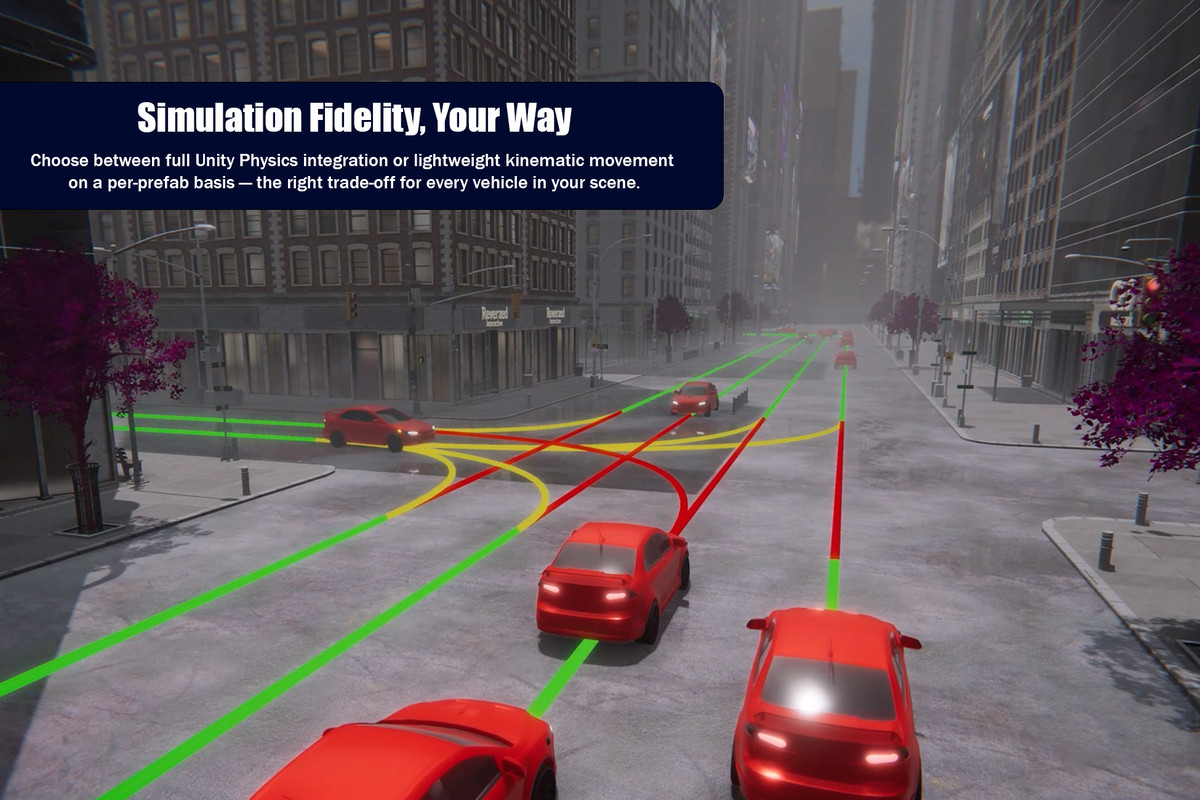
- Full Unity.Vehicles integration with real suspension and tire grip dynamics
- Physics-based steering that responds naturally to road curves and conditions
- Genuine vehicle mass, acceleration, and braking characteristics
- Kinematic fallback mode for distant or lower-priority vehicles, selectable per prefab
Enterprise-Grade DOTS Architecture
- Built from the ground up with Entity Component System for maximum efficiency
- Job System and Burst Compiler integration for multi-threaded performance
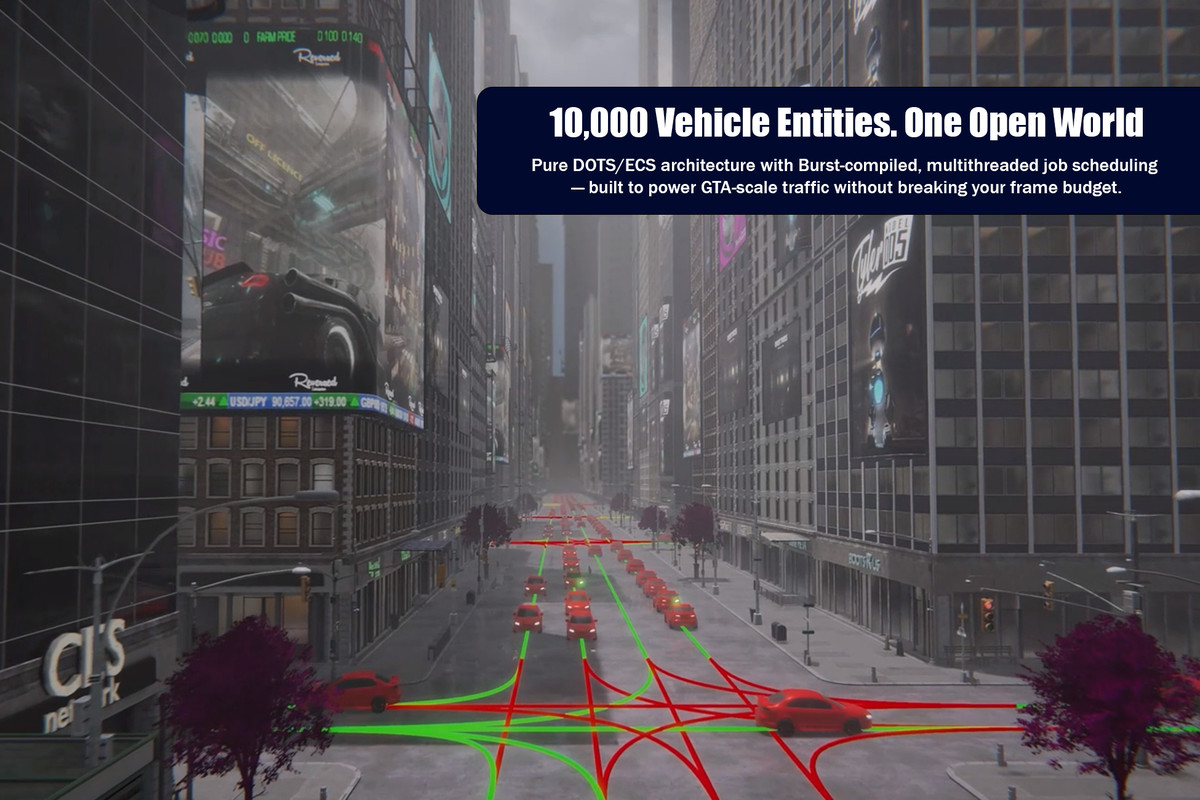
- Handle thousands of vehicles simultaneously with smooth framerates
- Memory-efficient blob assets for 10,000+ lane networks
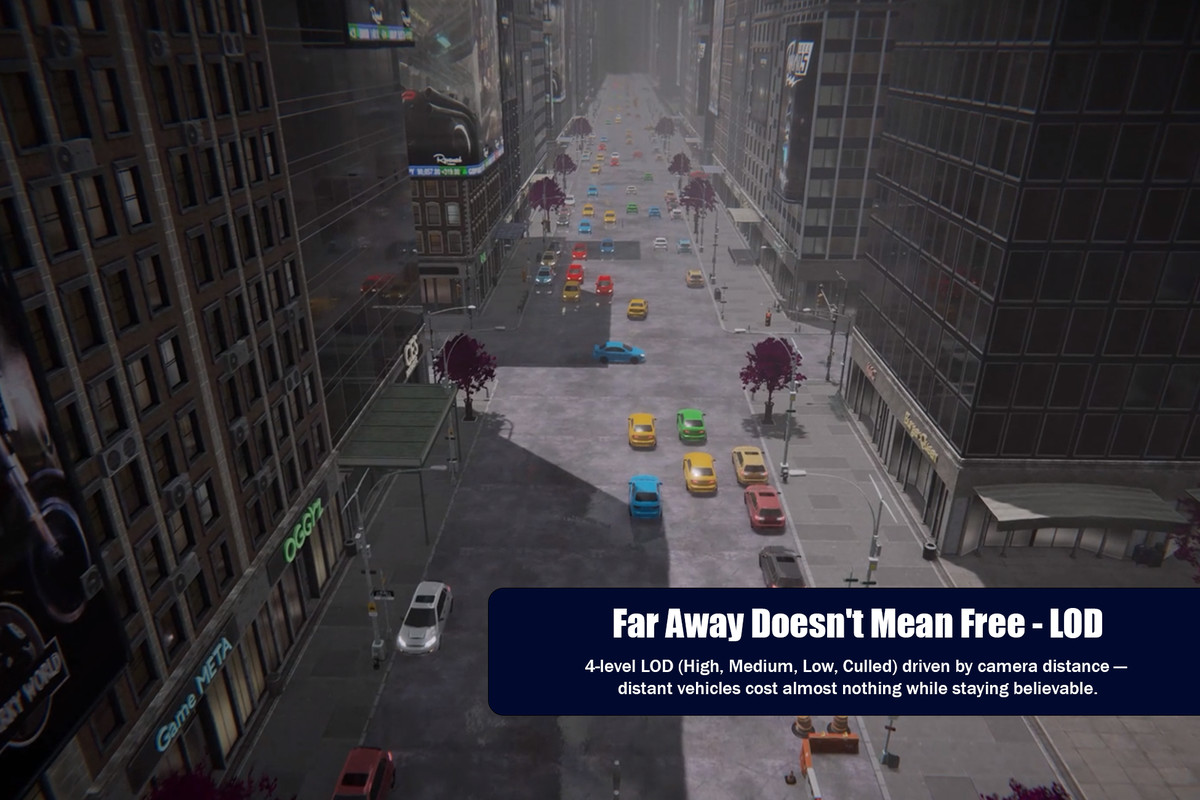
- Four-tier LOD system with frustum culling and per-entity importance bias
Sophisticated AI Systems
- Intelligent perception system with vehicle-to-vehicle awareness using spatial hashing
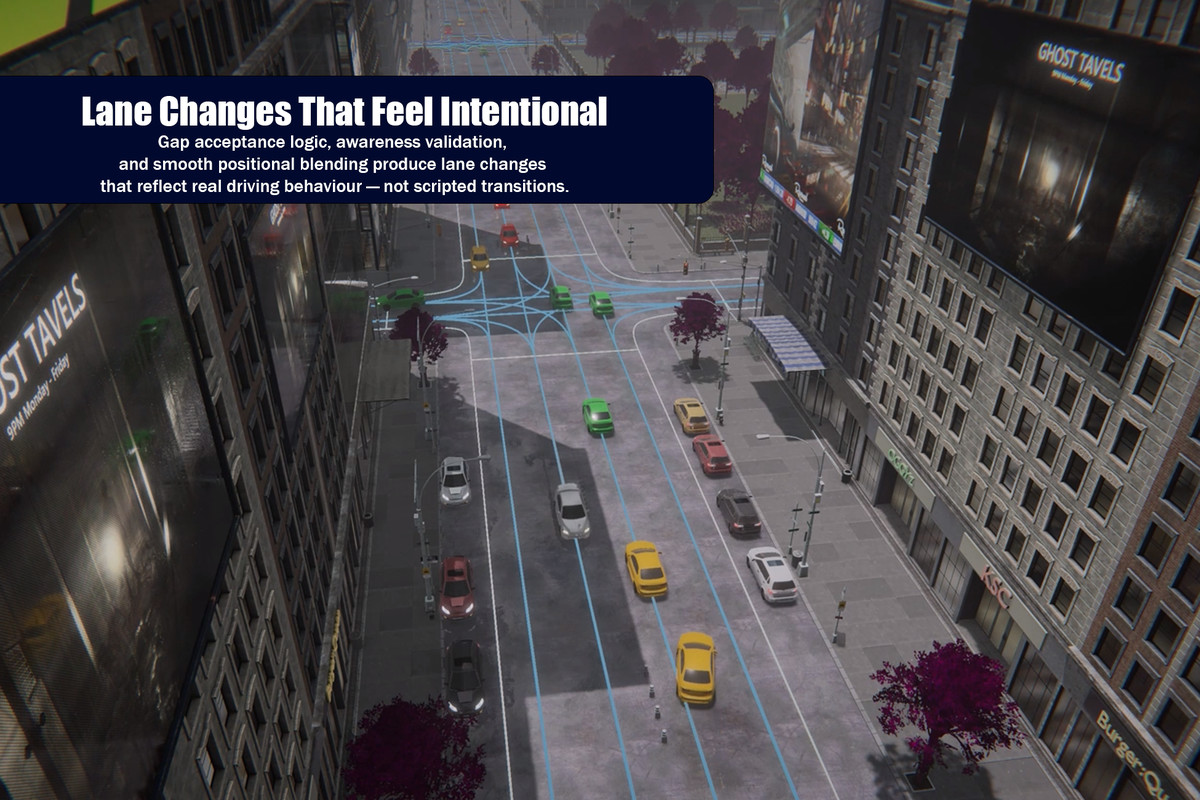
- Dynamic lane changing with gap detection, turn signals, and smooth transitions
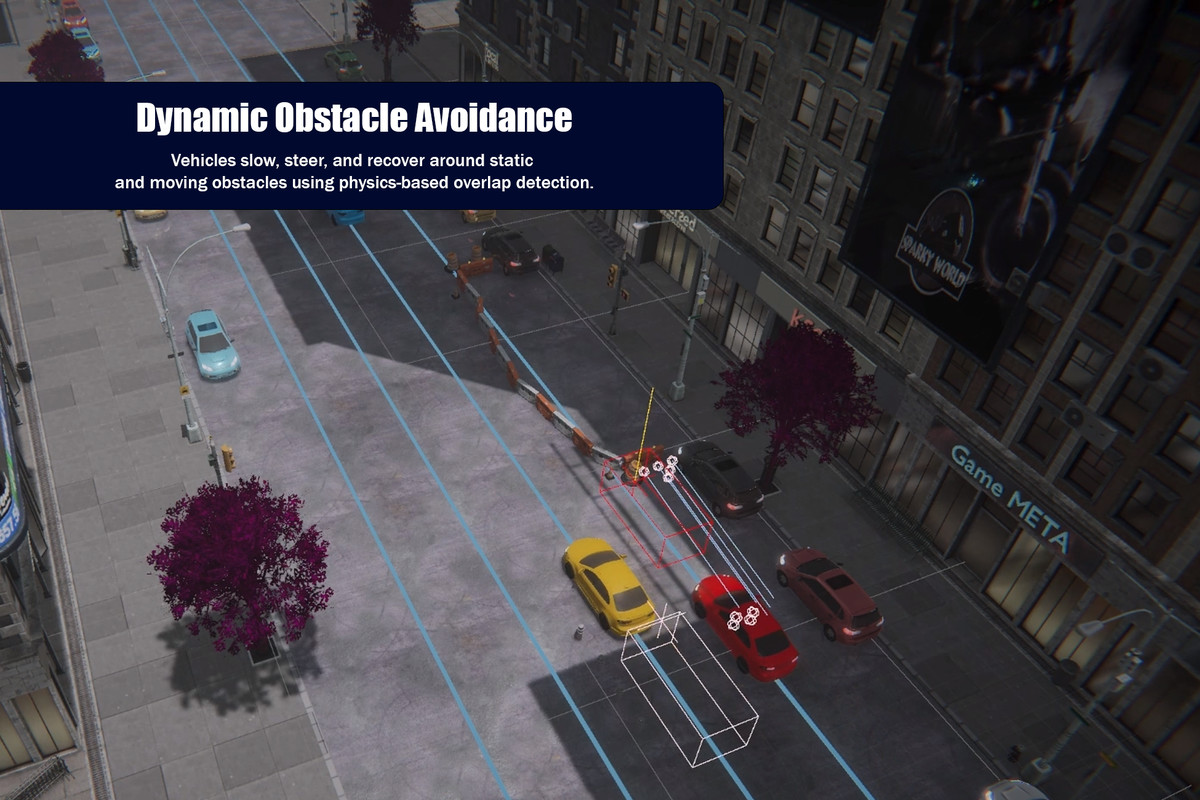
- Multi-strategy obstacle avoidance with emergency braking and dynamic classification
- Predictive speed control for curves and intersection management
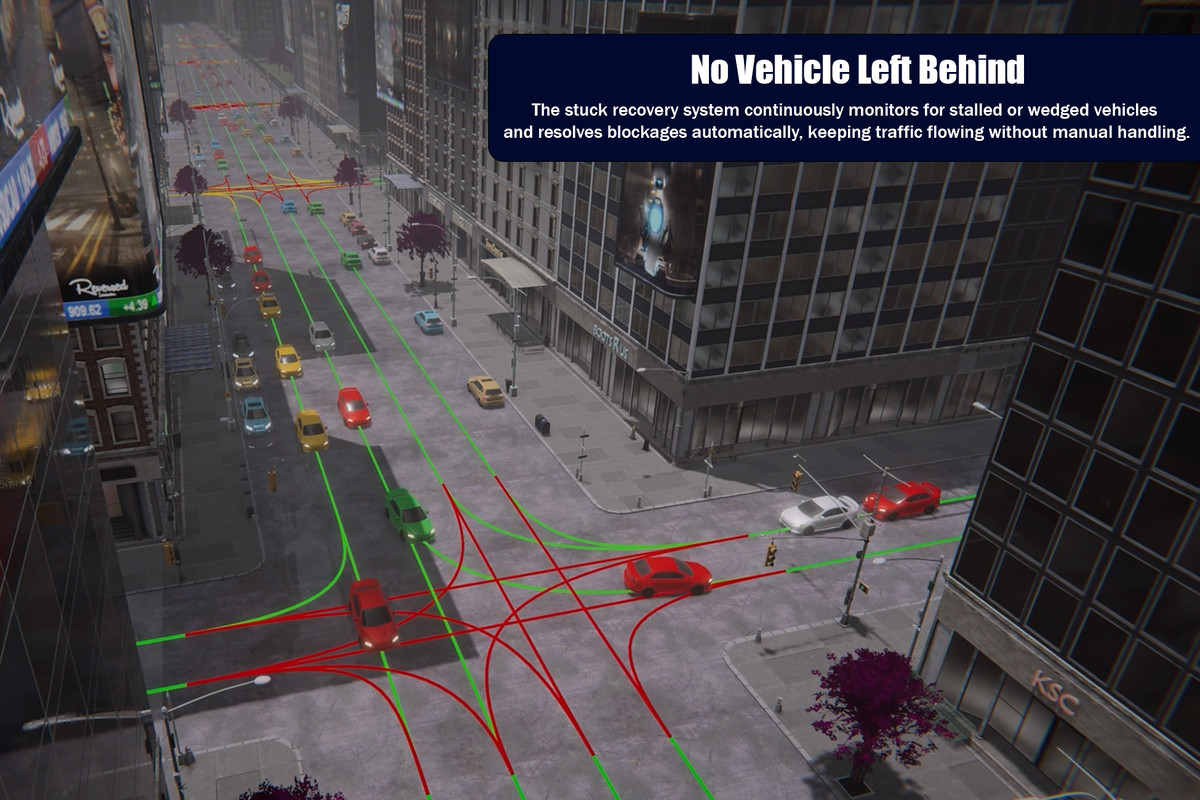
- Dual-strategy stuck detection with automatic respawn recovery
- Realistic lateral lane positioning — vehicles gradually converge toward lane center naturally
Audio & Visuals
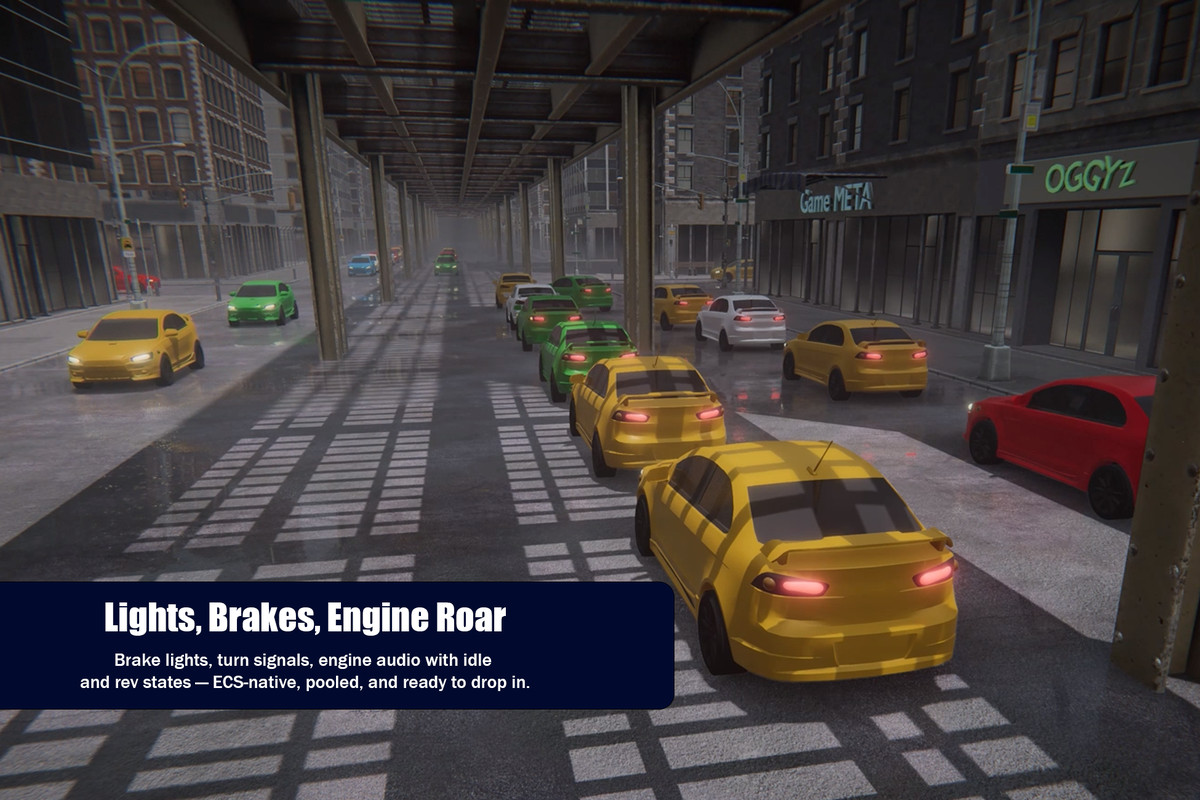
- Pooled audio system with proximity-based source assignment and speed-modulated pitch/volume
- Full lights system: headlights, brake lights, turn signals, hazard lights, and reverse lights
- Optional animated driver character integration via the Animecs add-on
Developer-First Design
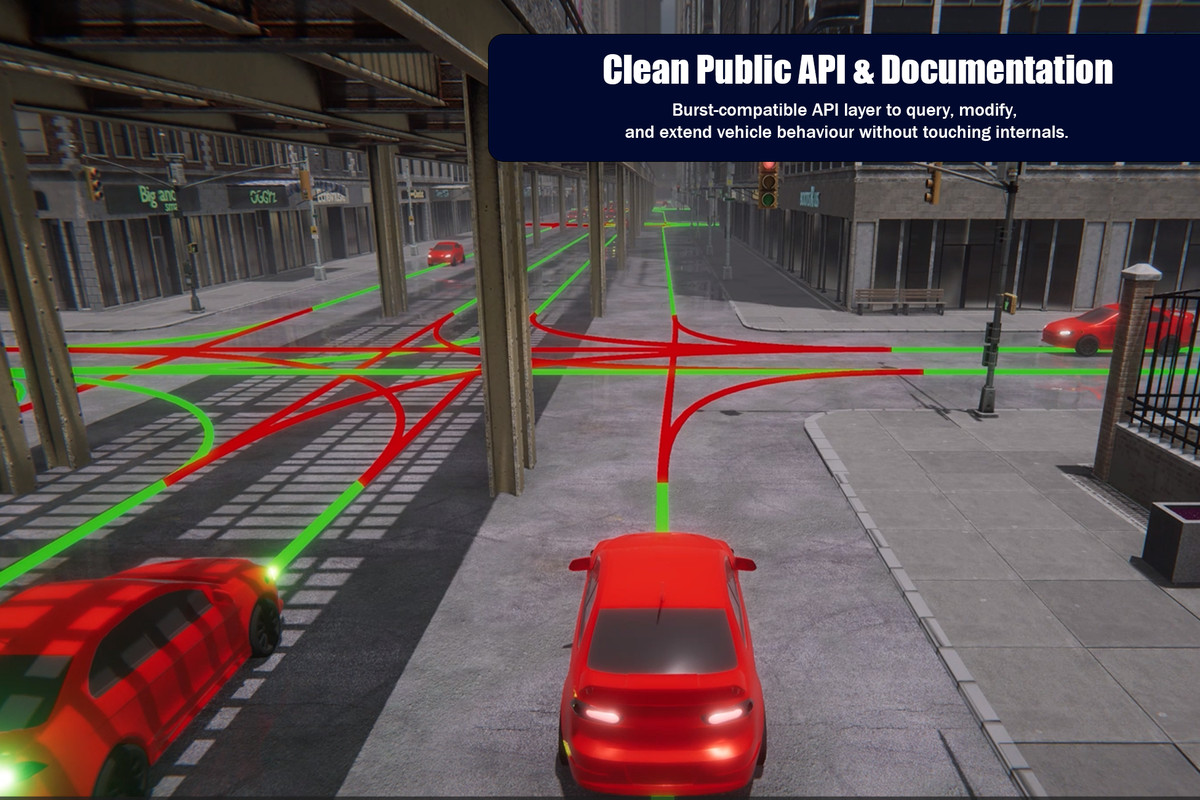
- Public Burst-compatible API for simulation control, vehicle state queries, lane queries, and obstacle tagging
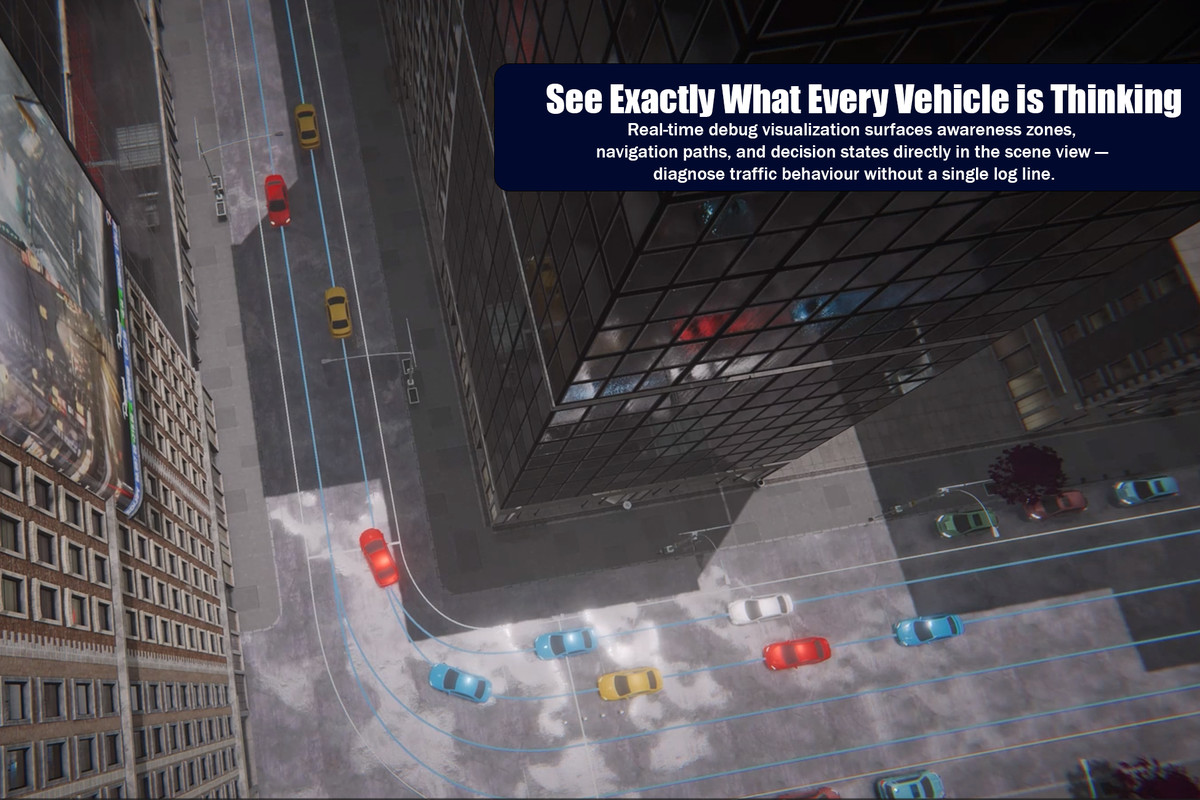
- Centralized debug visualization system with per-category toggles (zero overhead in release builds)
- Scene Validator window, custom authoring inspector, and editor tools for fast setup
- All components and systems are public and designed to be queried or extended without modifying internals
Traffic Engine - Vehicle depends on Traffic Engine - Core (included, separate package) which provides the LaneGraph ECS integration and LOD system — automatically installed as a dependency.
Note: Assets shown in promotional videos are not included. Traffic Engine provides the traffic simulation system only.
From the publisher's Asset Store listing.
Technical details
Vehicle Components & Systems
- TrafficVehicleAuthoring: Main vehicle configuration — classification, dimensions, bumper offsets, movement mode, physics settings, and all AI behavior parameters
- TrafficVehicleProfile (ISharedComponentData): Shared per-chunk physical and behavioral profile; vehicles sharing the same configuration share a single instance for memory efficiency
- TrafficVehicleLightAuthoring: Individual light setup for headlights, brake lights, turn signals, hazard lights, and reverse lights; compatible with all render pipelines
- TrafficVehicleAudioAuthoring: Per-vehicle audio configuration for engine, brake, horn, and idle sounds with proximity-based pooled AudioSource assignment
- TrafficVehicleSpawnerAuthoring: Proportional multi-type spawning with spacing checks, lane tag filtering, and optional collider avoidance on spawn
- TrafficVehicleDriverAuthoring: Optional animated driver character integration via the Animecs add-on (requires TRAFFIC_ENGINE_ANIMECS define)
Core Systems
- TrafficVehicleAwarenessSystem (OrderFirst): Rebuilds the per-frame NativeParallelMultiHashMap for O(1) lane-indexed neighbor queries; owns the shared FrameCounter used for LOD throttling
- TrafficVehiclePerceptionSystem: Vehicle-ahead detection, traffic signal compliance, and curve speed awareness
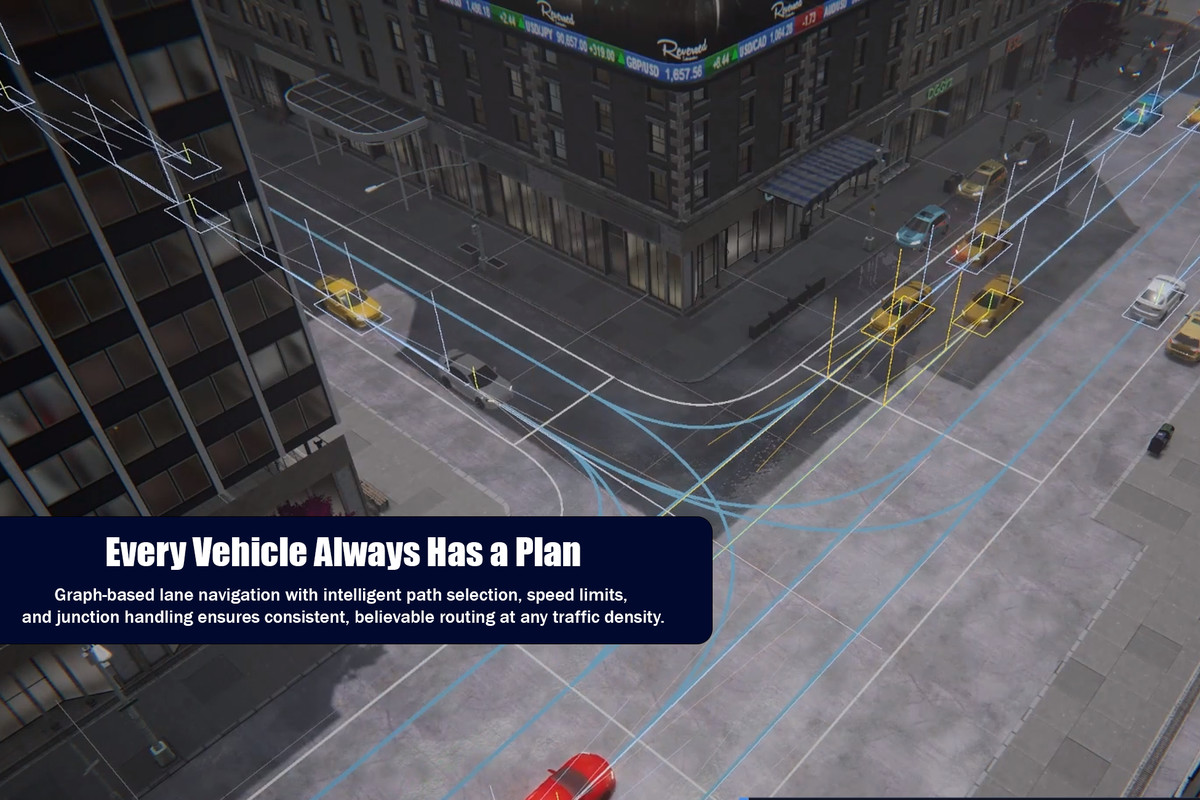
- TrafficVehicleLaneNavigationSystem: Spline following with cumulative-distance projection, automatic lane-end transitions, and restricted lane filtering
- TrafficVehicleLaneChangingSystem: Gap acceptance against awareness map data, smooth lateral interpolation, and turn signal coordination
- TrafficVehicleObstacleAvoidanceSystem: Swept box cast with Static / Dynamic / Kickable / Boundary classification and five response types
- TrafficVehicleStuckRecoverySystem: Dual-strategy stuck detection (lane deviation + no-movement with BoxCast confirmation) with in-place ECB-based relocation
- TrafficVehiclePhysicsMovementSystem / TrafficVehicleKinematicMovementSystem: Dual-mode movement supporting full Unity.Vehicles physics or direct kinematic transform
Performance & ScalabilityFour-tier LOD system (High / Medium / Low / Culled) provided by Traffic Engine - Core. LOD assignment uses frustum culling and per-entity importance bias. Each system applies frame-skip throttling for Low LOD using a shared FrameCounter. All simulation code runs in Burst-compiled IJobEntity jobs. The VehicleAwarenessMap enables lane-indexed perception queries without scanning all entities.
Public API - TrafficEngineVehicleAPI provides managed and Burst-compatible overloads for enabling/disabling vehicles, setting target speed, querying vehicle state, querying lane occupants, and tagging obstacles. TrafficEngineLaneGraphAPI and TrafficEngineLODAPI are provided by Traffic Engine - Core.
Critical Setup Requirements
- Lane Connectivity: Even small gaps between lane endpoints can cause vehicles to stop navigating or behave erratically — validate all connections before testing
- LaneGraph Initialization: Must be initialized at runtime before vehicle spawning; TrafficVehicleSpawnSystem will not run until initialization is confirmed
- Lane Curvature: Gradual curves strongly recommended — tight turns cause oversteer and lane deviation with physics steering
- Auto Transmission: Physics movement requires Unity.Vehicles auto transmission enabled — configured automatically by the Setup Physics button
- SubScene Workflow: All authoring components must be placed within a SubScene for DOTS baking
Technical Requirements
- Unity 6000.0 or higher
- Requires: com.unity.entities, com.unity.entities.graphics, com.unity.physics, com.unity.vehicles (0.1.1-exp.1), com.unity.mathematics, com.unity.collections
- Requires: Traffic Engine - Core (com.blackbytegames.trafficengine.core) — free, installed automatically
Compatibility
| Unity version | Built-in | URP | HDRP | Custom |
|---|---|---|---|---|
| 6000.0.0f1 | Not listed | Compatible | Compatible | Compatible |
Unity Version Requirements:Unity 6000.0 or higher
Required Package Dependencies:
- Unity.Entities
- Unity.Entities.Graphics
- Unity.Vehicles (v0.1.0-exp.1)
- Unity.Physics
- Unity.Mathematics
- Unity.Collections
- Lane Graph
As listed on the Asset Store.